
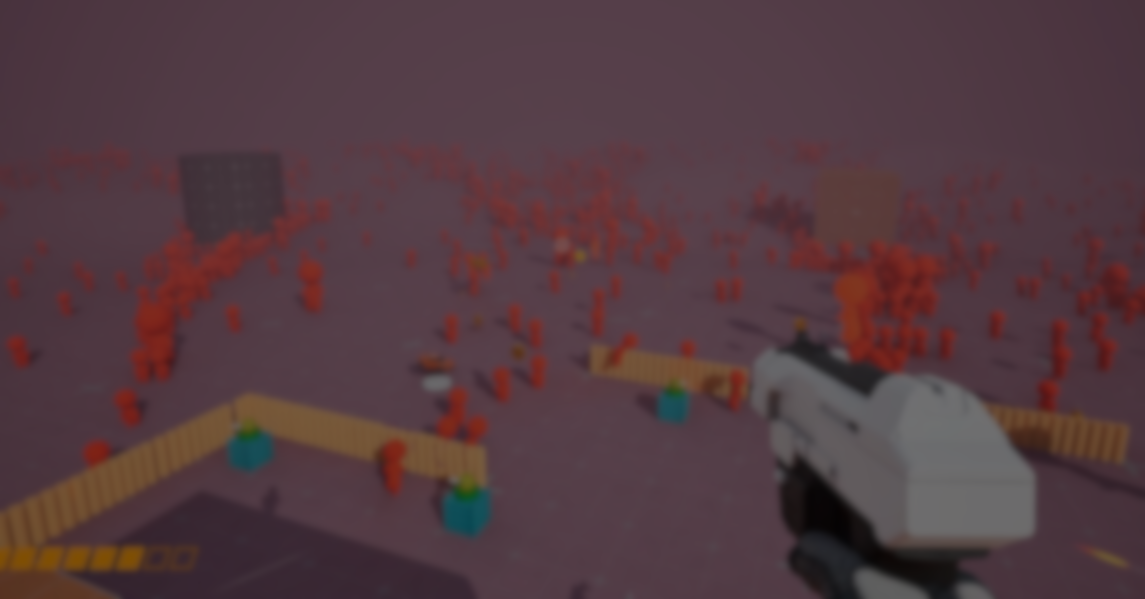
Handling large groups of animated characters in Unreal Engine can quickly become a performance and workflow challenge, especially when each agent needs behaviors, collisions, and responsive movement.
EasyCrowds by Simple B. gives developers a simple and practical way to approach this by using Niagara and Blueprints to control large numbers of characters through a clean, drag-and-drop workflow.
A large-scale crowd system built entirely with Niagara and Blueprints, designed to create massive crowd effects in just a few steps. It is drag-and-drop ready, easy to modify, and fully customizable.
Main Features
- Blueprint and Niagara Based: EasyCrowds is built entirely with Blueprints and Niagara, making it easy to inspect, customize, and extend without touching engine source or C++.
- DataAsset Workflow: Animations, tags, and character settings are stored in a DataAsset. The system matches animations by keywords and supports quick refresh through SyncFromDataAsset after any modification.
- LOD Workflow Up to Five Levels: Supports up to five LOD stages using skeletal mesh reduction, with the final level able to be generated through the ImpostorBaker plugin for far-distance rendering.
- VAT Integration: Includes a VAT editor utility to convert animations into texture-based playback, improving performance when handling large groups of characters.
- CrowdsGenerator Control: A generator component defines where characters spawn, along with their states, positions, and movement targets.
- Guide Path Navigation: Characters follow predefined guide paths mapped to a 2D RenderTarget. Paths cannot overlap, and higher-position paths take priority in overlapping regions.
- Trigger System:
- PBD Trigger: Affects only its grid and neighboring grids, offering better performance efficiency.
- Global Trigger: Can apply effects anywhere within a defined range, but using many of them is not recommended for performance.
- PBD-Based Collision and Interaction: Self-collision and interaction rely on a PBD grid. The grid can be visualized in real time, turning red when particle limits are exceeded, helping developers tune grid capacity or grid count.
- Drag-and-Drop Workflow: The system is designed to be used quickly: place CrowdsManager in the scene, link the DataAsset, and set up your generators to begin populating the level with characters.
.jpg)
.jpg)
.jpg)
Quick Start
EasyCrowds includes a demo scene you can check to understand how the system is structured. The setup process is simple once the required plugins are enabled.
- Modify the skeletal mesh material according to the sample material.
- Run the VAT editor utility to generate the DataAsset file.
- Duplicate the skeletal mesh and adjust its Reduction Settings to obtain different LOD levels.
- The current preset supports up to five LOD levels.
- You can use the ImpostorBaker plugin to generate the final LOD level.
4. Open the DataAsset file and check if animations and tags match correctly.
- By default, matching is done through keywords in animation names.
5. Place CrowdsManager in the scene and add the DataAsset to CharacterData.
- After modifying DataAsset content, you must recheck SyncFromDataAsset to refresh the data in the Manager.
6. Create the Generator.
Similar Tools
- OverCrowd: A crowd-simulation plugin for Unreal Engine 5 that uses modular animated characters, Vertex Animation Textures (VATs) and Niagara for high-scale real-time crowds (thousands of characters) in scenes like stadia, battlefields.
Differences: While EasyCrowds emphasises “drag-and-drop crowd effects via Niagara + Blueprints”, OverCrowd adds additional features like wardrobe editors, VAT conversions, module for modular bodies and more cinematic population tools. So OverCrowd is more “production-scale” and broad in scope.
- NPC Crowd System: A tool on Fab for Unreal Engine designed to create NPC crowds easily; includes simple component-based setup for crowd members (they can move, react, flee, etc).
Differences: NPC Crowd System is more focused on interactive NPC behaviours (fleeing, interaction) rather than purely visual mass-crowd effects. In contrast, EasyCrowds is more about visual large-scale crowd deployment rather than detailed AI behaviours.
📘 Check out The Technical Artist Bundle, a complete learning path covering shader programming, essential game-dev math, and procedural image generation through three in-depth books: The Unity Shaders Bible, Visualizing Equations Vol. 1, and Visualizing Equations Vol. 2.
Want to learn Shaders and Procedural Shapes step by step in Unity? This bundle might be exactly what you need. Check it out! ✨ https://t.co/kEsRlle0dM#unity3dgamedevelopment #3DCG #indiedev pic.twitter.com/8hBCvhZ8rm
— The Unity Shaders Bible (@ushadersbible) November 9, 2025
Jettelly wishes you success in your professional career!
Did you find an error? No worries!
Write to us at [email protected], and we'll fix it!
Other posts that might interest you.
-
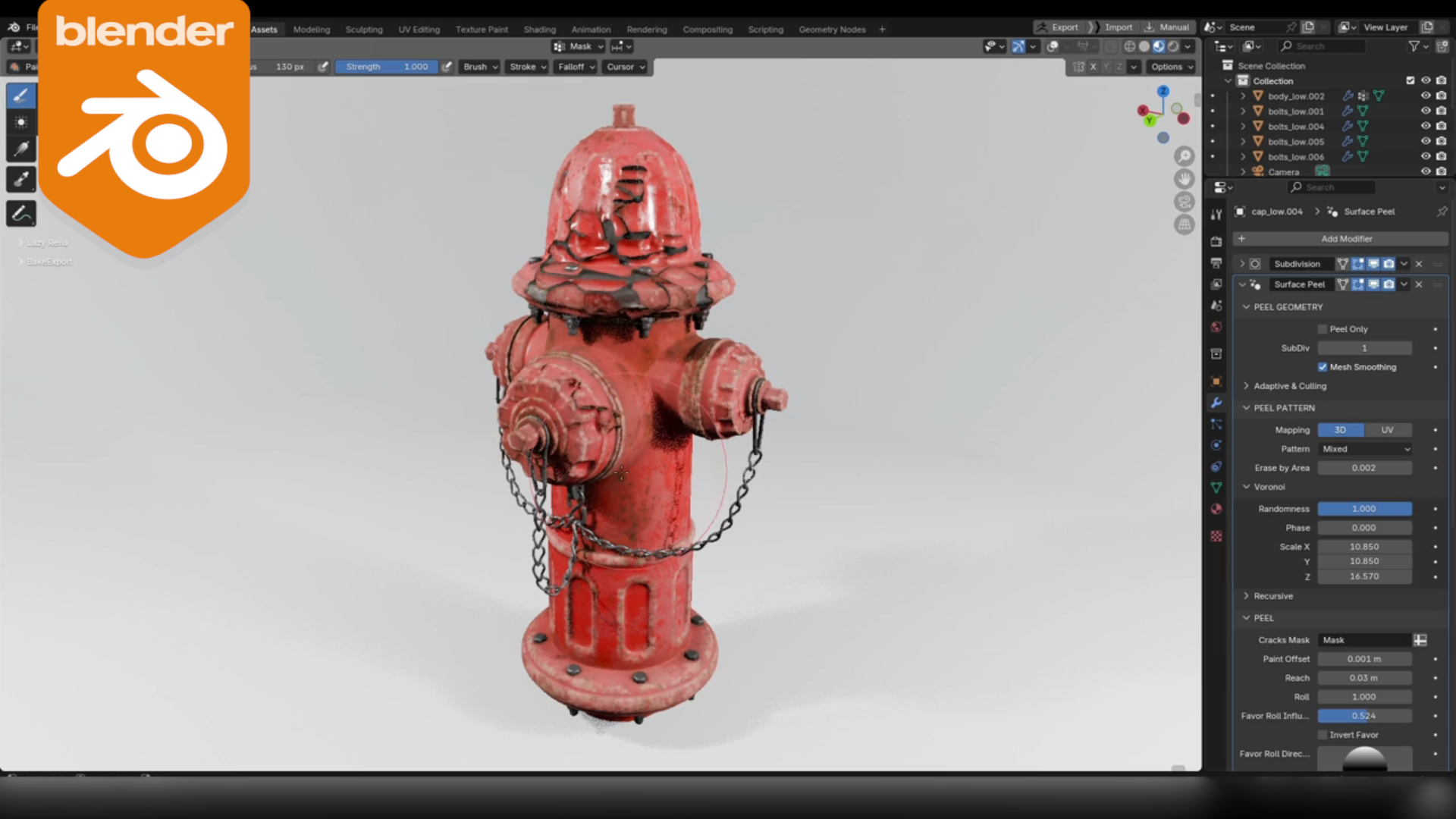 We take a look at Surface Peel, a Blender add-on that generates real peeled paint geometry using a procedural, vertex-group-driven workflow.
 -
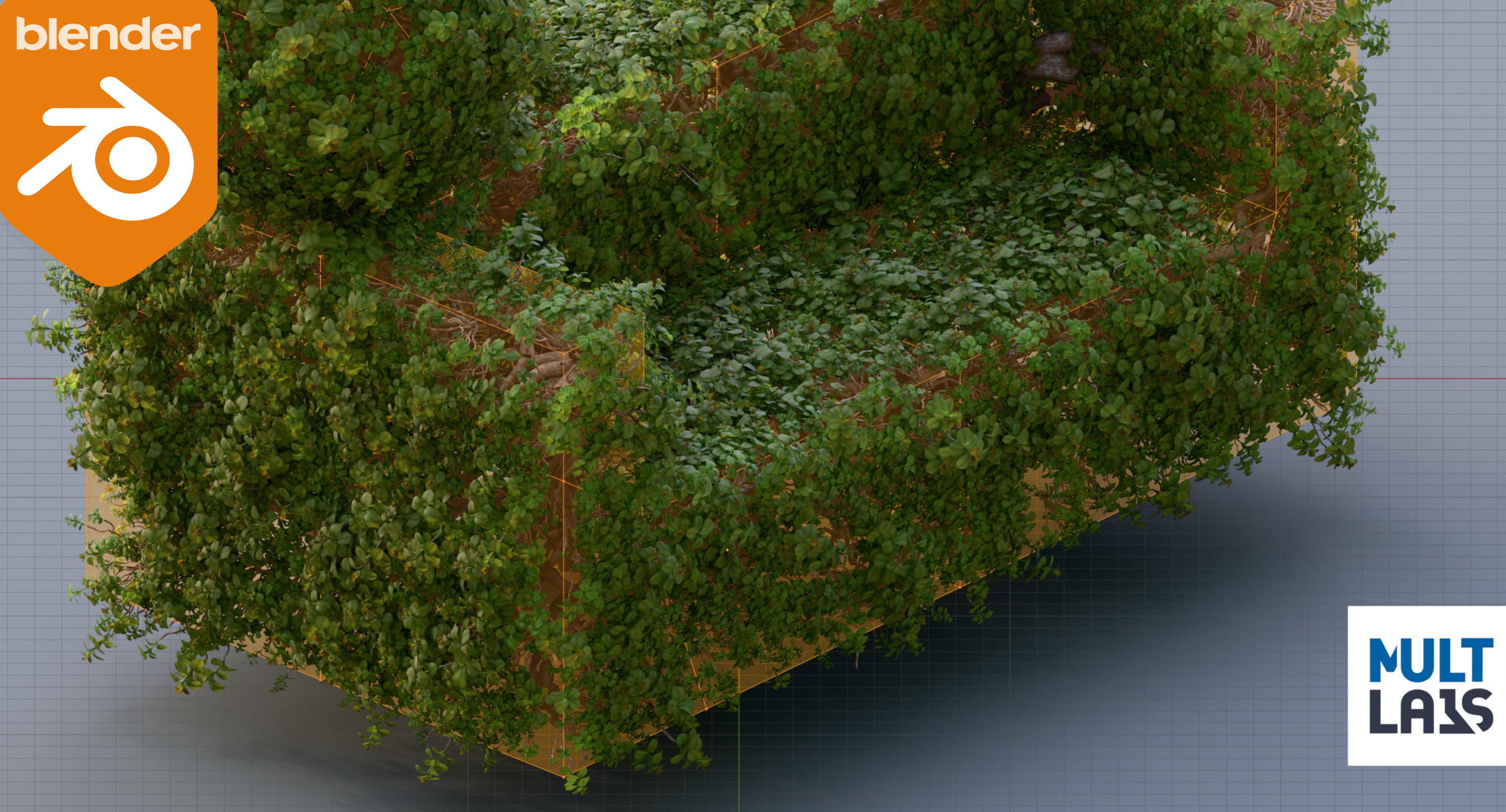 We take a quick look at a paid Blender Geometry Nodes tool by multlabs that turns any mesh into a procedural topiary generator for trees and shrubs.
 -
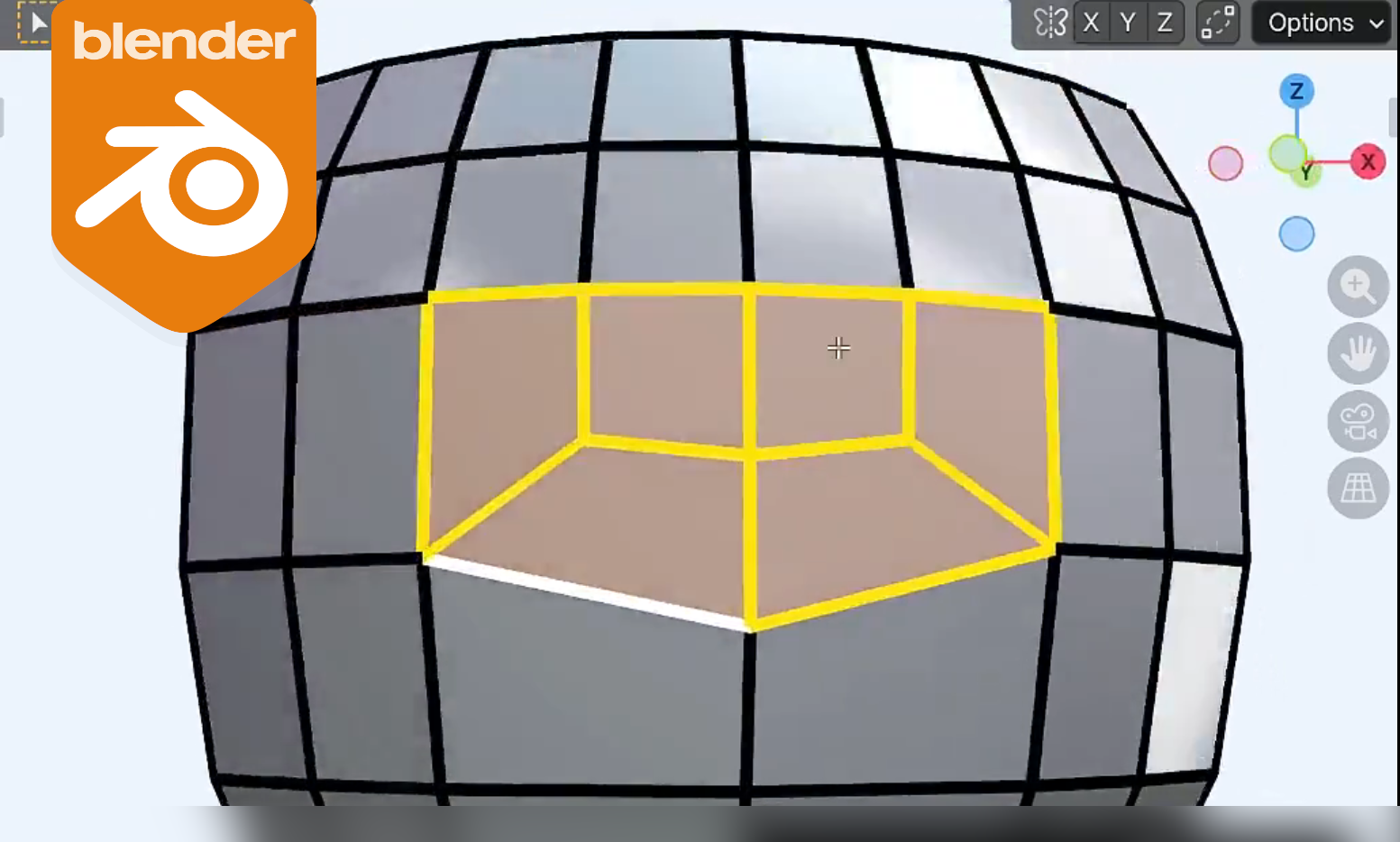 We take a look at Quad Filler 1.0, a Blender paid add-on that moves out of beta and expands its quad-first edge bridging with support for multiple edge-count combinations.
