
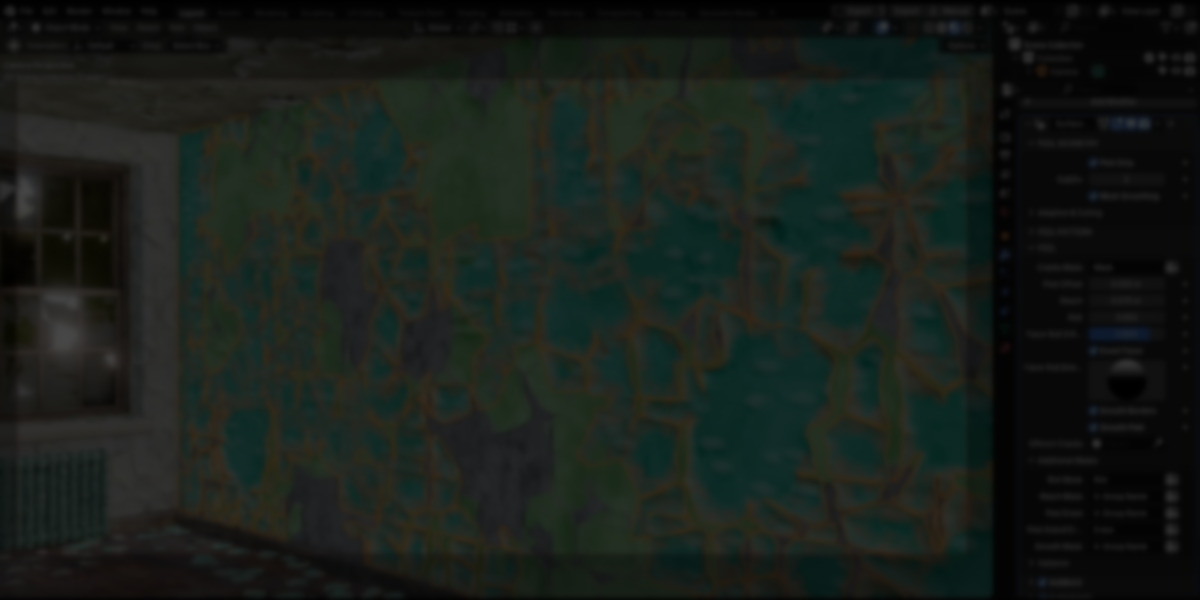
Paint peeling effects in Blender are commonly handled through textures, normal maps, or shader-based techniques. While those approaches can work in many cases, they tend to remain purely visual and break down when surfaces are viewed up close, deformed, or placed on curved geometry.
Surface Peel is a Blender add-on developed by Nodes Interactive that takes a geometry-based approach to this problem. Instead of simulating peeling at the material level, the add-on procedurally generates an actual mesh layer on top of an existing object, representing lifted and cracked paint. This allows the effect to behave as real geometry, with thickness, separation, and visible depth.
Geometry-Driven
Surface Peel operates as a modifier that generates additional geometry based on the source mesh. The peeled paint exists as a separate mesh layer that follows the topology and UVs of the original object.
Because of this, the tool expects a reasonably dense base mesh and a standard UV setup. Once configured, the modifier remains fully procedural, meaning changes to the source geometry are reflected in the peeling result without rebuilding the setup. When needed, the modifier can be applied to convert the generated paint into a regular mesh.
Control via Vertex Groups
Most of Surface Peel’s controls are exposed through vertex groups. Rather than relying on fixed masks or textures, artists can define where peeling occurs and how different effects are distributed directly on the mesh.
Vertex groups are used to:
- Preserve or block crack continuity
- Erase individual peel islands or entire regions
- Control roll, reach, smoothing, and thickness
- Mask secondary effects such as bubbles or edge wear
This keeps the system flexible and allows localized adjustments without duplicating modifiers or splitting meshes.
Crack Patterns and Manual Input
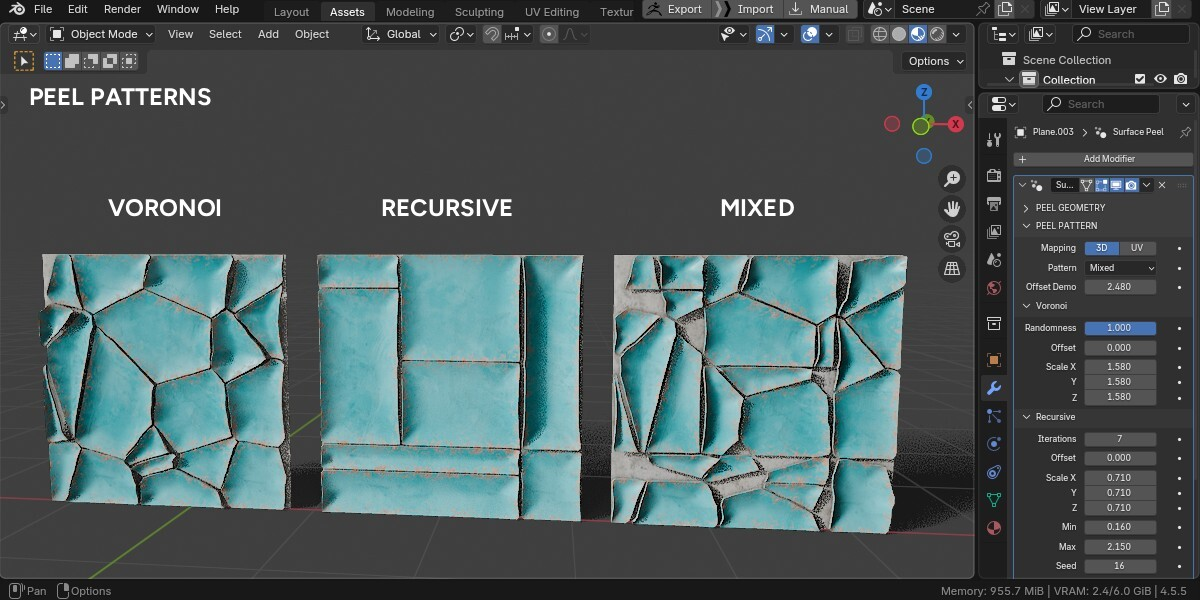
Surface Peel includes several procedural crack generation modes that define how paint breaks apart:
- Voronoi-based patterns for irregular cracking
- Recursive patterns for straighter, more structured cracks
- A mixed mode that combines both approaches
In addition to procedural patterns, cracks can be drawn manually using Grease Pencil. These strokes are interpreted by the modifier and integrated into the peeling logic, allowing precise placement of damage where needed.
Peeling Behavior and Thickness
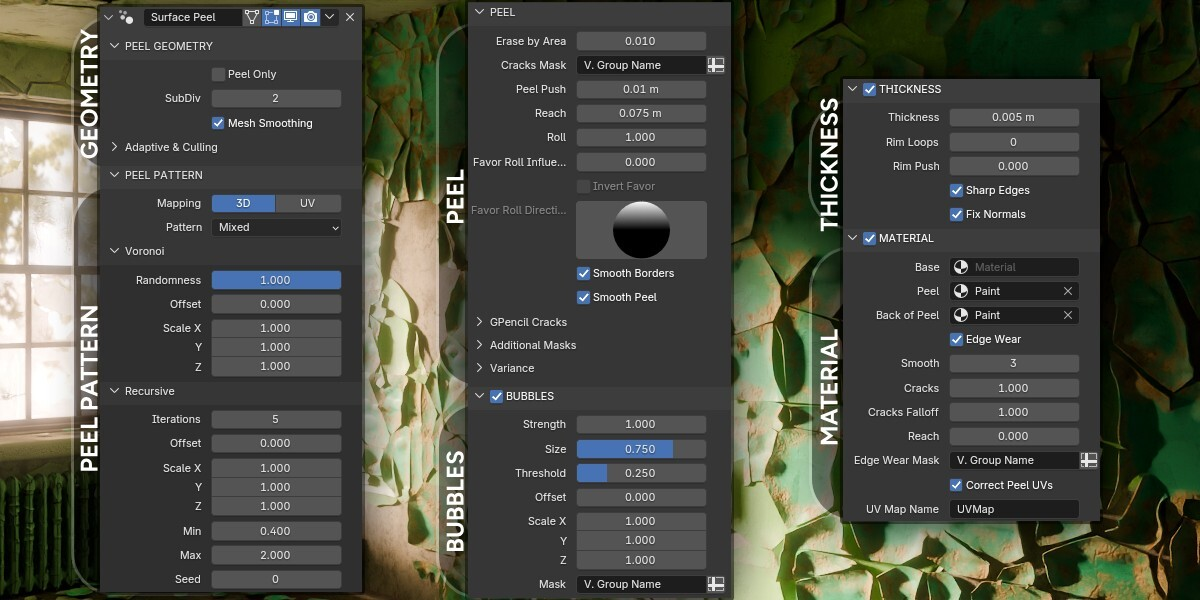
Beyond simple separation, the add-on provides controls for how the peeled paint behaves once detached from the surface.
Parameters include:
- Roll and reach values that affect how paint curls and lifts
- Thickness and rim loops to give the paint physical depth
- Border smoothing and surface polishing to control edge quality
These settings make it possible to vary the effect from subtle surface wear to more pronounced peeling, depending on the asset.
Camera-Dependent Options
Surface Peel includes optional camera-based features such as adaptive subdivision and camera culling. These settings affect how much geometry is generated and whether parts of the peeled mesh outside the camera view are hidden.
These options are evaluated relative to a chosen camera and are intended to be used selectively, depending on the scene and shot requirements.
Materials and Attributes
The add-on ships with a default paint material, but it does not enforce a specific shading setup. Surface Peel generates several attributes, such as bubbles, edge wear, and back-of-peel masks, which can be used inside custom shaders.
Separate material slots are provided for:
- The base object
- The peeled paint layer
- The back face of the peeled paint (when thickness is enabled)
This allows the effect to be integrated into existing material pipelines without replacing them.
Where Surface Peel Makes Sense
Surface Peel is best suited for assets where paint damage needs to exist as actual geometry rather than a purely visual effect. Typical use cases include:
- Environment props viewed at close range
- Architectural elements with visible wear
- Curved surfaces where texture-based peeling becomes noticeable
- Assets that may be deformed, animated, or reused across scenes
It is not positioned as a one-click solution, but as a procedural tool for artists who want direct control over how paint damage is generated and represented in geometry.
Similar and Useful Tools
- Cracks and Damage Maker: A Blender addon that lets you procedurally add cracks and break-up details to your mesh geometry with one-click workflows. It supports flexible control over crack placement and intensity, helping you generate surface damage and fractured effects on objects.
Differences: A Blender addon that lets you procedurally add cracks and break-up details to your mesh geometry with one-click workflows. It supports flexible control over crack placement and intensity, helping you generate surface damage and fractured effects on objects.
- Destruction Tools 2: A Blender Geometry Nodes toolset that adds cracks, damage detail, debris, rebar and other structural surface detail to objects. It includes a crack tool, damage tool, debris scatter, rebar detailing and slab builder, letting you create complex surface and destruction effects with procedural controls.
Differences: Destruction Tools 2 covers a broader scope of surface detail and destruction workflows (cracks, internal structure, debris) rather than purely peeling effects. If you want a full damage/detail suite, it might offer more variety; Surface Peel zeroes in on layer peeling and surface curl behavior.
✨ Surface Peel is now available on SuperHive and Gumroad.
📘 Interested in creating your own Tools and Shaders? Check out the Godot Shaders & Blender Tools Bundle, which includes: Blender Tool Development Fundamentals and The Godot Shaders Bible.
📘 Interested in creating your own Tools and Shaders? Check out the Godot Shaders & Blender Tools Bundle, which includes: Blender Tool Development Fundamentals and The Godot Shaders Bible.
Our best-selling indie Bundle: Godot shaders + Blender tools ✨ https://t.co/zSlHDCuGVC#b3d #GodotEngine #3DCG pic.twitter.com/sjdYxXjKUB
— The Unity Shaders Bible (@ushadersbible) November 16, 2025
Jettelly wishes you success in your professional career!
Did you find an error? No worries!
Write to us at [email protected], and we'll fix it!
Other posts that might interest you.
-
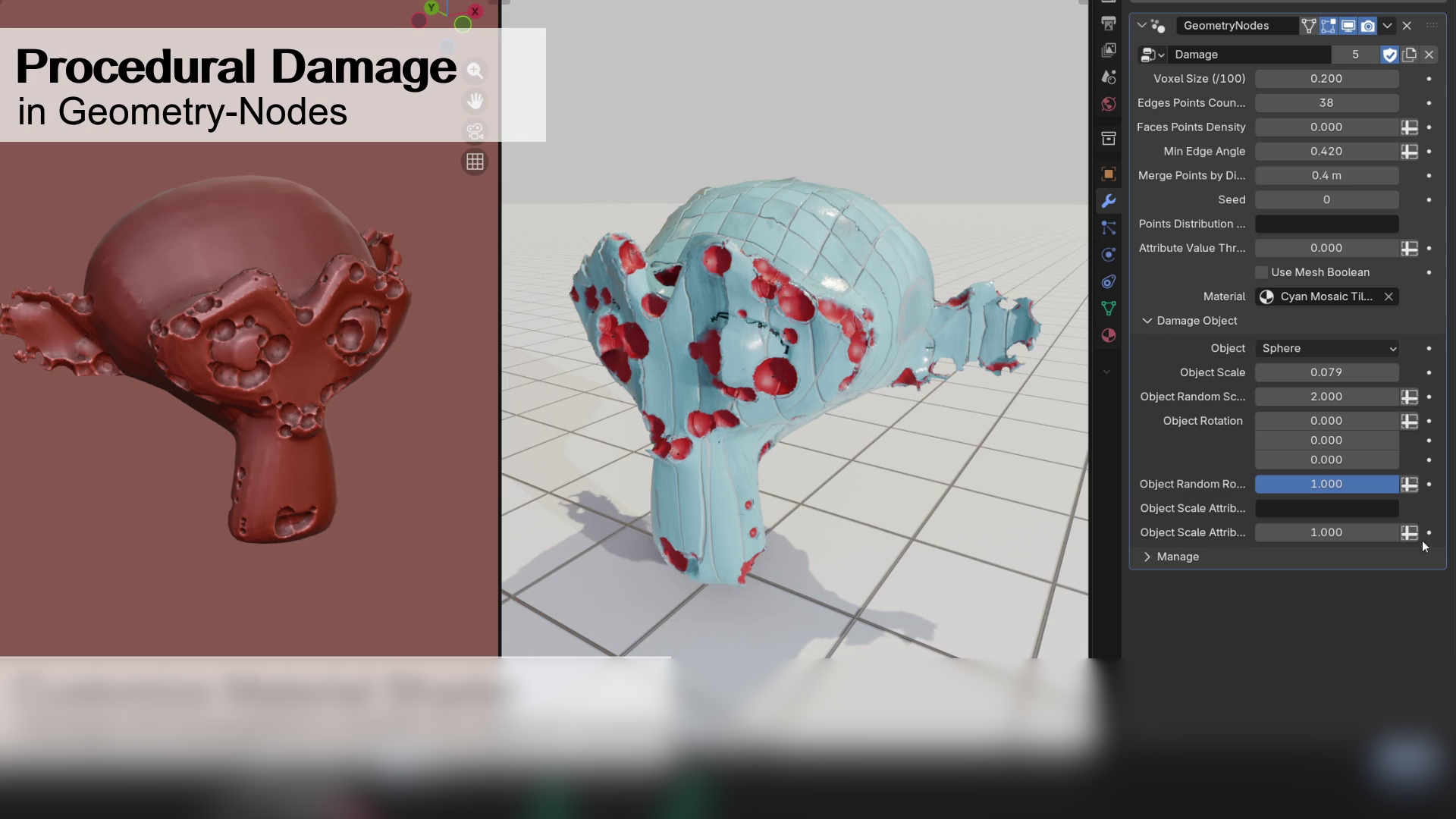 We take a look at a free Geometry Nodes setup by Alex Martinelli that procedurally adds damage and surface imperfections to any mesh using instanced booleans and volume-based subtraction.
 -
 We take a look at BagaIvy V3 by Baga, a Geometry Nodes-based tool for generating and simulating ivy growth in Blender, with over 300 assets and support for animation-ready vegetation.
 -
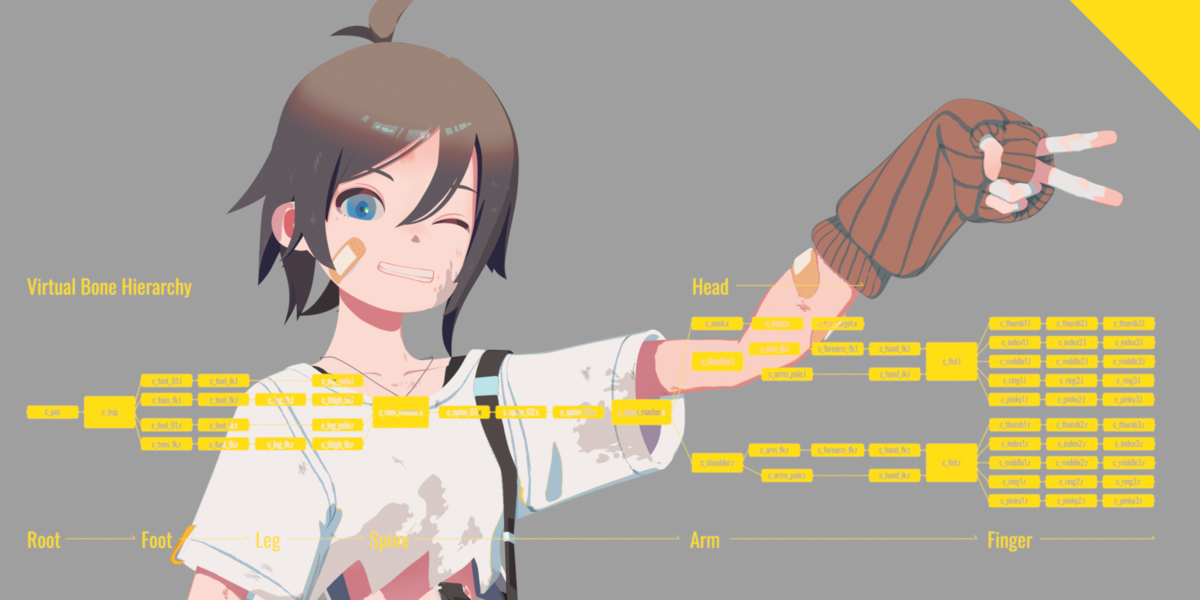 We take a look at Close Bone Picker by POPREQ, a Blender add-on designed to speed up bone selection through shortcuts, custom hierarchies, and pie menus.
