

In October 2025, we took a look at Quad Filler, a Blender add-on in beta developed by Casey Sheep, focused on quickly filling missing quads between selected edge chains. At the time, the tool covered a limited set of cases and was positioned as a lightweight utility still under active development.
As of today, Quad Filler has reached a stable 1.0 release, moving out of beta and expanding its core functionality while keeping the same focused scope: fast topology patching directly in Edit Mode.
Quad Filler 1.0 is out. #blender3d
— Casey Sheep (@casey_sheep) January 15, 2026
Supports multiple edge-count bridges and focuses on quad-first results ✨
Grab it here 👉 https://t.co/UxAhDJIFU2 pic.twitter.com/KsFCqT2McX
What Quad Filler Is
Quad Filler is a small modeling utility designed to patch holes and connect open edge chains with minimal manual work. Instead of manually bridging edges, adjusting vertices, or cleaning up topology afterward, the add-on generates a quad-first result from two selected open edge chains.
The workflow remains intentionally simple:
- Select two open edge chains
- Trigger the tool via shortcut or context menu
- Continue modeling with the generated topology
There are no parameter panels or setup steps beyond assigning a shortcut.
What’s New in Version 1.0
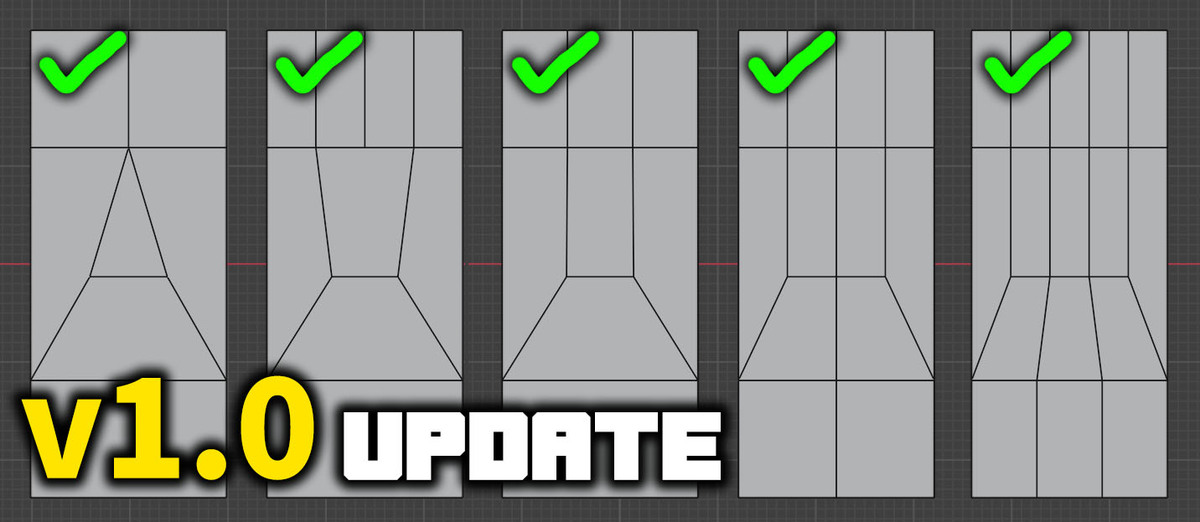
The main change in Quad Filler 1.0 is support for multiple edge-count bridging modes, allowing the tool to handle a wider range of real-world topology gaps than the original beta version.
Supported combinations now include:
- 5 edges → 3 edges (all quads)
- 4 edges → 2 edges (all quads)
- 4 edges → 1 edge (quads + one n-gon)
- 3 edges → 2 edges (quads + one triangle)
- 3 edges → 1 edge (quads + one triangle)
- 2 edges → 1 edge (quads + one triangle)
- Equal edge-count bridging (N → N, from 1 up to 49 edges, all quads)
The output prioritizes quad flow whenever possible. In mixed cases, triangles or a single n-gon may appear, but the resulting topology is still structured to remain easy to adjust using standard Blender tools.
Edit Mode Integration
Quad Filler works entirely in Edit Mode and is designed to be used in Edge Select. The default shortcut is Shift + F, but it can be reassigned in the add-on preferences using Blender’s standard keymap recording system.
Because the tool operates as a single action, it fits naturally into modeling workflows where small topology fixes are applied repeatedly during blockout or refinement.
Compatibility and Limitations
Quad Filler 1.0 supports Blender versions 3.4 through 5.0.
Current limitations include:
- Only open edge chains are supported (closed loops are not handled)
- Highly irregular topology can lead to unexpected results
- In some cases, generated face normals may need correction using Blender’s native normal tools
These constraints are consistent with other automatic bridging tools and are documented clearly in the add-on’s documentation.
Similar and Useful Tools
Quad Star Fill: A Blender add-on that simplifies filling cylindrical cap ends with clean quad topology, avoiding unwanted triangles and reducing manual cleanup.
Differences: While Quad Filler bridges open edge chains with quad-first topology automatically, Quad Star Fill specializes in cylindrical cap filling. Quad Filler is broader for general hole filling; Quad Star Fill is ideal when caps consistently need clean quad patches.
Fill Mesh Tool: Fill Mesh Tool is a Blender addon that automates hole detection and patching in meshes. It can automatically find gaps and fill them, offers manual or auto-fill options, supports bridge fills and contextual algorithms (like Grid Fill + hole fill), and helps clean up complex meshes with minimal manual work.
Differences: Fill Mesh Tool focuses on automatic hole filling and cleanup across larger or complex mesh regions, while Quad Filler is more about quickly filling selected edge chains with quads. Fill Mesh Tool gives broader auto-detect + fill + bridge options, making it helpful when you have multiple holes or messy meshes to fix.
✨ Quad Filler 1.0 is now available on Superhive.
📘 Interested in creating your own Tools and Shaders? Check out the Godot Shaders & Blender Tools Bundle, which includes: Blender Tool Development Fundamentals and The Godot Shaders Bible.
📘 Interested in creating your own Tools and Shaders? Check out the Godot Shaders & Blender Tools Bundle, which includes: Blender Tool Development Fundamentals and The Godot Shaders Bible.
Our best-selling indie Bundle: Godot shaders + Blender tools ✨ https://t.co/zSlHDCuGVC#b3d #GodotEngine #3DCG pic.twitter.com/sjdYxXjKUB
— The Unity Shaders Bible (@ushadersbible) November 16, 2025
Jettelly wishes you success in your professional career!
Did you find an error? No worries!
Write to us at [email protected], and we'll fix it!
Other posts that might interest you.
-
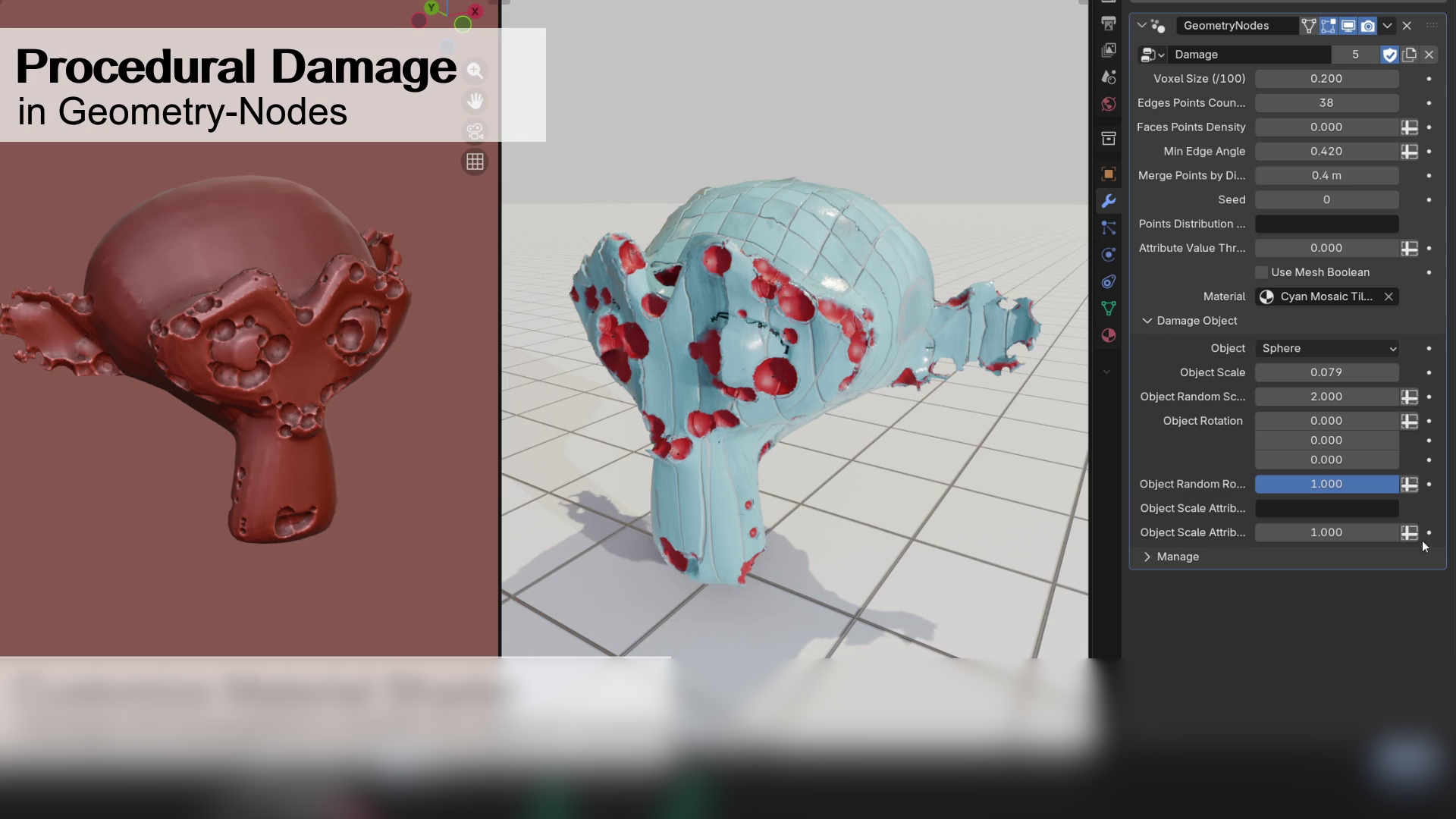 We take a look at a free Geometry Nodes setup by Alex Martinelli that procedurally adds damage and surface imperfections to any mesh using instanced booleans and volume-based subtraction.
 -
 We take a look at BagaIvy V3 by Baga, a Geometry Nodes-based tool for generating and simulating ivy growth in Blender, with over 300 assets and support for animation-ready vegetation.
 -
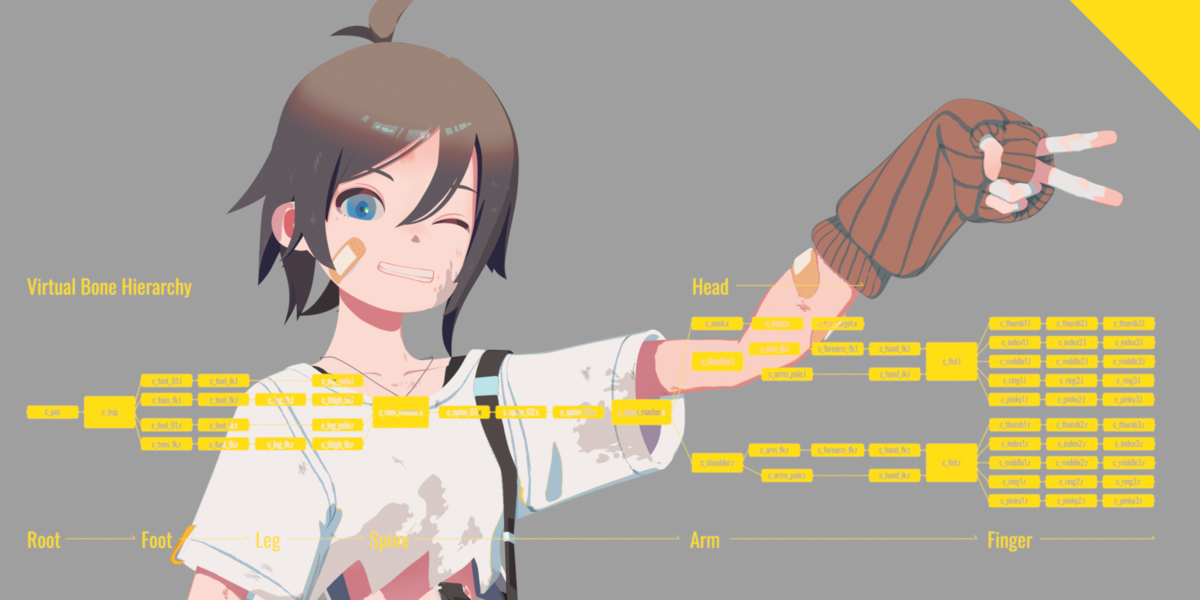 We take a look at Close Bone Picker by POPREQ, a Blender add-on designed to speed up bone selection through shortcuts, custom hierarchies, and pie menus.
