
Procedural vegetation is often handled as a final dressing step, separate from the underlying shape of an asset. When working with stylized environments, gardens, or architectural scenes, that separation can make iteration slower than it needs to be.
Topiary Generator is a Blender Geometry Nodes setup developed by multlabs, a studio we’ve previously covered on the blog with tools like Staircase Generator v3. As with their earlier add-ons, the system integrates directly into Blender’s existing workflows, without relying on custom editors or external dependencies.
Instead of generating plants from abstract parameters, Topiary Generator works by treating an existing mesh as a guide. Any object can be used as the base shape, and the foliage is grown procedurally on top of it. This allows artists to define form first, then handle density, variation, and structure through Geometry Nodes, keeping the process editable and non-destructive.
Mesh-Driven Topiary Generation
At the core of Topiary Generator, the input mesh drives how foliage and branches are distributed. Simple primitives and complex meshes alike can be used as sources, making the system flexible across different asset types.
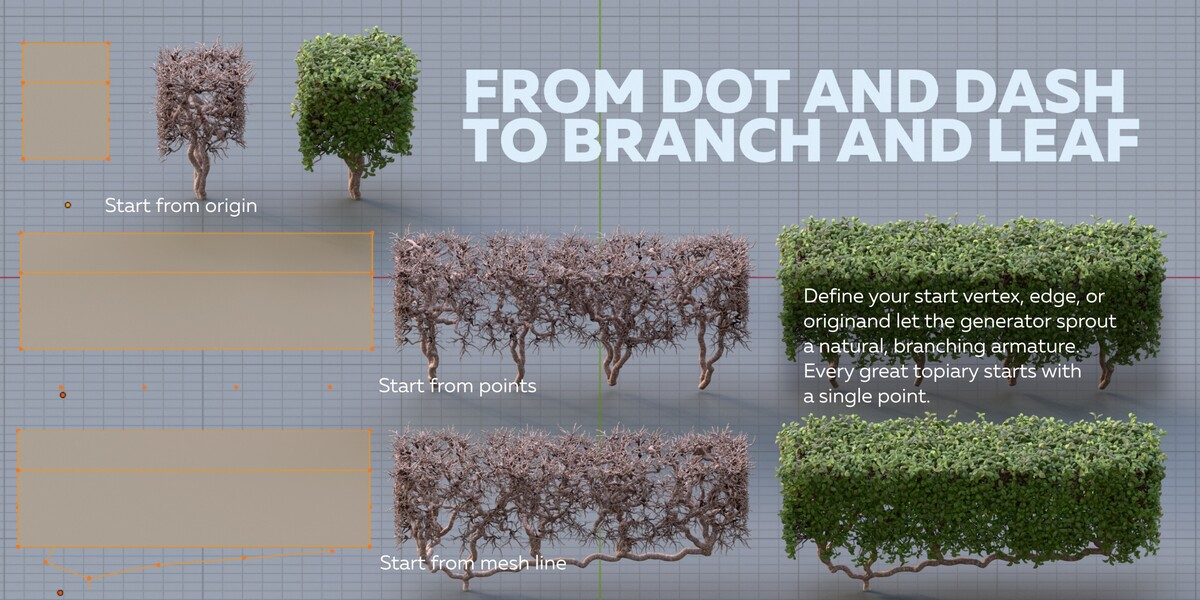
The Geometry Nodes setup reads both surface data and loose geometry elements to determine how foliage and branches are distributed. Points on the surface are used to place branches, while mesh data or loose vertices can define where the trunk begins. This allows the same system to handle compact hedges, upright shrubs, or more tree-like structures without switching tools.
Because the setup is non-destructive, changes to the base mesh propagate through the generator automatically, making it easy to iterate on shape without rebuilding the foliage.
Trunk and Branch Structure
The generator includes optional trunk and branch growth based on simple mesh cues. Depending on how the input geometry is constructed, growth can originate from a single point, an edge, or the object’s origin.
Branching is handled procedurally and does not require manual armature setup or curve modeling. For scenes where trunks are unnecessary, this part of the system can be disabled to reduce complexity and improve viewport performance.
This separation between structural growth and surface foliage makes it easier to adapt the setup to different visual needs, from trimmed ornamental bushes to looser, organic forms.
Foliage Control and Presets
Topiary Generator ships with a small set of presets intended as starting points rather than fixed assets. These presets define leaf distribution, density, and scale, but the underlying node setup remains editable.
Leaf instances can be swapped for custom assets, and parameters allow adjustment of variation, overall volume, and surface coverage. The system relies on geometry and instancing to shape the final look, which helps keep results consistent in both EEVEE and Cycles.
Multiple generators can be layered on the same object to combine different leaf types or densities, as long as surface scattering is handled consistently.
Performance-Oriented Design
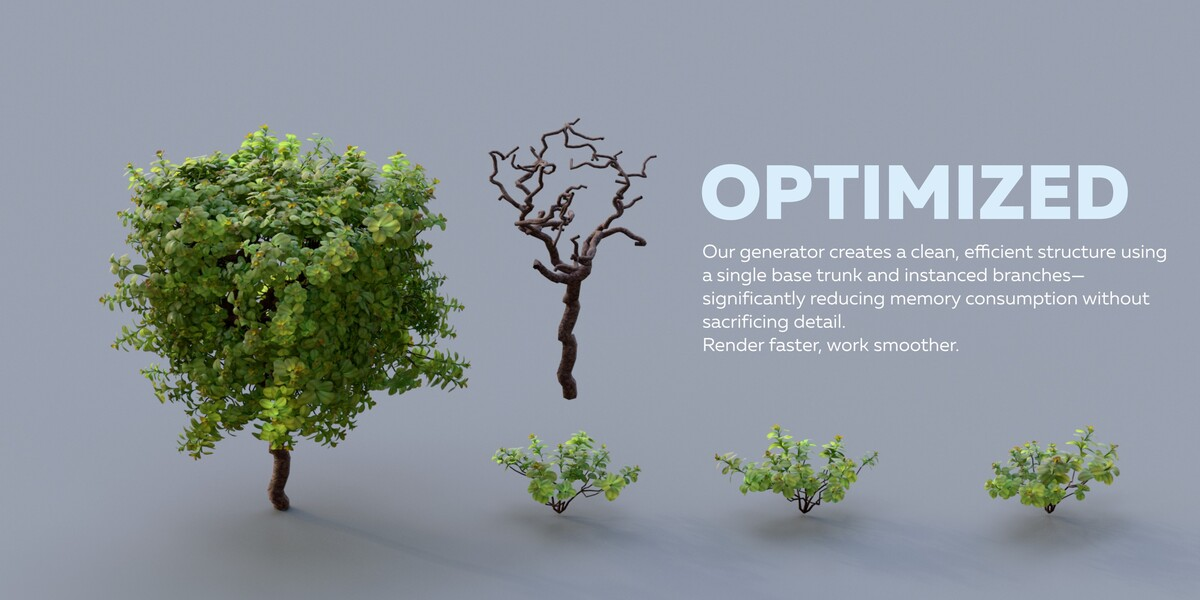
From a technical perspective, the generator relies heavily on instancing. Branches and leaves are not unique meshes, which keeps memory usage low even at higher densities.
The trunk system is the most computationally expensive part of the setup, and the documentation recommends disabling it when it is not needed. This makes the generator usable for both close-up shots and background vegetation, depending on how it is configured.
Because everything is built with Geometry Nodes, the setup remains fully procedural and can be integrated into larger node-based environments without baking or conversion.
Where Topiary Generator Fits Best
Topiary Generator makes the most sense in workflows where:
- The overall shape of vegetation is artist-defined rather than simulated
- Procedural control and iteration speed are more important than realism
- Assets need to remain editable late into production
- Performance matters in both viewport and final renders
It is not intended to replace simulation-based tree tools or botanical systems. Instead, it provides a focused solution for decorative and stylized greenery built around Geometry Nodes and instancing.
Similar and Useful Tools
Easy Tree: Easy Tree is a Blender addon that lets you quickly create and customize procedural trees using Geometry Nodes with one-click setup and simple parameters for tree shapes and leaf distribution.
Differences: Easy Tree is a Blender addon that lets you quickly create and customize procedural trees using Geometry Nodes with one-click setup and simple parameters for tree shapes and leaf distribution.
TreeDesigner + 400 Procedural Trees: TreeDesigner is a Geometry Nodes-powered tree creation tool that gives you full control over tree structure, branch customization, leaf density and wind animation, and comes with a large library of preset tree types.
Differences: TreeDesigner is aimed at full procedural tree creation and customization with deep control and a large asset library. Topiary Generator is more specialized at converting any mesh into a topiary or shrub form, making it more useful for garden/landscape stylized meshes rather than general tree modeling.
✨ Topiary Generator is now available on SuperHive.
📘 Interested in creating your own Tools and Shaders? Check out the Godot Shaders & Blender Tools Bundle, which includes: Blender Tool Development Fundamentals and The Godot Shaders Bible.
📘 Interested in creating your own Tools and Shaders? Check out the Godot Shaders & Blender Tools Bundle, which includes: Blender Tool Development Fundamentals and The Godot Shaders Bible.
Our best-selling indie Bundle: Godot shaders + Blender tools ✨ https://t.co/zSlHDCuGVC#b3d #GodotEngine #3DCG pic.twitter.com/sjdYxXjKUB
— The Unity Shaders Bible (@ushadersbible) November 16, 2025
Jettelly wishes you success in your professional career!
Did you find an error? No worries!
Write to us at [email protected], and we'll fix it!
Other posts that might interest you.
-
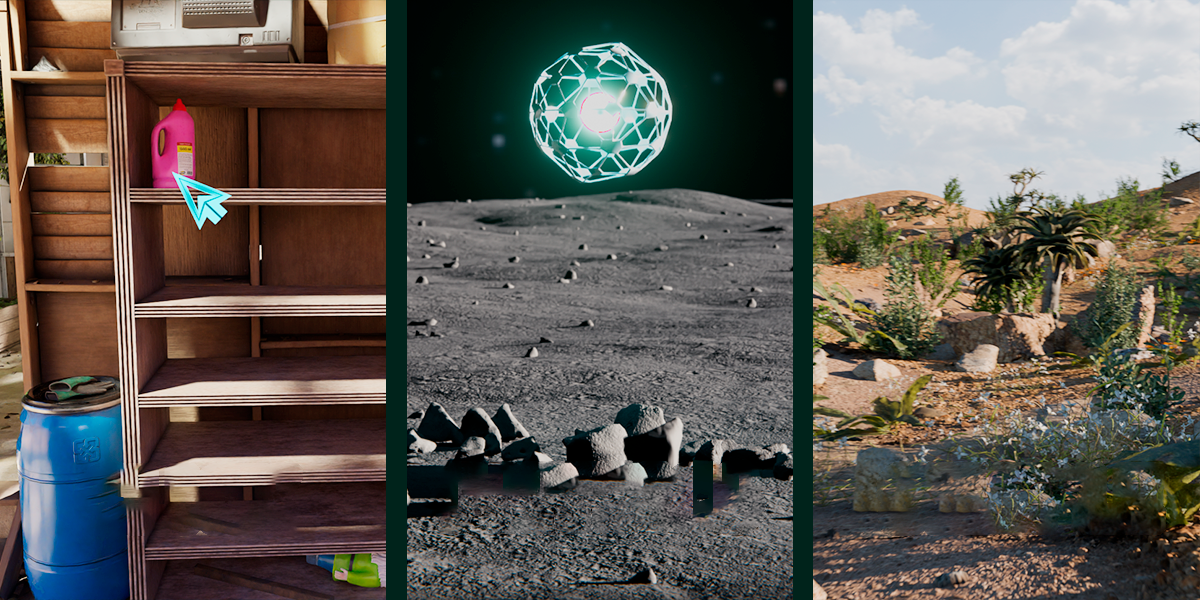 We take a look at Scatter by KIRI Engine, a free Blender addon that offers manual placement, Geometry Nodes scattering, and physics-based distribution in a single workflow.
 -
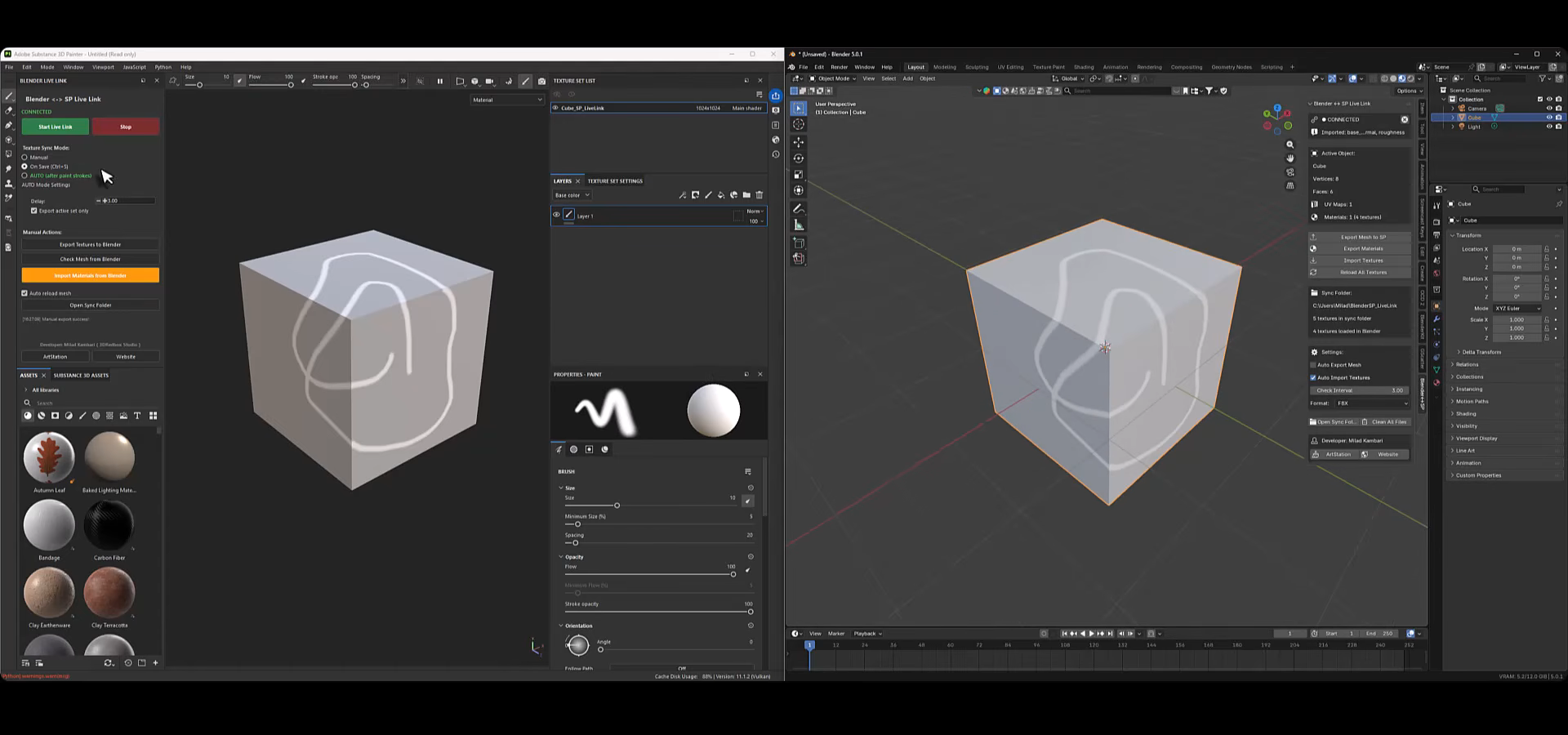 We take a look at Blender to Substance Painter Live Link Plugin, a tool by Milad Kambari that connects both applications through a real-time geometry and material sync workflow.
 -
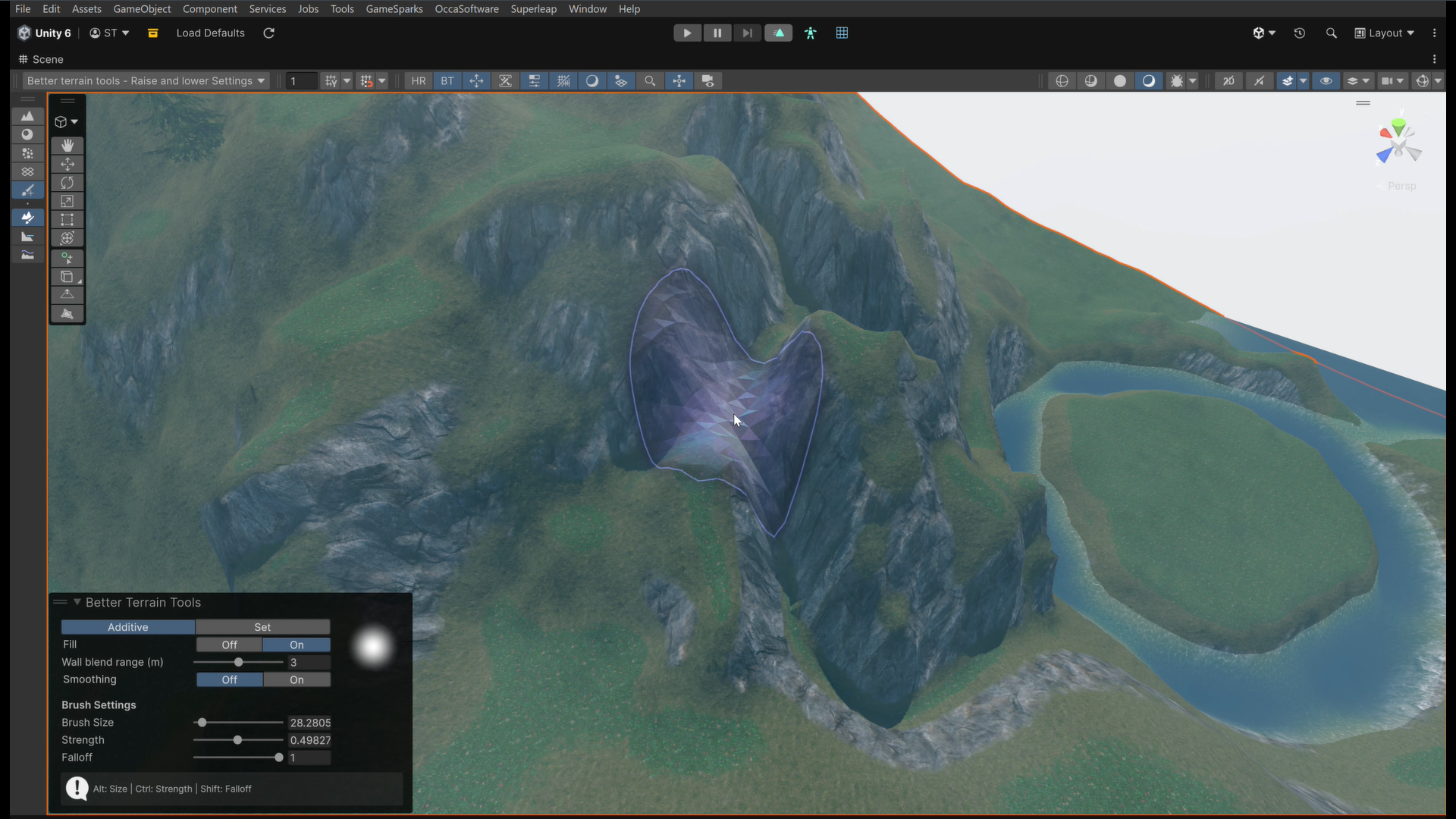 We take a look at Better Terrain Tools, a free Unity terrain sculpting add-on focused on hand-authored workflows.
