
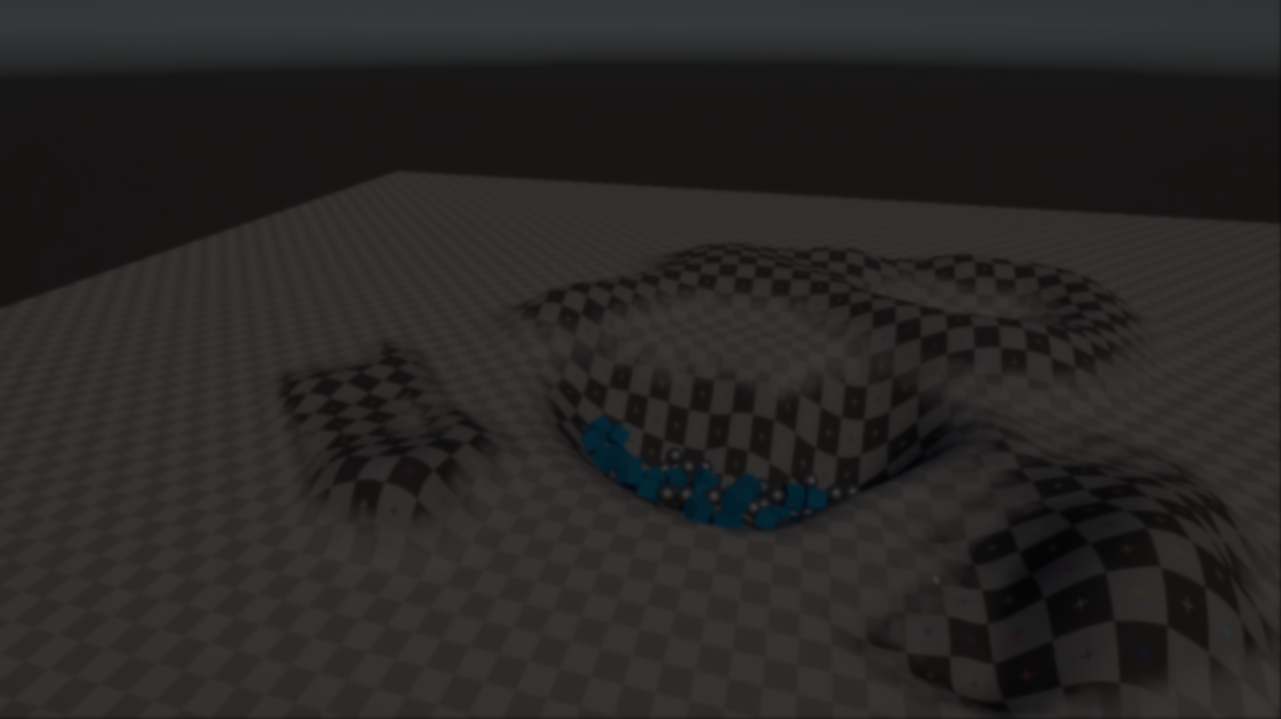
Unity Runtime Terrain: Editing Unity Terrains During Play Mode.
by Jettelly
Published |
Editing Unity terrains at runtime is possible using the built-in Terrain API, but the workflow is often fragmented and requires handling multiple systems separately. Height data, texture layers, details, and trees each come with their own constraints, and tying them together into a usable runtime tool usually means writing a fair amount of glue code.
Unity Runtime Terrain is a lightweight runtime terrain editing system created by Johann Hotzel, the same developer behind Simple Physics for Unity, which we’ve previously featured.
The tool exposes a script-driven API that allows Unity terrains to be modified during play mode, including height sculpting, texture painting, detail density changes, and tree removal. All operations are performed directly on Unity’s built-in Terrain system, keeping the workflow close to existing engine behavior.
Runtime-Focused Terrain Editing
The core of the system is a RuntimeTerrain component that can be attached directly to a standard Unity Terrain. Once in place, terrain data can be modified during gameplay through method calls, without entering edit mode or relying on editor-only tools.
The design is intentionally low-level. Instead of providing a fully abstracted editor UI, the project exposes clear functions that can be driven by gameplay logic, tools, or custom controllers. This makes it suitable for scenarios where terrain deformation is part of the game itself, such as digging mechanics, explosions, or player-driven terraforming.
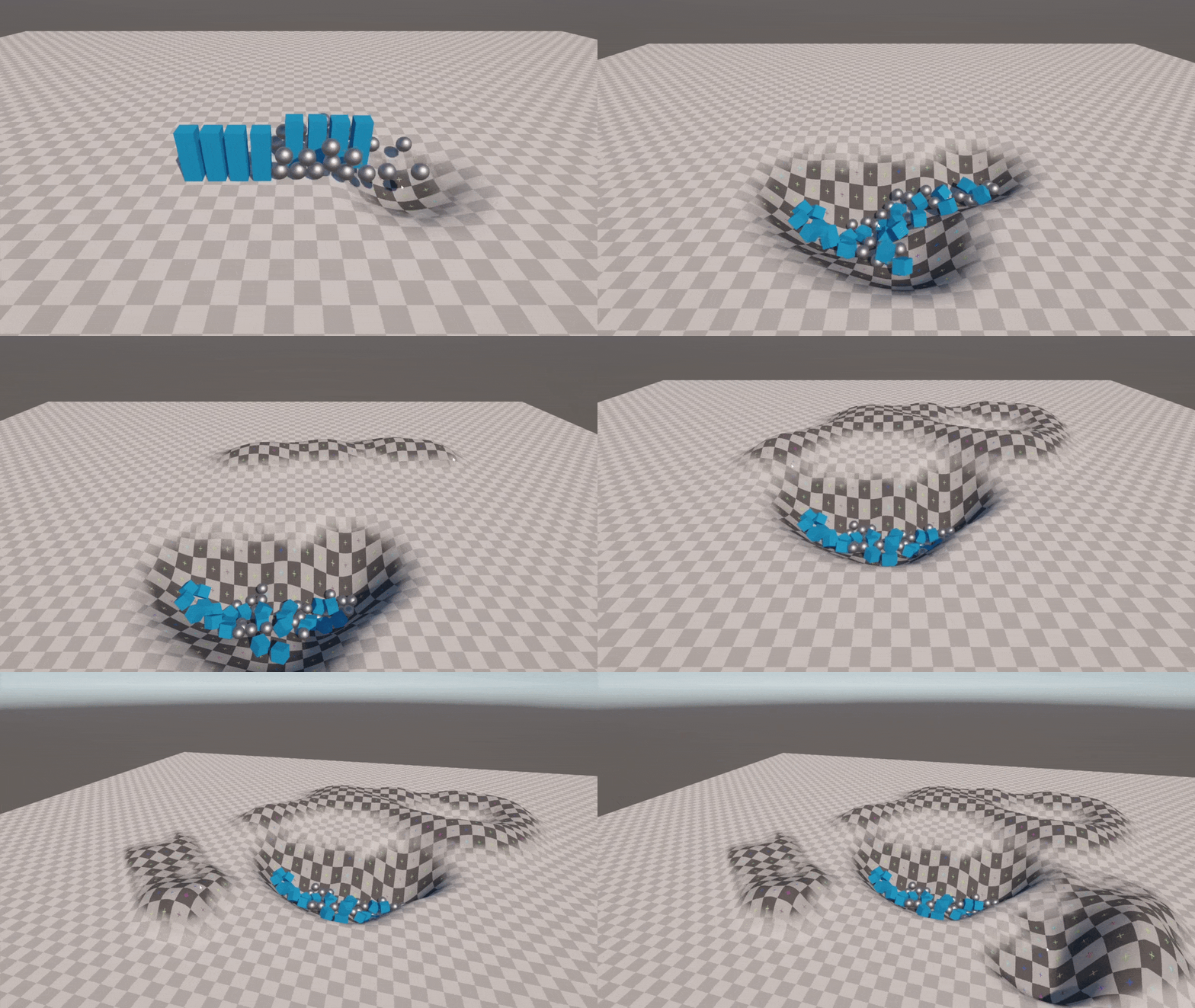
Height Sculpting
Height modification is handled through a set of radial and texture-based brushes. These allow terrain heights to be raised or adjusted using smooth falloff functions or grayscale textures as masks.
Available approaches include:
- Radial sculpting with smoothstep-based falloff
- Texture-driven height brushes using the red channel
- Optional smoothing passes to reduce visible stepping
- A delayed LOD update workflow, where height changes are accumulated and applied in batches
The delayed LOD option requires an explicit call to flush the changes once a stroke or operation is complete, giving developers control over when terrain LODs are recalculated.
Texture Painting
The system supports runtime painting of terrain texture layers through direct manipulation of alphamaps. Painting functions automatically handle layer normalization to ensure the terrain remains valid after each operation.
Both radial brushes and texture-based alpha painting are supported, allowing splatmap changes to be driven by gameplay events or tools rather than editor interaction.
Details and Trees
In addition to terrain height and textures, Unity Runtime Terrain includes basic support for modifying terrain details and trees at runtime.
Detail painting allows density values for grass or detail meshes to be increased or removed within a brush radius. For trees, the current implementation focuses on removal, clearing all tree instances inside a given area. Placement helpers are not included by default, but the system is structured so they can be added later if needed.
Snapshot-Based Undo and Redo
Undo and redo functionality is implemented using full terrain snapshots. A snapshot captures the current state of:
- Terrain heights
- Alphamaps
- Detail layers
- Tree instances
These snapshots can be restored at any time, effectively reverting the terrain to a previous state. This approach is straightforward but favors clarity over memory efficiency, making it more suitable for limited undo steps or controlled editing scenarios.
Sample Controller and Usage
The repository includes a sample controller called SampleTerraformer, which demonstrates how the API can be used in practice. It shows mouse-driven terrain editing, multiple editing modes, simple undo support, and basic VFX integration.
The sample is meant as a reference implementation rather than a required dependency. Developers are expected to adapt or rewrite this logic to suit their own gameplay or tool requirements.
Physics Considerations
Modifying terrain colliders at runtime can lead to issues with sleeping rigidbodies not reacting immediately to height changes. This can result in objects appearing to float or intersect the terrain incorrectly.
The project highlights two common solutions:
- Explicitly updating the terrain collider after editing
- Waking nearby rigidbodies manually once changes are applied
Both approaches are demonstrated in the sample controller.
Limitations and Scope
There are known limitations when editing near terrain borders, especially when multiple terrains are placed side by side. Border stitching is not handled, which can lead to visible seams in those cases.
Unity Runtime Terrain does not aim to be a full terrain editor replacement. Instead, it provides a practical set of runtime hooks into Unity’s existing terrain system, leaving higher-level design decisions to the developer.
Where Unity Runtime Terrain Fits Best
This project is most relevant for developers who:
- Need terrain deformation as part of gameplay
- Want to modify Unity terrains during play mode using code
- Prefer working with Unity’s built-in Terrain system
- Are comfortable building custom tools or logic on top of a low-level API
The project is open source and available on GitHub, along with a short demo video showing the system in use.
Similar and Useful Alternatives
- WorldKit: A compute shader–based terrain generation API for Unity that builds procedural heightmaps and textures at runtime or in the editor. It supports multiple layers (Perlin noise, erosion, terraces) and highly efficient GPU execution for large landscapes.
Differences: WorldKit focuses on procedural generation of terrain height data and textures, while UnityRuntimeTerrain is focused on terrain editing at runtime (sculpting, painting, detail and tree edits). WorldKit is better for generating worlds; UnityRuntimeTerrain is better for interactive modifications.
- TerrainGenerator: An open-source procedural terrain generator for Unity that uses noise algorithms and supports water mesh generation and random object placement. It allows generating a variety of terrain meshes from scripts.
Differences: TerrainGenerator builds procedural terrains (mesh and features) at runtime or in the editor but does not provide interactive editing or painting tools like UnityRuntimeTerrain.
✨ Unity Runtime Terrain is now available on the author’s GitHub.
📘 Interested in building your own tools and shaders in Unity? Check out the Unity Tool Development Bundle, which includes Shaders & Procedural Shapes in Unity 6 and Unity 6 Editor Tools Essentials.
📘 Interested in building your own tools and shaders in Unity? Check out the Unity Tool Development Bundle, which includes Shaders & Procedural Shapes in Unity 6 and Unity 6 Editor Tools Essentials.
Math + Procedural shapes + Tools in Unity! If you're into technical art, this Bundle is what you need 🔗 https://t.co/MflVh7KJnp#unity3dgamedevelopment #indiedevs #gamedevs pic.twitter.com/LHN2ci83SN
— The Unity Shaders Bible (@ushadersbible) November 8, 2025
Jettelly wishes you success in your professional career!
Did you find an error? No worries!
Write to us at [email protected], and we'll fix it!

Level up your Technical Art skills! Grab our bundle and start learning today.
We invite you to explore "Unity Tool Development Bundle", a comprehensive bundle on the concepts and fundamentals seen in this post.
Other posts that might interest you.
-
 We take a look at a paid Unity sky system focused on day-night cycles and seasonal lighting, designed to stay lightweight.
 -
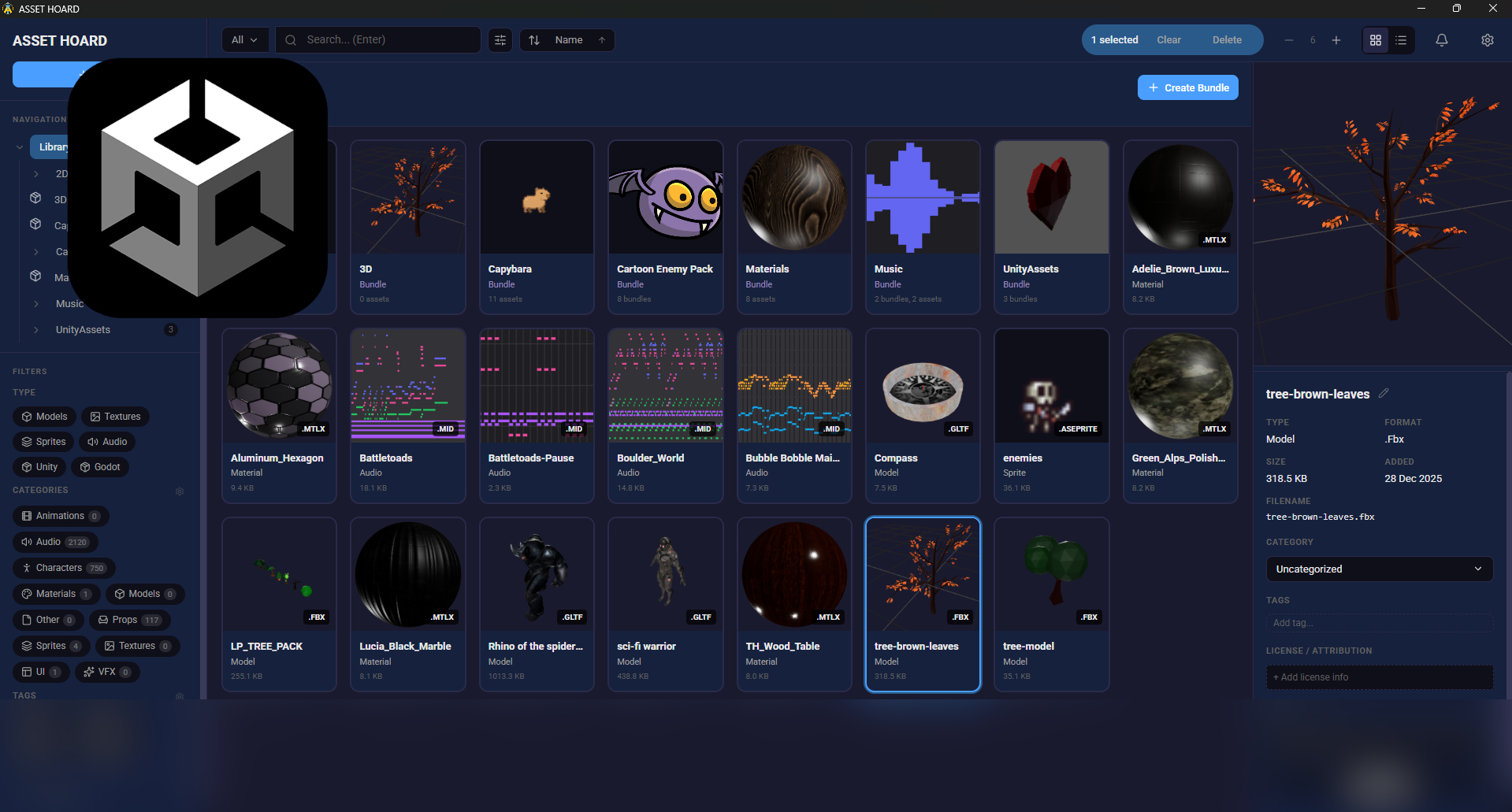 We take a look at AssetHoard, a local-first asset manager designed to organize and preview game assets, with workflows for engines like Unity and Godot.
 -
 We take a look at GoZen, an open-source video editor built with the Godot engine and developed by Voylin. The project is currently in alpha, with a beta release planned soon.
