
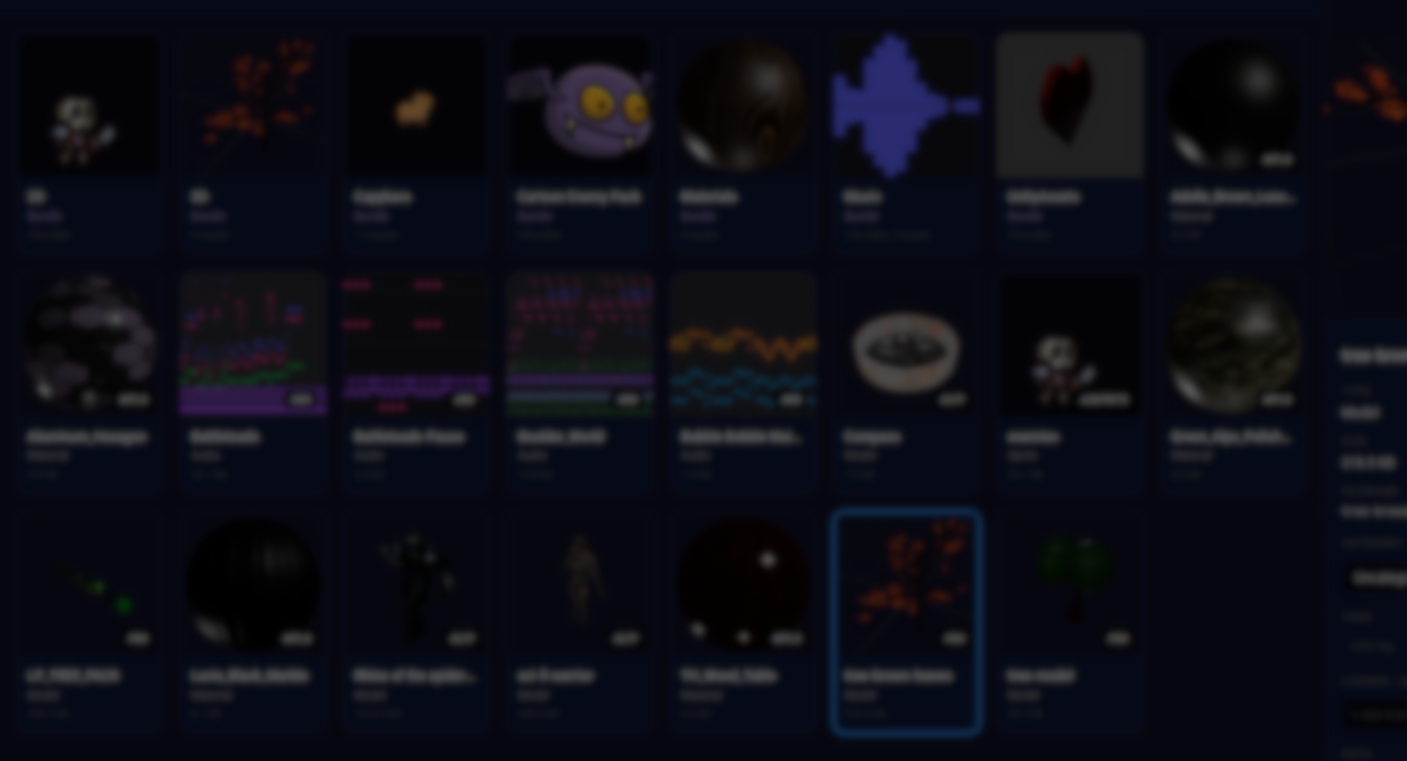
Managing assets tends to become a quiet problem as projects grow. Files end up spread across download folders, old archives, half-remembered purchases, and project-specific directories that stop making sense over time. Finding something you know you have often takes longer than it should.
AssetHoard is a local-first asset manager built to address that exact situation. Developed by an indie team and shared by dolfoz, with a focus on game development workflows, it provides a single desktop application for browsing, previewing, tagging, and reusing assets across different projects, with direct integration for engines like Godot or Unity.
Local-First Asset Management
AssetHoard is designed around a simple principle: your asset library should remain local and under your control. All data is stored on disk using a local database, and the application works offline once installed.
Instead of syncing files to a third-party service, the tool indexes assets from folders you already use. Imported files remain where they are, while AssetHoard builds previews, metadata, and searchable information on top of them. This makes it possible to consolidate large libraries without reorganizing your existing folder structure.
The application is cross-platform and built as a standalone desktop tool, separate from any specific engine editor.
Browsing and Searching Across Asset Types
One of AssetHoard’s core features is broad format support. The tool is designed to handle a wide mix of file types commonly used in game development and digital art.
Supported formats include:
- 3D assets such as GLTF, FBX, OBJ, and BLEND files, with interactive previews and animation playback where available
- 2D assets including sprites, textures, and layered files like Aseprite and Krita
- Audio assets with waveform previews and inline playback
- Game packages, including Unity and Godot asset bundles, with basic inspection and license detection
Assets can be browsed visually or filtered through tags, metadata, and categories. The goal is to reduce reliance on file names and folder hierarchies, especially when dealing with large libraries accumulated over time.
Engine Integration and Workflow
AssetHoard is designed to sit alongside game engines, not replace their internal asset systems. Assets can be dragged directly from the application into supported tools and editors, including Godot.
For developers working across multiple engines or tools, this approach turns AssetHoard into a shared asset library instead of something tied to a single project. The same asset can be reused, inspected, and tagged independently of where it is ultimately used.
The team has published short, engine-specific walkthrough videos showing how assets move from the library into Unity and Godot projects.
You can watch the full original length of the videos on the official page shared at the end.
Use Cases Across Disciplines
While the tool is positioned around game development, its feature set targets several different roles:
- Indie developers managing mixed libraries of models, textures, audio, and packages
- 2D artists working with animated sprite formats who want visual previews instead of file lists
- 3D artists who need to inspect models and materials without opening a DCC tool
- Sound designers browsing large sound libraries with waveform previews and quick playback
The interface and feature set are shared across all use cases, with differences coming from the supported formats rather than separate modes or profiles.
Technical Foundation
Under the hood, AssetHoard is built as a native desktop application using Rust. Asset data is stored in a local SQLite database, which handles indexing, metadata, and search functionality.
The developers emphasize simplicity in deployment: no accounts, no telemetry, and no cloud dependency. Updates are handled through standard desktop distribution.
Current Status and Roadmap
AssetHoard is currently in closed beta, with access available through sign-up on the official website. The first public beta release focuses on core asset browsing, previewing, and organization features.
Planned improvements include:
- More advanced collection and grouping tools
- Expanded 3D asset handling
- Improved tagging and batch operations
- A future plugin system for extending functionality
Where AssetHoard Fits Best
AssetHoard makes the most sense for developers and artists who:
- Work with large, mixed asset libraries across projects
- Prefer local tools over cloud-based services
- Need fast visual previews across many file types
- Want a single place to manage assets independently of engine editors
It is not a replacement for engine-side asset pipelines, but a complementary tool aimed at reducing friction before assets ever reach a project.
Similar and Useful Alternatives
- Assets Manager: A Godot tool for browsing and organizing game assets with quick search, thumbnails, tagging and drag-and-drop export. It supports importing common formats and lets you view assets by type or tag directly in a lightweight standalone UI.
Differences: Assets Manager is simpler and focused on local game asset organization with preview and search, similar to AssetHoard’s core idea. AssetHoard adds visual previews, bulk tagging, built-in metadata and direct integration workflows for Unity & Godot.
- Asset Library Manager: A Unity Editor utility that helps you organize, preview and manage prefab libraries, prefabs, props and other assets inside Unity with tagging and search filters.
Differences: Asset Library Manager is Unity-centric, integrated directly into the Editor for prefab and asset navigation. AssetHoard, by contrast, is engine-agnostic and lives outside the editor as a browser with visual previews and cross-engine drag‐to-project workflows.
✨ AssetHoard is currently available to download on its official website.
📘 Interested in learning how shaders and GPU-driven systems work in Unity? Take a look at the Unity Shaders Pro Bundle.
Looking to start with shaders in Unity in 2026? This ebook bundle has you covered 🔗 https://t.co/6n3vcOz15p#indiedev #gamedev #unity3d pic.twitter.com/b8neQLHlAh
— The Unity Shaders Bible (@ushadersbible) January 3, 2026
Jettelly wishes you success in your professional career!
Did you find an error? No worries!
Write to us at [email protected], and we'll fix it!

Level up your Technical Art skills! Grab our bundle and start learning today.
We invite you to explore "Unity Shaders Pro Bundle", a comprehensive bundle on the concepts and fundamentals seen in this post.
Other posts that might interest you.
-
 We take a look at Sprouty Dialogs, a free graph-based dialogue plugin for Godot 4.5+ that integrates branching logic, characters, variables, and translations directly into the editor.
 -
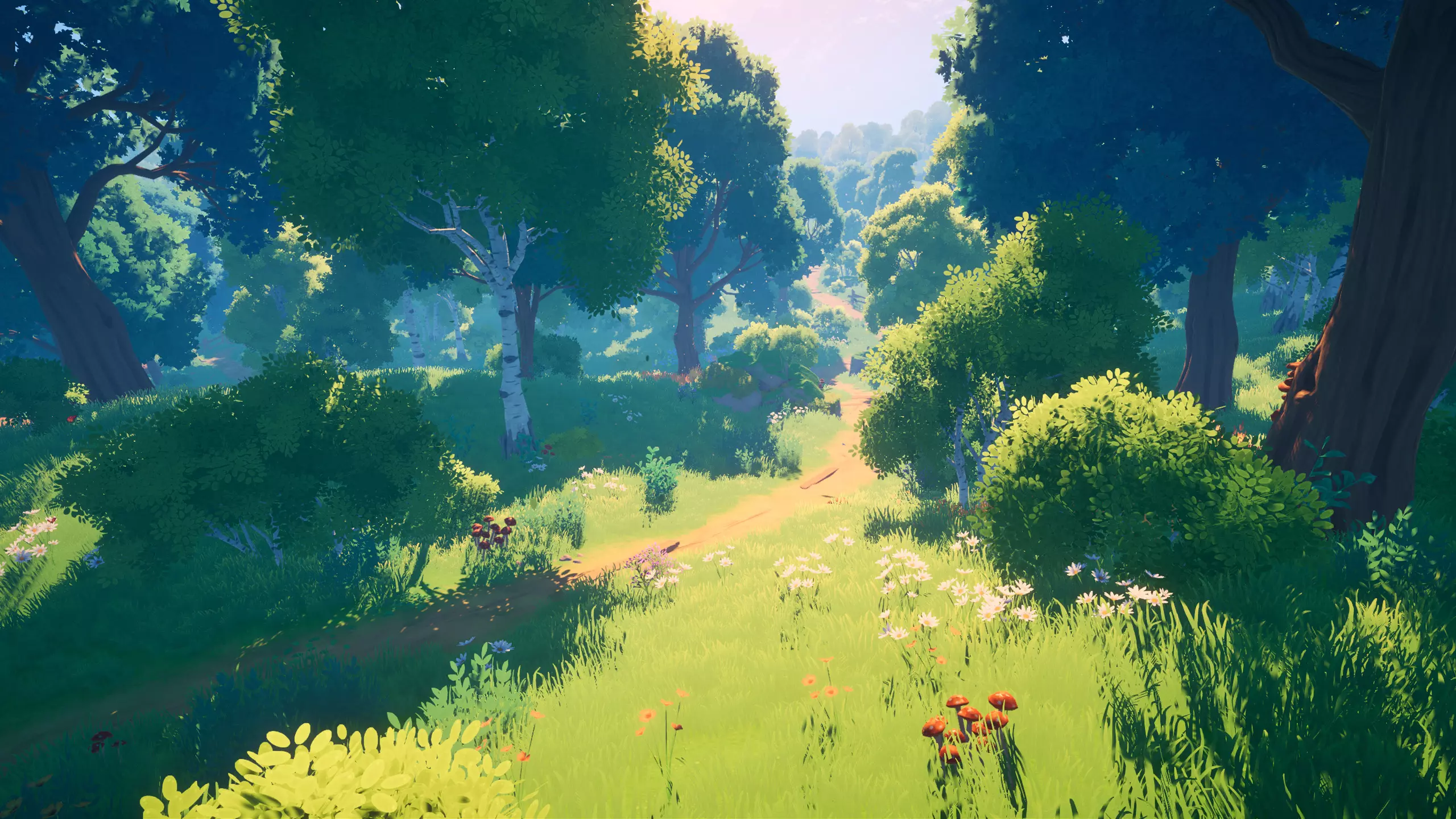 We showcase Meadow Environment - Stylized Pack, a Unity asset pack focused on building stylized outdoor scenes using a structured set of meshes, shaders, and global systems.
 -
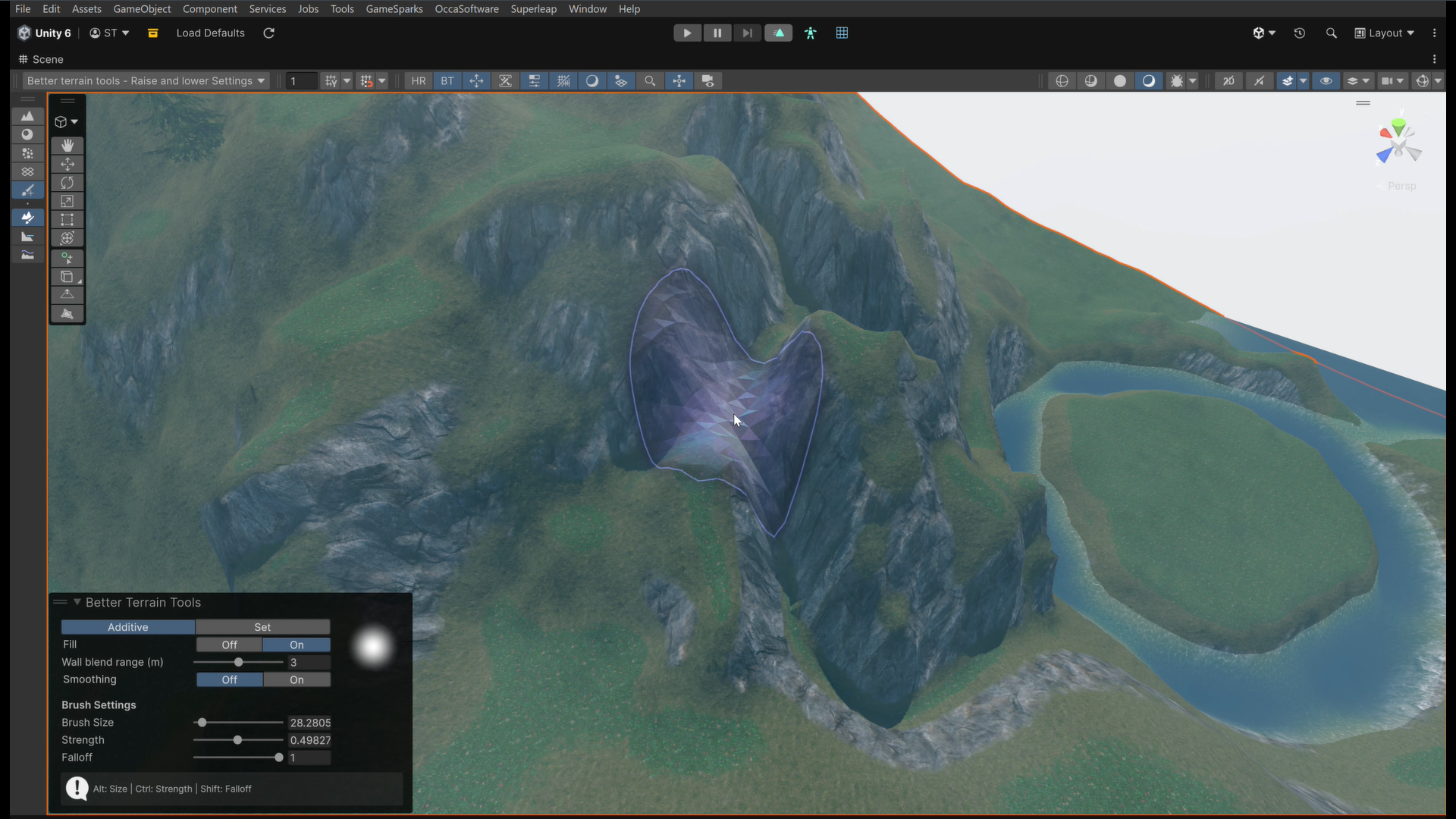 We take a look at Better Terrain Tools, a free Unity terrain sculpting add-on focused on hand-authored workflows.
