
A new asset for Day-Night cycles & Seasonal Skies in Unity.
by Jettelly
Published |
Day–night systems are a common requirement in games, but many existing solutions bundle lighting, weather simulation, and runtime logic into large frameworks that are difficult to adapt or optimize. For projects targeting mobile, VR, or stylized visuals, that added complexity often becomes a practical drawback.
Advanced, Lightweight Day–Night & Seasonal Sky System, developed by itsMakingThings, focuses on the ambience of a scene. The system centers on time-of-day lighting, seasonal transitions, and sky presentation, keeping the scope tight while still offering meaningful control over atmosphere and mood.
I got tired of bloated weather systems hijacking my projects, so I wrote a lightweight Seasonal Sky System and it's now live ($40). Giving away 5 keys in comments!
byu/IllustriousGrape3355 inUnity3D
Core System Overview
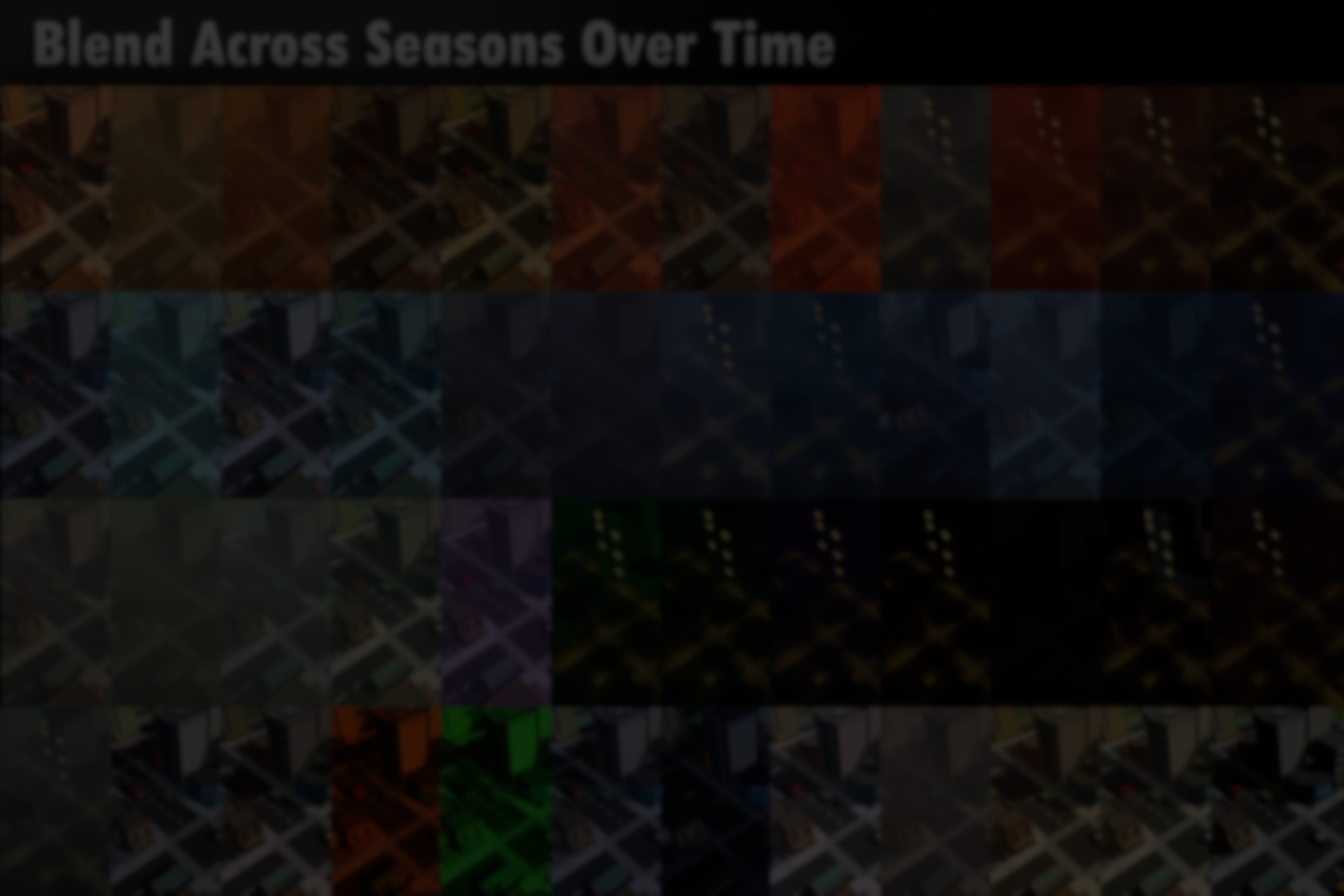
At its core, the asset provides a time-driven lighting system that blends day–night cycles with seasonal changes. Lighting, fog, exposure, ambient colors, and sky parameters are interpolated continuously, allowing transitions to feel gradual instead of discrete.
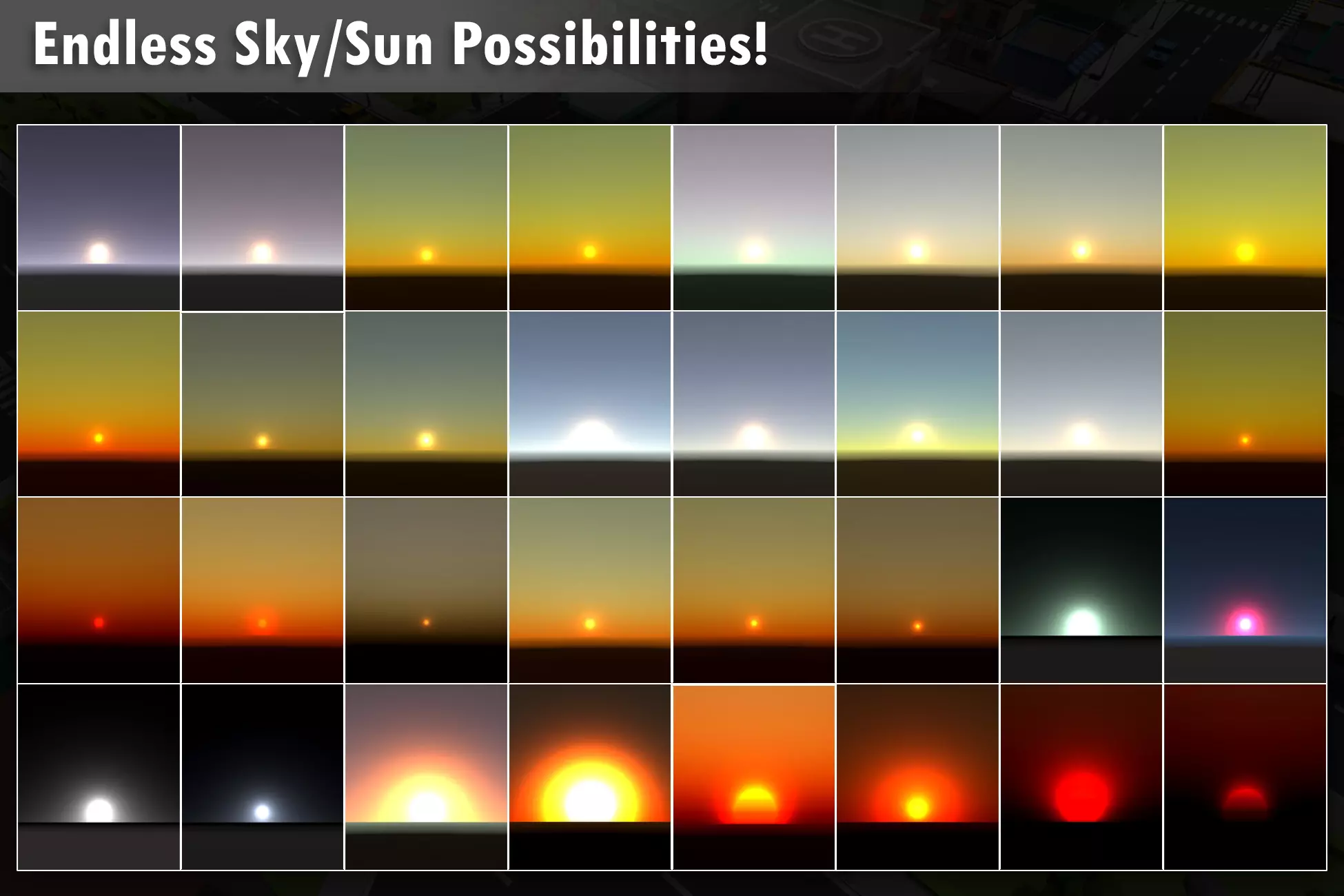
Seasonal progression is treated as a first-class concept. Spring, summer, autumn, and winter profiles can be defined independently, then blended over time without abrupt changes. Developers can also define specific lighting windows, such as dawn, midday, and dusk, to fine-tune moments like sunrise or golden hour.
The system is designed to work with a single directional light, keeping draw calls low and behavior easy to reason about.
Editor Sky Visualizer
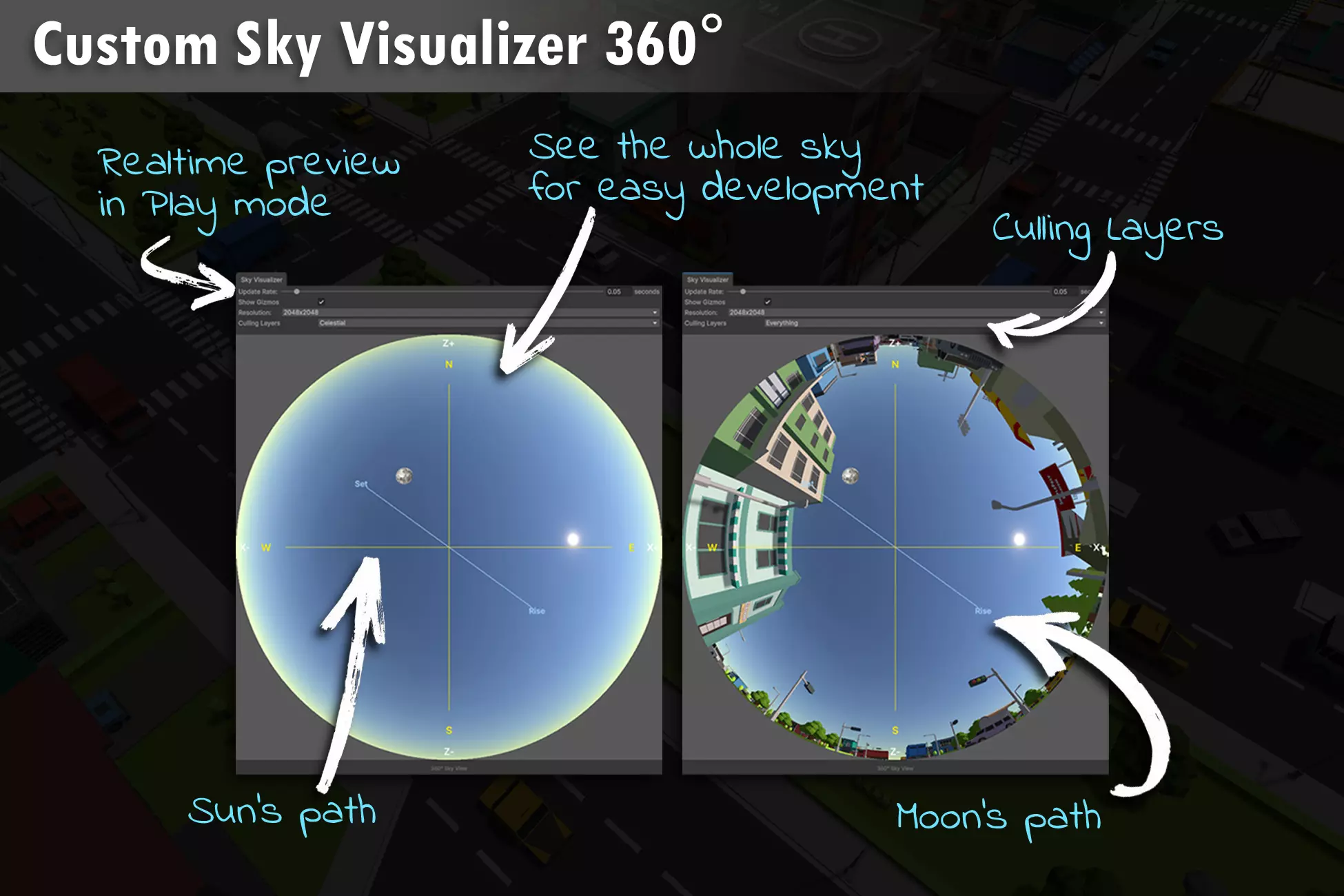
One of the most distinctive aspects of the tool is its Editor Sky Visualizer. This custom editor window allows developers to preview sun paths, moon phases, and sky transitions directly inside the editor.
Key advantages of this workflow include:
- Previewing lighting states without entering Play mode
- Scrubbing through time to inspect transitions
- Adjusting parameters while seeing immediate visual feedback
Because the visualizer operates in-editor, it avoids runtime overhead. RenderTextures used for previewing are editor-only and are not active during gameplay.
Seasonal Presets and Lighting Profiles
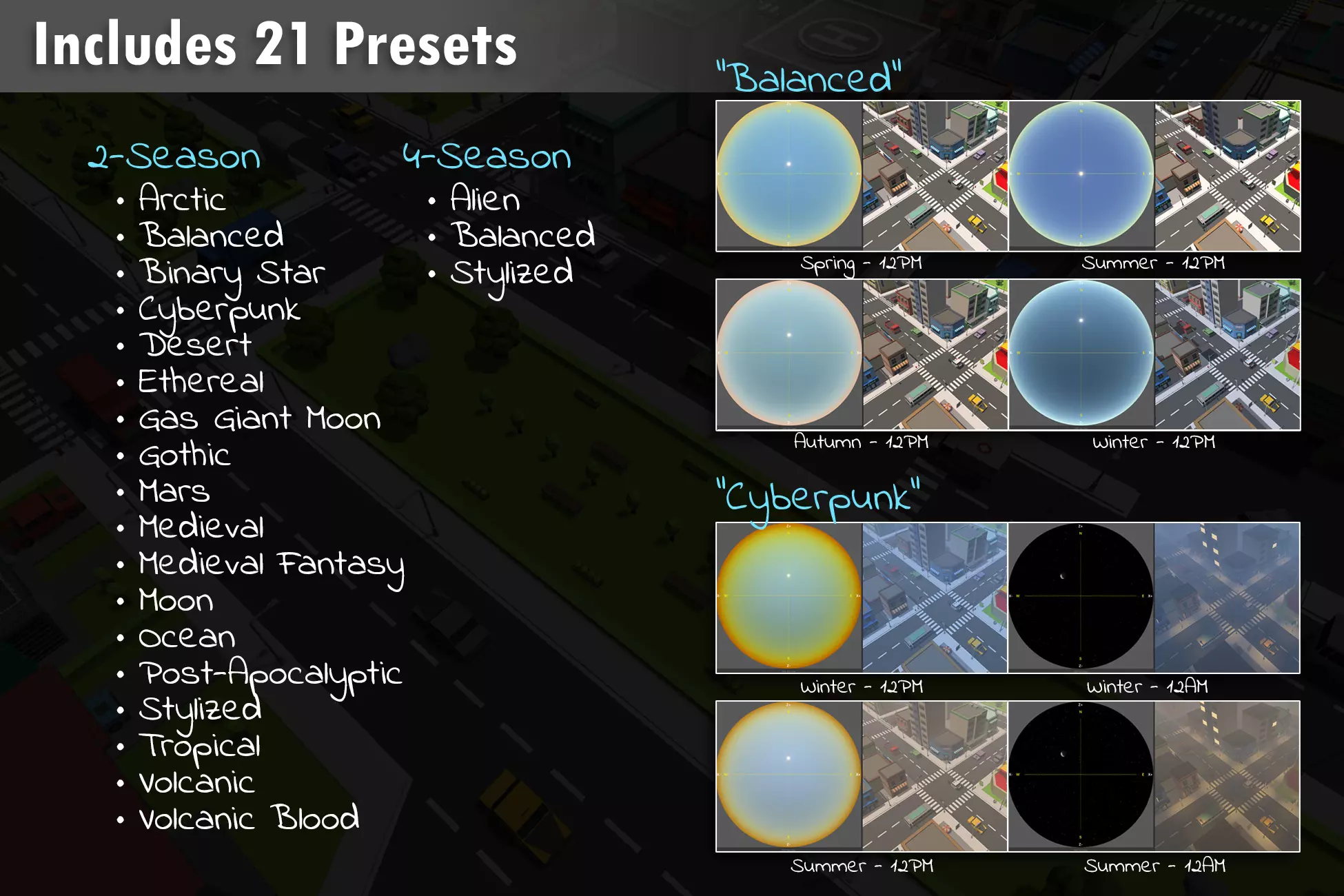
The package ships with 21 prebuilt seasonal lighting profiles, covering a range of visual styles such as realistic, fantasy, arctic, and alien environments. These presets are meant as starting points rather than fixed solutions.
Each profile can be modified, duplicated, or blended with others. Clipboard-style copy and paste support in the Inspector makes it easy to reuse settings across scenes or projects, which is particularly useful when working on larger worlds or episodic content.
Celestial and Orbital Features
Beyond the sun cycle, the system includes a dedicated celestial setup:
- Configurable moon phases with a custom shader
- Moon lighting that responds to fog and exposure
- Support for orbital objects such as planets or space stations
- Elliptical orbits with parallax correction
A lightweight starfield system is also included, with visibility tied to time of day and seasonal parameters. These features are optional and can be enabled selectively depending on project needs.
Performance and Architecture
From a technical standpoint, according to the creator, emphasizes runtime performance:
- Uses MaterialPropertyBlock to avoid material duplication
- Allocates no garbage during runtime updates
- Relies on a single directional light
- Avoids runtime RenderTextures
The codebase is modular and documented, with editor tools following proper lifecycle handling. Public APIs exposes values for adjustments.
Where This Asset Fits Best
This system is a good fit for projects that:
- Need professional-looking skies without full weather simulation
- Target performance-sensitive platforms
- Rely on lighting to establish mood and time progression
- Prefer editor-driven workflows over runtime-heavy systems
Similar and Useful Alternatives
- Day-Night System with Events and Custom Lighting: A Unity asset that provides a simple day/night cycle with events and customizable lighting transitions for scenes, compatible with Built-in, URP and HDRP. It lets you hook into sunrise/sunset events and adjust lighting curves without heavy setup.
Differences: This tool focuses on basic day-night timing and lighting events, whereas Advanced, Lightweight Day–Night & Seasonal Sky System adds seasonal sky changes and more comprehensive sky visuals. The alternative is simpler and lighter for straightforward cycles.
- Day/Night System with Starfield: A Unity utility that implements a day/night cycle with integrated starfield effects for night skies and sky gradient control. It works well for space or open-world environments needing a simple sky/time progression.
Differences: Day/Night System with Starfield emphasizes night sky visuals and star layers rather than full seasonal sky and atmospheric weather variation. It’s a good pick if your focus is celestial visuals and simpler lighting.
✨ Advanced, Lightweight Day–Night & Seasonal Sky System is now available on the Unity Asset Store.
📘 Interested in building your own tools and shaders in Unity? Check out the Unity Tool Development Bundle, which includes Shaders & Procedural Shapes in Unity 6 and Unity 6 Editor Tools Essentials.
📘 Interested in building your own tools and shaders in Unity? Check out the Unity Tool Development Bundle, which includes Shaders & Procedural Shapes in Unity 6 and Unity 6 Editor Tools Essentials.
Math + Procedural shapes + Tools in Unity! If you're into technical art, this Bundle is what you need 🔗 https://t.co/MflVh7KJnp#unity3dgamedevelopment #indiedevs #gamedevs pic.twitter.com/LHN2ci83SN
— The Unity Shaders Bible (@ushadersbible) November 8, 2025
Jettelly wishes you success in your professional career!
Did you find an error? No worries!
Write to us at [email protected], and we'll fix it!
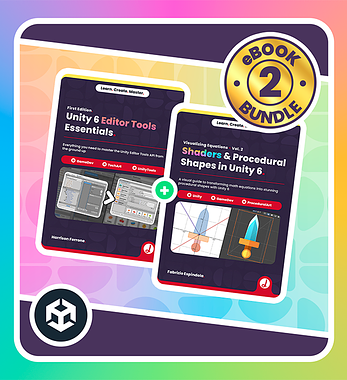
Level up your Technical Art skills! Grab our bundle and start learning today.
We invite you to explore "Unity Tool Development Bundle", a comprehensive bundle on the concepts and fundamentals seen in this post.
Other posts that might interest you.
-
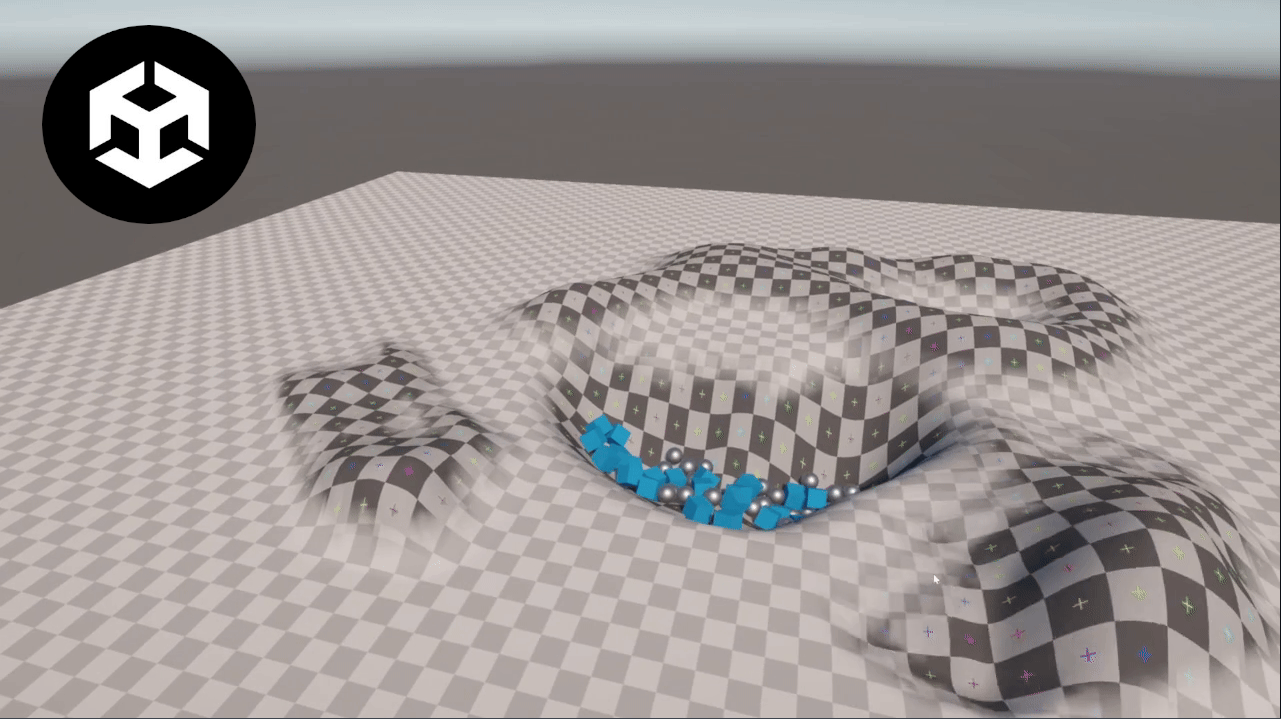 We take a look at Unity Runtime Terrain, a lightweight system that exposes Unity’s built-in terrain editing features for use directly during play mode.
 -
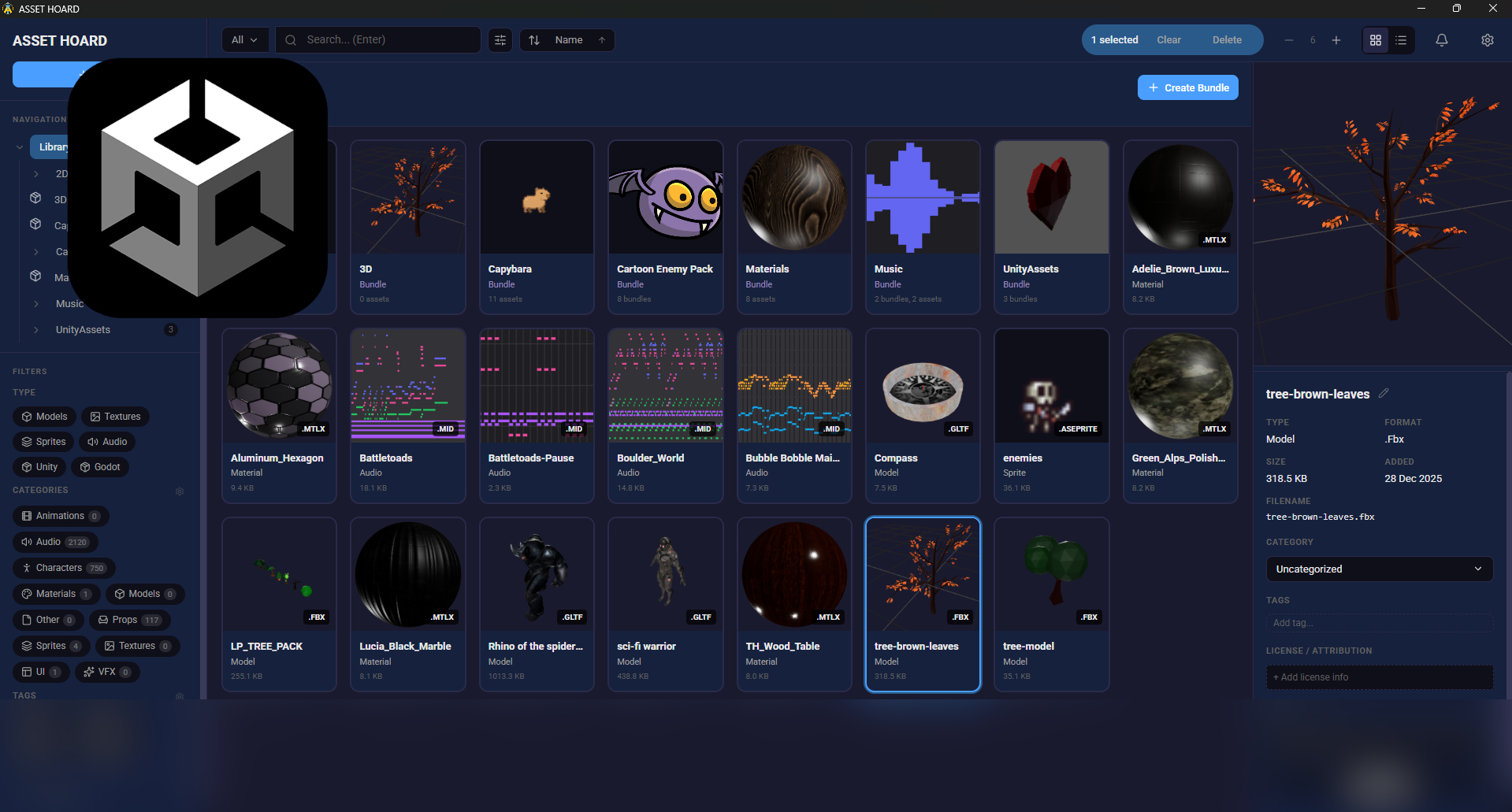 We take a look at AssetHoard, a local-first asset manager designed to organize and preview game assets, with workflows for engines like Unity and Godot.
 -
 We take a look at GoZen, an open-source video editor built with the Godot engine and developed by Voylin. The project is currently in alpha, with a beta release planned soon.
