
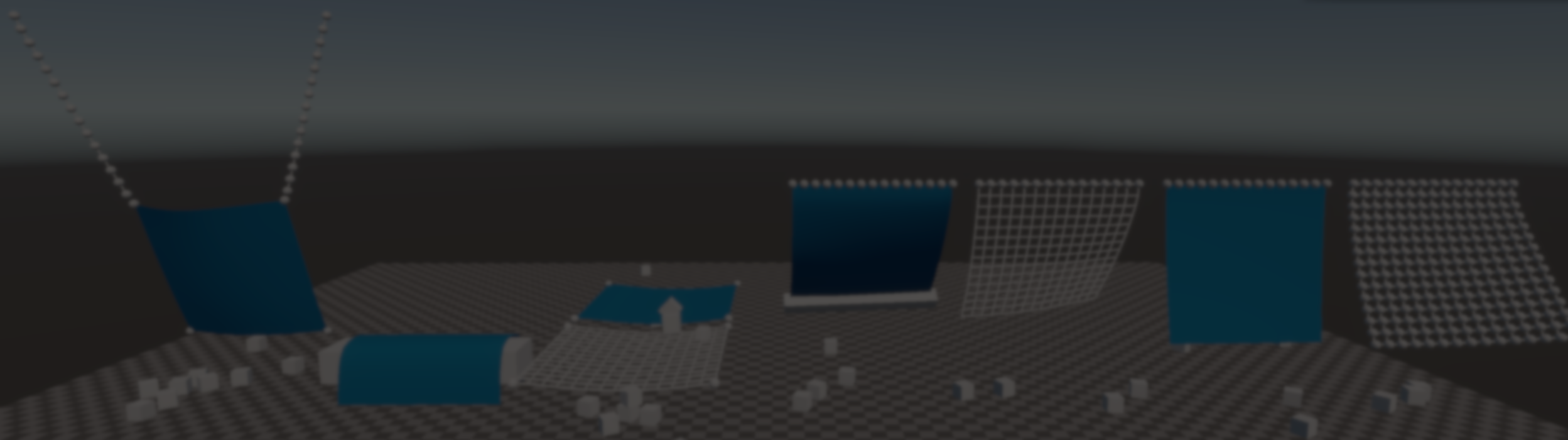
Simple Physics: Lightweight Physics Behaviors for Unity.
by Jettelly
Published |
Simple Physics is an open-source Unity project by Johann Hotzel that brings together several lightweight physics systems built on top of Unity’s standard Rigidbody and ConfigurableJoint components. It provides small, self-contained implementations for common effects such as ropes, cloth, and mesh deformation, designed to be easy to inspect, modify, and integrate at the code level.
All systems are implemented using standard Unity physics primitives and simple runtime visualization, without relying on custom solvers or opaque components.
What the Project Covers
The repository currently includes multiple independent systems, each focused on a specific type of physical behavior. They can be used separately and do not depend on a shared framework.
Rope
The rope system is implemented using a generator plus a runtime component.
At generation time, the tool creates a chain of Rigidbody points connected by ConfigurableJoints. Spacing, joint limits, and other parameters are configurable, allowing the rope to be tuned for stiffness or flexibility.
At runtime, a Rope component handles visualization by sampling the transforms of the simulated points and updating a LineRenderer each frame. The rope’s shape directly reflects the current physics state, without additional interpolation or constraints.
This makes the simulation easy to inspect, since each rope segment exists as an individual Rigidbody connected by joints.
Cloth
The cloth system follows a similar structure to the rope.
A generator creates a 2D grid of Rigidbody points and connects adjacent points using ConfigurableJoints to form a fabric-like structure. The runtime Cloth component is responsible for visualization and optional collision handling.
Two rendering options are supported:
- A wireframe view using line renderers
- A dynamically generated mesh whose vertices are updated each frame based on the simulated point positions
An optional MeshCollider update step can be enabled to prevent rigidbodies from passing through the cloth, with the caveat that point spacing needs to remain relatively dense for stable results.
SoftMeshLight
SoftMeshLight is a standalone runtime component focused on simple mesh deformation from collisions.
At startup, the assigned mesh is cloned so the original asset remains untouched. When a collision occurs, nearby vertices are displaced along the collision normal, using a smooth falloff within a configurable radius. The result is a localized dent, limited to the area around the impact point, instead of affecting the entire mesh.
The deformation work is computed asynchronously to avoid blocking the main thread. The mesh collider can optionally be updated so that collision geometry matches the visual deformation, although this has a higher runtime cost.
This component is intended for static meshes that require impact-based deformation, not continuous or fully simulated soft-body behavior.
SoftMesh (Planned)
SoftMesh is described as a future extension of SoftMeshLight. Instead of permanent dents, it is intended to support elastic deformation where meshes can recover over time and respond dynamically, producing more jelly-like behavior.
This system is not yet complete and should be understood as a design direction, not a finished or production-ready feature.
SoftBody (Work in Progress)
SoftBody is an experimental volumetric soft-body implementation built directly from mesh topology.
At runtime, the mesh is cloned and its vertices are deduplicated. Each unique vertex becomes a Rigidbody, and ConfigurableJoints are created between rigidbodies that share edges in the original mesh. Joint drives are used to approximate elastic behavior based on that topology.
Each frame, the mesh vertices are updated from the current rigidbody positions. Optional mesh collider updates and impulse feedback help improve interaction with external objects.
Typical Use Cases
Simple Physics is most relevant for developers who:
- Want physics-driven effects without introducing custom solvers
- Prefer systems built from standard Unity components
- Need rope, cloth, or deformation behavior that is easy to inspect and modify
- Are comfortable extending or adapting open-source code
The repository and demos are available on GitHub (shared at the end) under an open-source license.
Similar and Useful Alternatives
Easy Collider Editor: A Unity Asset Store extension that simplifies the creation and editing of colliders (box, sphere, capsule, convex mesh, etc.) directly in the editor with an intuitive UI. It’s focused on speeding up collider setup for better physics behavior.
Differences: Easy Collider Editor helps you manually build and refine colliders to improve physics performance and precision. SimplePhysics is more of a lightweight physics system/engine approach.
Physics Placer: A Unity tool that lets you place physics objects and simulate physics setups in the editor before play mode. It’s useful for level design and pre-visualizing physics interactions.
Differences: Physics Placer focuses on design-time placement and simulation of physics objects (e.g., setting up rigid bodies and triggers in the editor).
✨ SimplePhysics is now available on GitHub.
📘 Interested in building your own tools and shaders in Unity? Check out the Unity Tool Development Bundle, which includes Shaders & Procedural Shapes in Unity 6 and Unity 6 Editor Tools Essentials.
📘 Interested in building your own tools and shaders in Unity? Check out the Unity Tool Development Bundle, which includes Shaders & Procedural Shapes in Unity 6 and Unity 6 Editor Tools Essentials.
Math + Procedural shapes + Tools in Unity! If you're into technical art, this Bundle is what you need 🔗 https://t.co/MflVh7KJnp#unity3dgamedevelopment #indiedevs #gamedevs pic.twitter.com/LHN2ci83SN
— The Unity Shaders Bible (@ushadersbible) November 8, 2025
Jettelly wishes you success in your professional career!
Did you find an error? No worries!
Write to us at [email protected], and we'll fix it!

Level up your Technical Art skills! Grab our bundle and start learning today.
We invite you to explore "Unity Shaders and Tools Bundle", a comprehensive bundle on the concepts and fundamentals seen in this post.
Other posts that might interest you.
-
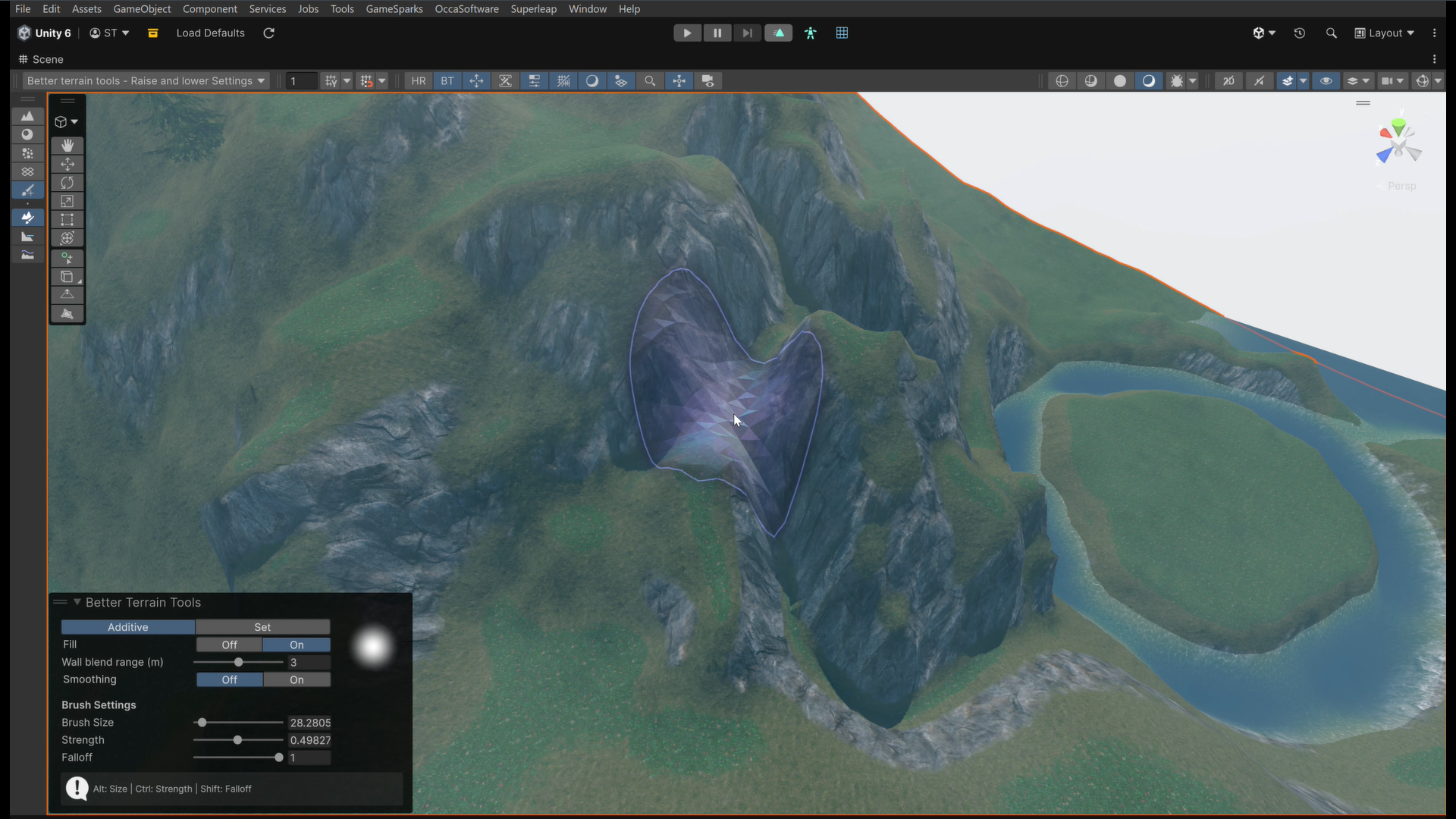 We take a look at Better Terrain Tools, a free Unity terrain sculpting add-on focused on hand-authored workflows.
 -
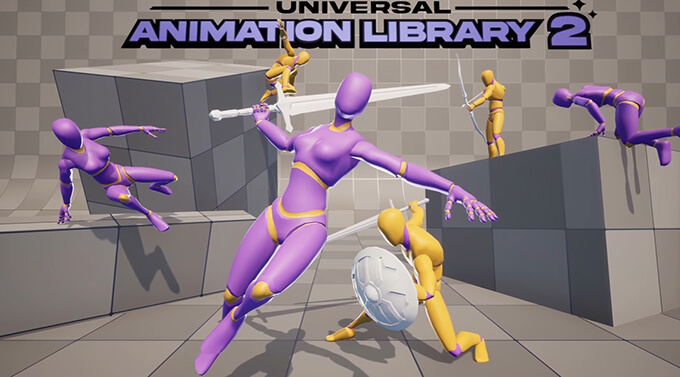 We take a look at Universal Animation Library 2, a CC0 animation pack built around a universal humanoid rig and designed to work across Godot, Unity, and Unreal Engine.
 -
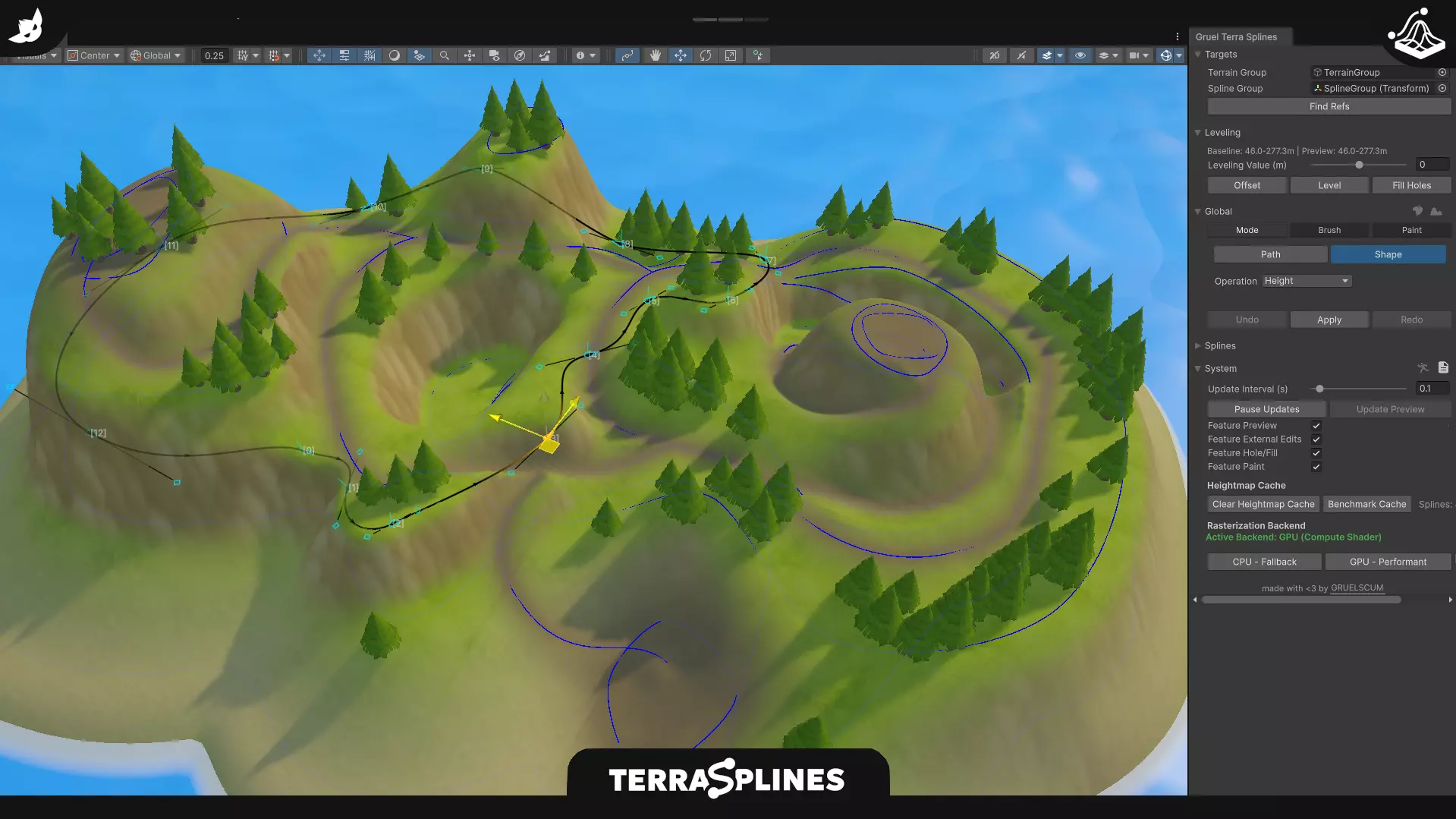 We take a look at TerraSplines, a Unity editor tool that uses spline-based workflows to edit terrain non-destructively, from paths and plateaus to painting and holes.
