
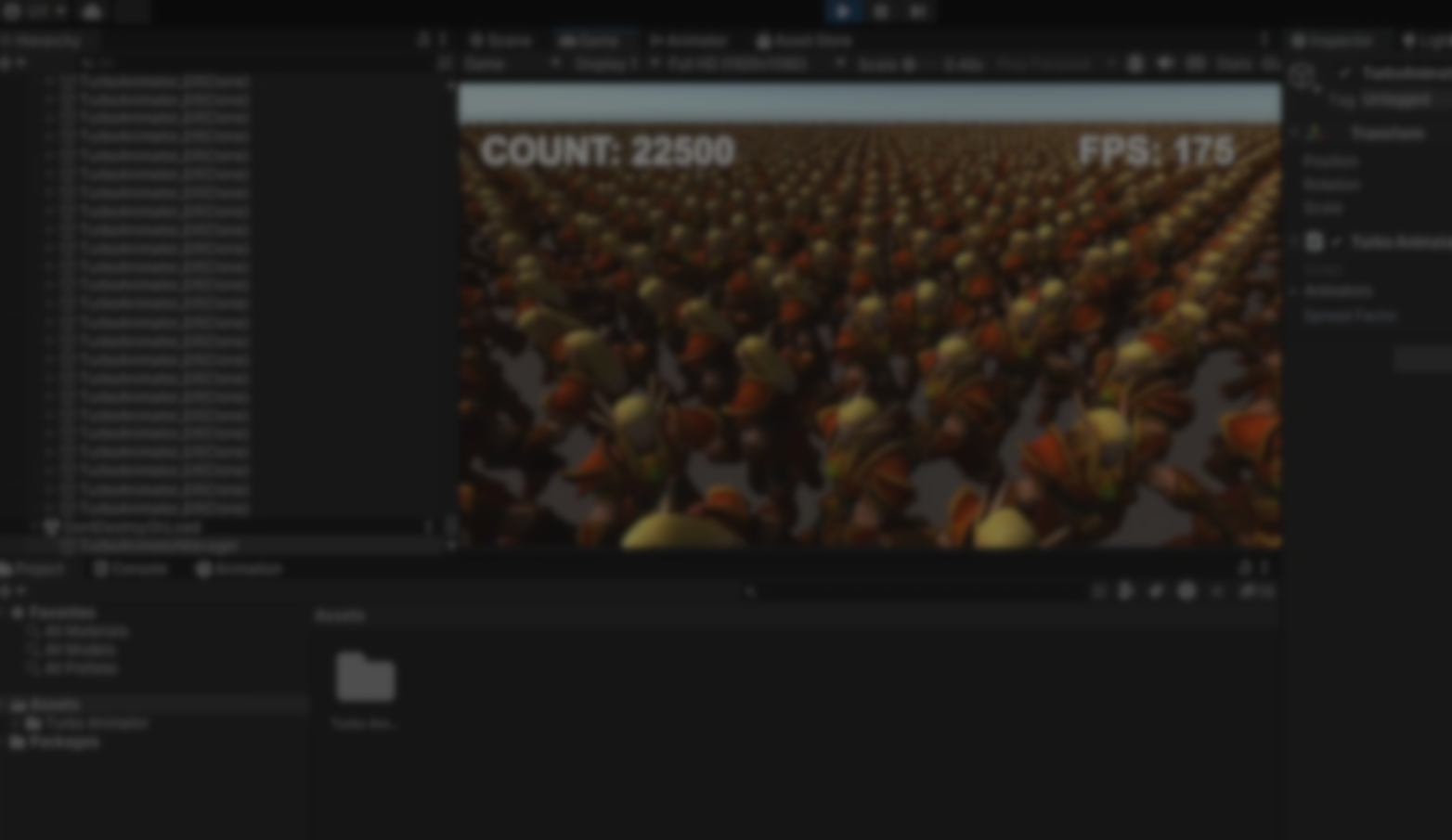
Working with large numbers of animated characters in Unity often becomes a performance challenge, especially once the built-in Animator starts stacking overhead. If you are building scalable systems or looking for more predictable control over animation playback, Turbo Animator, created by Ugur Yucel, takes a very different approach.
I Created an Animator 40x Faster Than Unity’s Default 22,500 Animated Objects at 135 FPS, No Complex Blends Needed Link Description
byu/PingOfJustice inUnity3D
Instead of relying on bones, rigs, or Mecanim graphs, Turbo Animator converts each animation into a pre-baked mesh sequence, stored as Scriptable Object datasets. At runtime, characters simply update their mesh frame by frame through Mesh Filter and Mesh Renderer, reducing CPU usage and removing the need for Animator Controllers entirely.
The system also includes tools for multi-model synchronization, frame distribution via the Spread Factor, and humanoid animation reuse across different meshes.
The system also includes tools for multi-model synchronization, frame distribution via the Spread Factor, and humanoid animation reuse across different meshes.
Main Features
- Mesh Sequence Animation: Animations are baked as 3D mesh sequences, removing the need for skeletal rigs or Mecanim calculations.
- High Performance (up to 40x faster): Pre-baked mesh updates drastically reduce CPU load and improve runtime efficiency.
- Direct Animation Access: Call animations directly by name, without complex Animator graphs or blend trees.
- Scriptable Object Storage: Each animation sequence is saved as a Scriptable Object for quick access and minimal loading times.
- Spread Factor Load Balancing: Dynamically distributes frame updates across all animated models to ensure stable frame timing.
- Multi-Model Synchronization: All instances share a unified master frame system for synchronized animation playback.
- Humanoid & Non-Humanoid Support: Works for humanoid rigs, creatures, and custom characters with unique motion data.
- Cross-Platform Optimization: Compatible with Unity 2021+, and fully supports URP and HDRP pipelines.
- No Animator Required: Animations are handled entirely through Mesh Renderer and Mesh Filter components.
- Lightweight & Scalable: Designed for large-scale projects such as crowd simulations and battle scenes.
Use Cases
Turbo Animator fits well in projects where performance and scalability matter:
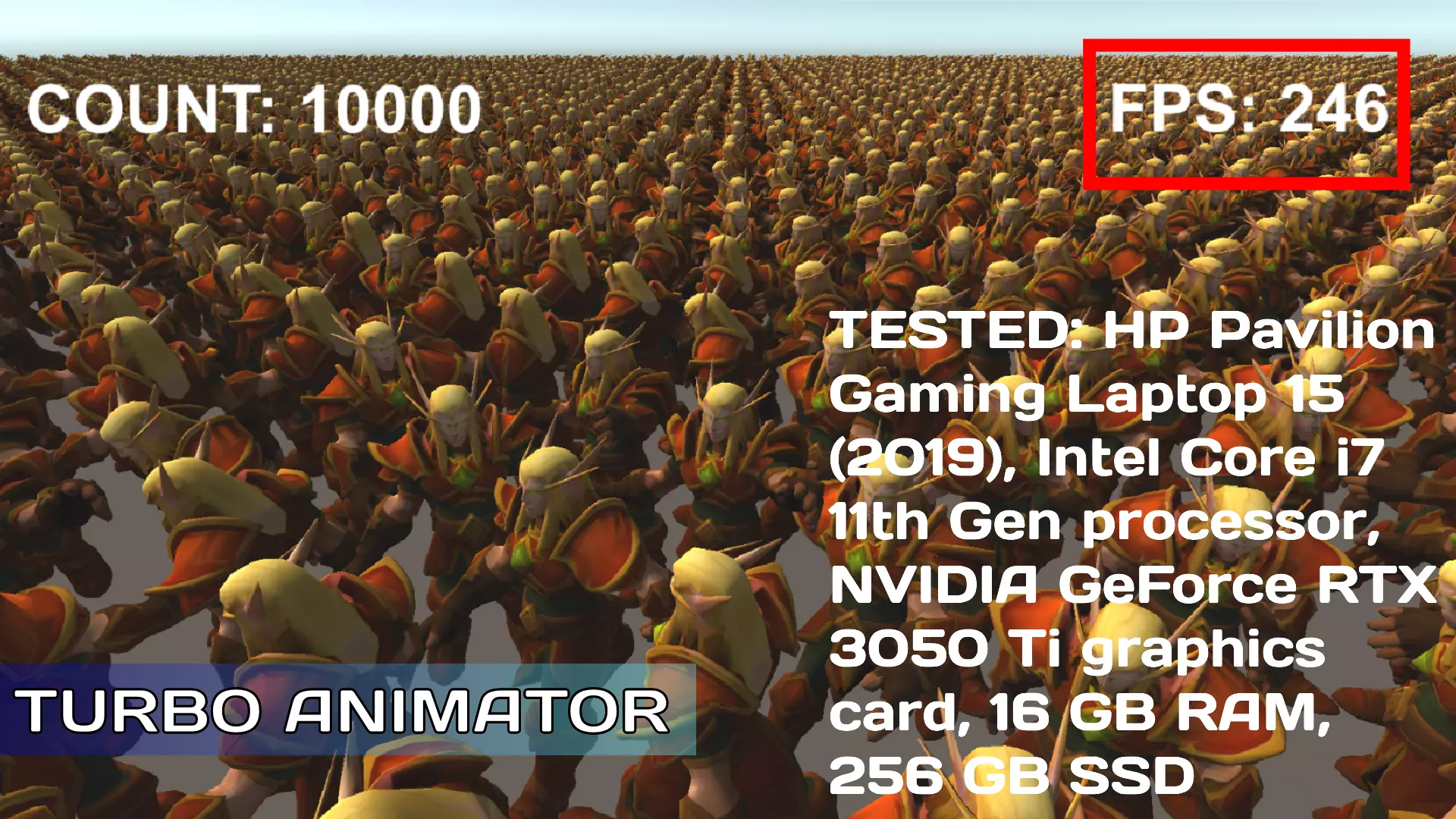
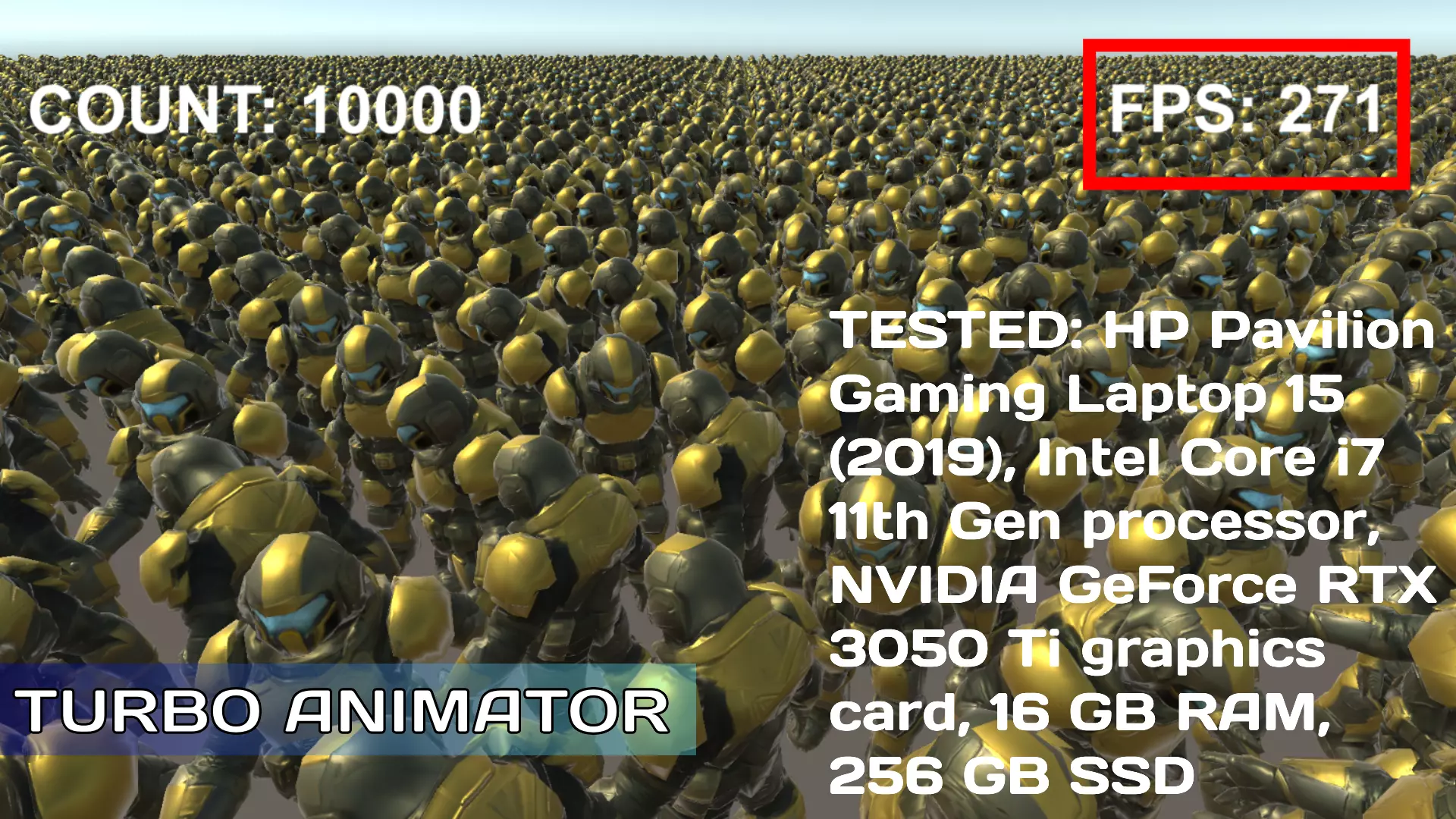
- Crowd systems with hundreds or thousands of animated characters on screen.
- Third-person action games where many NPCs update animations at once.
- Creature or non-humanoid characters where traditional rig updates are heavier or unnecessary.
- Mobile titles, where lowering CPU cost is essential for stable FPS.
- RTS, simulations, or large-scale battles, where globally synchronized animation timing helps maintain visual consistency.
Similar Tools
- GPU ECS Animation Baker: A Unity Asset Store tool from The Orange Coder that uses DOTS/ECS + GPU animation baking/instancing. It converts existing animators & SkinnedMeshRenderers into ECS entities and runs animations entirely on the GPU. It is intended for mass-character animation (crowds) with very high performance.
Differences: GPU ECS Animation Baker also targets huge numbers of characters, but emphasises GPU/ECS + instancing rather than purely optimizing the Animator workflow. So it’s very similar in use-case but slightly different technical approach.
- GPU Animation Baker Basic: A tool (by Sword-Master) on Unity Asset Store that bakes animations into textures and uses custom shaders + GPU instancing support. The goal is to support “a large number of animations at the same time on screen with great performance and better framerate.”
Differences: Similar in “baked animation for performance” idea, but perhaps more basic or older compared to Turbo Animator’s “10k+ characters 200 + FPS” demonstration. Might require more setup or limitations (e.g., legacy animations only).
📘 Want to create your own Unity tools? Check out Unity 6 Editor Tools Essentials, a complete guide to mastering the Unity Editor Tools API.
Learn how to design custom inspectors, layouts, and UI extensions, add menus and dialogs, and unlock the full potential of editor customization.
Math + Procedural shapes + Tools in Unity! If you're into technical art, this Bundle is what you need 🔗 https://t.co/MflVh7KJnp#unity3dgamedevelopment #indiedevs #gamedevs pic.twitter.com/LHN2ci83SN
— The Unity Shaders Bible (@ushadersbible) November 8, 2025
Level up your Technical Art skills! Grab our bundle and start learning today.
We invite you to explore "Unity Tool Development Bundle", a comprehensive bundle on the concepts and fundamentals seen in this post.
Other posts that might interest you.
-
.jpg) A quick look at a Blender add-on that builds animated stylized water using shaders and Geometry Nodes, without simulations or baking.
A quick look at a Blender add-on that builds animated stylized water using shaders and Geometry Nodes, without simulations or baking. -
.jpg) We take a look at a Blender Geometry Nodes modifier for adding procedural fabric details like stitches, sequins, and embroidery directly onto surfaces.
We take a look at a Blender Geometry Nodes modifier for adding procedural fabric details like stitches, sequins, and embroidery directly onto surfaces. -
.png) We take a look at a Blender add-on for fixing broken local axes and messy origins on imported assets, available in both free and paid versions.
We take a look at a Blender add-on for fixing broken local axes and messy origins on imported assets, available in both free and paid versions.
