
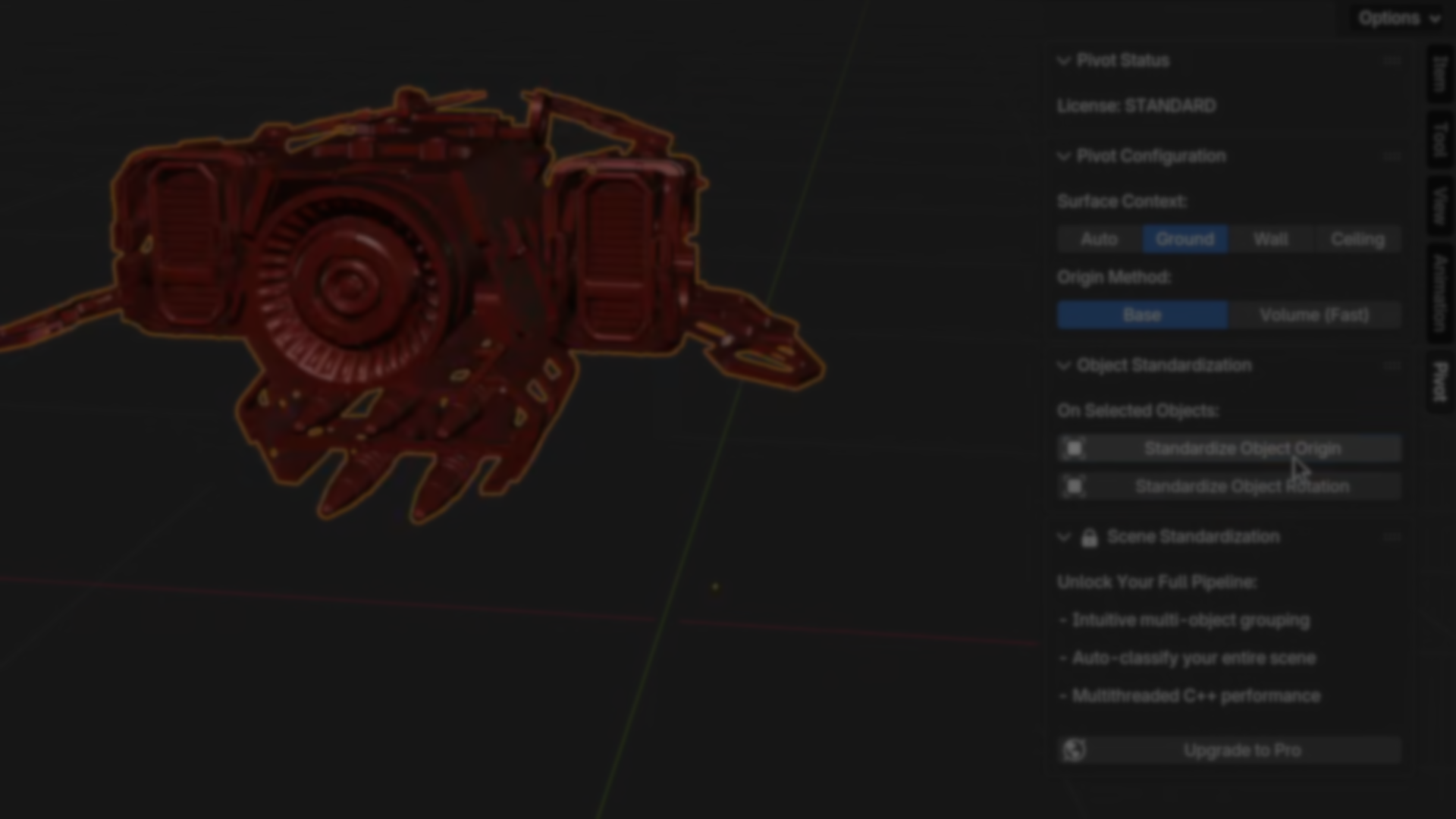
Anyone who has worked with imported assets in Blender has likely run into the same issue: broken local axes, inconsistent origins, and transforms that make otherwise usable models frustrating to place, rotate, or snap together. These problems tend to show up when working with downloaded assets, sculpted meshes, CAD imports, or scanned geometry, and they often require repetitive manual cleanup before any real work can begin.
Pivot is a Blender add-on created by Nick Wierzbowski to address this specific problem. Rather than acting as another modeling or snapping tool, it focuses on standardizing local space and object origins in a predictable, non-destructive way, making assets immediately usable inside a scene.
What Pivot Is Designed to Solve
Pivot targets a very specific pain point in Blender workflows: assets that look correct visually but behave incorrectly when transformed. This usually comes down to misaligned local axes, misplaced origins, or inconsistent orientation across a group of objects.
According to the developer, the tool was built to streamline tasks such as:
- Fixing downloaded assets so rotations and snapping behave as expected
- Preparing meshes for symmetrical retopology or further modeling
- Snapping parts together without relying on the 3D cursor or manual alignment
Rather than treating each object as an isolated case, Pivot analyzes the underlying geometry to determine how the object should be oriented and where its origin should logically sit.
Core Standardization Features
At its core, Pivot is a transform and standardization tool. The Standard version focuses on individual object cleanup, while the Pro version expands this to automation and batch processing.
Key capabilities include:
- Repairing broken local axes directly in object space, not just by applying world rotations
- Snapping origins to meaningful points such as the base contact point or the volume center
- Applying changes through precise rigid transformations that preserve mesh data, UVs, and attributes
- Full integration with Blender’s native undo system for safe iteration
These operations are designed to be non-destructive and reversible, making them suitable for early cleanup as well as late-stage adjustments.
Context-Aware Asset Handling
One of the more practical aspects of Pivot is its context awareness. The tool can analyze geometry to infer whether an object is meant to sit on a floor, attach to a wall, or hang from a ceiling. This allows origin placement and orientation to adapt to how the asset is likely to be used, rather than applying a one-size-fits-all rule.
For cases where inference is not desired, the context can be overridden manually. This makes the behavior explicit, which is important when working with large libraries or production assets.
For cases where inference is not desired, the context can be overridden manually. This makes the behavior explicit, which is important when working with large libraries or production assets.
Working with Groups and Hierarchies
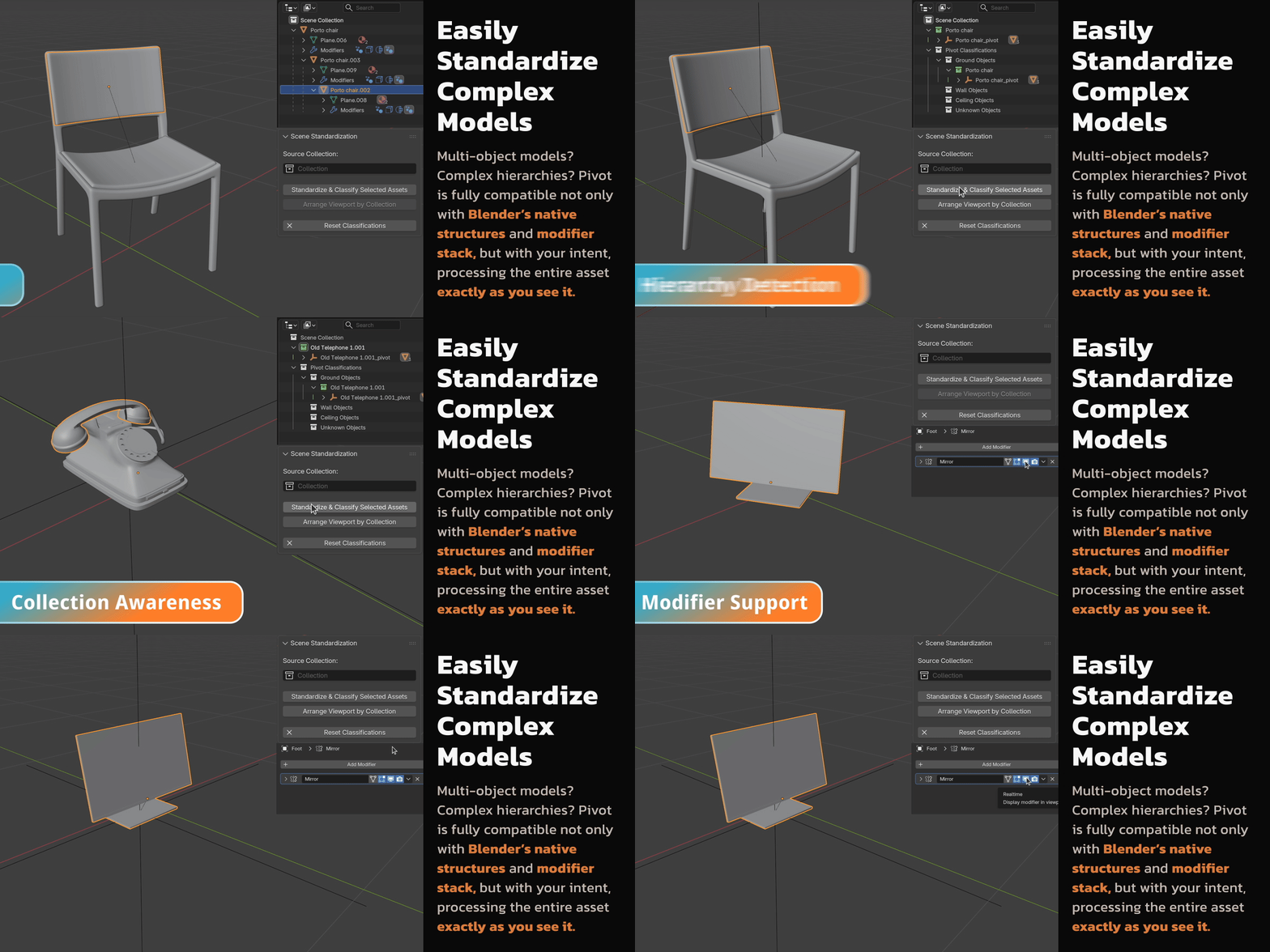
In real production scenes, assets rarely exist as single, isolated meshes. Environment pieces, kitbash elements, and imported libraries are usually made up of multiple objects, parented hierarchies, or collection-based setups.
Pivot handles single-object cleanup cleanly in its free version, but Pivot Pro extends that same logic to multi-object assets, treating entire hierarchies as a single unit instead of forcing you to fix each piece individually.
In practice, this means:
- Automatically detecting parent-child relationships
- Processing grouped objects as one asset
- Preserving existing collection structures
- Parenting processed assets to clean empties to keep scenes organized
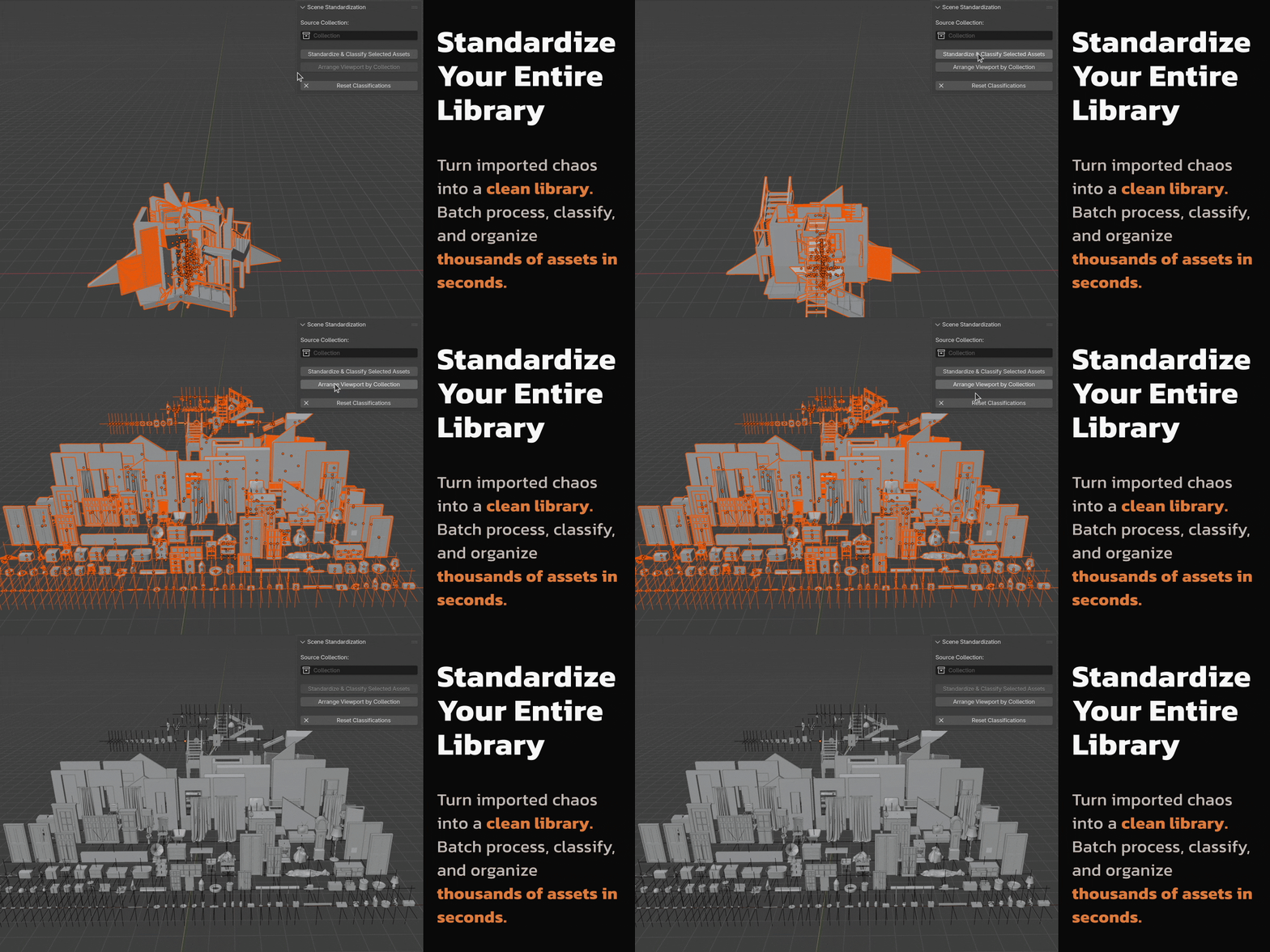
For asset packs, environment props, and larger libraries, this removes a lot of the repetitive cleanup that normally happens before assets are usable in a scene.
Performance and Architecture
Pivot is built on a native C++ backend rather than Python-only operators. This allows the tool to bypass common performance bottlenecks and scale with CPU core count when processing larger selections.
In practice, this means:
- Near-instant feedback on individual assets
- Millisecond-level updates when reprocessing previously handled objects
- Linear performance scaling when working with large libraries
For users dealing with hundreds or thousands of assets, this architectural choice is central to the tool’s usefulness.
Versions and Availability
Pivot is split into two tiers:
- Pivot Standard, which provides the core local space repair and origin tools and is available for free
- Pivot Pro, which adds multithreaded batch processing, intelligent grouping, and visual organization tools
The developer has stated that the free version is intentionally unrestricted for its core use case, as the underlying functionality is considered fundamental rather than premium.
System requirements are modest:
- Blender 4.2 LTS or newer
- Windows 10/11, macOS (Intel and Apple Silicon), or Linux distributions with glibc 2.28+
Where Pivot Fits Best
Pivot is not a modeling tool, a snapping replacement, or a layout system. It is most useful when:
- Cleaning up third-party assets before use
- Preparing models for export to game engines or 3D printing
- Standardizing asset libraries for reuse
- Reducing repetitive transform cleanup during scene assembly
For artists and developers who regularly work with external assets, Pivot addresses a small but persistent friction point in Blender workflows and does so with a clear, focused scope.
Similar and Useful Alternatives
- Blender Friendly Pivot: A community Blender addon that lets you quickly adjust pivot/origin and transform orientation similar to tools in other DCC apps, with convenient shortcuts and gizmo support.
Differences: Friendly Pivot is focused on interactive pivot/origin editing per object, offering shortcuts and UI control. Pivot standardises many assets automatically, aligning axes to geometry and snapping origins in bulk, with the Pro version adding classification and batch workflows.
- Pixie Pivot: A Blender addon (documented in community videos) that rethinks pivot control with enhanced pivot manipulation tools that stay intuitive and powerful, drawing inspiration from workflows outside Blender.
Differences: Pixie Pivot specialises in pivot control and repositioning tools for individual objects, not full asset standardisation or library organisation. Pivot’s strength is automated standardization and batch processing, while Pixie Pivot focuses on advanced interactive pivot manipulation.
✨ Pivot: Fix Local Space & Standardize 3D Assets is now available on Gumroad.
📘 Interested in creating your own Tools and Shaders? Check out the Godot Shaders & Blender Tools Bundle, which includes: Blender Tool Development Fundamentals and The Godot Shaders Bible.
✨ Pivot: Fix Local Space & Standardize 3D Assets is now available on Gumroad.
📘 Interested in creating your own Tools and Shaders? Check out the Godot Shaders & Blender Tools Bundle, which includes: Blender Tool Development Fundamentals and The Godot Shaders Bible.
Our best-selling indie Bundle: Godot shaders + Blender tools ✨ https://t.co/zSlHDCuGVC#b3d #GodotEngine #3DCG pic.twitter.com/sjdYxXjKUB
— The Unity Shaders Bible (@ushadersbible) November 16, 2025
Jettelly wishes you success in your professional career!
Did you find an error? No worries!
Write to us at [email protected], and we'll fix it!
Other posts that might interest you.
-
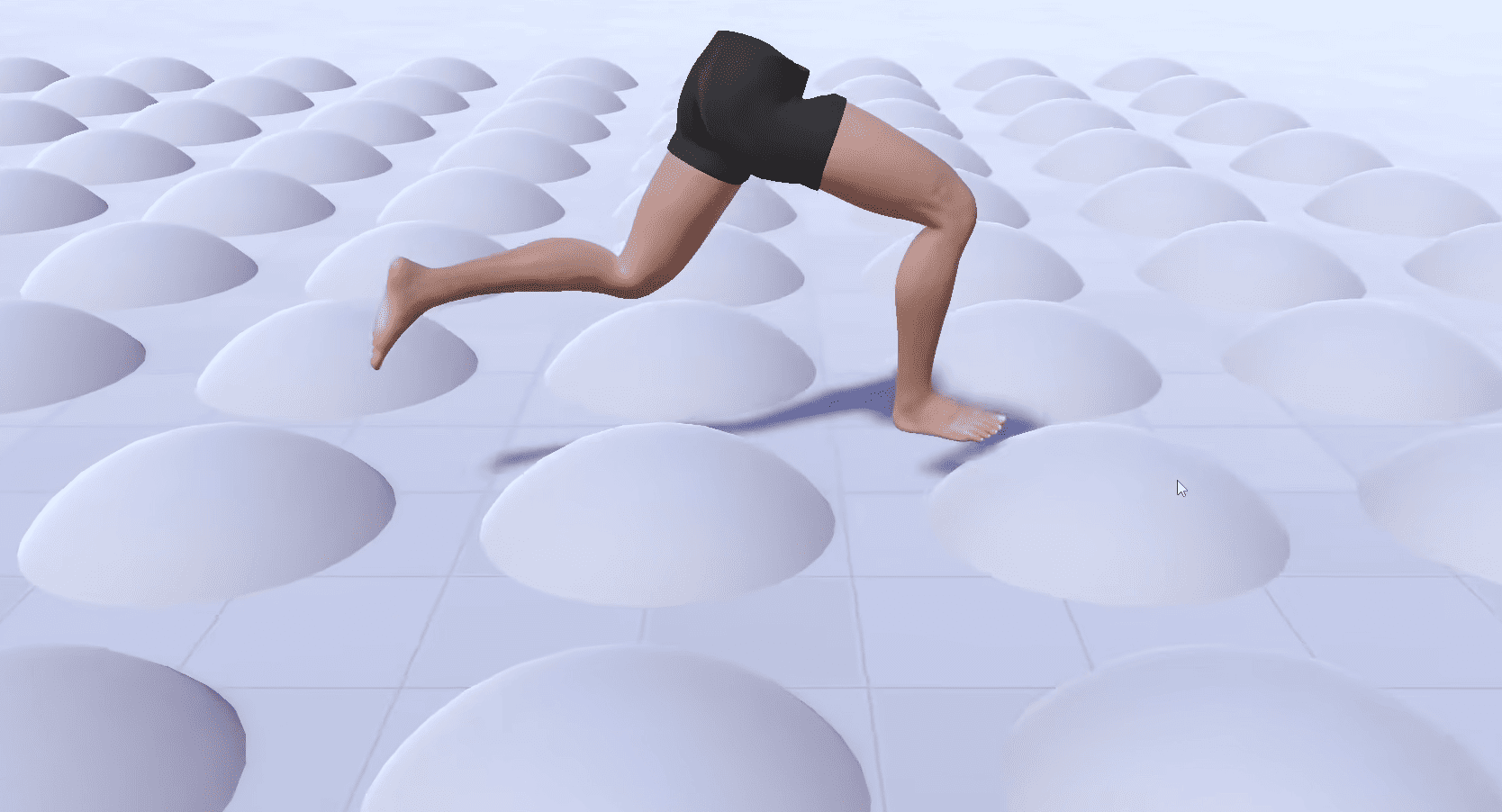 Check out the details of Footwerk, a free foot placement plugin that helps characters stay grounded while keeping existing animations intact.
 -
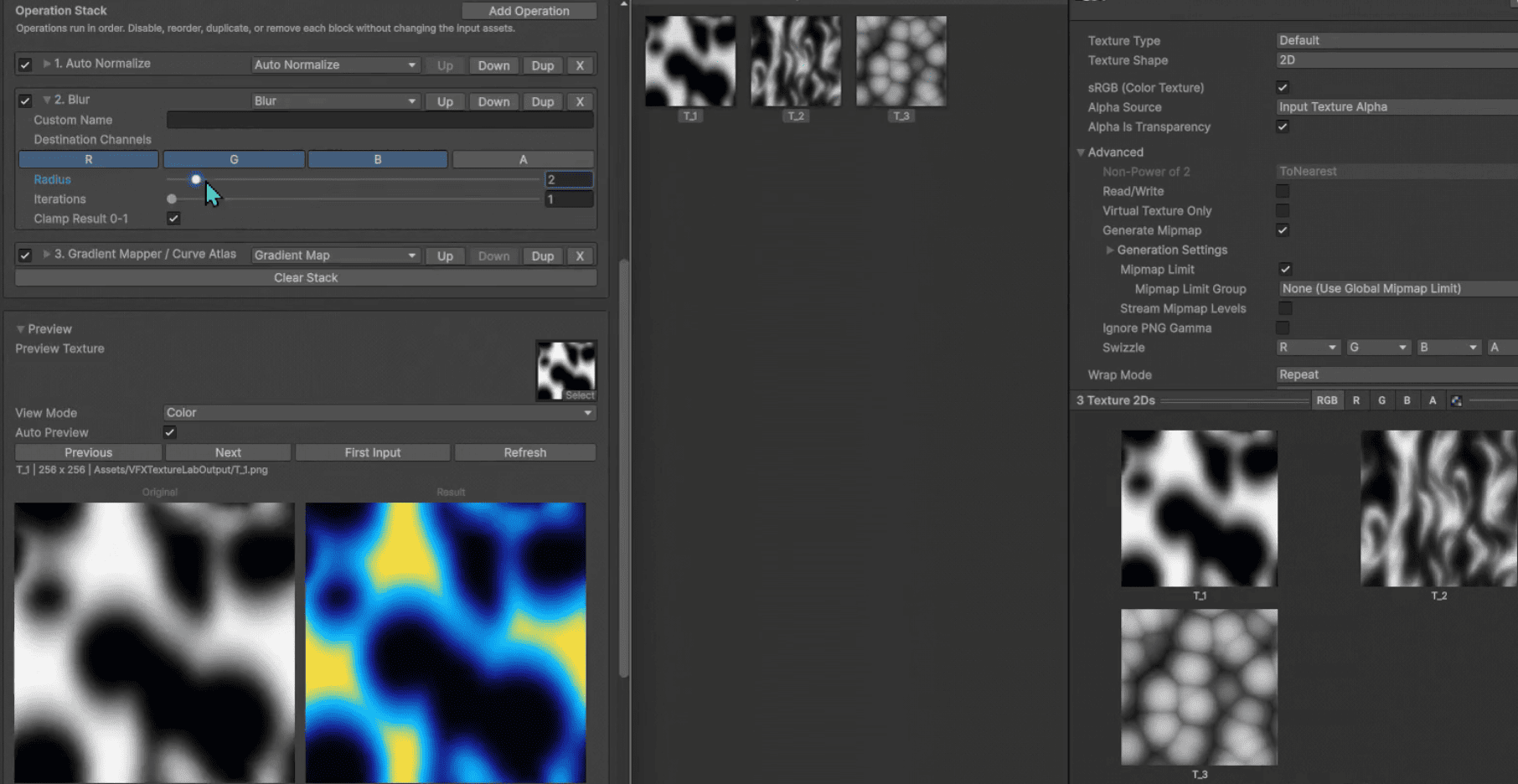 VFX Texture Lab is a free and open-source Unity tool that lets VFX artists edit textures directly inside the editor.
 -
 Check out SimpleXTerrain, a free and open-source node-based world generator for Godot 4 made by Prajwal.
