- Receive the latest news and offers on this course.

Technical Tools Series
Unity 6 Editor Tools Essentials - Vol. 1
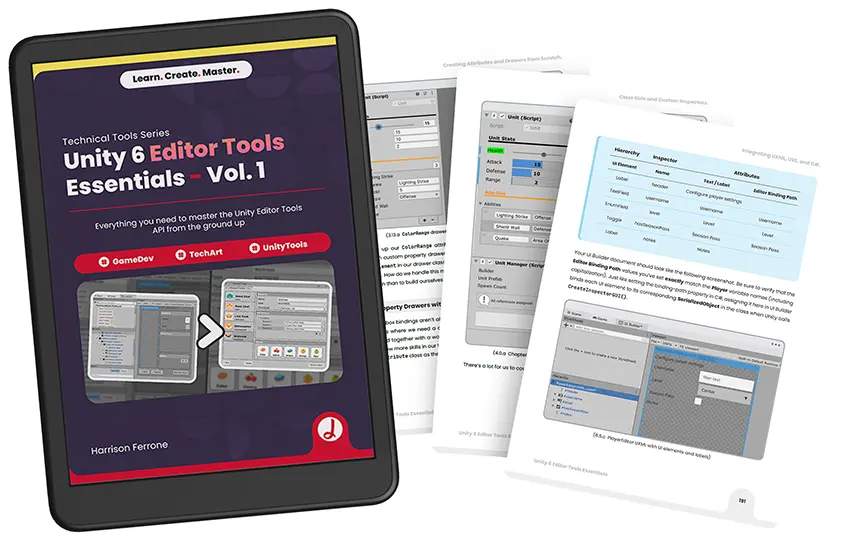
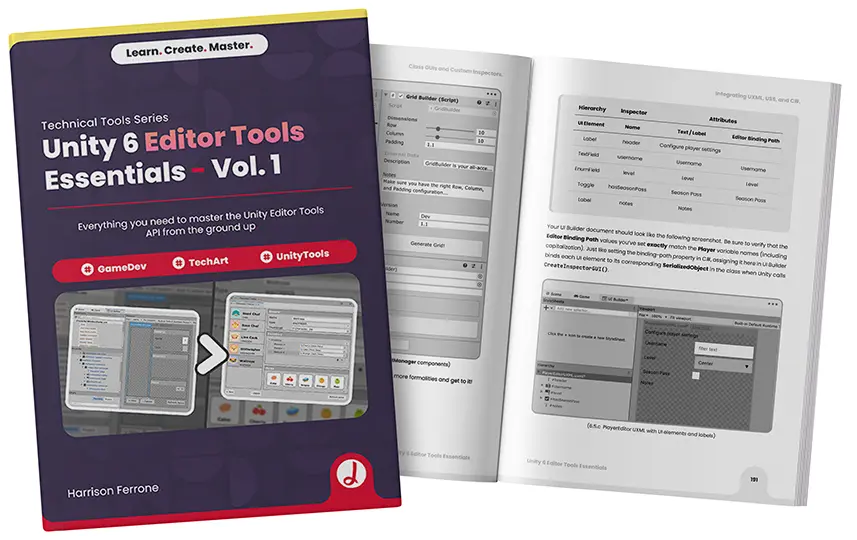
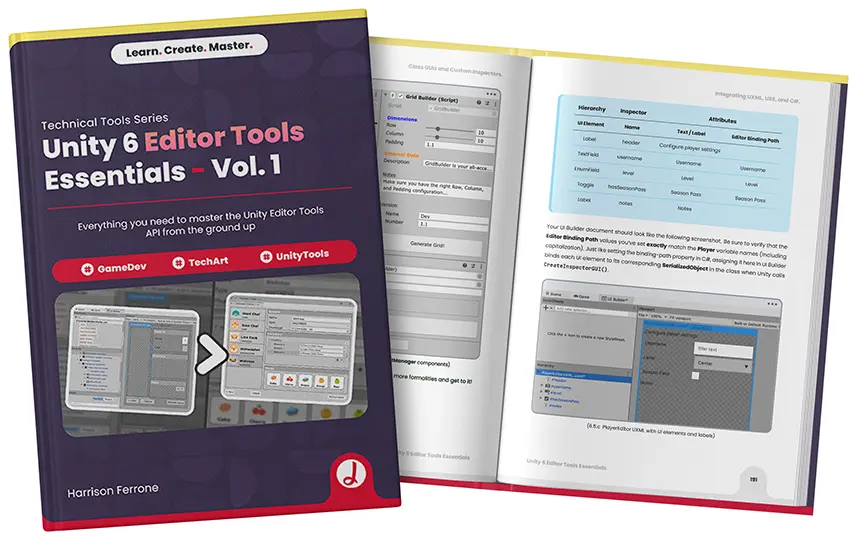
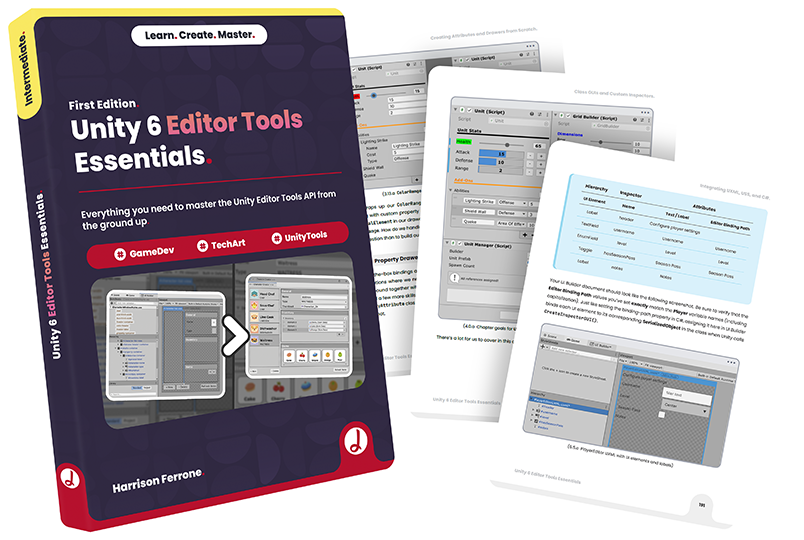
Everything you need to master the Unity Editor Tools API from the ground up.
5.0 out of 5 stars from 7 ratings
Harrison Ferrone
First Edition 2025
234 pages
Who is this for?
Unity developers who want to streamline their workflows by building custom tools.
Technical artists and programmers looking to master the Unity Editor API.
Tool developers aiming to create professional-grade editor extensions with UI Toolkit.
Every Unity project eventually outgrows the default Editor. Inspectors fill up with unorganized fields, designers struggle to find the values they need, and the same manual setup gets repeated across every scene. Small inefficiencies like these add up to hours lost every week. Unity 6 Editor Tools Essentials shows you how to fix them by building your own tools. Written by Harrison Ferrone, author of the bestselling Learning C# by Developing Games with Unity series, this book guides you step by step through the Editor Tools API, so you can shape the Editor around the way your team actually works.
You will learn how to use attributes, property drawers, and decorator drawers to organize your inspectors, then build custom inspectors and editor windows that integrate naturally with the Editor's menus. You will then dive deep into UI Toolkit, combining UXML, USS, and C# to create modern, professional interfaces, and use Scriptable Objects to manage your project's data efficiently.
You will learn how to use attributes, property drawers, and decorator drawers to organize your inspectors, then build custom inspectors and editor windows that integrate naturally with the Editor's menus. You will then dive deep into UI Toolkit, combining UXML, USS, and C# to create modern, professional interfaces, and use Scriptable Objects to manage your project's data efficiently.
Content Included.
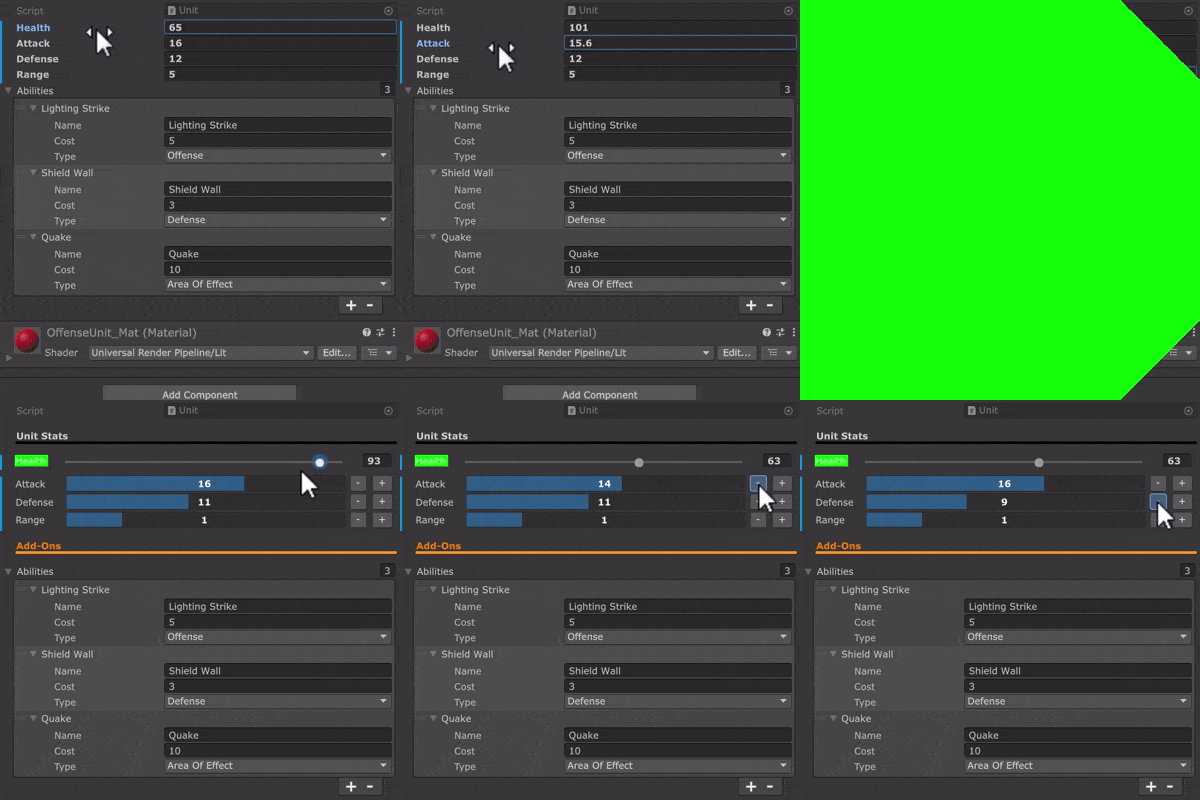
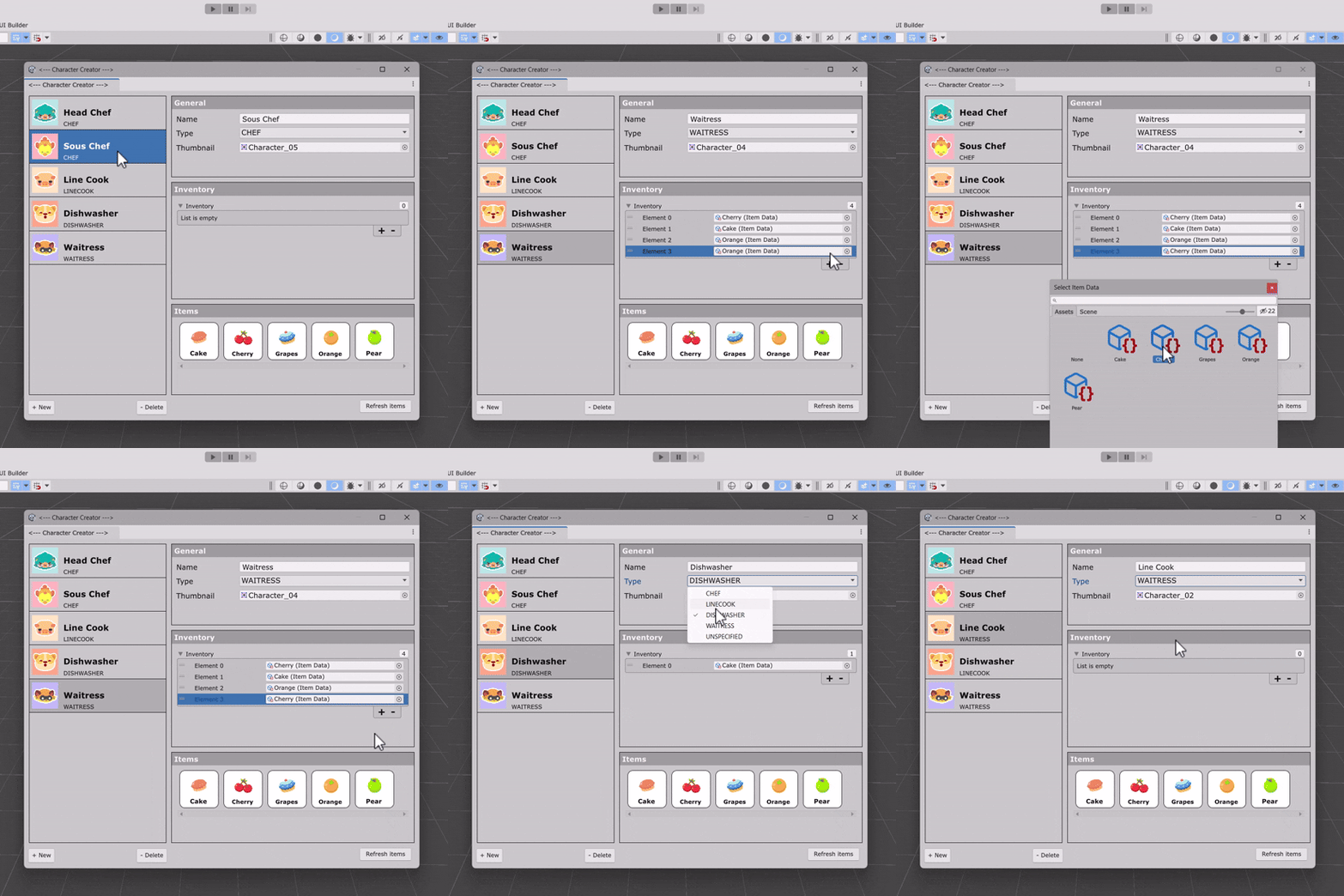
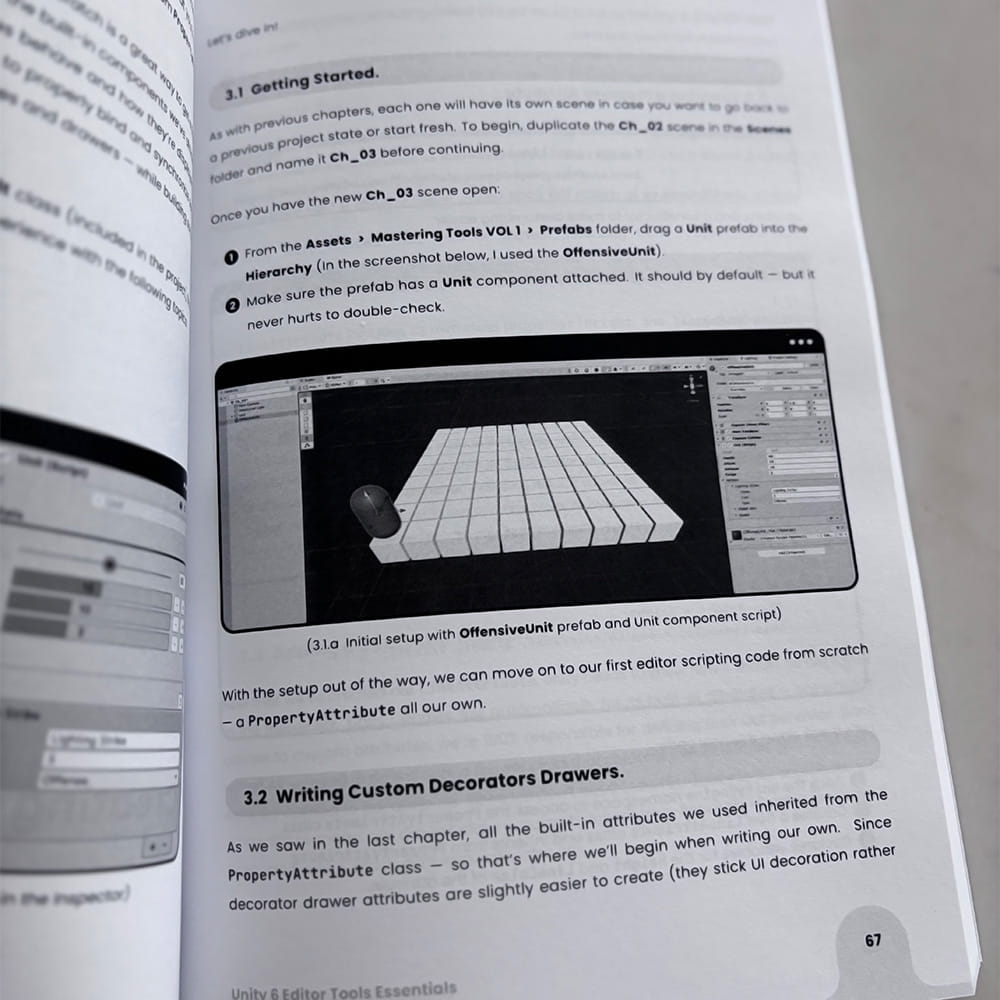
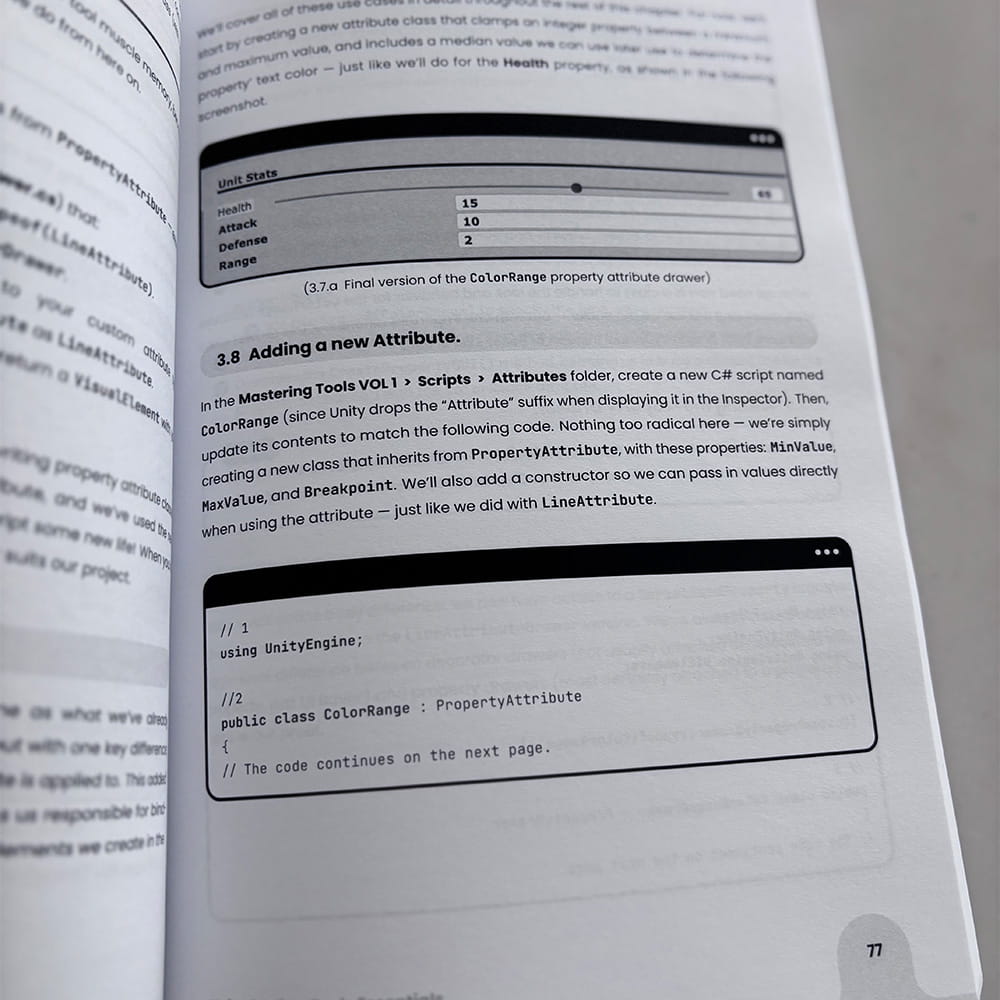
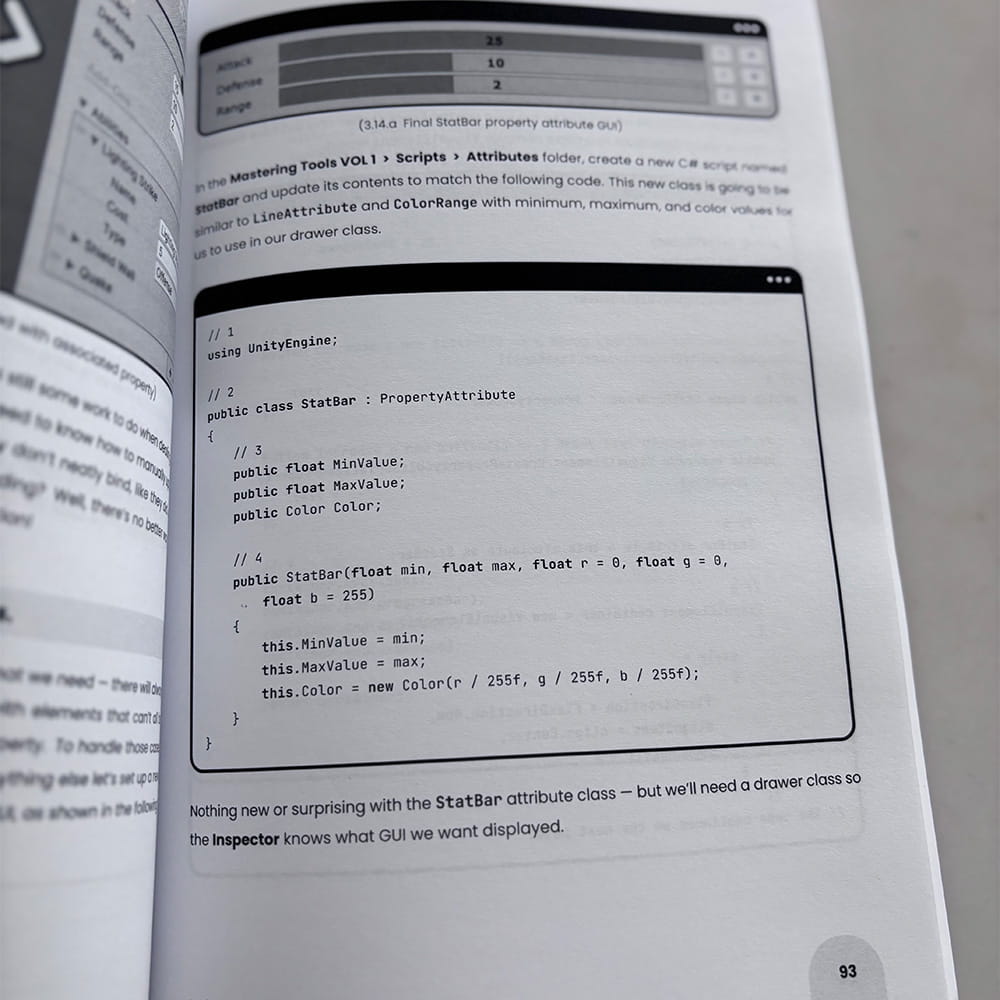
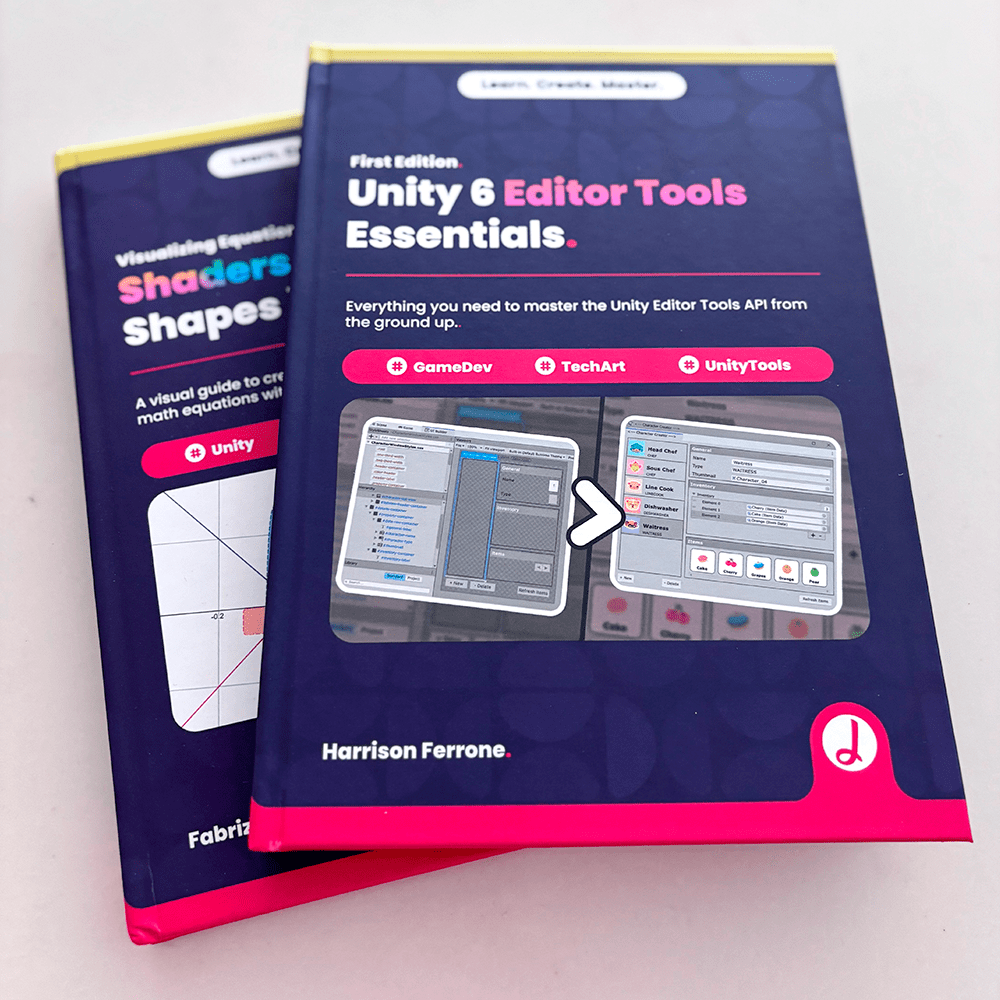
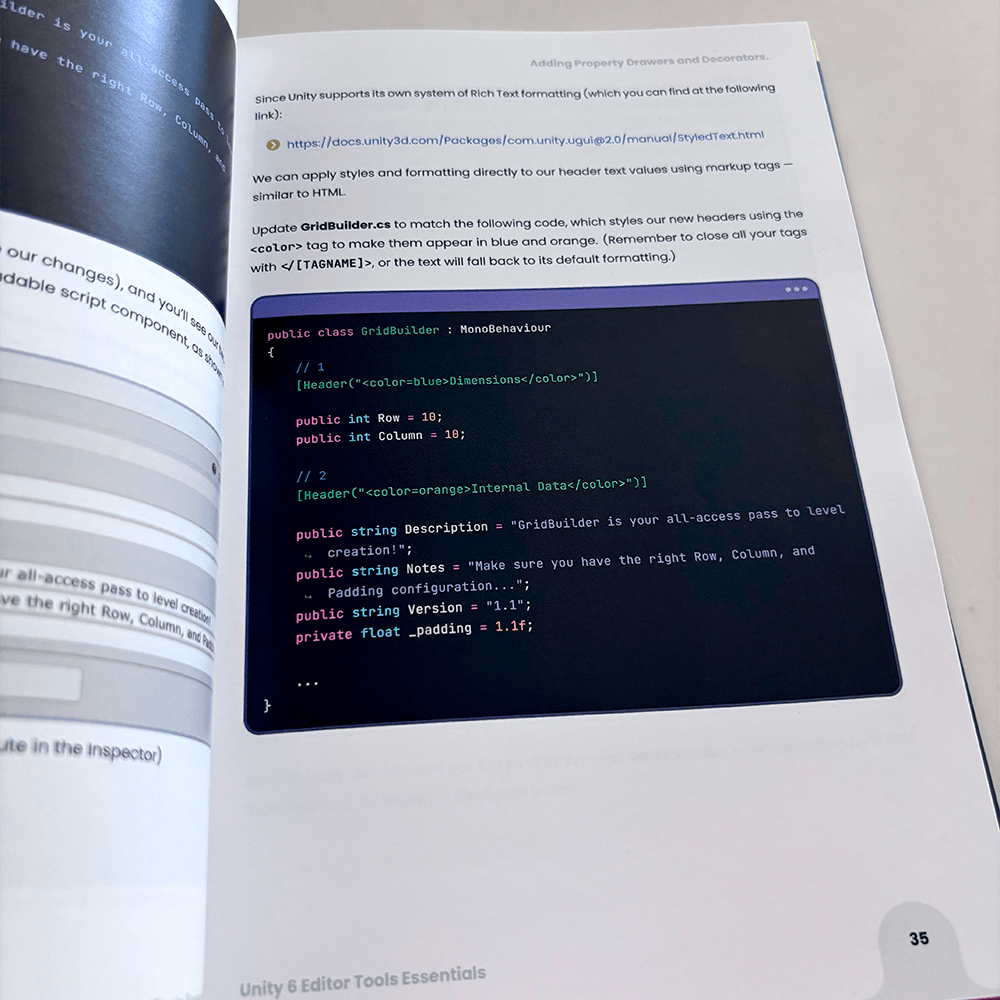
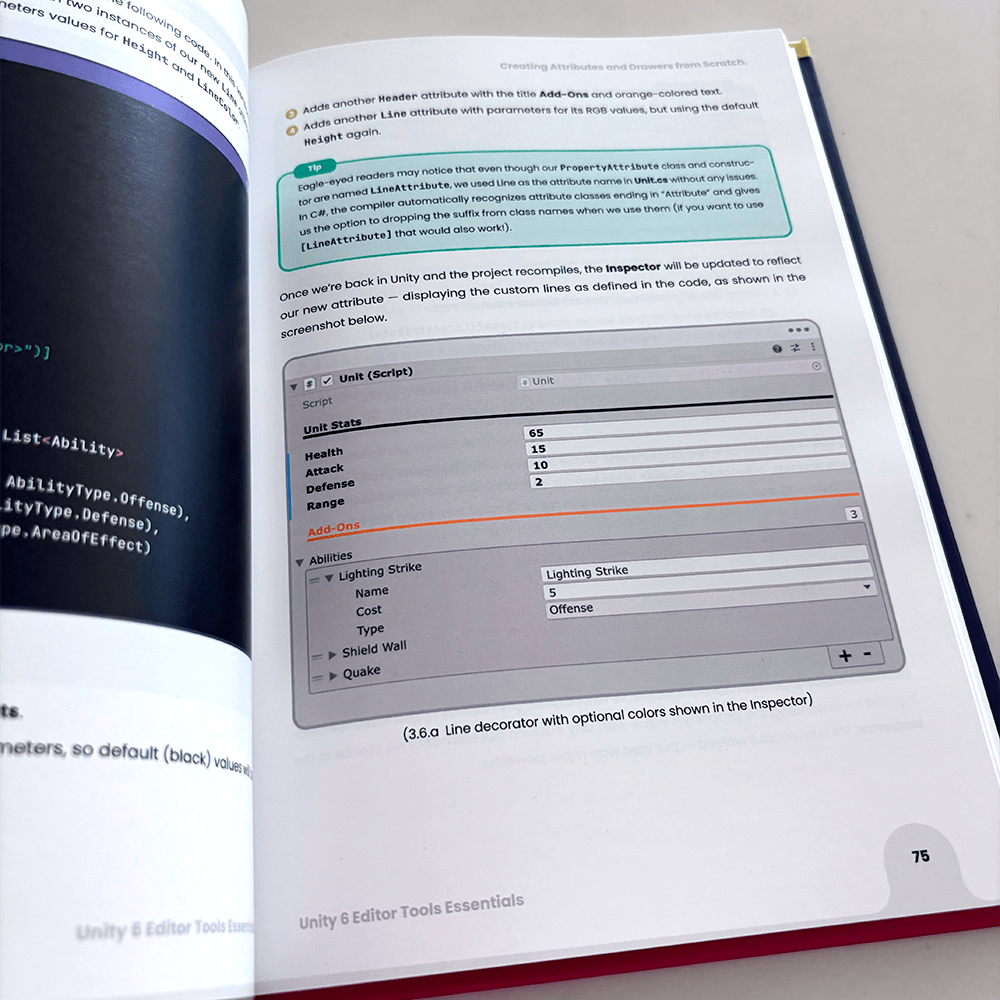
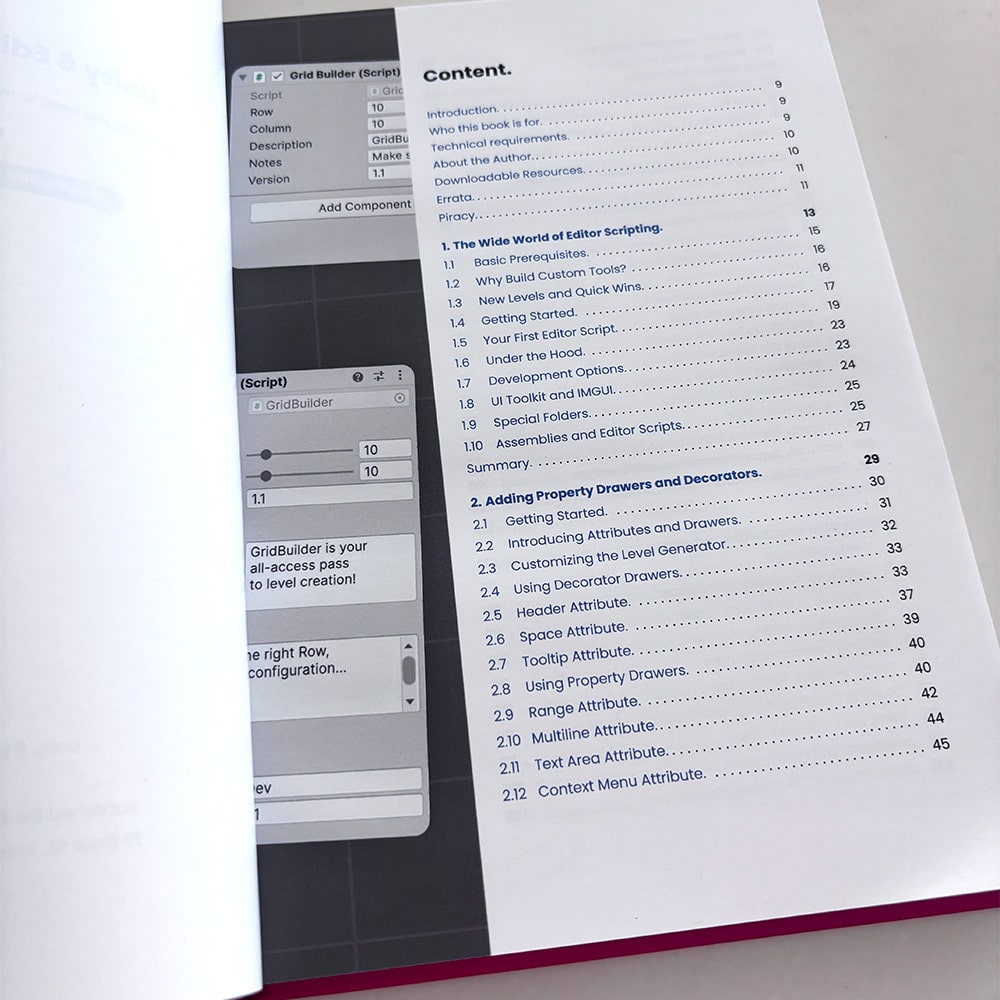
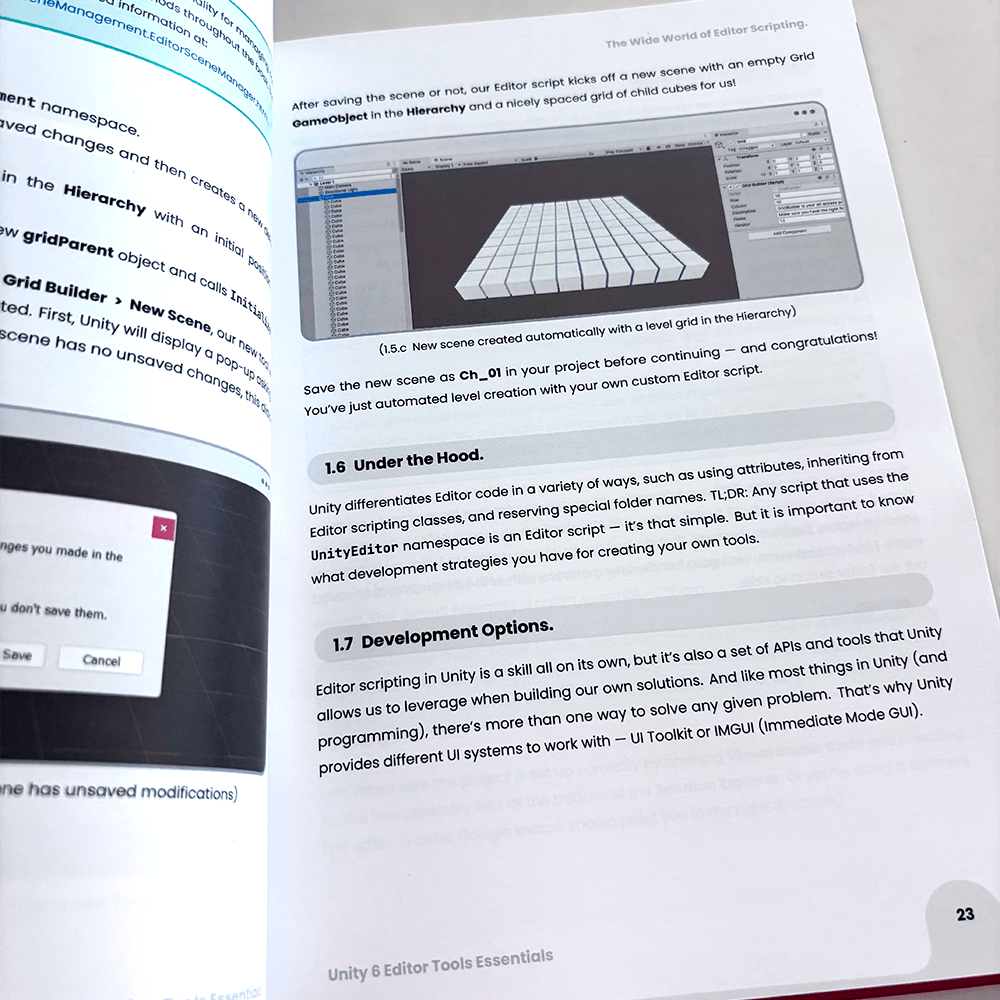
Table of Contents.
1. The Wide World of Editor Scripting.
- Basic Prerequisites.
- Why Build Custom Tools.
- UI Toolkit and IMGUI.
2. Adding Property Drawers and Decorators.
- Introducing Attributes and Drawers.
- Customizing the Level Generator.
- Using Decorator Drawers.
3. Creating Attributes and Drawers from Scratch.
- Writing Custom Decorators.
- Adding a Decorator Drawer.
- Elements and Styles.
4. Class GUIs and Custom Inspectors.
- Customizing Serialisable Classes.
- Building Custom Inspectors.
- Managing Unity Placement.
5. Crafting Editor Windows
- Building an EditorWindow.
- Adding and validating menu items.
- Using the AssetPreview class.
6. Integrating UXML, USS, and C#
- UI Toolkit development strategies.
- Creating and cloning UXML documents.
- Reusing styles across multiple elements.
- Adding editor behaviors in C# scripts.
7. Managing Data with ScriptableObject assets.
- Creating ScriptableObject data classes.
- Structuring EditorWindow UXML.
- Creating assets with the AssetDatabase class.
Featured eBook Bundle.
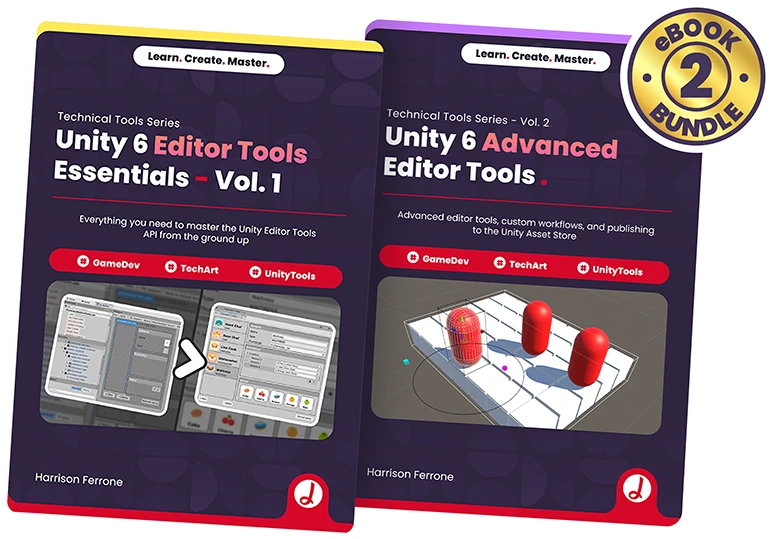
Technical Tools Series Vol. 1+2 Bundle
Get +480 pages of practical content covering the Unity Editor Tools API, from productivity scripting to advanced editor extensions, all bundled at a special price!
$49.98
$36.99
Save $12.99 - 25% off
About the author.

Latest customer reviews.
7 ratings
5.0 out of 5 stars from 7 ratings
5.0
Robert L.
I was able to use this book to make my team's lives easier and make tools for us that we have been using daily, great to learn the basics and expand on them for more complex ideas.
5.0
Marc R.
Great book for learning the basics of editor tooling
Frequently Asked Questions.
What do the books include?
Our books are crafted to provide a deep understanding of each topic with step-by-step explanations, real-world examples, and practical exercises. Each book includes detailed chapters, illustrations, and code samples designed to help you build skills as you read. All of our eBooks are downloadable in PDF format, making it easy to access them offline anytime. Many books also come with supplementary downloadable assets or files to support your learning.
Do the courses/eBooks include updates?
Our books, which are published chapter by chapter, are also updated regularly until they are considered complete. This approach allows you to benefit from the latest information and improvements as you progress through the material. Once a book is finalized, it remains available in its completed form, and you'll have access to any free updates within the same edition that may include fixes and small improvements.
Can I download the eBooks?
Our eBooks are fully downloadable in PDF format, allowing you to access them offline anytime.
What do the Hardcover editions include?
Some of our books are offered in a special Hardcover edition through our partner Lulu. If you purchase one, you may also request the project files. If you get the Hardcover edition and don't have an account on Jettelly, we can also create an account for you automatically. Please reach us on [email protected] to get started.
Do you offer certificates upon course completion?
No, we currently do not offer certificates upon course completion. Our focus is on providing high-quality content and practical skills that you can immediately apply to your projects and portfolio.
How long will I have access to the eBooks/Courses after purchase?
You'll have lifetime access to any course you purchase, as long as Jettelly Inc. exists. This allows you to revisit the content anytime and learn at your own pace, without any time restrictions. If you have any questions regarding previous purchases, feel free to email us at [email protected]
Can I get a refund if I'm not satisfied with my purchase?
Unfortunately, due to the nature of our downloadable eBooks, we do not offer refunds. For Hardcover editions, we offer exchanges in case of print quality issues through Lulu. Regardless, if you have any questions or concerns, please reach out to our support team at [email protected], and we'll be happy to assist you.
What happens if I buy a product in development and it's never finished?
Jettelly will issue a refund minus taxes and admin fees.
Will I receive access to future new editions?
New editions of a book or course are considered separate products, and we may offer a discount to owners of the previous edition, at the discretion of the author and publisher.
This course includes:
- Skill level:
Intermediate
- Language: English
- Software: Unity 6000.0.45f1

Other courses that might interest you.
-
 Fabrizio Espíndola, Harrison Ferrone, Joseph Hocking, Nicholas LeverBundle$72.72 54% OFF
 -
-
-
-
-
-
-