
Screen-space particle effects are common in games, but Unreal Engine does not expose them as a dedicated, reusable workflow by default. When they appear, they are usually implemented as one-off solutions built for a specific effect.
Screen Space Niagara Framework is a plugin created by Kryen Molivane that brings this type of effect into Niagara as a structured workflow. It allows developers to author screen-space particle effects using standard Niagara tools, without relying on custom rendering code per effect.
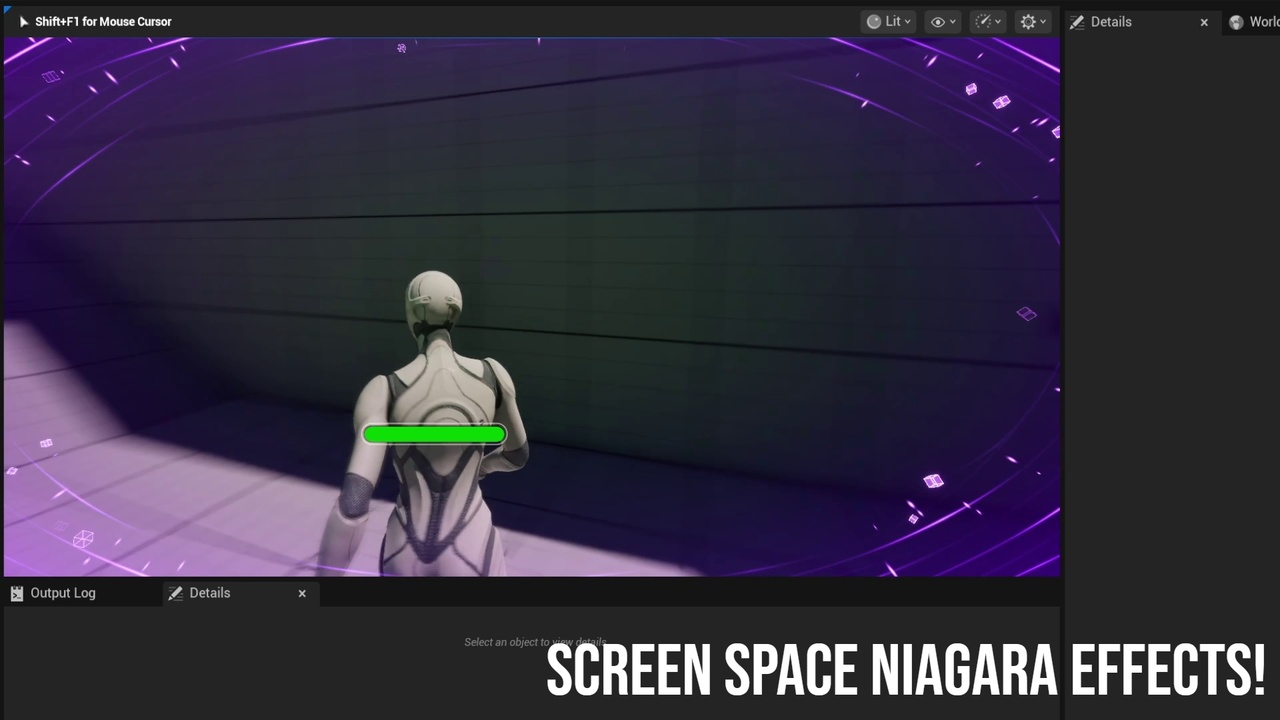
I built a plugin that lets you create Screen Space Niagara effects in Unreal Engine!
byu/kryenomolivane inunrealengine
What the Framework Does
At a technical level, Screen Space Niagara Framework extends Niagara with a screen-space rendering approach. Particles are simulated on the GPU and rendered directly in screen space.
This means effects remain visually consistent across different resolutions, FOV changes, and camera setups. The framework integrates directly with Niagara, so effects are authored using the standard Niagara editor instead of a separate tool or shader-only workflow.
The plugin includes a dedicated Screen Space Niagara Component that handles effect spawning and lifecycle management at runtime.
Core Components and Features
The framework is structured around a small set of reusable building blocks, not pre-made visual effects.
Key elements include:
- A Screen Space Niagara Component for spawning and managing effects
- Niagara modules that handle screen-space rendering
- Emitter templates designed specifically for screen-space behavior
- Blueprint-exposed functions for runtime control
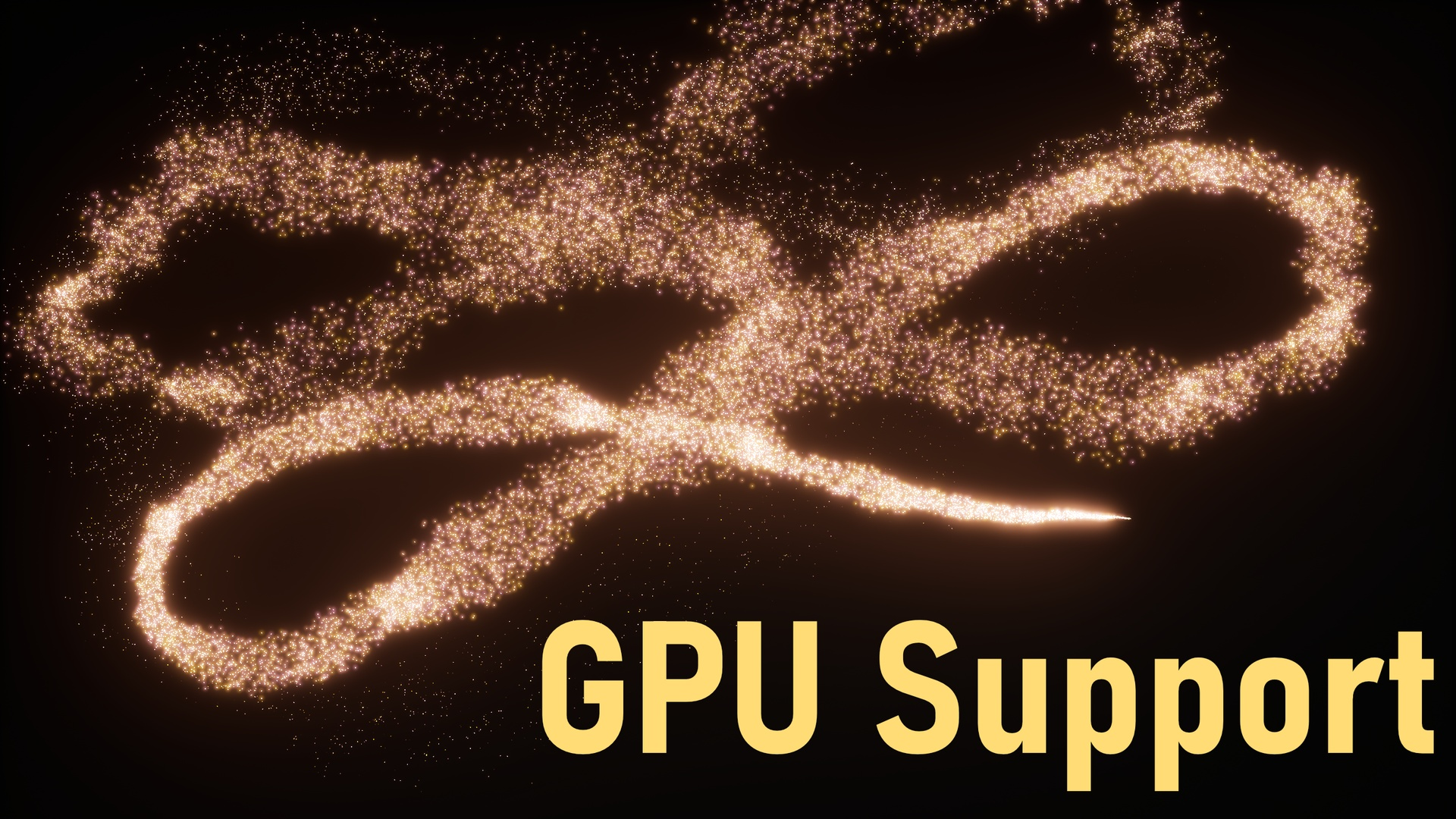
- Support for GPU emitters
The rendering pipeline supports sprite, ribbon, and mesh renderers, allowing different types of visual effects to be authored within the same system.
Workflow Overview
The intended workflow stays close to existing Niagara practices:
- Add the Screen Space Niagara Component to a camera manager or relevant actor
- Create a Niagara system using the provided templates
- Build screen-space effects using the Niagara editor and included modules
- Spawn and control effects through Blueprints
This keeps effect authoring and runtime control within Unreal Engine’s standard toolset, without requiring custom rendering code per effect.
Interaction with Rendering and Post-Processing
Because the effects exist in screen space, they can interact naturally with post-processing such as bloom. The framework also allows particles to respond to scene lighting, shadows, and global illumination where applicable.
According to the author, the system is designed to work across platforms, including mobile, with GPU-based emitters handling most of the workload.
Scope and Limitations
Screen Space Niagara Framework provides the tools needed to build screen-space effects, but it does not ship with finished, production-ready VFX.
Included sample effects serve as reference implementations and learning material, not drop-in assets. The expectation is that developers will author their own effects using the provided components and modules.
The plugin is positioned as an infrastructure layer, not a content pack.
Where This Framework Fits Best
This framework is most relevant for teams or developers who:
- Want screen-space particle effects integrated into Niagara
- Prefer authoring VFX using Unreal’s existing tools
- Need effects that remain consistent across camera and resolution changes
- Are comfortable building custom effects rather than relying on presets
It is less suited for projects looking for ready-made visual effects without additional setup.
Similar & Useful Tools
Niagara UI Renderer: A free open-source Unreal plugin that lets you render Niagara systems inside UI widgets. It adds a Niagara System Widget so you can display sprite and ribbon particle systems in UI (UMG) without expensive render targets.
Differences: Niagara UI Renderer is focused specifically on UI integration (particle effects inside HUD/menus), whereas Screen Space Niagara Framework targets screen-space particle effects in gameplay viewports and screenspace post effects broadly with performance optimizations and GPU support.
Screen-Space Particle Dissolve (Niagara Example): A Niagara effect package showing screen-space-oriented particle effects (e.g., dissolve effects) driven by Niagara module scripts for UE5 content.
Differences: This package contains example effects and emitter/graph setups for specific screen-related visuals, but it does not provide a general system or workflow for building arbitrary screen-space particle setups like the Screen Space Niagara Framework does.
📘 Check out The Technical Artist Bundle, a complete learning path covering shader programming, essential game-dev math, and procedural image generation through three in-depth books.
If you're getting into technical art, this bundle might be exactly what you need. From math visualization to shader development in Unity. Check it out! ✨ https://t.co/kEsRlle0dM#madewithunity #indiedev #3DCG pic.twitter.com/cfgxd445r6
— The Unity Shaders Bible (@ushadersbible) December 8, 2025
Jettelly wishes you success in your professional career!
Did you find an error? No worries!
Write to us at [email protected], and we'll fix it!
Other posts that might interest you.
-
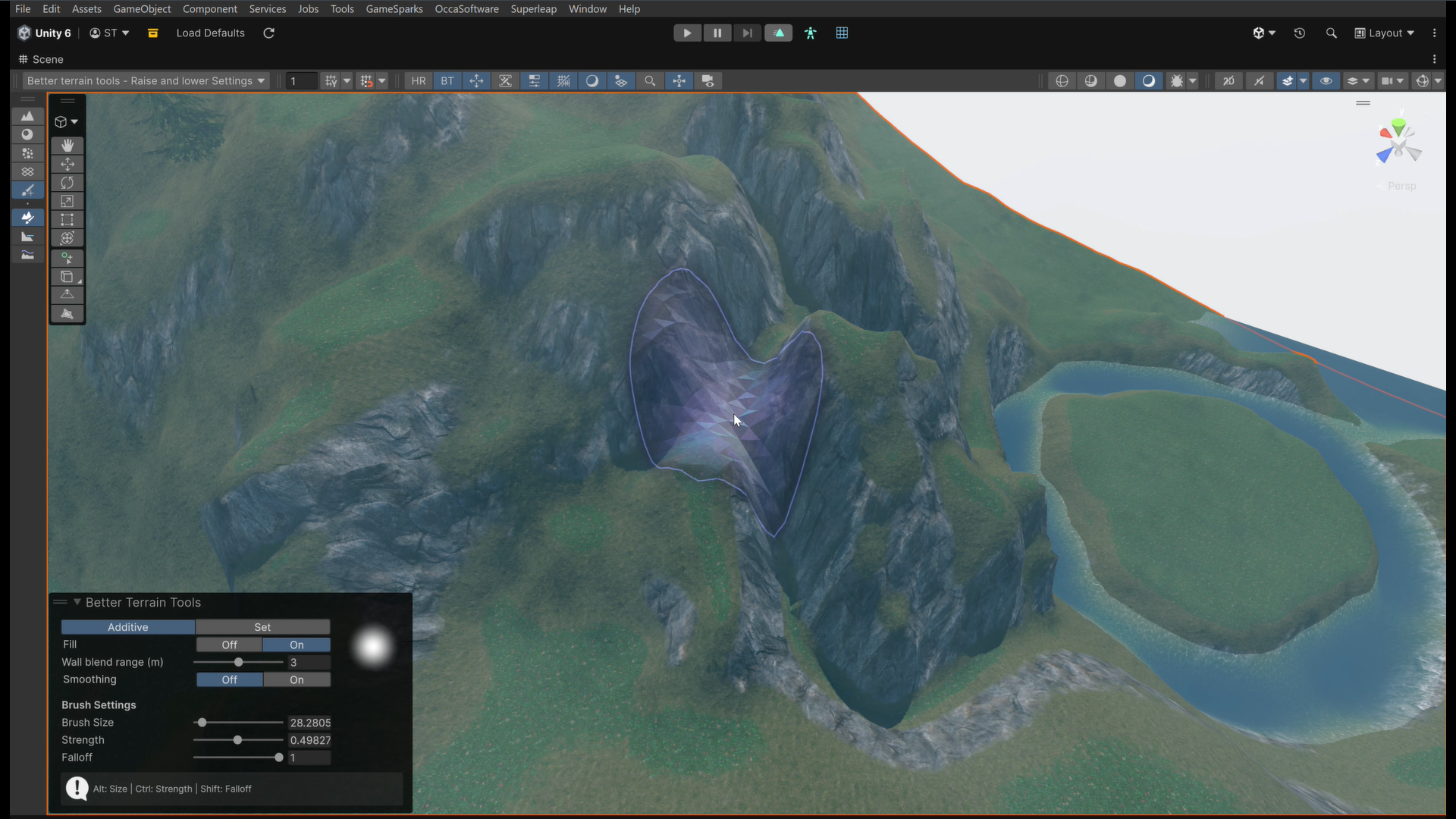 We take a look at Better Terrain Tools, a free Unity terrain sculpting add-on focused on hand-authored workflows.
 -
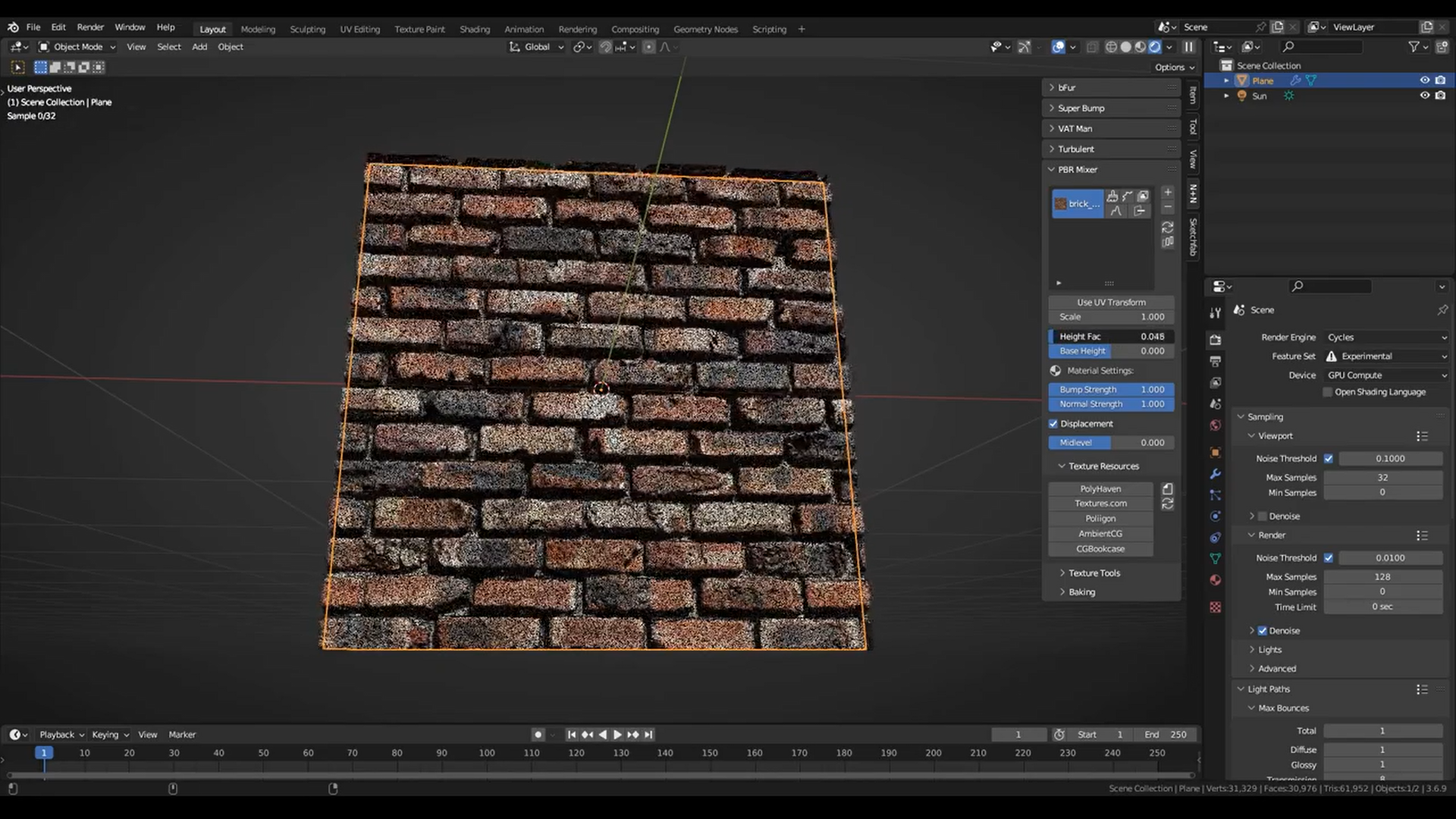 We take a look at PBR Mixer, a Blender add-on that focuses on building layered PBR materials using height-based blending and a dedicated management workflow.
 -
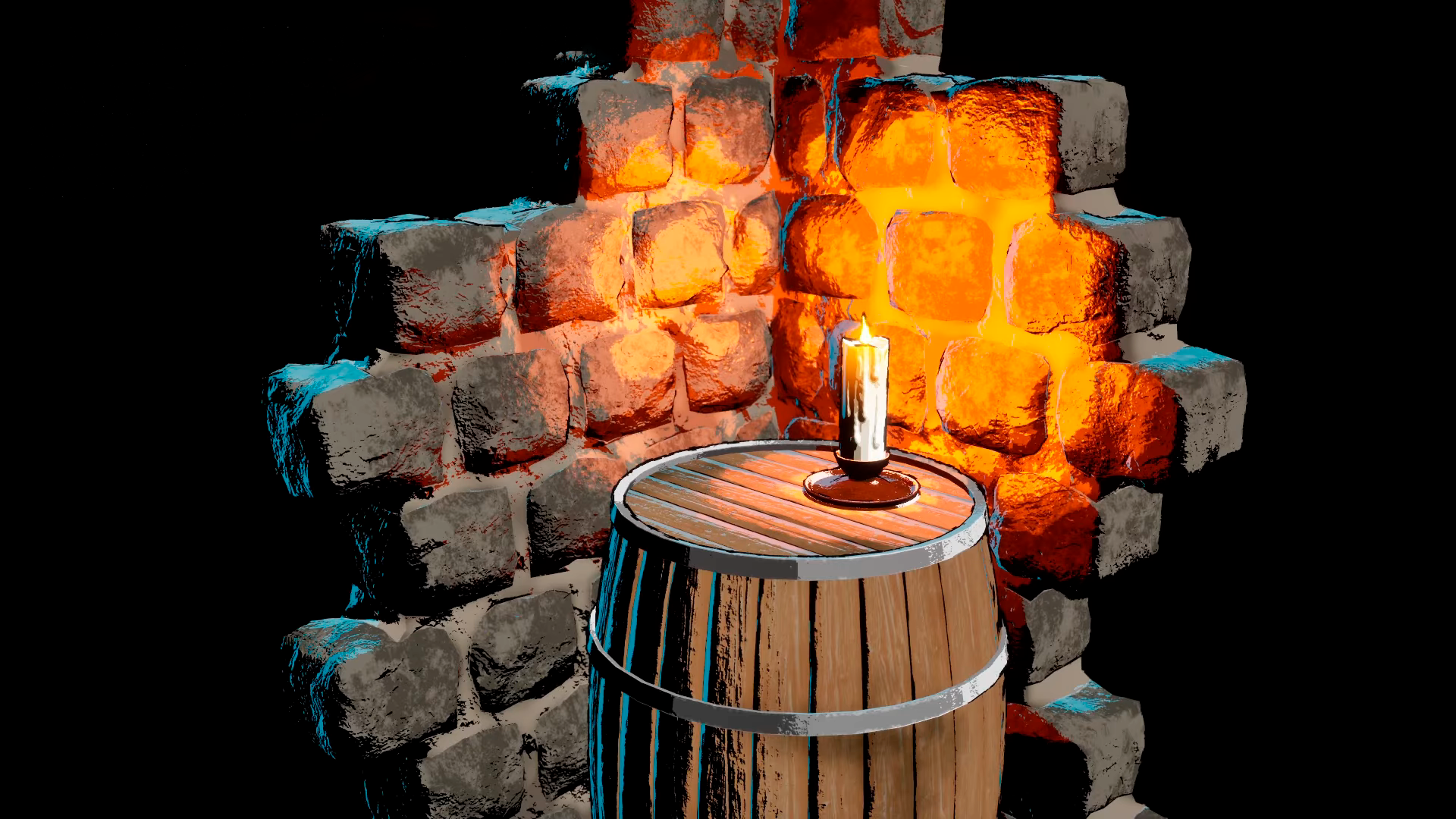 We take a look at Advanced Stylization Material, a modular Unreal Engine shader for managing stylized shading from a single master material.
