
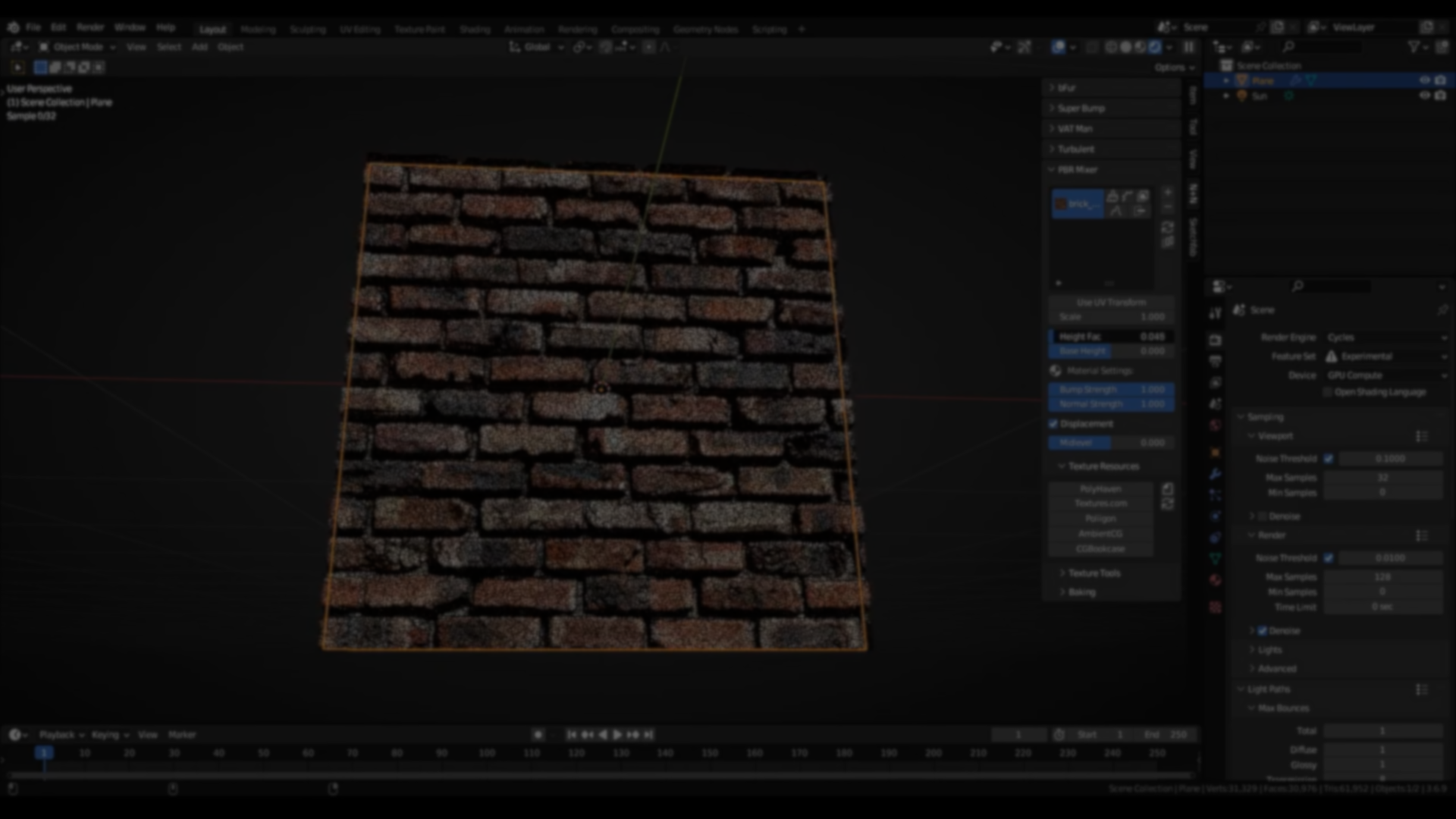
Creating layered PBR materials in Blender often means manually wiring complex node graphs, managing masks, and keeping track of multiple texture sets. While Blender’s shader system is flexible, repeating that setup across materials can quickly become time-consuming.
PBR Mixer is a Blender add-on by NodesAndNoodles that addresses this by formalizing a layered PBR workflow. It provides a structured way to combine multiple PBR texture sets using height-based blending, supported by several masking methods and a dedicated manager panel for setup, adjustment, and baking.
Instead of introducing a new material system, PBR Mixer builds on Blender’s existing shader tools and focuses on organization, reuse, and controlled layering.
PBR Mixer works in all versions of Blender from 3.6 to 5.0.1
— OfNodesAndNoodles (@nodesandnoodles) January 5, 2026
Here are some of its procedural height masks giving completely different results from one PBR set.#b3d #blender #blender3d #blendercommunity pic.twitter.com/euLMiVEUAf
Layer-Based PBR Workflow
At the core of PBR Mixer is the concept of PBR layers. Each layer represents a full PBR texture set and can be blended with others based on height information.
Layers can be created in several ways:
- Adding a new layer directly through the Manager and selecting texture files
- Bundling existing Image Texture nodes from the Shader Editor
- Copying textures from an existing material in the same .blend file
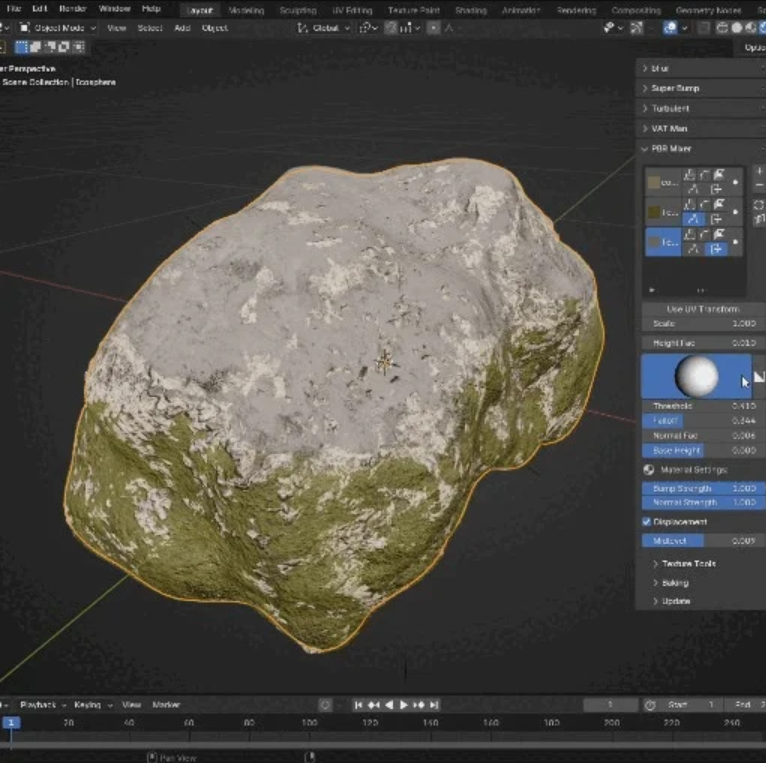
Once created, each layer exposes controls for base height, height influence, and scale compensation to ensure consistent results when textures differ in resolution or tiling.
Height-Based Blending Controls
Blending between layers is driven primarily by height maps. Two core parameters control this behavior:
- Height Fac adjusts the influence of the height map itself
- Base Height adds a uniform offset to the layer’s height contribution
An additional scale function compensates for UV scaling, helping layers align correctly even when textures are tiled differently.
Optional UV transform controls allow per-layer translation and rotation without modifying the original UVs.
Paint Mask Blending
One of the primary masking options is texture paint–based control.
With Paint Masks, height can be raised or lowered manually using Blender’s texture painting tools. Paint maps are created automatically and managed through the PBR Mixer panel.
Available controls include:
- Clearing paint masks
- Saving paint changes
- Add and Subtract brush modes for controlled buildup
The documentation notes that EEVEE or Material Preview mode should be used while painting, as Cycles does not immediately reflect texture updates.
Procedural Noise Mask

For less manual control, PBR Mixer supports procedural noise masks using Blender’s built-in Noise Texture.
From the Manager panel, users can:
- Randomize noise patterns
- Adjust scale
- Control noise detail
This method is useful for adding variation without hand-painting, especially on large surfaces.
Procedural Bricks Mask
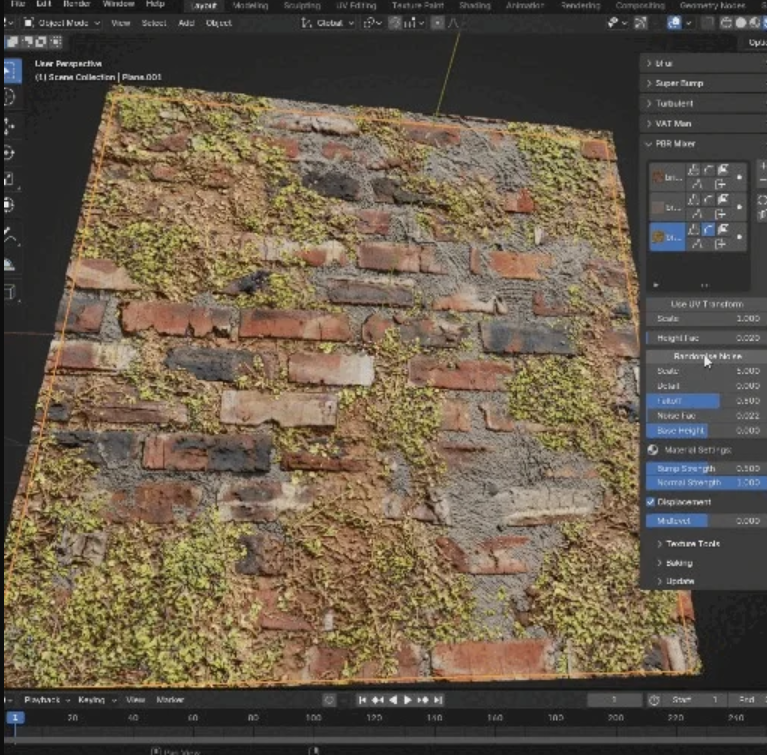
A dedicated procedural brick mask is included for structured surface breakup.
This brick mask supports:
- Adjustable brick and mortar sizes
- Edge and corner beveling
- Extrusion controls
- Random tilt variation
It allows layered materials such as worn masonry or tiled surfaces to be built without external textures.
Layer-to-Layer Height Masking
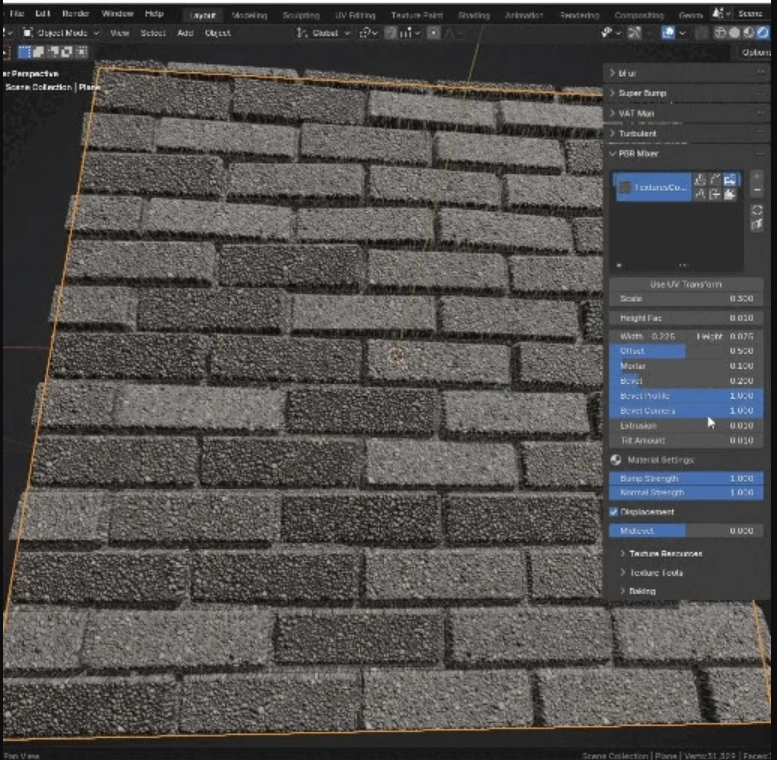
PBR Mixer allows one layer to reference the height data of another.
This makes it possible to stack materials so that layers fit together cleanly, with one surface naturally occupying recessed areas created by another. This approach helps avoid manual tweaking when combining multiple materials.
Face Normal Masking
Face normal masks use polygon orientation to control blending.
This allows layers to appear only on surfaces facing specific directions, making it suitable for effects like dust accumulation, snow, or moss growth based on exposure rather than texture detail.
Manager Panel and Baking Workflow
All layer creation, blending, and adjustment is handled through the PBR Mixer Manager panel.
The panel provides:
- Single-click layer creation
- Immediate access to height, bump, and normal intensity
- Links to external PBR texture resources such as PolyHaven
- One-click baking of full PBR texture sets
The baking system allows finished layered materials to be flattened into packed textures, making them suitable for export or use in performance-sensitive contexts.
Where PBR Mixer Fits Best
PBR Mixer is most relevant for users who:
- Regularly build layered PBR materials
- Want repeatable height-based blending without manual node setup
- Need a structured way to manage complex materials
- Plan to bake layered materials for reuse or export
Similar and Useful Tools
- Material Maker: An open-source procedural material authoring tool with node-based workflows for creating PBR materials, masks, tileable textures, and texture maps. It runs standalone or integrates with Blender and supports export to game engines (Unity/Unreal).
Differences: Material Maker is a full procedural texture/material editor with a standalone app and Blender integration. PBR Mixer focuses on mixing and blending existing PBR maps in Blender, whereas Material Maker lets you generate and author entire materials from scratch with more pattern math control.
- Substance 3D Designer: Adobe’s industry standard for node-based PBR material creation, letting you author procedural textures, tileable materials, masks and export complete texture sets for Blender, Unity, Unreal and more.
Differences: Substance Designer is a studio-grade procedural material authoring suite with deeper feature sets and more filters than PBR Mixer.
✨ PBR Mixer is now available on Gumroad.
📘 Interested in creating your own Tools and Shaders? Check out the Godot Shaders & Blender Tools Bundle, which includes: Blender Tool Development Fundamentals and The Godot Shaders Bible
📘 Interested in creating your own Tools and Shaders? Check out the Godot Shaders & Blender Tools Bundle, which includes: Blender Tool Development Fundamentals and The Godot Shaders Bible
Our best-selling indie Bundle: Godot shaders + Blender tools ✨ https://t.co/zSlHDCuGVC#b3d #GodotEngine #3DCG pic.twitter.com/sjdYxXjKUB
— The Unity Shaders Bible (@ushadersbible) November 16, 2025
Jettelly wishes you success in your professional career!
Did you find an error? No worries!
Write to us at [email protected], and we'll fix it!
Other posts that might interest you.
-
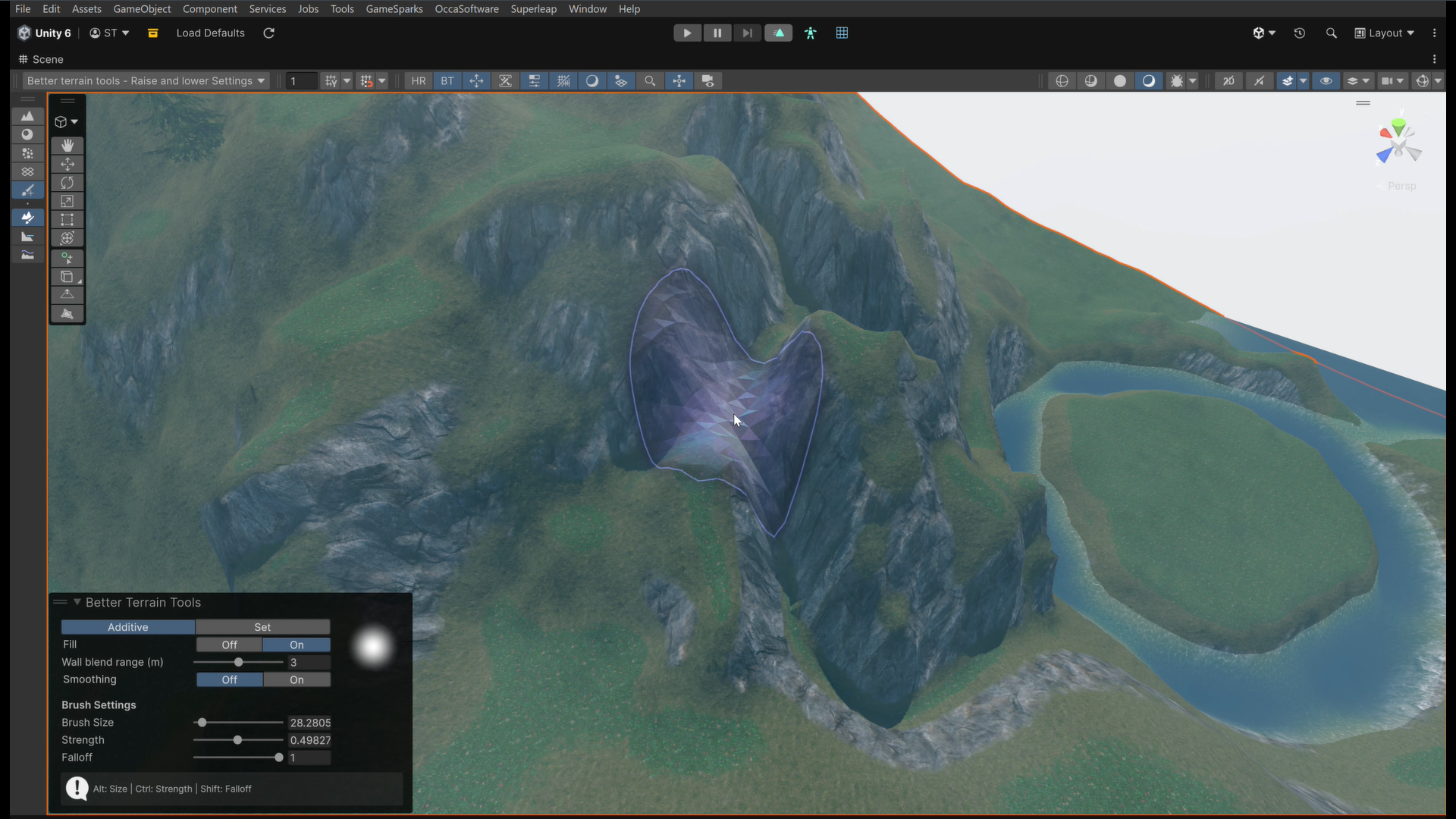 We take a look at Better Terrain Tools, a free Unity terrain sculpting add-on focused on hand-authored workflows.
 -
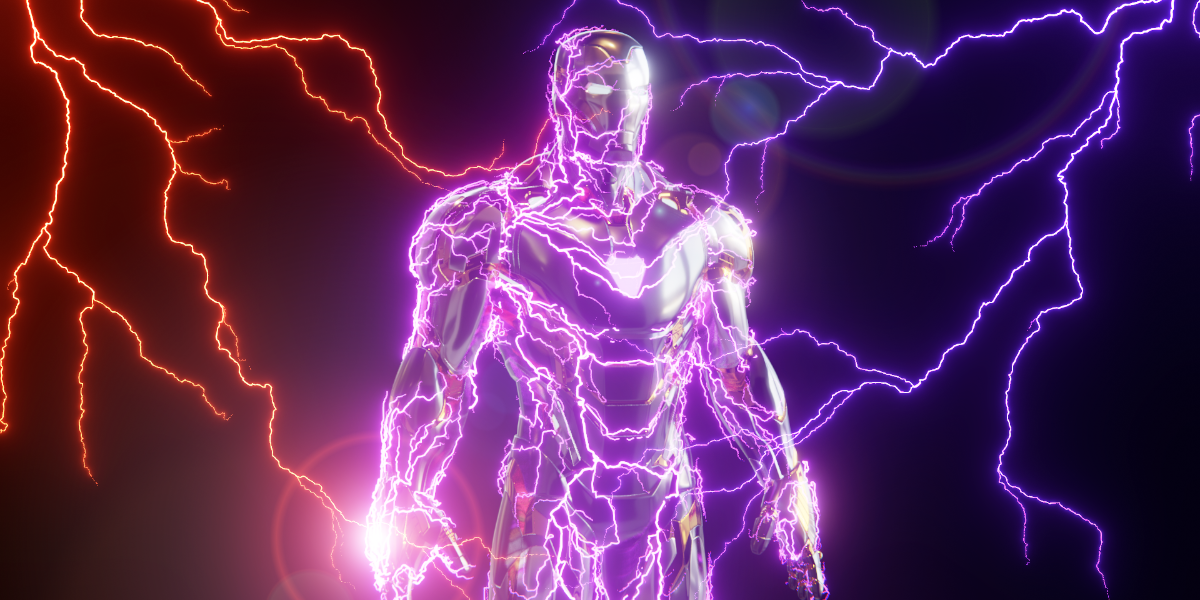 We take a look at Draw Lightning Generators, a Geometry Nodes tool for creating procedural lightning directly inside Blender.
 -
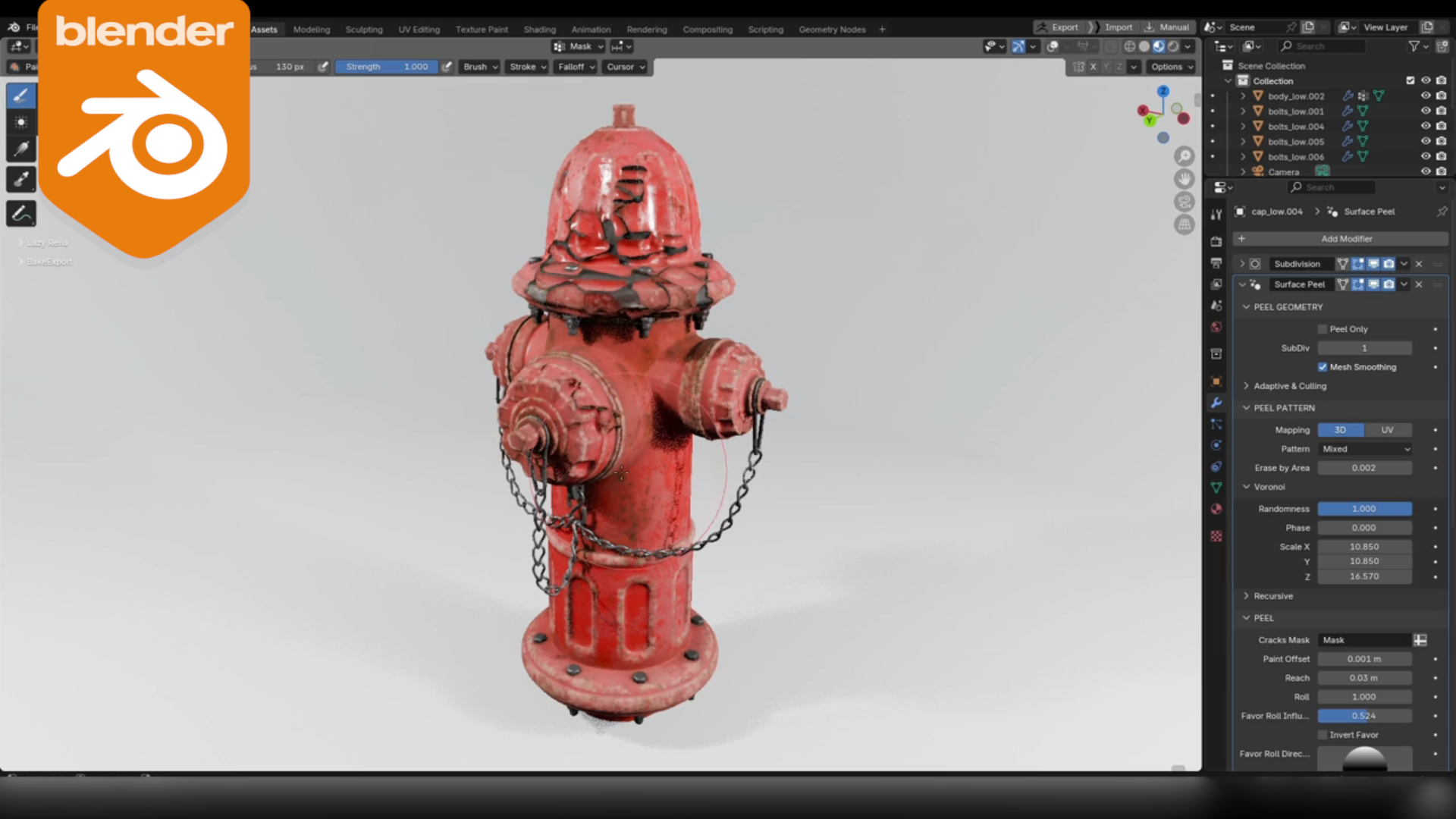 We take a look at Surface Peel, a Blender add-on that generates real peeled paint geometry using a procedural, vertex-group-driven workflow.
