
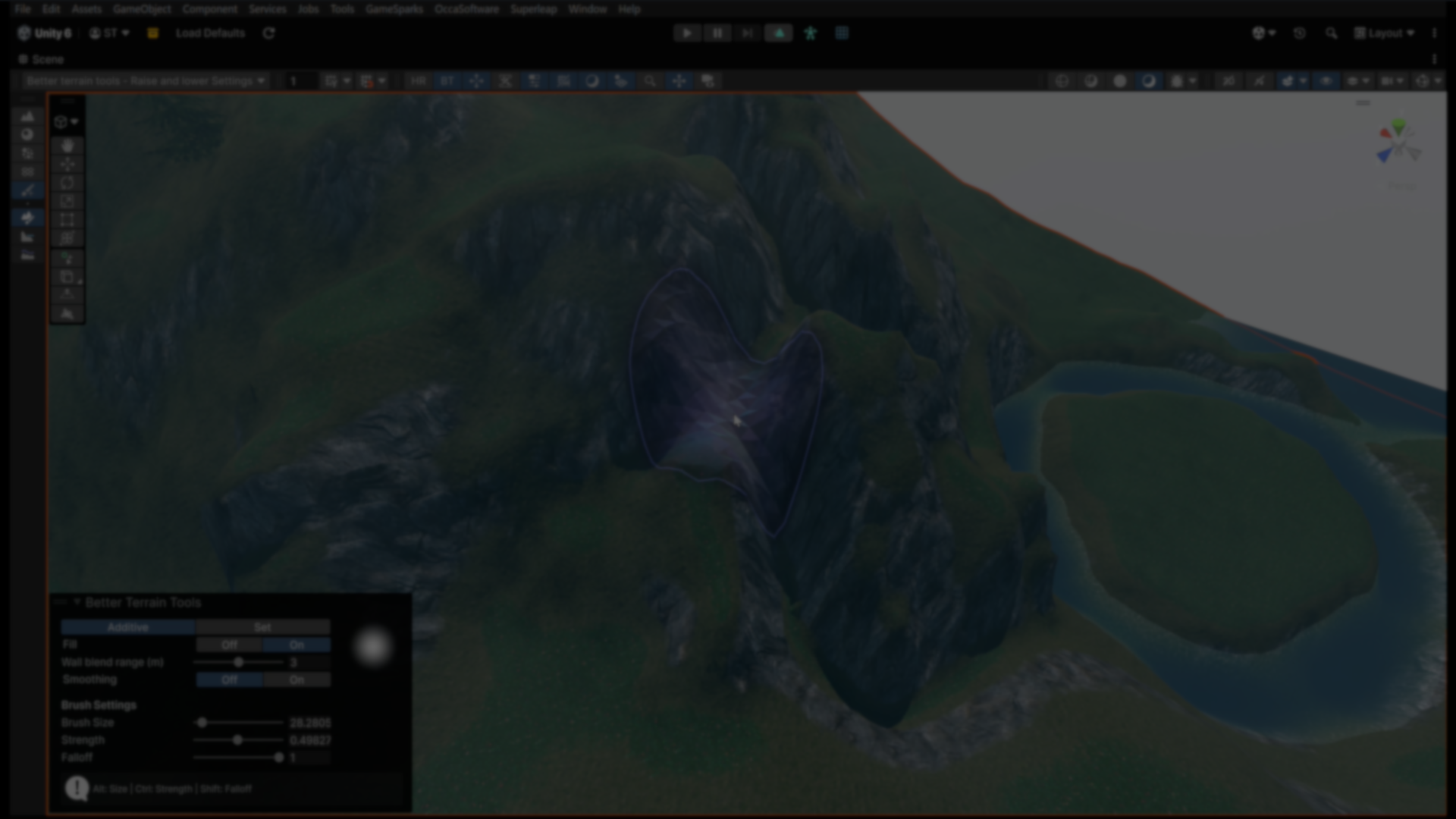
Better Terrain Tools: Precision Sculpting for Unity Terrains.
by Jettelly
Published |
Terrain editing in Unity has increasingly shifted toward procedural generation and spline-based systems. While those approaches are effective for large-scale layouts, they often leave little room for fine, hand-crafted sculpting. For developers who still rely on manual terrain painting and shaping, the limitations of Unity’s built-in tools become apparent quickly.
Better Terrain Tools is a Unity add-on made by Simon Tysland, that focuses specifically on high-precision, brush-based terrain sculpting. Instead of replacing Unity’s Terrain system, it builds directly on top of it, addressing common issues such as stepping artifacts, limited brush control, and unintuitive height manipulation.
The toolset is designed for developers who want direct control over terrain shape while maintaining smooth results.
Precision-Oriented Sculpting Approach
At the core of Better Terrain Tools is a sculpting model that prioritizes numerical precision and stable results.
Unlike Unity’s default terrain tools, which can suffer from visible stepping due to internal heightmap handling, this toolset uses a floating-point height cache. This allows height changes to accumulate smoothly, avoiding staircase artifacts and producing cleaner transitions when sculpting slopes or fine details.
The system also uses custom raycasting directly against the terrain heightmap. This sidesteps a known Unity issue where the terrain collider does not always update correctly, ensuring brush interaction remains accurate during editing.
Procedural Brush with Adjustable Falloff
Better Terrain Tools includes a procedural brush system that removes the need for external brush textures.
Brush falloff is defined mathematically, allowing developers to adjust hardness and softness directly through parameters. This makes it easier to dial in subtle height changes or sharp transitions without constantly swapping brush assets.
Because the brush is procedural, changes are immediate and consistent across different terrain resolutions.
Raise and Lower with Fill Mode
The Raise and Lower tool is extended with a context-aware Fill Mode.
Instead of simply pushing terrain up or down, Fill Mode simulates how sand accumulates from the bottom upward. This makes it easier to add height to areas like crevasses, cliff walls, or uneven surfaces without distorting surrounding structures.
Relative Clamp (Set Mode)
Set Mode, also referred to as Relative Clamp, limits how far the terrain can move from its original height.
This is useful for tasks such as:
- Carving riverbeds without collapsing nearby terrain
- Raising sections of a map while preserving surrounding elevation
- Making localized adjustments without global distortion
By anchoring edits to an initial state, this mode encourages iterative sculpting without destructive side effects.
Additional Sculpting Modes
The toolset includes several specialized modes that extend beyond Unity’s default terrain tools:
- Smoothing: Applies smoothing during sculpting to reduce jagged results in real time
- Flatten: A flattening tool with more predictable behavior than Unity’s default version
- Extend Mode: Pushes cliffs outward without affecting inner terrain
- Carve Mode: Restricts edits to inward carving only
- Smudge: Drags terrain height along the brush path, allowing slopes to be pulled and shaped organically
These modes are designed to complement each other, allowing terrain features to be shaped incrementally rather than rebuilt from scratch.
Use Cases
Better Terrain Tools is best suited for workflows where manual sculpting remains central.
It is particularly relevant for developers who:
- Prefer hand-painted terrain over fully procedural systems
- Need precise control for cliffs, slopes, and erosion-like features
- Want smoother sculpting results without post-processing passes
- Work on stylized or authored environments
Similar and Useful Alternatives
- Terrain Composer 2: An advanced procedural terrain creation system for Unity that supports layered biomes, noise generators, texture blending, object placement, and modular terrain features for large worlds.
Differences: Terrain Composer 2 is a commercial procedural generator ideal for large, complex terrains and layered biome logic. Better Terrain Tools enhances terrain editing workflows but does not include the full procedural world building and terrain automation found in Terrain Composer 2.
- Spline Architect – Terrain Tools: A spline-based terrain editing extension for Unity that lets you deform terrain, paint textures, and place objects like rocks or props along splines directly in the editor.
Differences: Spline Architect emphasizes spline-driven deformation and terrain painting, making it ideal if you want to build roads, paths, ridges or object placement along curves.
✨ Better Terrain Tools is now available on the author’s GitHub.
📘 Interested in building your own tools and shaders in Unity? Check out the Unity Tool Development Bundle, which includes Shaders & Procedural Shapes in Unity 6 and Unity 6 Editor Tools Essentials
📘 Interested in building your own tools and shaders in Unity? Check out the Unity Tool Development Bundle, which includes Shaders & Procedural Shapes in Unity 6 and Unity 6 Editor Tools Essentials
Jettelly wishes you success in your professional career!
Did you find an error? No worries!
Write to us at [email protected], and we'll fix it!

Level up your Tool-Making skills! Grab our bundle and start learning today.
We invite you to explore "Unity Tool Development Bundle", a comprehensive bundle on the concepts and fundamentals seen in this post.
Other posts that might interest you.
-
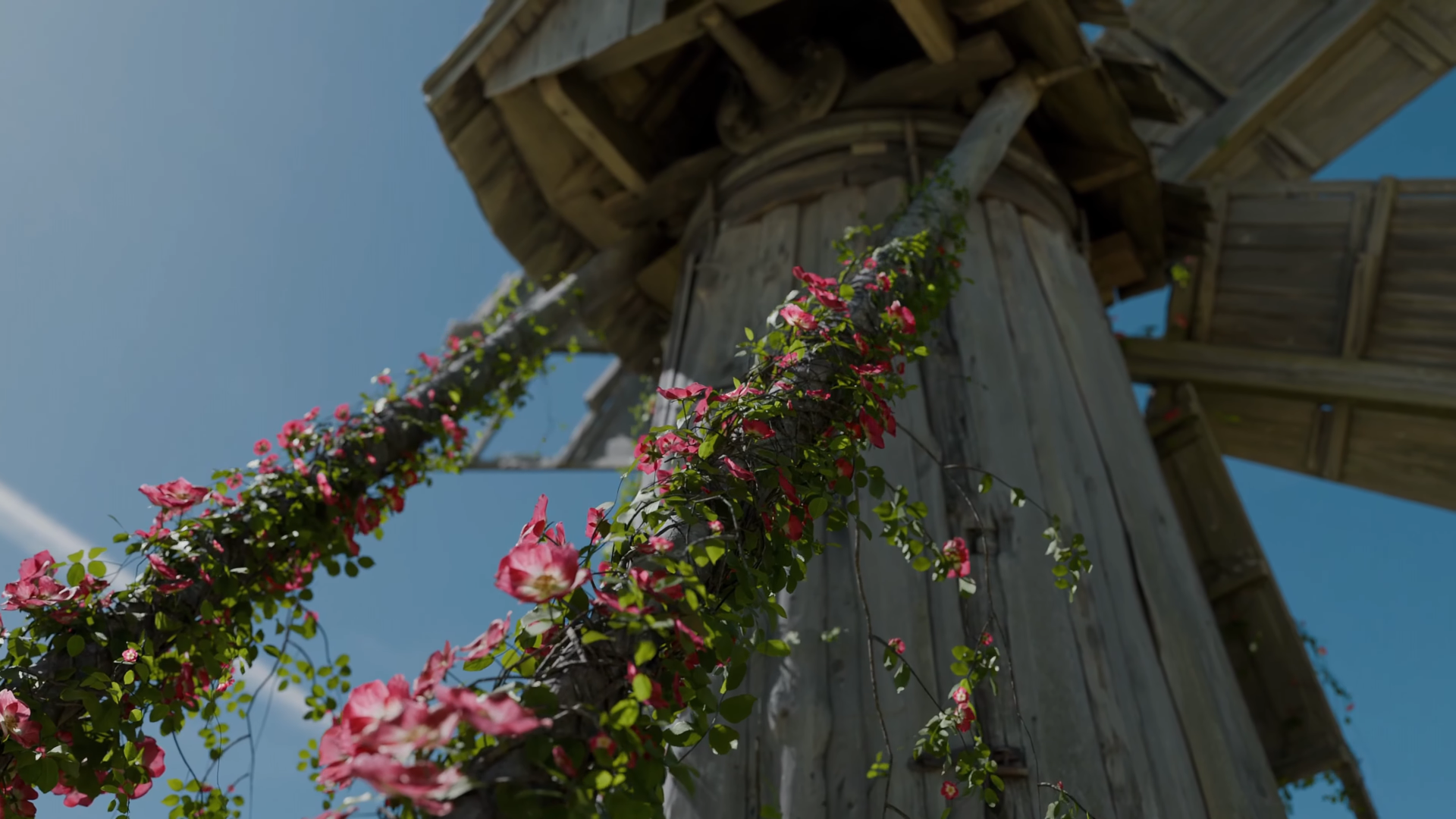 We take a look at BagaIvy V3 by Baga, a Geometry Nodes-based tool for generating and simulating ivy growth in Blender, with over 300 assets and support for animation-ready vegetation.
 -
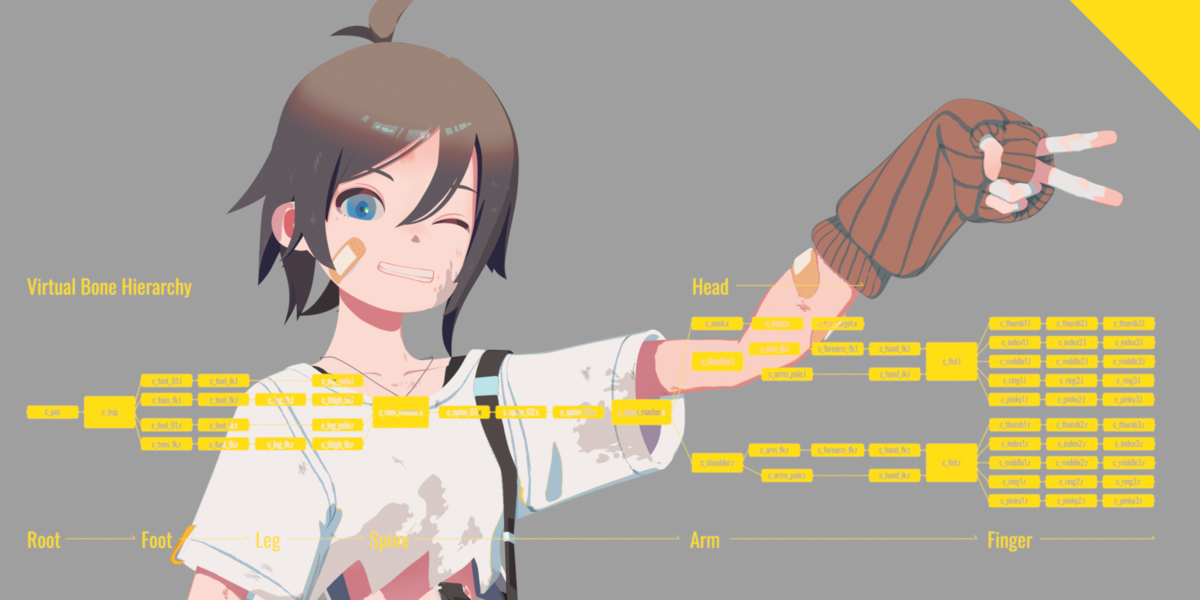 We take a look at Close Bone Picker by POPREQ, a Blender add-on designed to speed up bone selection through shortcuts, custom hierarchies, and pie menus.
 -
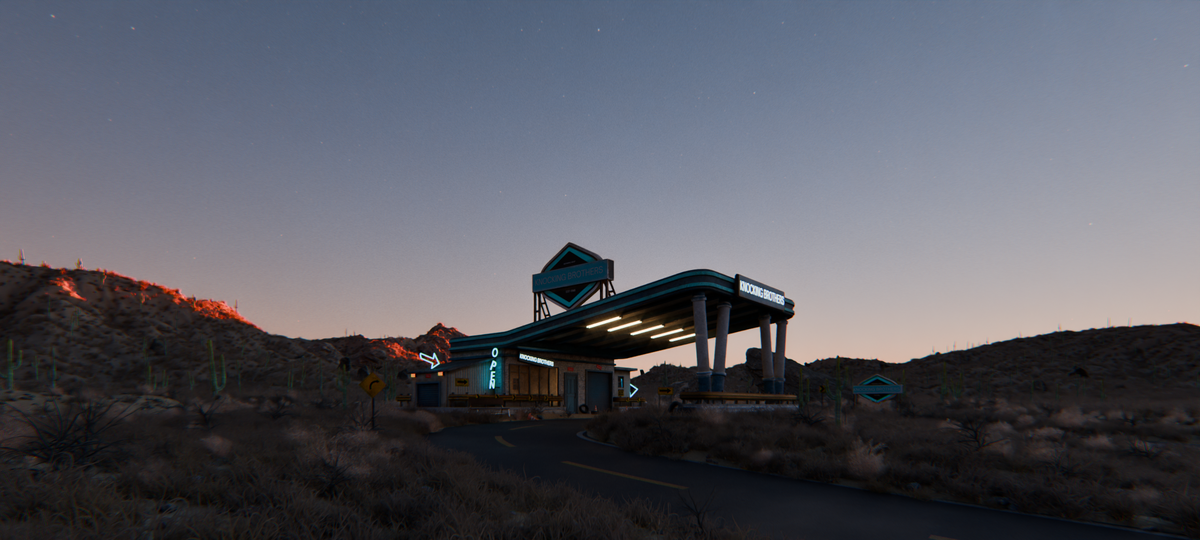 We take a look at World Conceptor by 3DVision, a Blender tool focused on procedural atmospheres, skies, clouds, and environmental lighting for Cycles renders.
