
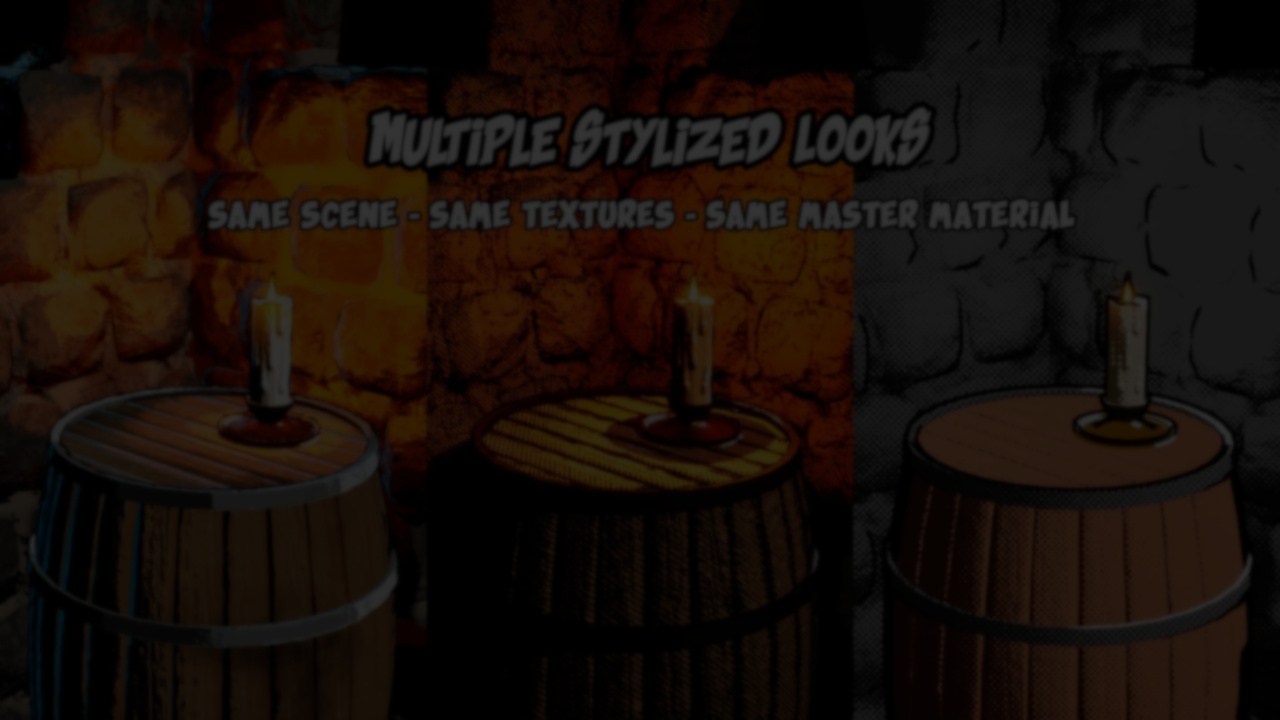
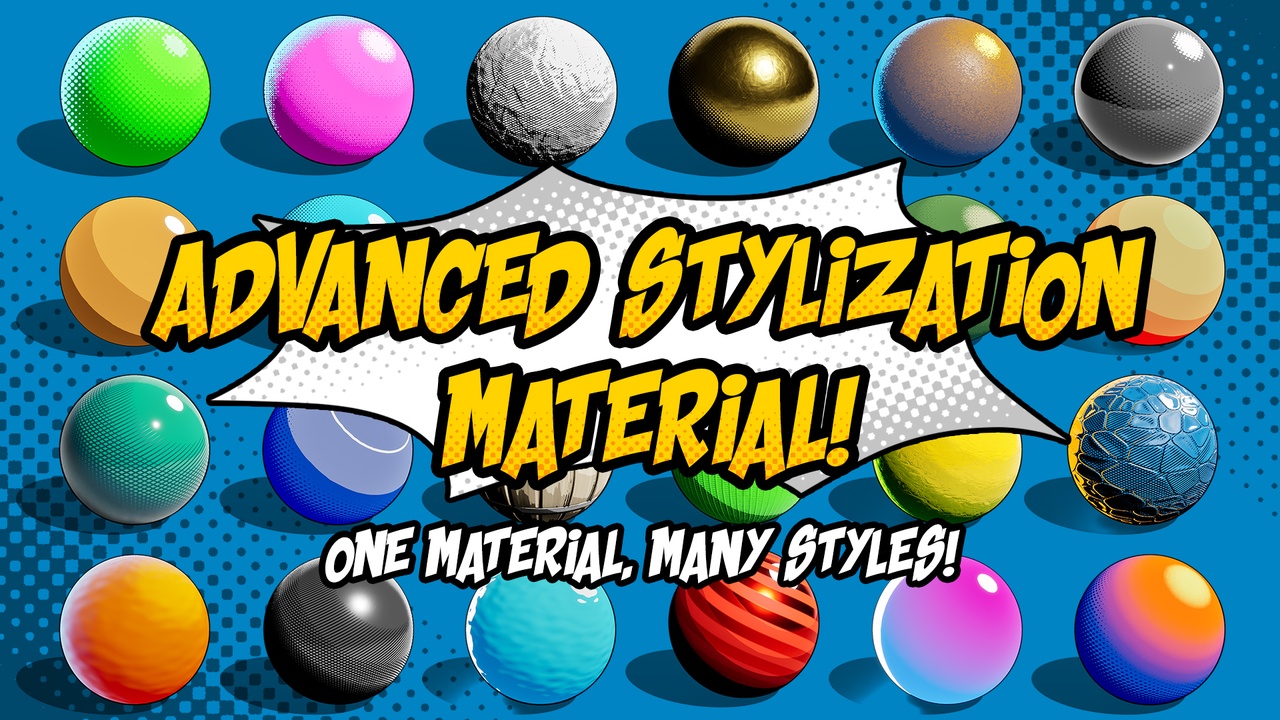
Stylized rendering in Unreal Engine is often approached through a mix of custom materials, post-process effects, and per-asset shader variations. That flexibility comes at the cost of fragmentation, where style decisions are spread across multiple materials and blueprints. Advanced Stylization Material by Firas Maayah proposes a different structure: one configurable material that concentrates shading, lighting behavior, and stylistic controls into a unified system.
Rather than shipping preset looks, the package focuses on exposing building blocks that can be combined per material instance, keeping the workflow closer to Unreal’s standard material pipeline.
A Single Material Approach
At its core, the package is built around one material supported by modular material functions and static switches. Each feature can be enabled or disabled per instance, which means shader complexity scales with usage instead of being fixed across all assets.
This design allows the same base material to be reused for characters, props, and environments while maintaining stylistic consistency. The intent is not to lock projects into a single visual style, but to provide a shared foundation that can be adapted as needed.
Shading Modes and Mapping Options
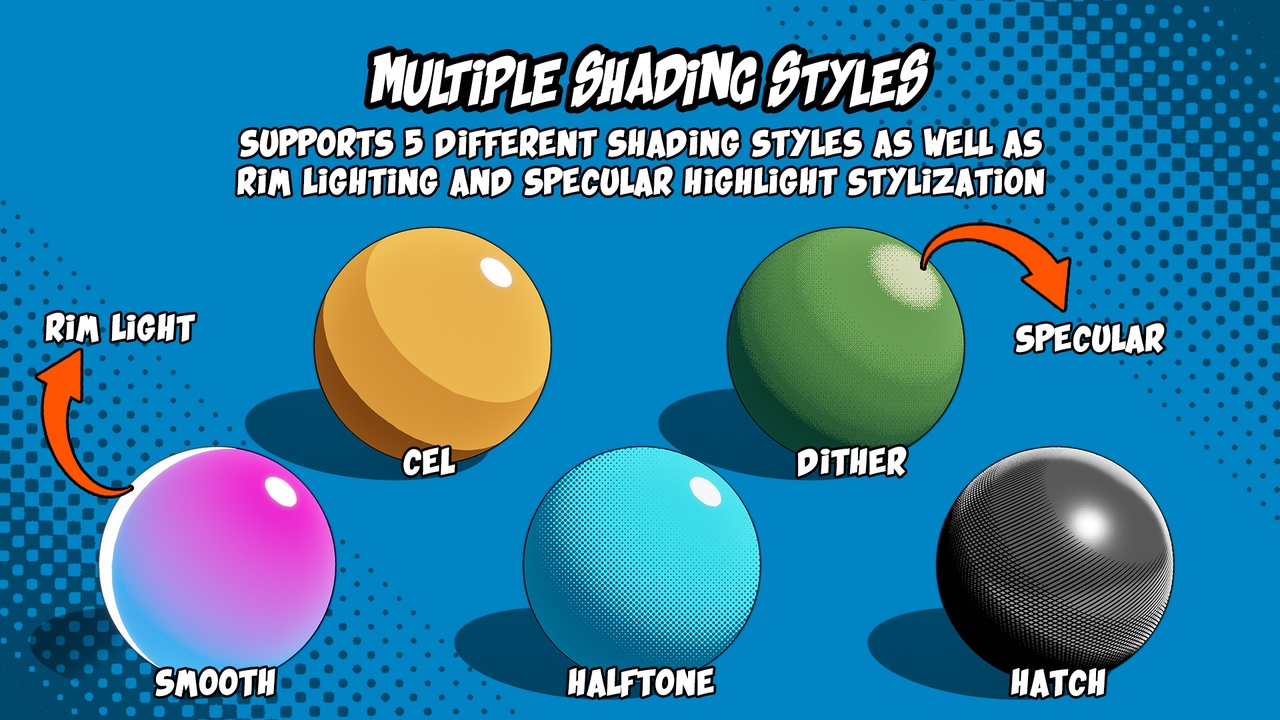
The material includes five distinct shading modes that can be selected per instance:
- Smooth Shading
- Cel Shading
- Halftone Shading
- Dither Shading
- Hatch Shading
Each mode can be driven using different mapping strategies, including mesh UVs, screen-space mapping, or triplanar projection. For dither-based styles, custom dither textures are supported, with options for pixel-aligned patterns when screen accuracy matters.
Shading bands can be configured with up to four bands in most modes, with optional smoothing between them. A simplified cel shading option is also included for cases where more bands are needed with lower cost.
Scene Lighting Integration
Lighting interaction is handled explicitly through Blueprint helper functions that write light data into a Material Parameter Collection.
The system supports:
- One directional light
- Up to ten point light slots
Each material instance can choose which point lights affect it. This selective approach allows scenes to contain many lights while keeping per-object cost controlled. The documentation notes that enabling only a small number of lights per instance is advisable for performance.
Lighting data is updated through provided Blueprint functions, keeping the material itself free of hidden runtime logic.
PBR and Stylization Textures
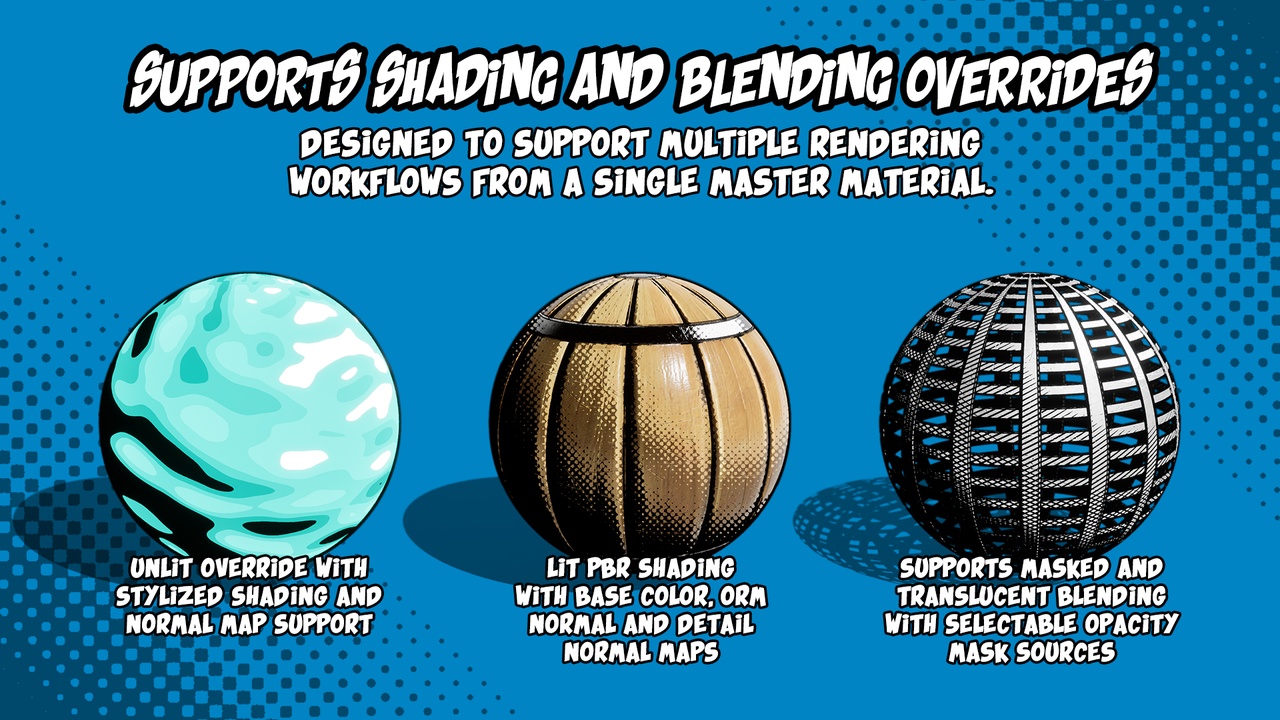
Standard PBR inputs are supported, including base color, ORM textures, normal maps, and detail normals. On top of that, the material exposes additional texture inputs intended for stylization:
- Shading color and mask textures
- Specular mask textures
- Emissive textures and masks
- Opacity textures
Many mask-driven features can source their data either from dedicated mask textures or from alpha channels of existing textures. This reduces texture count and supports more flexible asset setups.
Rendering Overrides and Blending
The material supports several rendering overrides that extend its use cases:
- Unlit override that preserves stylized shading by routing color into emissive
- Masked and translucent blending modes with selectable opacity sources
These options make it possible to reuse the same material logic for opaque assets, masked cutouts, or translucent elements without duplicating shader graphs.
Additional Stylization Controls
Beyond core shading, the material includes layered stylization features such as:
- Screen-space rim lighting
- Stylized specular highlights
- Optional dither or halftone effects applied to rims and highlights
These elements can be combined or omitted depending on the target look, reinforcing the modular nature of the system.
Included Outline Post-Process Material
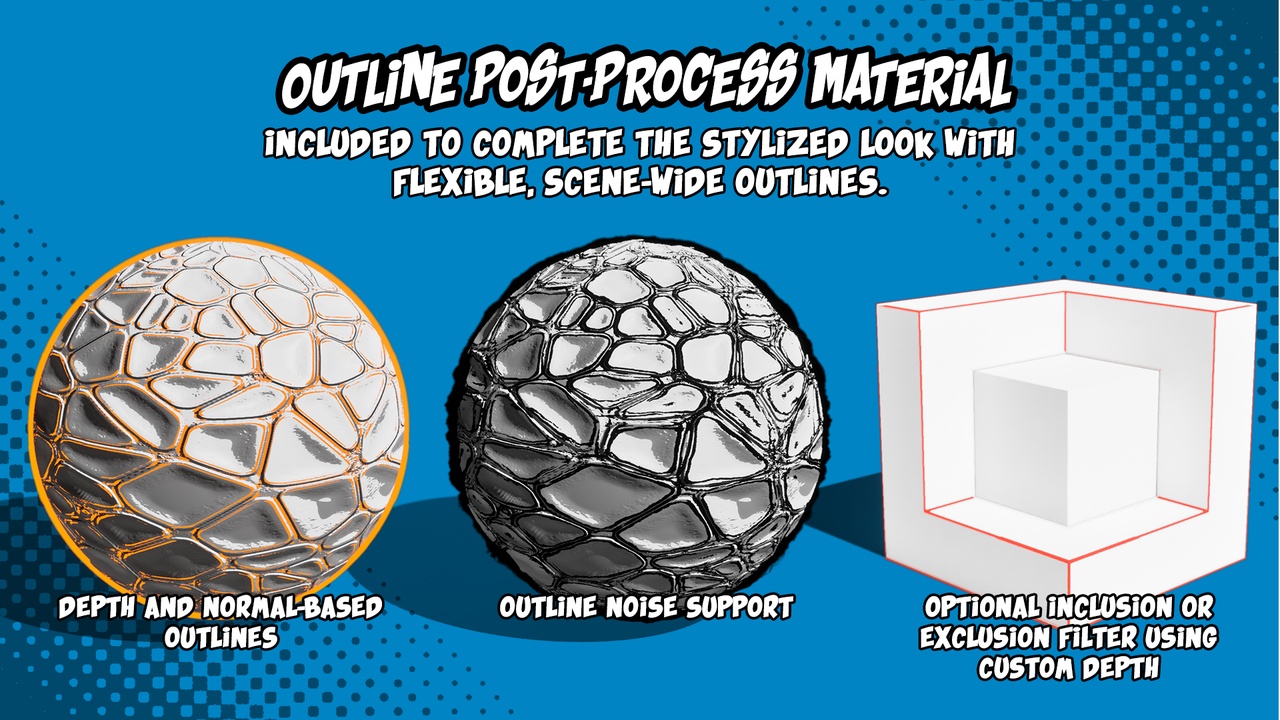
To complement the surface shading, the package includes a dedicated outline post-process material. The outline system supports:
- Depth-based outlines
- Normal-based outlines
- Adjustable thickness, color, and sensitivity
- Procedural noise
- Custom Depth filtering
Objects rendered to the Custom Depth pass can be selectively included or excluded from outlines, allowing fine control over which assets receive the effect.
Where This Material Fits Best
Advanced Stylization Material is most relevant for teams and artists who:
- Want a centralized stylized shading solution
- Prefer instance-driven configuration over per-asset materials
- Need multiple NPR styles within a single project
- Want explicit control over lighting and shader cost
Similar & Useful Tools
Stylized Shaders Pack: A modern collection of stylized shaders including hologram effects, stylized domes, barriers and more, designed for Unreal Engine 5 with adjustable parameters and demo scenes showcasing day/night effects and stylized visuals.
Differences: Stylized Shaders Pack is broader and more effect-oriented (holograms, stylized domes, barrier shaders, etc.) compared to Advanced Stylized Material, which focuses on a master procedural stylized material system tailored for cel shading, gradient control, fake reflections, rim lights, and distance-field blending.
Stylized Shaders: A UE5-ready stylized shader pack that includes a flexible master material and post-process effects for creating cartoon, stylized, and animated material looks. It supports multiple stylization features such as gradients, emission effects, outlines, and animated shaders, making it suitable for a wide range of non-realistic visuals.
Differences: Stylized Shaders is broader and includes post-process stylization and multiple shader types, while Advanced Stylization Material focuses on a single deep master material with strong control over gradients, fake lighting, and surface shading.
✨ Advanced Stylization Material is now available on Fab.
Interested in learning more?
If you’re working with Unity 6, the Unity 6 Creator Essentials Bundle brings together two books focused on editor tools and character customization.
It includes Unity 6 Editor Tools Essentials and Mastering Character Customization in Unity, and it is aimed at developers and artists interested in building custom tools and more flexible character systems for their projects.
Working with Unity 6? 🛠️ We’ve put together a bundle with two books on editor tools and character customization, available this week at a lower price.
— Jettelly Inc. (@jettelly) March 30, 2026
See it here: https://t.co/ILY3AtWmD4 🏷️#unity3d #gamedev #indiedev pic.twitter.com/TQu9F1HMZg
Jettelly wishes you success in your professional career!
Did you find an error? No worries!
Write to us at [email protected], and we'll fix it!
Level up your Unity skills with Character Customization and Editor Tools!
We invite you to explore "Unity 6 Creator Essentials Bundle", a comprehensive bundle on the concepts and fundamentals seen in this post.
Other posts that might interest you.
-
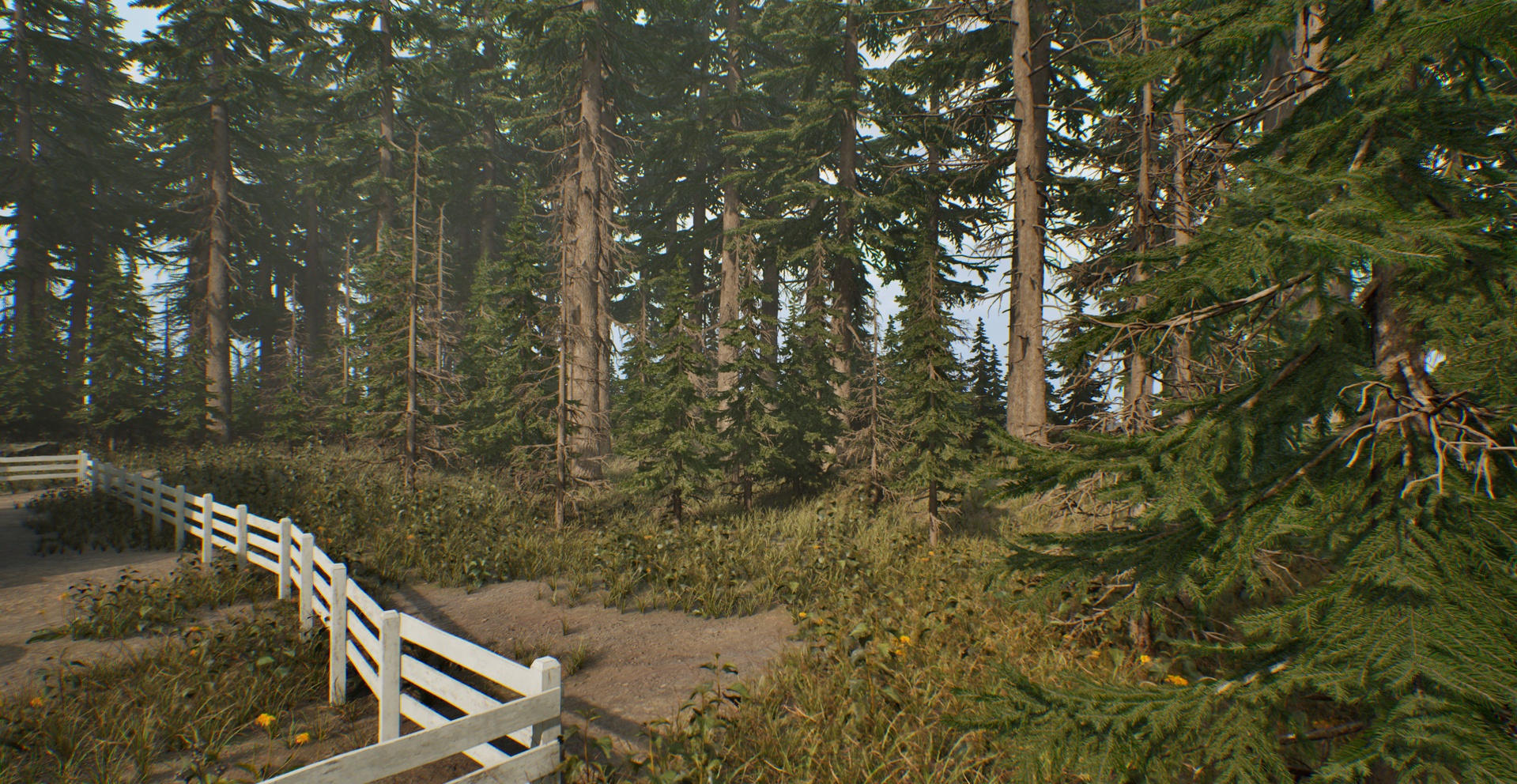 Developer Laglanz created this modular house and forest asset pack for their own project, and is now releasing it for free so the work doesn’t go unused.
 -
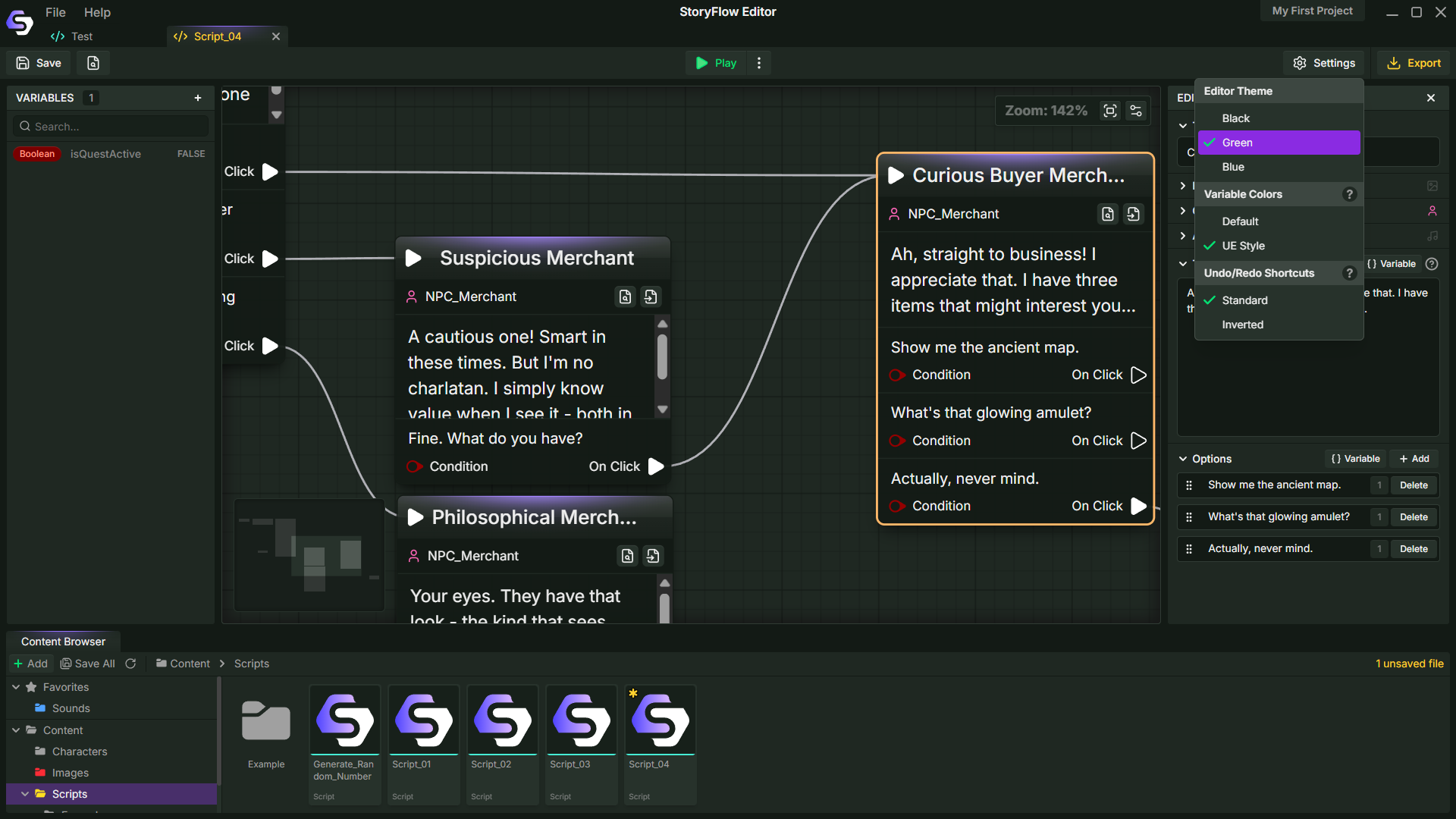 Can dialogue systems be built outside the engine? StoryFlow by Soulsticesyo is a node-based tool for creating branching narratives and bringing them into engines like Godot, Unity, and Unreal.
 -
 How can character aiming be handled without relying on aim offsets? FocalRig, a Control Rig plugin for UE by Maks Maisak, uses a procedural approach.
