
Godot 4.7 is Now Available: More New Tools for Developers.
by Vicente C.
Published |
1,040
Less than a month ago, we covered some of the biggest additions coming to Godot 4.7 while it was still in beta. Now that the update is officially available, it is a good chance to look at a few more features that did not make it into that first article.
#GodotEngine 4.7 is here! 🎉 Like a cult classic movie, Godot 4 has only gotten better with age; the 4.7 Director's Cut offers colors of never-before-reached intensity, helming a bevy of new features to eliminate any remaining friction between you and your vision! godotengine.org/releases/4.7/
— Godot Engine (@godotengine.org) 10:15 a. m. · Jun 18, 2026
[image or embed]
Control Offset Transforms
One of the most requested improvements to Godot's UI system is now part of 4.7.
Until now, moving, rotating, or scaling a Control node inside a Container could be frustrating, since the Container would reset those changes whenever it updated its layout.
Godot 4.7 adds offset transforms for Control nodes. These act as a visual transform on top of the normal layout, making it much easier to animate buttons, menus, and other interface elements without breaking the UI.
Developers can also decide whether those visual changes affect input or remain purely visual.
(Source)
Creating Games on Android
Godot has supported developing projects on Android for a while. Godot 4.7 makes that experience more complete.
The update improves integration with the Godot Android Build Environment (GABE), allowing developers to export and publish Android projects directly from Android devices.
This makes it possible to work through much more of the development process without switching back to a desktop computer.
(Source)
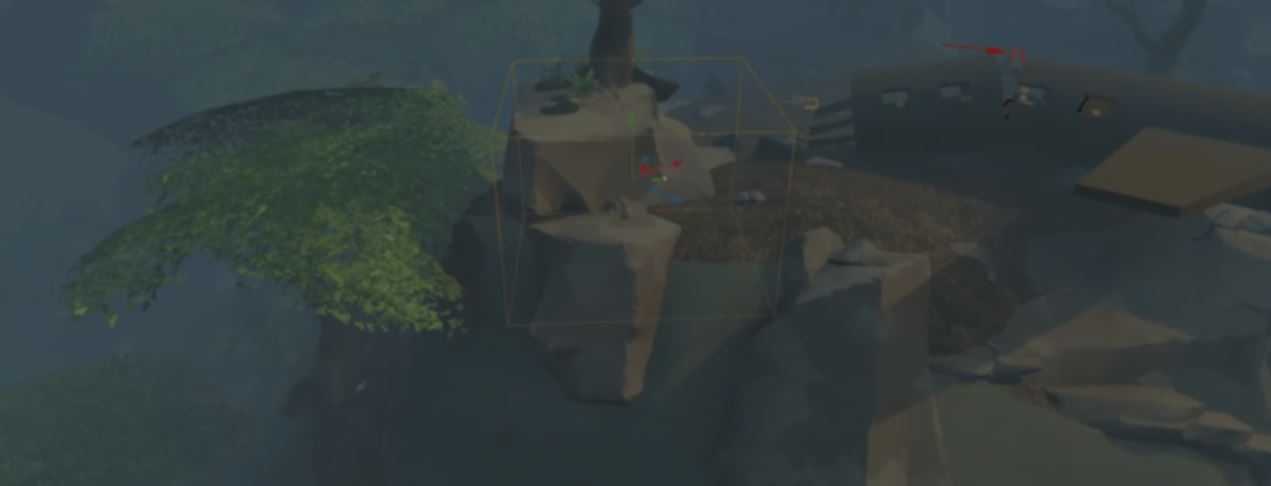
Follow moving objects in the 3D editor
Godot 4.7 also adds a small editor feature that can save a lot of time when working in 3D.
Pressing F twice makes the editor camera automatically follow the selected object while it moves. This is useful when previewing animations, testing @tool scripts, or checking how lighting changes as an object moves through a scene.
The object can still be moved normally while follow mode is active, so there is no need to constantly reposition the editor camera.
(Source)
MeshLibrary editor
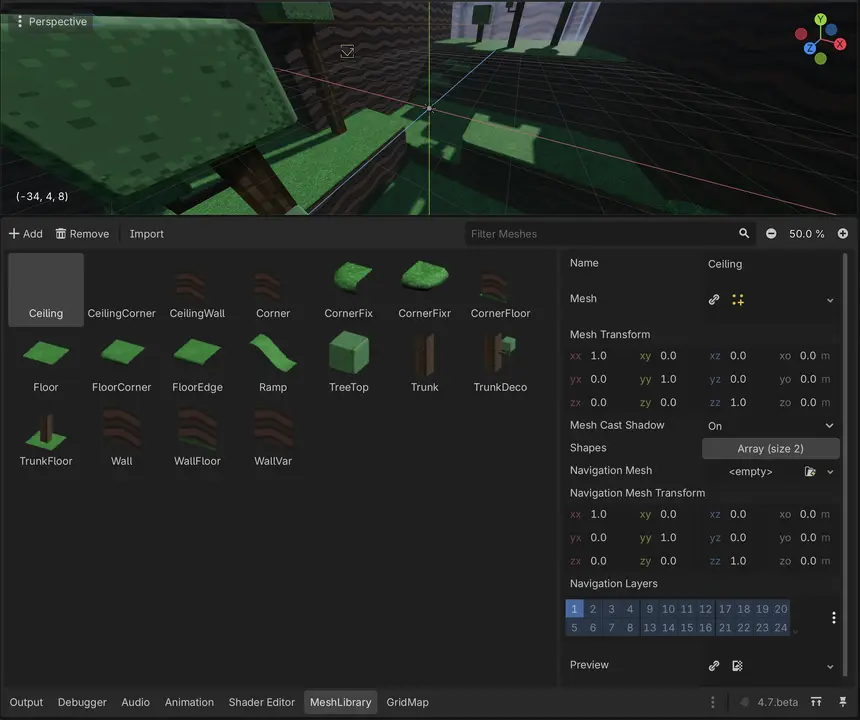
Working with GridMap is now easier thanks to a dedicated MeshLibrary editor.
Previously, MeshLibrary resources had to be edited through the Inspector. Godot 4.7 adds a dedicated editor, similar to the TileSet editor, making it much easier to add, organize, and edit meshes used by GridMap.
The new editor keeps everything in one place, making larger GridMap projects easier to manage.
(Source)
These are just a few more additions included with Godot 4.7, alongside the rendering improvements, Asset Store, Scene Paint tool, HDR support, and other features we covered previously.
If you want to learn more about the release, the links will be right below.
- Official Website: https://godotengine.org/
- Release Notes: https://godotengine.org/releases/4.7/
- X / Twitter: https://x.com/godotengine
- BlueSky: https://bsky.app/profile/godotengine.org
See more! 📘
If you want to learn more about shaders in Godot, The Godot Shaders Bible covers topics like stylized shading, screen-space VFX, lighting, and vertex manipulation through step-by-step examples.
It is a good starting point for developers who want to better understand how shaders work and improve the visuals of their games.
It is a good starting point for developers who want to better understand how shaders work and improve the visuals of their games.
You could pay a lot for a Godot shaders course, or get the Godot Shaders Bible for just $29.99 ✨
— Shaders Bible Series (@ushadersbible) May 5, 2026
Looking to improve your game's graphics? This book might be exactly what you need ➡️ https://t.co/1kYkAqSE2L#godot #indiedevart #gamedev pic.twitter.com/aOjMGKP2f7
Jettelly wishes you success in your professional career!
Did you find an error? No worries!
Write to us at [email protected], and we'll fix it!
Level up your Technical Art skills in Godot!
We invite you to explore "The Godot Shaders Bible", a comprehensive book on the concepts and fundamentals seen in this post.
Other posts that might interest you.
-
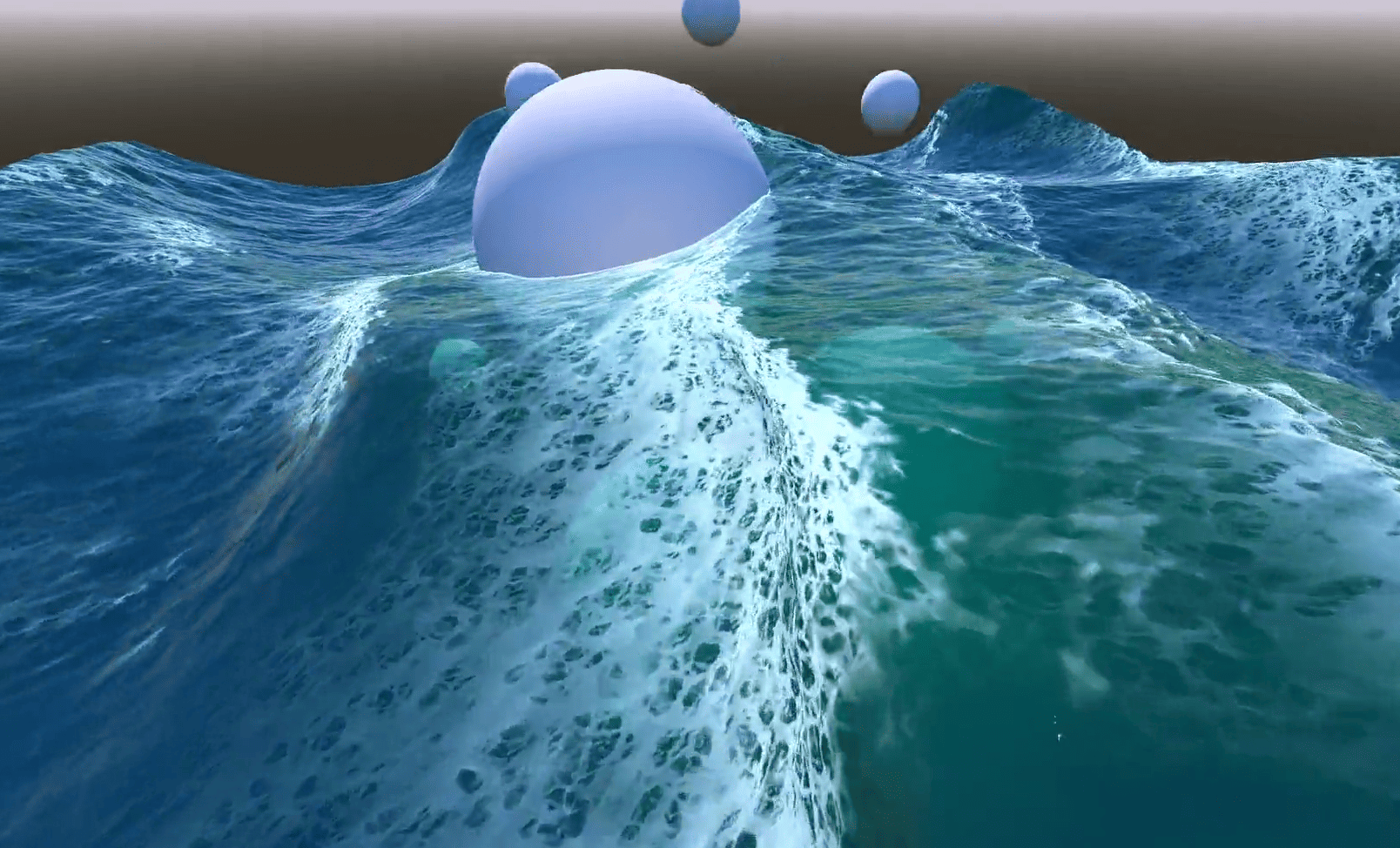 In Emil's Godot ocean, foam appears where waves bunch together and fades after they spread. He shares how he built the effect.
 -
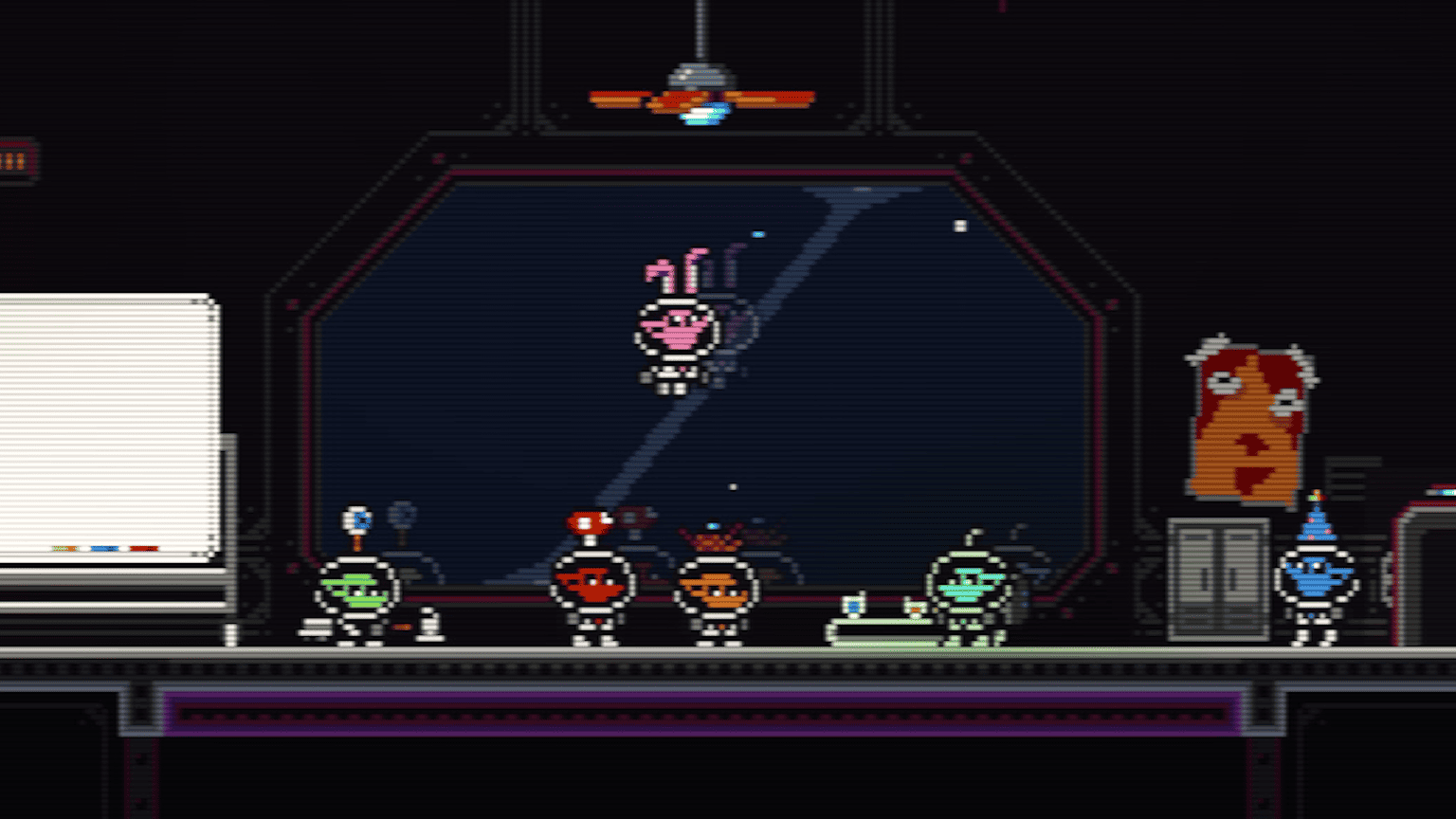 In Castronauts, the mattress sinks under a player's feet and slowly rises when they jump away. The team shares how they made it in Godot.
 -
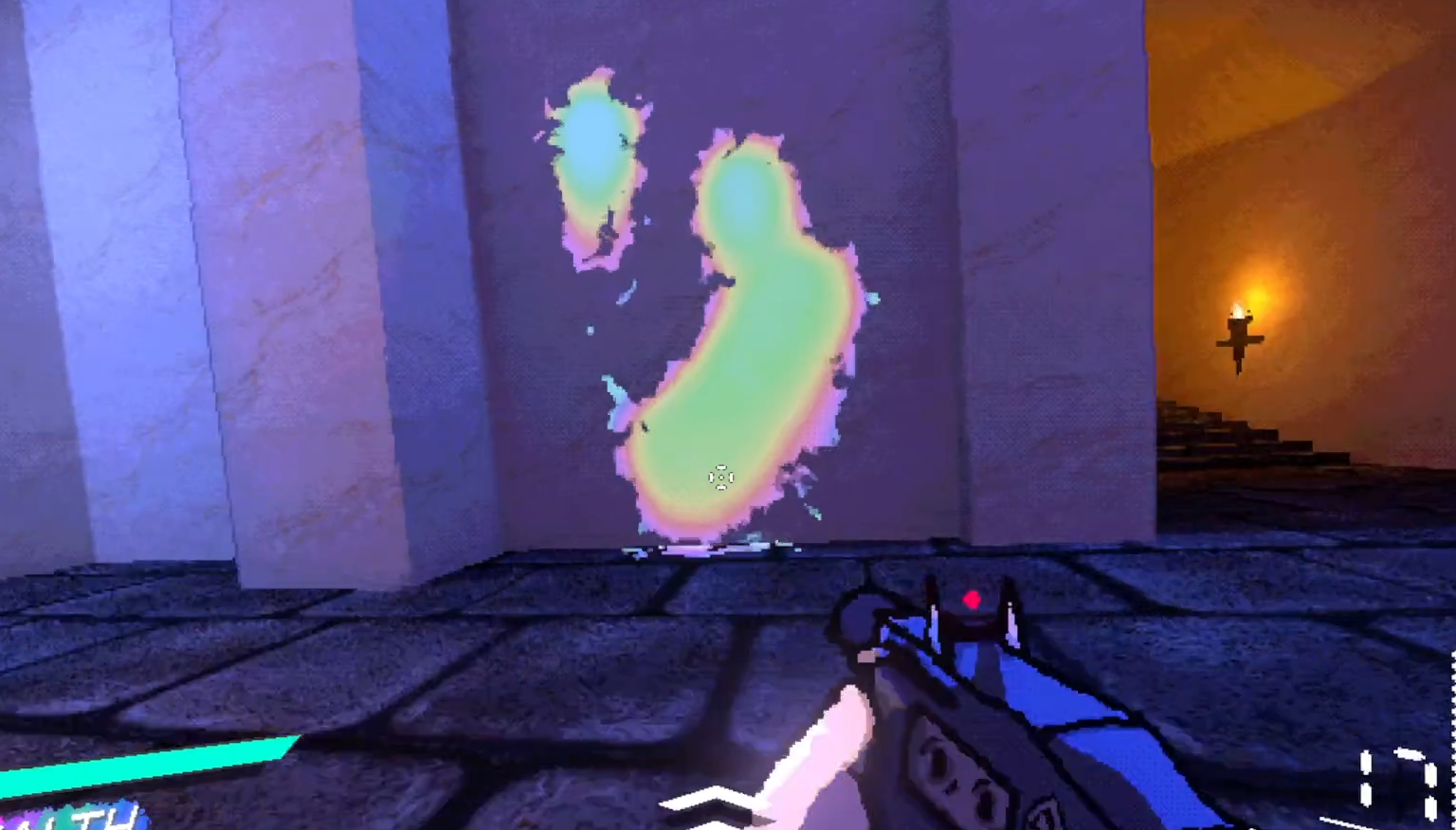 In EXUVIA, rainbow blood covers the arenas and drips down walls. Elliptical shares how they built the effect in Godot.
