
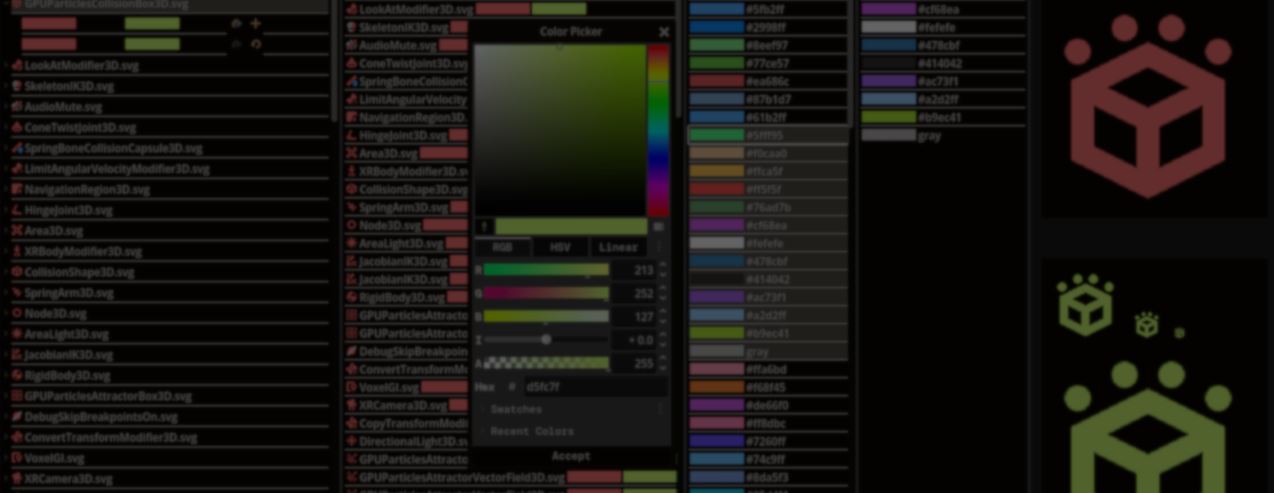
Changing the colors of a few SVG files is easy, but changing hundreds of them is repetitive and time-consuming.
Godot developer Aldo Zeroun built SVGreColorizer to make that process easier. You load a folder, choose new colors, preview the result, and save the changes.
My first Godot project released isn't a game. Its an SVG batch recoloring tool
by u/AldoZeroun in godot
The tool starts by scanning each SVG file and finding every color it can change. Since SVG files can store colors in different places, it checks XML attributes, CSS blocks, and inline styles before collecting them.
Once the files have been scanned, the tool remembers where every color appears in the original file. Picking a new color only replaces those values before showing an updated preview, letting you compare the result before writing anything to disk.
Once the files have been scanned, the tool remembers where every color appears in the original file. Picking a new color only replaces those values before showing an updated preview, letting you compare the result before writing anything to disk.
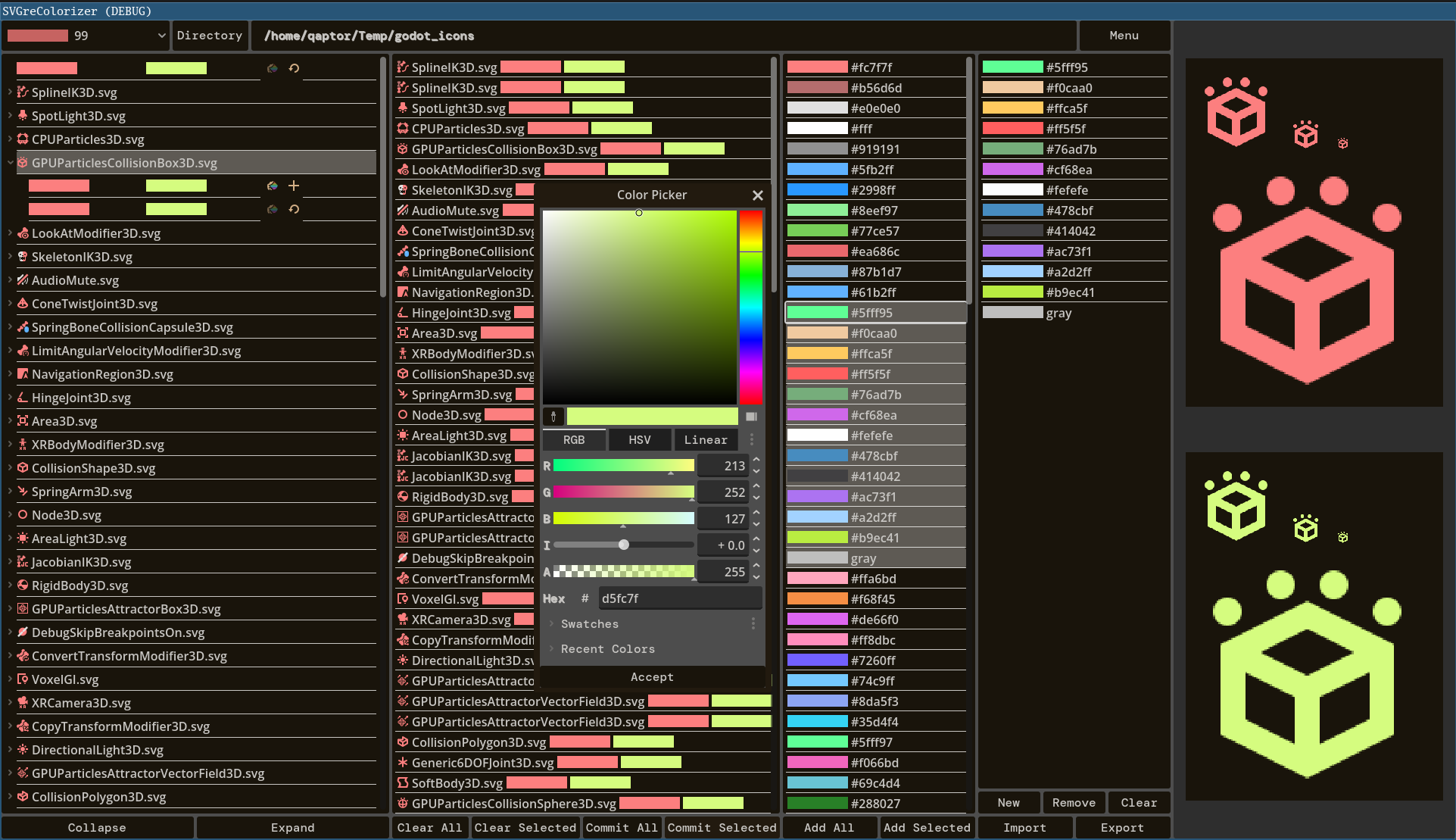
The interface keeps everything organized. Icons that share the same colors are grouped together. Pending changes stay in a queue, and the original and updated versions remain side by side while you work.
The project started four years ago as a tool for recoloring Godot's editor icons. Aldo later realized it only worked with a small group of SVG files, so the project sat unfinished until they came back and rewrote the parser to support the full range of color formats.
If you want to check it out, or know more about the creator, the links will be right below.
Learn more! 📖
Some gems you can find in the Godot Shaders Bible book ✨ https://t.co/1kYkAqSE2L pic.twitter.com/bHVR4yEKSU
— Shaders Bible Series (@ushadersbible) June 25, 2026
If you want to learn more about shaders in Godot, The Godot Shaders Bible covers topics like stylized shading, screen-space VFX, lighting, and vertex manipulation through step-by-step examples.
Jettelly wishes you success in your professional career!
Did you find an error? No worries!
Write to us at [email protected], and we'll fix it!
Level up your Technical Art skills in Godot!
We invite you to explore "The Godot Shaders Bible", a comprehensive book on the concepts and fundamentals seen in this post.
Other posts that might interest you.
-
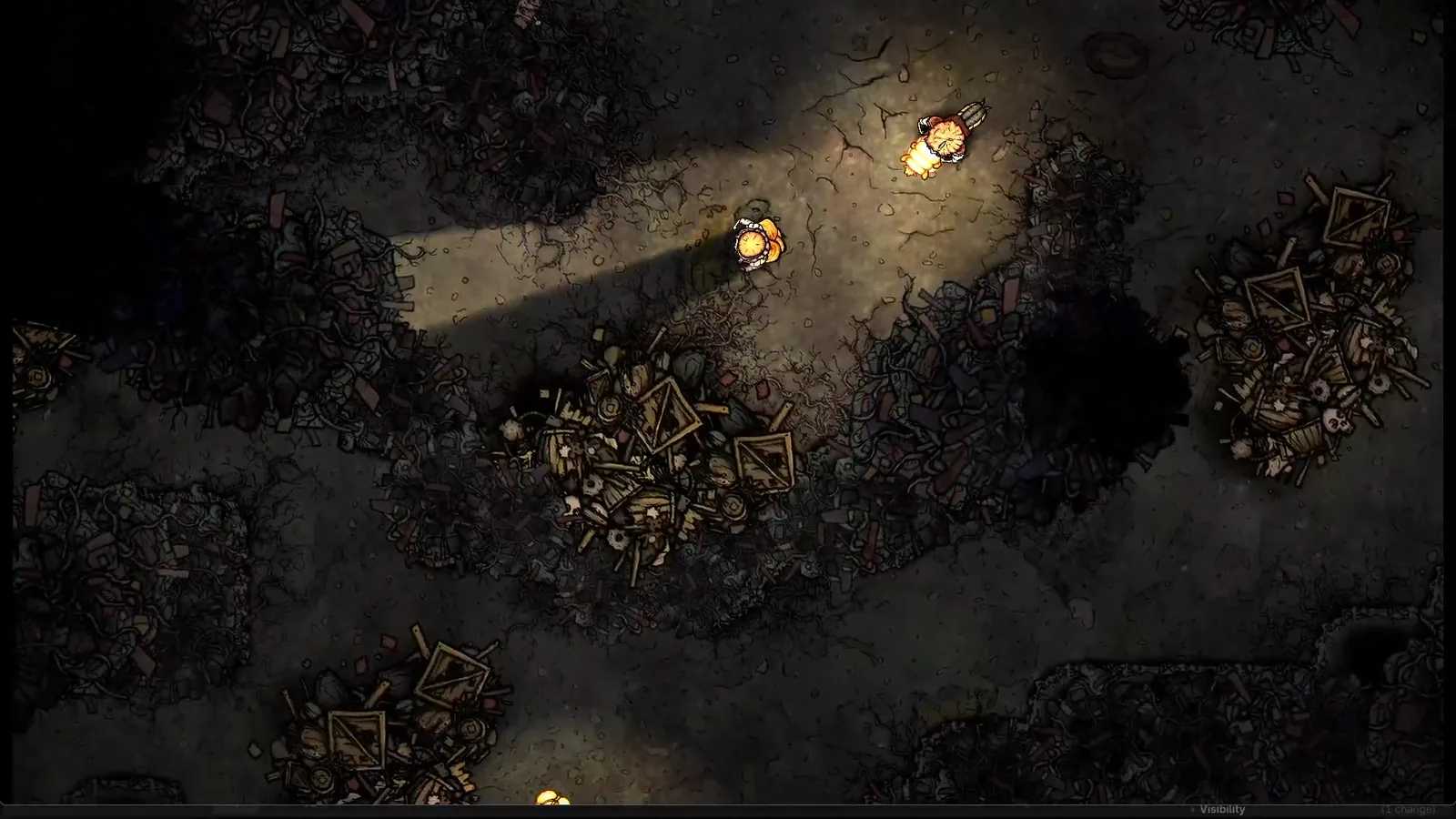 Silk & Sorrow's trees and trash piles seem to have height, but they are made from sprites. Florian Heynen of Snowberry Games made the effect by stacking, moving and lighting those layers in Godot.
 -
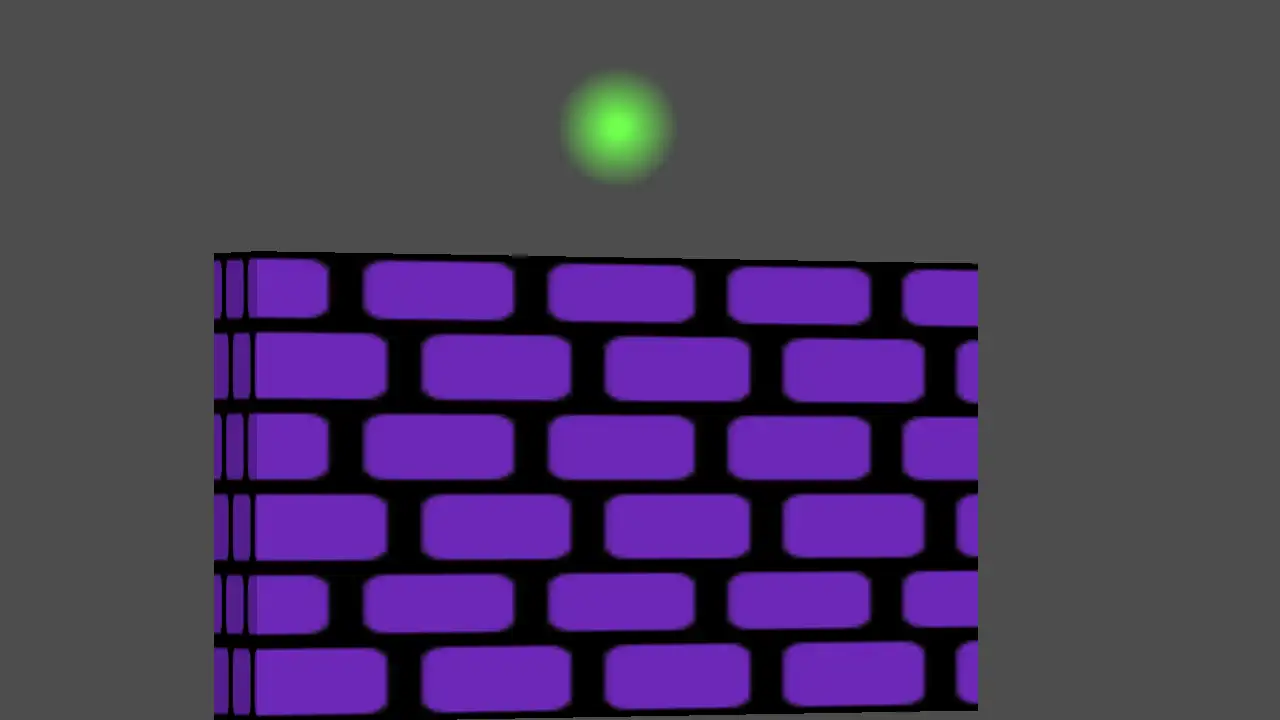 Perspective Quads gives 2D Godot scenes a sense of depth through texture warping, animated view changes and interfaces that stay interactive.
 -
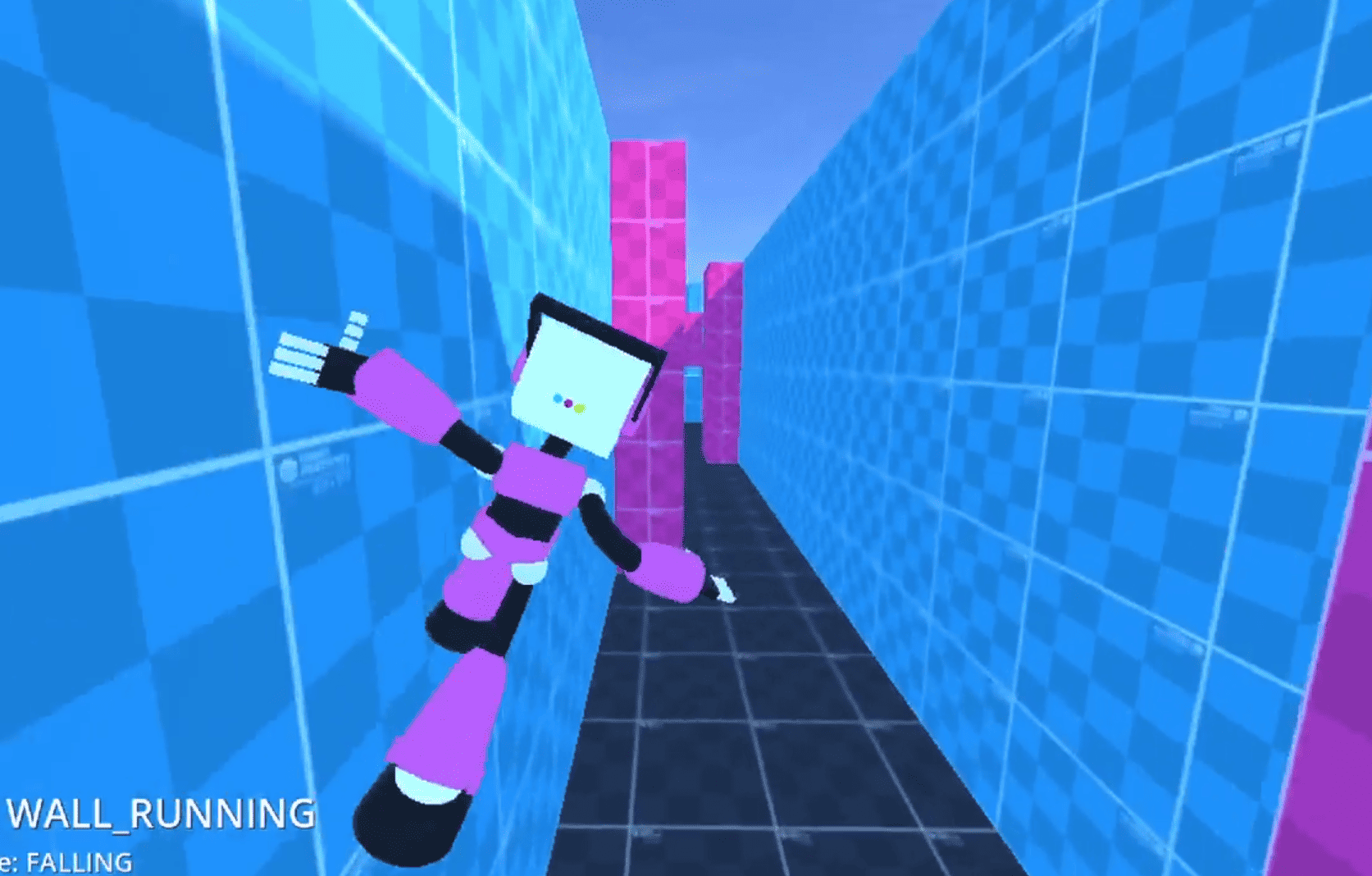 Niki explains the wall running and jumping in her early Godot prototype, and why she moved the controller to a state machine.
