
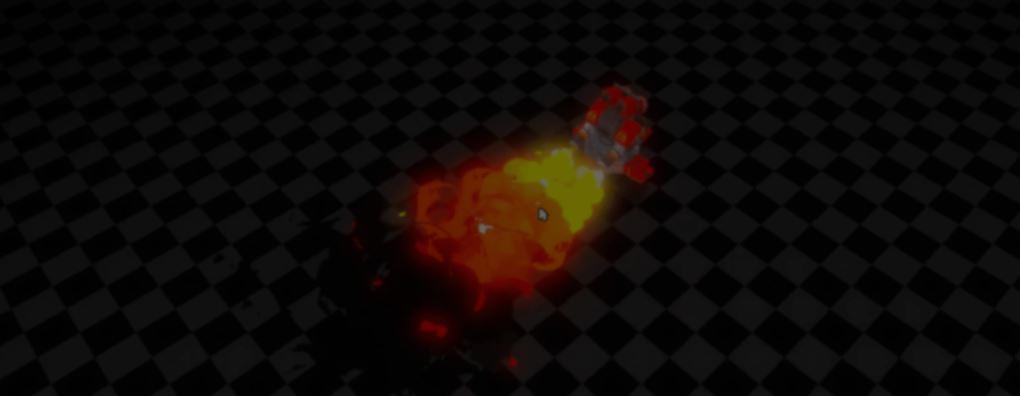
Good-looking fire often looks much more complicated than it really is.
For this flamethrower turret, developer Loop_Box did not build a new shader from scratch. They reused a stylized smoke shader they had made earlier in Godot and just adjusted a few parameters to make it behave like fire.
The effect starts by scrolling a Voronoi noise texture across the particle mesh. As the UVs move, the flame keeps changing shape without needing different meshes or animations.
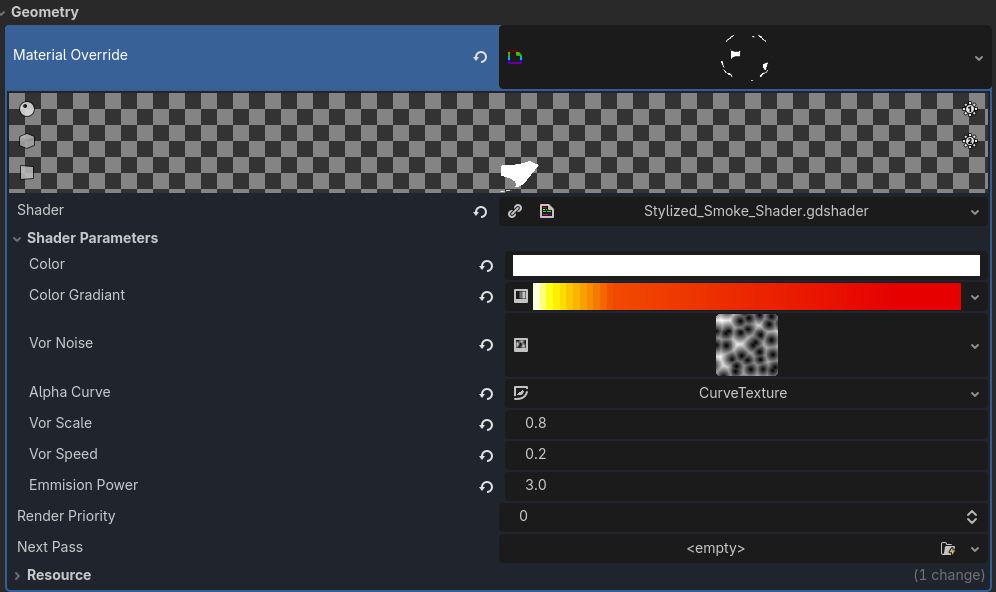
As the particle changes, the visible part of the mesh gets smaller. Loop_Box uses the particle's lifetime as the alpha cutoff.
The particle also changes color over time. A gradient texture controls the transition from almost white to orange and finally red.
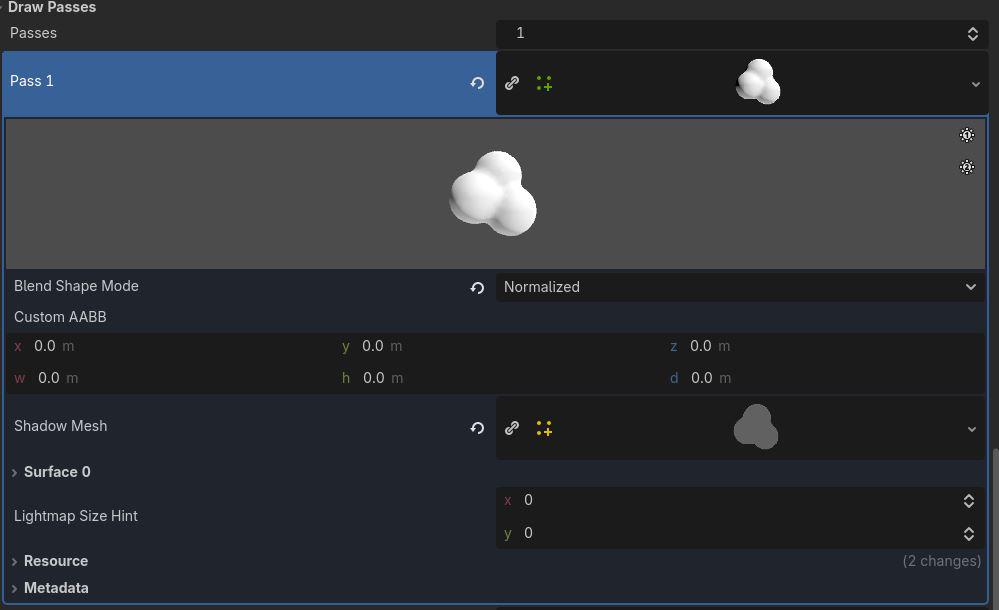
The smoke effect uses the same shader. The main differences are a longer particle lifetime and a different color gradient that goes from red to black.
According to Loop_Box, that is the whole trick. The flamethrower reuses the same shader with a few tweaked parameters.
If you want to learn more, the links will be right below.
- Smoke shader: https://github.com/Loop-Box/Stylized-Smoke-For-Godot4.5
- Twitter / X: https://x.com/Loob_Box
- Instagram: https://www.instagram.com/loop_box_the
Want to learn Godot shaders and VFX? ✨
Our Godot All About VFX Bundle covers shaders, particles, and VFX for 2D, UI, and 3D games with step-by-step examples. Over 600 pages of content!
We now have a new bundle: Godot: All About VFX! ✨
— Shaders Bible Series (@ushadersbible) September 21, 2026
It includes the Complete Godot VFX Handbook and the Godot Shaders Bible! ➡️ https://t.co/aBEtLP7VPP#indiedev #godot pic.twitter.com/7STucAvnN3
Jettelly wishes you success in your professional career!
Did you find an error? No worries!
Write to us at [email protected], and we'll fix it!

Level up your Shaders & VFX in Godot!
We invite you to explore "The Godot All About VFX Bundle", a comprehensive bundle on the concepts and fundamentals seen in this post.
Other posts that might interest you.
-
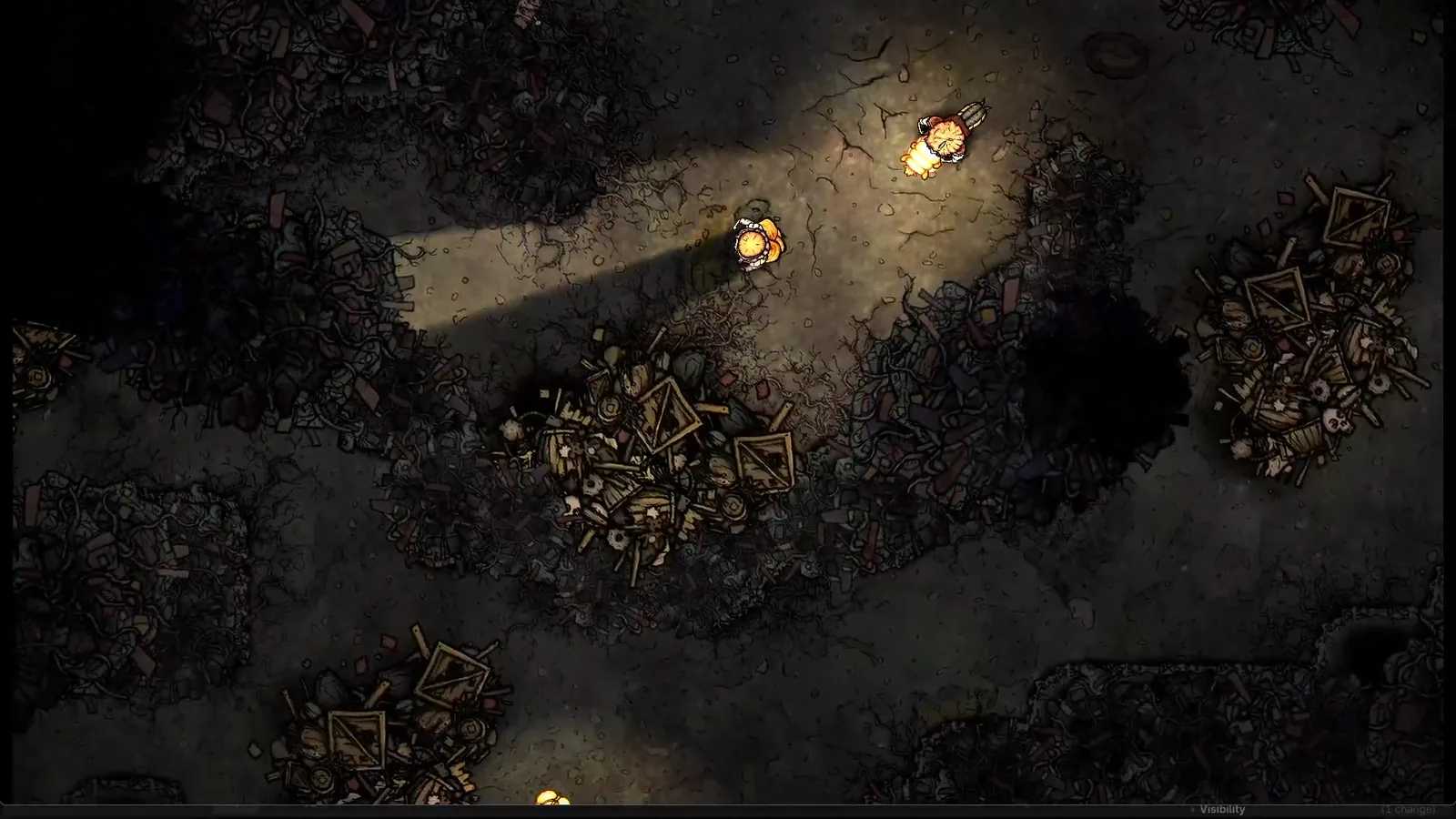 Silk & Sorrow's trees and trash piles seem to have height, but they are made from sprites. Florian Heynen of Snowberry Games made the effect by stacking, moving and lighting those layers in Godot.
 -
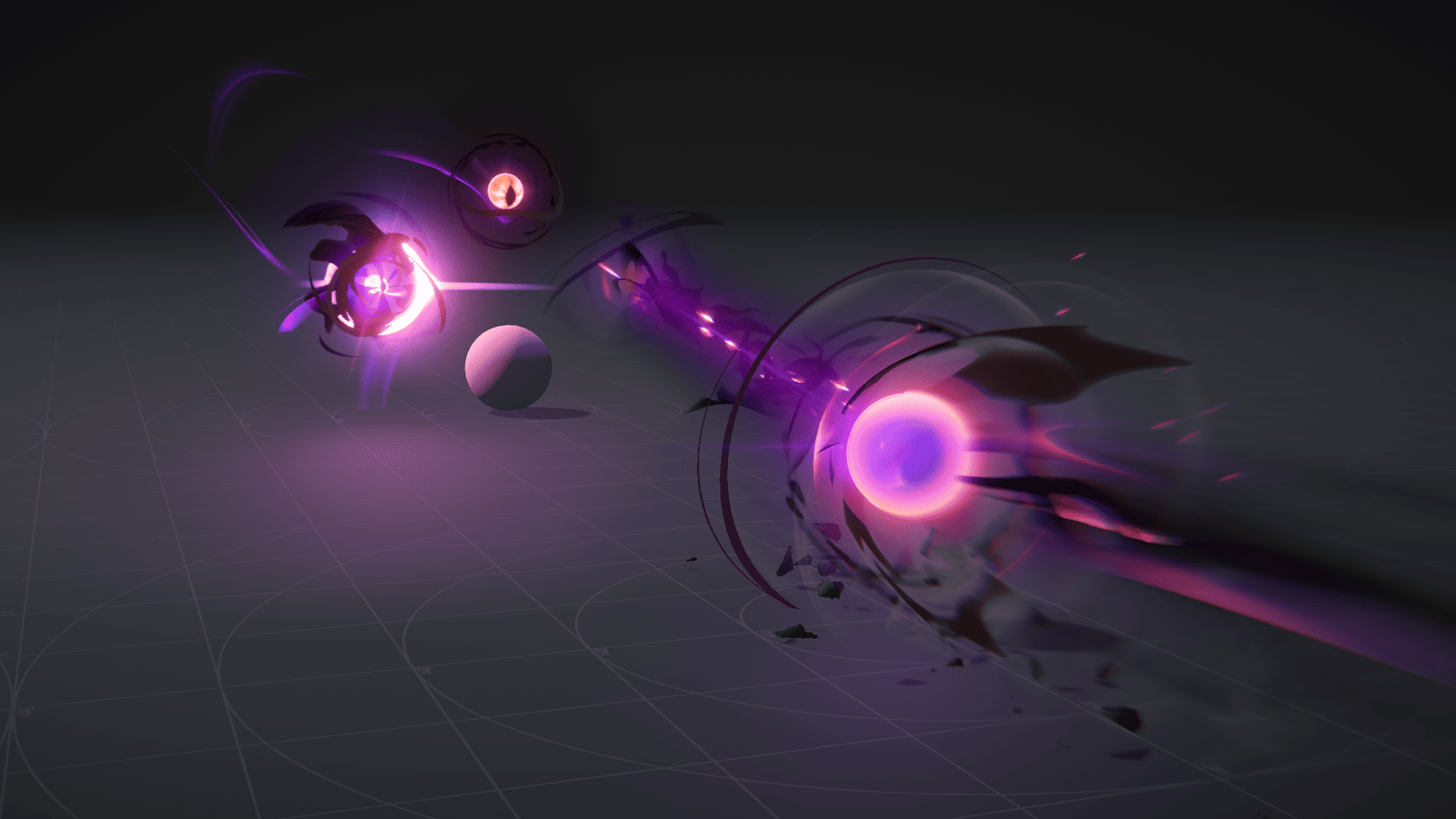 Ryan Gee’s Eldritch Blast uses procedural eyes and exaggerated motion to give the spell weight, without relying on camera shake.
 -
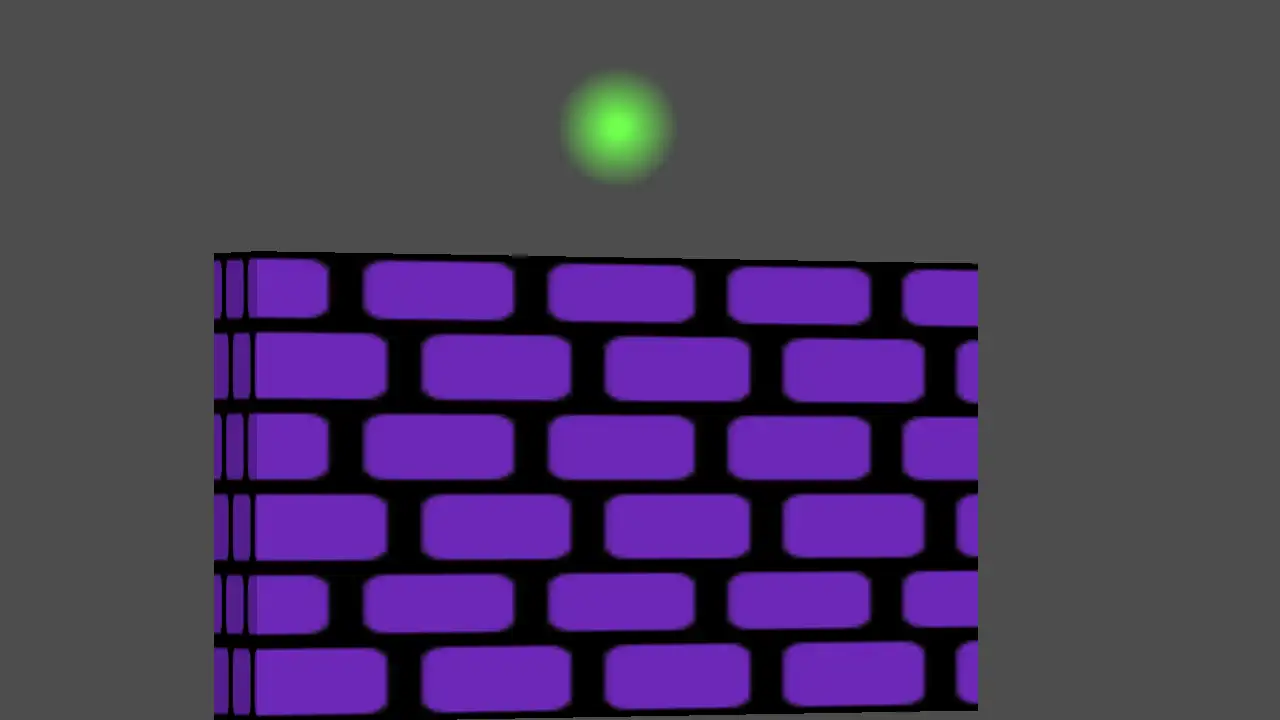 Perspective Quads gives 2D Godot scenes a sense of depth through texture warping, animated view changes and interfaces that stay interactive.
