
World Conceptor: Procedural Atmosphere and Sky Control for Blender.
by Jettelly
Published |
Lighting and atmosphere usually define the mood of a render long before details like materials or composition are finalized. In Blender, building skies, fog, clouds, and astronomical lighting often means combining multiple systems manually, adjusting world shaders, and iterating through many parameters just to reach a stable starting point.
World Conceptor, developed by 3DVision, approaches this process by grouping atmosphere and environment control into a procedural setup that runs directly inside Blender. The goal is to provide a unified way to configure skies, lighting, clouds, and environmental effects without rebuilding node networks for every scene.
The tool focuses on Cycles rendering and is designed around large-scale environments such as outdoor scenes, architectural visuals, or space renders.
Dynamic Atmosphere and Lighting
World Conceptor provides procedural controls for atmospheric lighting through a structured environment setup.
Key elements include:
- Atmospheric presets with multiple predefined sky configurations
- Adjustable global illumination controls
- Sky glow parameters for night scenes or light pollution effects
- Solar eclipse setup through sun and moon positioning
Lighting and atmospheric effects are handled together, allowing indirect light and sky coloration to be adjusted as part of the same system. A smart optimization option can limit rendering to useful areas of the scene, which helps reduce unnecessary calculations in large setups.
Advanced Cloud System
Clouds are generated procedurally and can be configured directly through the interface.
Included options are:
- Multiple cloud types (such as cirrus and cumulus)
- Dynamic formations driven by procedural algorithms
- Animated cloud movement and variation
Cloud settings integrate with the atmosphere system, making it possible to move from clear skies to dense coverage without rebuilding the environment setup.
Weather and Environmental Effects
World Conceptor also includes environmental tools intended for scene mood and background generation.
These include:
- Volumetric fog controls with adjustable density
- Stormy sky configurations for rapid atmosphere changes
- One-click environment generation for background setup
The system can be used either as a starting point for world lighting or as a complete procedural sky solution depending on the scene.
Interface Overview
The system is organized into dedicated panels:
Sun & Moon
Control over elevation, disk size, and exposure.
Space & Stars
Adjust star intensity, tint, and rotation for night scenes.
Atmosphere
Independent toggles for sky, fog, and world sphere.
Independent toggles for sky, fog, and world sphere.
Clouds
Selection between six procedural cloud styles and coverage control.
Setup and Scene Requirements
According to the documentation, several scene settings should be adjusted to avoid clipping or rendering issues:
- Scene units set to kilometers
- Camera clip end around 2000 km
- Volumes enabled with Biased mode
- Backface culling enabled
The tool is imported through Blender’s Asset Browser, with no traditional installation process required. Activation happens by enabling the Celestial option in World settings.
Where This Tool Fits Best
World Conceptor is most relevant for:
- Artists who frequently build outdoor environments
- Architectural visualization workflows
- Space or planetary renders
- Scenes requiring rapid iteration on lighting and atmosphere
- Projects where procedural sky control is preferred over manual world node setups
Similar and Useful Tools
- World Blender 2025: World Blender 2025 is a Geometry Nodes–based environment tool for Blender focused on procedural landscape creation. It includes controls for terrain shaping, erosion-style effects, rivers, rocks, and foliage scattering, allowing users to build natural environments through parameter-based pipelines.
Differences: Compared to World Conceptor, World Blender 2025 is more terrain-centric, offering deeper control over erosion physics, water/hydro effects, and landscape shader workflows. World Conceptor aims for faster world concept workflows with broad visual tools, while World Blender goes deeper technically into natural surface simulation and landscape detail.
- Infinigen (Open Source Procedural World Generator): Infinigen is a fully procedural open-source world generator built on Blender that can create unlimited natural worlds algorithmically, with no external assets. It’s highly procedural and used heavily for research and large-scale environment generation.
Differences: Unlike World Conceptor, Infinigen is extremely technical and data-driven. It’s not focused on artist-friendly UI or quick concept creation; instead it generates massive procedural worlds automatically. World Conceptor is artist-oriented, while Infinigen is more system-oriented.
✨ World Conceptor 1.1.20 is now available on SuperHive.
📘 Interested in creating your own Tools and Shaders? Check out the Godot Shaders & Blender Tools Bundle, which includes: Blender Tool Development Fundamentals and The Godot Shaders Bible.
📘 Interested in creating your own Tools and Shaders? Check out the Godot Shaders & Blender Tools Bundle, which includes: Blender Tool Development Fundamentals and The Godot Shaders Bible.
Our best-selling indie Bundle: Godot shaders + Blender tools ✨ https://t.co/zSlHDCuGVC#b3d #GodotEngine #3DCG pic.twitter.com/sjdYxXjKUB
— The Unity Shaders Bible (@ushadersbible) November 16, 2025
Jettelly wishes you success in your professional career!
Did you find an error? No worries!
Write to us at [email protected], and we'll fix it!
Other posts that might interest you.
-
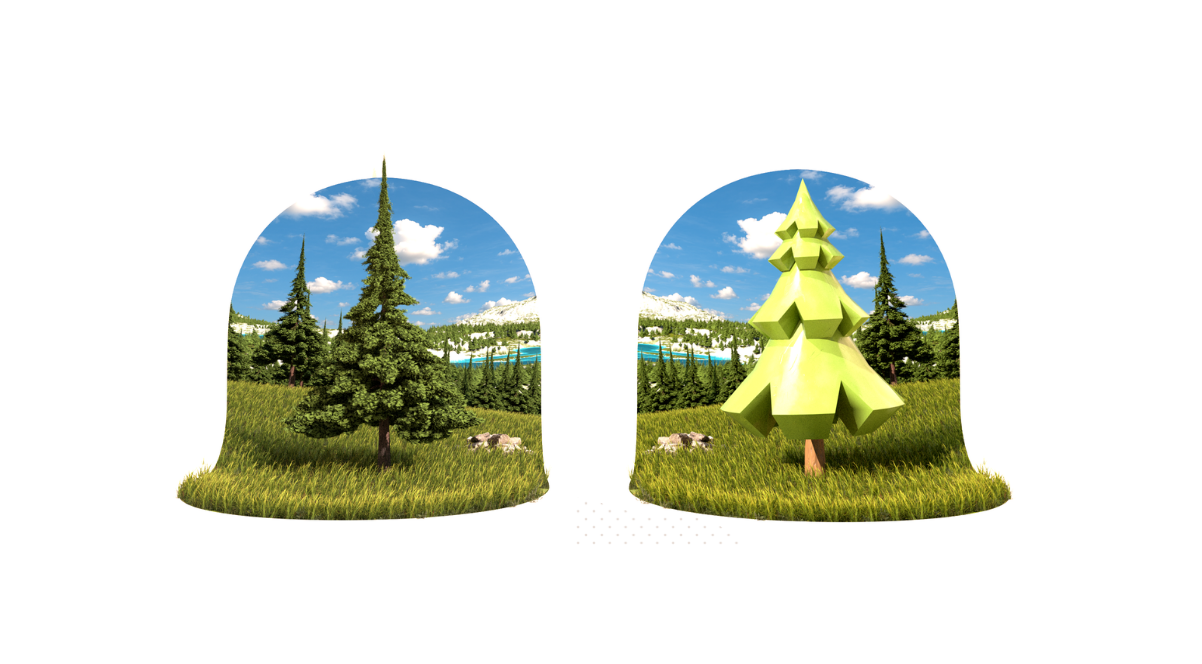 We take a look at TreeDesigner, a Geometry Nodes-based tool by Alexis Eginard that enables procedural tree creation in Blender, along with a library of 400 customizable tree assets.
 -
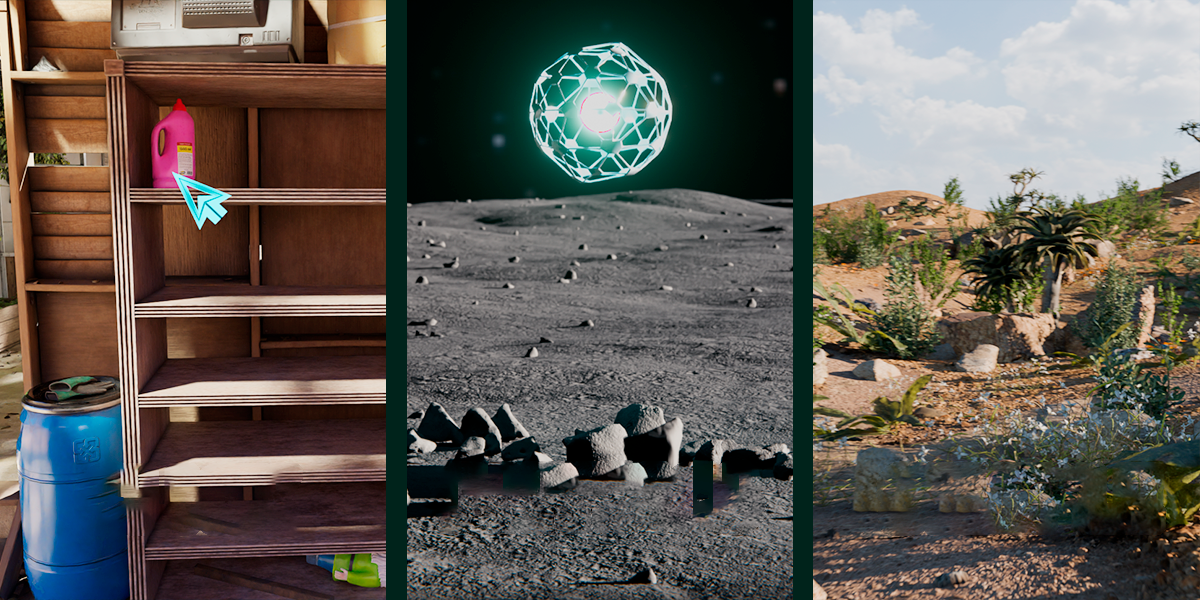 We take a look at Scatter by KIRI Engine, a free Blender addon that offers manual placement, Geometry Nodes scattering, and physics-based distribution in a single workflow.
 -
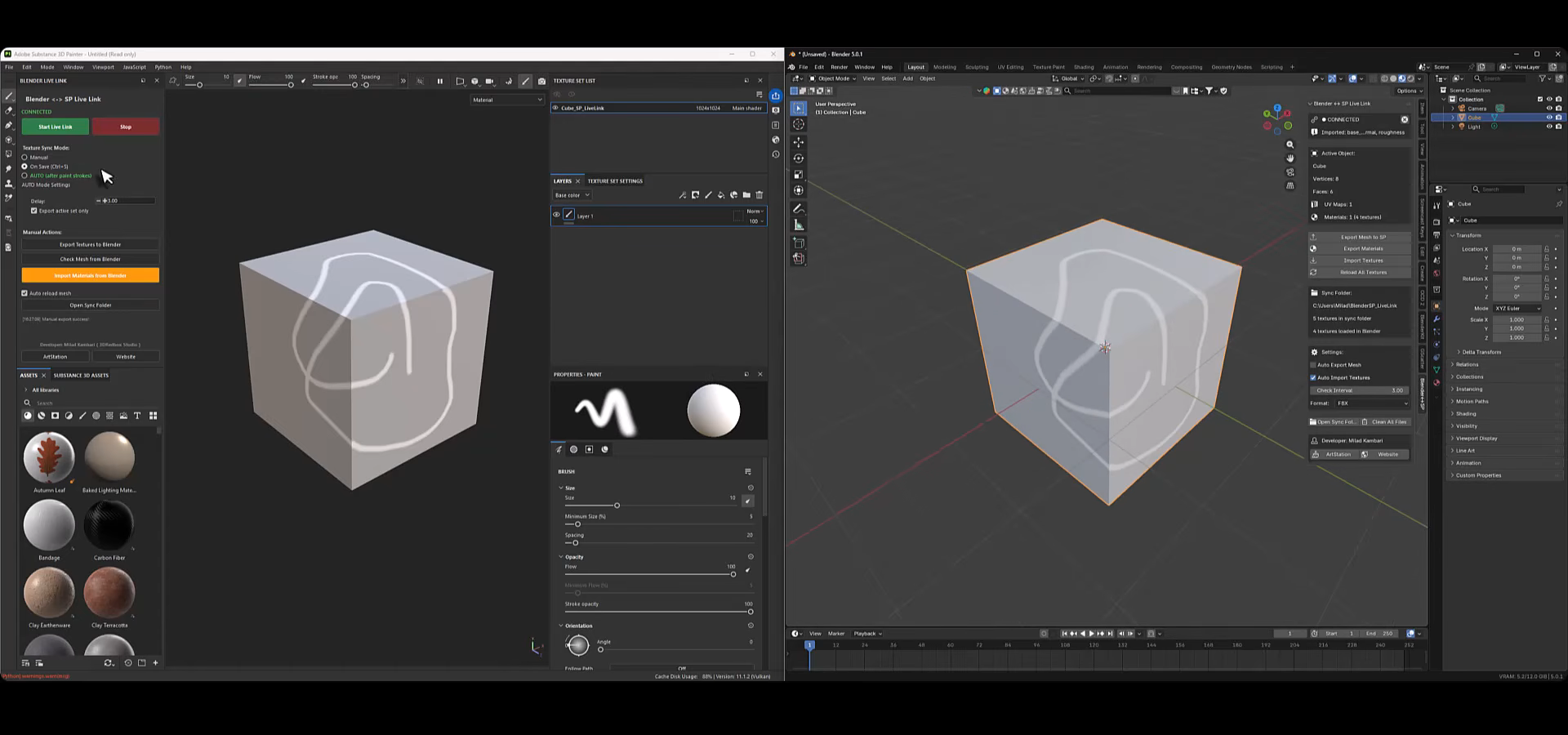 We take a look at Blender to Substance Painter Live Link Plugin, a tool by Milad Kambari that connects both applications through a real-time geometry and material sync workflow.
