
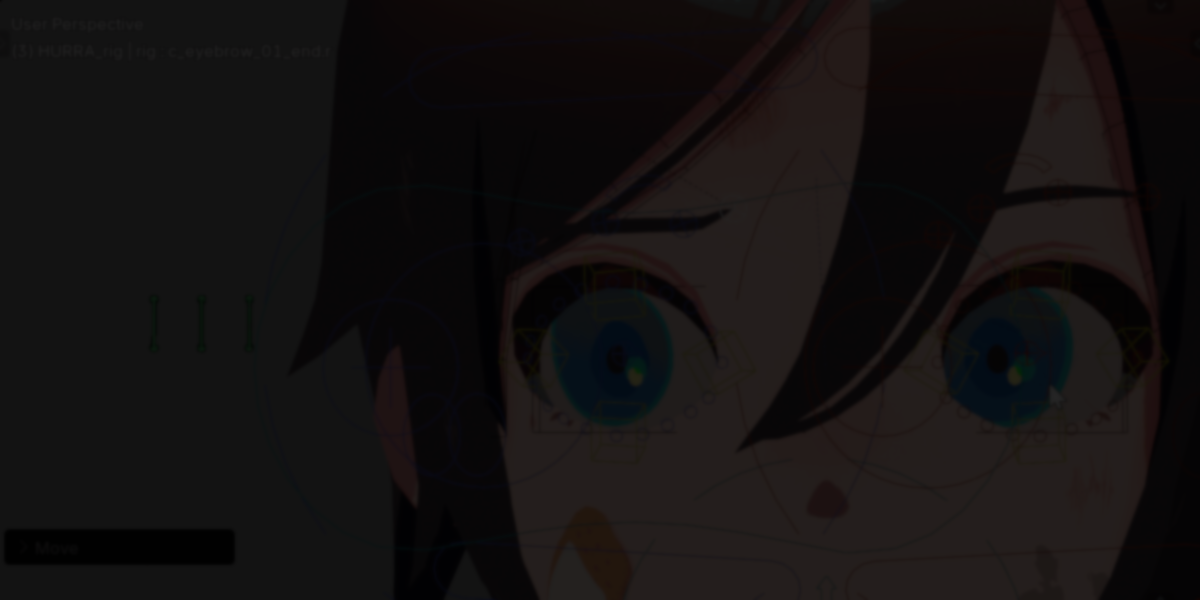
Character animation in Blender often revolves around a simple loop: select a bone, transform it, set a keyframe. That cycle repeats thousands of times in a single project.
While transforming and keyframing are intentional creative steps, bone selection is usually mechanical. Reaching for specific bones with the mouse, navigating dense rigs, and switching between editors adds small interruptions that accumulate over time.
Close Bone Picker, developed by POPREQ, focuses specifically on improving bone selection efficiency inside Blender. Instead of relying solely on viewport clicking or outliner navigation, it introduces shortcut-based selection, custom hierarchies, and pie menus tailored for animation workflows.
Bone選択を効率化するBlender Addon販売開始します!
— ぽぷりか (@POPREQ) February 15, 2026
クリックではなく、
マウスのフリックやpie menuでboneを選択します。
ちょっと複雑なので、詳細はツリーにあるドキュメントページ見てほしい。
販売サイトのURLもツリーに↓ pic.twitter.com/ILb1J7tMfZ
Shortcut-Based Bone Selection
The add-on allows bones to be selected directly using keyboard shortcuts.
Instead of manually clicking bones in the viewport:
- Assign shortcuts to frequently used bones
- Navigate through custom hierarchies
- Access commonly used controls without leaving the 3D View
This reduces repetitive mouse travel and helps maintain animation flow.
Custom Bone Hierarchies
One of the core features of Close Bone Picker is the ability to design a custom hierarchy for bone navigation.
Rather than relying strictly on the rig’s internal structure, you can:
- Create a simplified hierarchy tailored to your animation needs
- Organize bones in logical navigation paths
- Move through the structure using shortcuts
This is particularly useful for complex rigs where the default hierarchy is not optimized for animation access.
Direct Access with Pie Menus
For frequently used bones, the add-on supports direct access via pie menus. This allows:
- Instant bone selection from radial menus
- Conditional selection logic
- Context-aware picking (for example, selecting the right-side bone automatically)
Pie menus can be kept simple or expanded with conditional nodes for more advanced setups.
Bone Collection Control in the 3D View
Managing bone visibility is part of keeping animation scenes readable.
Close Bone Picker allows bone collections to be toggled directly from the 3D View, avoiding constant trips to the Properties Editor. Filtering options help hide animation-irrelevant layers while focusing on active controls.
Quick Pose Mode Access
Entering Pose Mode can become repetitive when multiple objects are selected. The add-on includes a shortcut to enter Pose Mode correctly, even if other scene objects are active.
This removes a small but frequent interruption during setup.
Node-Based Setup
Close Bone Picker includes a dedicated node editor for configuration.
You can:
- Design custom bone hierarchies
- Configure pie menus
- Switch between the 3D View and the CBP Node Editor
The setup uses a simplified node system with a single node type.
Compatibility
The add-on works with any armature that functions in Blender, including:
- Rigify
- Auto-Rig Pro
- Custom rigs
It operates independently of rig generation tools.
Where It Fits Best
Close Bone Picker is particularly useful for:
- Animators working with complex character rigs
- Projects involving repetitive pose adjustments
- Users who prefer keyboard-driven workflows
- Studios looking to standardize bone access across rigs
Similar and Useful Tools
- Bone Manager (Blender): Bone Manager is a Blender addon that enhances bone control with selection, visibility toggles, color tagging, collection tools, and a basic bone picker mode. It works with Blender 5.0 and includes dynamic panels.
Differences: Bone Manager combines selection organization with utility tools, so it’s broader than Close Bone Picker’s pure pick menu. Close Bone Picker focuses specifically on fast bone selection from a nearby menu, whereas Bone Manager also offers visibility, tag filters, and constraint presets.
- Flexi Picker: Flexi Picker is a pose picker addon for Blender that allows fast bone selection and visibility control through a clean interface. It supports custom bone groups, visibility toggling, and organized control layouts compatible with Blender 4.0+.
Differences: Flexi Picker focuses on combining bone selection with visibility layers and group control, offering a broader toolset than just picking. Close Bone Picker centers on a minimalistic bone pick menu, while Flexi Picker also gives quick control over what bones are visible or hidden.
✨ Close Bone Picker is now available on SuperHive and Gumroad.
📘 Interested in creating your own Tools and Shaders? Check out the Godot Shaders & Blender Tools Bundle, which includes: Blender Tool Development Fundamentals and The Godot Shaders Bible.
📘 Interested in creating your own Tools and Shaders? Check out the Godot Shaders & Blender Tools Bundle, which includes: Blender Tool Development Fundamentals and The Godot Shaders Bible.
Our best-selling indie Bundle: Godot shaders + Blender tools ✨ https://t.co/zSlHDCuGVC#b3d #GodotEngine #3DCG pic.twitter.com/sjdYxXjKUB
— The Unity Shaders Bible (@ushadersbible) November 16, 2025
Jettelly wishes you success in your professional career!
Did you find an error? No worries!
Write to us at [email protected], and we'll fix it!
Other posts that might interest you.
-
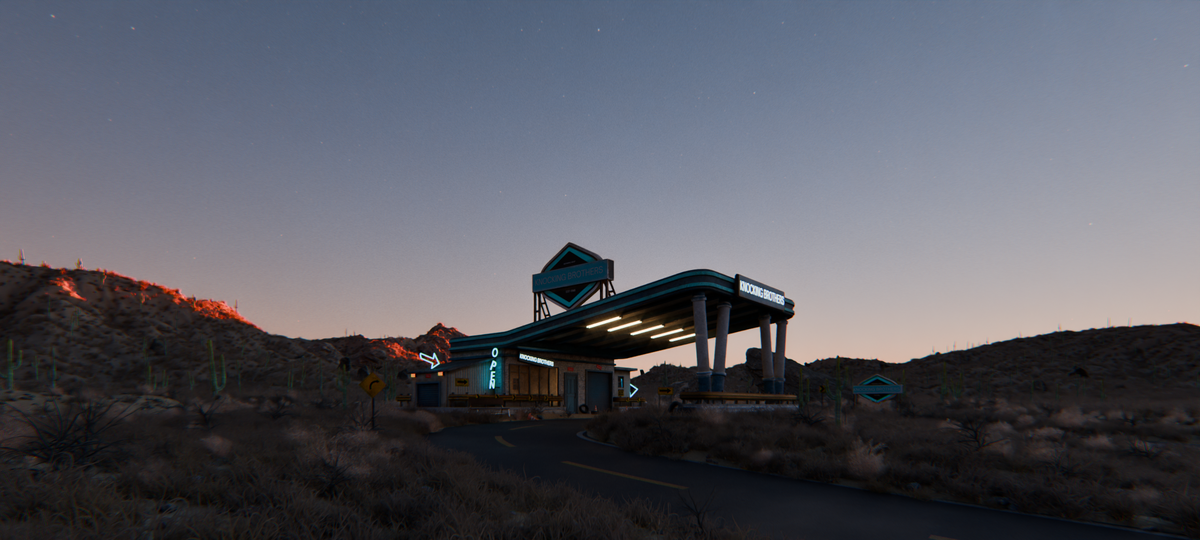 We take a look at World Conceptor by 3DVision, a Blender tool focused on procedural atmospheres, skies, clouds, and environmental lighting for Cycles renders.
 -
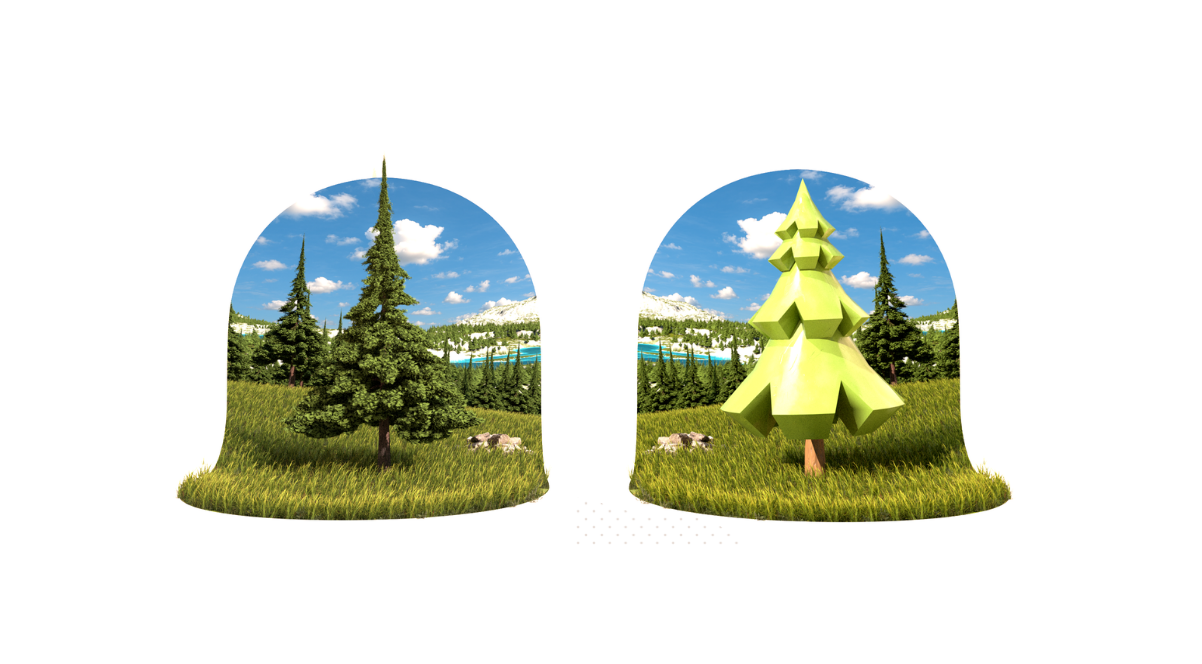 We take a look at TreeDesigner, a Geometry Nodes-based tool by Alexis Eginard that enables procedural tree creation in Blender, along with a library of 400 customizable tree assets.
 -
 We take a look at Scatter by KIRI Engine, a free Blender addon that offers manual placement, Geometry Nodes scattering, and physics-based distribution in a single workflow.
