

Physics performance issues often show up late in a project. Imported meshes ship with dense MeshColliders, sprites generate overly complex PolygonCollider2D paths, and suddenly CPU time disappears into collision checks that no one planned for.
Unity Collider Optimizer is a small, open-source tool that targets exactly that problem. Instead of rebuilding meshes or manually simplifying collider shapes, the tool focuses on reducing collider complexity directly inside Unity, using external simplification where it makes sense.
The project is early, openly developed, and explicitly looking for feedback, which makes it a good candidate for developers who want to test and improve their physics pipeline rather than adopt a closed, finished solution.
What Problem This Tool Solves
Unity’s default collider generation is reliable, but rarely efficient:
- MeshColliders often mirror the full render mesh, even when that level of detail is unnecessary for physics
- PolygonCollider2D can generate hundreds of paths from detailed sprites
- Manual cleanup is time-consuming and easy to postpone
Unity Collider Optimizer aims to reduce collider cost without changing how assets are authored or imported.
Instead of asking artists to prepare special physics meshes, the tool works directly on existing colliders and replaces them with simplified versions that are cheaper to evaluate at runtime.
How It Works
The tool supports two main workflows, one for 3D and one for 2D.
MeshCollider Optimization (3D)
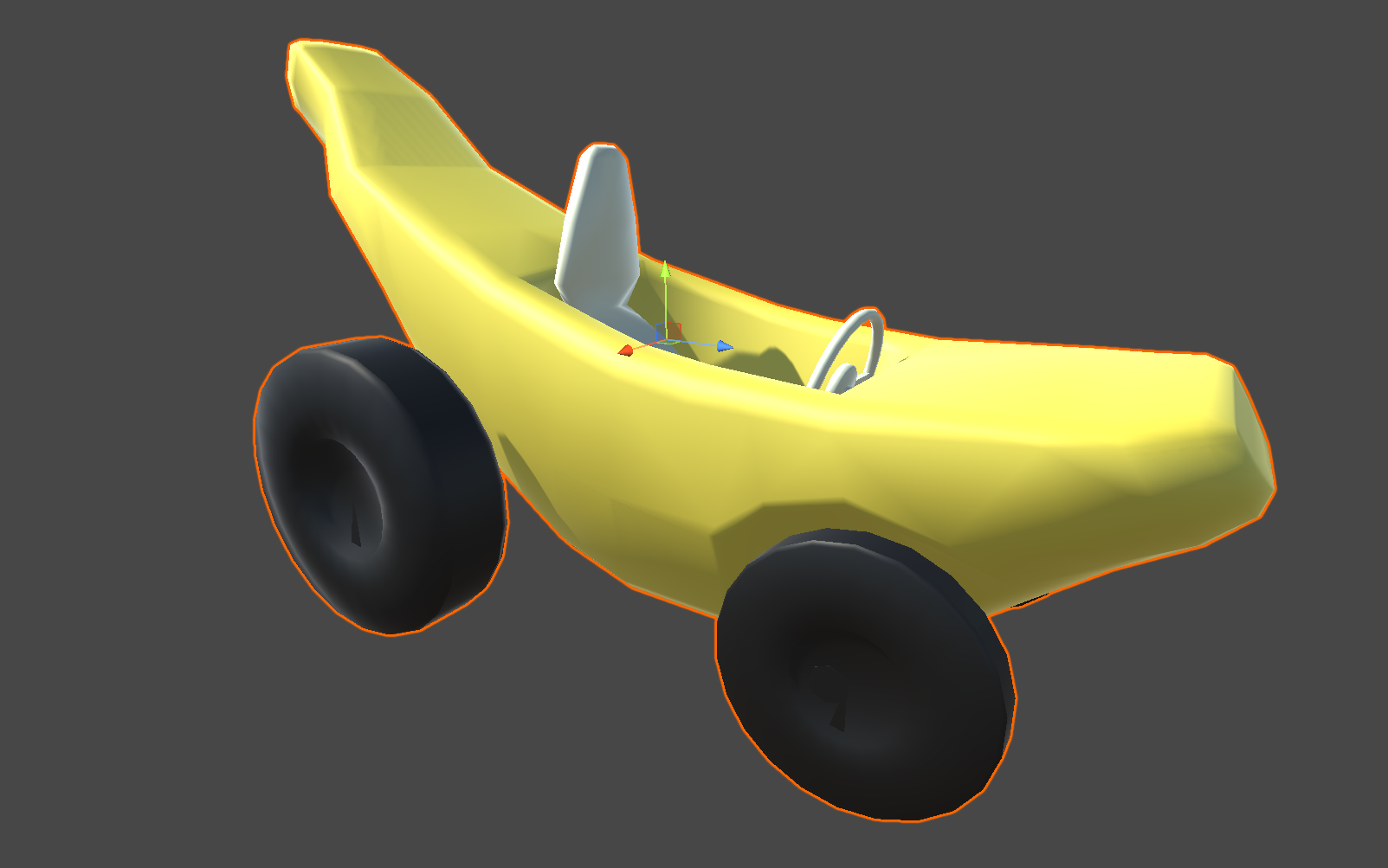
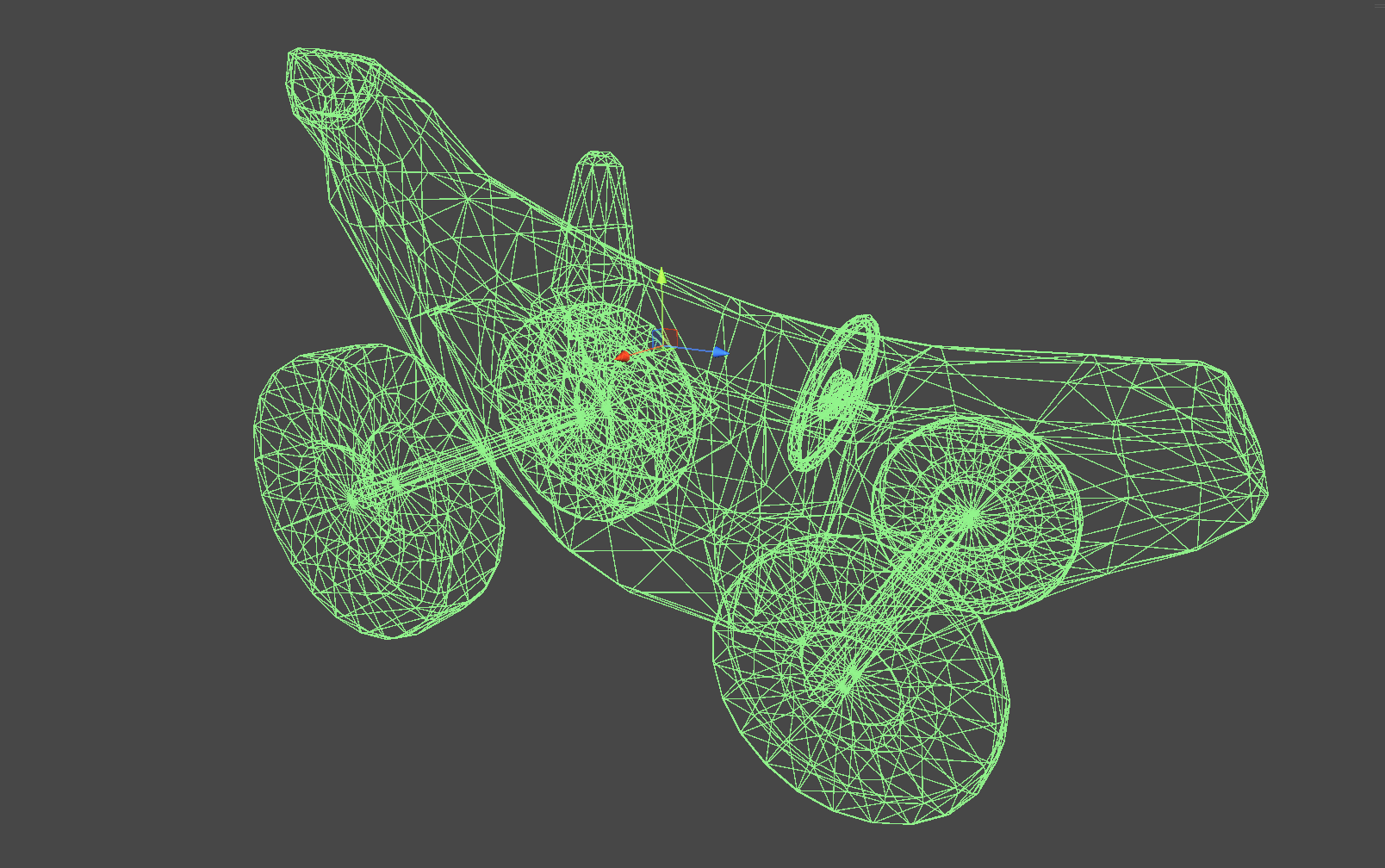
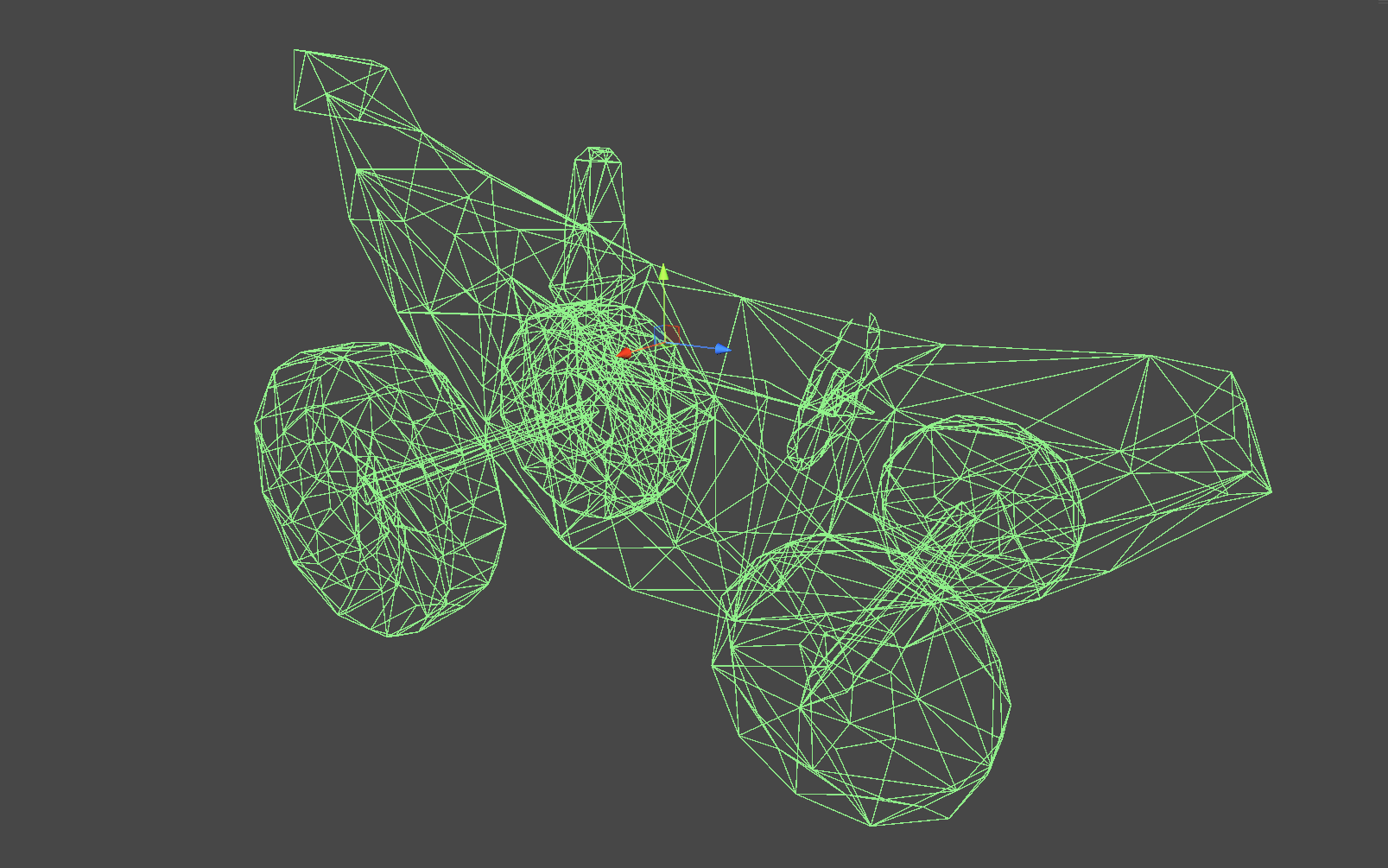
For 3D MeshColliders, the tool uses gltfpack under the hood to simplify geometry:
- The original mesh is converted and optimized externally
- Triangle and vertex counts are significantly reduced
- The optimized mesh is re-imported and assigned back to the collider
In practice, this can turn a several-thousand-triangle collider into something far lighter, without requiring a separate physics mesh in your project.
The optimizer also respects Unity’s existing rules, such as the 255-triangle limit for convex MeshColliders, which Unity may enforce automatically after simplification.
PolygonCollider2D Optimization (2D)
For 2D, the tool applies Ramer–Douglas–Peucker (RDP) line simplification to PolygonCollider2D paths.
This addresses a common issue where sprites produce extremely dense collider outlines:
- Path counts are reduced dramatically
- Shapes remain close to the original silhouette
- Performance improves in physics-heavy 2D scenes
Tolerance can be configured in world units or relative terms, which makes the system usable across sprites of different scales.
PolygonCollider2D Optimization (2D)
For 2D, the tool applies Ramer–Douglas–Peucker (RDP) line simplification to PolygonCollider2D paths.
This addresses a common issue where sprites produce extremely dense collider outlines:
- Path counts are reduced dramatically
- Shapes remain close to the original silhouette
- Performance improves in physics-heavy 2D scenes
Tolerance can be configured in world units or relative terms, which makes the system usable across sprites of different scales.
.png)
.png)
.png)
Workflow Inside Unity
The tool integrates directly into Unity’s editor workflow:
- Right-click a MeshCollider or PolygonCollider2D
- Select Optimize Collider
- Adjust parameters if needed, or use presets
There is no separate window required for basic use, and optimization happens per-object, making it suitable for incremental cleanup rather than large destructive passes.
Presets can be created and reused, which is especially useful when working across multiple scenes or asset types.
Why This Is Useful in Practice
What makes this tool interesting is not that it introduces new physics concepts, but that it removes friction from an otherwise annoying optimization step.
It works well when:
- Cleaning up downloaded or kitbash assets
- Preparing scenes for performance testing
- Reducing collider cost late in production
- Optimizing 2D collision outlines without redrawing sprites
It is not a replacement for deliberate physics design, but it is a practical cleanup tool that fits naturally into an existing Unity workflow.
Project Status and Availability
Unity Collider Optimizer is:
- Open source
- Actively developed
- Explicitly requesting community feedback
The source code, documentation, and releases are available on GitHub (shared at the end), and the project is distributed under the MIT License.
For developers working in Unity who want to reduce physics overhead without rebuilding assets, this is a tool worth testing and evaluating in real projects.
Similar and Useful Alternatives
Convex Collider Creator: An open-source tool that generates convex colliders for meshes in Unity, helping you approximate complex shapes with efficient convex hulls. It was originally an Asset Store tool and now has a GitHub version you can integrate into your project.
Differences: Convex Collider Creator focuses specifically on generating convex collider meshes rather than simplifying existing collision geometry. Unity-Collider-Optimizer reduces triangle count and optimises mesh colliders; this alternative creates new convex colliders to replace complex ones for better runtime performance.
Easy Collider Editor: An editor extension that makes placing and adjusting primitive colliders (box, sphere, capsule, cylinder, convex mesh) much easier via an intuitive vertex-based UI. It speeds up manual collider setup in scenes.
Differences: Easy Collider Editor helps you create and adjust colliders manually, whereas Unity-Collider-Optimizer automatically simplifies or optimises existing colliders. Use Easy Collider Editor when precise manual control over collider shapes is needed.
✨ Unity Collider Optimizer is now available on GitHub.
📘 Interested in building your own tools and shaders in Unity? Check out the Unity Tool Development Bundle, which includes Shaders & Procedural Shapes in Unity 6 and Unity 6 Editor Tools Essentials.
📘 Interested in building your own tools and shaders in Unity? Check out the Unity Tool Development Bundle, which includes Shaders & Procedural Shapes in Unity 6 and Unity 6 Editor Tools Essentials.
Math + Procedural shapes + Tools in Unity! If you're into technical art, this Bundle is what you need 🔗 https://t.co/MflVh7KJnp#unity3dgamedevelopment #indiedevs #gamedevs pic.twitter.com/LHN2ci83SN
— The Unity Shaders Bible (@ushadersbible) November 8, 2025
Jettelly wishes you success in your professional career!
Did you find an error? No worries!
Write to us at [email protected], and we'll fix it!

Level up your Technical Art skills! Grab our bundle and start learning today.
We invite you to explore "Unity Shaders and Tools Bundle", a comprehensive bundle on the concepts and fundamentals seen in this post.
Other posts that might interest you.
-
 We showcase Meadow Environment - Stylized Pack, a Unity asset pack focused on building stylized outdoor scenes using a structured set of meshes, shaders, and global systems.
 -
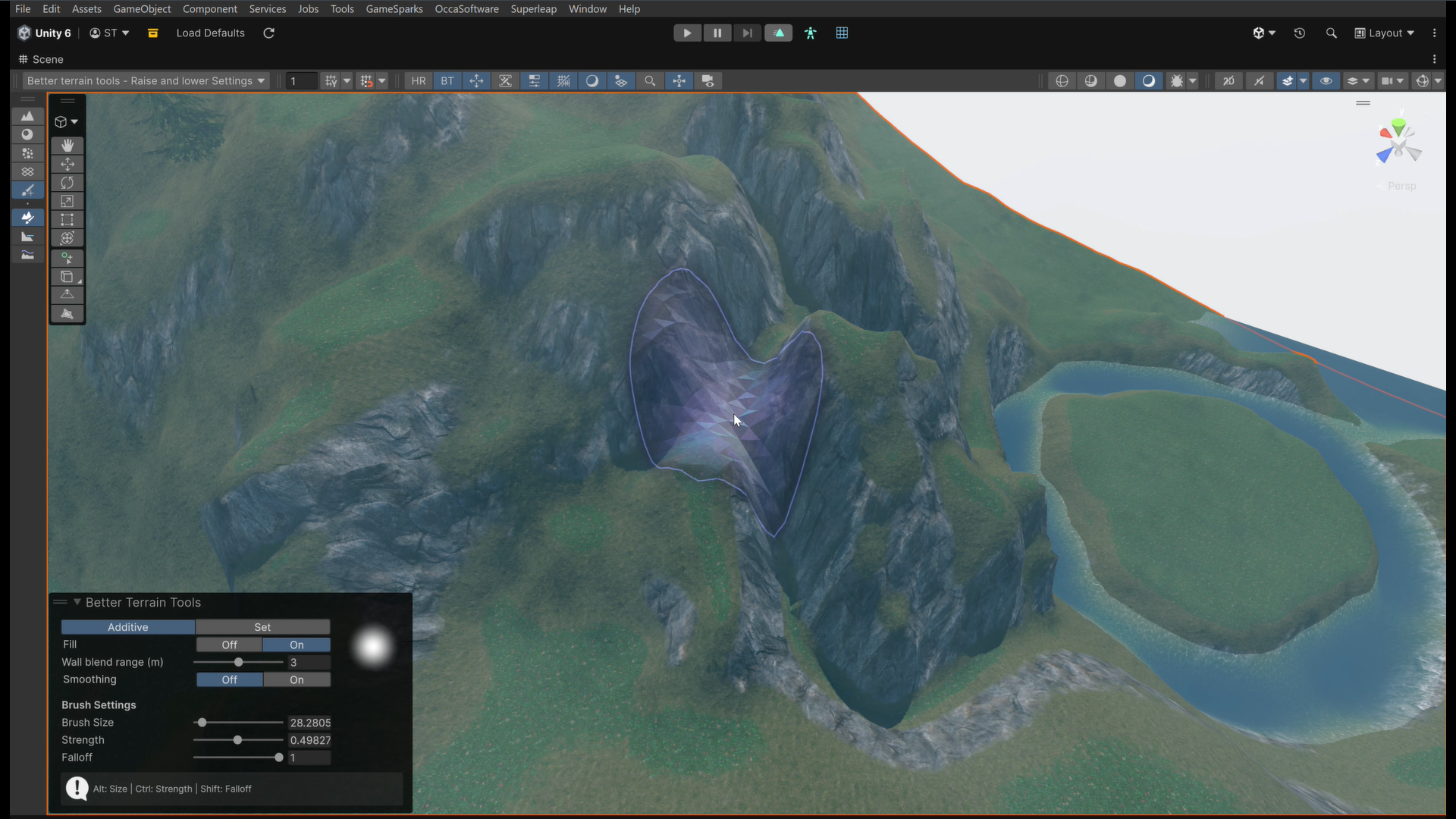 We take a look at Better Terrain Tools, a free Unity terrain sculpting add-on focused on hand-authored workflows.
 -
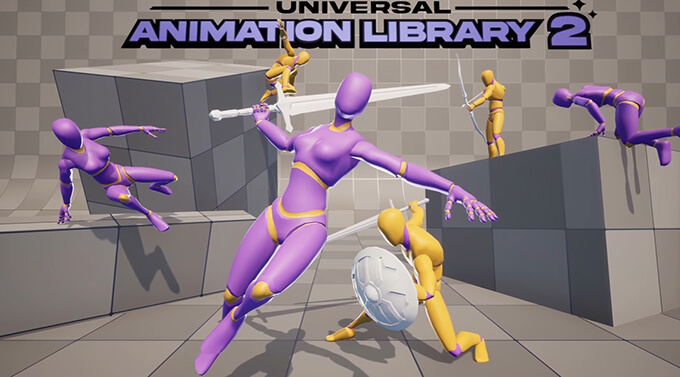 We take a look at Universal Animation Library 2, a CC0 animation pack built around a universal humanoid rig and designed to work across Godot, Unity, and Unreal Engine.
