
Scatter by KIRI Engine: Free Object Placement for Blender Environments.
by Jettelly
Published |
Placing assets across an environment is a core part of building believable scenes in Blender. Grass, rocks, debris, props, foliage, small details. The challenge is rarely whether scattering is possible, but how controlled and flexible the process is.
Scatter by KIRI Engine is a free addon designed to handle object placement through three distinct modes: manual placement, procedural Geometry Nodes scattering, and rigid body simulation. It focuses on covering common environment workflows without requiring paid tools.
We made a free addon to scatter objects using Physics & Click to Spawn
by u/KIRI_Engine_App in blender
What Scatter by KIRI Engine Does
The addon lets you populate scenes using a defined Scatter Collection or a specific object. Once the source is set, you choose how placement should behave depending on the task.
The three main scatter types are:
- Click Scatter (Manual Placement)
- Simple Scatter (Geometry Nodes based)
- Physics Scatter (Rigid Body simulation)
Each mode is suited to a different kind environment work.
Click Scatter - Manual Placement with Control
Click Scatter is designed for precise placement. It works as a raycast-based “point and shoot” tool that places objects exactly where you click on scene geometry.
Best used for:
- Foreground “hero” assets
- Set dressing
- Controlled detail placement
Key Behavior
- Automatically aligns to surface normals if enabled
- Supports random rotation
- Can spawn from a full collection or a single object
- Uses instances by default for performance
The instance option is important for large scenes. When enabled, Blender creates lightweight instances instead of real duplicates. This keeps memory usage manageable when placing high-resolution assets.
The workflow is straightforward:
- Choose source (collection or object)
- Activate Click Mode
- Left-click to place
- Right-click or Esc to exit
Simple Scatter – Geometry Nodes Distribution
Simple Scatter applies a non-destructive Geometry Nodes modifier to a mesh or curve. This is the procedural mode intended for environmental coverage.
Best used for:
- Grass fields
- Debris on surfaces
- Path-based scattering
- Large area coverage
Technical Characteristics
- Uses Poisson Disk distribution to prevent overlapping
- Fully editable after application
- Works on meshes and curves
- Remains non-destructive
Because it relies on Geometry Nodes, adjustments remain live. You can tweak density, distribution, and source objects without committing to baked geometry.
This makes it practical for terrain work and iteration-heavy scenes.
Physics Scatter - Simulation-Based Placement
Physics Scatter uses Blender’s Rigid Body system to drop objects into a scene and let gravity and collisions determine the final arrangement.
Best used for:
- Rock piles
- Containers filled with objects
- Debris stacks
- Chaotic or organic clustering
Instead of distributing objects mathematically, this mode spawns them through a helper system and simulates their behavior.
Helper Objects
Physics mode uses “Helpers” to define spawning and forces:
- Spawner (required): defines where objects appear
- Gravity Well: pulls or repels objects
- Wind: directional force
- Vortex: spinning force
These helpers are simple empties that control simulation behavior.
Spawn Settings
You can configure:
- Source type (collection or single object)
- Spawn count (batch size)
- Spawn pattern (spiral or grid)
- Z offset to prevent intersections
- Uniform size enforcement
Collision shape options include:
- Sphere (default for speed)
- Convex Hull (balanced accuracy)
- Box
- Full Mesh (accurate but heavy on CPU)
A Quick Floor option adds an invisible ground plane to prevent endless falling. You can also assign passive collision to existing objects such as tables, terrain, or bowls. Because it uses Blender’s native physics system, performance depends on object complexity and spawn count.
Performance and Workflow Considerations
A few implementation details are worth noting:
- Instances are strongly recommended for heavy assets
- High spawn counts can cause lag in Physics mode
- Static batching removes pivot data needed for wind bending in physics
- Geometry Nodes mode is generally the most stable for large scenes
Where It Fits Best
Scatter by KIRI Engine is useful for:
- Blender users building environment scenes
- Artists who need both controlled placement and large-scale distribution
- Users who want physics-based piling without custom node setups
- Beginners looking for a free scattering solution
Similar and Useful Tools
- Geo-Scatter: Geo-Scatter is one of the most advanced professional scattering plugins for Blender, built for large-scale environment creation. It offers texture/ID map driven distribution, rotation/scale controls, multi-layer systems, culling, wind simulation, and even physics scatter features in recent updates.
Differences: Geo-Scatter is far more robust and feature-rich than KIRI’s Scatter. It handles complex environments, terrain-aware layering, and optimized instance systems, making it better suited for cinematic or production scenarios, but it’s costlier and more complex for simple scatter tasks.
- OpenScatter: OpenScatter is a free (GPL-licensed) advanced scattering addon that uses a non-destructive, layer-based workflow to distribute objects like rocks, plants, etc. It supports masks, guide curves, abiotic controls (elevation/slope), dynamic collision, and performance optimizations such as viewport culling.
Differences: OpenScatter is closer in spirit to Scatter by KIRI Engine (free/community tool) but adds more environmental controls like slope/elevation masks and collision. It’s more feature-complete than basic Simple/Click+Physics modes, though it may be less polished than premium plugins like Geo-Scatter.
✨ Scatter By Kiri Engine is now available on SuperHive.
📘 Interested in building your own Blender add-on? Check out Blender Tool Development Fundamentals, and learn how to create custom operators, UI panels, gizmos, and production-ready add-ons using the Blender Python API.
📘 Interested in building your own Blender add-on? Check out Blender Tool Development Fundamentals, and learn how to create custom operators, UI panels, gizmos, and production-ready add-ons using the Blender Python API.
Jettelly wishes you success in your professional career!
Did you find an error? No worries!
Write to us at [email protected], and we'll fix it!
Level up your Tool Development skills! Grab our book and start learning today.
We invite you to explore "Blender Tool Development Fundamentals", a comprehensive book on the concepts and fundamentals seen in this post.
Other posts that might interest you.
-
 We take a look at Amplify Bloom by Amplify Creations, a now free high-quality post-processing solution for Unity’s Built-in Render Pipeline.
 -
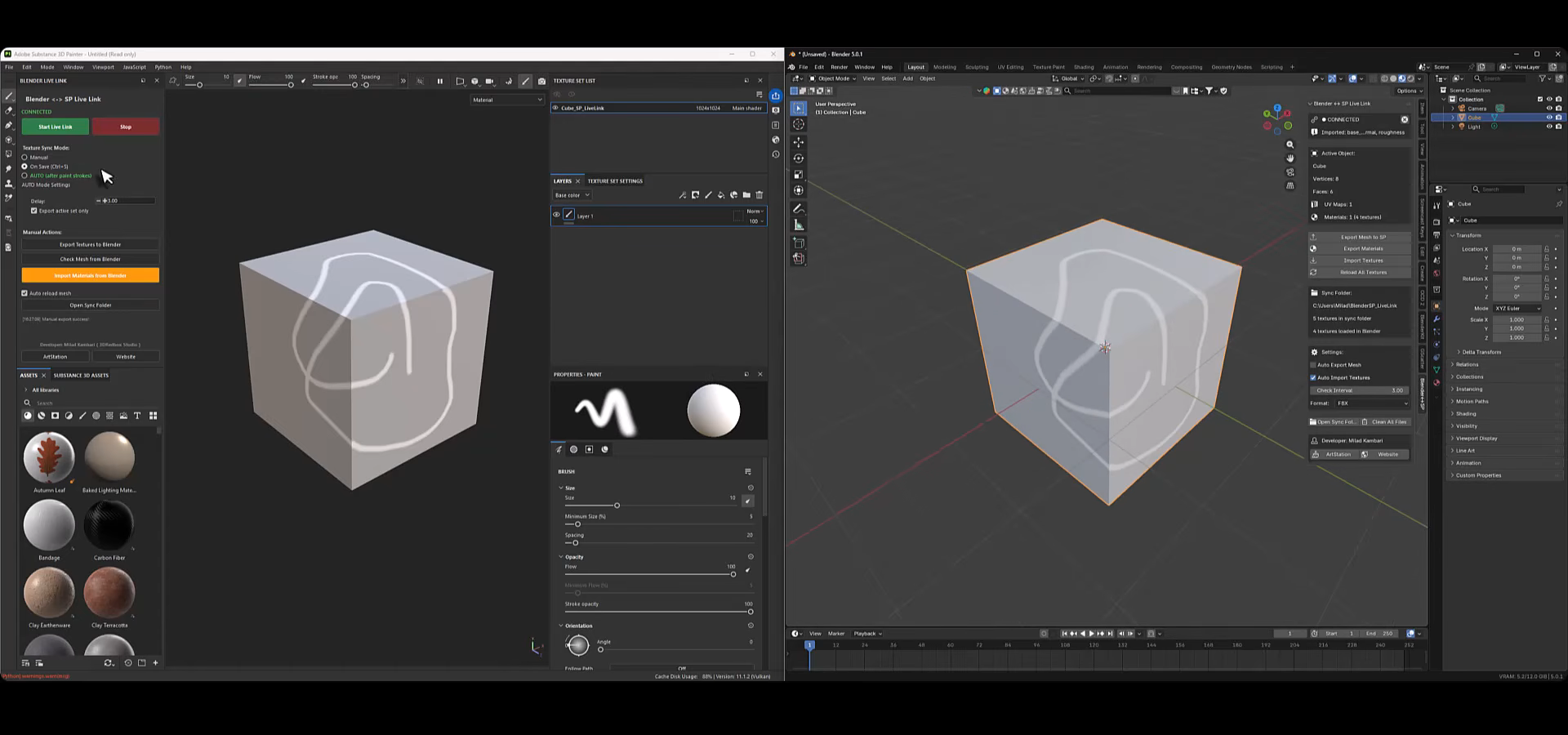 We take a look at Blender to Substance Painter Live Link Plugin, a tool by Milad Kambari that connects both applications through a real-time geometry and material sync workflow.
 -
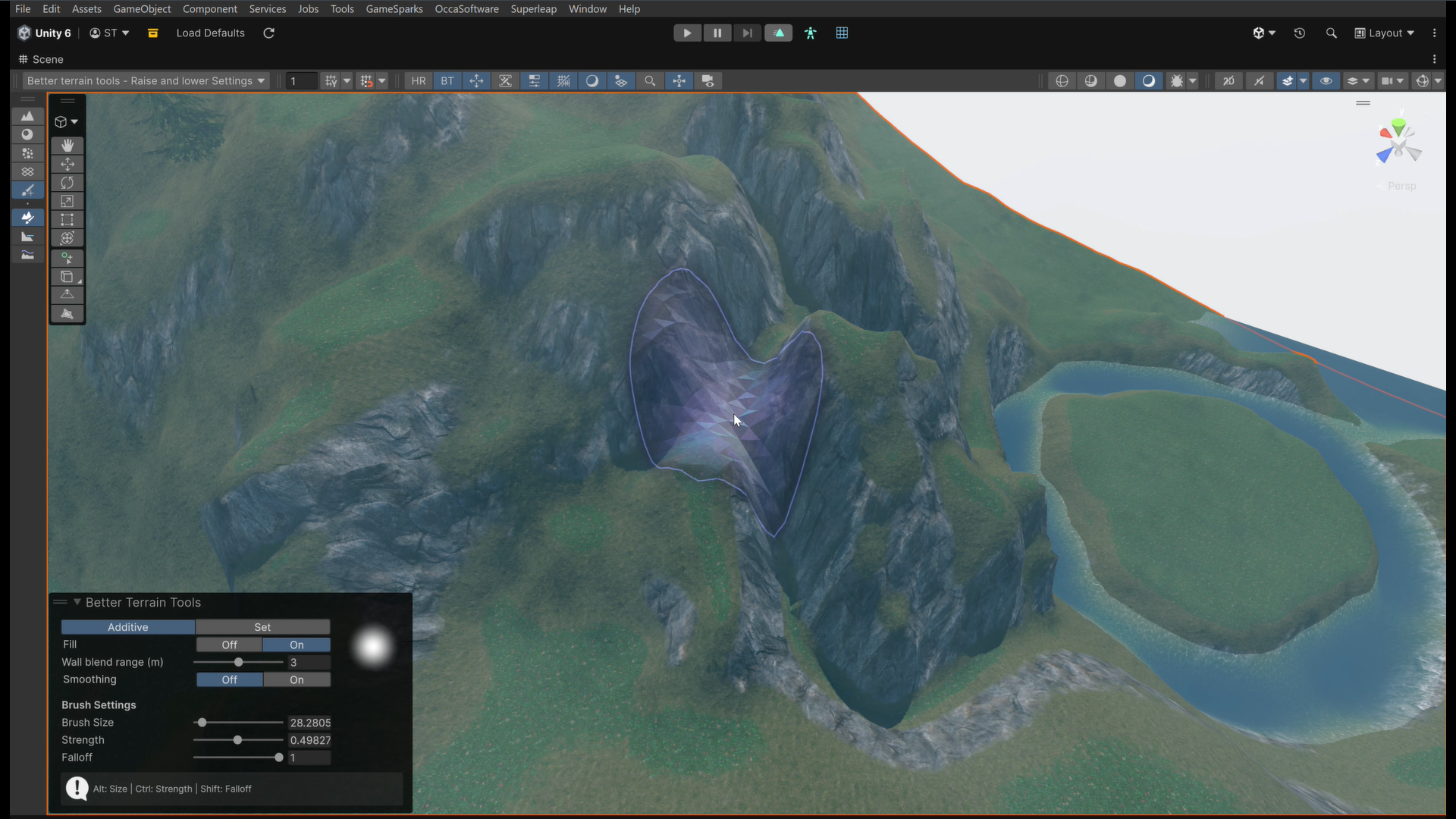 We take a look at Better Terrain Tools, a free Unity terrain sculpting add-on focused on hand-authored workflows.
