
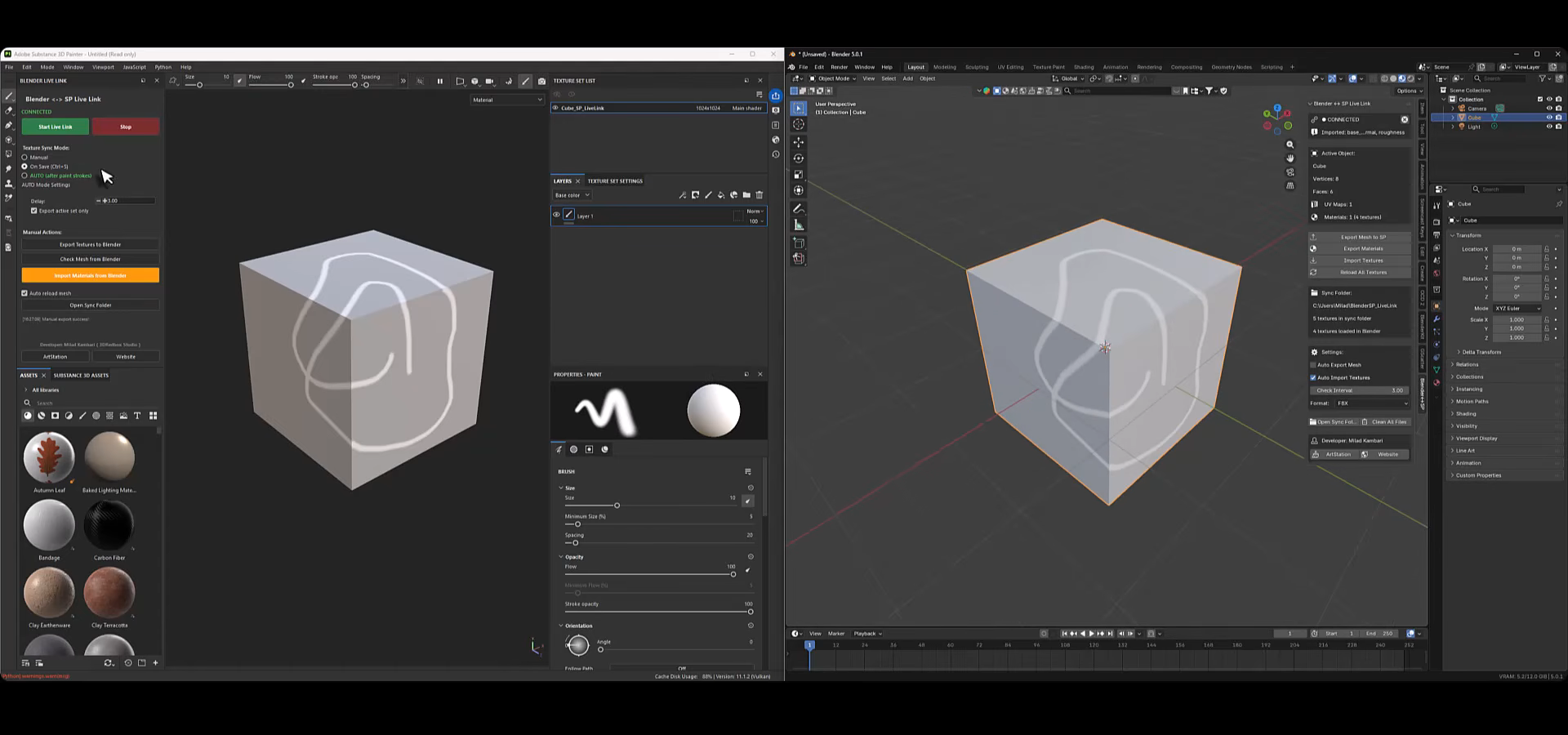
A Real-Time Bridge Add-on Between Blender and Substance Painter.
by Vicente C.
Published |
2,118
Blender and Substance Painter are often used together, but the workflow between them usually depends on manual exports and re-imports. Even small mesh adjustments can require rebaking or reloading assets, interrupting the iteration process.
Blender to Substance Painter Live Link Plugin, developed by Milad Kambari, introduces a direct bridge between Blender 5.0+ and Substance Painter 11.0+. Instead of relying on repeated file exports, it establishes a persistent connection that synchronizes geometry and PBR data between both applications.
Geometry Synchronization
The plugin allows mesh changes in Blender to propagate to Substance Painter without manual re-import steps. This includes:
- Editing geometry
- Adjusting topology
- Replacing the model entirely
When the mesh is updated in Blender, the plugin pushes the new data to Substance Painter while maintaining project alignment. The goal is to reduce friction when iterating on modeling changes during texturing.
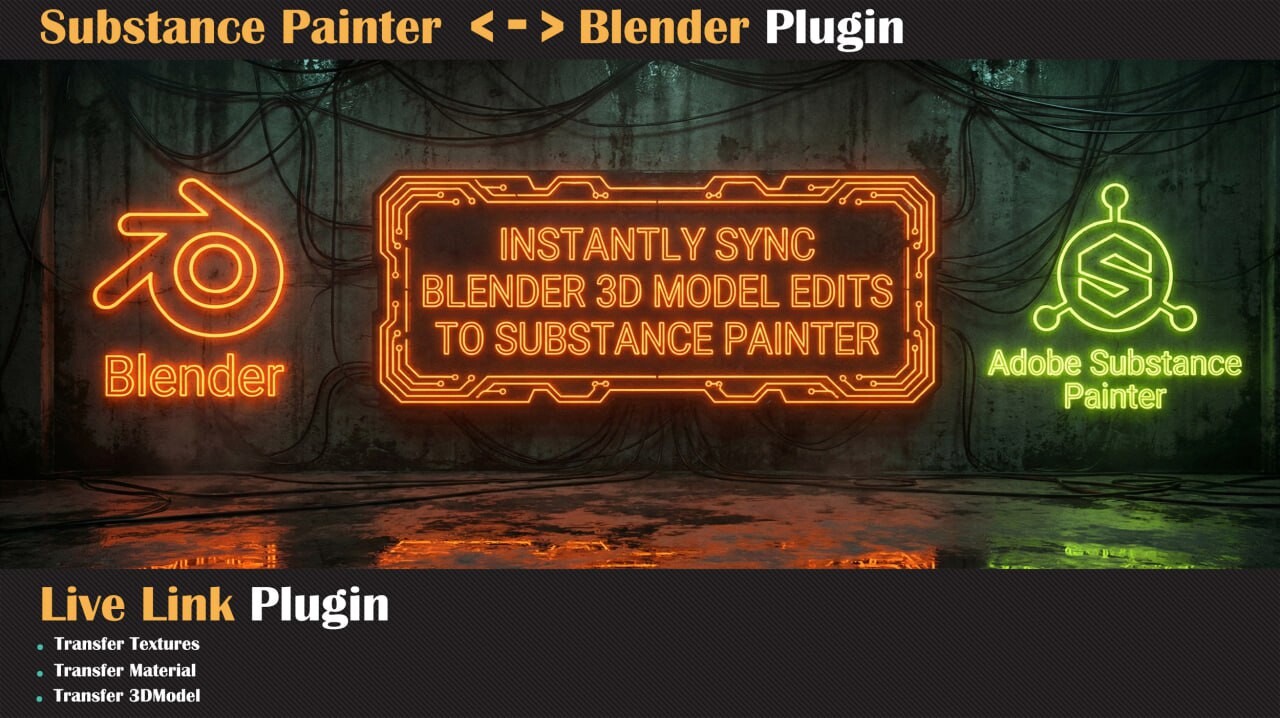
Bi-Directional Material and Texture Transfer
Beyond geometry updates, the plugin supports a two-way material workflow.
From Blender to Substance Painter:
- PBR material setups can be transferred for further painting and refinement.
From Substance Painter back to Blender:
- Textures are sent back and reconnected automatically.
- Metallic/Roughness workflows are supported.
This enables a loop where materials are authored, refined, and updated across both applications without repeated manual setup of texture slots or file paths.
Real-Time Link and Sync Modes
The plugin offers two synchronization modes:
Manual Sync: The user triggers updates explicitly, giving full control over when data is pushed between applications.
Automatic Sync with Smart Timer: A delayed synchronization system detects when an action in Blender is complete, waits briefly for stability, and then updates Substance Painter automatically.
The timer-based approach attempts to avoid excessive updates during continuous modeling actions, which could otherwise interrupt performance.
PBR Workflow Integration
The system is built around a Metallic/Roughness PBR workflow. Material transfers preserve core PBR channels so that textures coming back from Substance Painter are mapped correctly inside Blender.
Where This Plugin Fits Best
I believe this might be useful for:
- Artists who model and texture simultaneously
- Projects where geometry changes continue after texturing has started
- Teams aiming to reduce repetitive export and re-import steps
- Workflows that rely heavily on Substance Painter as the primary texturing environment
Check out the plugin on Artstation.
Interested in learning more?
If you’re interested in the technical side of game development, The Unity Dev Bundle brings together six books covering shaders, math, procedural shapes, editor tools, and character customization in Unity.
It includes titles like The Unity Shaders Bible and Mastering Compute Shaders in Unity 6, and is aimed at developers and technical artists looking to build a stronger foundation and expand into more advanced graphics and systems.
Getting into the technical side in Unity? 👀 Our six-book bundle covering shaders, math, animation, and tools is back for a limited time! ✨
— Jettelly Inc. (@jettelly) April 2, 2026
Check it out: https://t.co/hXakjJfm72#unity3d #gamedev #indiedev pic.twitter.com/zGQYT5da5M
Jettelly wishes you success in your professional career!
Did you find an error? No worries!
Write to us at [email protected], and we'll fix it!
Level up your Tool-Making skills! Grab our book and start learning today.
We invite you to explore "Blender Tool Development Fundamentals", a comprehensive book on the concepts and fundamentals seen in this post.
Other posts that might interest you.
-
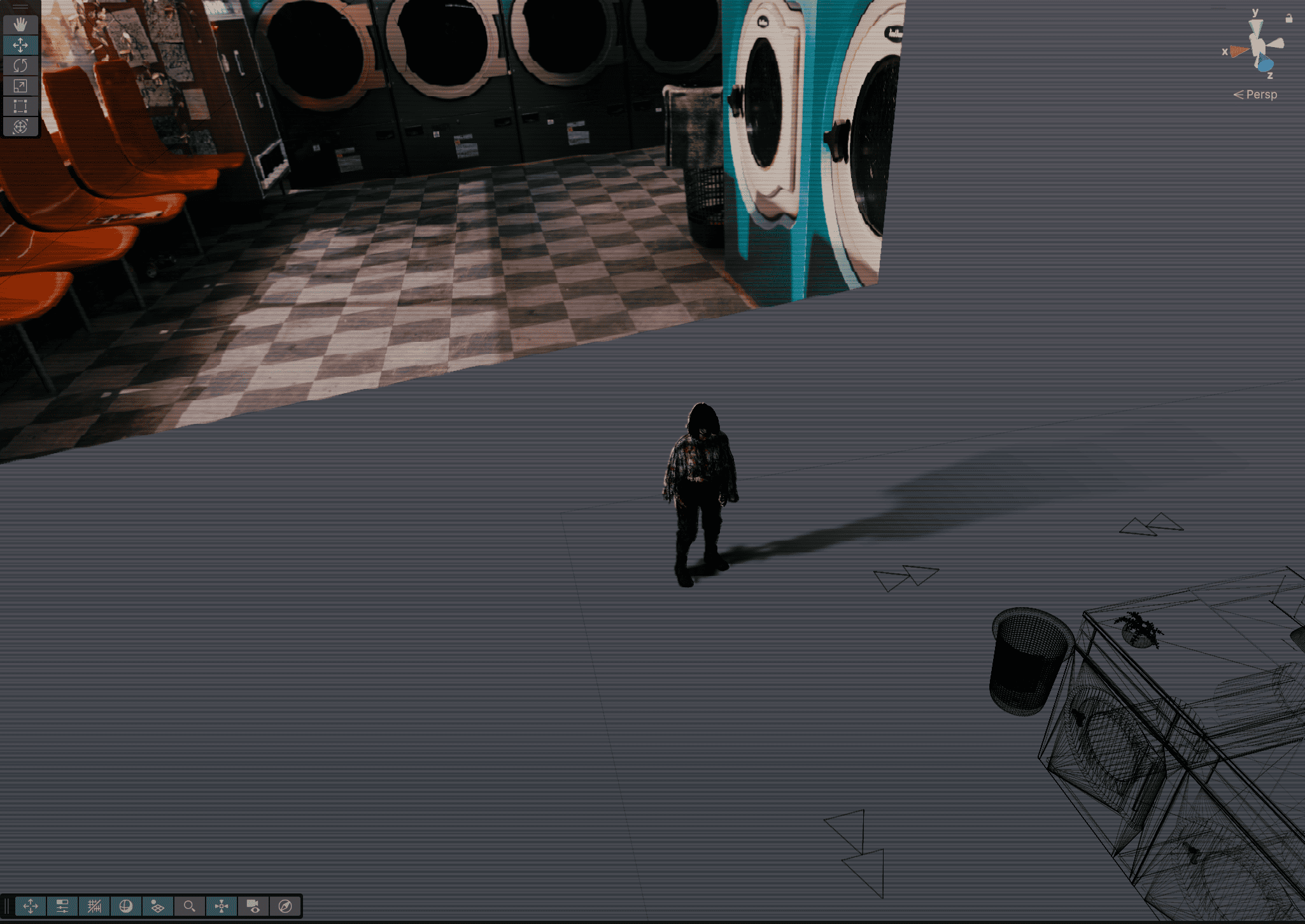 Indie developer Skyler shared how the pre-rendered backgrounds in Static Between Stations come together in Unity using Blender renders, invisible masking meshes, and more.
 -
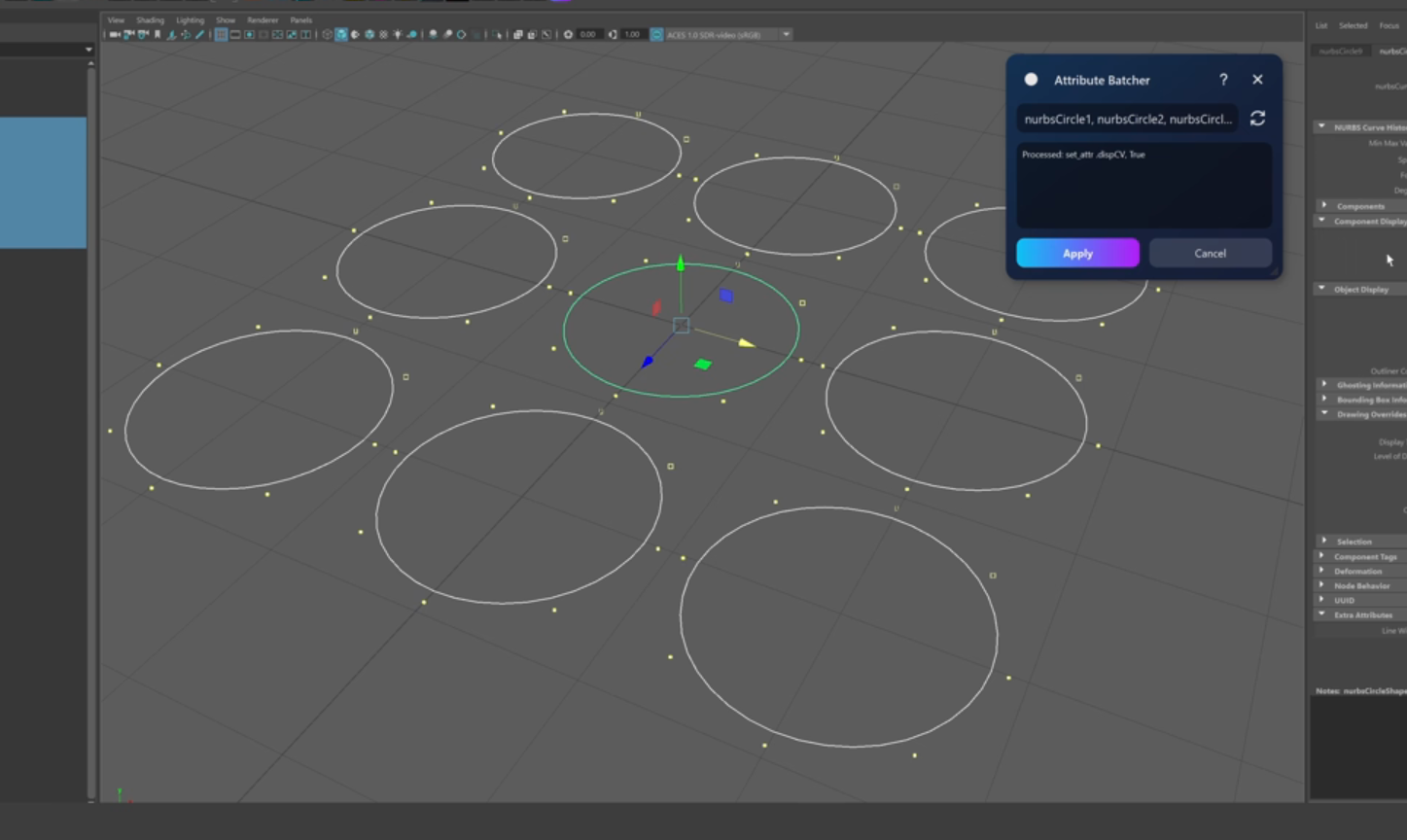 Check out Attribute Batcher, a Maya tool by Slava Borovik that records attribute edits and applies them across multiple objects.
 -
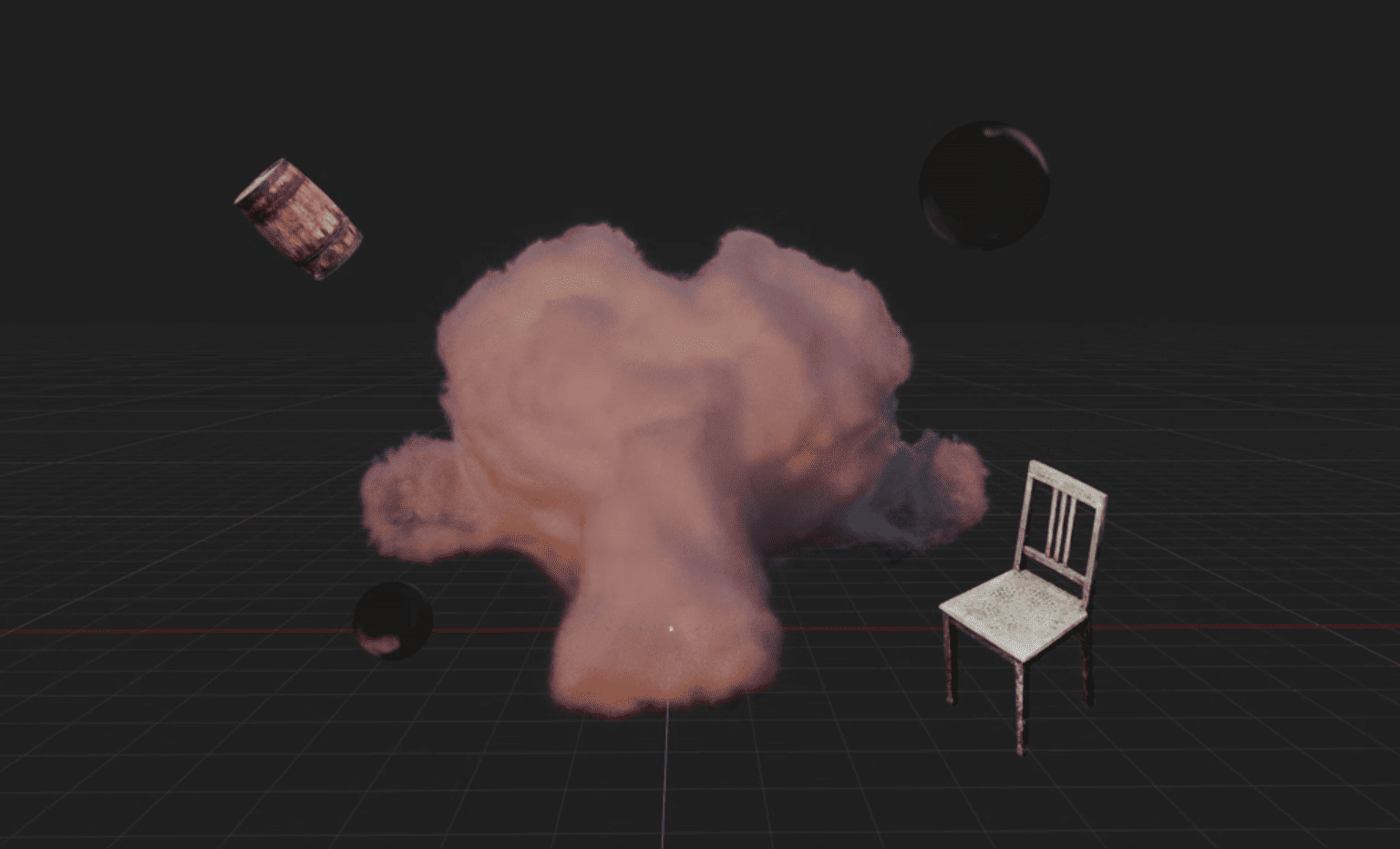 Blender artist Sören Schmidt-Clausen released BlendSplat, a node library that brings Gaussian Splats into Blender and makes them editable through Geometry Nodes.
