
Amplify Bloom: Free Advanced Post-Processing Bloom for Unity.
by Jettelly
Published |
Bloom is one of those effects that can elevate a scene instantly, but also one that is easy to overdo or misconfigure. Unity’s default solutions cover the basics, yet many teams working in the Built-in Render Pipeline have historically relied on third-party tools for greater control over thresholds, filtering, glare, and optical artifacts.
Amplify Bloom, developed by Amplify Creations, was for years one of the most widely used bloom solutions for Unity’s Built-in renderer. It has now returned to the Unity Asset Store and GitHub as a free package, including full source code.
The current release supports the Built-in Render Pipeline. HDRP and URP are not supported at this time. A web demo is available for previewing the effect in action.
Core Bloom System
At its foundation, Amplify Bloom provides a configurable bloom pipeline with detailed control over how light spreads and accumulates across the frame.
Key features include:
- Low and High precision modes
- Temporal filtering to reduce flicker and fireflies
- Separate threshold controls for bloom and secondary effects
- Mip-level contribution and blur weighting
- Upscale and downscale controls
- Debug visualization tools
The system supports both 3D and 2D applications and allows selective feature usage to manage performance.
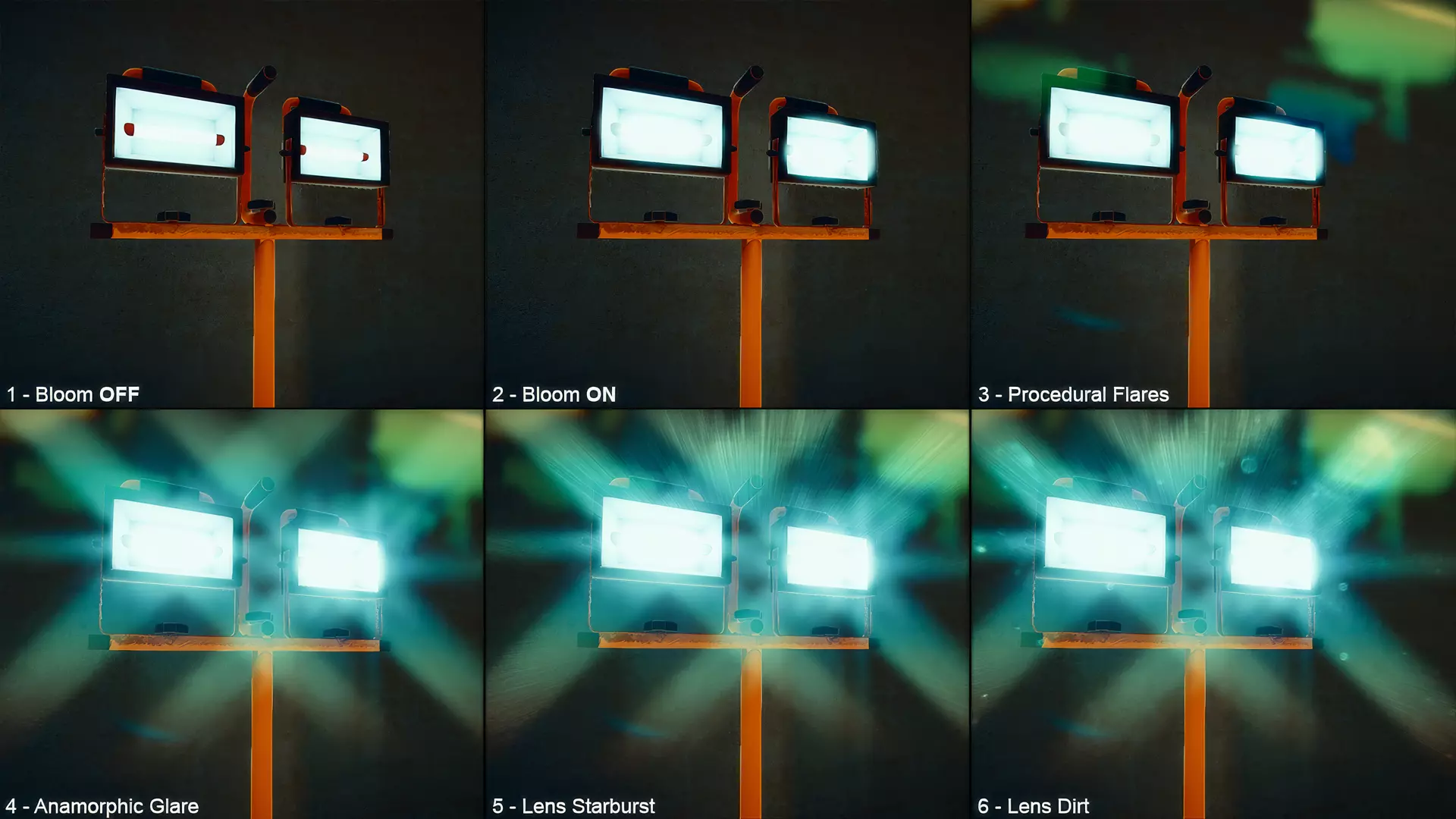
Lens Flare and Glare
Beyond bloom, the package includes additional lens-style effects that can be enabled independently.
Lens Flare
- Procedural pseudo-flares
- Adjustable blur
- Ghosts and halos
- Gradient tinting
- Chromatic distortion
Lens Glare
- Anamorphic glare
- 9 built-in streak types
- Custom parametric streak types
- Per-pass displacement
- Per-ray max passes
These effects can be layered and tuned directly within the same post-processing framework.
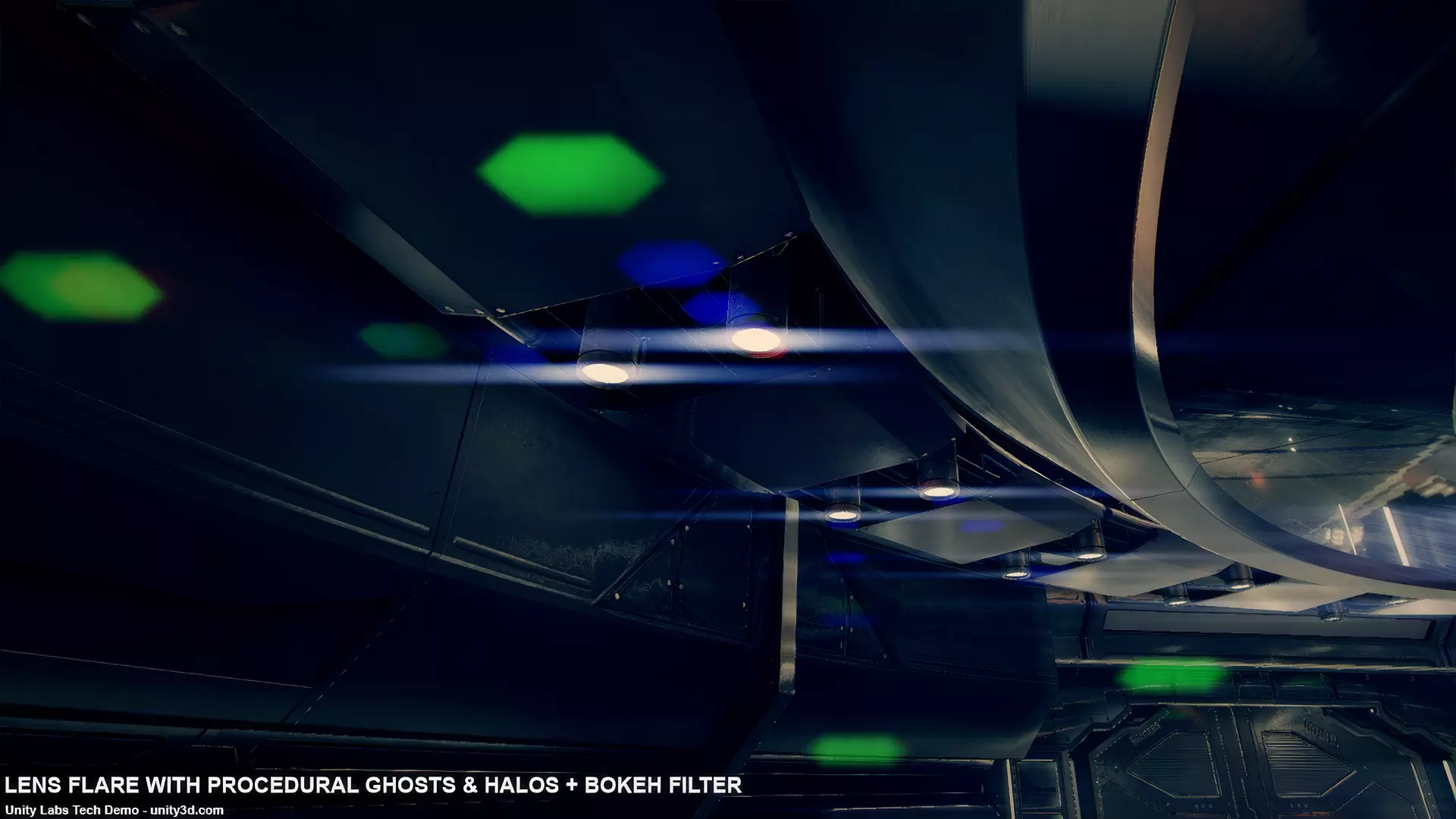
Bokeh Filtering
Amplify Bloom also includes a bokeh filtering system designed to simulate camera aperture behavior.
It provides:
- Adjustable aperture shapes
- Sample radius and focal controls
- Circle of confusion diameter and rotation
- Application to either the source image or the combined result
This allows for stylized depth-based bloom and blur effects when needed.
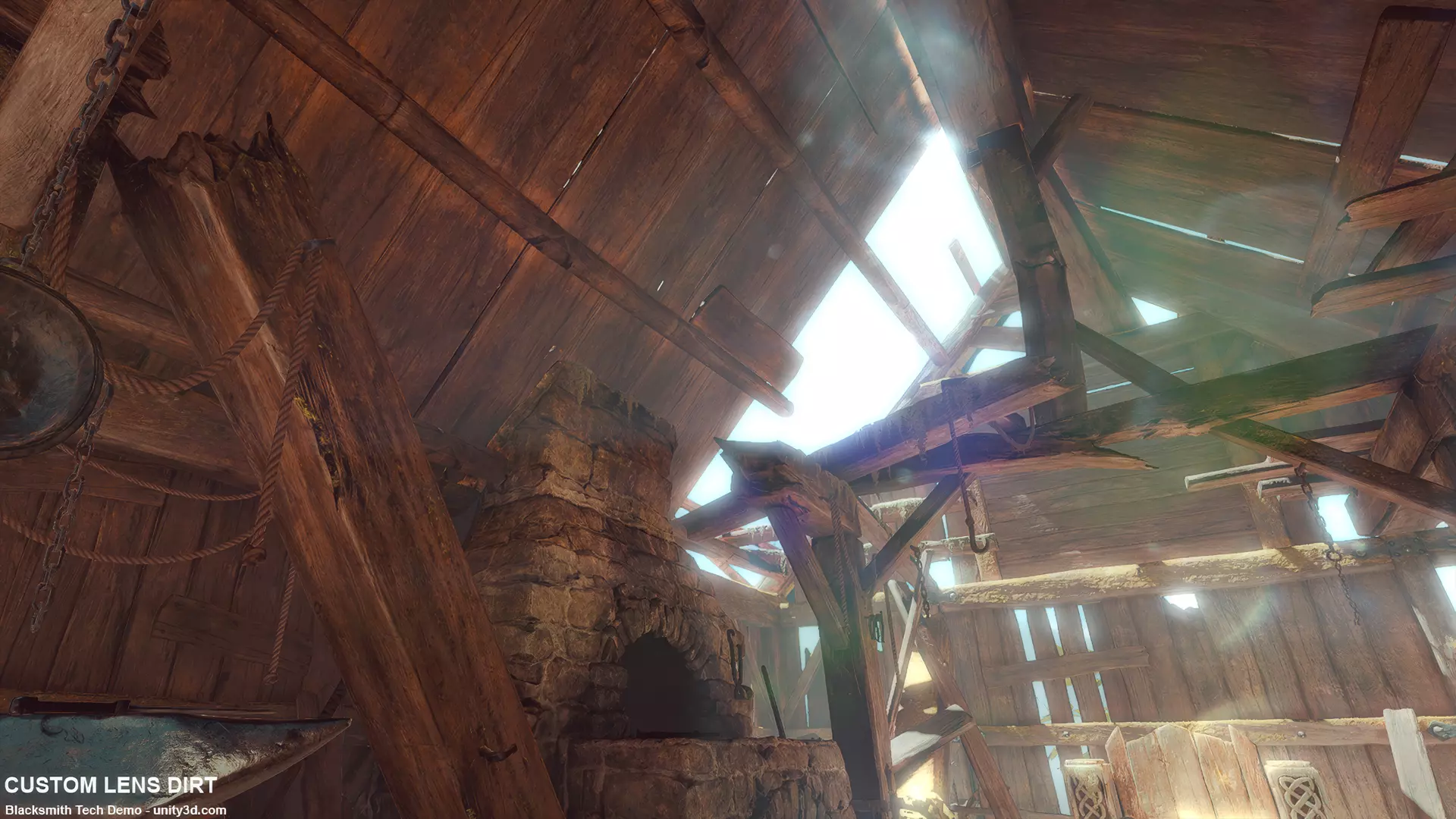
Lens Dirt and Starburst
Additional optical overlays are supported through:
- Texture-based lens dirt
- Starburst effects
- Mip weight and influence controls
- Support for dynamic render textures
- Intensity control
These are applied based on the combined bloom result, making them consistent with scene lighting.
Limitations and Practical Notes
The documentation explicitly calls out several limitations:
- Only one ASP Global Settings prefab is supported per scene.
- Some shader features behave differently depending on render pipeline and rendering path.
- Static batching conflicts with GPU wind behavior unless specific material options are enabled.
- Demo scenes are not optimized for mobile hardware.
Similar and Useful Alternatives
- Fast Mobile Post Processing: Color Correction, LUT, Blur & Bloom: A post-processing effects pack that includes bloom along with color correction, LUT support and blur, tailored for URP/VR/AR/LWRP projects. Works well for lightweight camera effects on multiple pipelines.
Differences: This pack bundles bloom with additional effects (color LUT, blur) in one asset, whereas Amplify Bloom is focused purely on bloom. Fast Mobile’s bloom is simpler and oriented toward mobile/URP workflows, making it a good choice for lightweight projects.
- PicEase Post Processing (URP): A full URP post-processing solution that includes bloom along with color grading, tonemapping, vignette, chromatic aberration and other camera effects designed for stylized and cinematic visuals.
Differences: PicEase Post Processing packages bloom as part of a broader post-processing suite with other visual effects, whereas Amplify Bloom is a dedicated bloom shader. If you want bloom plus color grading and cinematic effects in one asset, PicEase is a more comprehensive choice; Amplify Bloom remains better if you only need highly tunable, standalone bloom.
✨ Amplify Bloom is now available on the Unity Asset Store.
📘 Interested in mastering shaders in Unity 6? Check out the new edition of The Unity Shaders Bible, a step-by-step guide covering everything from shader fundamentals to advanced rendering techniques.
📘 Interested in mastering shaders in Unity 6? Check out the new edition of The Unity Shaders Bible, a step-by-step guide covering everything from shader fundamentals to advanced rendering techniques.
An update is coming for the Unity Shaders Bible SE tomorrow, and these two shaders will be included in the package! If you're planning to get the book, now is the time, since the price will increase slightly 🔗 https://t.co/x39sHk3EjK#unity3d #indiedev #gamedevs pic.twitter.com/ZVqk9t2jkE
— The Unity Shaders Bible (@ushadersbible) February 6, 2026
Jettelly wishes you success in your professional career!
Did you find an error? No worries!
Write to us at [email protected], and we'll fix it!

Level up your Technical Art skills! Grab our book and start learning today.
We invite you to explore "The Unity Shaders Bible", a comprehensive book on the concepts and fundamentals seen in this post.
Other posts that might interest you.
-
 We take a look at Sprouty Dialogs, a free graph-based dialogue plugin for Godot 4.5+ that integrates branching logic, characters, variables, and translations directly into the editor.
 -
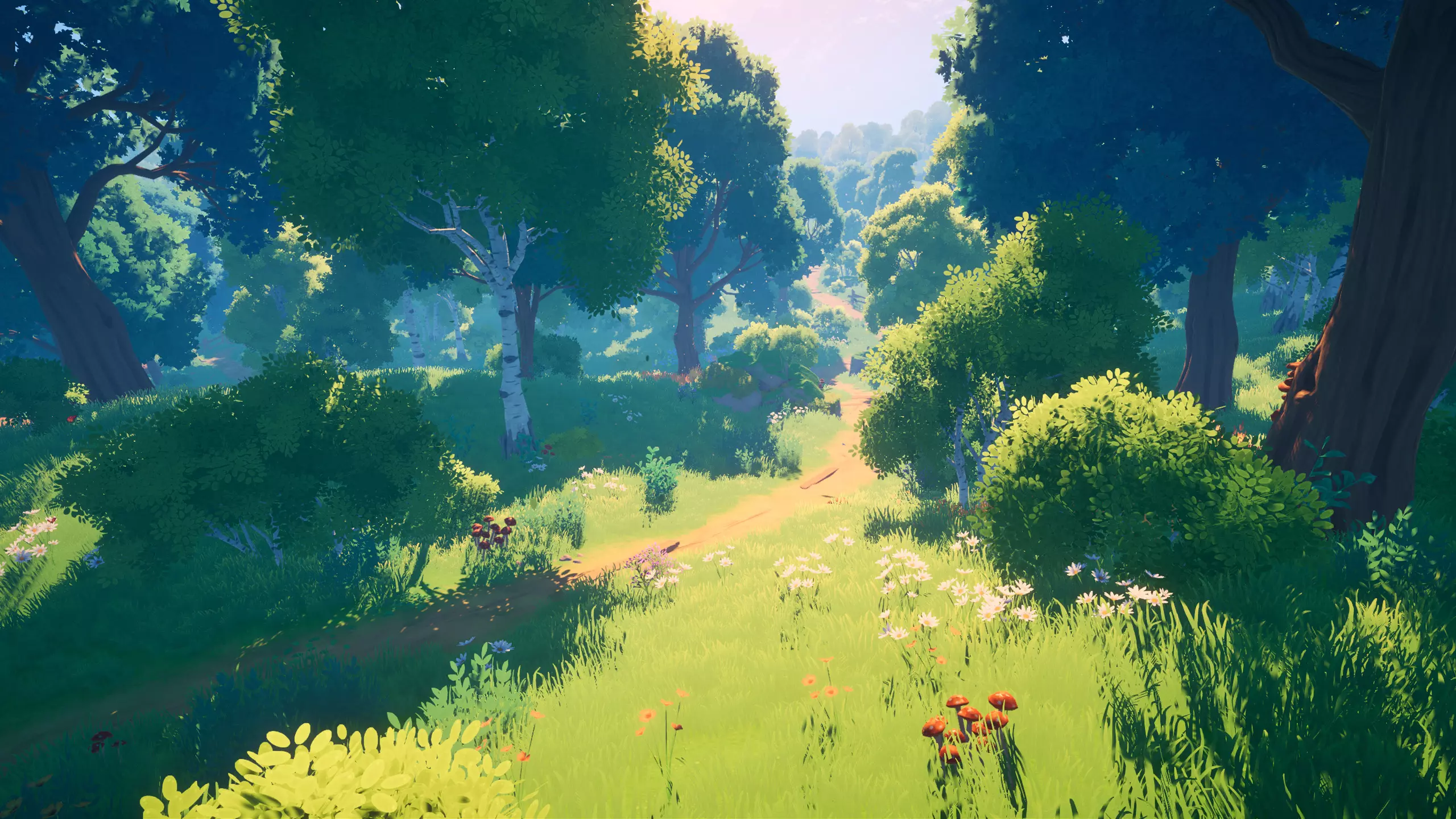 We showcase Meadow Environment - Stylized Pack, a Unity asset pack focused on building stylized outdoor scenes using a structured set of meshes, shaders, and global systems.
 -
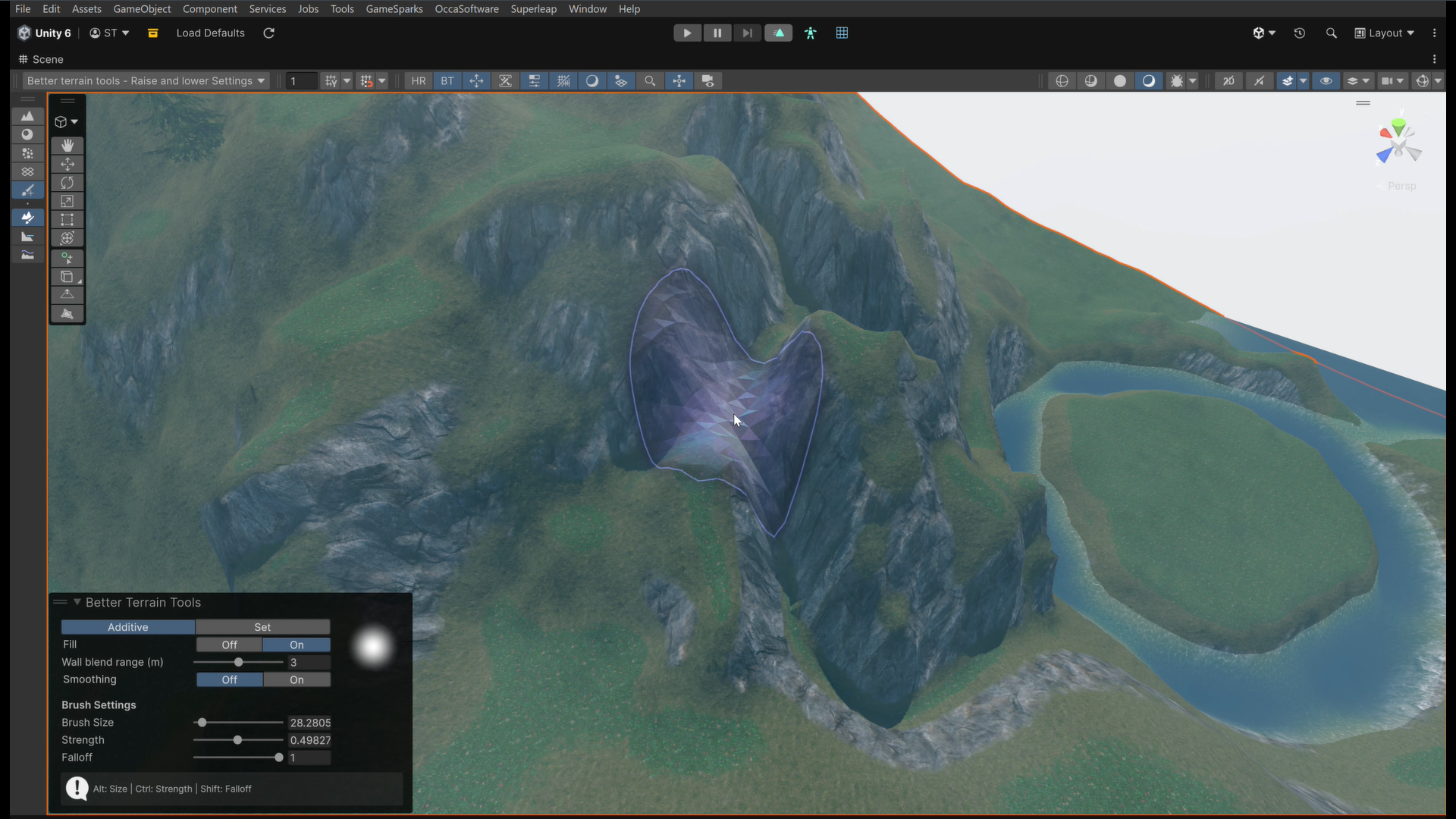 We take a look at Better Terrain Tools, a free Unity terrain sculpting add-on focused on hand-authored workflows.
