
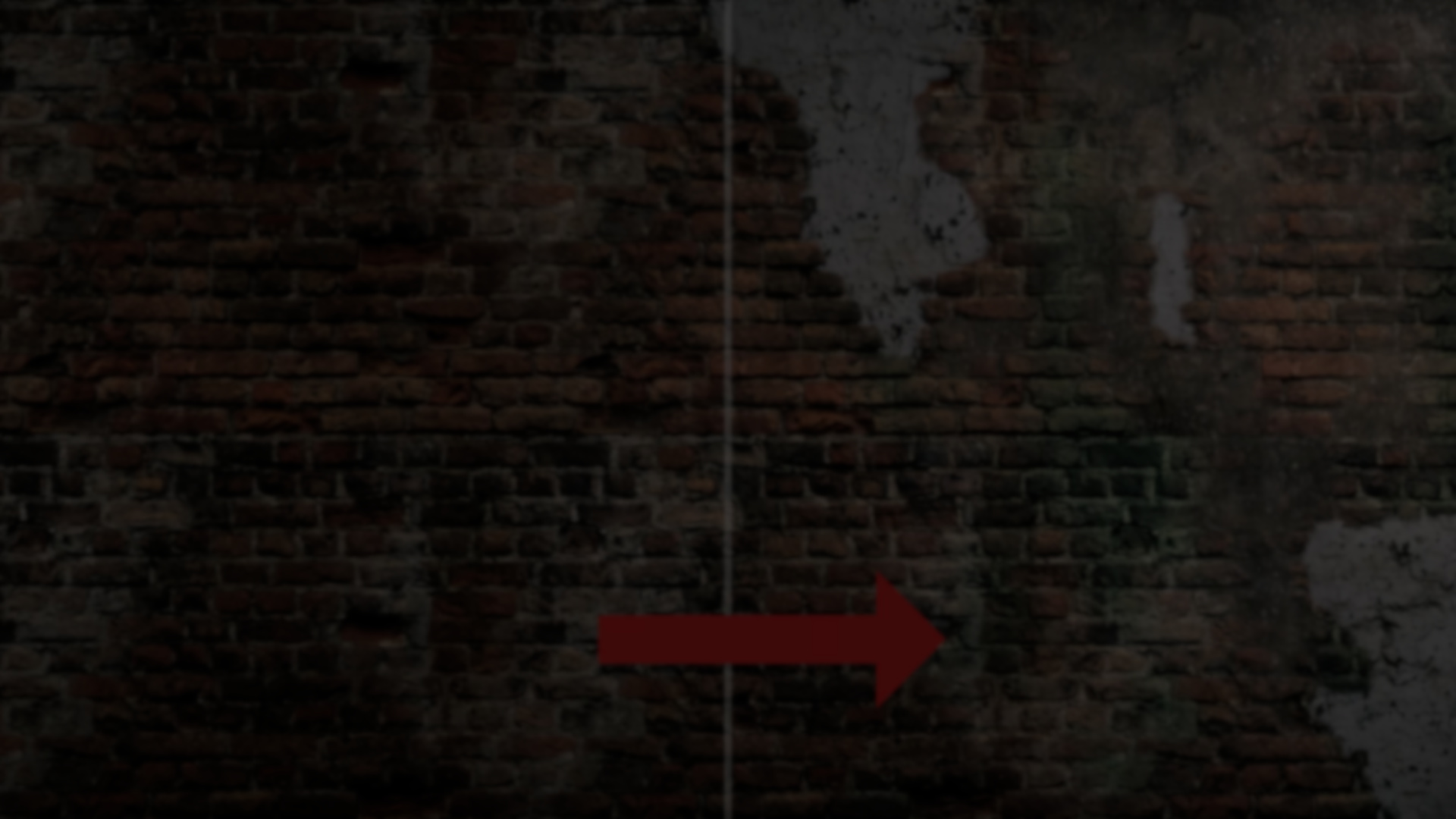
Level design often involves switching between DCC tools and Unity to adjust meshes, blend materials, and refine surface detail. Small sculpting changes or texture blending tweaks can turn into repeated export cycles.
RealBlend, created by AdamNapper, approaches this problem by bringing vertex painting, mesh sculpting, and procedural geometry creation into the Unity editor itself. The tool is designed as an all-in-one process layer for adding surface variation and physical detail without leaving the engine.
Create and Sculpt features are currently in beta, with additional updates planned.
Pipeline-Specific Vertex Painting
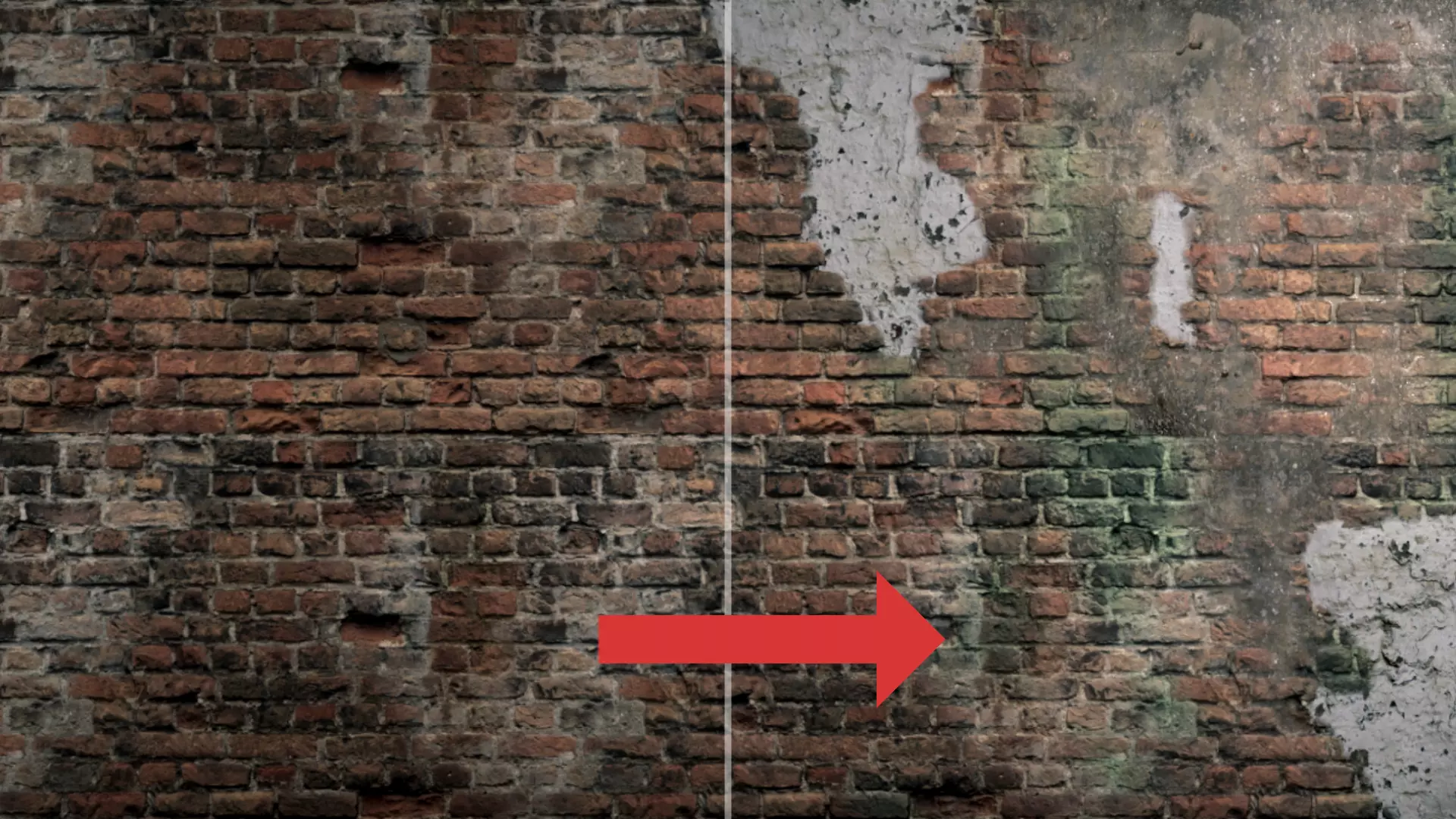
HDRP: 5-Layer Blending
In HDRP, RealBlend supports a 5-layer pipeline:
In HDRP, RealBlend supports a 5-layer pipeline:
- Base layer
- Four overlay layers
- Full RGBA channel mapping
This allows painting up to five distinct material layers directly through vertex color data. The setup is intended for high-fidelity environments where multiple surface transitions are needed.
URP & Built-In: 3-Layer Blending
For URP and Built-In pipelines, RealBlend provides a 3-layer system:
- Base layer
- Two overlays
This configuration stays within texture sampler limits while still allowing layered surface variation.
Procedural Noise Module
Both blending modes include a procedural Noise module. It can generate dirt, grime, and edge wear effects without requiring manual painting across the entire surface. The noise system uses deterministic mathematical functions and does not rely on runtime AI systems.
Mesh Sculpting Inside the Editor
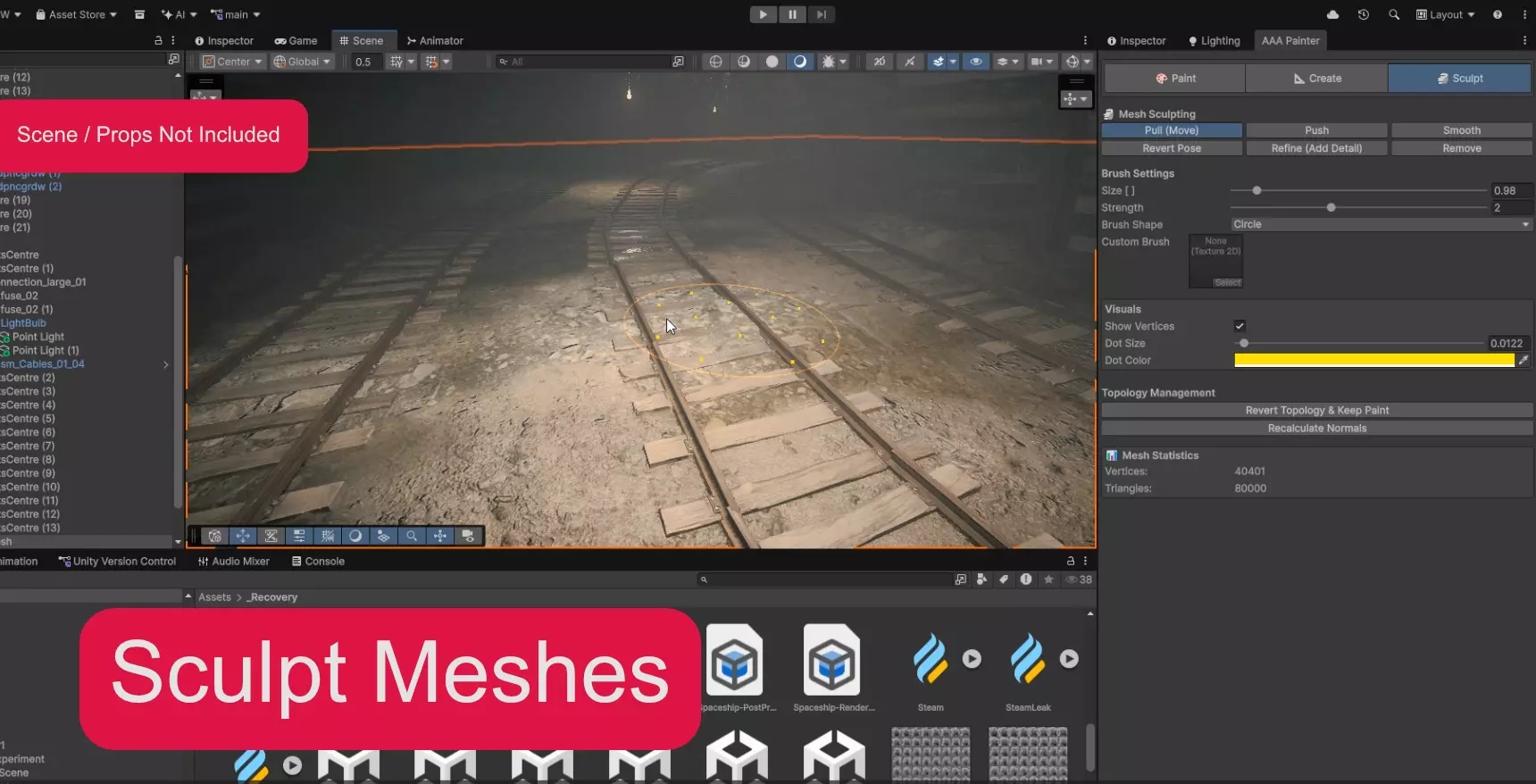
RealBlend includes sculpting tools that operate directly on mesh geometry within Unity.
Available sculpt modes:
- Move
- Push
- Smooth
Topology tools include:
- Refine (1-to-4 subdivision split)
- Remove triangles
This allows breaking up flat surfaces, introducing deformation, or refining specific areas directly inside Unity.
Revert Topology
A notable feature is “Revert Topology,” which restores the original mesh shape while projecting painted vertex color data back onto it. This allows experimentation with geometry without permanently losing surface blending work.
A collider is required on the target object for painting and sculpting to function.
Procedural Mesh Creation
RealBlend can generate paint-ready meshes directly in the editor.
You can create:
- Planes
- Curved walls
- Custom curved surfaces
Resolution and vertex density can be adjusted through a “verts per meter” setting, allowing control over topology density before painting or sculpting begins. This is useful for blockouts or for creating geometry that is specifically optimized for vertex blending.
Production Utilities
Bake to Asset
Painted and sculpted meshes can be baked into permanent .asset mesh files. This removes the need to keep runtime scripts in final builds and converts edited geometry into static assets.
Vertex Data Storage
The system uses a VertexPaintStorage component to store vertex color and topology data safely within the scene. This avoids accidental data loss during editing.
Mask Packer
A built-in texture packer allows combining:
- Metallic
- Ambient Occlusion
- Height
- Smoothness
Into a single RGBA mask texture. This is particularly useful when working with layered shaders that rely on packed maps.
AI Development Note
The asset documentation states that development was assisted by large language models for code optimization and documentation generation.
This does not affect runtime behavior. The tool does not use generative AI systems in-engine, nor does it rely on external APIs. Features such as noise and dirt are based on standard mathematical Perlin noise algorithms, ensuring deterministic and performant results.
The AI mention relates to development workflow support, not gameplay systems or runtime processing.
Where RealBlend Fits Best
RealBlend is suited for:
- Environment artists working in HDRP who need multi-layer vertex blending
- Teams building modular environments that require surface variation
- Developers who prefer to sculpt and refine directly in Unity
- Projects that need vertex-based blending with optional topology control
Similar and Useful Alternatives
- VertPaint: A vertex color painting tool that lets you paint directly onto mesh vertices inside Unity, useful for quick vertex color and simple texture effects without leaving the editor. It’s affordable and straightforward for basic mesh painting tasks.
Differences: Unlike RealBlend’s more layered and sophisticated mesh/texturing workflow, VertPaint focuses specifically on vertex color painting. It’s simpler and cheaper, but lacks RealBlend’s multi-layer blending and mesh creation capabilities.
- MeshBrush: A brush-based mesh painting and editing tool for Unity that lets you paint meshes with brushes for artwork or level design purposes. It’s a light but effective tool for in-editor mesh manipulation and detailing.
Differences: MeshBrush offers basic mesh painting tools but is not specifically designed around multi-layer texture blending or creation workflows like RealBlend. It’s great for quick edits and simpler paint tasks but not as deep in creation features.
✨ RealBlend - Mesh Painting & Creation is now available on the Unity Asset Store.
📘 Interested in building your own tools and shaders in Unity? Check out the Unity Tool Development Bundle, which includes Shaders & Procedural Shapes in Unity 6 and Unity 6 Editor Tools Essentials.
📘 Interested in building your own tools and shaders in Unity? Check out the Unity Tool Development Bundle, which includes Shaders & Procedural Shapes in Unity 6 and Unity 6 Editor Tools Essentials.
Math + Procedural shapes + Tools in Unity! If you're into technical art, this Bundle is what you need 🔗 https://t.co/MflVh7KJnp#unity3dgamedevelopment #indiedevs #gamedevs pic.twitter.com/LHN2ci83SN
— The Unity Shaders Bible (@ushadersbible) November 8, 2025
Jettelly wishes you success in your professional career!
Did you find an error? No worries!
Write to us at [email protected], and we'll fix it!

Level up your Technical Art skills! Grab our bundle and start learning today.
We invite you to explore "Unity Shaders Pro Bundle", a comprehensive bundle on the concepts and fundamentals seen in this post.
Other posts that might interest you.
-
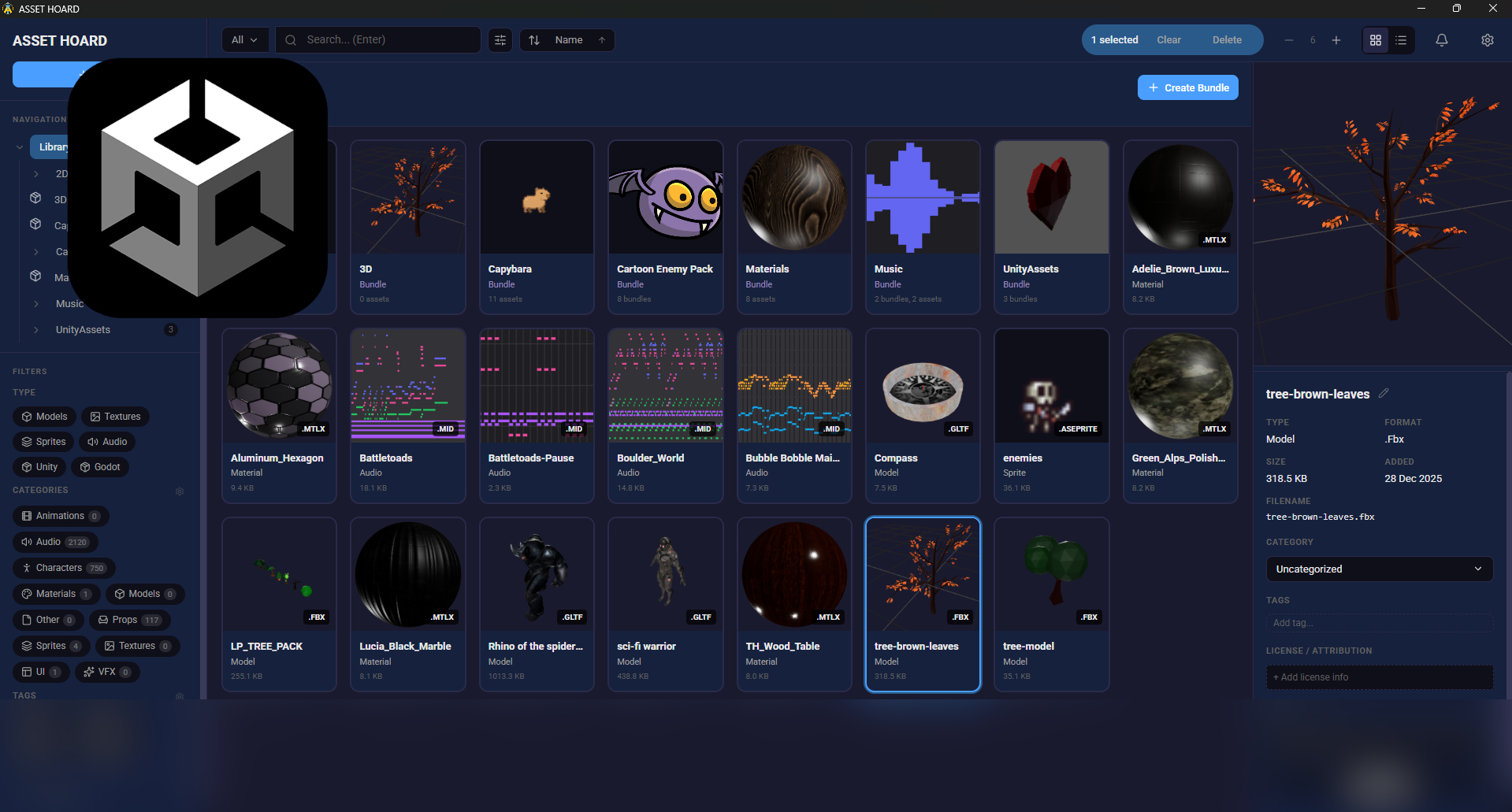 We take a look at AssetHoard, a local-first asset manager designed to organize and preview game assets, with workflows for engines like Unity and Godot.
 -
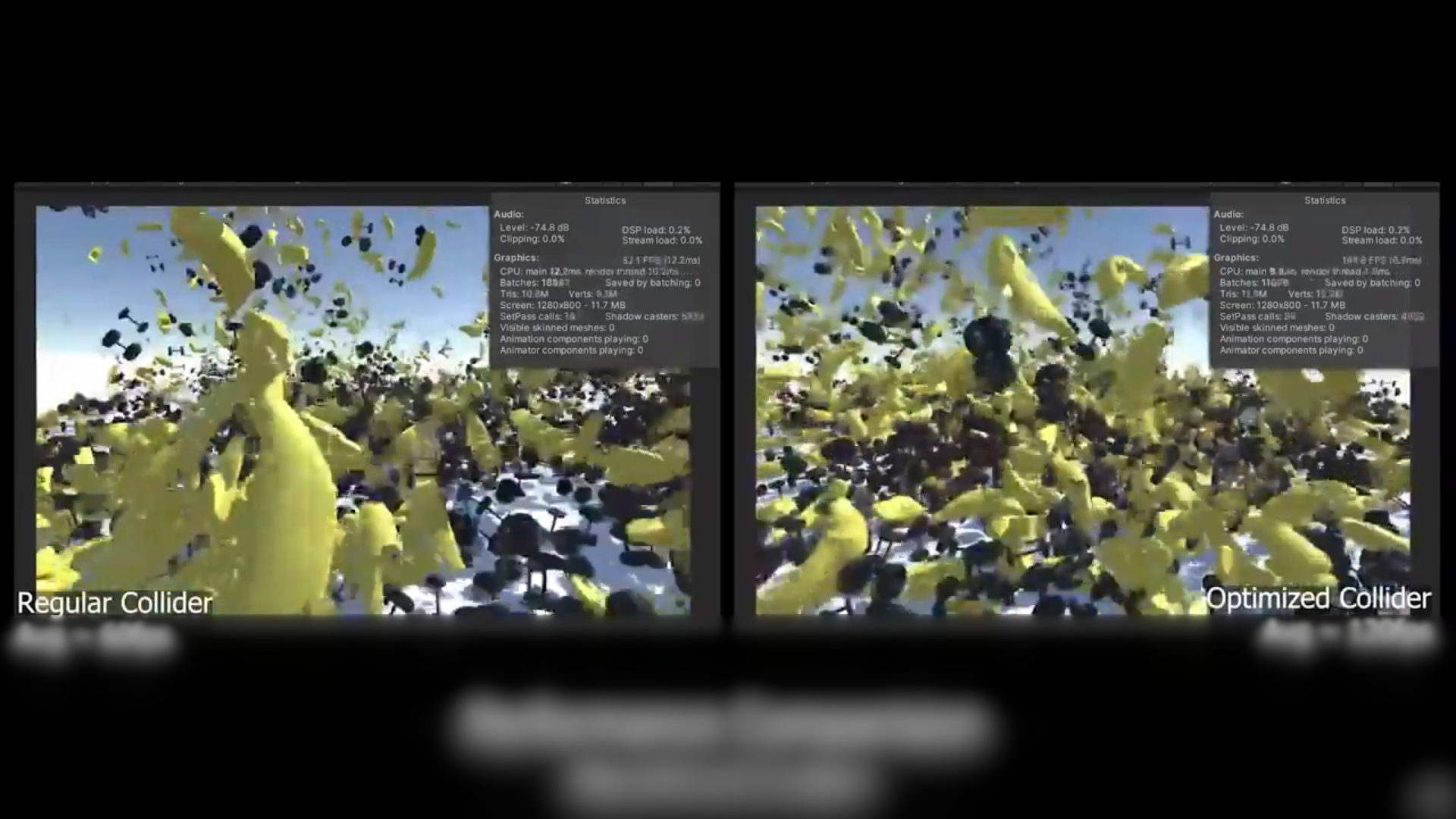 We take a look at a free, open-source Unity tool that reduces MeshCollider and PolygonCollider2D complexity to improve physics performance without rebuilding assets.
 -
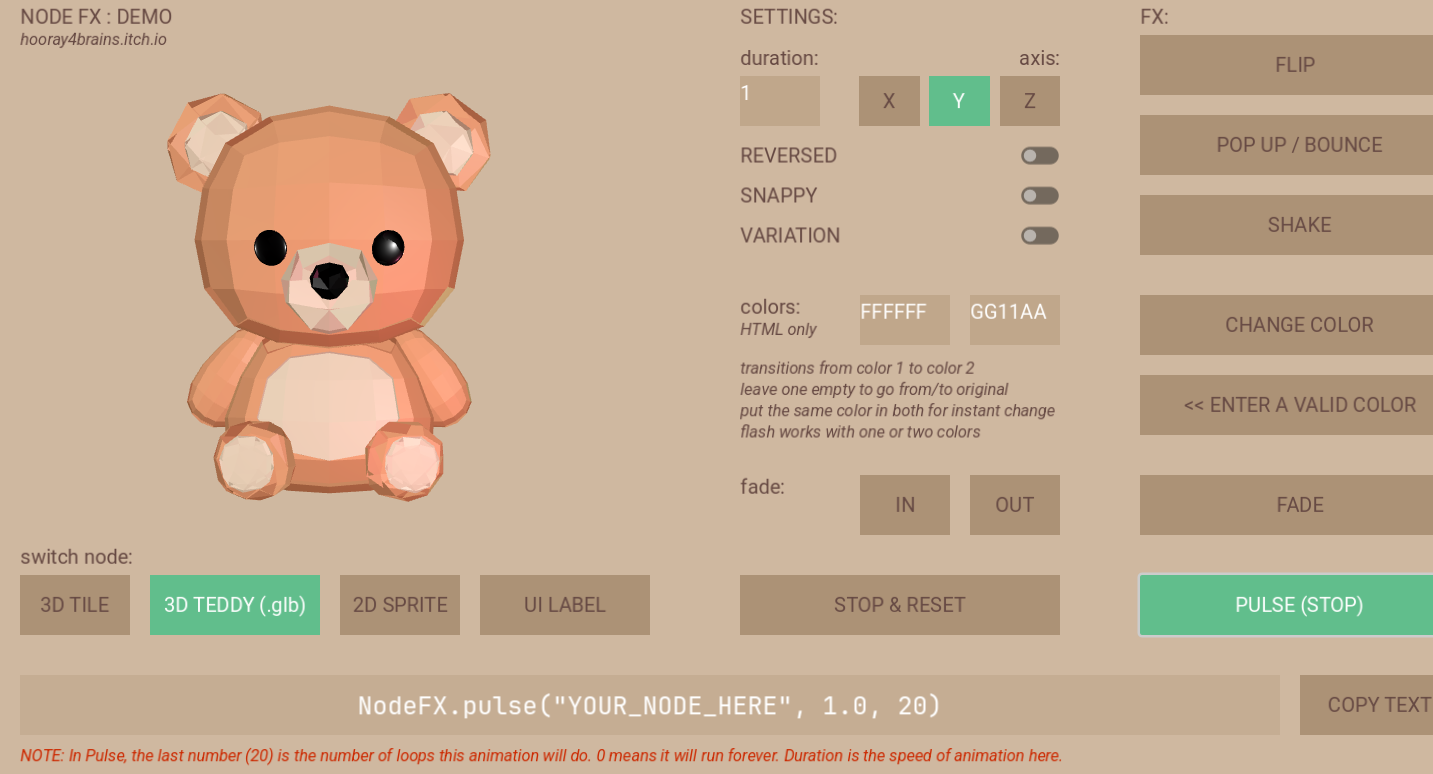 We show a demo/WIP for a library for simple procedural animations with less code.
