
Node FX: Exploring One-Line Procedural Animations in Godot
by Jettelly
Published |
Small animations play a big role in how a game feels. Button feedback, subtle pops, fades, shakes, or flips are often what separates a prototype from something that feels responsive and finished. At the same time, these details are usually pushed to the end of production because they take time to implement cleanly.
Node FX is an early-stage GDScript library that explores a simple idea: triggering common procedural animations on 3D, 2D, and UI nodes using a single line of code. The project is currently shared as a work in progress, with a live demo available to test the approach and gather feedback from the community.
Free GDScript library of procedural animations for 3D/2D/UI nodes - I need your input
byu/hooray4brains ingodot
What Node FX Is (and Isn’t)
Node FX is not an animation editor replacement, nor does it introduce a new timeline system. Instead, it offers small, reusable animation behaviors that can be applied directly from scripts.
The idea is simple: instead of writing custom tween logic or procedural animation code every time you need a flip, shake, or fade, you call a single function and adjust a few parameters if needed. The source code remains fully accessible, so you can tweak or extend the effects if required.
It’s worth noting early that Node FX is still a work in progress. While it’s currently free to download, the author has stated that it will likely become a paid tool once it reaches a more complete state. Anyone who downloads it now will keep access to future updates.
.png)
Supported Nodes, Effects, and Workflow
The current version works with both gameplay and UI nodes, which makes it easier to keep visual feedback consistent across different parts of a game.
At the moment, the library supports:
- 3D nodes, including Node3D, MeshInstance3D, Sprite3D, and imported .glb assets (with child meshes up to three levels deep)
- 2D nodes, such as Node2D, Sprite2D, and MeshInstance2D
- UI elements, including Control nodes like Button, Label, Panel, and similar components
In terms of functionality, Node FX focuses on a compact but useful set of procedural effects that cover most everyday interaction needs:
- Flip animations (X, Y, Z axis, reversed, snappy, with variation)
- Pop-up and pulse effects for emphasis
- Shake effects with configurable intensity
- Color changes, flashes, and fades (in and out)
Each effect is exposed as function call, with optional parameters for timing, axis, or intensity, regardless of node type.
One of the more helpful parts of the project is the live demo hosted on itch.io. The demo allows you to preview each effect in real time, copy the exact code snippets used to trigger them, and experiment with parameters before integrating anything into a project. This makes it easier to evaluate whether the approach fits your workflow without committing upfront.
.png)
.png)
.png)
Installation and Usage
Node FX is distributed as a lightweight addon rather than a full editor plugin:
- Download the library
- Drop the addons folder into your Godot project
- Call effects directly from your scripts
There’s no editor configuration, node hierarchy, or special setup beyond that. A small test project is also included, showing how the effects behave across different node types.
Current Status and Future Direction
At the time of writing, Node FX is explicitly labeled as a work-in-progress. The current release focuses on validating the concept, gathering feedback, and refining the API. The author plans to expand the library with more effects and eventually package it as a proper Godot plugin.
While it’s free for now, the project is expected to receive a price once it reaches a more complete state. Early users will retain access to updates, making the current release a low-risk way to test the tool and influence its direction.
Where This Tool Makes Sense
Node FX is especially relevant if you:
- Want quick, readable animation calls directly from code
- Need consistent micro-animations across UI and gameplay
- Prefer procedural animation over timelines for small effects
- Are building prototypes, tools, or UI-heavy systems
It’s not meant to replace complex animation workflows, but as a utility layer. It fills a gap that many projects end up solving repeatedly.
Similar and Useful Alternatives
- EffectBlocks – Godot Visual Effects Pack: A ready-made collection of over 60 stylized 2D/3D visual effects (fire, smoke, explosions, energy, particles) designed to be drag-and-drop into Godot projects.
Differences: EffectBlocks provides visual particle and shader effects (fire, explosions, impacts) rather than node animation effects. Node FX drives node transformation/animation, whereas EffectBlocks enhances visual impact with VFX and particles.
- ShaderV – 2D Visual Shader Node Library: An addon that adds multiple premade visual shader nodes (noise, blur, emboss, zoom, custom shapes) to Godot’s visual shader editor, letting you compose more advanced shader effects.
Differences: ShaderV equips you with shader graph building blocks to create custom visual effects at the shader level. Node FX operates at the scene/node animation level, not within shader graphs. ShaderV is for advanced material/visual effects, Node FX is for UI/object motion/feedback effects.
✨ Node FX is currently available as a free download with a live demo on itch.io. (If it ask for a password, use “fx”)
📘 Interested in creating your own Tools and Shaders? Check out the Godot Shaders & Blender Tools Bundle, which includes: Blender Tool Development Fundamentals and The Godot Shaders Bible.
✨ Node FX is currently available as a free download with a live demo on itch.io. (If it ask for a password, use “fx”)
📘 Interested in creating your own Tools and Shaders? Check out the Godot Shaders & Blender Tools Bundle, which includes: Blender Tool Development Fundamentals and The Godot Shaders Bible.
Our best-selling indie Bundle: Godot shaders + Blender tools ✨ https://t.co/zSlHDCuGVC#b3d #GodotEngine #3DCG pic.twitter.com/sjdYxXjKUB
— The Unity Shaders Bible (@ushadersbible) November 16, 2025
Other posts that might interest you.
-
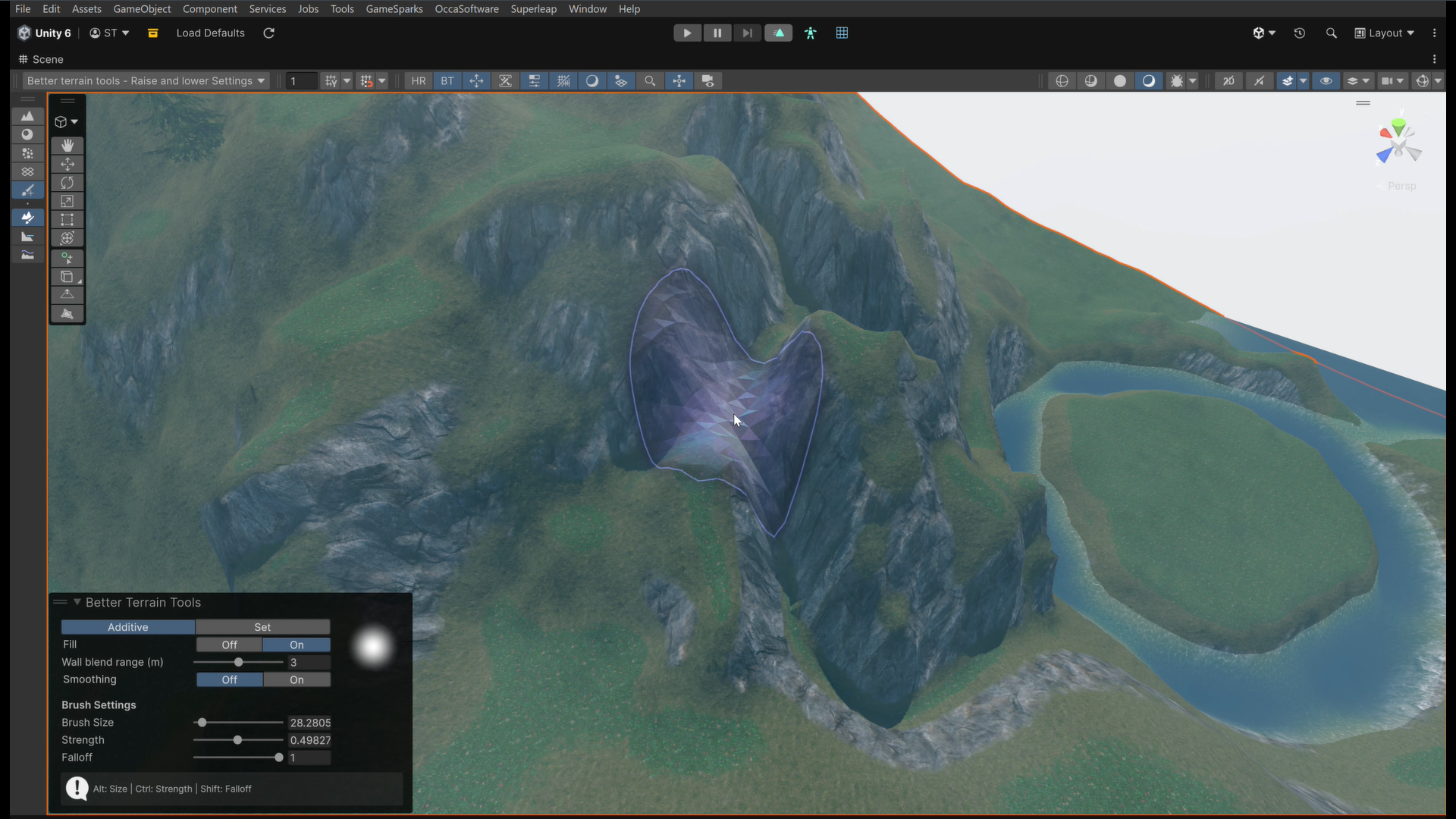 We take a look at Better Terrain Tools, a free Unity terrain sculpting add-on focused on hand-authored workflows.
 -
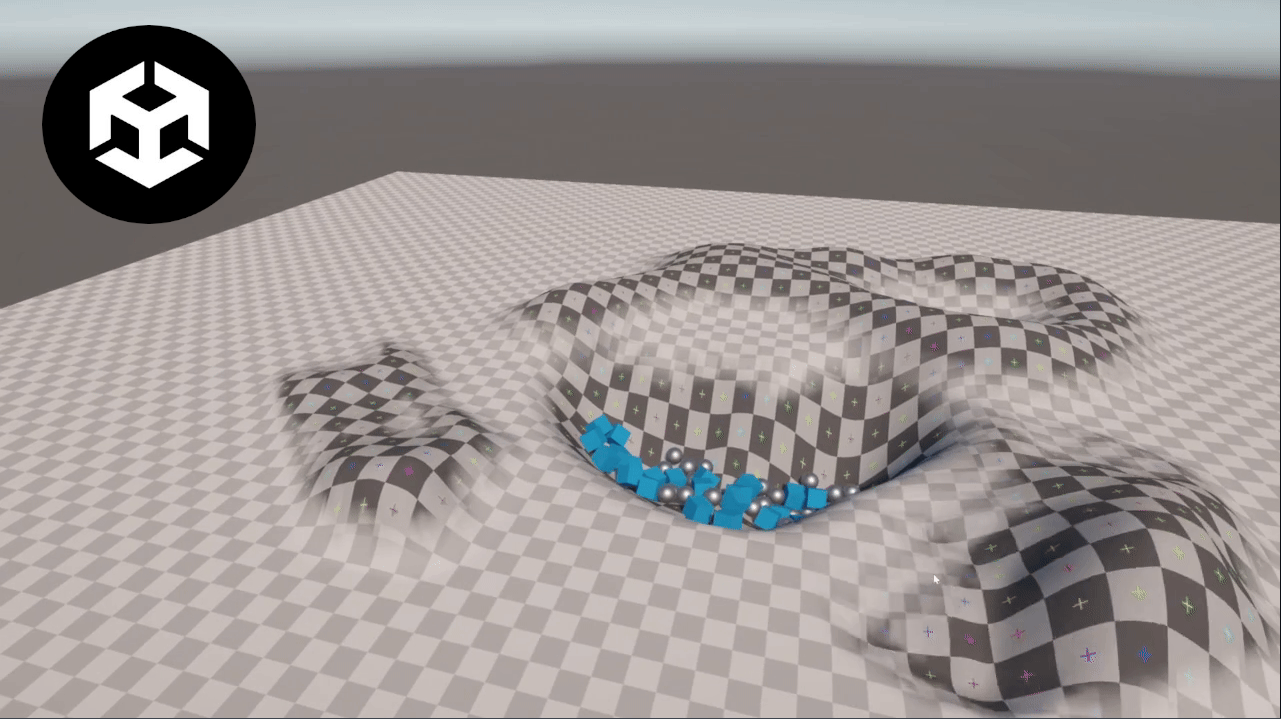 We take a look at Unity Runtime Terrain, a lightweight system that exposes Unity’s built-in terrain editing features for use directly during play mode.
 -
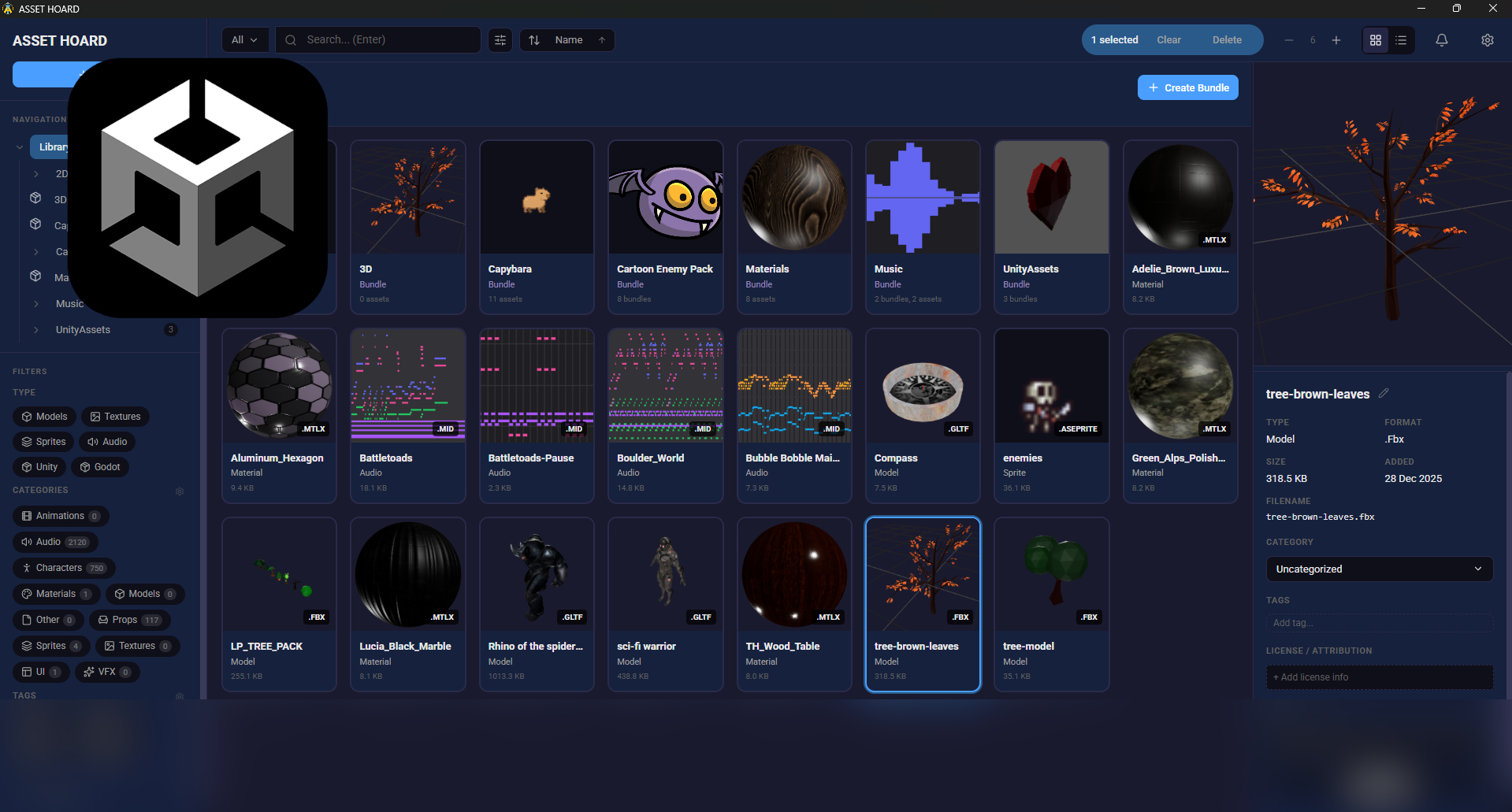 We take a look at AssetHoard, a local-first asset manager designed to organize and preview game assets, with workflows for engines like Unity and Godot.
