
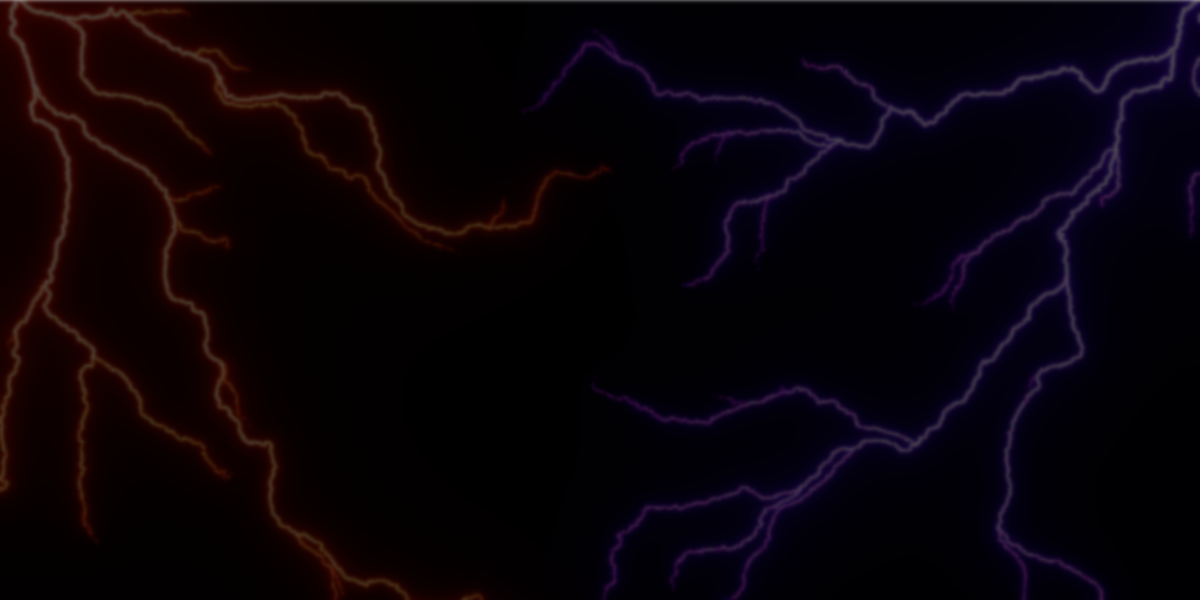
Procedural lightning effects are often handled through custom shaders, particle systems, or baked animations. While those approaches can work, they tend to be tightly coupled to a specific look or scene setup. Draw Lightning Generators builds lightning generation entirely on top of Blender’s Geometry Nodes system, exposing lightning as editable geometry driven by curves and meshes.
Developed by 3DSinghVFX, the tool is distributed as a set of Geometry Nodes–based modifiers and assets. The tool is distributed as a set of Geometry Nodes–based modifiers and assets, providing reusable node setups that can be adapted or combined inside existing Blender workflows.
Three Lightning Generators
The tool is built around three distinct generators, each designed for a different spatial context. All three rely on curves with multiple splines as their primary control mechanism.
Curve Lightning Generator
Generates lightning directly from curves, supporting both 2D and 3D use cases. Each spline can produce its own lightning branch, making it suitable for hand-drawn paths, animated strikes, or tightly directed effects.
Surface Lightning Generator
Projects lightning across the surface of a mesh. The surface defines where the lightning can travel, while curves are used to guide direction and structure. This setup is useful for effects that need to cling to objects, such as electrical discharges crawling over props or environments.
Volume Lightning Generator
Generates lightning within the volume of a mesh, or close to its surface. This allows lightning to exist in fully three-dimensional space, instead of being limited to a single surface or predefined path. As with the other generators, curves remain the primary driver for shape and flow.
.gif)
Curve-Driven Control
A consistent design choice across the generators is the reliance on curves as the main control mechanism. Direction, branching behavior, spread, and overall flow are defined through spline data, alongside supporting parameters where needed.
Because lightning is generated per spline, more complex structures can be created by layering or animating curves. This curve-based approach also makes the system usable beyond lightning effects, as the generated curves can be reused for other procedural structures such as vines, roots, or stylized plant growth.
Interaction and Scene Awareness
The generators include options for interacting with surrounding objects. Attraction and repulsion settings allow lightning to respond to external geometry, influencing how branches bend or cluster in space.
This interaction layer does not require simulation or physics. It is handled as part of the Geometry Nodes evaluation, which keeps the behavior deterministic during Geometry Nodes evaluation and simplifies iteration when adjusting a scene.
Integration as Modifiers and Assets
Draw Lightning Generators are implemented as Geometry Nodes modifiers. They can be used by appending the node setups into a file or by installing them as asset libraries and dragging them directly from the Asset Browser.
Each generator is available both as a modifier and as a preconfigured object. This makes it possible to either apply the effect to existing meshes or start from a ready-made lightning object and adapt it to the scene.
Because the system is modifier-based, it remains fully editable. Curves, meshes, and node parameters can be adjusted at any time without baking or conversion.
Typical Use Cases
Draw Lightning Generators is usually use if you:
- Want lightning effects built as editable geometry, not baked animations
- Prefer curve-driven control over procedural randomness
- Need effects that can be adapted or reused across different scenes
- Are comfortable working with Geometry Nodes modifiers and assets
Similar and Useful Tools
- Lightning Draw (Free Blender Addon): A free Blender addon that lets you quickly generate realistic lightning effects using intuitive controls. It’s designed to help artists bring dramatic lightning into scenes without complex setups.
Differences: Lightning Draw focuses on one-click lightning generation for simple effects and is free, whereas Draw Lightning Generators (the paid product) provides multiple generator types (curve, surface, volume) with more control and custom spline-driven effects.
- BlenderKit – Node Group: Lightning Generator: A procedural Geometry Nodes lightning generator available through BlenderKit’s integrated asset library. It creates fully procedural lightning effects with adjustable parameters for strands, speed, spread and color, and supports both 2D and 3D lightning.
Differences: The BlenderKit version is a node group asset that you can drop into your own projects and customize, without a full addon workflow. Draw Lightning Generators typically provides a full addon experience with multiple generator modes and presets geared for ready-made lightning setups.
✨ Draw Lightning Generators is now available on SuperHive.
📘 Interested in creating your own Tools and Shaders? Check out the Godot Shaders & Blender Tools Bundle, which includes: Blender Tool Development Fundamentals and The Godot Shaders Bible.
📘 Interested in creating your own Tools and Shaders? Check out the Godot Shaders & Blender Tools Bundle, which includes: Blender Tool Development Fundamentals and The Godot Shaders Bible.
Our best-selling indie Bundle: Godot shaders + Blender tools ✨ https://t.co/zSlHDCuGVC#b3d #GodotEngine #3DCG pic.twitter.com/sjdYxXjKUB
— The Unity Shaders Bible (@ushadersbible) November 16, 2025
Jettelly wishes you success in your professional career!
Did you find an error? No worries!
Write to us at [email protected], and we'll fix it!
Other posts that might interest you.
-
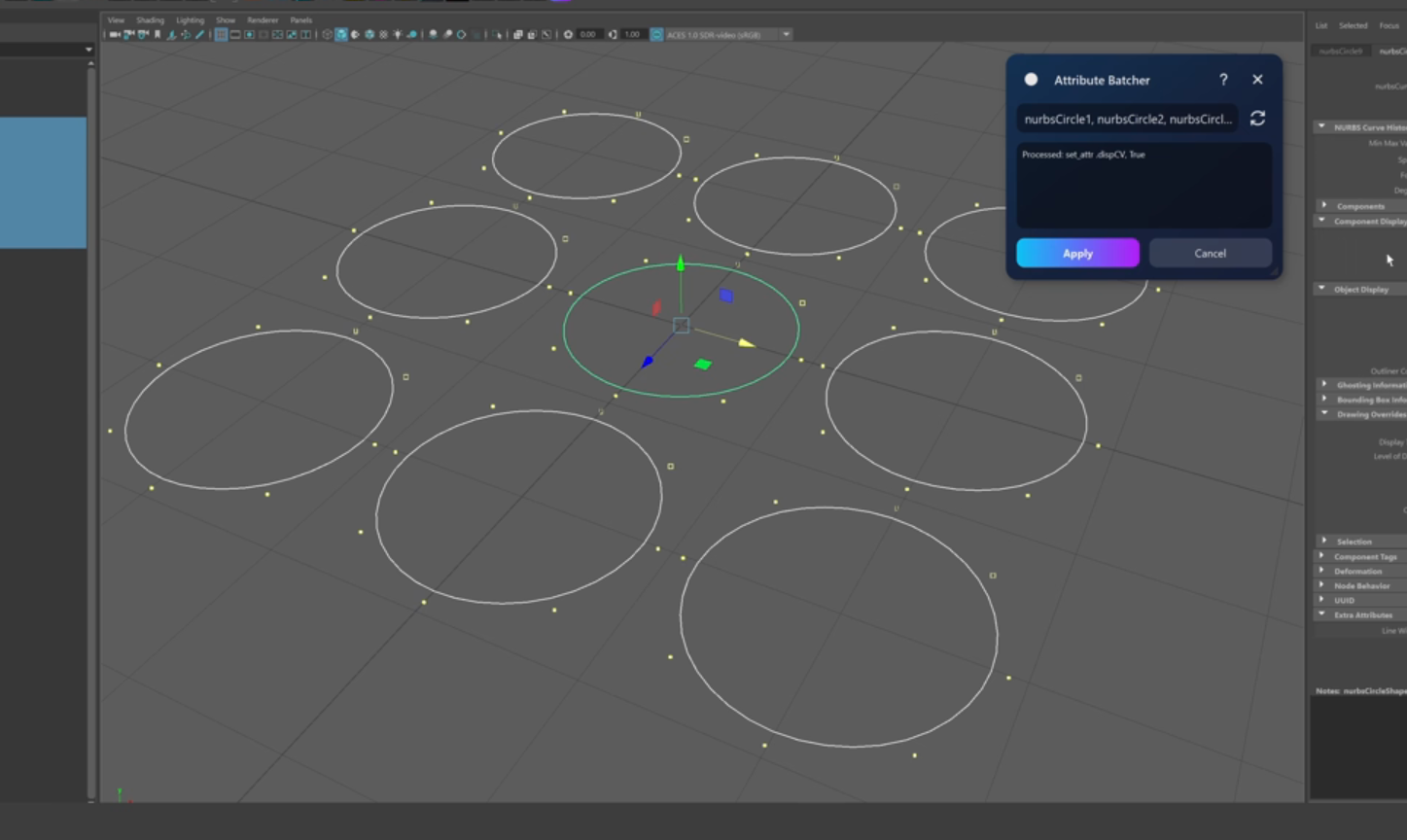 Check out Attribute Batcher, a Maya tool by Slava Borovik that records attribute edits and applies them across multiple objects.
 -
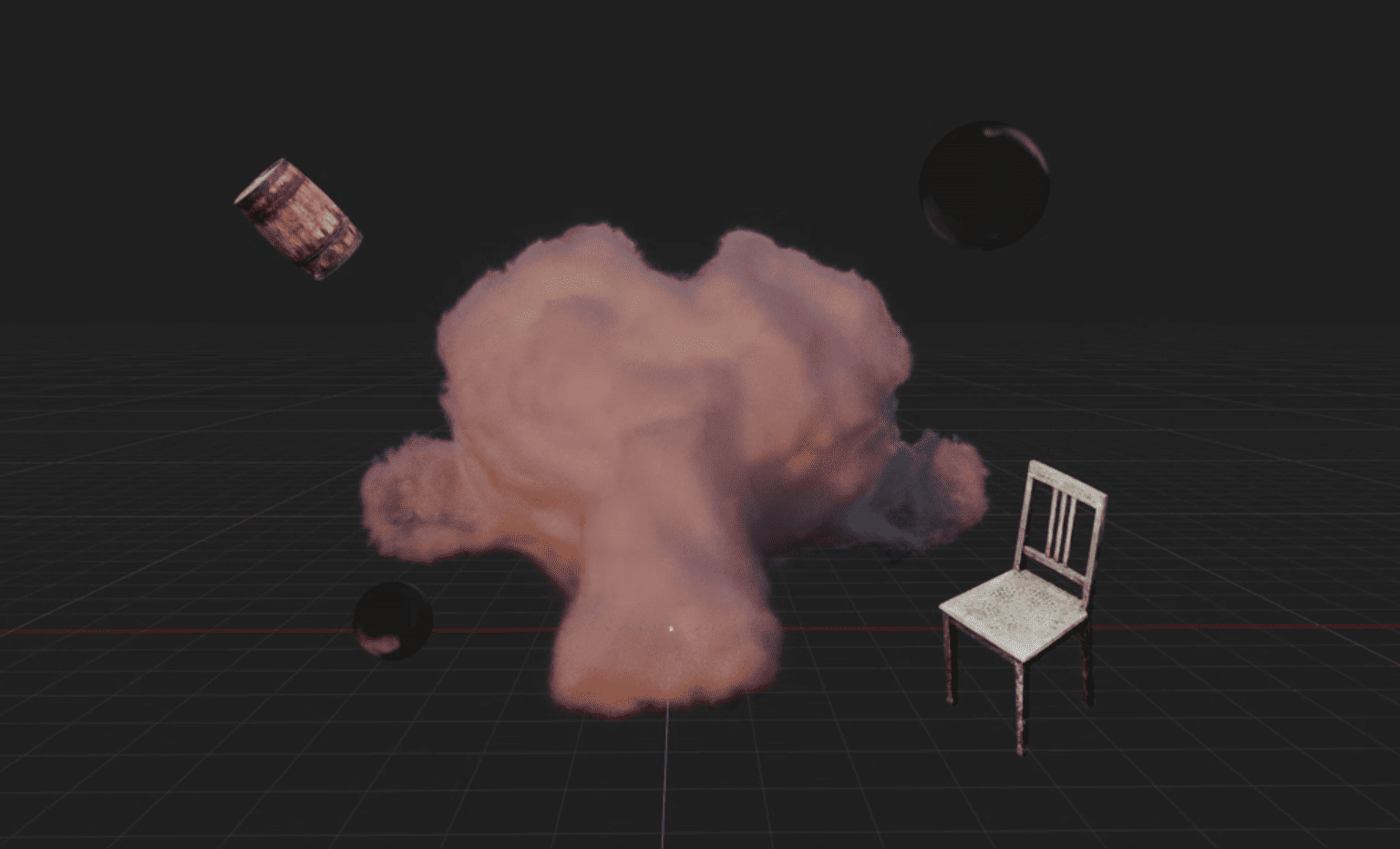 Blender artist Sören Schmidt-Clausen released BlendSplat, a node library that brings Gaussian Splats into Blender and makes them editable through Geometry Nodes.
 -
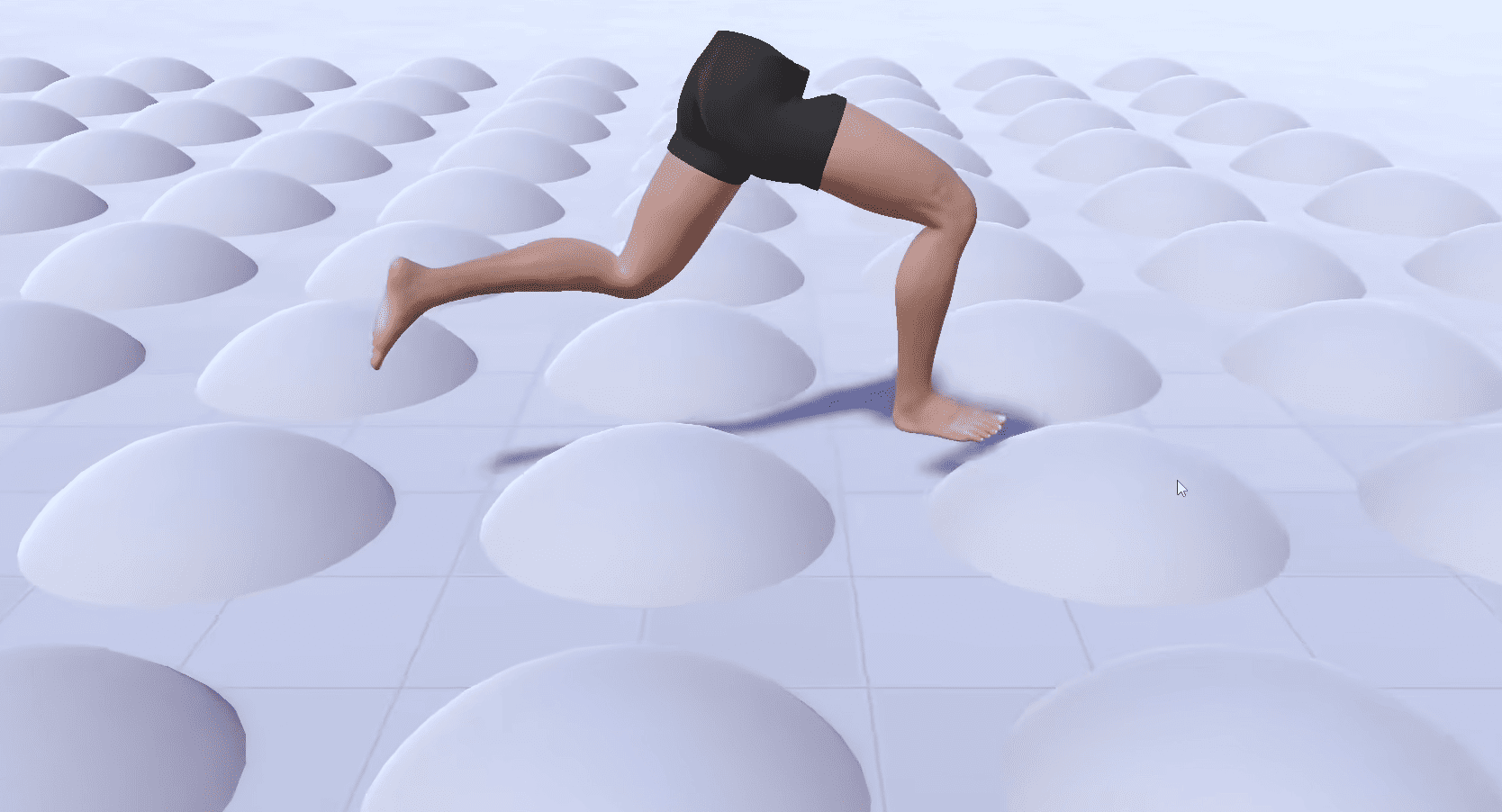 Check out the details of Footwerk, a free foot placement plugin that helps characters stay grounded while keeping existing animations intact.
