
KWS2 Dynamic Water System is an advanced physically driven water solution for Unity, developed by kripto289. Unlike purely visual water assets, KWS2 simulates real flow, interacts with terrain and dynamic objects, and offers a zone-based workflow that lets you create realistic rivers, lakes, and coastal environments in minutes.
KWS2 is a complete rewrite of the first KWS Water System, with older systems removed or rebuilt and new features introduced for accuracy, stability, and performance. It supports Built-in, URP, HDRP, and Unity 6, and includes a downloadable PC demo showcasing its dynamic flow simulation in action.
What KWS2 Does
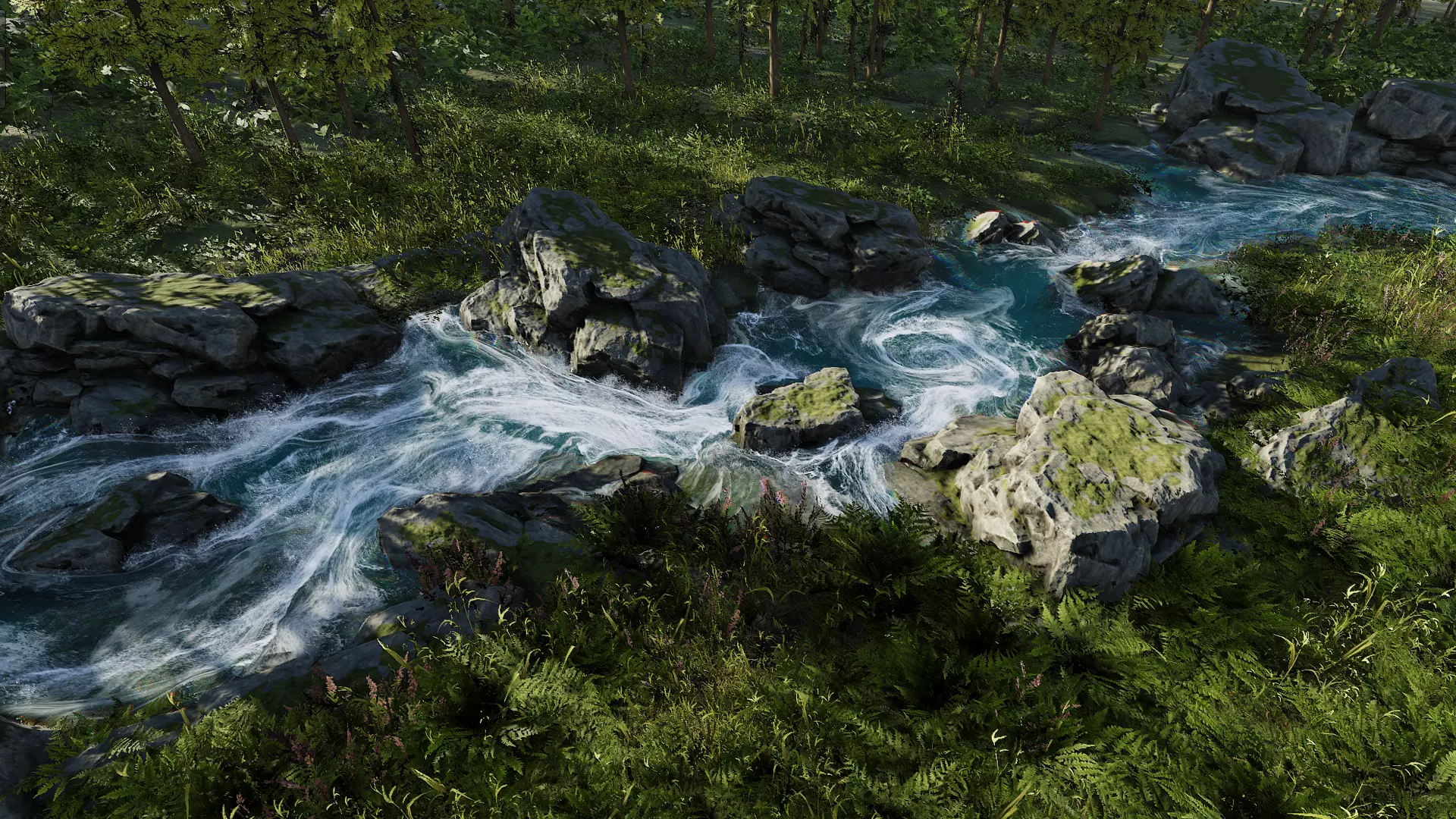
KWS2 uses a real-time physical simulation to create believable water movement. It applies flow water equations, FFT-based ocean rendering, collision detection, and terrain sampling to generate realistic surface behavior. Instead of hand-authoring paths for rivers or waterfalls, the system automatically follows the terrain using a zone-based workflow.
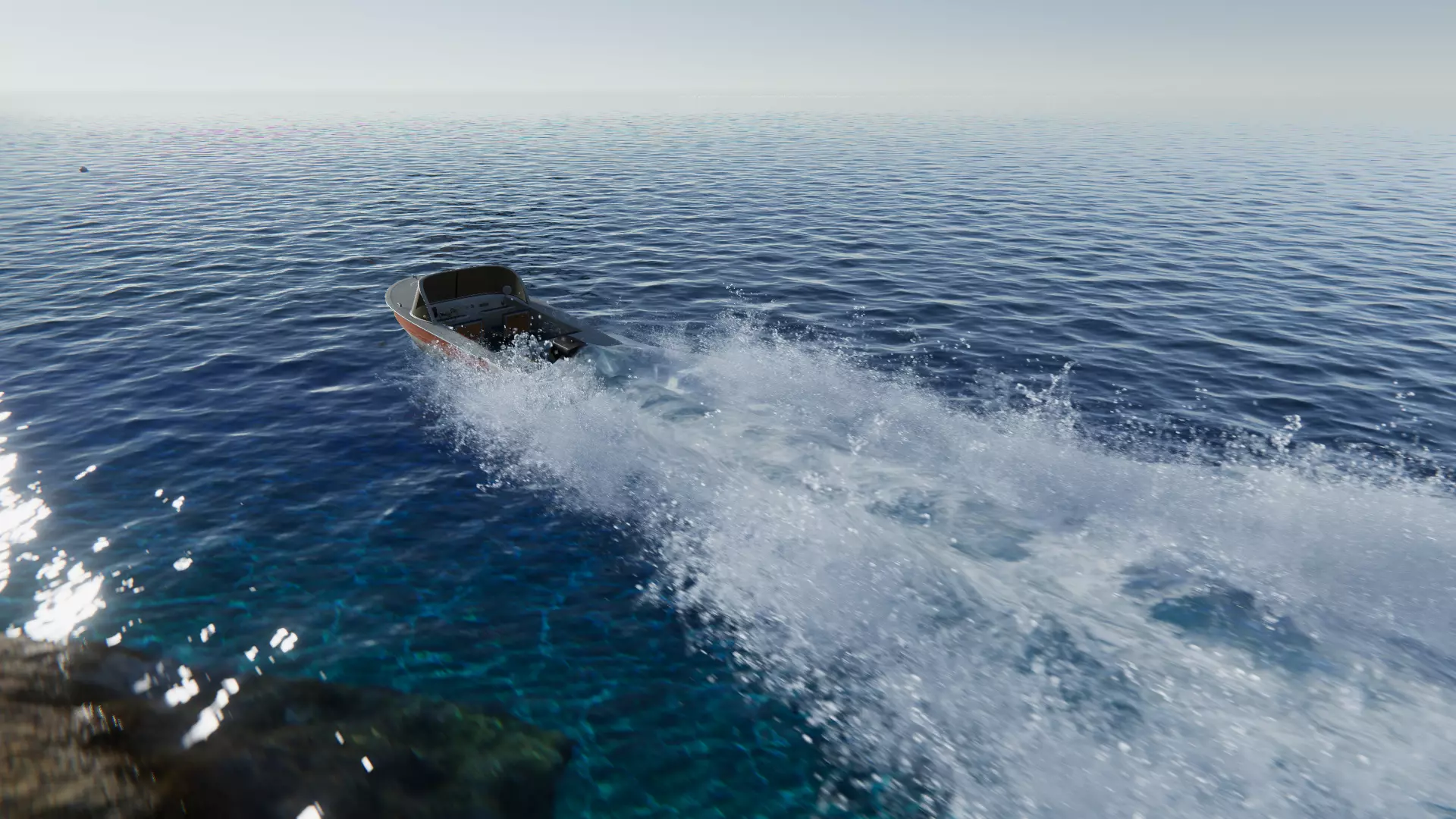
Each simulation zone uses its own orthographic camera to read height and collision information. Objects interacting with the simulation, such as boats, rocks, or characters, affect water height and flow as long as they are visible to that simulation camera.
Main Features
Simulation
- Real-time water simulation using flow water equations
- FFT-based ocean rendering
- Automatic terrain-following rivers and waterfalls (no splines)
- Interaction with dynamic objects, shore response, and obstacle avoidance
- Buoyancy system and height/flow sampling API
- Optional cached simulation (preflow)
Rendering
- Physically based lighting (absorption, SSS, caustics, PBR)
- Volumetric lighting above/below surface + underwater sunshafts
- Reflections: SSR, planar, skybox, anisotropic
- Refraction with dispersion and proper IOR
Effects
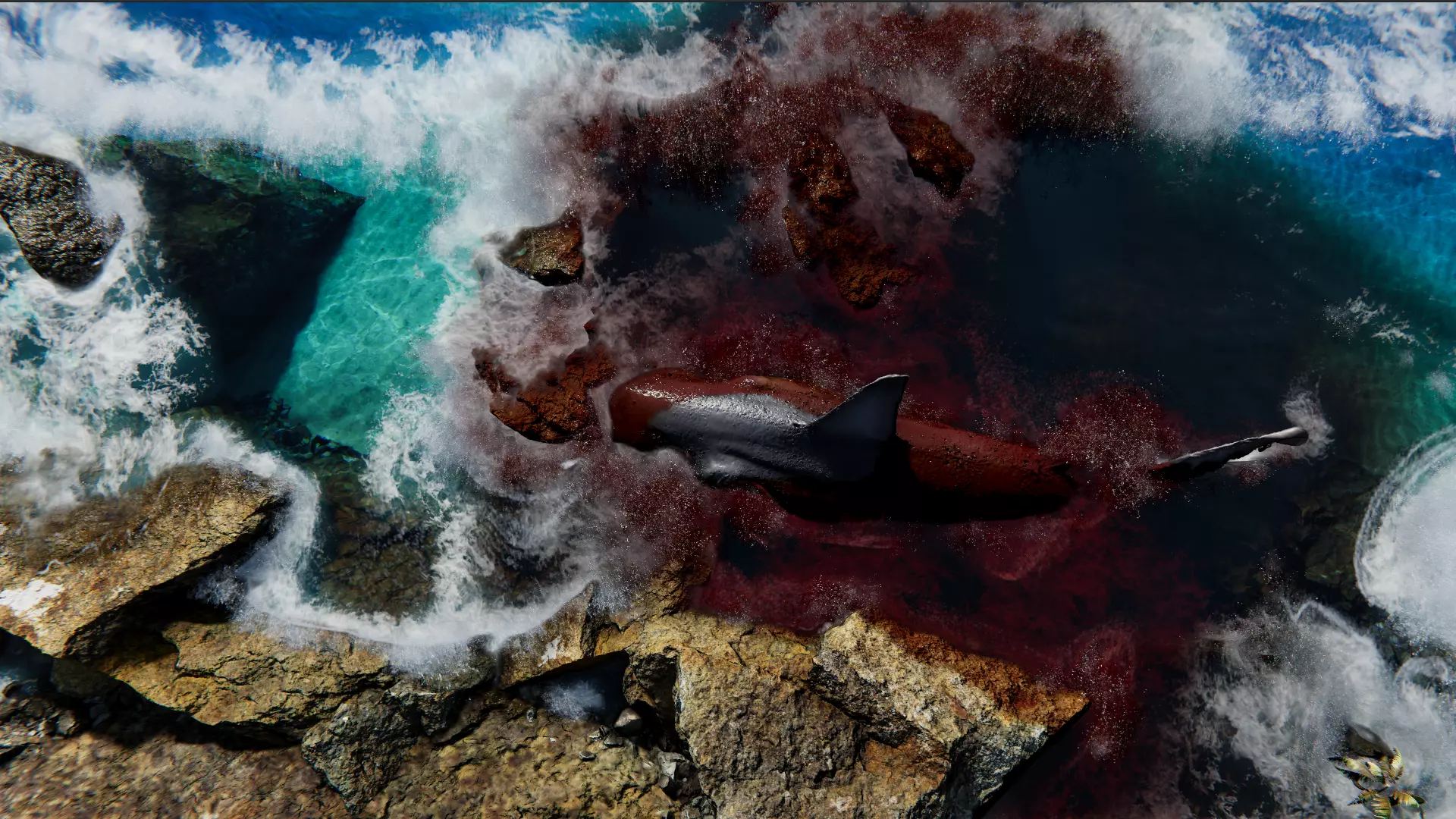
- Dynamic foam, splash particles, wetness, droplets
- Optional bioluminescent foam look
- Water-on-lens effects and underwater transitions
Performance & Integration
- GPU-driven mesh generation via Quadtree LOD
- Distance/occlusion-based simulation LOD
- Built-in, URP, HDRP, and Unity 6 support
- Writes to depth buffer + one-click integration with major fog systems
- Tooltips and in-editor documentation
Limitations
Important constraints to keep in mind:
- Not suitable for extreme-height waves
- Simulation zones are flat (water spreads, doesn’t fall as a volume)
- Overlapping zones don’t blend
- Objects must be visible to the zone camera to influence water
- Steep/vertical geometry may not be recognized correctly
These restrictions help keep the simulation fast while maintaining realistic behavior for natural water bodies.
Uses Cases
This tool is ideal for:
- Open-world or terrain-heavy games
- Realistic or stylized rivers, lakes, wetlands
- Gameplay with buoyancy and dynamic interactions
- Scenes requiring large-scale, performance-friendly water
- Projects where physically grounded flow is essential
KWS2 Dynamic Water System is available on the Unity Asset Store.
Want to learn more? 💡
If you’re interested in the technical side of Unity, the Unity Dev Bundle brings together six books covering shaders, math, procedural shapes, editor tools, and character customization. We invite you to check it out! =)
If you're getting into technical art or game development, this 70% off Unity bundle might interest you. It includes:
— Shaders Bible Series (@ushadersbible) June 29, 2026
- Math for Graphics
- Shaders
- Compute Shaders
- Tool Development
- Animation Implementation
- And more
➡️ https://t.co/1eA8907m5M#gamedev pic.twitter.com/dzac8f6X0V
Jettelly wishes you success in your professional career!
Did you find an error? No worries!
Write to us at [email protected], and we'll fix it!

Level up your Unity skills with our new six-books bundle!
We invite you to explore "The Unity Dev Bundle", a comprehensive bundle on the concepts and fundamentals seen in this post.
Other posts that might interest you.
-
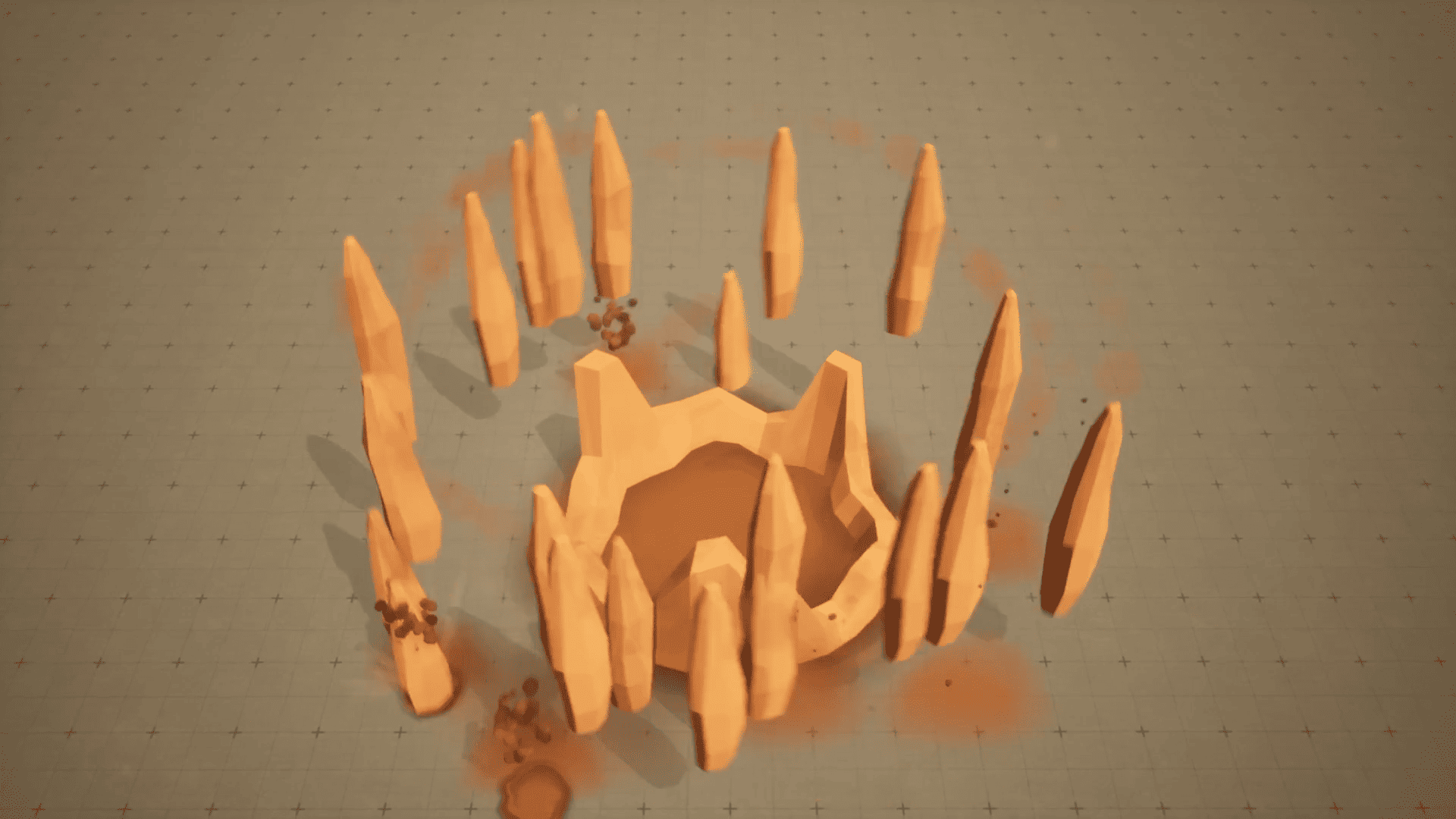 Earth's Wrath starts with a warning on the ground, raises a cage of rock, then builds toward a massive final impact. Kuzey Can shares how he made the VFX in Niagara.
 -
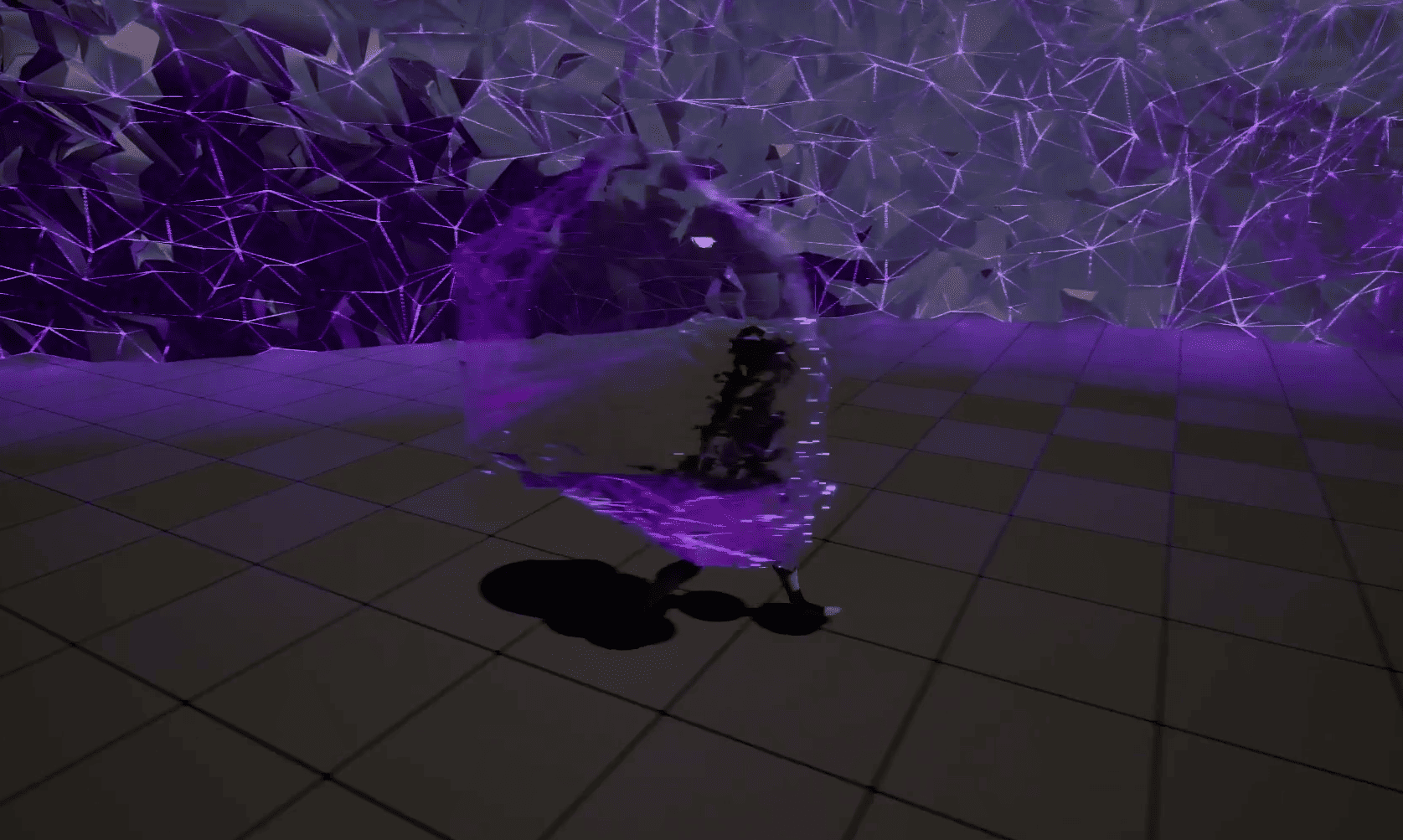 A static mesh bends and reacts to nearby objects as its vertices follow Niagara particles. Nguyen Tan Sang shares how he built the VFX.
 -
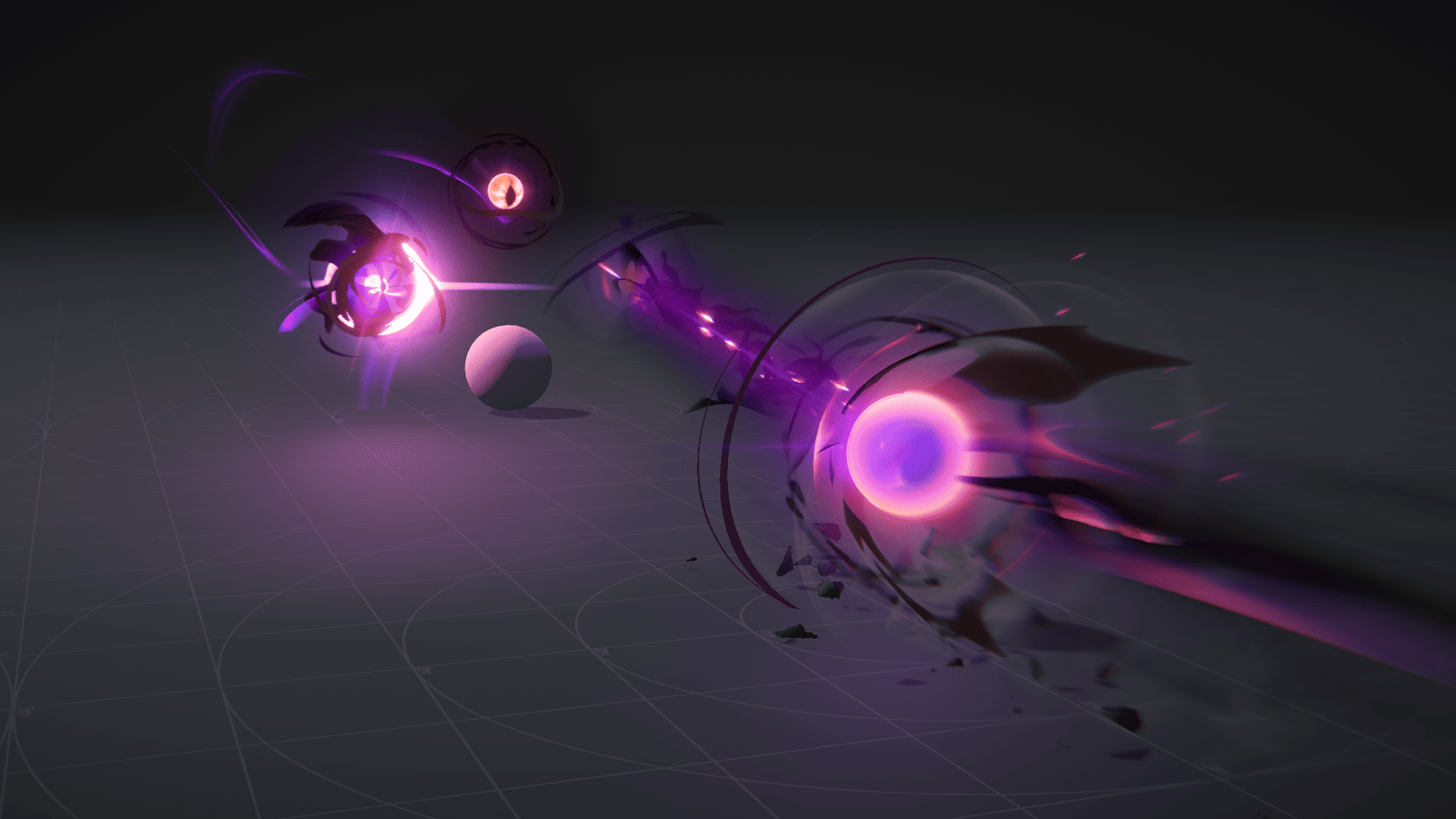 Ryan Gee’s Eldritch Blast uses procedural eyes and exaggerated motion to give the spell weight, without relying on camera shake.
