
Godot Doctor: Declarative Scene Validation for Godot.
by Jettelly
Published |
When working in Godot, validation often happens too late. A missing @export reference, an empty string, or a wrongly assigned PackedScene might only surface once you press Play. Over time, these small oversights slow iteration and introduce avoidable runtime errors.
Godot Doctor, created by CodeVogel, addresses this by bringing structured validation directly into the editor. Instead of writing procedural warning code or cluttering scripts with editor-specific logic, it lets you define validation conditions declaratively and have them run automatically when scenes are saved.
The plugin was recently updated to support severity levels, making it easier to distinguish between informational messages, warnings, and critical errors inside its dedicated dock.
Godot Doctor, my plugin that detects scene & resource errors before play, now shows severity-levels!
by u/codevogel_dot_com in godot
What Godot Doctor Does
At its core, Godot Doctor validates:
- Scenes
- Nodes
- Resources
Validation runs automatically when you save a scene. Errors appear in a dedicated dock, and each entry is clickable, taking you directly to the problematic node.
The system is built around a declarative, test-driven style, where validation logic is separated from error messages.
No-Code Default Validations
One of the most practical additions in recent updates is default validations.
If a node has a script with @export variables:
- Unassigned object references are flagged
- Empty strings are reported
This happens automatically. No validation code is required. Default validations can be disabled globally or per script via the settings resource.
No @tool Required
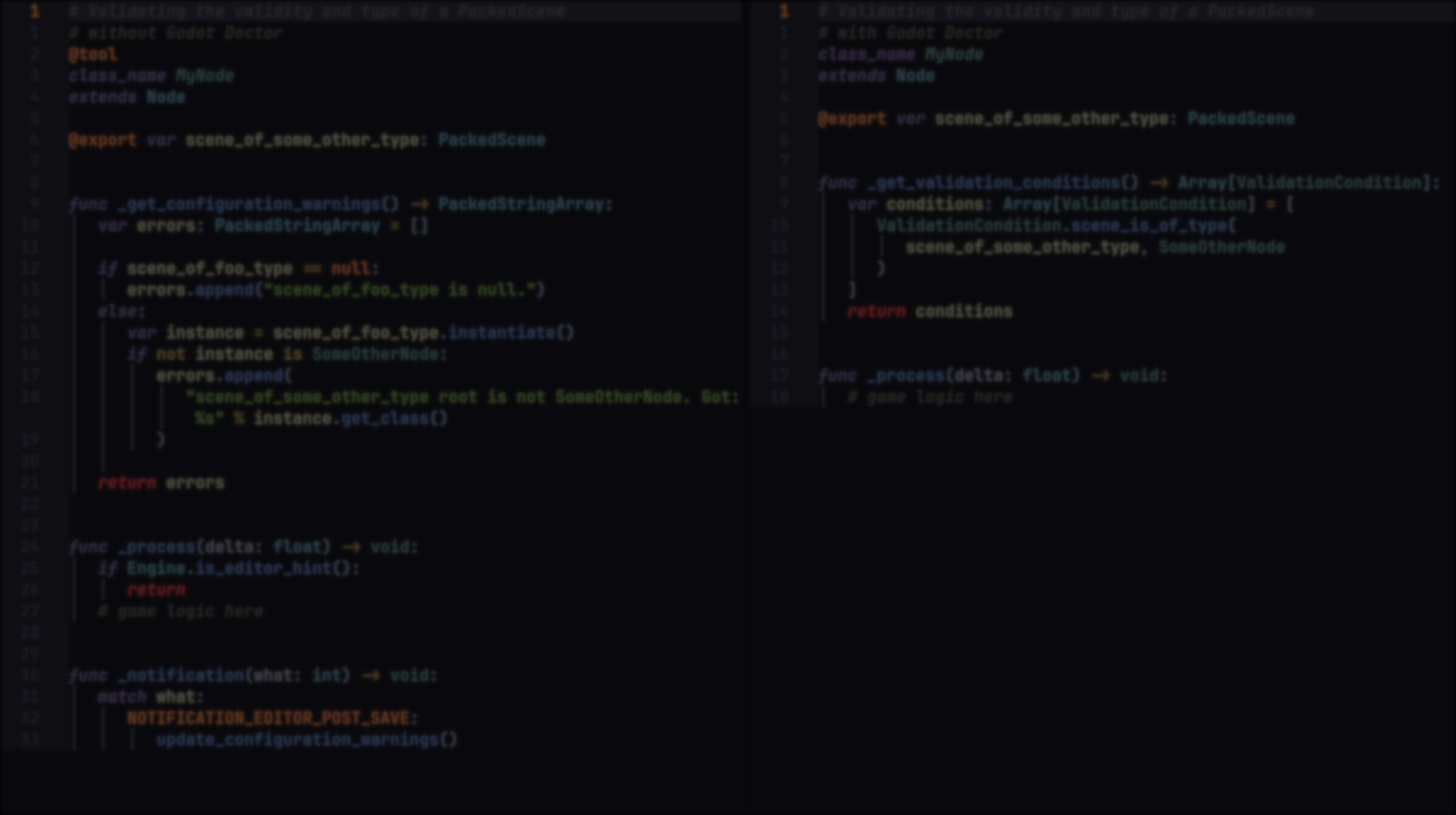
Traditionally, editor validation in Godot often relies on @tool and _get_configuration_warnings(). That approach works, but it introduces editor-specific logic into gameplay scripts.
Godot Doctor runs without requiring @tool. It creates temporary instances internally to evaluate validation logic, keeping gameplay scripts focused and free from editor boilerplate.
This separation makes scripts easier to read and maintain.
Declarative, Test-Driven Syntax
Validation is defined using the ValidationCondition class. Basic example:
var condition = ValidationCondition.simple(
    health > 0,
    "Health must be greater than 0"
)
You can also specify severity:
var condition = ValidationCondition.new(
    func(): return health > 0,
    "Health must be greater than 0",
    ValidationCondition.Severity.ERROR
)
The approach resembles unit testing:
- Validation logic is isolated
- Error messages are metadata
- Conditions can be reused
- Complex logic can be abstracted into methods
Nested conditions are supported, allowing validation trees to scale from simple checks to complex rule sets.
How It Works Internally
When you save a scene:
- The plugin scans nodes for @export properties and _get_validation_conditions() methods.
- Temporary instances are created if needed.
- Each ValidationCondition callable is executed.
- Failed conditions appear in the Godot Doctor dock.
Clicking an error navigates directly to the related node.
Where It Fits Best
Godot Doctor is particularly useful for:
- Teams that want early error detection
- Projects with complex inspector-driven configuration
- Developers who prefer clean gameplay scripts
- Data-heavy systems with multiple interdependent values
It introduces structure to validation without tying logic to editor annotations.
Similar and Useful Alternatives
- Godot GDScript Linter: A static code analyzer for GDScript that identifies potential issues such as long functions, missing type hints, magic numbers, unused variables, and naming problems. It provides an editor dock with clickable navigation to flagged lines and supports exporting reports for CI/CD.
Differences: Godot Doctor validates scene structure and inspector values as well as resources before runtime, whereas Godot GDScript Linter focuses solely on code quality and style issues. The linter is more about best practices and code problems than full project validations.
- Diagnostic List: This plugin scans your project’s GDScript files and collects all errors and warnings into a single global list, making it easier to find and fix problems across scenes or scripts.
Differences: Diagnostic List consolidates compiler and syntax warnings from scripts across your project, while Godot Doctor provides declarative, developer-defined validation for scenes and resource configurations. The latter lets you define custom rules rather than just list warnings.
✨ Godot Doctor is currently available on GitHub.
📘 Check out The Technical Artist Bundle, a complete learning path covering shader programming, essential game-dev math, and procedural image generation through three in-depth books.
If you're getting into technical art, this bundle might be exactly what you need. From math visualization to shader development in Unity. Check it out! ✨ https://t.co/kEsRlle0dM#madewithunity #indiedev #3DCG pic.twitter.com/cfgxd445r6
— The Unity Shaders Bible (@ushadersbible) December 8, 2025
Jettelly wishes you success in your professional career!
Did you find an error? No worries!
Write to us at [email protected], and we'll fix it!
Other posts that might interest you.
-
 We take a look at BagaIvy V3 by Baga, a Geometry Nodes-based tool for generating and simulating ivy growth in Blender, with over 300 assets and support for animation-ready vegetation.
 -
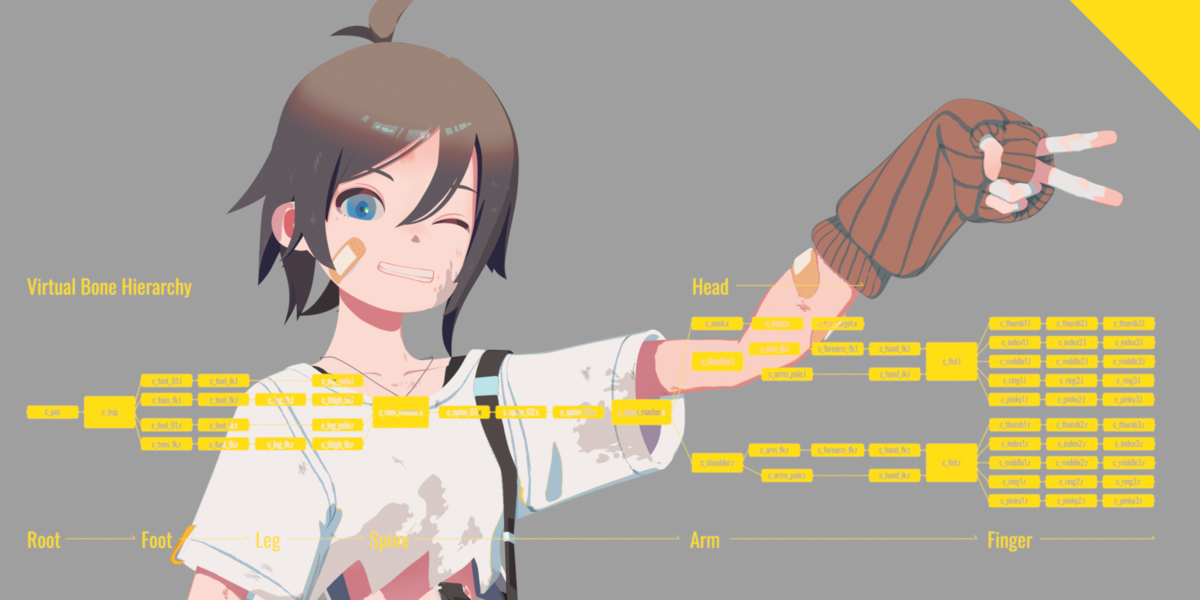 We take a look at Close Bone Picker by POPREQ, a Blender add-on designed to speed up bone selection through shortcuts, custom hierarchies, and pie menus.
 -
 We take a look at World Conceptor by 3DVision, a Blender tool focused on procedural atmospheres, skies, clouds, and environmental lighting for Cycles renders.
