
We take a look at Godot Engine 4.6, focusing on editor-level changes, workflow refinements, and tooling improvements introduced with the official release.
If you missed our earlier pre-release coverage, we previously published a first look at what was coming in Godot 4.6, exploring upcoming features and early direction. This article builds on that foundation by looking at what actually shipped, how it affects everyday workflows, and which changes are most relevant in practice.
Godot 4.6 continues the 4.x line with an emphasis on usability and tooling rather than sweeping architectural changes. The release introduces refinements to the editor interface, rendering features, and debugging tools, alongside improvements aimed at developers who work across multiple projects and engine versions.
#Godot 4.6 is out, and all about your flow!
— Godot Engine (@godotengine) January 26, 2026
This release puts your workflow first with a new theme, flexible docks, and dozens of UX improvements. Default Jolt Physics, revamped IK, better reflections, and more.
Less wrestling with UI. More making games.https://t.co/BU1KhuqIVt pic.twitter.com/FkkNPazMcc
Editor and Workflow Changes in Godot 4.6
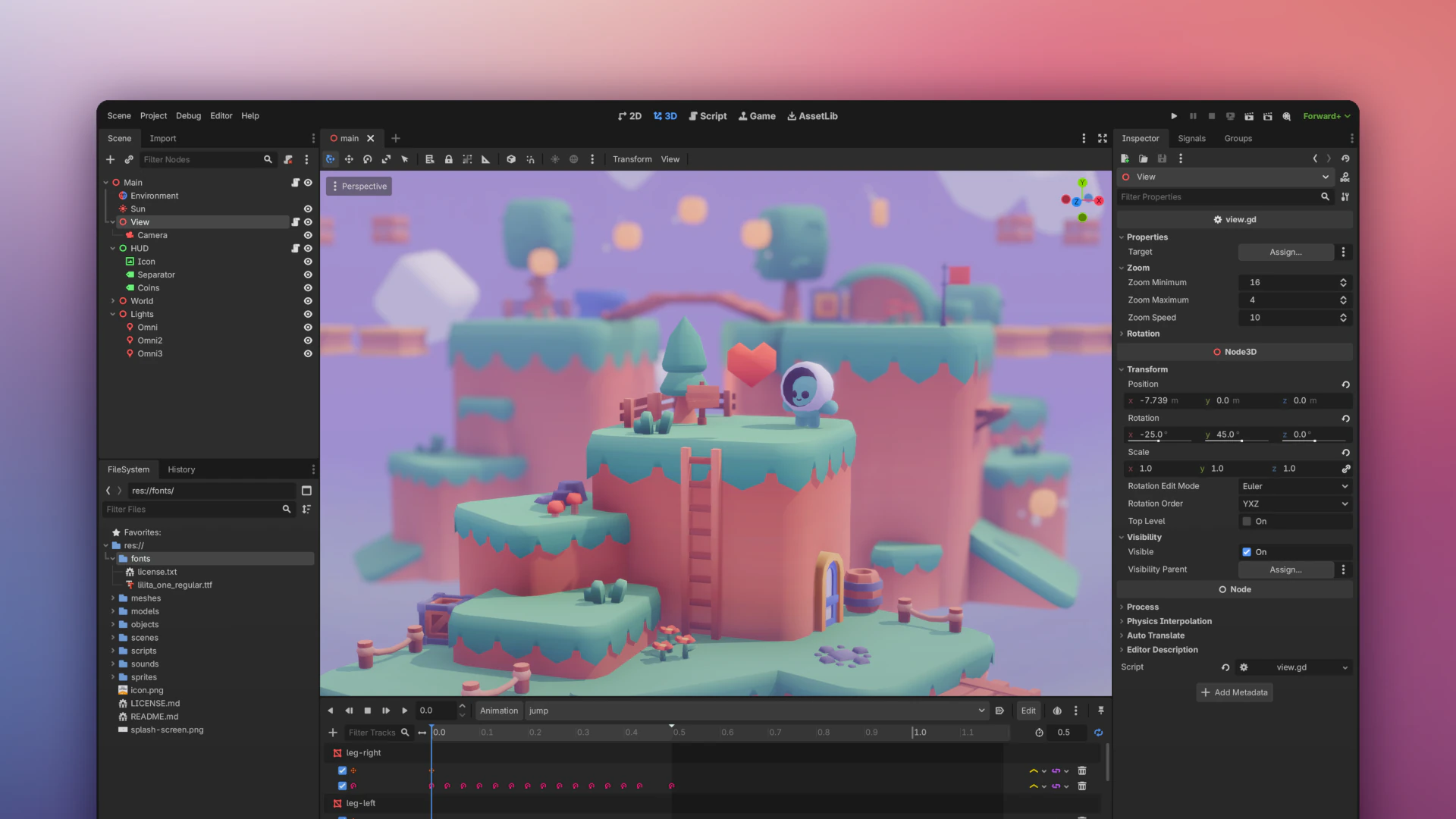
One of the most visible updates in 4.6 is the introduction of a new default editor theme “Modern.” The updated theme adjusts spacing, contrast, and panel styling, while still allowing users to revert to the classic appearance if preferred. Alongside this, the docking system has received incremental improvements that make panel rearrangement more predictable and flexible.
Several interaction patterns in the editor have also been refined. Selection and transform behaviors have been clarified, pivot handling has been adjusted, and drag-and-drop interactions across the editor have seen small but noticeable polish. These changes are subtle individually, but together they reduce friction during everyday scene editing.
Quick Open and keyboard customization options have been expanded, giving users more control over navigation and shortcuts without relying on external editor scripts.
Rendering and Visual Systems
On the rendering side, Godot 4.6 includes updates to screen-space reflections, improving stability and consistency in supported pipelines. While not a complete overhaul of the renderer, these refinements address edge cases that appeared in previous 4.x releases, particularly in scenes with complex lighting setups.
The inverse kinematics (IK) framework has also been integrated more tightly into the editor, making character rig experimentation more accessible without custom tooling. These additions are part of an ongoing effort to reduce the need for third-party solutions for common animation tasks.
SSR demo for Godot 4.6 release page pic.twitter.com/aY7NA7TwYr
— passivestar (@passivestar_) January 17, 2026
Debugging and Runtime Inspection
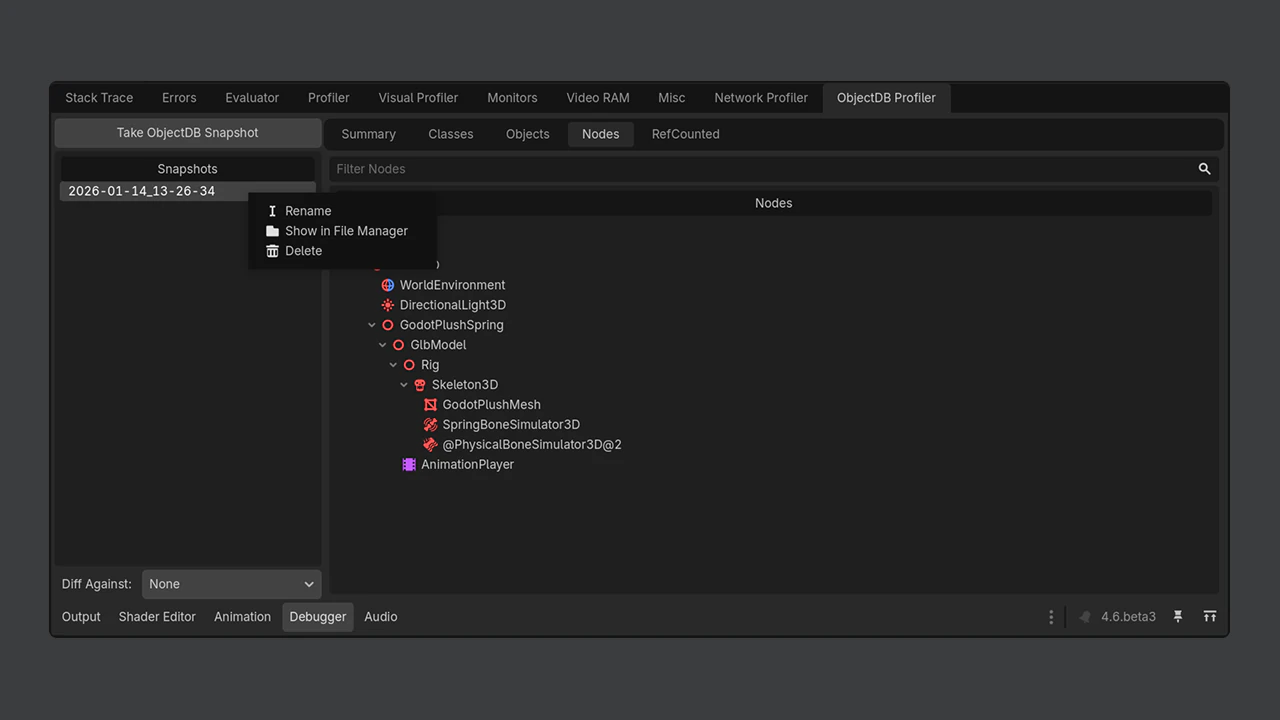
Godot 4.6 introduces enhancements to debugging and inspection tools, most notably in the ObjectDB debugger. Developers can now compare snapshots and diffs over time, which helps track object lifetimes, memory usage, and unexpected state changes during runtime.
These tools are especially relevant for larger projects or systems-heavy games where object creation and cleanup can become difficult to reason about through logs alone.
LibGodot and Engine Integration
A notable addition in 4.6 is LibGodot, which allows the engine to be embedded as a library in external applications. This feature targets advanced use cases, such as custom editors, tooling pipelines, or engine-driven applications that do not follow the traditional Godot project structure.
While LibGodot is not required for typical game development, its inclusion signals a broader push toward modular engine usage beyond standard game projects.
Jolt Physics Becomes the Default for New 3D Projects
Godot 4.6 makes a significant change to its 3D physics stack by promoting Jolt Physics from an experimental option to the default physics engine for all new 3D projects.
Jolt was first introduced as an optional backend in earlier 4.x releases and has since been tested in real-world projects. With 4.6, the engine team considers the integration mature enough to become the standard choice going forward.
This change applies only to newly created projects. Existing projects keep their current physics engine configuration and are not modified automatically. Developers who want to switch engines can still do so manually through the project settings.
The integration exposes Jolt directly through Godot’s existing physics APIs, meaning no changes are required at the scripting or gameplay logic level when starting a new project.
This change applies only to newly created projects. Existing projects keep their current physics engine configuration and are not modified automatically. Developers who want to switch engines can still do so manually through the project settings.
The integration exposes Jolt directly through Godot’s existing physics APIs, meaning no changes are required at the scripting or gameplay logic level when starting a new project.
Editor Docks Become Fully Movable and Floatable
This new update also introduces a unified docking system for the editor interface.
Bottom panels are now treated the same way as other docks. They can be moved, rearranged, docked to different sides of the editor, or floated as independent windows. This applies across the editor layout and supports multi-monitor setups.
The change removes a long-standing limitation in editor customization and is a step toward a more flexible workspace system. Some docks are still limited in how they adapt between horizontal and vertical layouts, but they can now be repositioned freely.
For users who spend long sessions in the editor or work across multiple screens, this update makes it easier to tailor the interface to specific workflows.
The Godot Shaders Bible Update (Godot 4.6)
Alongside the Godot 4.6 release, our book the Godot Shaders Bible has also been updated to reflect the current engine version.
The book focuses on shader fundamentals and rendering workflows in Godot, covering topics such as the render pipeline, Shader Language syntax, lighting models, post-processing, and practical effects. With the 4.6 update, examples and explanations align with the current engine behavior and editor tooling.
We're still working on the Godot Shaders Bible update to version 4.6 RC1, so the physical version is expected to launch in the first week of February. Check out the book here 🔗 https://t.co/pTFh4Xfq4V#GodotEngine #indiedev #gamedev pic.twitter.com/iIx6LW3zXt
— The Unity Shaders Bible (@ushadersbible) January 24, 2026
Jettelly wishes you success in your professional career!
Did you find an error? No worries!
Write to us at [email protected], and we'll fix it!
Other posts that might interest you.
-
 Godot 4.7 is now officially available. Alongside the features we covered during beta, the release also introduces improved UI tools, better Android support, and more.
 -
 Godot 4.7 has now entered beta, bringing HDR support, a new Asset Store, rendering improvements, and additional tools for level creation and shader development.
 -
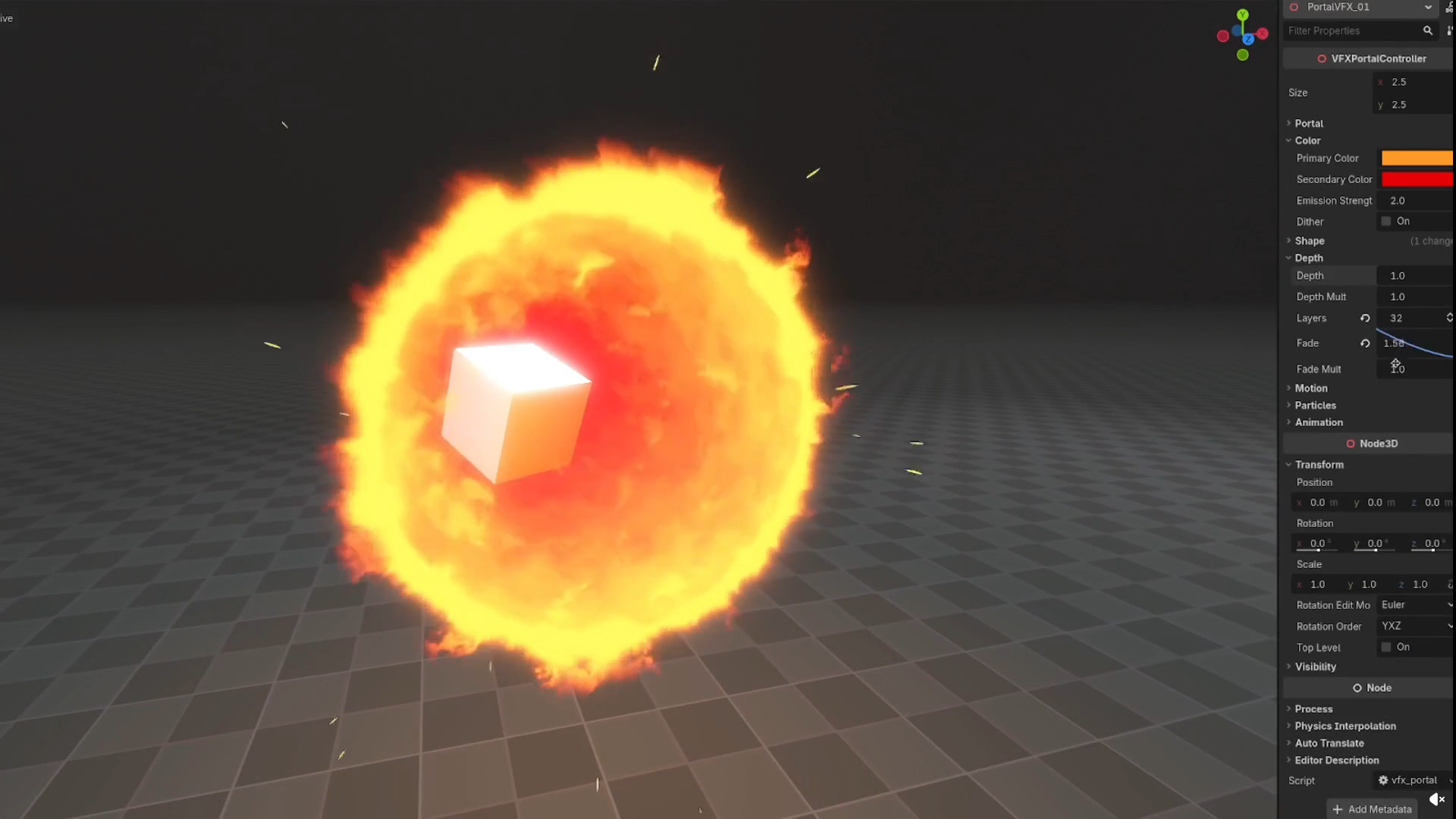 How does Binbun3’s swirling portal effect actually work? We spoke with the technical artist to break down the process behind it.
