
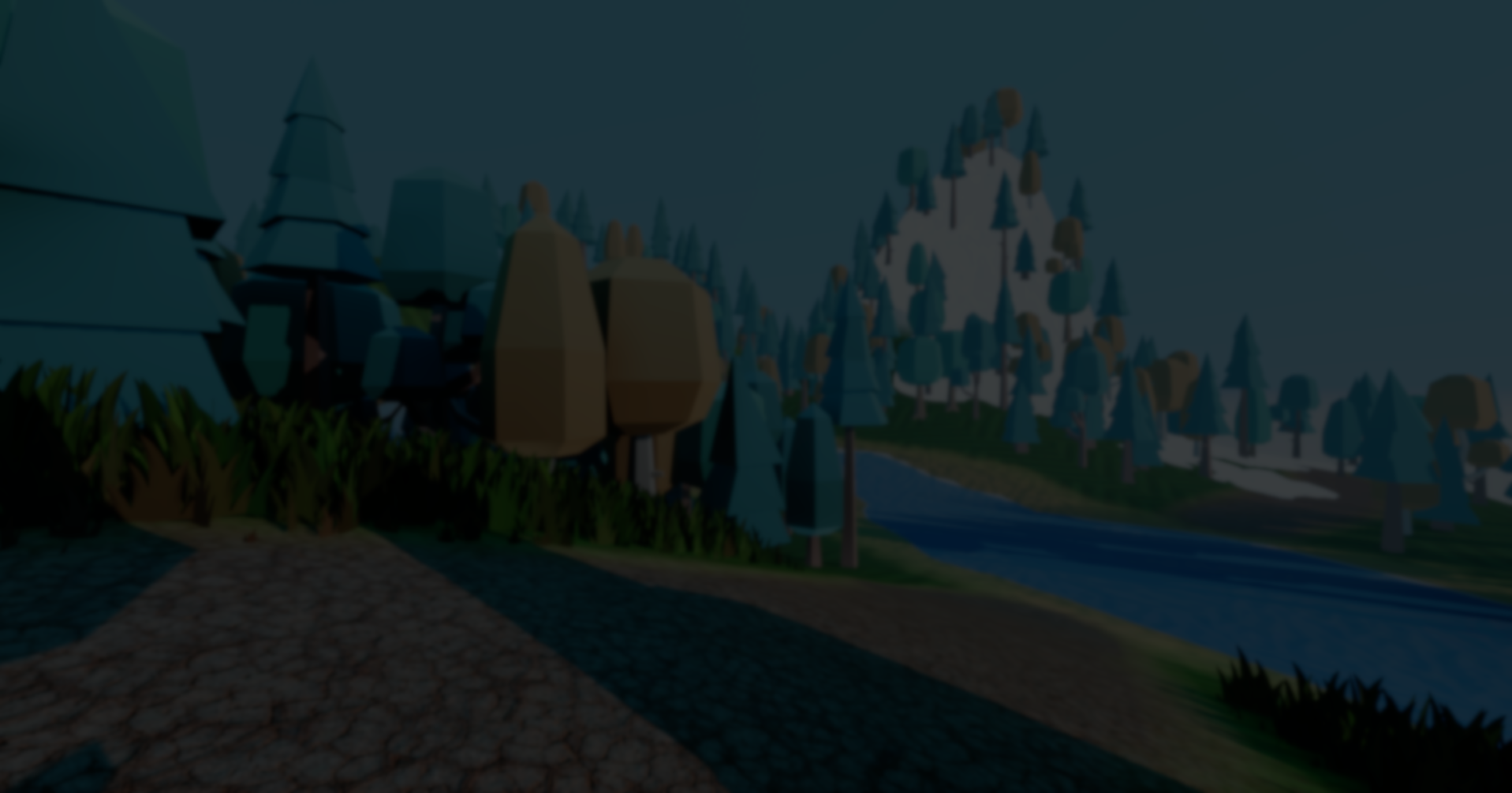
TerraBrush: A Terrain Editing Add-on for Godot.
by Jettelly
Published |
Editing terrain directly inside the engine is a common requirement for many Godot projects, but the built-in tooling is limited once you move beyond simple meshes or external heightmaps. TerraBrush approaches this problem by providing an editor-integrated terrain system focused on direct sculpting, painting, and scene placement.
TerraBrush is an open-source terrain add-on for Godot 4, developed by spimort. It is implemented as a GDExtension written in C++, replacing an earlier C# version and removing the need for .NET entirely.
The tool is designed for editor-side terrain creation, with additional support for runtime interaction, and experimental web exports.
What TerraBrush Is
At its core, TerraBrush is a heightmap-based terrain editor that lives entirely inside the Godot editor. It provides a dedicated terrain node and a set of brush-driven tools for shaping terrain geometry and painting associated data.
Rather than generating terrain procedurally at runtime, TerraBrush focuses on authoring and editing terrain interactively. The terrain is divided into zones, which allows large areas to be edited while keeping geometry density manageable.
Most changes are applied through tools in the editor viewport, with updates triggered manually when needed.
.gif)
Terrain Sculpting and Painting
Terrain shaping in TerraBrush is handled through a set of sculpting tools that operate directly on the heightmap. These include raising and lowering terrain, smoothing, flattening, setting a fixed height, and painting slopes at a defined angle.
Painting is not limited to geometry. TerraBrush also supports painting surface data using the same brush-based workflow. This includes:
- Terrain textures with optional height-based blending
- Vertex colors for masking or custom shaders
- Foliage placement
- Object scattering
Because all of these layers are tied to the terrain, they remain consistent as the terrain shape changes. Objects and foliage follow terrain deformation instead of becoming disconnected, or requiring manual cleanup.
Objects, Foliage, and Scene Integration
One of the more practical aspects of TerraBrush is how it integrates non-terrain elements into the same editing workflow.
Packed scenes can be scattered across the terrain using brushes, with options for random rotation, scale variation, and surface alignment. Multiple objects can be assigned to a single brush, allowing variation without manual placement.
Foliage works similarly, with support for both MultiMesh and GPU-based strategies. Placement density, scale noise, wind strength, and visibility distance can be adjusted depending on performance needs.
Because these elements are linked to the terrain, edits to the heightmap automatically update object and foliage placement. This reduces the amount of rework needed when iterating on terrain shape.
Water, Snow, and Holes
TerraBrush includes additional terrain layers that modify both geometry and appearance.
Water can be painted directly onto the terrain, lowering the surface locally and affecting objects and foliage in the same area. Snow works as an overlay layer that adds thickness and surface variation, with configurable textures and noise.
The hole tool allows parts of the terrain to be removed entirely. This is useful for caves, tunnels, or non-rectangular terrain layouts.
All of these features follow the same brush-driven workflow as sculpting and painting.
🎥 The author has shared several videos demonstrating the tool in different contexts. Here is one of them:
🎥 The author has shared several videos demonstrating the tool in different contexts. Here is one of them:
Terrain Structure and Performance
Internally, TerraBrush uses a zone-based terrain structure combined with a custom clipmap mesh. This allows the terrain to maintain detail close to the camera while reducing vertex density at greater distances.
Key concepts include:
- Multiple terrain zones for large maps
- Adjustable resolution for height-affecting components
- Configurable LOD levels and cell sizes
- Optional threaded collision generation
Runtime Interaction and Tools
Although TerraBrush is primarily an editor tool, it exposes functions for runtime interaction. Scripts can query terrain data such as height, texture information, or meta layers at specific world positions.
The add-on also includes an experimental in-game editor node, which allows terrain editing during runtime. This can be useful for map editors or user-generated content workflows, though the feature is still marked as work in progress.
Navigation mesh support is handled through standard Godot workflows, using the terrain’s collision geometry.
Where TerraBrush Fits Best
TerraBrush makes sense for developers who:
- Want to sculpt and paint terrain directly inside Godot
- Prefer editor-driven workflows over runtime generation
- Need integrated object and foliage placement
- Are building large terrains that benefit from zoning and LOD
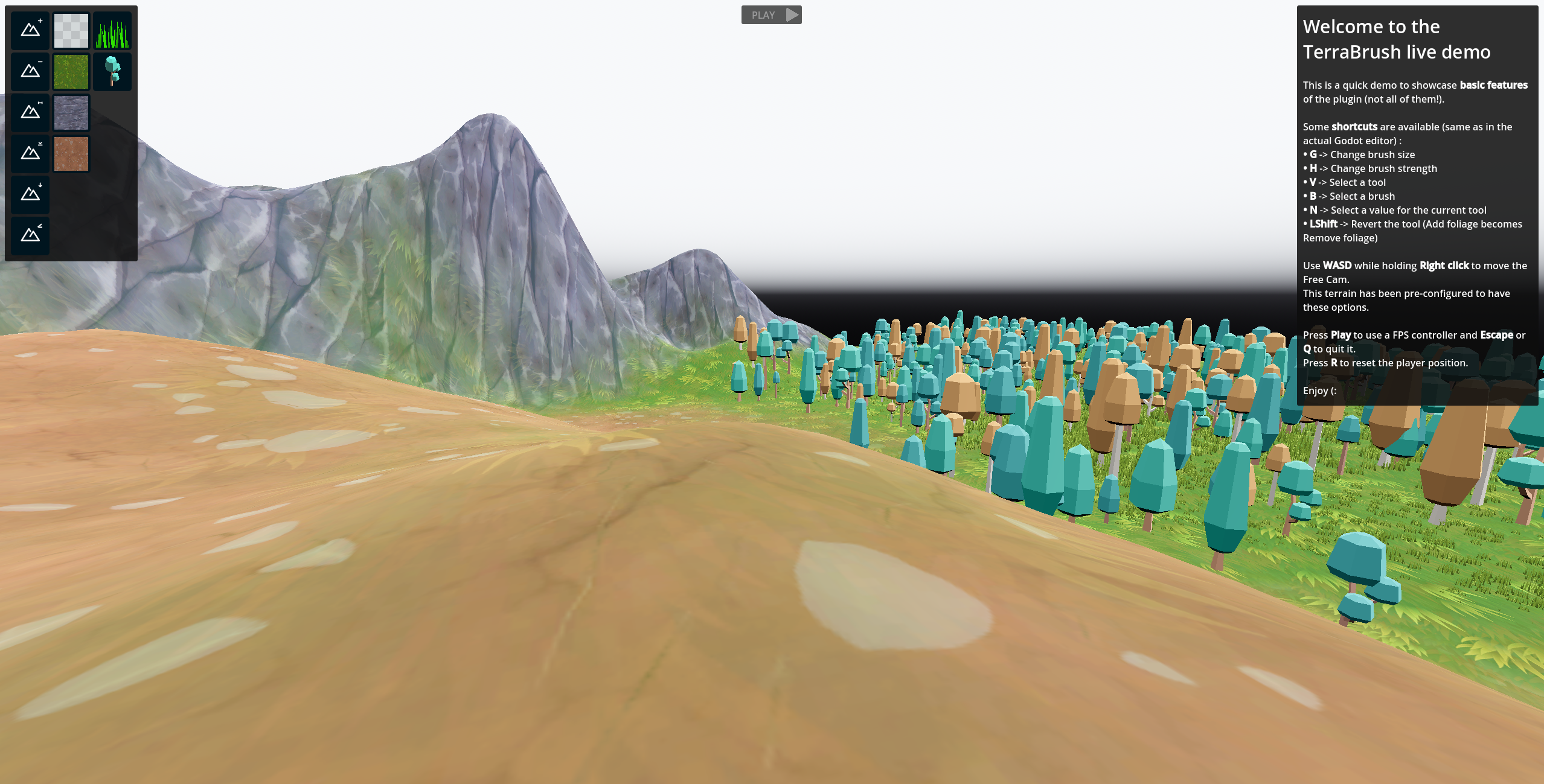
The add-on also provides a live demo hosted on itch.io, which lets you test TerraBrush.
Similar and Useful Alternatives
Terrain3D: A high-performance, editable terrain system for Godot that uses GPU-driven clipmap meshes and supports up to 32 textures, multiple LOD levels, foliage instancing, heightmap imports, and texture/wetness painting. It is a GDExtension plugin written in C++ for Godot 4.4+.
Differences: Terrain3D is stronger for large, performance-oriented terrains and has built-in heightmap import support. TerraBrush emphasizes a more interactive sculpt-and-paint UI with foliage, water flow and snow painting, making it better for hands-on terrain creation workflows.
3D Terrain Tool Plugin: A Godot terrain editor plugin written in .NET6/7 that supports sculpting, holes, flatten, noise generation, smoothing, brush tools, colliders, splatmap painting and heightmap import/export. It also supports Mapbox and multiple import formats for terrain creation.
Differences: 3D Terrain Tool Plugin provides a classic sculpt-and-paint workflow including noise, flatten, and splatmap channels, making it great for hand-crafted terrain shape adjustments. TerraBrush offers a similar interactive terrain editing experience but with additional features like foliage scattering and water integration
✨ TerraBrush is currently available on the author’s GitHub.
📘 Interested in creating your own tools and shaders? Check out the Godot Shaders & Blender Tools Bundle, which includes: Blender Tool Development Fundamentals and The Godot Shaders Bible.
Jettelly wishes you success in your professional career!
Did you find an error? No worries!
Write to us at [email protected], and we'll fix it!
Other posts that might interest you.
-
 We take a look at Universal Animation Library 2, a CC0 animation pack built around a universal humanoid rig and designed to work across Godot, Unity, and Unreal Engine.
 -
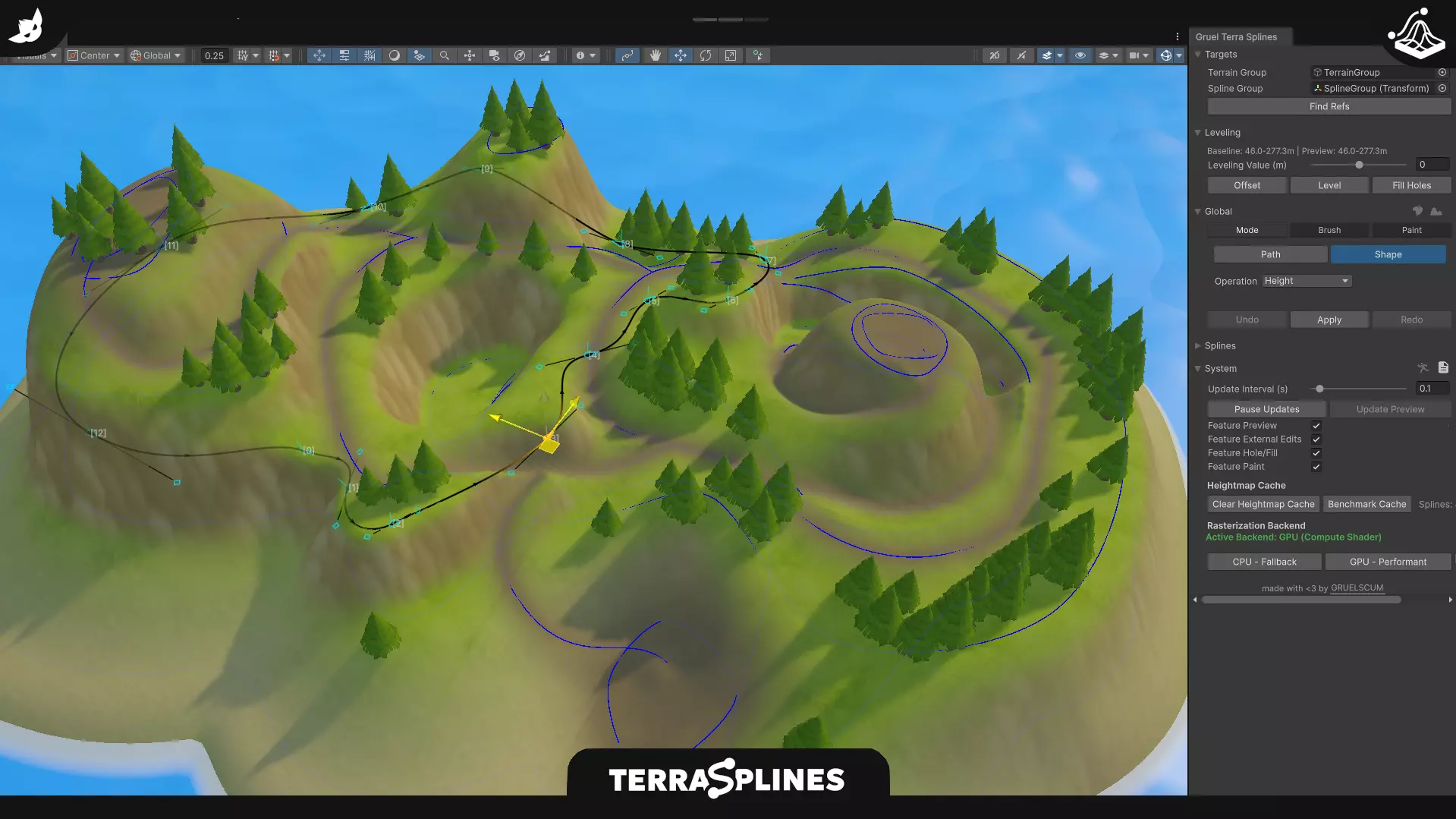 We take a look at TerraSplines, a Unity editor tool that uses spline-based workflows to edit terrain non-destructively, from paths and plateaus to painting and holes.
 -
 We take a look at Godot 4.6, covering key engine changes, workflow updates, and a selection of community tools built around the new release.
