
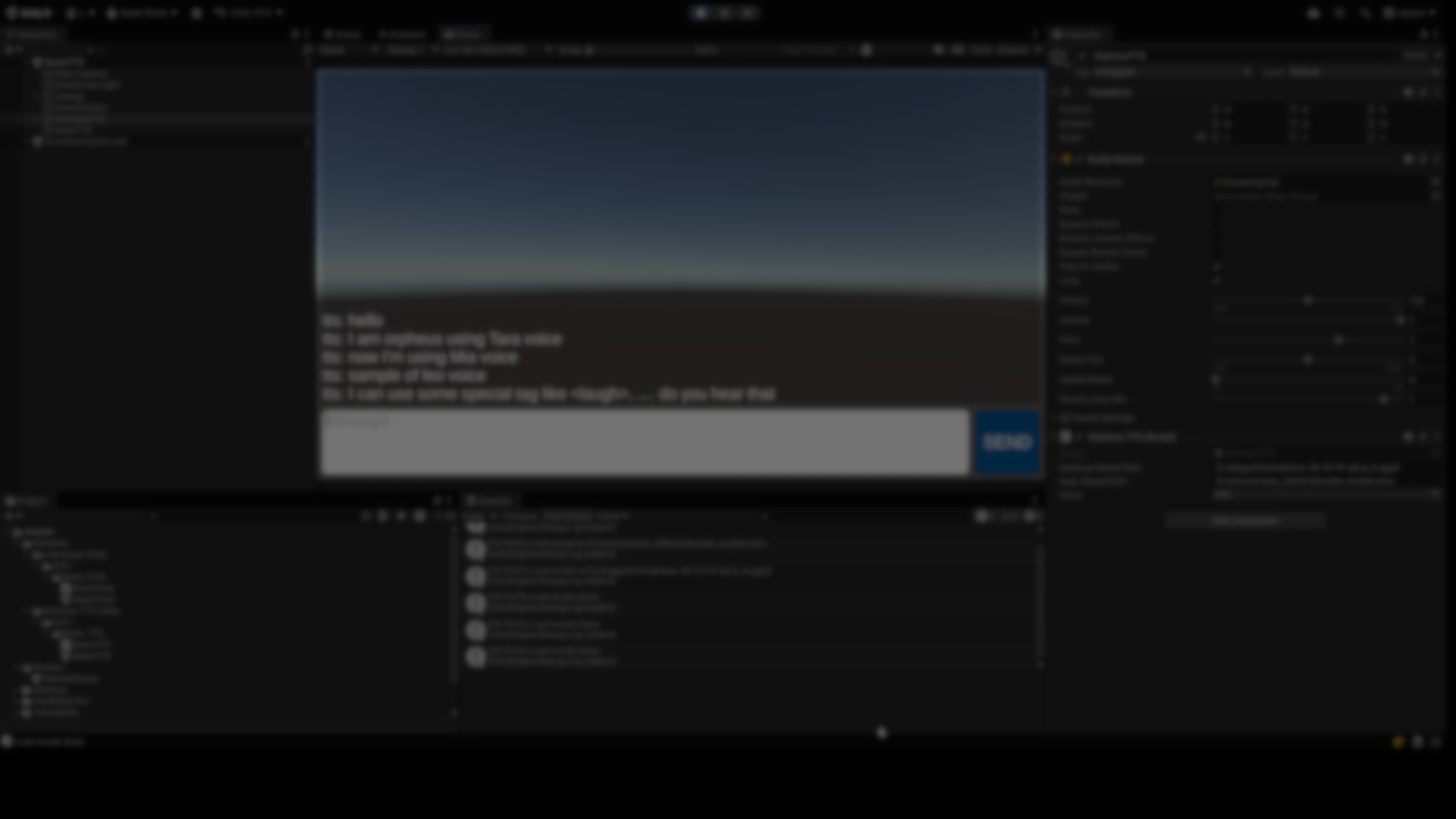
Text-to-speech in games is usually handled through online services, prerecorded voice lines, or lightweight system voices. While those approaches work, they come with trade-offs around latency, cost, privacy, and flexibility. Orpheus TTS made by lookbe, explores a different direction: running neural speech synthesis locally inside Unity, with real-time playback and no external dependencies.
The project is an open-source Unity 6 integration built around Orpheus-TTS, a neural speech model designed for low-latency generation on consumer GPUs.
[Open Source] Orpheus TTS for Unity: High-quality, emotive local speech for Unity (Sub-1s latency, no API needed)
byu/RowGroundbreaking982 inUnity3D
What Orpheus TTS Does
Orpheus TTS for Unity provides a local pipeline for converting text into speech at runtime. The system runs fully offline and generates audio directly on the GPU, without sending data to external APIs.
The Unity package connects several components:
- A neural TTS model in GGUF format
- A neural audio decoder (ONNX)
- A Unity-side runtime that streams generated audio for playback
From Unity’s perspective, the result is a component that can generate spoken audio dynamically from text during play mode or runtime builds.
The project targets use cases where speech needs to be generated on demand, such as AI-driven NPCs, interactive dialogue systems, or procedural narration.
Architecture and Dependencies
The integration relies on a combination of existing open-source technologies rather than a custom engine built from scratch.
Key components include:
- ONNX Runtime for neural inference inside Unity
- llama.cpp-based tooling adapted for Unity
- Vulkan as the required graphics backend
Because inference happens locally, the system requires a compatible GPU. According to the project documentation, it is designed to run on consumer-grade hardware with at least 6 GB of VRAM.
At the moment, support is limited to:
- Windows
- Vulkan graphics API
Other platforms and backends are not currently supported.
Emotions and Control Tags
One notable aspect of the Orpheus-TTS model is support for emotion and expression tags embedded directly in the input text. These tags allow developers to inject cues such as pauses or expressive markers into generated speech.
Examples include tags for laughter, sighs, or emphasis. These are interpreted by the model during inference rather than applied as post-processing effects.
From an implementation standpoint, this keeps all speech control in the text layer, without requiring additional animation or audio logic in Unity.
Integration Workflow in Unity
The Unity package is distributed as a Git-based dependency rather than a traditional .unitypackage.
Setup involves:
- Adding the required dependencies to Packages/manifest.json
- Downloading the Orpheus TTS and SNAC decoder models separately
- Providing absolute paths to those model files in the Unity Inspector
A sample scene is included with the package. Once the models are loaded and the Vulkan backend initializes, speech can be generated at runtime by triggering the provided component.
Because models are loaded from disk, this setup is currently more suitable for development or prototyping than for immediate plug-and-play deployment. The author notes that paths can be adapted to use StreamingAssets with additional scripting.
Where This Tool Fits Best
Orpheus TTS for Unity is most relevant for developers who:
- Want fully local speech synthesis without cloud services
- Are comfortable working with GPU-dependent tooling
- Build AI-driven dialogue or procedural narrative systems
- Can target Windows and Vulkan specifically
It is not a drop-in replacement for hosted TTS services, nor a general audio solution. Instead, it sits in a narrower space: local, neural speech generation with tight runtime control.
Similar and Useful Alternatives
DeepVoice Pro – Text To Voice: A Unity Asset Store plugin for text-to-speech that generates speech via AI models (local or API-driven) designed for game dialogue, narration, accessibility and interactive content.
Differences: DeepVoice Pro is a commercial Unity asset with a ready-to-use UI and integration, likely using cloud or hybrid services, while orpheus-tts-unity is open-source and local with neural models you host yourself.
Unity WebGL Speech Synthesis: An open-source package that taps into the Web Speech API in WebGL builds to generate text-to-speech via the browser’s native capabilities (requires browser support).
Differences: WebGL Speech Synthesis uses browser-built TTS services (limited by platform and voices), whereas orpheus-tts-unity uses neural models locally with higher-quality speech and cross-platform potential.
✨ Orpheus TTS for Unity is now available on GitHub.
📘 Interested in building your own tools and shaders in Unity? Check out the Unity Tool Development Bundle, which includes Shaders & Procedural Shapes in Unity 6 and Unity 6 Editor Tools Essentials.
📘 Interested in building your own tools and shaders in Unity? Check out the Unity Tool Development Bundle, which includes Shaders & Procedural Shapes in Unity 6 and Unity 6 Editor Tools Essentials.
Math + Procedural shapes + Tools in Unity! If you're into technical art, this Bundle is what you need 🔗 https://t.co/MflVh7KJnp#unity3dgamedevelopment #indiedevs #gamedevs pic.twitter.com/LHN2ci83SN
— The Unity Shaders Bible (@ushadersbible) November 8, 2025
Jettelly wishes you success in your professional career!
Did you find an error? No worries!
Write to us at [email protected], and we'll fix it!

Level up your Technical Art skills! Grab our bundle and start learning today.
We invite you to explore "Unity Shaders and Tools Bundle", a comprehensive bundle on the concepts and fundamentals seen in this post.
Other posts that might interest you.
-
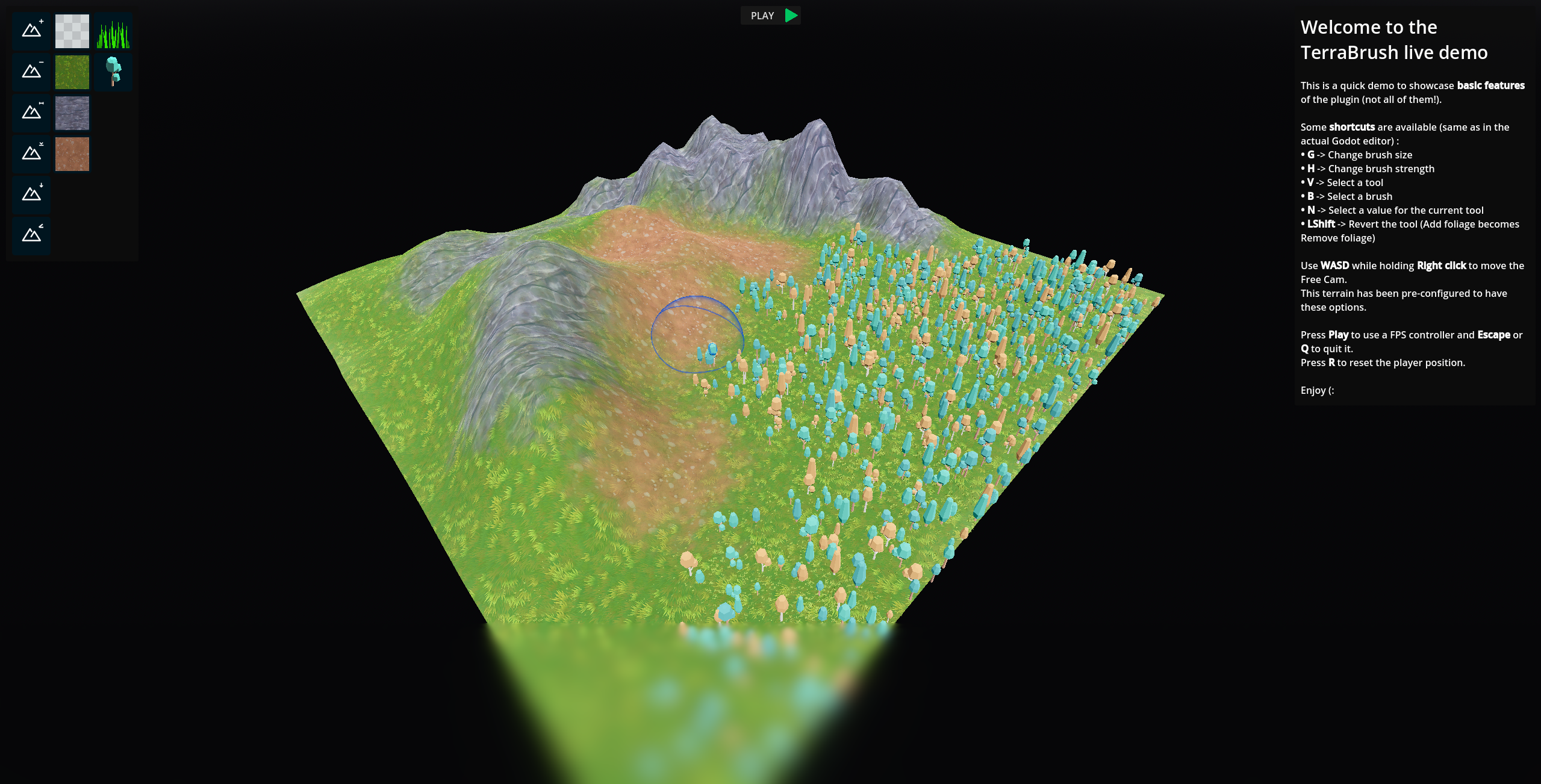 We take a look at a free Godot add-on for sculpting, painting, and managing large terrains directly inside the editor.
 -
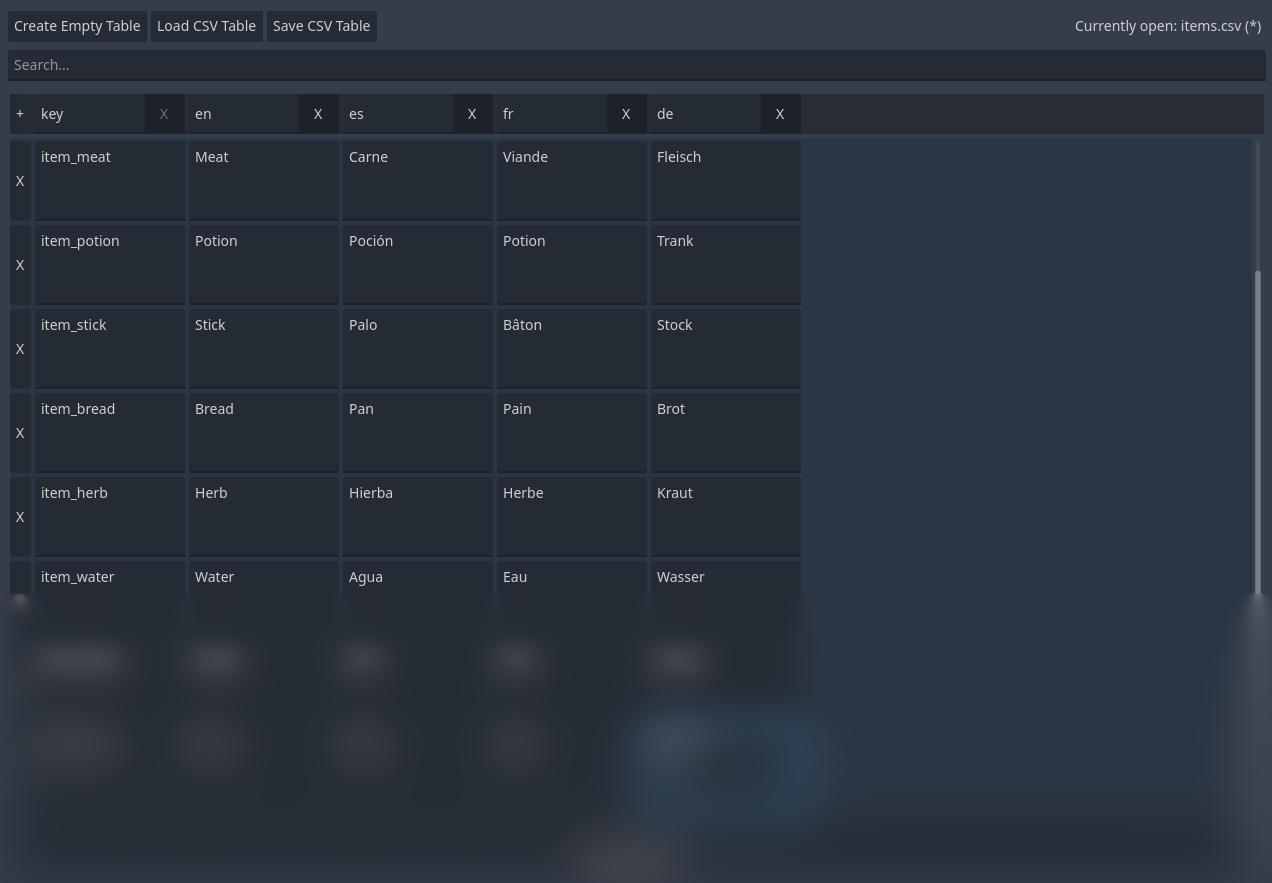 We take a look at a small free open-source Godot plugin that lets you edit CSV localization tables directly in the editor, using a simple table-based interface instead of external tools.
 -
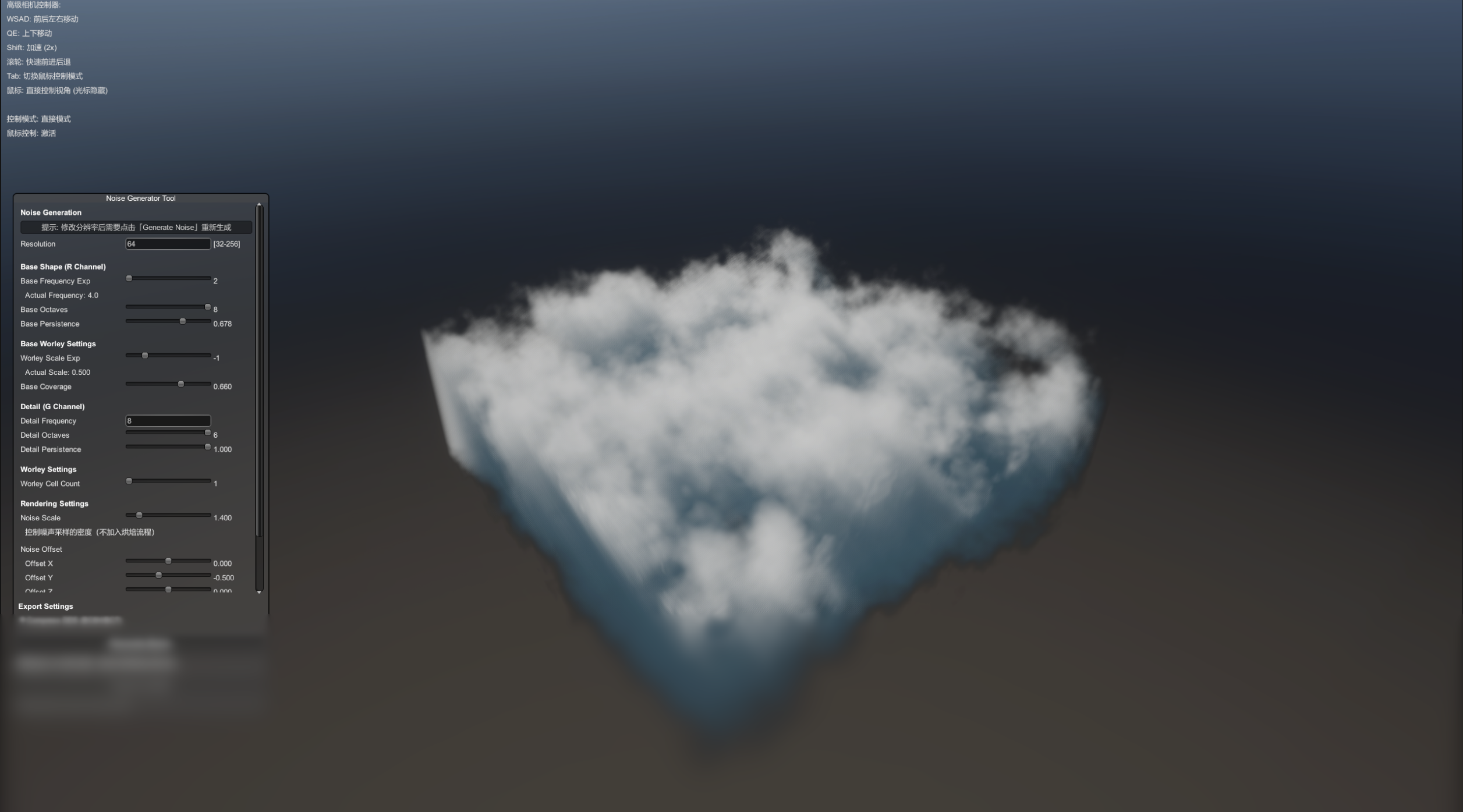 We take a look at a recent open-source Unity tool for generating 3D noise textures for volumetric clouds, including a standalone version that runs outside the editor.
