
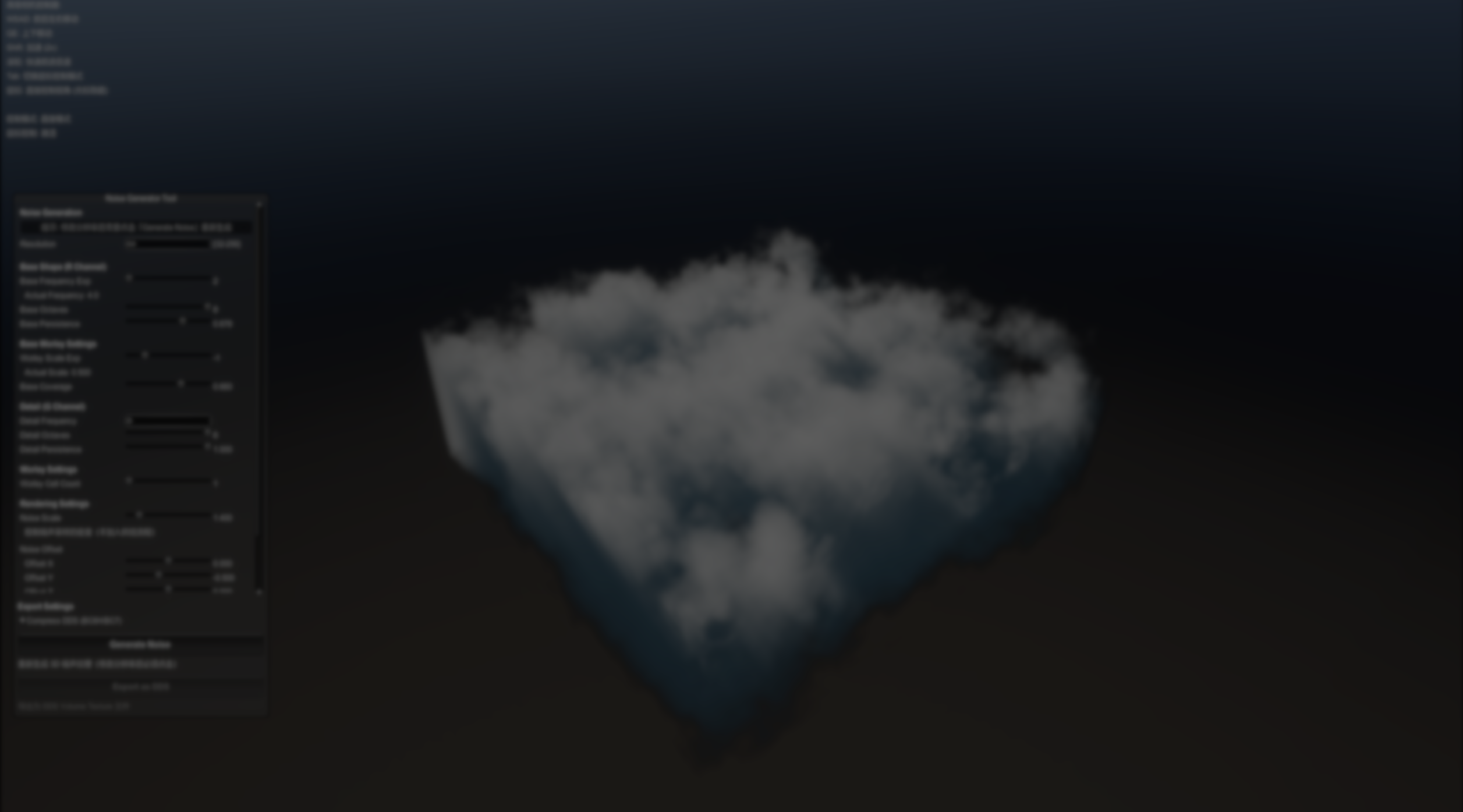
Creating believable volumetric clouds in real time usually starts long before shaders or lighting. The quality of the underlying noise textures largely defines how clouds read in motion, how they erode, and how well they scale across distances.
This open-source tool by AshenOneArt focuses on generating, previewing, and exporting 3D noise textures specifically for volumetric cloud rendering in Unity. It is built around a workflow intended for HDRP-style volumetric clouds, with real-time preview and direct export to volume textures.
What the Tool Does
At its core, the tool generates 3D noise volumes intended to be used directly in volumetric cloud shaders. The noise structure follows a setup commonly used in real-time cloud rendering.
A low-frequency Perlin–Worley noise defines the main cloud mass and silhouette, while a higher-frequency Worley layer is used to erode edges and introduce breakup. These layers are packed into different texture channels so they can be sampled efficiently at runtime.
Live Preview
One of the aspects of the tool is that noise is previewed volumetrically, not as flat slices.
You can move a free camera through the generated volume, inspect density transitions, and immediately see how parameter changes affect the cloud body. This allows inspection of density transitions before exporting the texture.
A TAB toggle switches between camera movement and UI interaction.

Export Formats and Practical Output
Once the noise is generated and tuned, the tool supports exporting volume textures in formats commonly used in production workflows.
Export options include:
- DDS volume textures with BC6H (HDR) or BC7 compression
- Uncompressed RGBA32 volume textures for debugging
- PNG or EXR slice exports for inspection or external processing
Standalone and Editor-Based Workflows
The tool can be used in two ways.
A standalone executable allows noise generation and export without opening Unity. Alternatively, the tool can be added to a Unity project and used as an editor window, opening a dedicated scene inside the editor that provides the same preview and export workflow.
It’s worth noting that the tool has currently been tested in a specific environment: Unity 2022.3 with HDRP and DirectX 11. Compatibility with other pipelines or Unity versions has not yet been confirmed.
The project is recent and focused on a specific task rather than covering a broad range of use cases.
Where This Tool Fits Best
This generator is relevant for developers and technical artists who:
- Build volumetric cloud systems in Unity HDRP
- Author noise volumes visually rather than procedurally at runtime
- Need controllable cloud shape and erosion
- Work with reusable 3D noise textures
It does not replace shader-side noise generation or full atmospheric systems, but can be used alongside them when authored noise volumes are part of the workflow.
Similar and Useful Alternatives
Noise & Texture Generator: A Unity GitHub project that creates 2D and 3D procedural textures (including 3D noise) using compute shaders. It lets you generate and serialize procedural textures in the editor, which can be used in ray-marching clouds, procedural materials, or noise-driven effects.
Differences: While both tools generate procedural 3D textures, the Standalone VolumetricCloud Noise Generator is tailored specifically toward volumetric cloud noise formats, whereas Noise & Texture Generator is more general-purpose for any 2D/3D procedural textures (including simple noise maps) and may need more custom shader work to integrate into cloud systems.
CloudNoiseGen: An open-source Unity utility that generates periodic, cloud-like (Perlin–Worley) 3D noise textures on the GPU, specifically intended for volumetric cloud/raymarch shaders.
Differences: CloudNoiseGen is more “cloud-specific” than many generic noise generators because it targets Perlin–Worley style volumes commonly used for cloud shaping and erosion.
✨ Standalone Volumetric Cloud Noise Generator is now available on GitHub.
📘 Interested in building your own tools and shaders in Unity? Check out the Unity Tool Development Bundle, which includes Shaders & Procedural Shapes in Unity 6 and Unity 6 Editor Tools Essentials.
📘 Interested in building your own tools and shaders in Unity? Check out the Unity Tool Development Bundle, which includes Shaders & Procedural Shapes in Unity 6 and Unity 6 Editor Tools Essentials.
Our best-selling indie Bundle: Godot shaders + Blender tools ✨ https://t.co/zSlHDCuGVC#b3d #GodotEngine #3DCG pic.twitter.com/sjdYxXjKUB
— The Unity Shaders Bible (@ushadersbible) November 16, 2025
Jettelly wishes you success in your professional career!
Did you find an error? No worries!
Write to us at [email protected], and we'll fix it!
Level up your Technical Art skills! Grab our bundle and start learning today.
We invite you to explore "Unity Tool Development Bundle", a comprehensive bundle on the concepts and fundamentals seen in this post.
Other posts that might interest you.
-
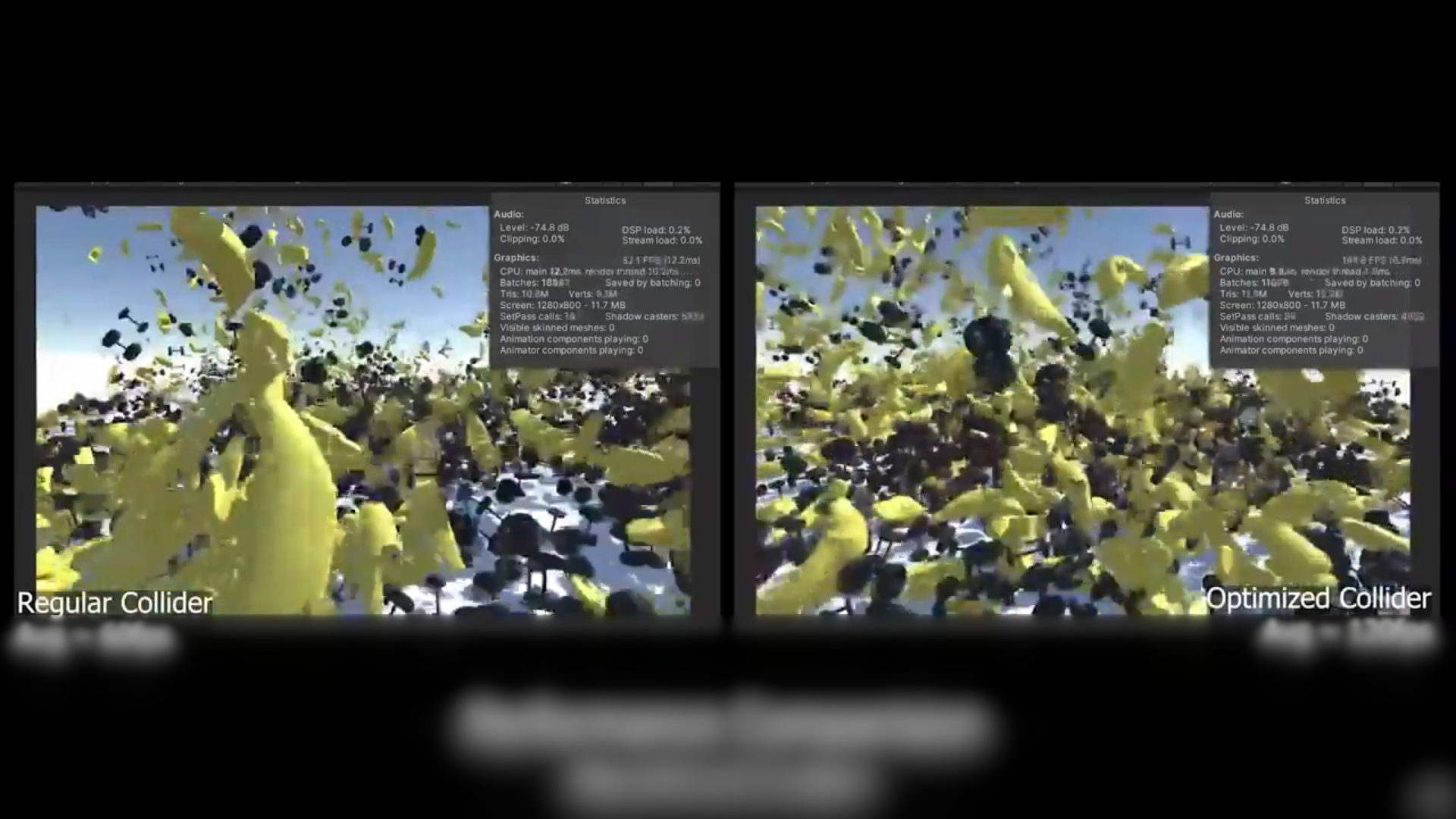 We take a look at a free, open-source Unity tool that reduces MeshCollider and PolygonCollider2D complexity to improve physics performance without rebuilding assets.
 -
 KWS2 is an advanced physical water solution for Unity. It simulates real flow, interacts with the environment, and helps create realistic rivers and lakes quickly.
 -
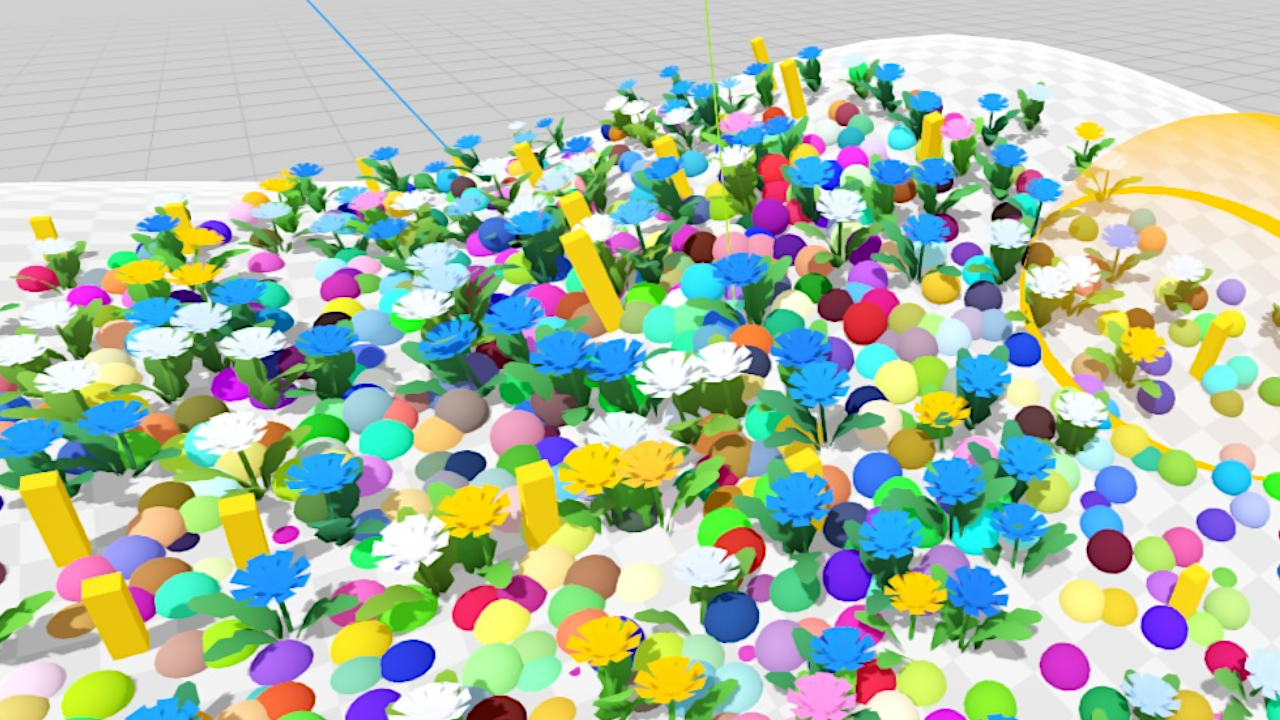 We take a quick look at a tool (early in development) for adding tons of elements to a scene randomly without code.
