
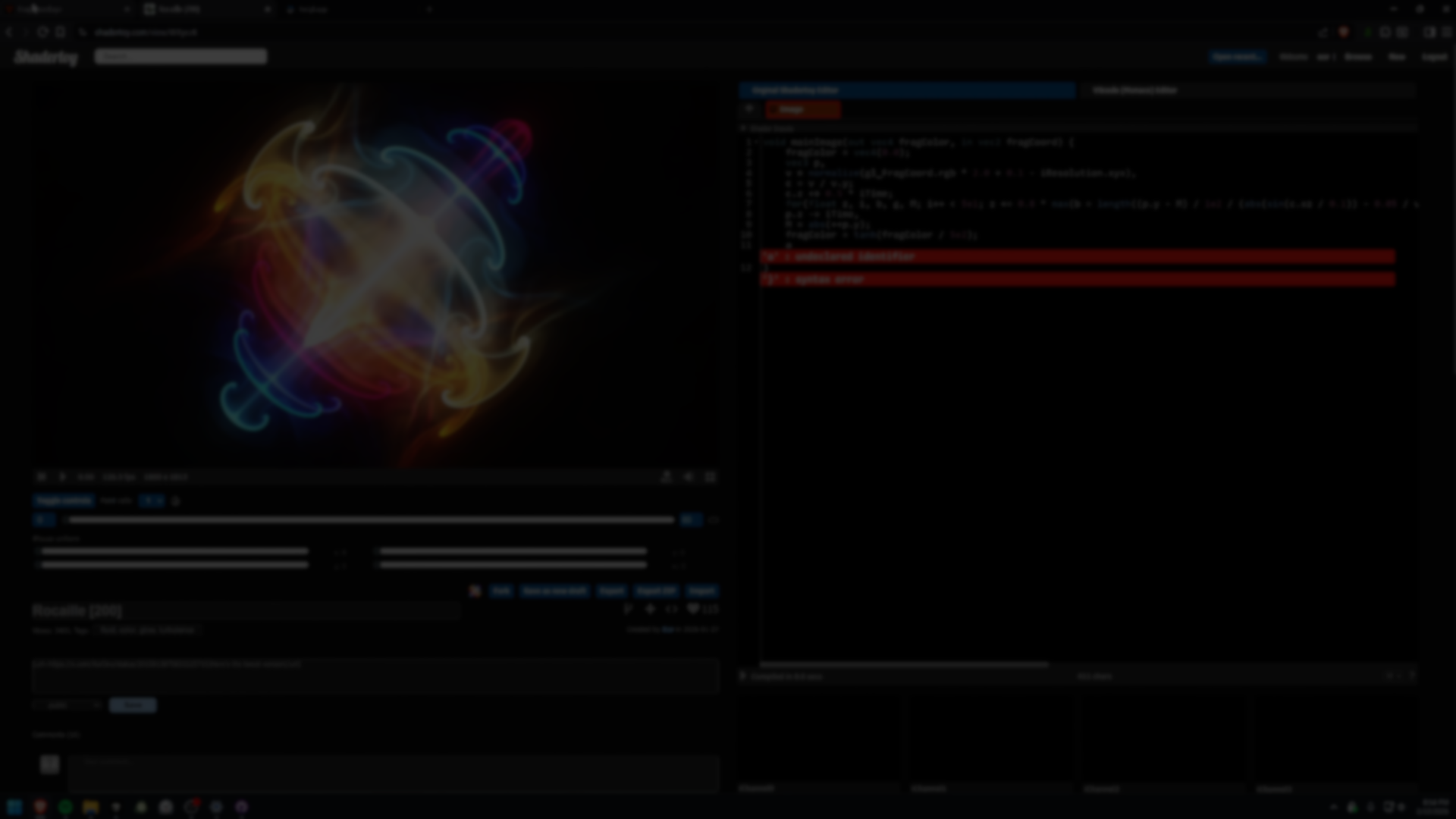
FragCoord: A Modern GLSL Shader Editor Built for Real Debugging.
by Jettelly
Published |
Writing fragment shaders online is one of the fastest ways to prototype visual ideas. Platforms like Shadertoy made it possible to experiment, learn, and share GLSL with almost no setup.
But over time, friction accumulates.
Long verification loops. Limited export control. No real variable inspection. Restricted pass management. Minimal performance insight. For more advanced shader work, especially debugging and optimization, these limitations slow iteration.
After years of using Shadertoy, XorDev decided to build something that addressed those pain points directly. The result is FragCoord.
Introducing FragCoord: My ultimate shader editing tool! pic.twitter.com/ZdGm8992iZ
— Xor (@XorDev) February 13, 2026
What FragCoord Is
FragCoord is a browser-based, real-time GLSL fragment shader editor.
You write shader code on the left and see the result instantly rendered on the right using WebGL 2. There is no installation or project setup required.
It supports:
- Standard GLSL fragment syntax
- Built-in uniforms such as u_time, u_resolution, and u_mouse
- Shadertoy aliases like iTime and iResolution
- Multi-pass rendering
- Automatic conversion from Shadertoy and Twigl formats
The emphasis is not just on editing shaders, but on understanding and debugging them.
Following @Perpetualmaniac's encouraging comment, I worked on @XorDev 's https://t.co/sSQRCNVifh. Some normalization and various other things are still possible, but this is the first one I've done for now 🔗https://t.co/jf8Ly1JjgQ https://t.co/OTiNJQ1eWd pic.twitter.com/N0ih2LtaDH
— Yohei Nishitsuji (@YoheiNishitsuji) February 21, 2026
Inspector: Visual Variable Debugging
The Inspector is FragCoord’s core feature.
Instead of guessing value ranges or temporarily rewriting output to visualize data, you can select any variable or expression in the code and inspect it across the viewport.
Features include:
- Histogram with percentile-based auto range
- Linear, sigmoid, and logarithmic mapping
- Channel toggling for vector values
- Compare mode with draggable split view
- Out-of-range highlighting
- Inline custom range overrides
This makes it possible to see distribution, clipping, and unexpected values immediately.
GPU Heatmap Profiling
FragCoord includes a GPU heatmap that visualizes per-pixel rendering cost.
The overlay uses a color-coded scheme to show where instructions are concentrated, helping identify expensive shader regions.
Options include:
- Thermal or grayscale modes
- Adjustable overlay opacity
- SIMD grouping sizes
- Instruction breakdown in the footer
This provides practical feedback when optimizing complex shaders such as ray marchers or layered SDF scenes.
I didnt know that https://t.co/i6AUJ4EMfM allows you to see a heatmap for instruction count per pixel for a fragment shader. Really interesting. pic.twitter.com/awwY9oZGfk
— dek (@shatterspine) February 25, 2026
Editor and Development Tools
The editor is powered by Monaco, the same engine used in VS Code.
It includes:
- GLSL autocomplete
- Syntax highlighting
- Bracket pairing
- Inline compile errors
- Optional Vim keybindings
- Resizable panels
Additional tools include:
Constant Tuner
Click numeric literals or vector constructors to adjust values interactively with sliders or color pickers.
Click numeric literals or vector constructors to adjust values interactively with sliders or color pickers.
Formatter
Configurable formatting options for indentation, naming conventions, float normalization, and loop bracing.
Configurable formatting options for indentation, naming conventions, float normalization, and loop bracing.
Auto-Fix
Automatic fixes for common compile errors and portability issues, with inline annotations for review.
Multi-Pass and Shader Library
FragCoord supports multiple passes through dedicated tabs, enabling post-processing chains such as blur, bloom, or feedback systems.
The built-in shader library includes curated snippets for:
- Constants and math utilities
- Noise functions
- Color space conversions and tonemapping
- SDF primitives and operations
- Ray tracing helpers
- Coordinate transformations
Snippets can be previewed and inserted directly at the cursor.
Built-In Learning Resources
FragCoord includes interactive tutorials that load directly in the editor:
- Hello Shader
- Using the Inspector
- Signed Distance Fields
- Ray Marching 101
Each lesson provides starter code and completion detection. It also links to external learning resources such as The Book of Shaders and Inigo Quilez’s articles.
Where FragCoord Fits
FragCoord is well suited for:
- Shader artists experimenting with SDF and ray marching
- Developers profiling fragment shader performance
- Educators teaching GLSL interactively
- Developers who need cross-language shader export
Similar and Useful Alternatives
- Shadertoy: Shadertoy is a long-standing online platform for writing and sharing GLSL fragment shaders that run in WebGL. It includes a large public library of user contributions, live edit/view, support for multiple inputs (textures, audio, webcam), and community features such as commenting and tagging.
Differences: Shadertoy has a much larger community library and social features but uses an older UI and has limitations on build control and shader profiling compared to FragCoord.xyz. FragCoord aims to improve on Shadertoy’s usability and debugging without being limited to the legacy Shadertoy environment.
- GLSL.app – Online Shader Editor & Sandbox: GLSL.app is a free online WebGL GLSL shader editor that provides a live preview of fragment shaders as you type. It’s focused on quick experimentation and testing of GLSL in the browser.
Differences: Compared to FragCoord.xyz, GLSL.app is a simpler and lighter editor with fewer advanced features (like full project sharing, search/discovery, or extended debugging). It’s good for quick single-shader prototyping but lacks the community repository and meta-features of FragCoord.xyz.
✨ FragCoord is currently available on its official website.
📘 Check out The Technical Artist Bundle, a complete learning path covering shader programming, essential game-dev math, and procedural image generation through three in-depth books.
If you're getting into technical art, this bundle might be exactly what you need. From math visualization to shader development in Unity. Check it out! ✨ https://t.co/kEsRlle0dM#madewithunity #indiedev #3DCG pic.twitter.com/cfgxd445r6
— The Unity Shaders Bible (@ushadersbible) December 8, 2025
Jettelly wishes you success in your professional career!
Did you find an error? No worries!
Write to us at [email protected], and we'll fix it!
Other posts that might interest you.
-
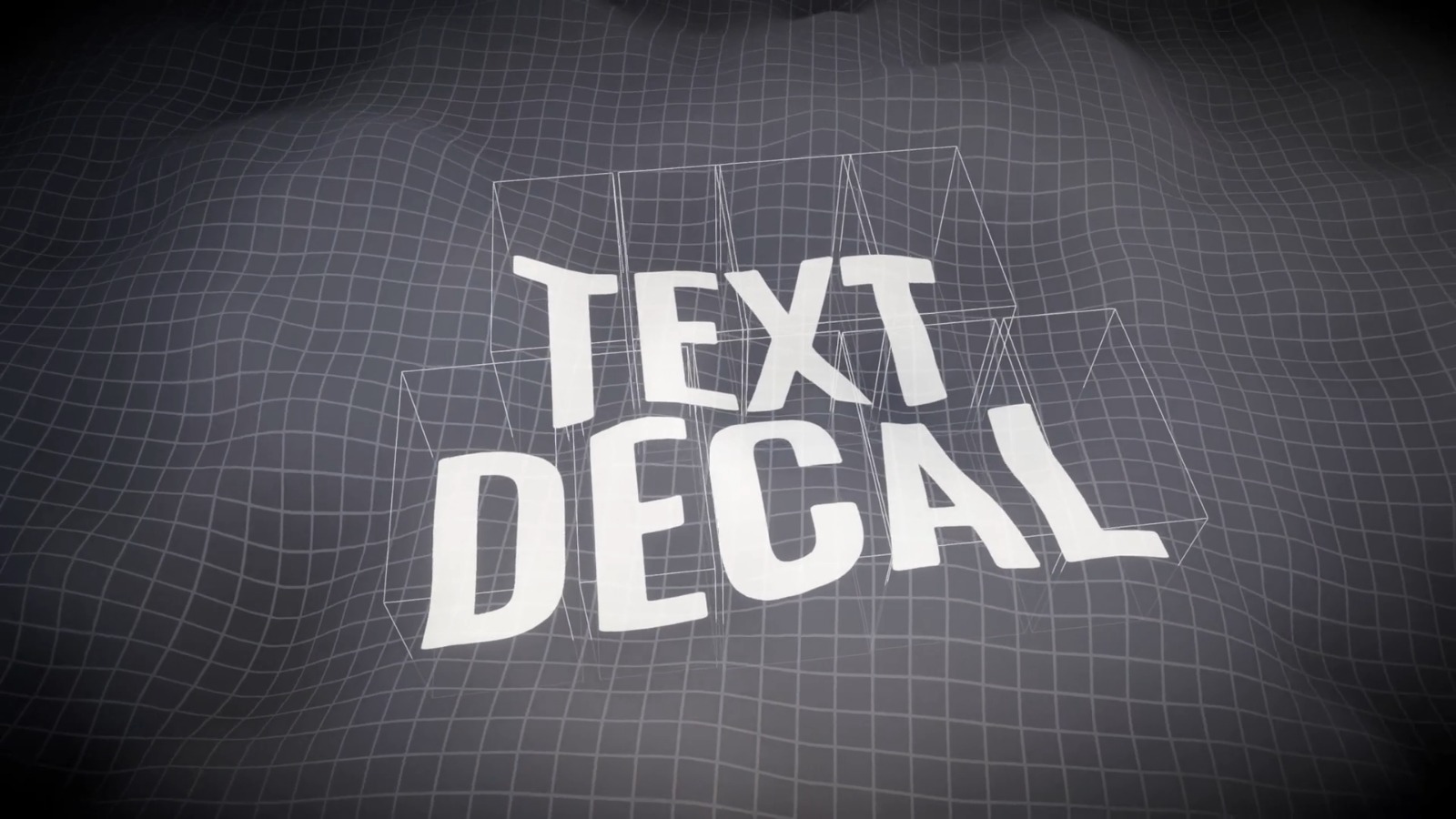 We take a look at Text Decal by Kirill Chikalin, a Unity tool that projects live TextMesh Pro text onto 3D surfaces using URP decals, without baking textures.
 -
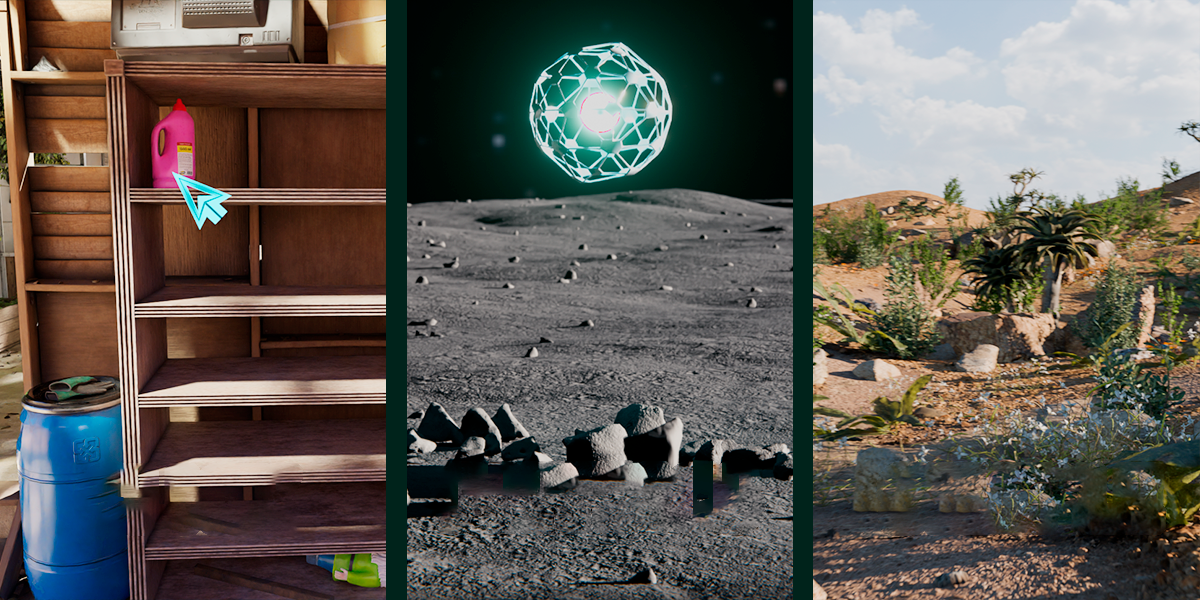 We take a look at Scatter by KIRI Engine, a free Blender addon that offers manual placement, Geometry Nodes scattering, and physics-based distribution in a single workflow.
 -
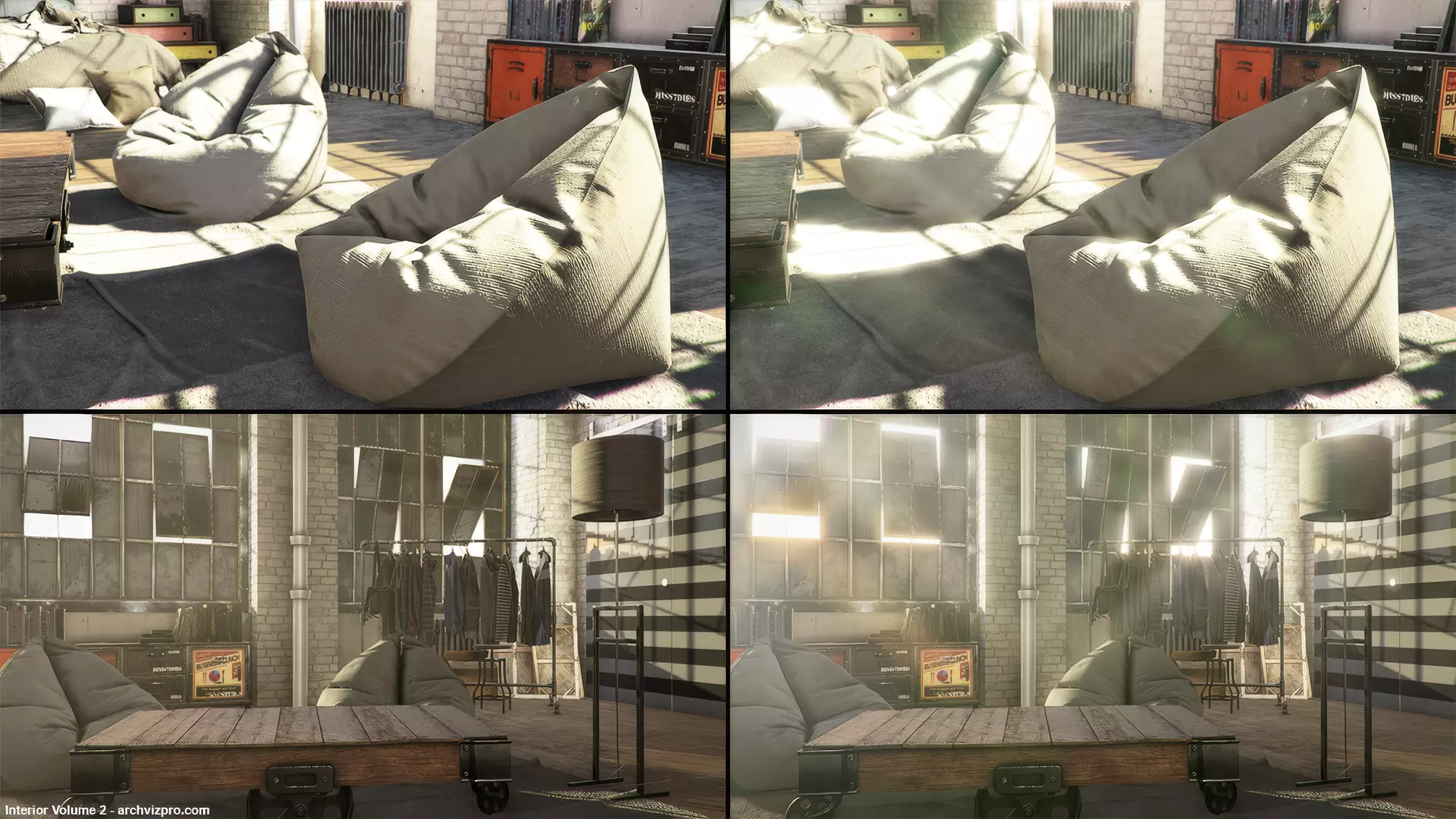 We take a look at Amplify Bloom by Amplify Creations, a now free high-quality post-processing solution for Unity’s Built-in Render Pipeline.
