
Managing multiple menus, HUDs, and overlays can get messy fast in Godot projects, especially as your game grows. Today’s tool offers a much cleaner way to handle all of that.
NeonPageController, created by Metapika, is a compact UI-management addon built for Godot 4. It centralizes your entire page-switching workflow into a single controller, making it easy to organize menus, pause screens, dialogue windows, inventories, and more without manually toggling nodes across your project.
Hi! I released an Addon 'NeonPageController' used for effortless transitions between UI Screens!
byu/NickyPL ingodot
What This Add-on Does
NeonPageController introduces a structured approach to UI pages using three core elements:
- PageType.gd – an enum file defining all page types in your project.
- Page – a custom node acting as a single UI page (Main Menu, HUD, Settings, etc.).
- PageController – the manager that activates/deactivates pages based on PageType.
When the game starts, the controller automatically activates your chosen Start Page. Any script can then switch pages through two functions:
_page_controller._turn_page_on(PT.PageType.MAIN_MENU)
_page_controller._turn_page_off(PT.PageType.IN_GAME)
Or switch directly from one page to another:
_page_controller._turn_page_off(PT.PageType.IN_GAME, PT.PageType.PAUSED)This keeps UI transitions consistent, trackable, and easy to update across scenes.
Main Features
- Central page switching through a single controller
- Enum-based UI navigation
- Optional page animations (open/close)
- Works across scene changes
- Debug mode for development
- Designed for any Godot UI workflow
How It Works (Setup Overview)
- Install from AssetLib → search “NeonPageController”.
- Add a PageController node to your scene.
- Define your PageTypes inside: res://addons/neon_page_controller/Scripts/Classes/PageType.gd (Keep NONE as the first entry.)
- Add Page nodes for each UI group.
- Assign each Page its:
- PageType
- Animation options (optional)
6. Add all Pages to the PageController’s Pages array.
7. Reference the controller in your scripts:
7. Reference the controller in your scripts:
const PT = preload("res://addons/neon_page_controller/Scripts/Classes/PageType.gd")

_page_controller._turn_page_on(PT.PageType.MainMenu)
_page_controller._turn_page_off(PT.PageType.InGame)
Animating UI Pages
If you want page transitions:
- Enable Animate on the Page node.
- Add an AnimationPlayer as its child.
- Create animations matching the names in:
- Open Animation Name
- Close Animation Name
NeonPageController automatically triggers them whenever a page switches on/off.
Example Usage from the Add-on
Below is the exact example script included by the author to demonstrate usage:
const PT = preload("res://addons/neon_page_controller/Scripts/Classes/PageType.gd")

func _on_play_button_pressed():
    _page_controller._turn_page_off(PT.PageType.MainMenu, PT.PageType.InGame)

func _on_resume_button_pressed():
    _page_controller._turn_page_off(PT.PageType.Paused, PT.PageType.InGame)

func _on_pause_button_pressed():
    _page_controller._turn_page_on(PT.PageType.Paused)

func _on_quit_to_title_pressed():
    _page_controller._turn_page_off(PT.PageType.InGame, PT.PageType.MainMenu)
You can test all of this inside the included demo (PageControllerExample.tscn)
Similar and Useful Tools
- Packed UI for Jams: A Godot plugin intended as an all-in-one menu system for game jams and smaller projects. It includes modules for Main Menu, Options/Settings, Credits, Pause Menu, Result screen, popups and a modular canvas autoload setup.
Differences: Packed UI for Jams is designed more for straightforward menu systems out of the box, rather than full “page controller” logic with enums, transitions and persistent UI stacks. The original plugin (NeonPageController) focuses on “Pages” switching logic. Packed UI provides a ready-menu template set.
- Menus Plugin: An open-source node plugin for Godot that provides a custom “Menus” node to streamline creation of game menus (menu trees, nested options, switching) and is simpler in scope.
Differences: Menus Plugin offers more minimal menu-node behavior rather than the full feature set of page-types, animation transitions and scene-persist UI flows offered by NeonPageController. It might be better for simple menu flows with less overhead.
✨ NeonPageController is now available on the Godot Asset Library.
📘 Check out The Godot Shaders Bible, a complete guide to creating and optimizing shaders for 2D and 3D games, from basic functions and screen-space effects to advanced compute techniques.
These are all the shaders we've created so far while writing the Godot Shaders Bible! Want to learn shaders? Start step by step today! ✨ https://t.co/pTFh4XfXUt#godot #indiedev #3DCG pic.twitter.com/mXFKQ6Sn3k
— The Unity Shaders Bible (@ushadersbible) December 1, 2025
Other posts that might interest you.
-
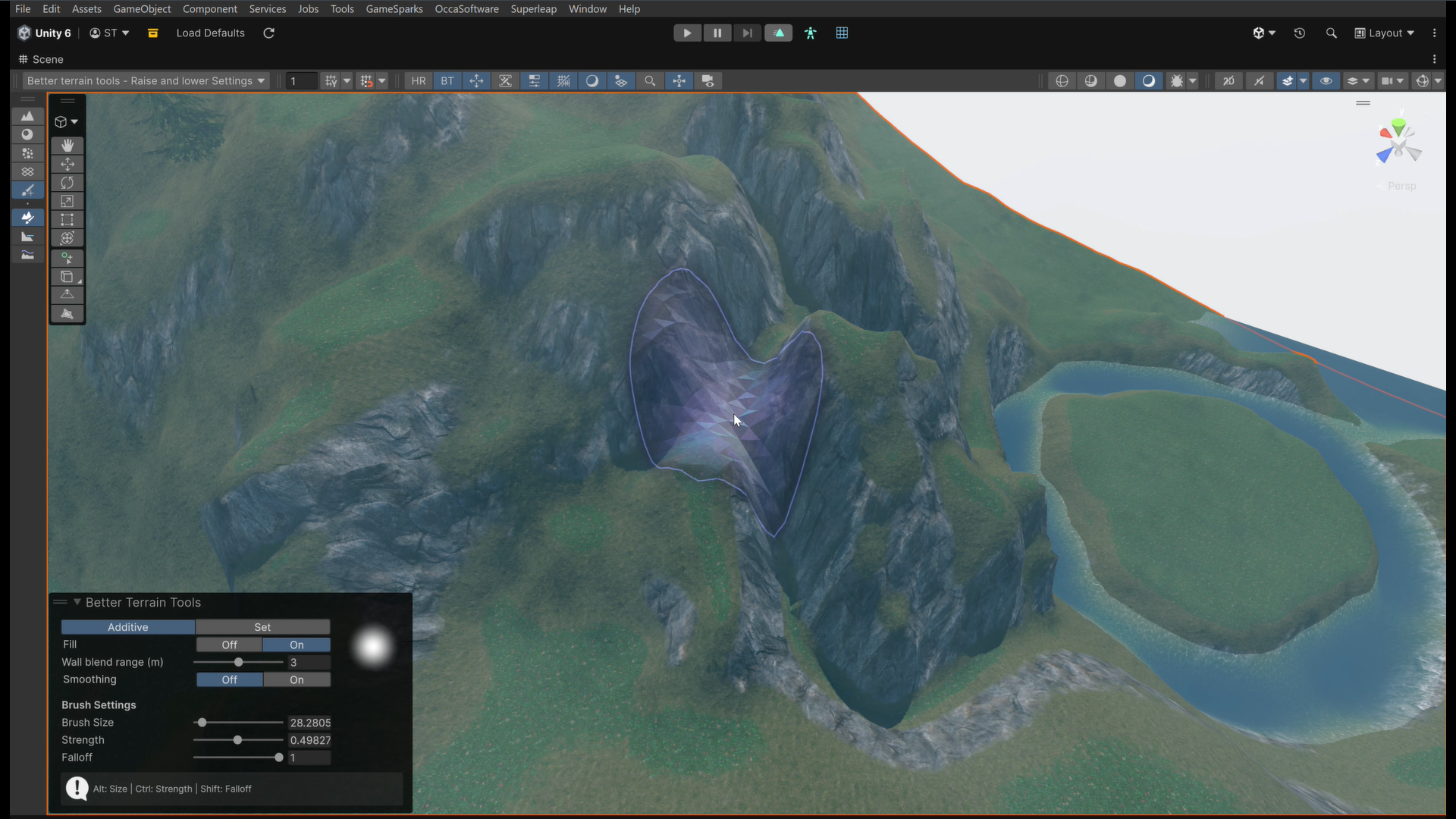 We take a look at Better Terrain Tools, a free Unity terrain sculpting add-on focused on hand-authored workflows.
 -
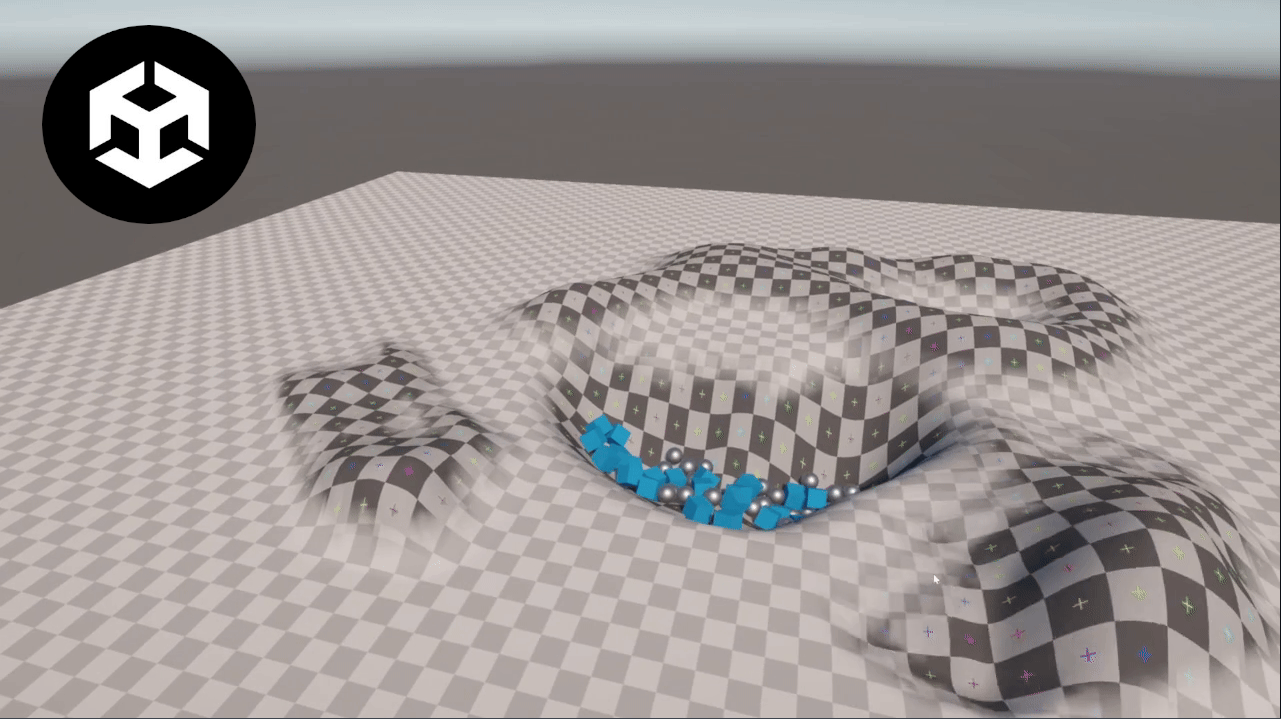 We take a look at Unity Runtime Terrain, a lightweight system that exposes Unity’s built-in terrain editing features for use directly during play mode.
 -
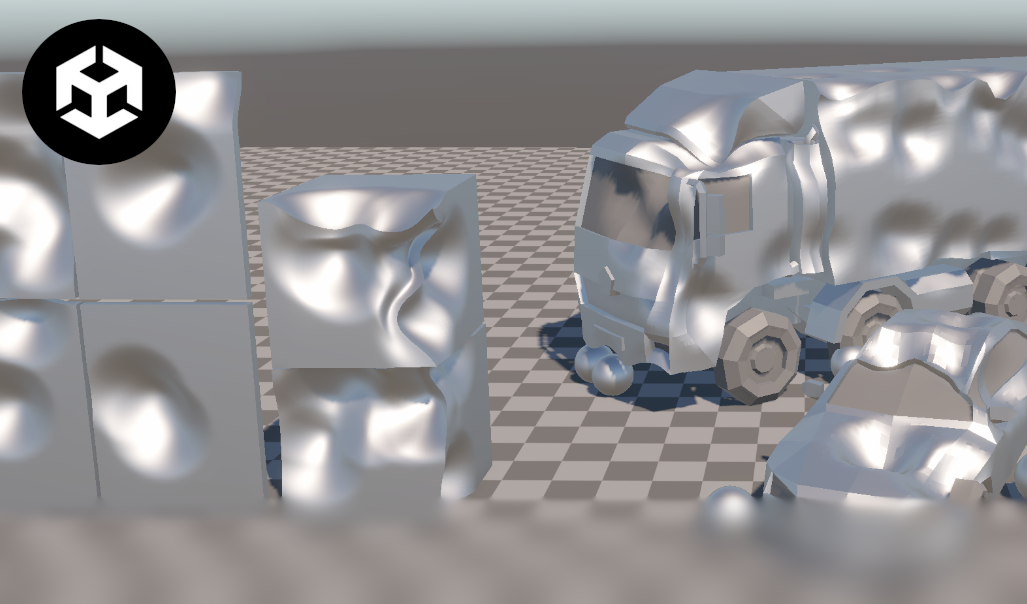 We take a look at a free Unity project that explores lightweight rope, cloth, and soft-body physics systems, designed to be integrated and adapted directly at the code level.
