

Building a top-down camera that feels smooth and responsive can be surprisingly complex: camera behavior, zoom control, occlusion systems, focus transitions... It's easy to spend days fine-tuning scripts just to get the basics working.
Created by Bruno Arruda, the Ultimate Top-Down Camera Controller 2.0 is a lightweight system built around Cinemachine 3 that simplifies this process. It gives you a flexible camera setup designed specifically for Unity 6, combining orbit, zoom, and occlusion tools that adapt to any top-down project with minimal setup.
For Devs who likes Top-Down games. I created something that might help you.
byu/ilusionbrx inUnity3D
How it started
As Bruno said, this system was originally made for his own game, Project Gatefall, before being released publicly to help other developers. Buying the asset directly supports his ongoing work on that project.
Main Features
- Easy Integration
The camera manager prefab can be dropped directly into your scene. Set the Follow and LookAt targets, hit Play, and you’ll have orbit, zoom, and vertical offset control out of the box.
- Dual Camera Modes
Switch between Locked (following the player) and Free (manual pan and rotation) modes seamlessly. Use shortcuts or double-click reset to re-lock at any time.
- Tree Occlusion
Uses SphereCasts to fade leaves or branches that block the view between the player and the camera. Requires a material with a _Transparency property. The package includes a custom Tree Leaves Shader Transparent with built-in wind and transparency effects.
- Building Occlusion
Automatically hides walls and floors based on player height. Controlled by two scripts, BuildingInteriorController and BuildingOcclusionManager, it handles line-of-sight checks, smooth transitions, and per-floor fading.
- Focus Target
Temporarily shifts camera control to focus on a specific object or area. You can adjust duration, easing curves, and input blocking directly from the inspector.
- Camera Shake
Add motion feedback through ShakeConfig assets. You can trigger, stop, or combine shakes with focus events.
- Shader Assets
Includes a custom tree shader and a surface shader made with Shader Graph. Both can be adapted for URP 17 or HDRP 17 with included upgrade files.
Compatibility
- Unity Version: Unity 6 or newer
- Cinemachine: Version 3+ (required)
- Render Pipelines: URP 17 and HDRP 17 (upgradable shaders included)
Older Unity versions are not supported out of the box, but the developer provides help for legacy projects via Discord.
The package also includes a demo scene showcasing all features. For documentation, shader details, and support, you can visit the asset store page shared below.
- Top Down Camera (B2F Assets): Lightweight top-down camera with follow, rotation and zoom options; a straightforward drop-in controller for top-down scenes.
Differences: UTDC 2.0 advertises a broader feature set (lock/unlock, target focus, shake events, interior/tree occlusion) whereas B2F’s package is a simpler, budget option for basic top-down control.
- RTS Camera Controller (Tony Bugow): RTS-oriented camera with pan/zoom/rotate and recent updates; aimed at strategy projects needing quick, customizable camera navigation.
Differences: UTDC 2.0 emphasizes a character-centric, Cinemachine-based workflow with extras like auto-reset and shake events, while Tony Bugow’s controller prioritizes RTS navigation rather than follow/target utilities.
- RPG Cameras & Controllers: A modular camera + character controller package for Unity that supports both MMO and Action RPG styles. It offers orbit, third/first-person transition, intelligent occlusion/fading, many parameters and settings out of the box.
Differences: Unlike Ultimate Top-Down Camera Controller 2.0 which is optimized for top-down gameplay and camera only, RPG Cameras & Controllers includes full character controller logic plus camera modes geared for RPG/third-person rather than purely top-down.
📘 Want to learn how to create shaders in Unity? Check out The Unity Shaders Bible, a complete step-by-step guide that takes you from the fundamentals to advanced techniques in Unity 6.
If you want to explore similar techniques for visibility and transparency, we’ve covered one in one of our posts below. 👇
If you want to explore similar techniques for visibility and transparency, we’ve covered one in one of our posts below. 👇
You can use object distance to control transparency and avoid collisions with large objects in your open-world game. 🌲
— Jettelly Inc. (@jettelly) October 20, 2025
Learn more: https://t.co/sZyjGPgVpN#Godot #indiedev #gamedev pic.twitter.com/K7m3sRwBM5
Check out the 2nd Edition, now In-Development!
We invite you to explore "The Unity Shaders Bible", a comprehensive book on the concepts and fundamentals seen in this post.
Other posts that might interest you.
-
 We do an overview of the latest Unity LTS, which used real games to validate its new upgrades and features.
 -
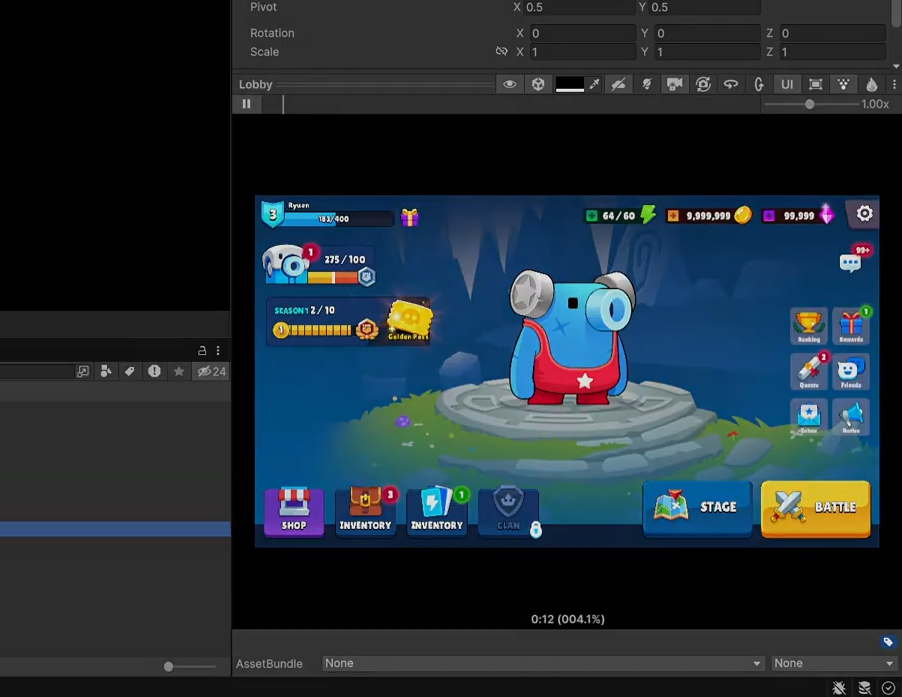 We take a look at an alternative to Unity's default UI for a better editing experience.
 -
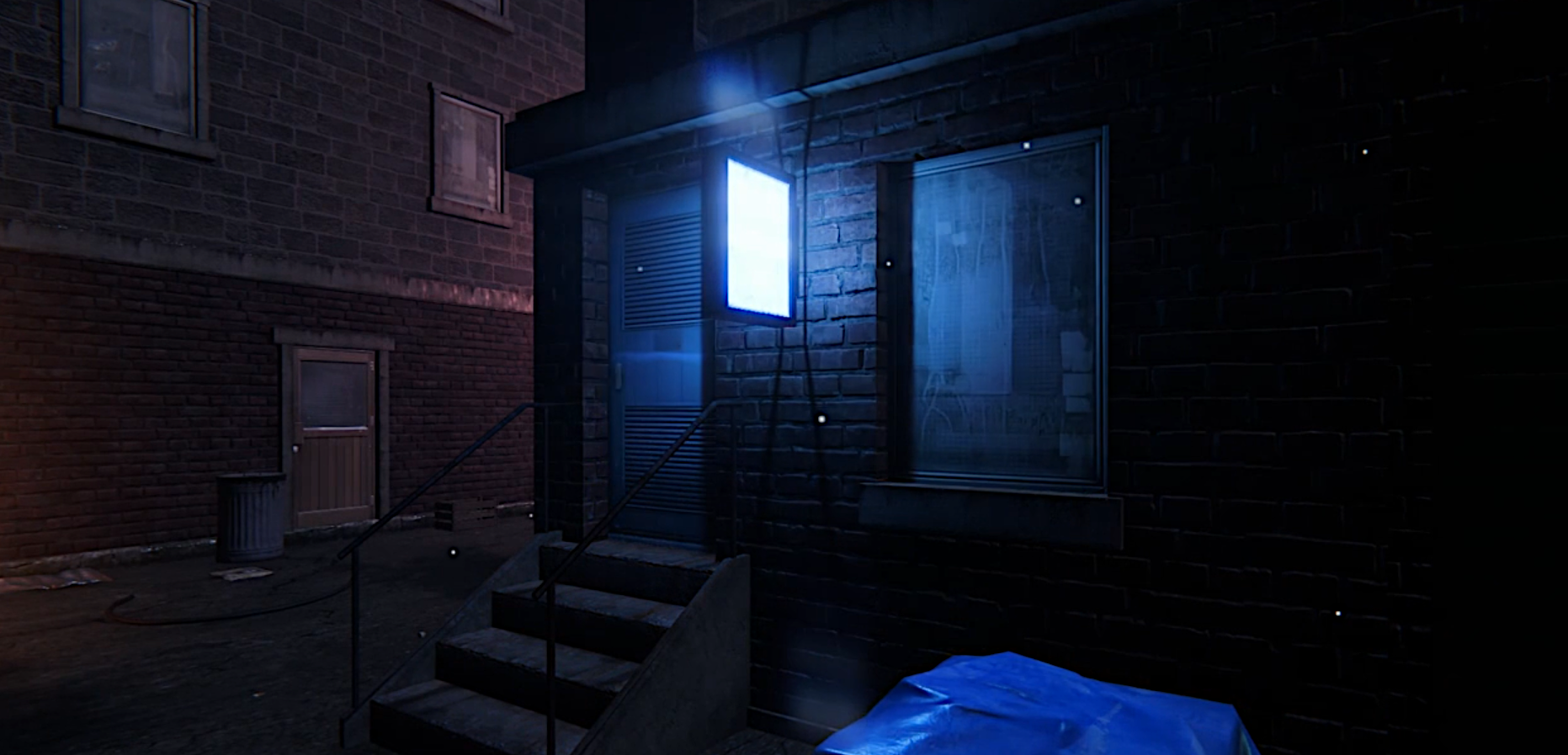 We found a Unity add-on for easily creating and triggering light flicker and fade effects.
