
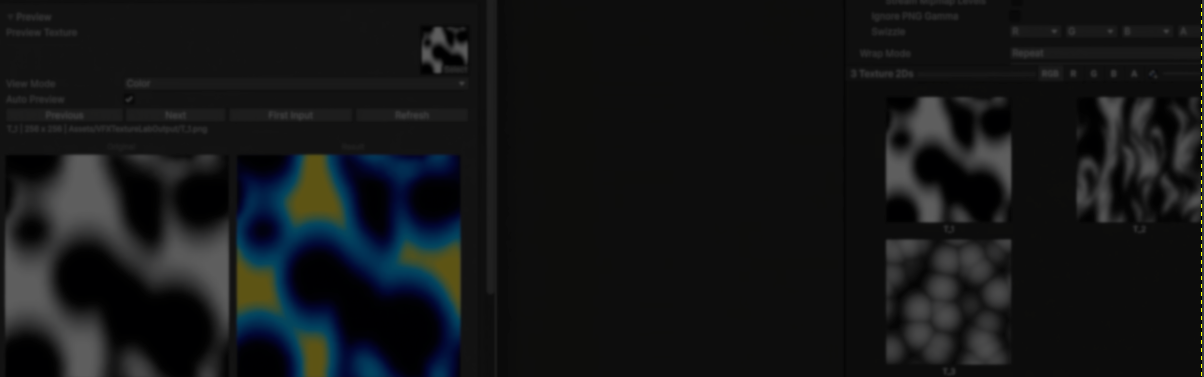
Technical Artist Ken Deng recently released VFX Texture Lab, a free Unity tool created to solve a small but repetitive problem during VFX production.
While working on effects, Ken often found himself moving back and forth between Unity and Substance Designer for quick texture edits.
Many of those changes were simple adjustments, such as cleaning a mask or applying a color ramp. Repeating that process over and over slowed down iteration.
VFX Texture Lab was made to keep those edits inside Unity.
The tool works using a stack of operations.
You start by adding one or more textures, then build a stack of operations. Each one gets applied in the order it appears in the stack.
You can preview the result inside the editor before exporting it as a PNG or EXR file.
The process looks like this:
- Add one or more textures
- Add operations to the stack
- Preview the result
- Adjust the settings
- Export the texture
According to Ken, working with a texture often has multiple steps. For example, cleaning up a mask might use:
- Levels
- Threshold
- Dilate or Erode
A grayscale texture could also be turned into a color ramp using multiple operations. (Contrast operation + Gradient Mapper)
The stack system helps with that process. Each operation can be enabled, disabled, removed, or moved around while experimenting.
The current version includes operations such as:
- Contrast and Levels adjustments
- Gradient Mapping
- Threshold and Mask Cleanup
- Channel Packing
- Blur, Dilate, and Erode
One feature Ken wanted from the beginning was the Gradient Mapper. When creating stylized VFX, artists often use grayscale textures as masks before turning them into color ramps.
The Gradient Mapper does that process inside the engine. This lets you test different color combinations while working on an effect.
Another common task is channel packing.
A single VFX texture can contain multiple masks, with each one stored in a different channel. To help with that, the tool can copy values from one channel into another.
// Original code shared by Ken Deng

float source = GetSourceValue(pixel, sourceMode);

if (affectR) pixel.r = source;
if (affectG) pixel.g = source;
if (affectB) pixel.b = source;
if (affectA) pixel.a = source;
The tool also includes a preset system. Once a stack of operations is working, it can be saved and reused later on.
After building the first version, Ken decided to release the tool for free and make it open source. The goal was to make those small texture edits that happen every day a little faster.
If you want to learn more about VFX Texture Lab, the links will be right below.
- LinkedIn: https://www.linkedin.com/in/kendeng-vfx/
- GitHub: https://github.com/PudinKiller/VFXTextureLab
- ArtStation: https://www.artstation.com/moshui_xin
Want to keep learning?
If you’re interested in learning shaders in Unity, The Unity Shaders Bible covers everything from the basics of Shader Graph and HLSL to more advanced topics like lighting models, ray marching, and compute shaders. 📘
Interesting fact: Most of the technical artists hired in the game industry know Python, C# (or C++) and HLSL. 👀
— Jettelly Inc. (@jettelly) December 5, 2025
And The Unity Shaders Bible can definitely help you get there. ✨
🔗 https://t.co/fw4pna2vUj#gamedev #unity3d #madewithunity #indiedev pic.twitter.com/nnMiBdXhJm
Jettelly wishes you success in your professional career!
Did you find an error? No worries!
Write to us at [email protected], and we'll fix it!
Level up your Technical art skills with our book!
We invite you to explore "The Unity Shaders Bible", a comprehensive book on the concepts and fundamentals seen in this post.
Other posts that might interest you.
-
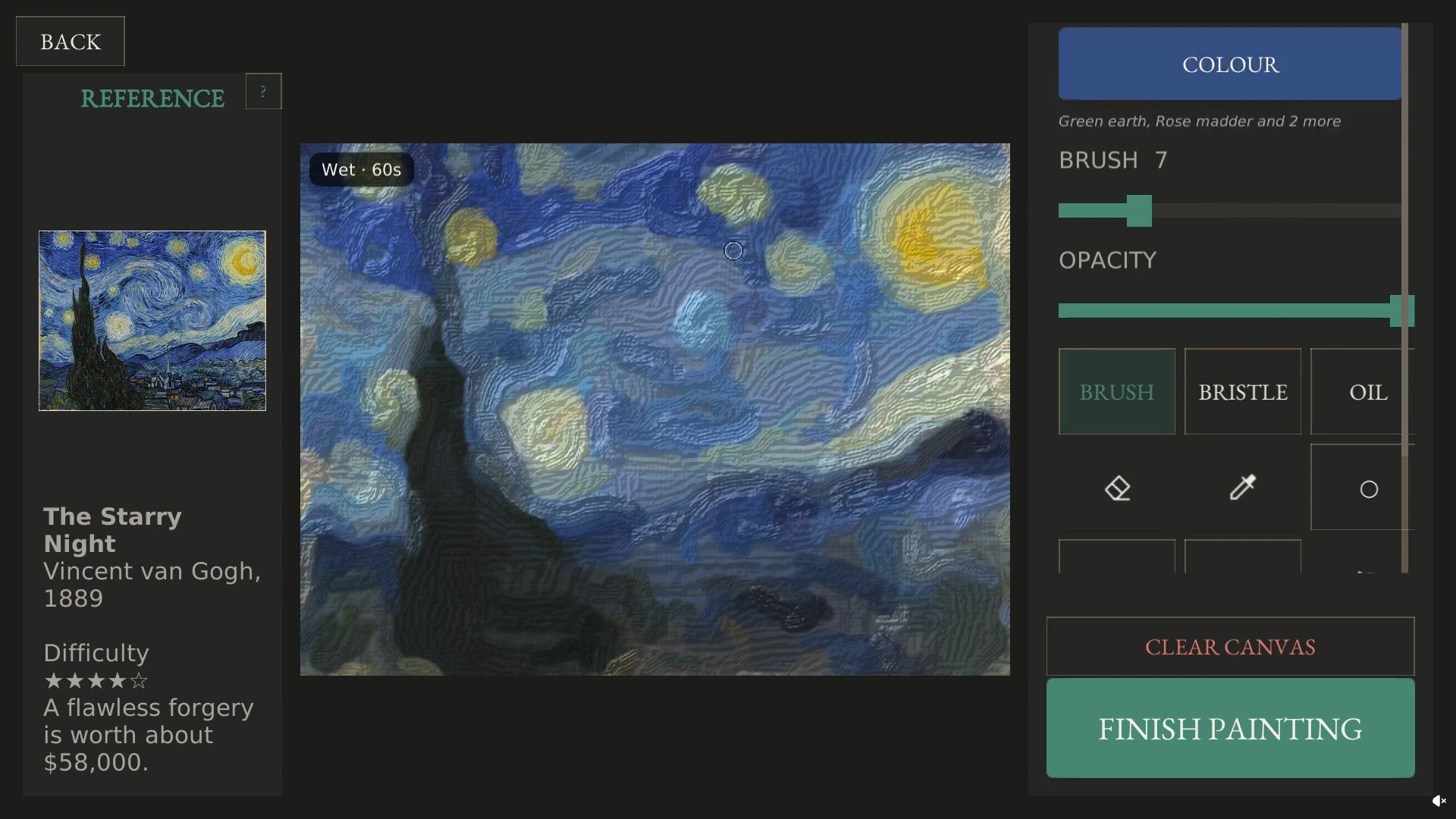 Counterfeit Gallery lets you paint a copy of The Starry Night. Zsombor Rózsa shows how the wet colors blend and how the game scores your work.
 -
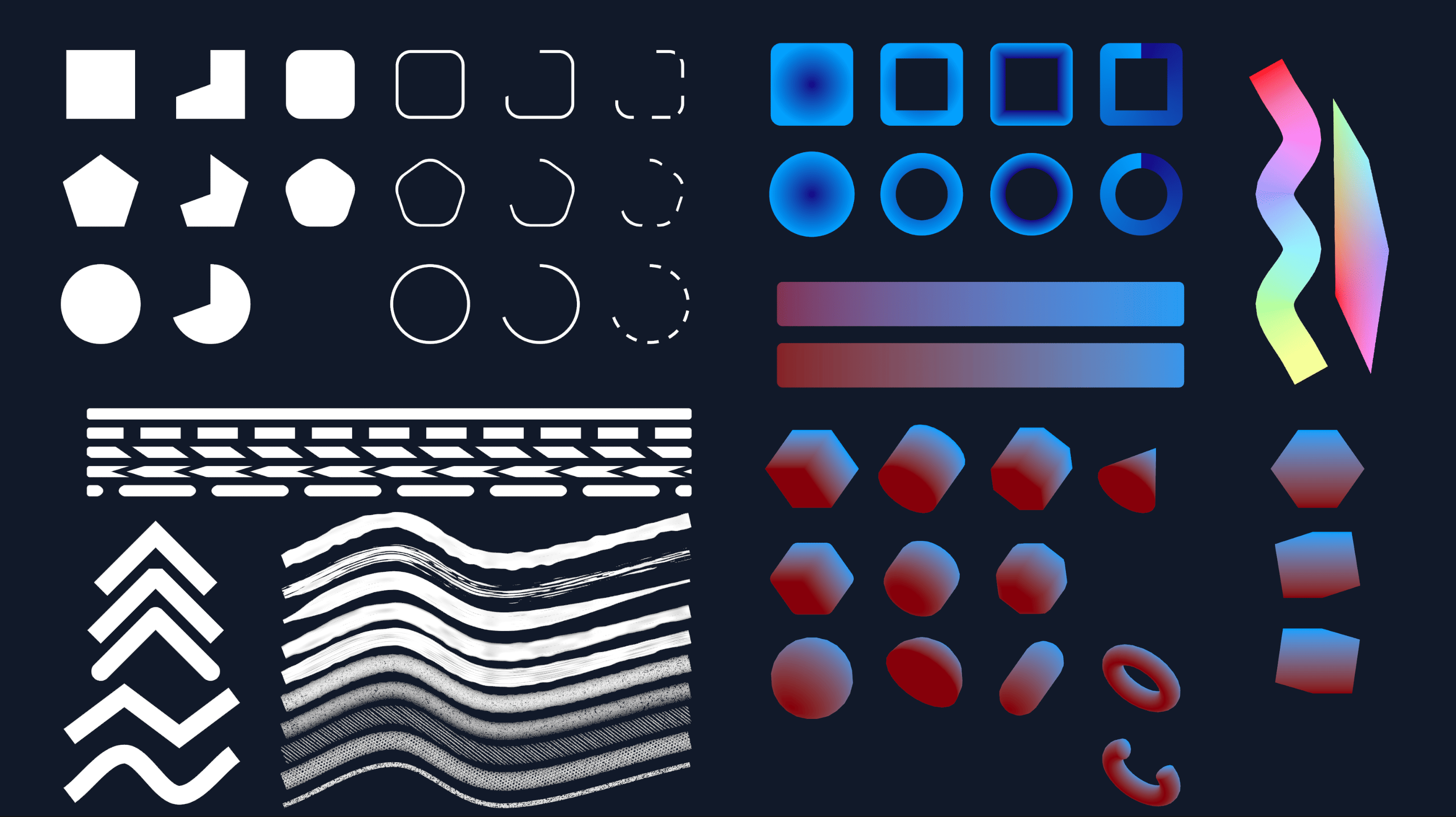 Mold lets you make crisp shapes in Godot and Unity. DK Liao built it while trying to render hundreds of tiny pieces in his own game.
 -
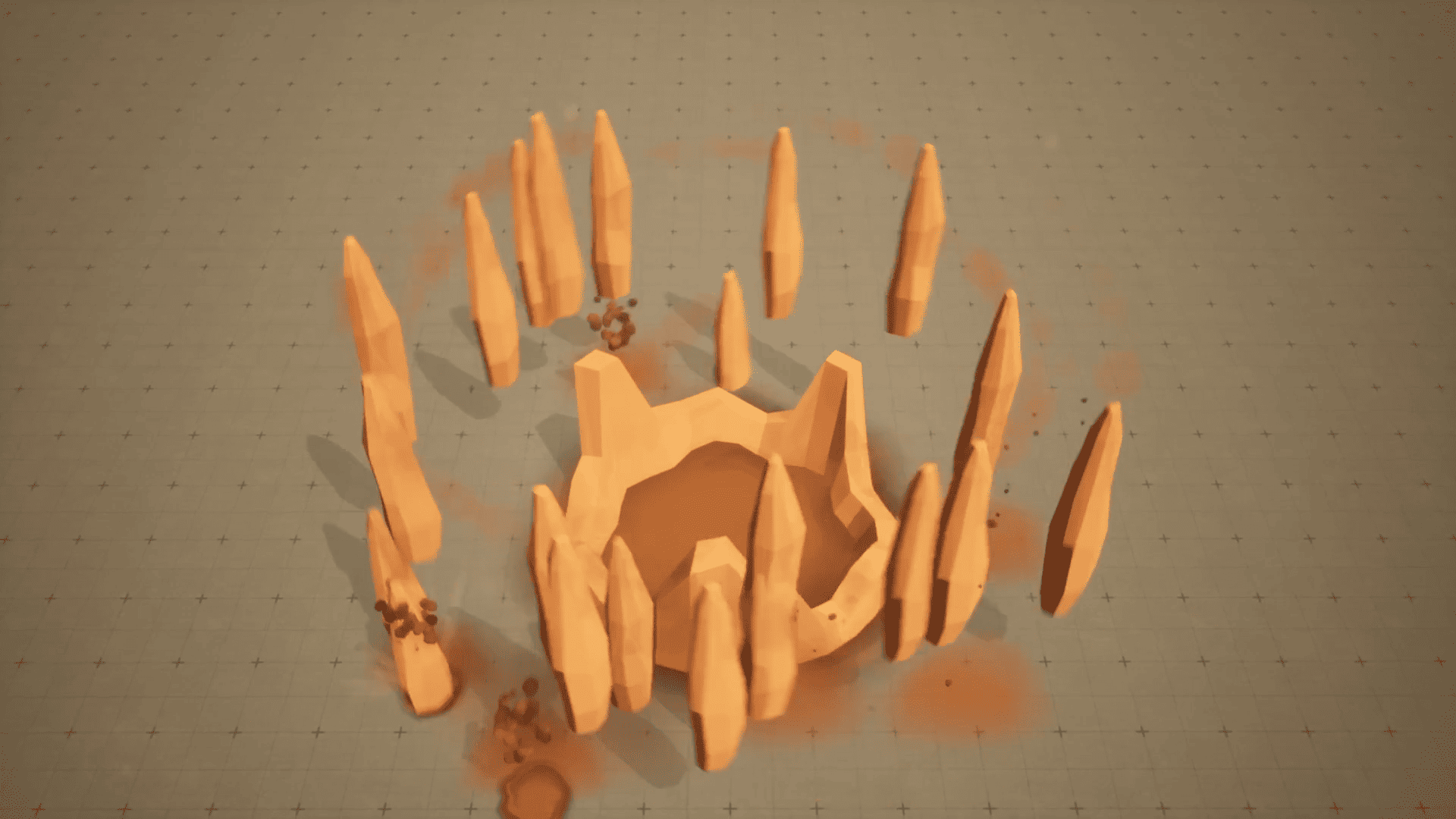 Earth's Wrath starts with a warning on the ground, raises a cage of rock, then builds toward a massive final impact. Kuzey Can shares how he made the VFX in Niagara.
