
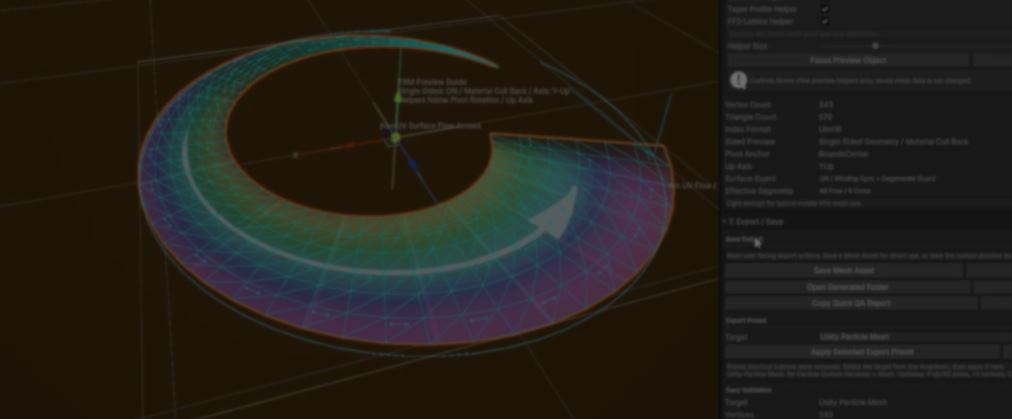
Creating game VFX is not just about shaders. Before making a slash, beam, ring, or trail, you first need a mesh that matches the effect.
The problem is that those meshes rarely stay the same. A slash might need to be wider, a ring might need more segments, or a trail might need a different shape.
Small changes like these often mean going back to your modeling software, exporting again, and testing everything one more time.
After repeating that process for years, Dong Cheol Kim built FX Mesh Generator Pro, a Unity editor tool that generates common VFX meshes and lets you reshape them without leaving the engine.
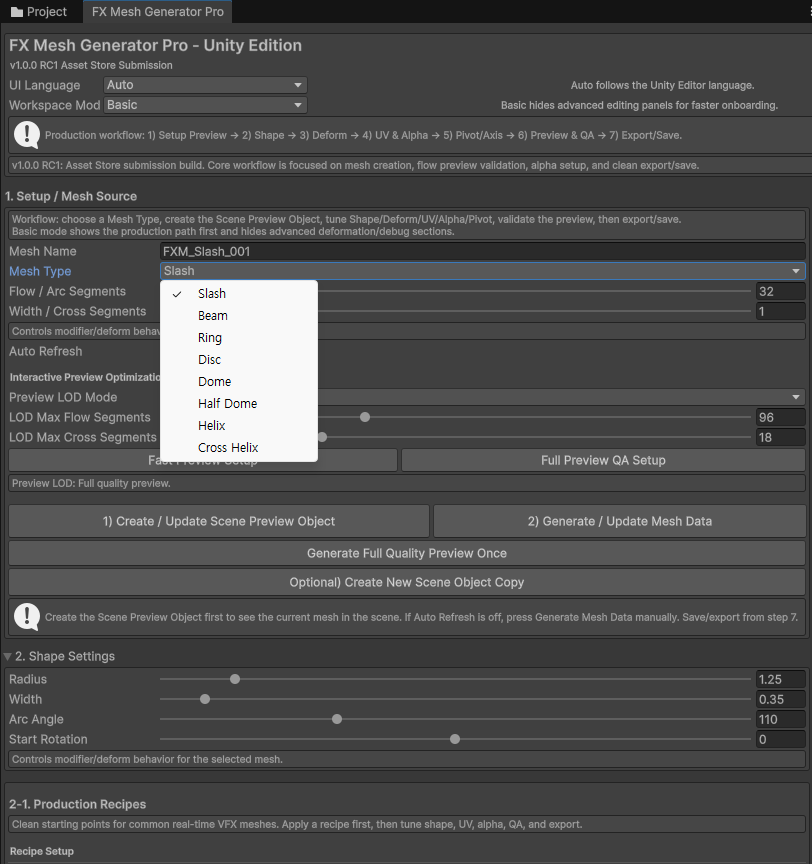
You start by choosing a mesh type, then adjust sliders like radius, width, arc angle, or segment count. The mesh updates as you make changes, making it easy to try different shapes without rebuilding everything from scratch.
Behind those sliders, the tool regenerates the mesh. Vertices, triangles, normals, and UVs are updated every time you make a change, so there is no need to export a new model after each edit.
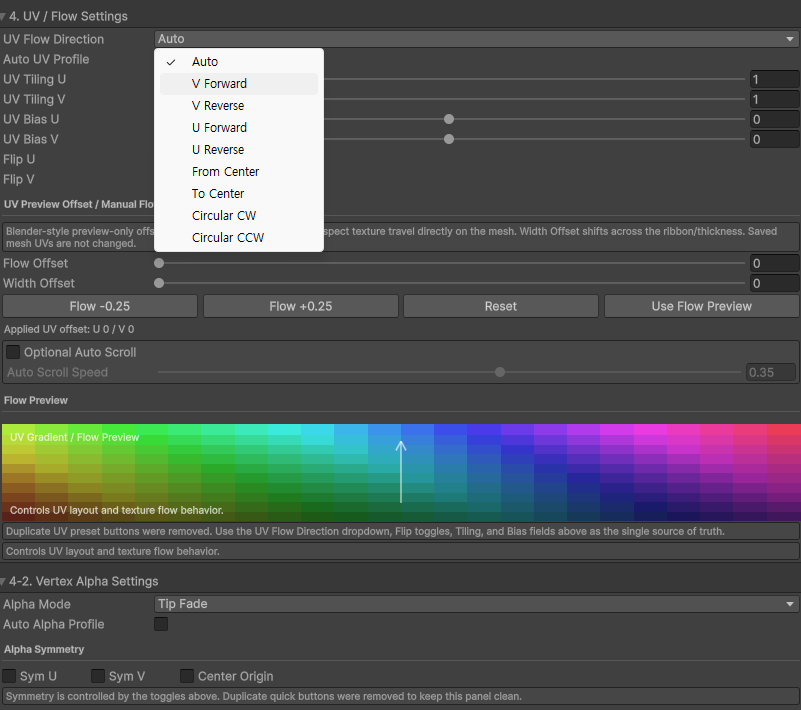
Once the shape is ready, the tool also prepares data that shaders can use.
It generates UVs for scrolling textures, gradients, and other common VFX effects. It also generates vertex alpha, so fades and dissolves are already part of the mesh instead of something you need to set up later.
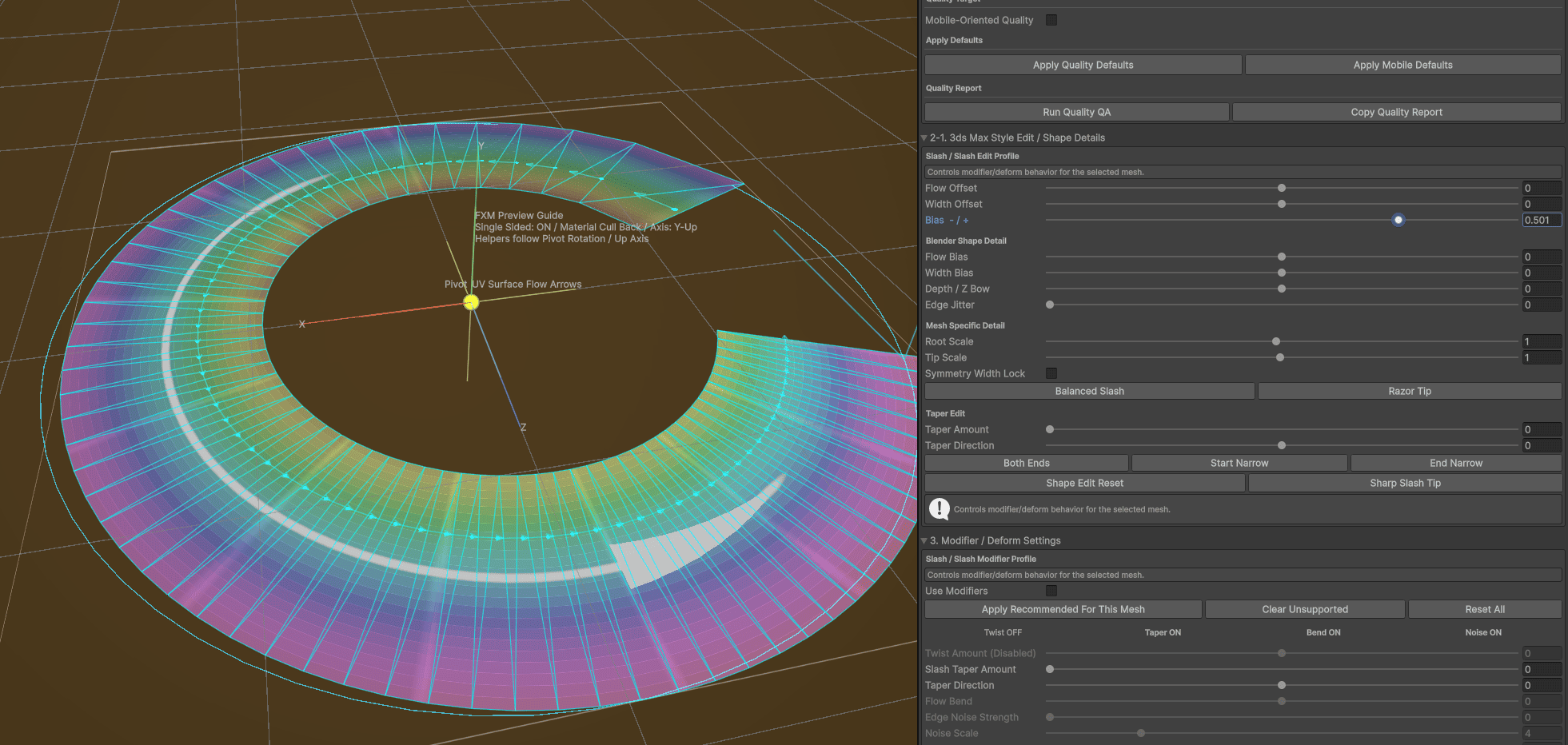
As the project grew, Dong kept adding tools that solved problems they ran into while making effects. Today it also includes:
- Deformation controls for reshaping meshes.
- Pivot editing for placing effects more easily.
- Preview tools to check the mesh before exporting.
- Presets, quality checks, and export tools to finish the asset inside Unity.
According to Dong, the tool was built from years of making real-time VFX, with each new feature solving another problem that came up during production.
If you want to check it out, or know more about the creator, the links will be right below.
Want to learn more?
If you’re interested in the technical side of Unity, the Unity Dev Bundle brings together six books covering shaders, math, procedural shapes, editor tools, and character customization.
If you're getting into technical art or game development, this 70% off Unity bundle might interest you. It includes:
— Shaders Bible Series (@ushadersbible) June 29, 2026
- Math for Graphics
- Shaders
- Compute Shaders
- Tool Development
- Animation Implementation
- And more
➡️ https://t.co/1eA8907m5M#gamedev pic.twitter.com/dzac8f6X0V
Jettelly wishes you success in your professional career!
Did you find an error? No worries!
Write to us at [email protected], and we'll fix it!
Level up your skills in Unity! Grab our bundle and start learning today.
We invite you to explore "The Unity Dev Bundle", a comprehensive bundle on the concepts and fundamentals seen in this post.
Other posts that might interest you.
-
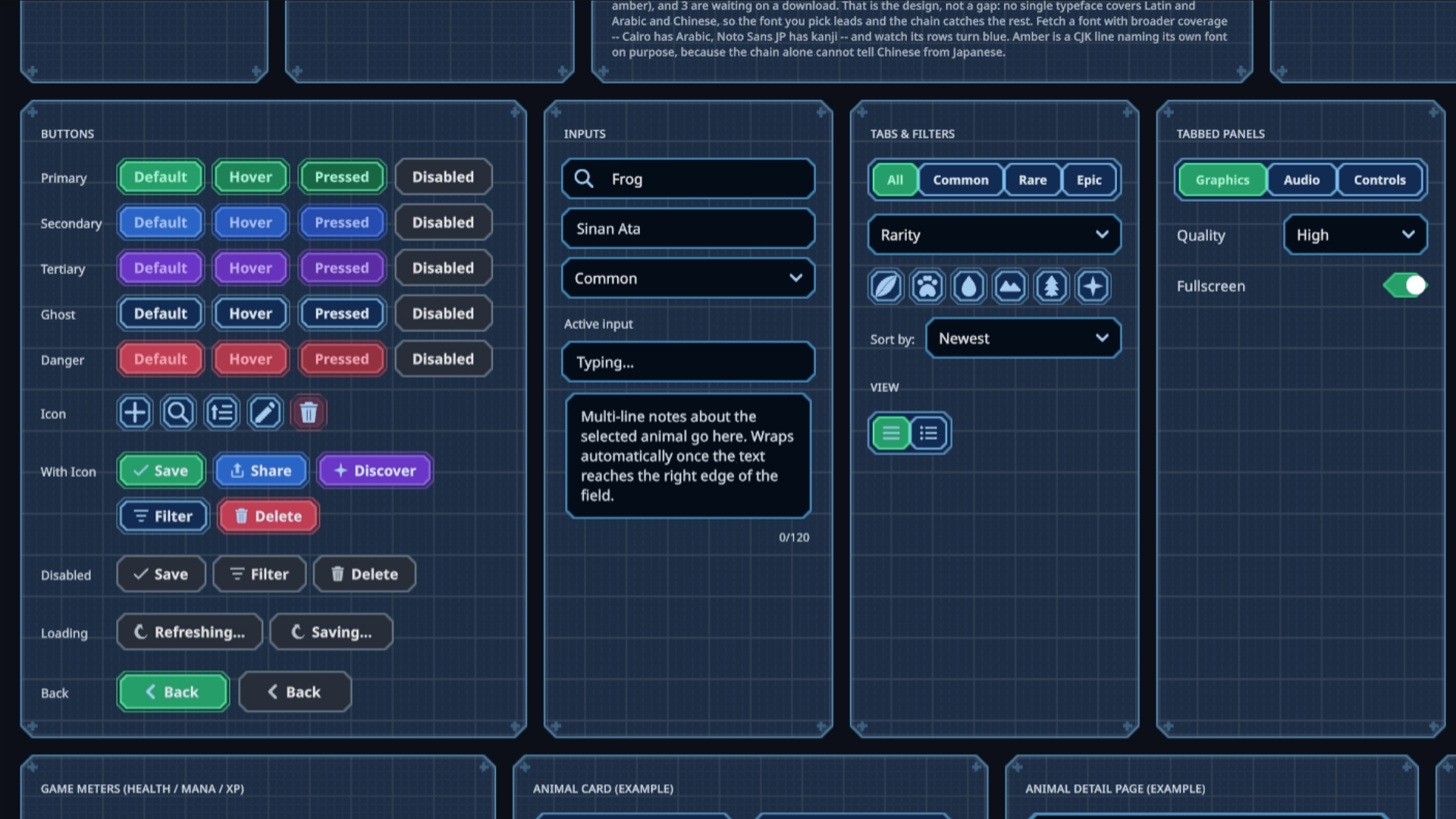 Sinan Ata's open-source Unity 6 toolkit can now place interactive UI on 3D surfaces and apply shader materials to its existing components.
 -
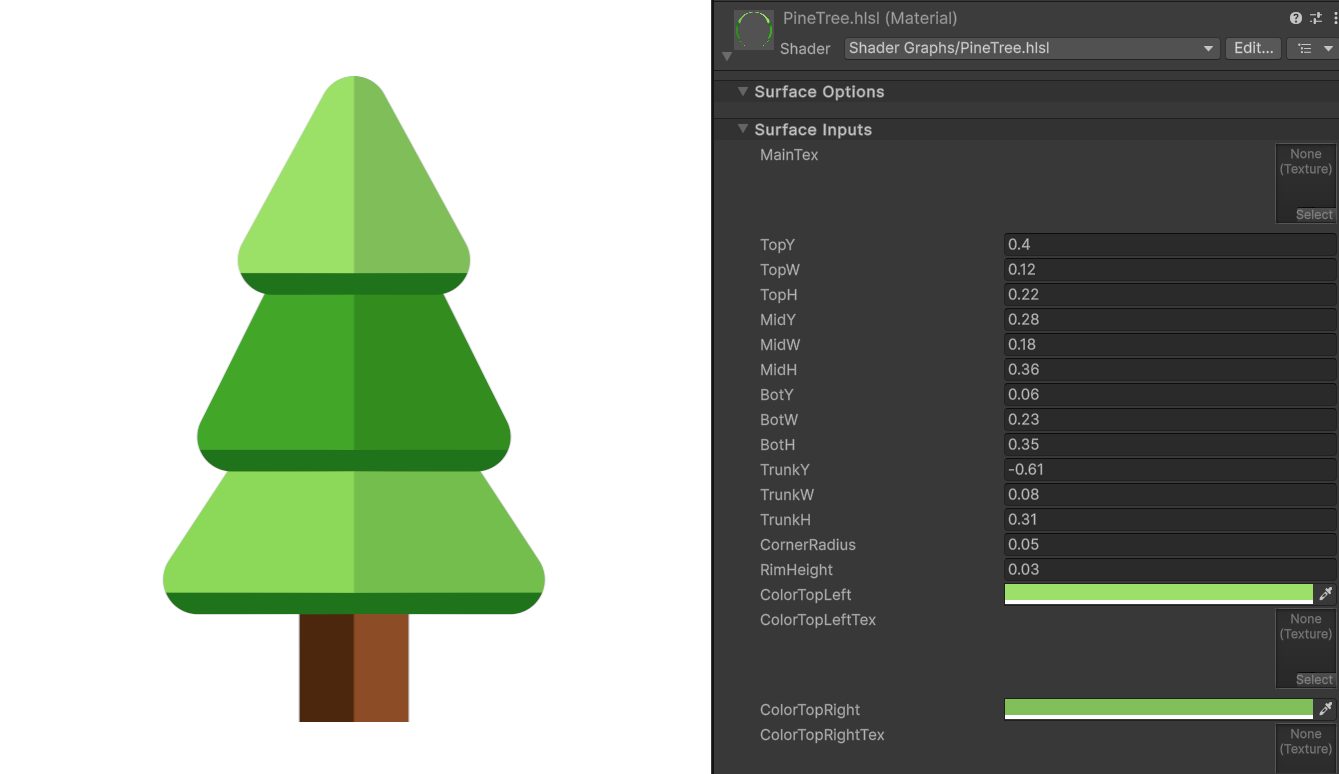 Shader Expert makes editable 2D shaders inside Unity, then renders each result so a second model can compare it with the user’s request.
 -
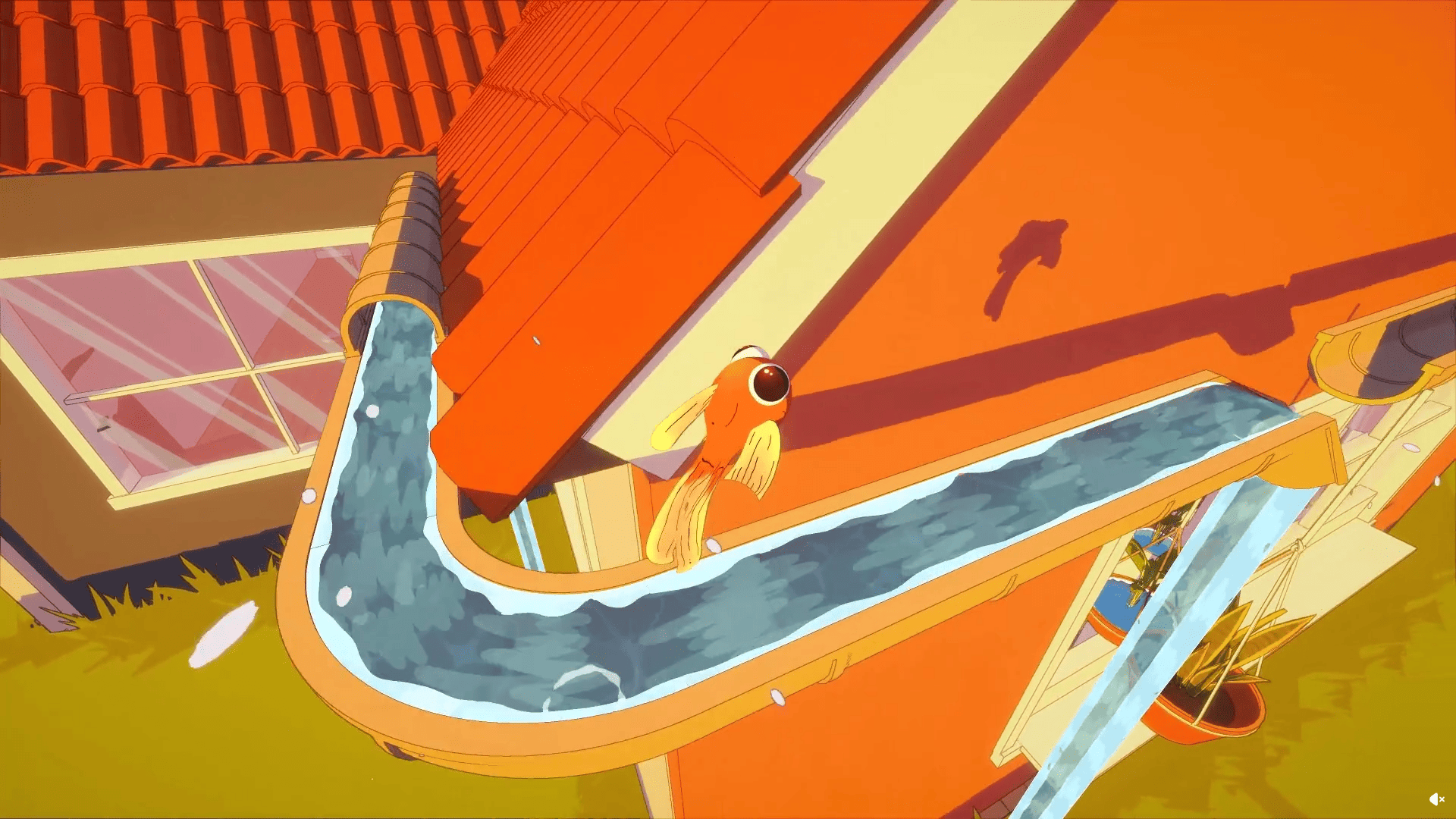 Barely Breathing received a new procedural puddle system that uses raycasts, BFS, and Marching Cubes to react to walls and uneven ground.
