
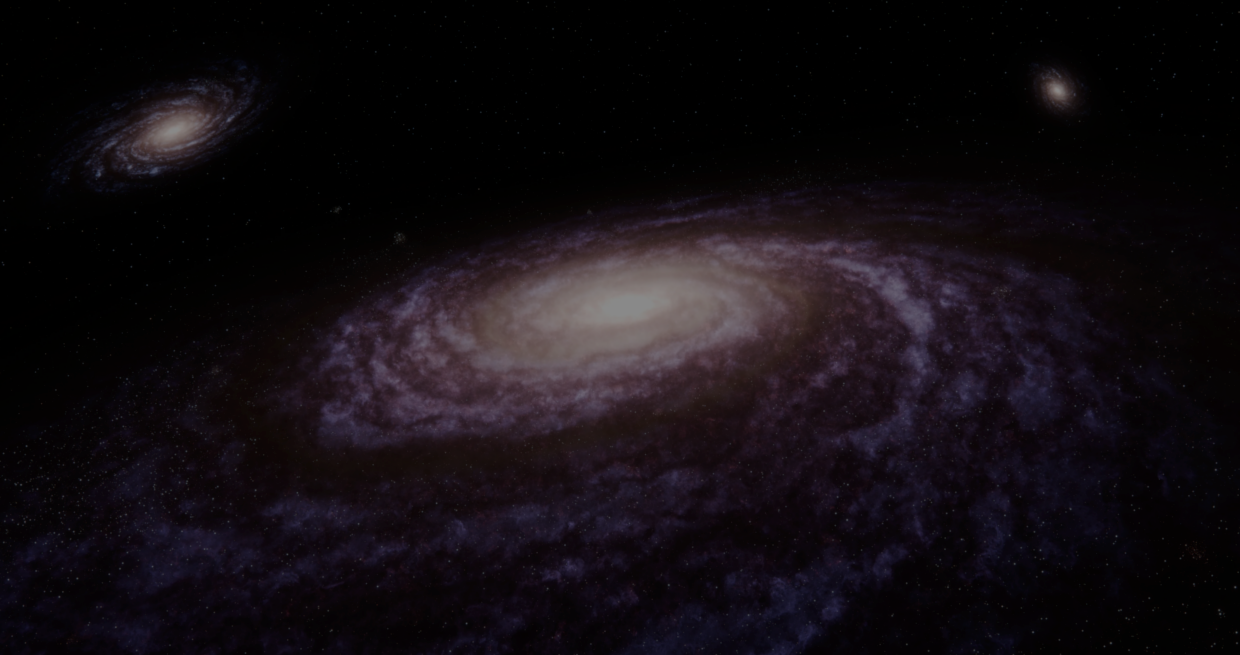
3D artist AstroDemiurge, specialized in space-related artwork recently released their new procedural galaxy generator, SpiralForge.
The whole setup was built with geometry nodes and shader nodes, so there’s no need for textures or other addons.
The goal was to create realistic galaxies while still letting artists control things like:
- Galaxy arms
- Distortion
- Nebulae
- Star density
- Globular clusters
- Absorption lines
I might have created one of the most realistic procedural galaxy generators for Blender
by u/Petrundiy2 in blender
To create the base galaxy shape, the setup starts with a cube used as a density field. The arctan2 function then helps shape the spiral arms.
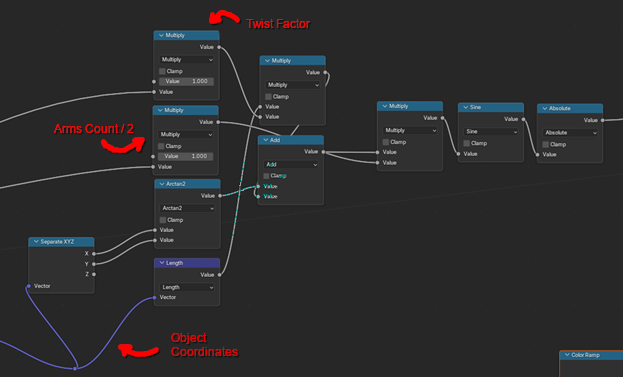
AstroDemiurge explained that this setup controls both the number of galaxy arms and the overall spiral shape.
To create additional twisting and curvature, the coordinates get modified before being split into XYZ values.
To create additional twisting and curvature, the coordinates get modified before being split into XYZ values.
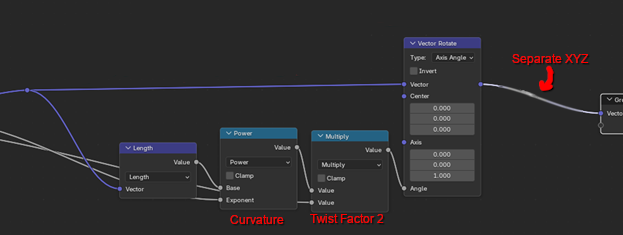
The result is what AstroDemiurge calls “twisted coordinates.” These coordinates are later reused across the rest of the setup to keep the galaxy shape consistent.
After creating the spiral pattern, the setup uses a Gradient Texture together with Mapping nodes to compress the shape along the Z axis, creating that thin disk shape of a galaxy.
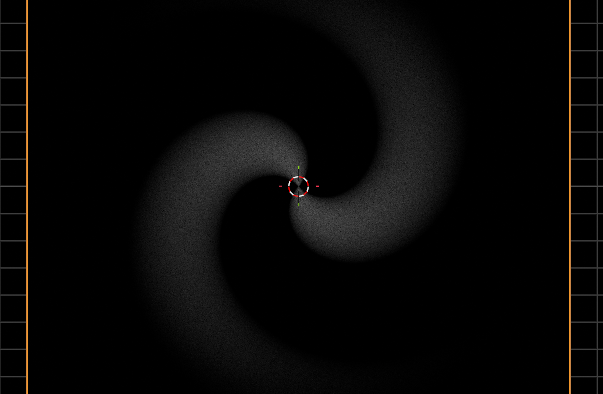
That density field is then used to mask different layers of procedural noise. This helps break up the galaxy arms and create the absorption lines.
AstroDemiurge said that using different noise patterns can change the overall look of the galaxy. For example, yellowish tones help make the absorption lines look more realistic.
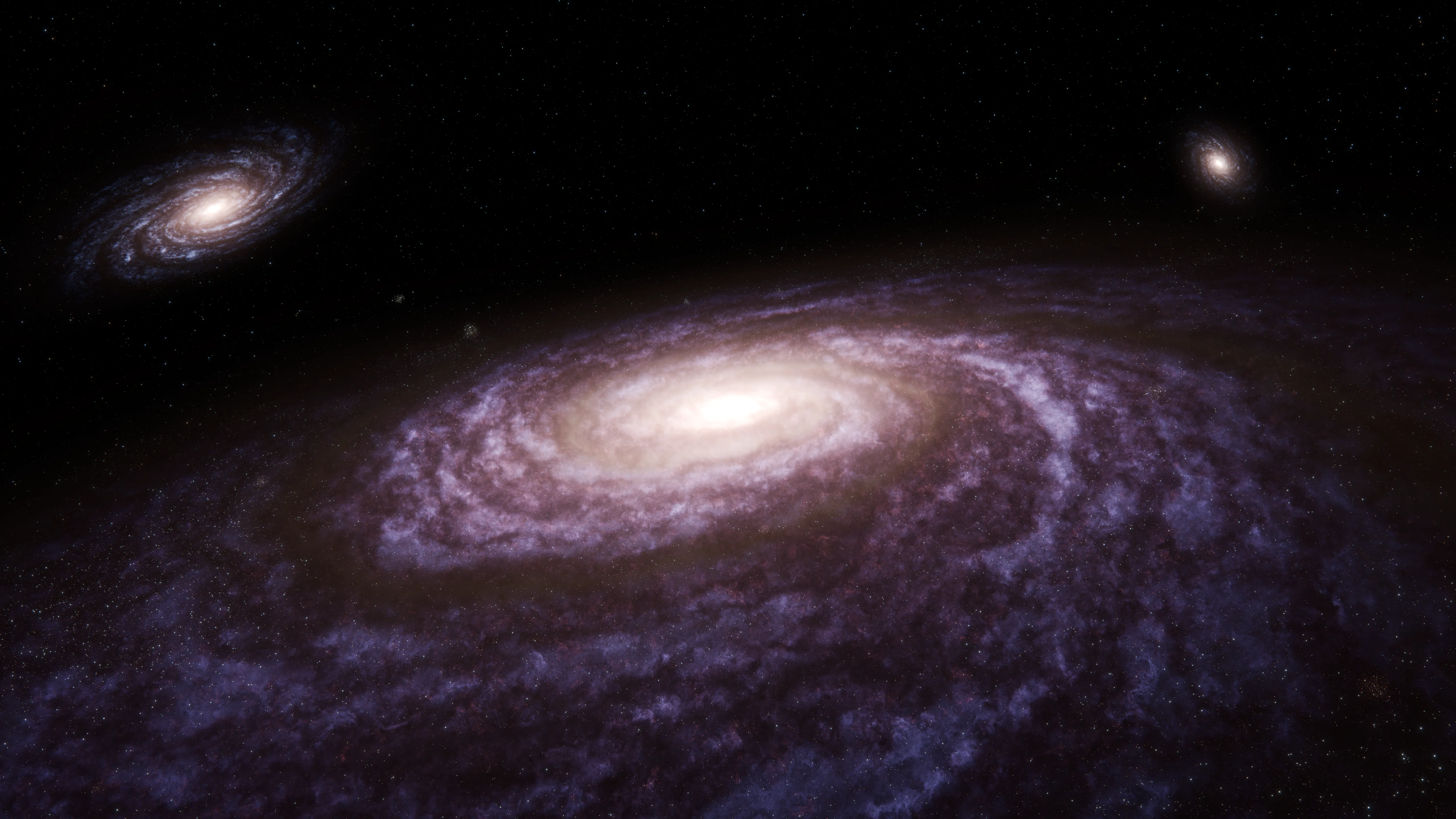
The stars generate separately using Geometry Nodes. To keep both systems matching, AstroDemiurge recreated the spiral shape using the same twist and curvature values.
To scatter the stars, the galaxy shape works as a density field alongside Blender’s “Distribute Points in Volume” node.
Finally, for the bright center of the galaxy , it uses object coordinates along with Length, Multiply, and Power nodes to fake a light source inside the shader.
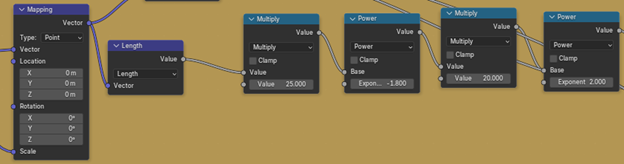
Adjusting the exponent and brightness values helps control how bright the galaxy core is.
Here is a quick tutorial by the creator that shows part of the shader approach used to build this system:
Here is a quick tutorial by the creator that shows part of the shader approach used to build this system:
See more of AstroDemiurge and their projects with the links right below.
- YouTube: https://www.youtube.com/@AstroDemiurgeVFX
- SpiralForge: https://astrodemiurge.gumroad.com/l/spiralforge
Jettelly wishes you success in your professional career!
Did you find an error? No worries!
Write to us at [email protected], and we'll fix it!
Other posts that might interest you.
-
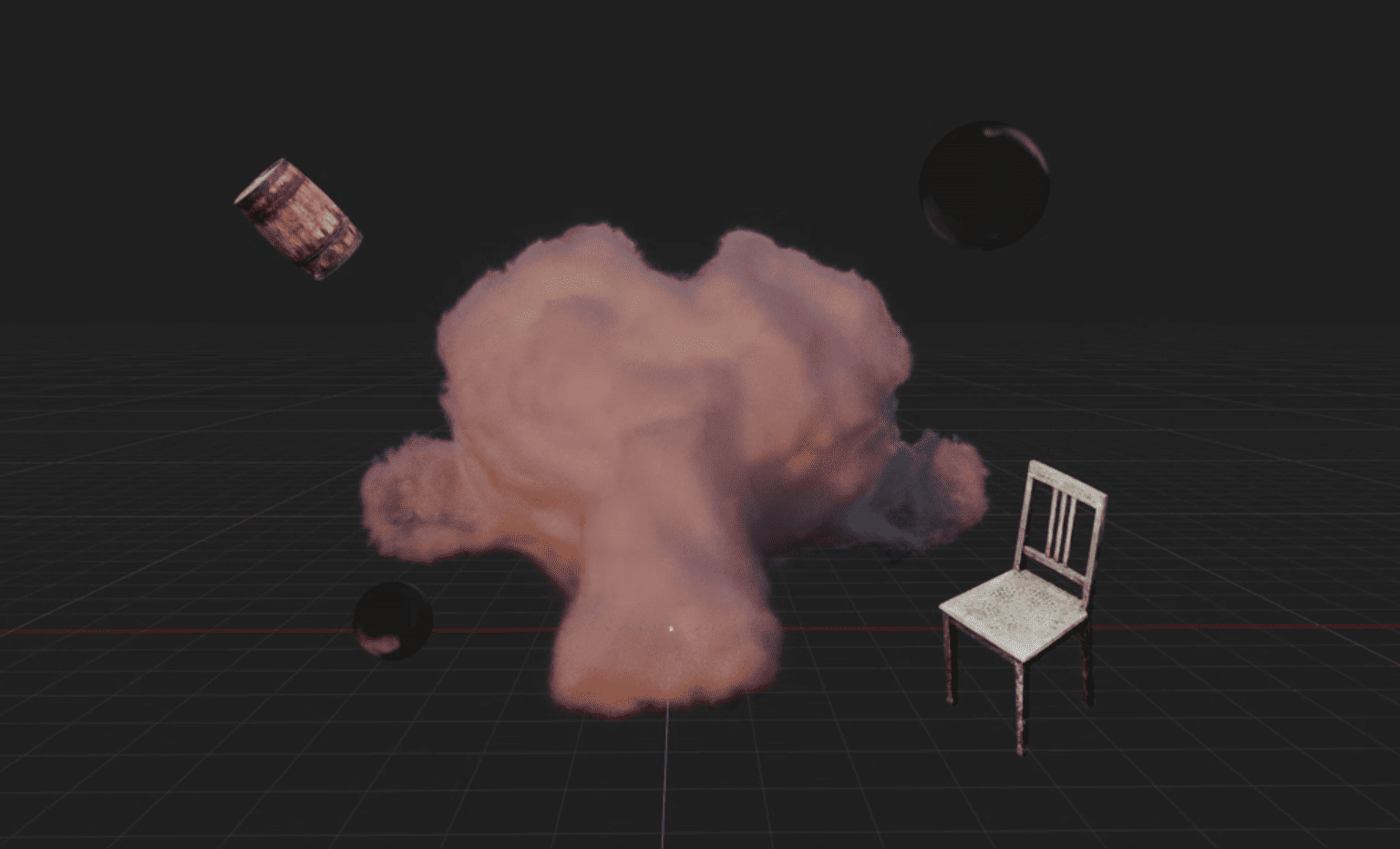 Blender artist Sören Schmidt-Clausen released BlendSplat, a node library that brings Gaussian Splats into Blender and makes them editable through Geometry Nodes.
 -
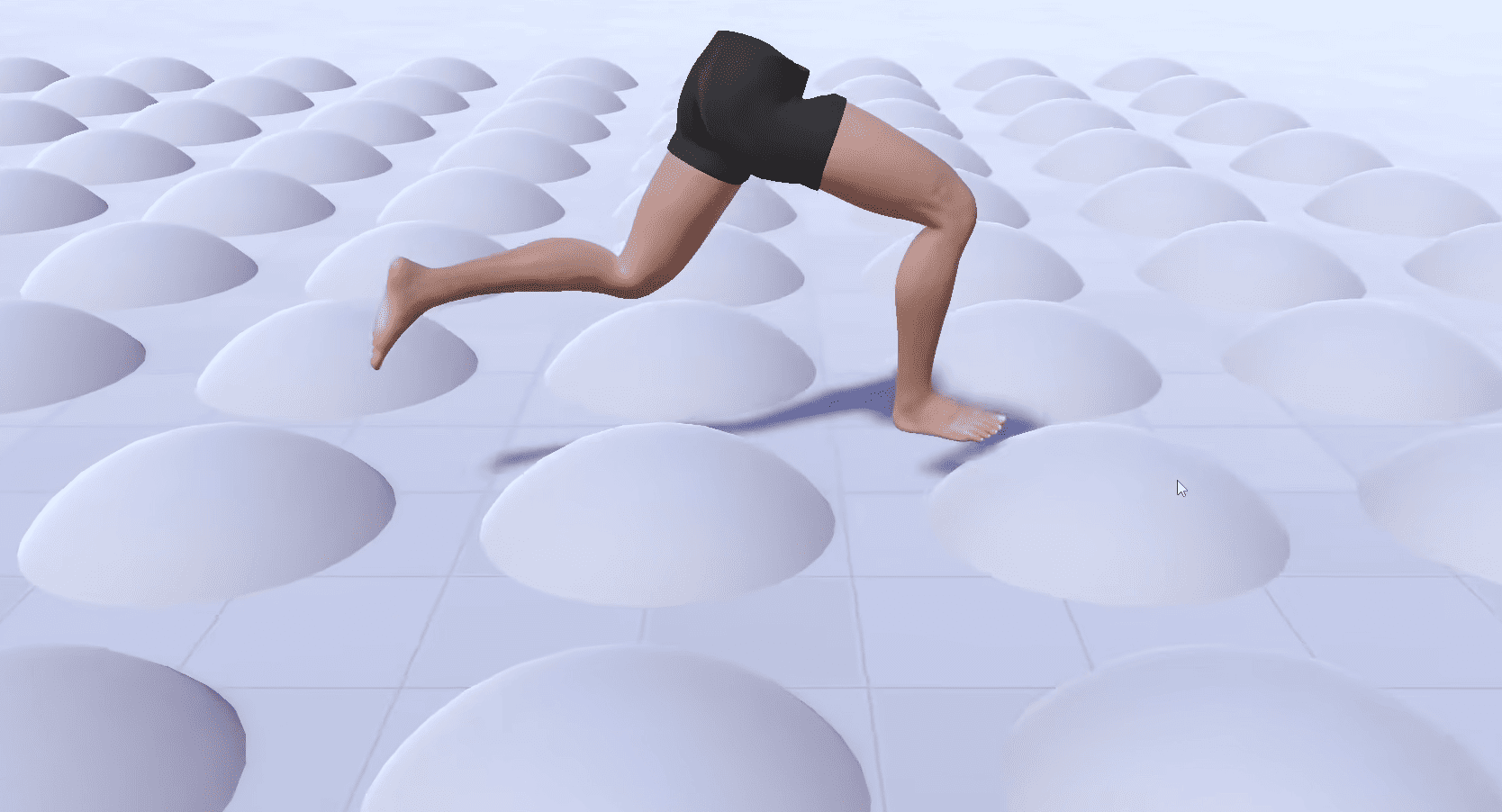 Check out the details of Footwerk, a free foot placement plugin that helps characters stay grounded while keeping existing animations intact.
 -
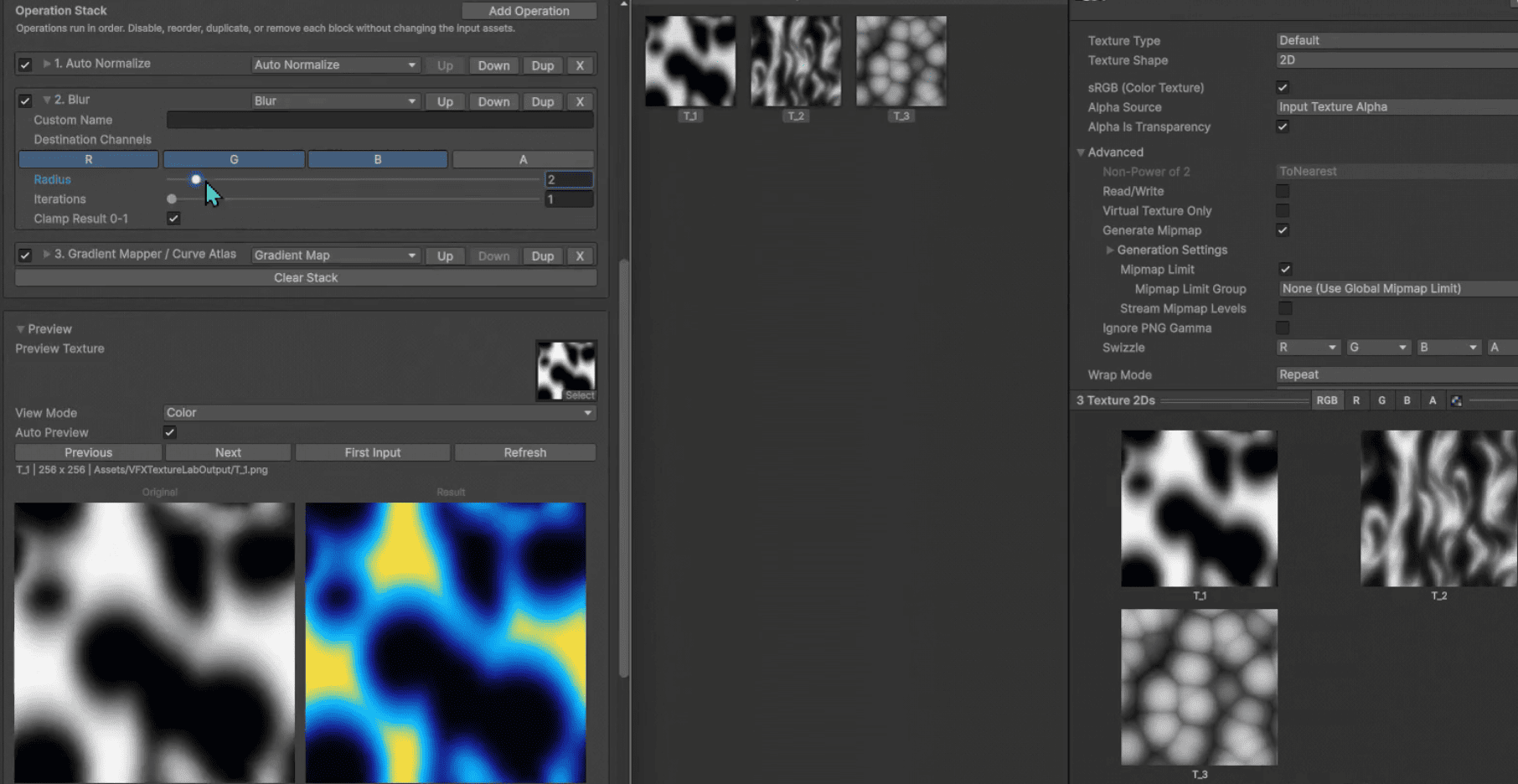 VFX Texture Lab is a free and open-source Unity tool that lets VFX artists edit textures directly inside the editor.
