
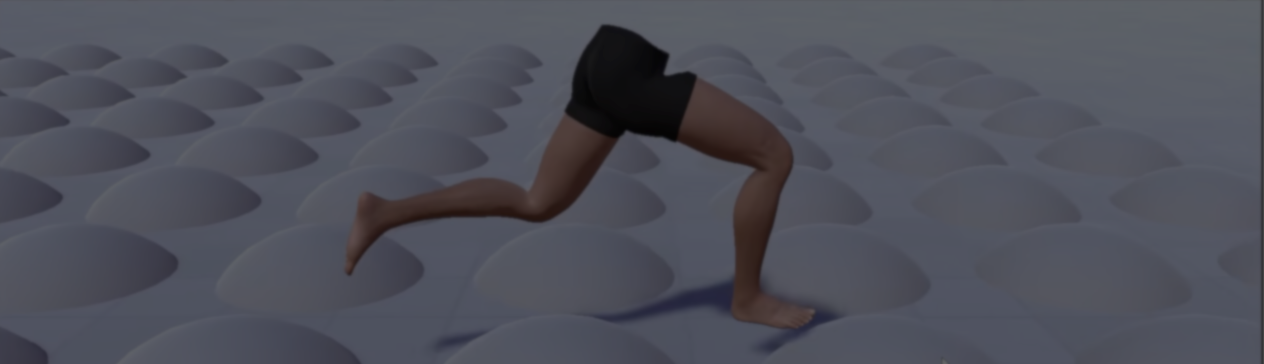
Developer Mayo Games recently released Footwerk, a free plugin created to solve a common animation problem: foot sliding.
According to Mayo Games, foot sliding is a common problem in many games. The characters move around, but their feet do not always stay in sync with the ground.
I’m sharing my foot placement plugin for free. Feel free to grab it and fix foot sliding, ground collisions, animation blending issues, and many other common locomotion problems with a super simple 3 clicks setup.
by u/dremmer8 in Unity3D
There are already a few existing ways to deal with this problem.
One example is large motion-matching systems. These can blend many animations together to create more natural movement.
Another option is fully procedural locomotion systems. These can lock feet to the ground and react directly to the environment.
Footwerk solves this problem in a different way. The plugin adds a correction layer on top of the original animations.
The character still follows the animation, but the feet can react to the ground underneath. This allows developers to keep using their existing animations. At the same time, the feet stay connected to the ground.
The character still follows the animation, but the feet can react to the ground underneath. This allows developers to keep using their existing animations. At the same time, the feet stay connected to the ground.
The plugin can help with:
- Reducing foot sliding
- Keeping feet above ground colliders
- Adapting to slopes, steps, and uneven surfaces
- Improving turning and directional movement
- Making a small animation set feel more flexible
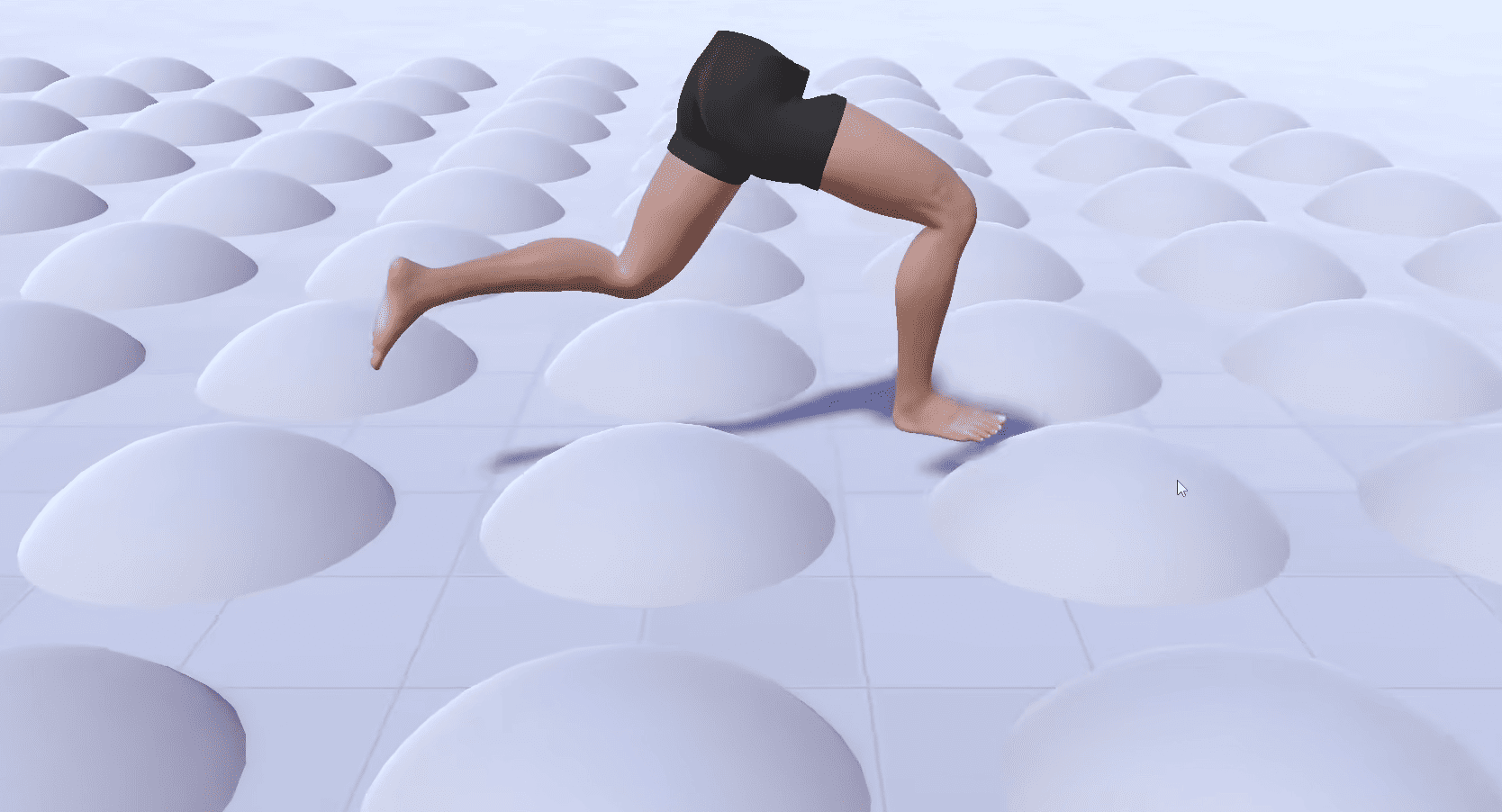
The system runs in three stages:
- First, it collects physics data through raycasts
- Then, it applies the character animations
- Finally, it makes small adjustments to the bones at the end of the frame
Most of the work happens during this final stage.
The system treats each foot differently depending on what the character is doing.
When one foot is planted on the ground, it becomes the support foot. The other becomes the free foot and can continue moving with the animation.
When a foot needs to stay in place, the tool projects control points onto the ground. Then, it locks the foot using IK. This helps the foot stay connected to the surface even when the original animation would move it away.
The tool also checks how the foot sits on the ground. If needed, it can adjust the foot to prevent clipping (passing through the surface).
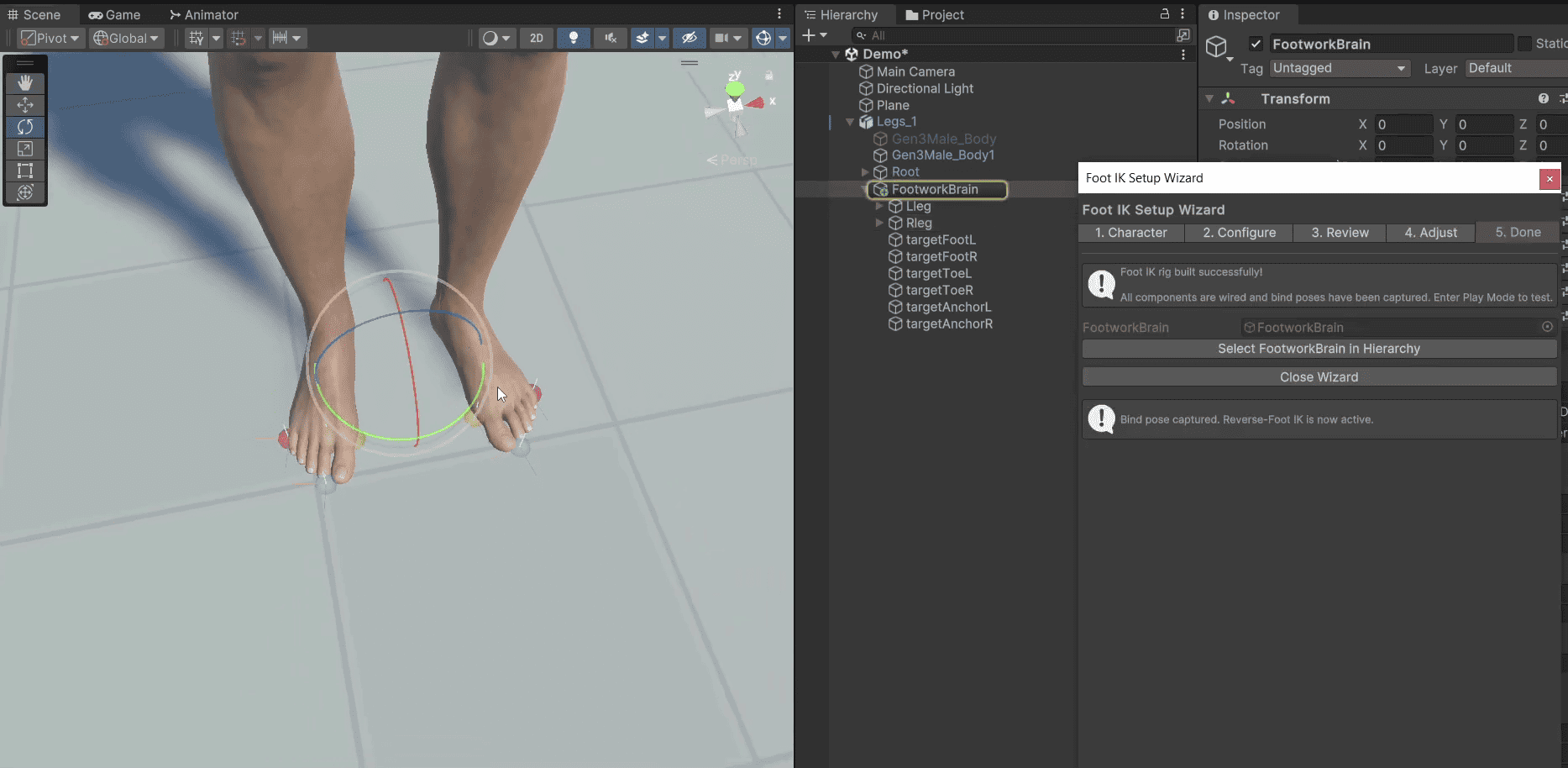
One of the biggest challenges during development was determining which foot should become the support foot and when.
Different animations have different timings, and Mayo Games wanted to avoid manual setup for every animation. To do that, Footwerk looks at a few things:
- Foot velocity: how fast the foot is moving
- Cooldown timers: how recently the foot was locked
- Distance from the body: how far the foot is from the character's balance point
This information helps the system decide when a foot should lock to the ground.
There is also support for when both feet leave the ground, which is important for actions such as running.
According to Mayo Games, this is still an ongoing project, with plans for additional character animation and interaction tools in the future.
According to Mayo Games, this is still an ongoing project, with plans for additional character animation and interaction tools in the future.
If you want to see more about Footwerk, the links will be right below.
Interested in more?
If you’re interested in learning shaders in Unity, The Unity Shaders Bible covers everything from the basics of Shader Graph and HLSL to more advanced topics like lighting models, ray marching, and compute shaders. 📘
Interesting fact: Most of the technical artists hired in the game industry know Python, C# (or C++) and HLSL. 👀
— Jettelly Inc. (@jettelly) December 5, 2025
And The Unity Shaders Bible can definitely help you get there. ✨
🔗 https://t.co/fw4pna2vUj#gamedev #unity3d #madewithunity #indiedev pic.twitter.com/nnMiBdXhJm
Jettelly wishes you success in your professional career!
Did you find an error? No worries!
Write to us at [email protected], and we'll fix it!
Level up your Technical art skills with our book!
We invite you to explore "The Unity Shaders Bible", a comprehensive book on the concepts and fundamentals seen in this post.
Other posts that might interest you.
-
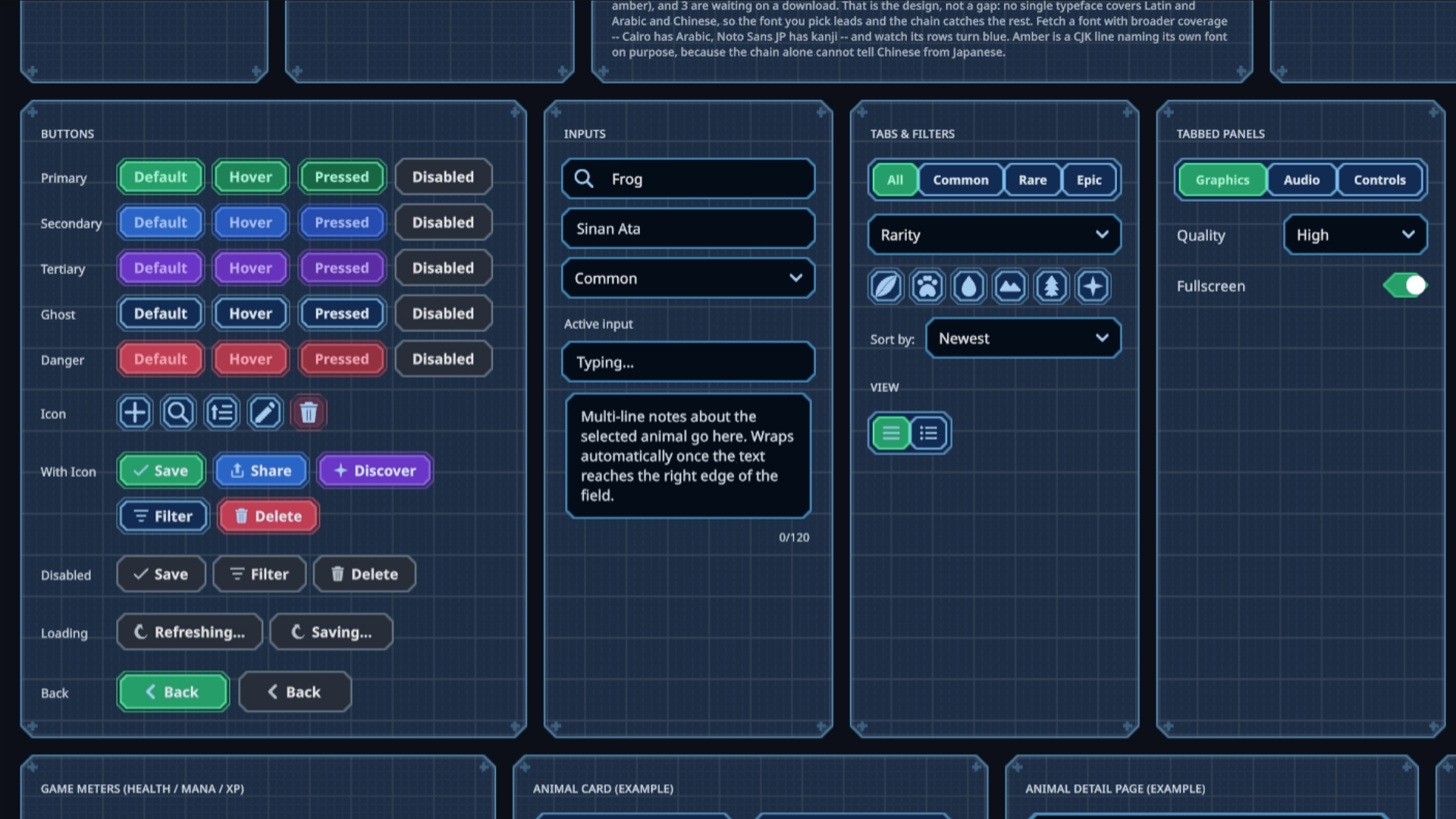 Sinan Ata's open-source Unity 6 toolkit can now place interactive UI on 3D surfaces and apply shader materials to its existing components.
 -
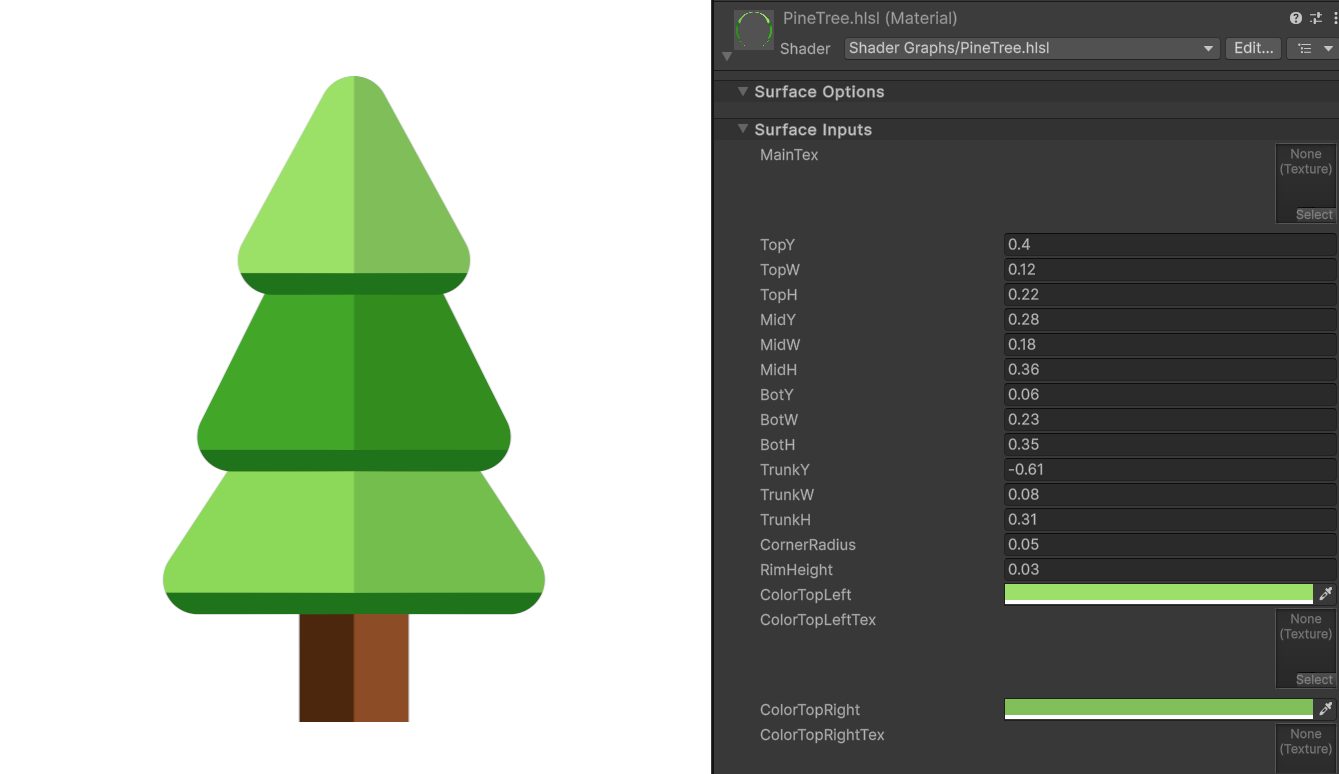 Shader Expert makes editable 2D shaders inside Unity, then renders each result so a second model can compare it with the user’s request.
 -
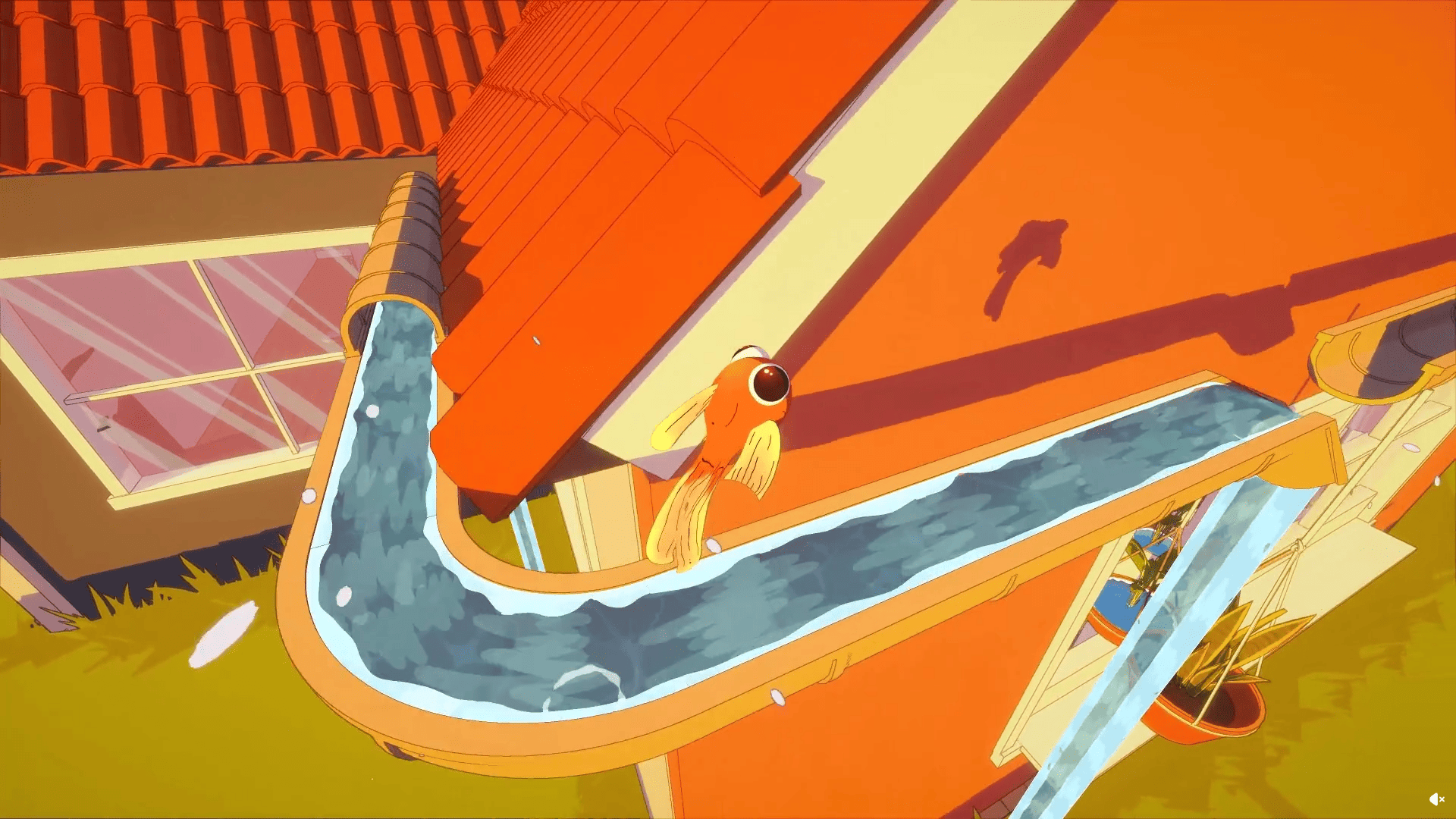 Barely Breathing received a new procedural puddle system that uses raycasts, BFS, and Marching Cubes to react to walls and uneven ground.
