
For anyone working with liquid simulation in Blender, FLIP Fluids is a familiar name. After more than seven years in active development and widespread adoption across production and indie pipelines, the add-on has just received one of its most substantial updates to date.
Before diving into what’s new, it’s worth briefly revisiting what FLIP Fluids actually is and why it has remained relevant for so long.
What Is FLIP Fluids?
FLIP Fluids is a liquid simulation add-on for Blender built around the FLIP (Fluid-Implicit Particle) simulation technique, a method commonly used in professional VFX tools. Development started in 2016, with a strong focus on deep integration into Blender’s workflow rather than operating as a detached external simulator.
Instead of replacing Blender’s native tools, FLIP Fluids positions itself as a more controllable and production-oriented alternative to Mantaflow. Simulation setup, baking, rendering, and debugging are handled entirely inside Blender, with an interface designed to behave like a native tool rather than an external system.
Over the years, this approach has earned it a strong reputation, including:
- Long-term active development
- A one-time purchase model with no subscriptions
- Extensive documentation and learning material
- Broad usage in both commercial and personal projects
Core Capabilities (Quick Overview)
At its core, FLIP Fluids focuses on making complex liquid simulations manageable and debuggable. Some of its defining features include:
- FLIP and APIC solvers, allowing users to choose between turbulent, splash-heavy simulations or smoother, more viscous behavior
- Whitewater simulation, supporting foam, spray, and bubbles at large scales
- High-viscosity fluids, enabling thick liquids, coiling effects, and slow-moving flows
- Surface tension and sheeting, for smaller-scale detail and thin splashes
- Custom force fields, designed specifically for fluid control rather than general physics forces
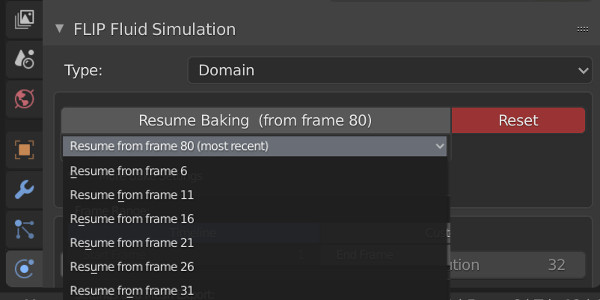
Beyond the solver itself, a large part of the add-on’s value comes from workflow features: pause-and-resume baking, background simulation with live feedback, debugging visualizations, command-line tools for heavy jobs, and a large set of example scenes and presets.
FLIP Fluids 1.8.5: Why This Update Matters
Version 1.8.5 is not a minor maintenance release. It introduces new simulation capabilities, expands the use of geometry nodes across the pipeline, and improves compatibility with newer Blender versions, including official support for Blender 5.0.
FLIP Fluids 1.8.5 is officially supported in Blender 4.5 through 5.0, with early indications that Blender 5.1 does not introduce known breaking issues at the moment.
FLIP Fluids 1.8.5 is officially supported in Blender 4.5 through 5.0, with early indications that Blender 5.1 does not introduce known breaking issues at the moment.
Variable Density Fluids
One of the most significant additions in this release is the variable density solver. This allows different fluid sources to carry different density values, enabling effects where liquids float or sink relative to each other.
After enabling the feature in the Domain > World panel:
One of the most significant additions in this release is the variable density solver. This allows different fluid sources to carry different density values, enabling effects where liquids float or sink relative to each other.
After enabling the feature in the Domain > World panel:
- Each Fluid or Inflow object can assign its own density value
- Density data is stored as a flip_density attribute after baking
- The attribute can be accessed in geometry nodes or shaders
This opens the door to effects such as layered liquids, mixed materials, or density-driven shading and visualization, without requiring separate simulations.
Three quick demos: one simulation, multiple fluid densities—oil in water, dirt in liquid, and more. 💧🛢️
— FLIPFluids (@FlipFluids) November 23, 2025
Available now in FLIP Fluids Addon 1.8.5. Download and test! 🔬⚙️✨#blender #b3d #flipfluids #flipfluidsaddon #simulations #3danimation pic.twitter.com/mYyt9NaBtT
Geometry Nodes Integration Gets Deeper
FLIP Fluids has used geometry nodes before, but 1.8.5 expands this integration in meaningful ways. The new FF_GeometryNodes modifier is now central to customizing fluid surfaces, particles, and whitewater meshes.
Fluid Surface Improvements
New geometry node features allow you to:
New geometry node features allow you to:
- Automatically scale motion blur based on simulation time and world scale
- Choose between smooth or flat shading at the modifier level
- Remove or flatten mesh regions near the domain boundary for compositing
- Store displacement and transition masks as attributes for shader control
These features are especially useful when blending simulated water into larger ocean surfaces or controlling edge behavior without rebaking the simulation.
Particle and Whitewater Control
Particle rendering and behavior receive a large set of new controls, shared between fluid particles and whitewater meshes.
Notable additions include:
Particle and Whitewater Control
Particle rendering and behavior receive a large set of new controls, shared between fluid particles and whitewater meshes.
Notable additions include:
- Multiple particle display modes, including Point Cloud rendering for performance
- Instance-based rendering with object or collection instancing
- Velocity-aligned instances and lifetime-based scaling
- Attribute storage for lifetime transitions and scaling masks
For fluid particles specifically, age-based scaling and filtering by source ID allow selective rendering and shading depending on where particles originate in the simulation.
This level of control makes it easier to tailor particle output to the needs of a shot or scene, instead of relying on one-size-fits-all settings.
Updating Existing Projects Safely
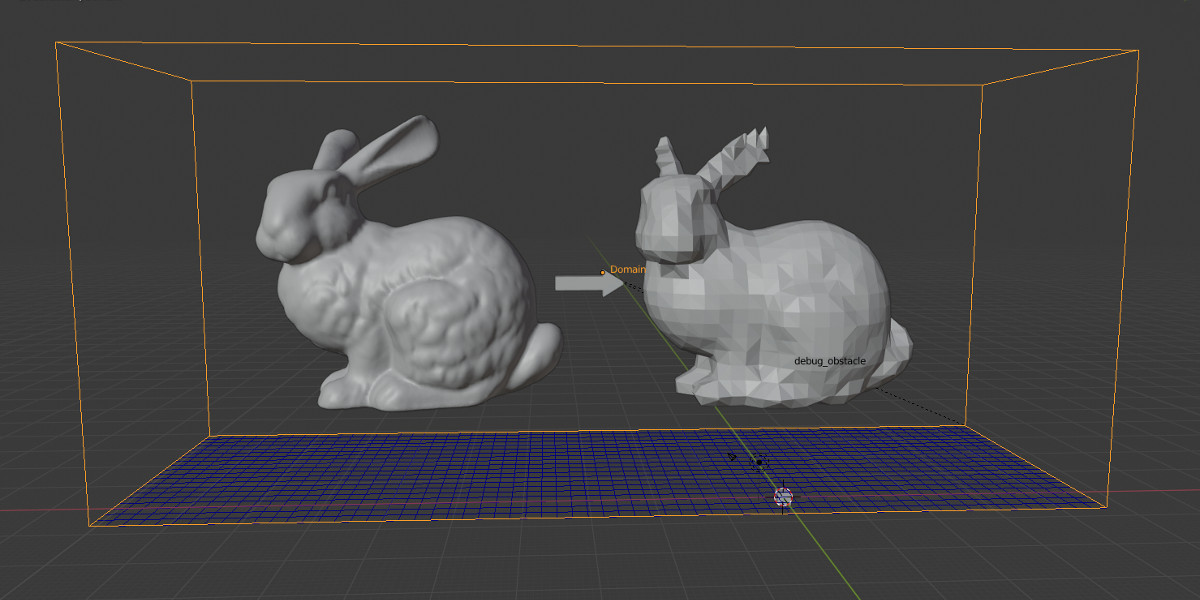
To support existing users, FLIP Fluids 1.8.5 introduces a dedicated operator to update geometry node modifiers to the latest version. The tool attempts to transfer compatible settings automatically while keeping backups of older modifiers to avoid data loss.
This is a practical addition for long-running projects where stability matters more than aggressively adopting new defaults.
Stability, Performance, and Maintenance
A large portion of the release focuses on bug fixes and cleanup:
Stability, Performance, and Maintenance
A large portion of the release focuses on bug fixes and cleanup:
- Alembic export and import reliability improvements
- Compatibility fixes for Blender 5.0 API changes
- Removal of deprecated legacy code to improve startup performance
UI refinements and clearer warnings around missing modifiers
While less flashy than new features, these changes directly impact day-to-day reliability, especially for heavy simulations and batch workflows.
🎥 Here’s a quick video overview of the new features in the update:
Similar and Useful Alternatives
Cell Fluids: Cell Fluids is a Blender Geometry Nodes-based fluid simulation system that works on a 2D grid mesh with displacement, enabling fast interactive fluid sims, curve-guided flow, static mesh baking and export of flowmaps for Unity/Unreal.
Differences: Cell Fluids simulates fluid motion itself (in a lightweight “2.5D” way) and can bake mesh + flowmap for use in game engines. Unlike Vortex, it is a fluid simulator, but it is simpler and less physically accurate than full FLIP simulations.
Fluid Painter: Fluid Painter uses Geometry Nodes to let you paint fluids over surfaces with curves, presets and drop systems, including animated drops and surface-attached fluid patterns. It includes 30+ material presets and export to mesh.
Differences: Fluid Painter is an art-directed painting tool rather than a traditional simulation. You draw fluid shapes on surfaces and generate custom fluid details. It’s great for stylised or illustrative fluid effects, not real physics-based motion.
✨ Flip Fluids 1.8.5v is now available on SuperHive.
📘 Interested in creating your own Tools and Shaders? Check out the Godot Shaders & Blender Tools Bundle, which includes: Blender Tool Development Fundamentals and The Godot Shaders Bible.
📘 Interested in creating your own Tools and Shaders? Check out the Godot Shaders & Blender Tools Bundle, which includes: Blender Tool Development Fundamentals and The Godot Shaders Bible.
Our best-selling indie Bundle: Godot shaders + Blender tools ✨ https://t.co/zSlHDCuGVC#b3d #GodotEngine #3DCG pic.twitter.com/sjdYxXjKUB
— The Unity Shaders Bible (@ushadersbible) November 16, 2025
Jettelly wishes you success in your professional career!
Did you find an error? No worries!
Write to us at [email protected], and we'll fix it!
Other posts that might interest you.
-
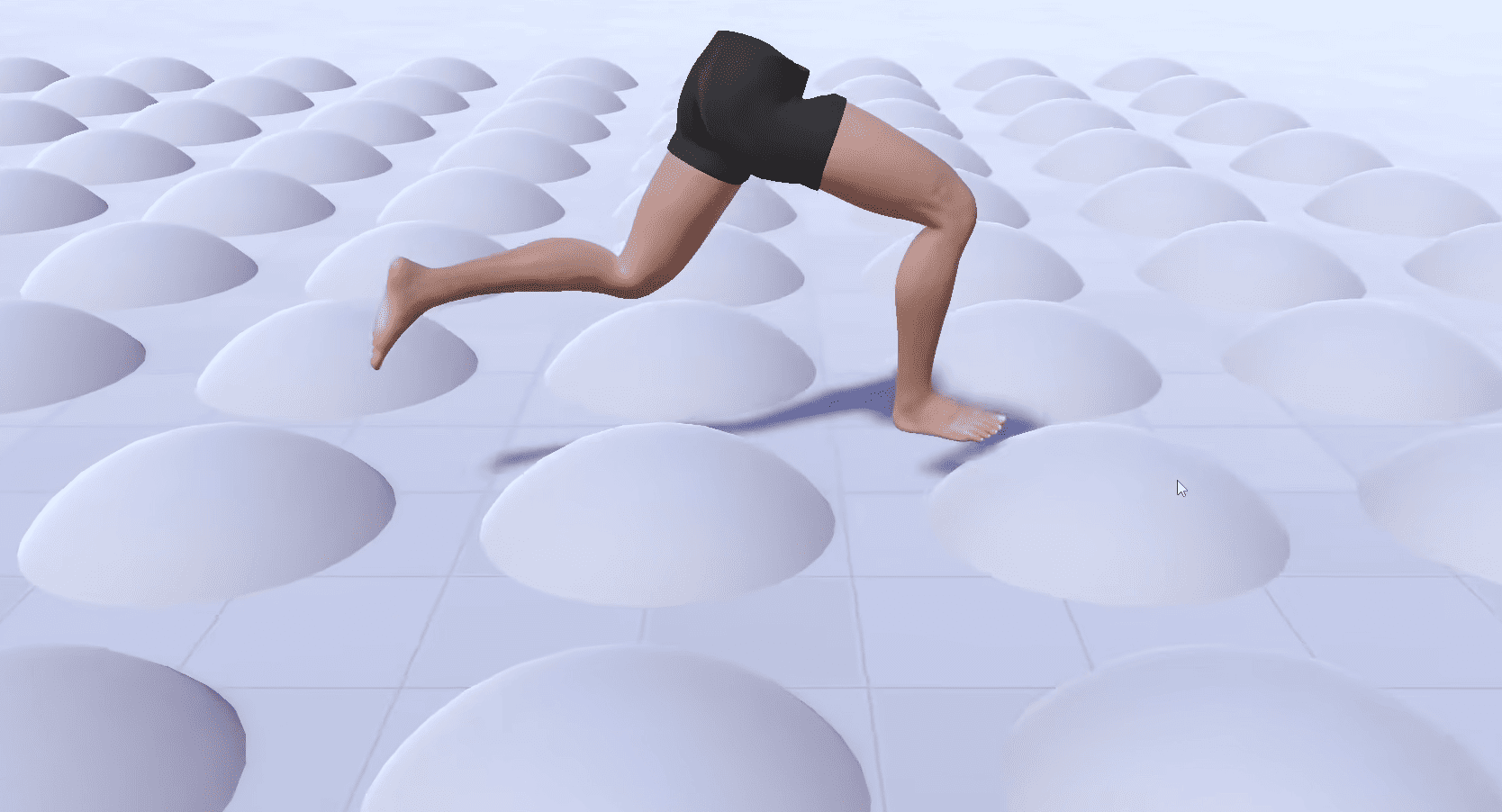 Check out the details of Footwerk, a free foot placement plugin that helps characters stay grounded while keeping existing animations intact.
 -
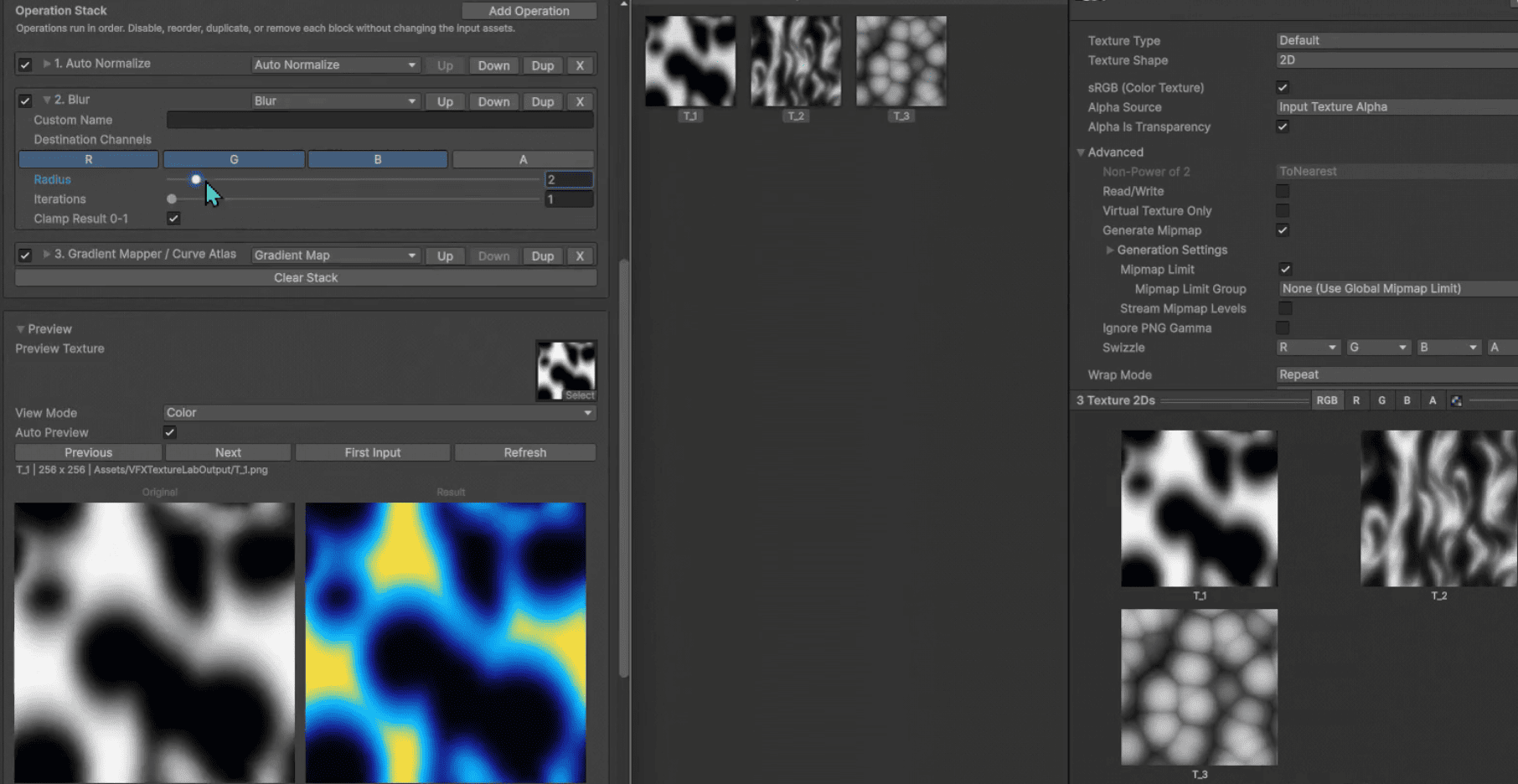 VFX Texture Lab is a free and open-source Unity tool that lets VFX artists edit textures directly inside the editor.
 -
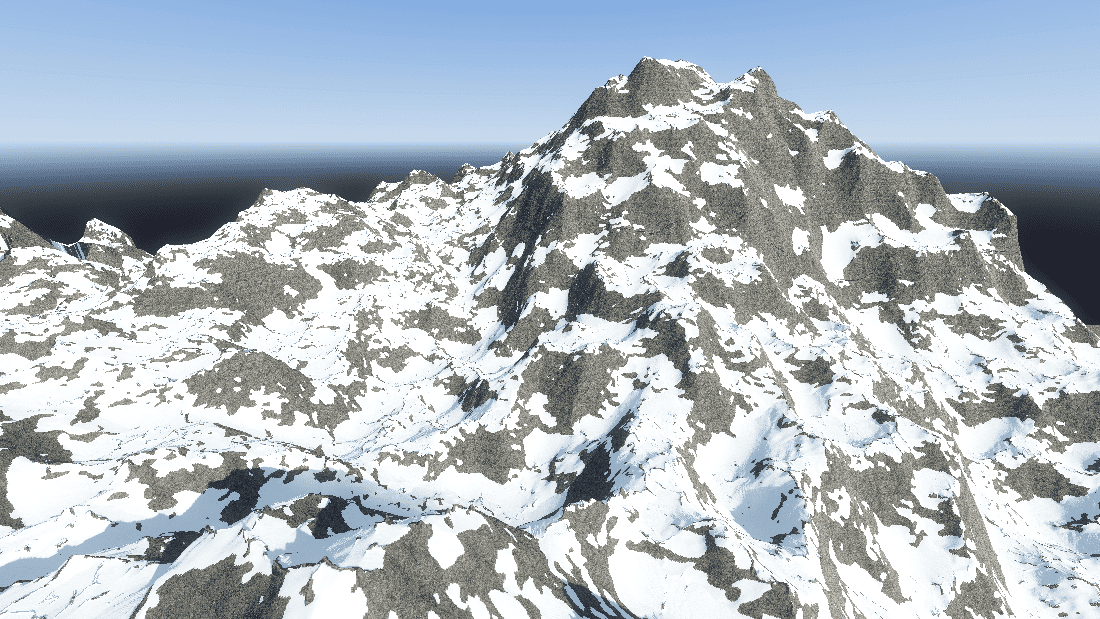 Check out SimpleXTerrain, a free and open-source node-based world generator for Godot 4 made by Prajwal.
