
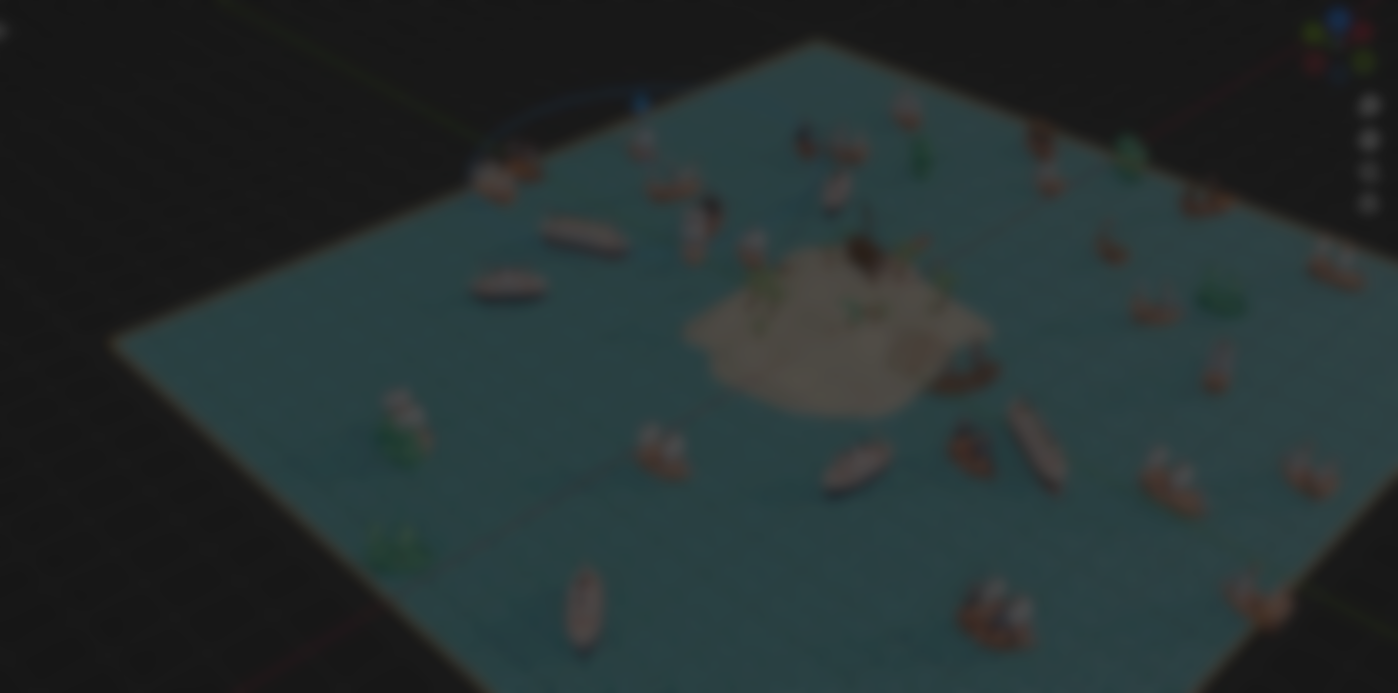
Populating a scene in Blender usually means duplicating assets, adjusting transforms, managing collections, and constantly tweaking spacing and rotation. It works, but it is slow, especially when you are blocking out environments or dressing large scenes.
Asset Brush, developed by DevBud, approaches the problem differently. Instead of placing assets one by one, it lets you paint them directly into the scene using a brush-based workflow, with consistent settings and tight integration with Blender’s Asset Browser.
I’ve been cooking up “Asset Brush” — my new Blender add‑on for rapid scene build
byu/DevBudYT ingodot
Painting Assets Instead of Placing Them
At its core, Asset Brush turns asset placement into an interactive painting process. You select a category of assets, configure spacing, scale, randomness, and orientation once, then start painting directly in the 3D View.
The tool supports multiple brush modes, depending on the type of placement you need:
- Paint for freeform scattering
- Line for aligned placement along an axis
- Grid for structured layouts
- Scale for controlled size variation
Because all assets share the same global settings profile, the results stay consistent even when switching between categories or asset types.
Built Around the Asset Browser
One of the strongest parts of Asset Brush is how it integrates with Blender’s native Asset Browser instead of replacing it.
Assets can be sent directly to the brush with a right-click action. Existing previews are reused when available, and thumbnails are generated automatically when needed. You can also create brush assets directly from selected objects inside the scene, with multi-selection fully supported.
This makes Asset Brush feel like an extension of Blender's UI rather than a separate system you have to manage.
Category-Based Workflow That Scales
As scenes grow, organization becomes an important aspect to handle. Asset Brush uses a category-based workflow that lets you group assets logically and control them as a set.
You can quickly filter categories, enable random selection within a category for variation, or delete only assets painted from a specific category. This makes it easy to experiment, iterate, and clean up without affecting the rest of the scene.
Designed for Speed
The tool includes a number of important features that make a big difference in daily use:
- Pen pressure support for tablet users
- Stroke-direction alignment and orientation presets
- Brush cursor overlays for better spatial feedback
- Adjustable density, offsets, slope handling, and randomness
Together, these features might make Asset Brush useful for environment art, scene blocking, and rapid layout passes where speed matters, but control cannot be sacrificed.
Similar and Useful Tools
- Procedural Scatter Brush: This is a lightweight, free add-on that lets you paint instances of object collections onto mesh surfaces using a brush. It provides basic controls for density, scale, and rotation randomness, allowing quick scattering of assets like vegetation or debris.
Differences: compared to Asset Brush, Procedural Scatter Brush is more limited in scope and customization. It lacks Asset Browser integration and advanced placement modes, but serves as a simple, accessible alternative for basic brush-based scattering.
- RT Painter: RT Painter is a more advanced tool for real-time object painting and scattering, featuring physics-aware placement, surface snapping, and detailed control over scale, rotation, and distribution. It is designed for more precise and physically believable environment placement.
Differences: while Asset Brush focuses on speed and asset-library workflows, RT Painter emphasizes realism and control. It is more complex and heavier to use, but offers greater accuracy and physical interaction during placement.
✨ Asset Brush is now available on Gumroad.
📘 Interested in creating your own Tools and Shaders? Check out the Godot Shaders & Blender Tools Bundle, which includes: Blender Tool Development Fundamentals and The Godot Shaders Bible.
📘 Interested in creating your own Tools and Shaders? Check out the Godot Shaders & Blender Tools Bundle, which includes: Blender Tool Development Fundamentals and The Godot Shaders Bible.
Our best-selling indie Bundle: Godot shaders + Blender tools ✨ https://t.co/zSlHDCuGVC#b3d #GodotEngine #3DCG pic.twitter.com/sjdYxXjKUB
— The Unity Shaders Bible (@ushadersbible) November 16, 2025
Other posts that might interest you.
-
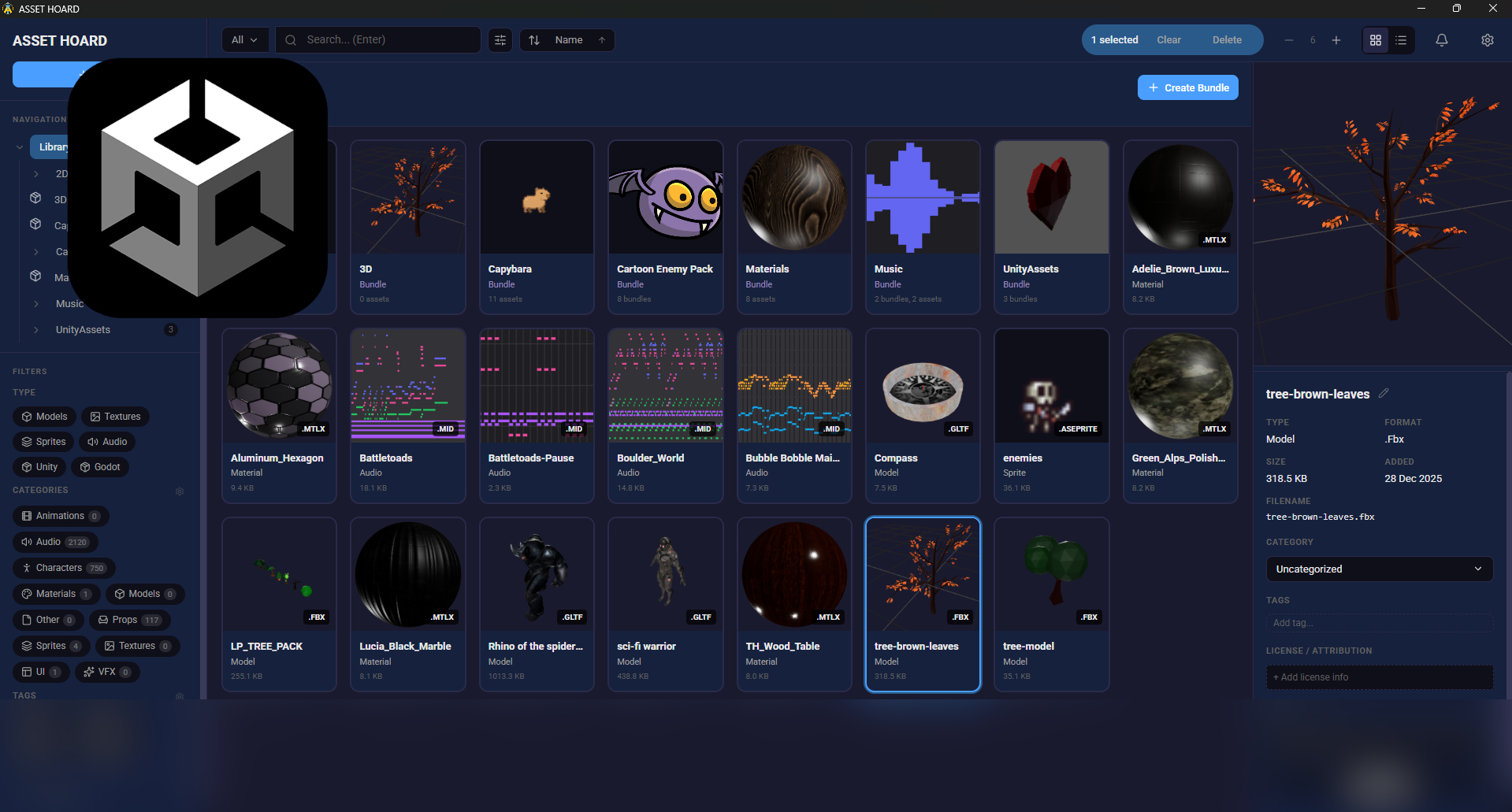 We take a look at AssetHoard, a local-first asset manager designed to organize and preview game assets, with workflows for engines like Unity and Godot.
 -
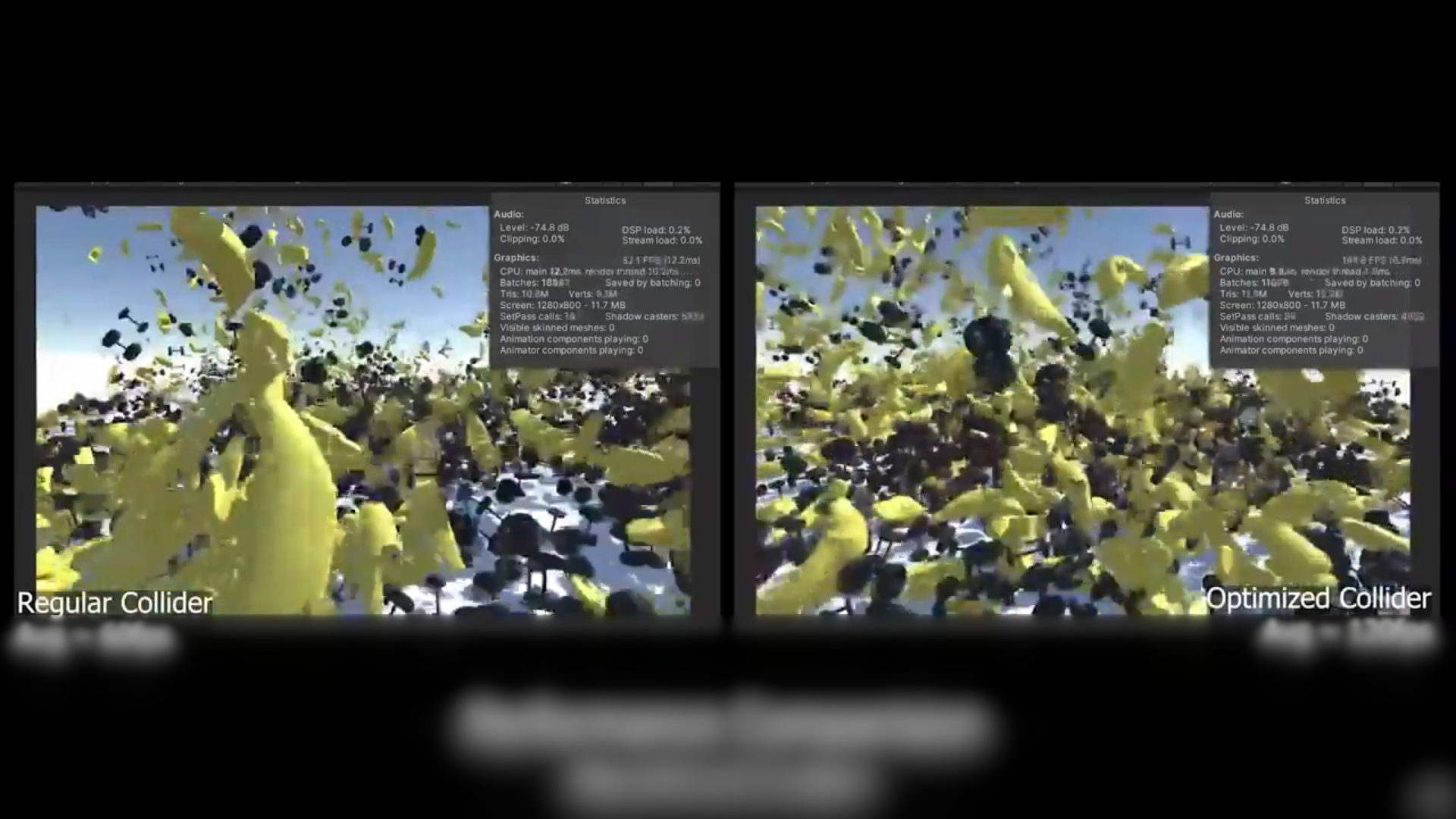 We take a look at a free, open-source Unity tool that reduces MeshCollider and PolygonCollider2D complexity to improve physics performance without rebuilding assets.
 -
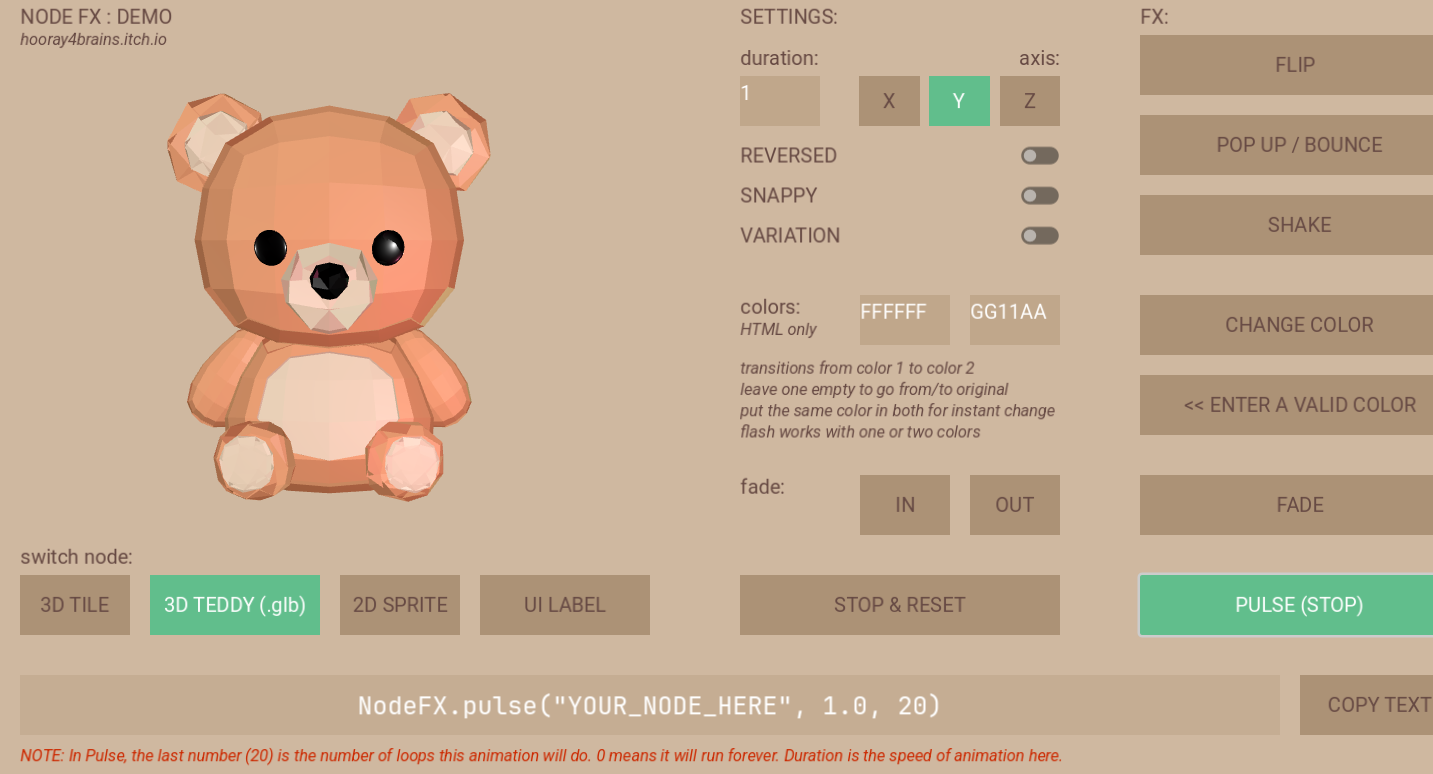 We show a demo/WIP for a library for simple procedural animations with less code.
