
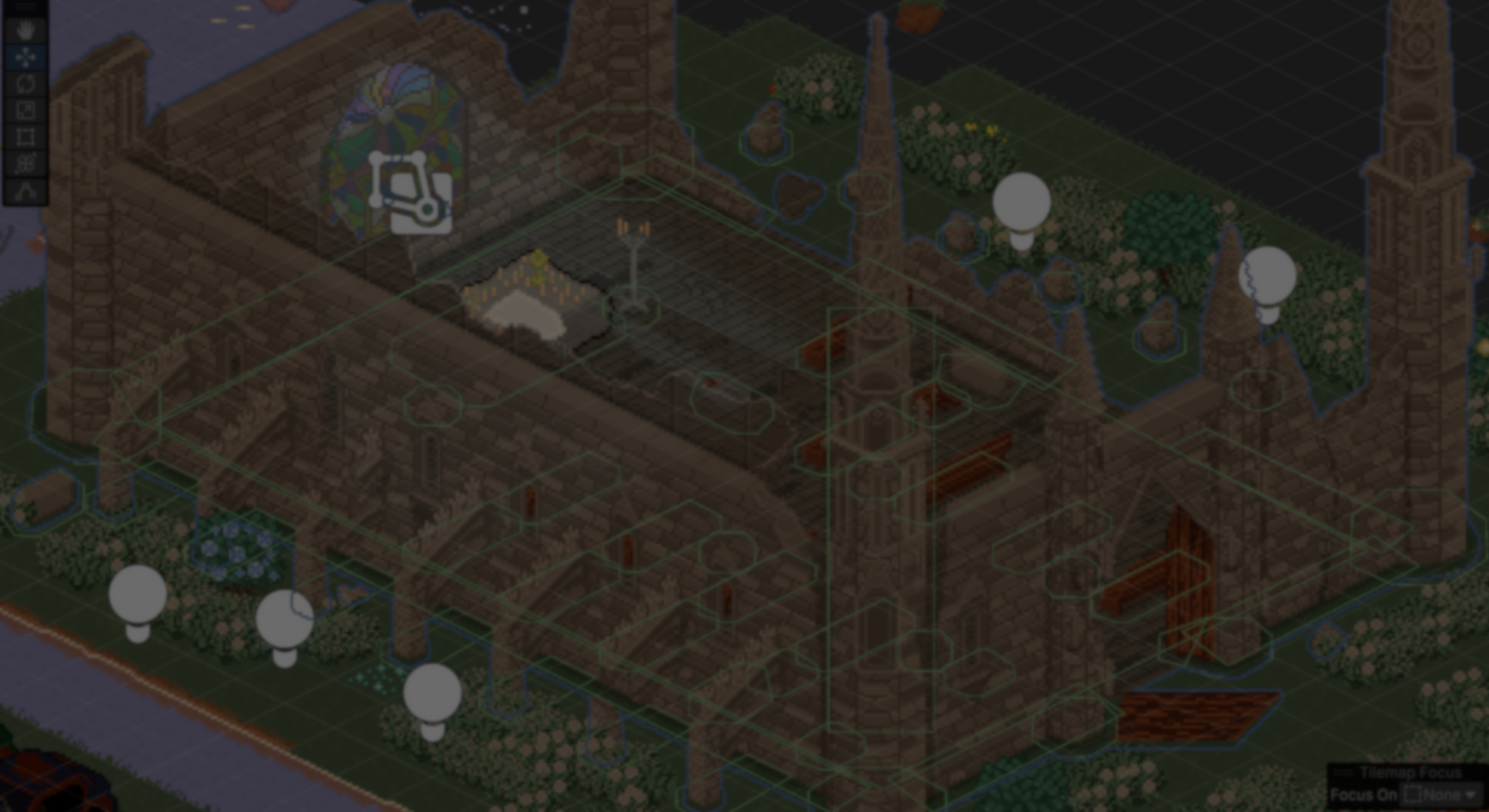
Indie developer TranquilBeast recently shared one of the most demanding assets they have ever worked on: a large isometric building made up of 126 layers and over 200k pixels, created for their game Death Afterparty.
It took over 60 hours to draw, plus another 10 to set it up in Unity.
Most difficult asset I ever done - 126 layers, over 200k pixels hand pixelled. Does it look good? And what's the most difficult thing you ever drawn?
by u/TranquillBeast in SoloDevelopment
The process starts with a size reference, since the game uses a tiled isometric grid where everything needs to fit within a 32x16 layout. A tile map is used early on to plan where each part of the building will go.
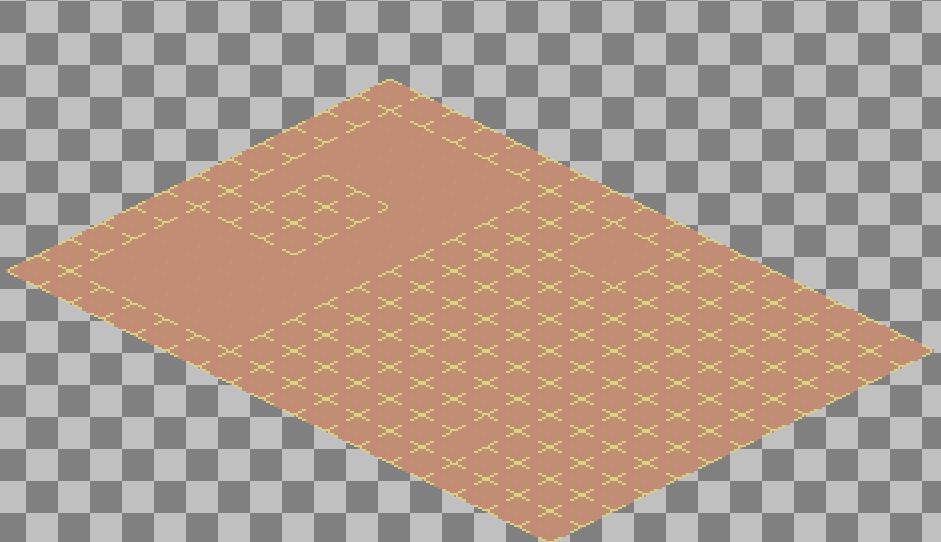
From there, they created the building using simple shapes and flat colors, to get the overall structure done before working on any details.
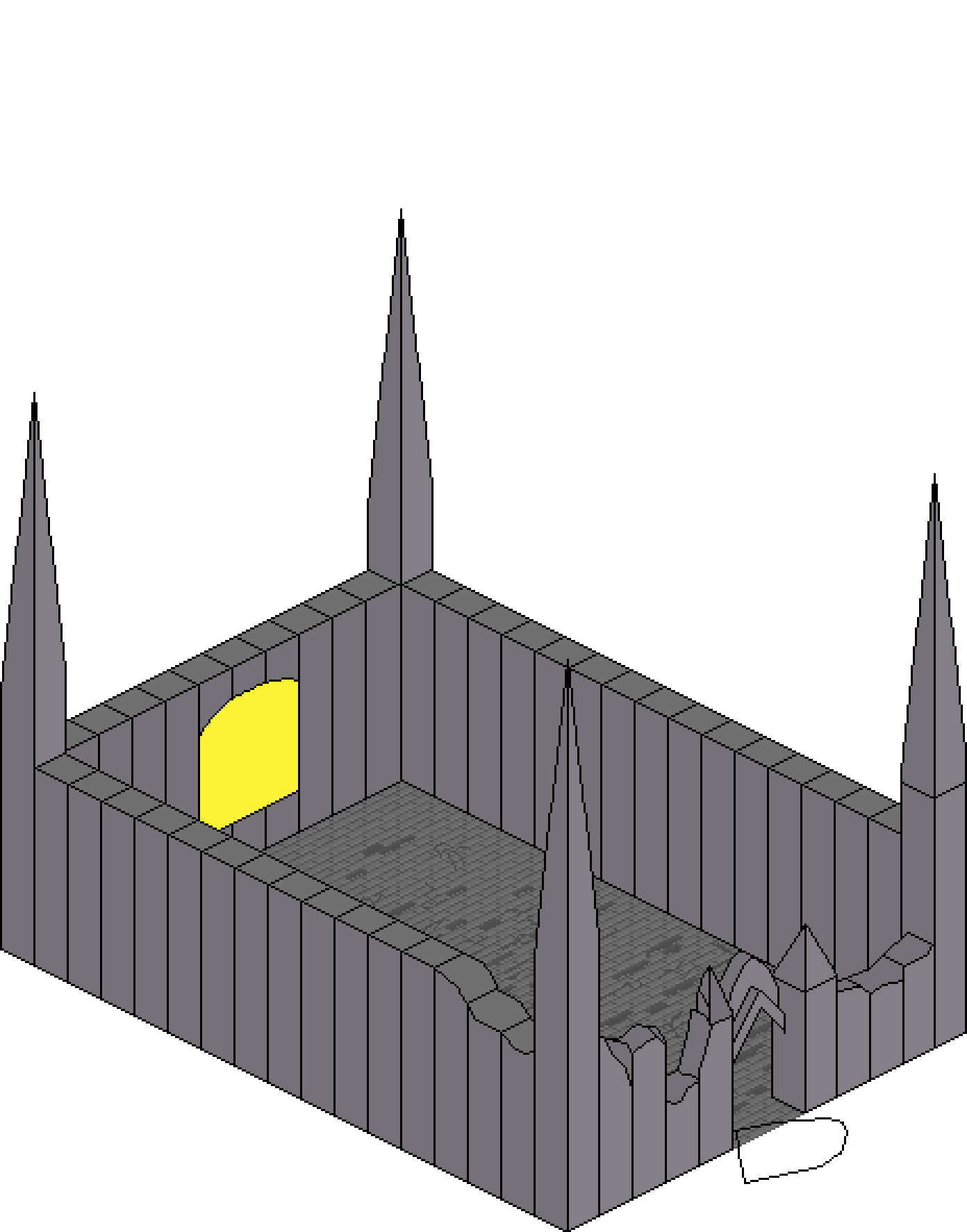
Then, they separate each wall and work on it independently to create the final damaged version. As the developer explains, thinking of it as a process of breaking the structure makes it easier to control how everything falls apart.

One of the trickiest parts comes from working with tiles. Even when drawing elements like roofs that sit above the base, everything still needs to stay within tile boundaries so Unity can sort it correctly.
This often means splitting elements across tiles in ways that are not easy to think through at first. As the developer explains, it’s less about how each tile looks on its own, and more about how all of them come together to create a believable structure.
Once the asset is ready, each of the 126 layers is exported as a separate image and assigned to its own GameObject in Unity.
Unity’s default sorting does not work well for this kind of setup, so the developer uses a custom system, placing a sorting point on each object to control how characters and environment elements render. Collisions are handled in a similar way, with colliders added by hand to match the structure.
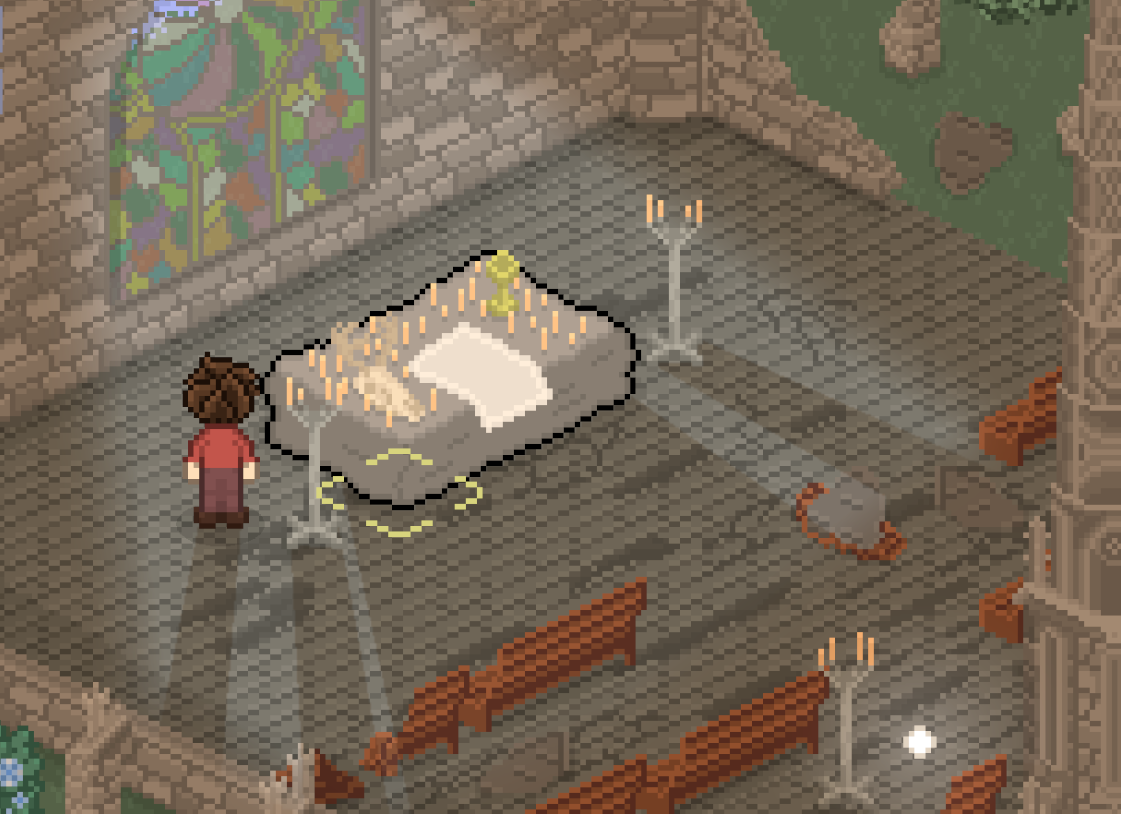
On top of that, there’s some extra work for lighting made with Unity’s 2D lighting system, along with shadow casters to add some depth.
And the transition system uses a fade effect on walls when moving between interior and exterior.
If you want to see more of TranquilBeast or follow the updates, you can find some helpful links below.
Interested in learning more?
If you’re interested in both visuals and tools in Unity, the Unity Tool Development Bundle brings together two books covering shaders, procedural shapes, and editor scripting.
This is for developers and technical artists who want to build custom tools while improving the visual side of their projects.
One of our best-selling bundle: Unity Tools and Procedural Shapes✨ https://t.co/vsA5AbbB39#madewithunity #indiedev #3DCG pic.twitter.com/SwWUzH0tj7
— Shaders Bible Series (@ushadersbible) January 6, 2026
Jettelly wishes you success in your professional career!
Did you find an error? No worries!
Write to us at [email protected], and we'll fix it!
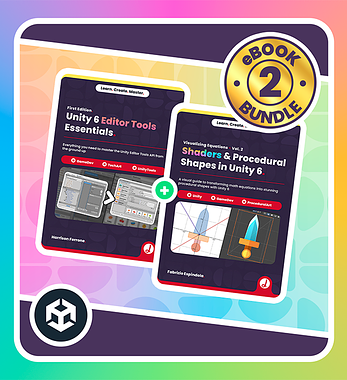
Start making your own tools in Unity with this bundle!
We invite you to explore "Unity Tool Development Bundle", a comprehensive bundle on the concepts and fundamentals seen in this post.
Other posts that might interest you.
-
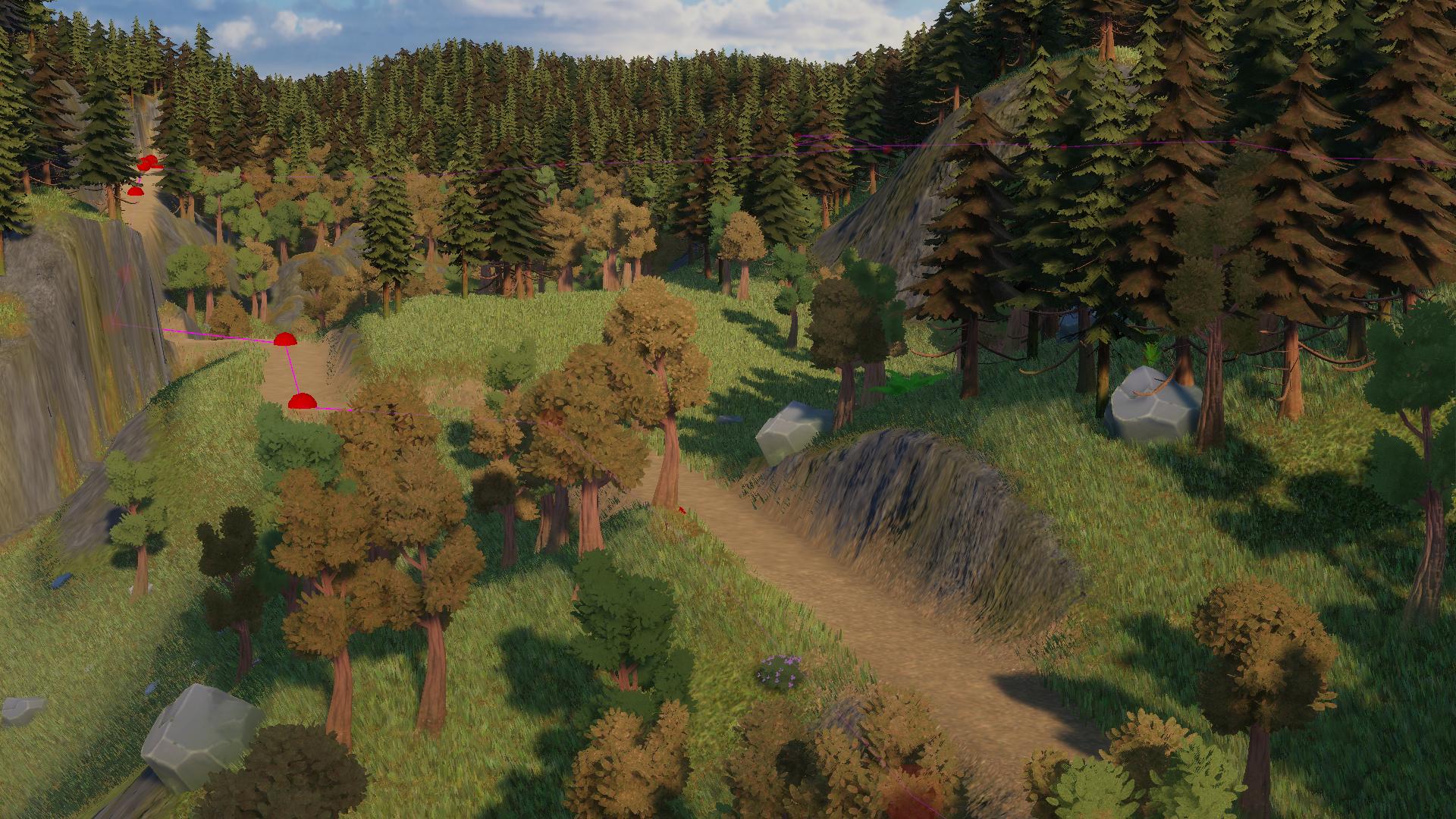 Sapra showed how the spline-based road system in Infinite Lands works, including pathfinding and terrain shaping.
 -
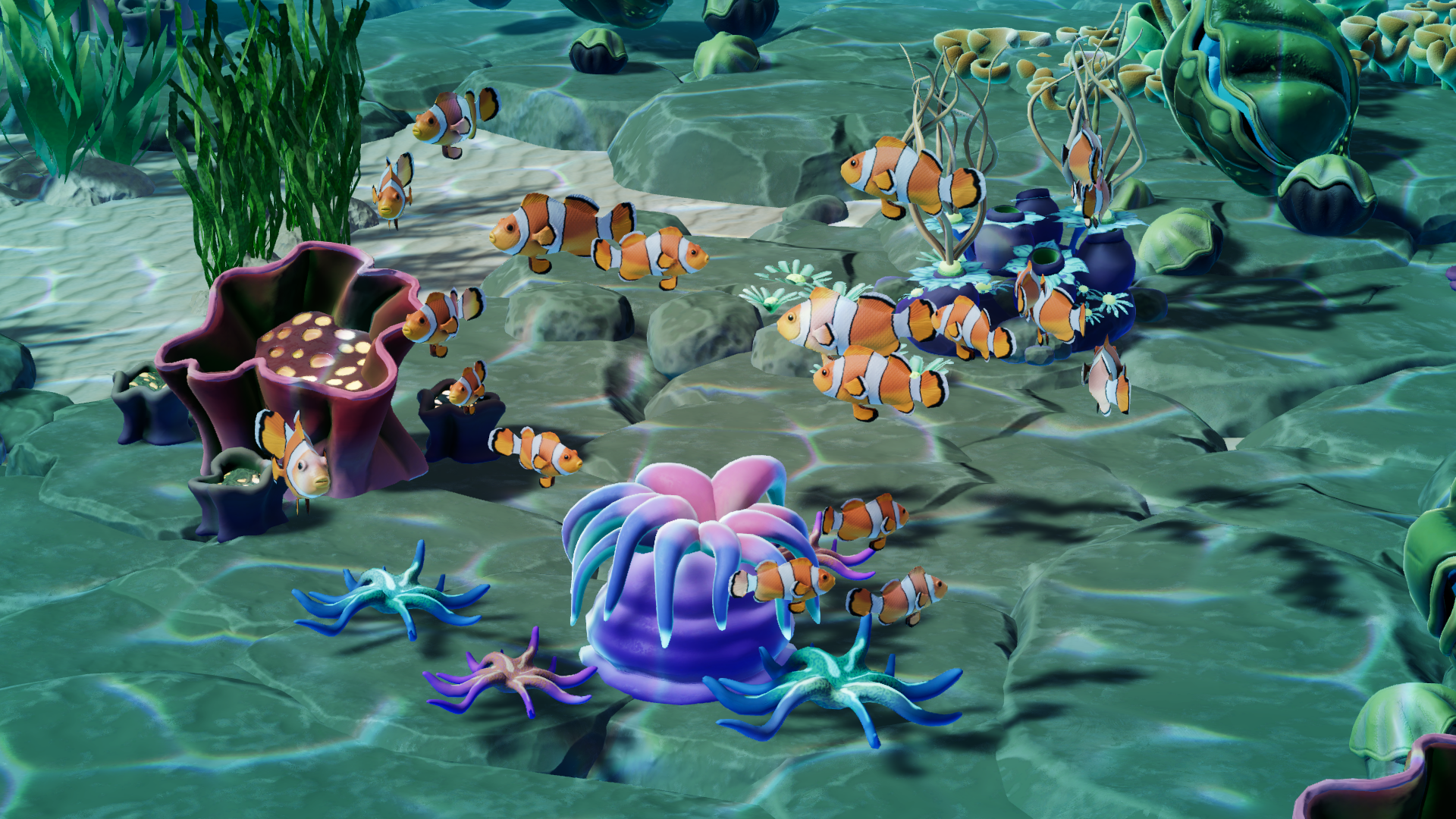 Megapop Games showed us how they use boids and Unity’s Entities system to simulate marine life in-game.
 -
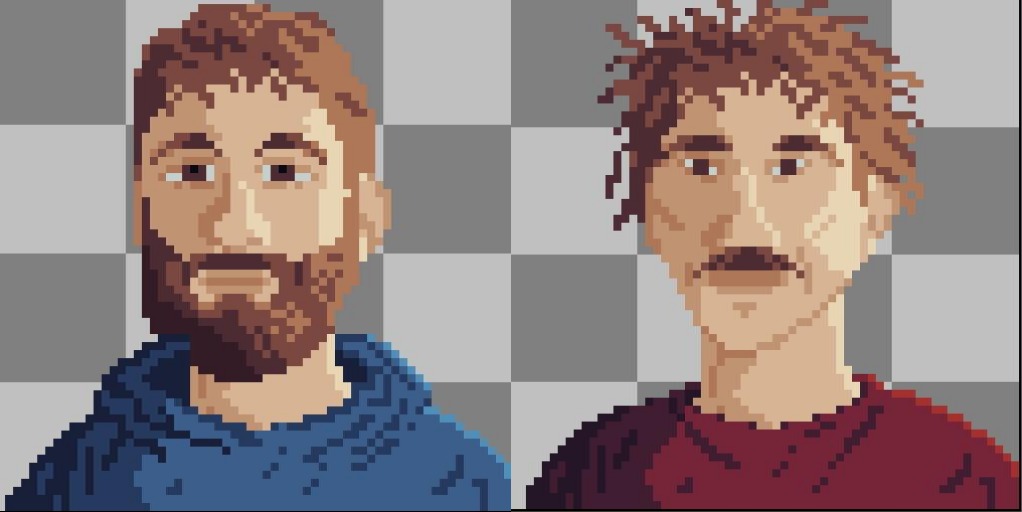 See how PopGames built a modular portrait system for their upcoming game to create thousands of unique characters.
