
Adding atmospheric or reactive lighting is a core part of building tension in horror games, moody environments, or stylized scenes. Light Flickering, created by PapyrusPixel (Pathiral Games), is a small Unity tool that lets you create flickering lights instantly with no coding required, working with any light type and any render pipeline, including Built-in, URP, HDRP, and Unity 6.
The tool supports randomized flickers, manual preset flicker patterns, smooth fade effects, optional buzzing audio, and per-flicker color and material changes. It also includes three demo scenes and full documentation.
What This Tool Does
Light Flickering is a lightweight system that handles all the timing, fading, toggling, and secondary effects needed to create believable flickering. You add the LightFlickering component to any object, assign the light source, and choose whether the flicker should loop randomly or use a predefined sequence of intervals.
The system works globally with any Unity version and any light type, and supports both standalone lights and more stylized uses like firelight, pulsating bulbs, hazard lights, torches, and atmospheric flickers.
Key Features
- Works with any light in Built-in, URP, HDRP, and Unity 6
- Random flicker mode with min/max timing
- Pre-set flicker pattern mode
- Smooth fade-in and fade-out options
- Optional buzzing audio (included WAV file)
- Supports playing audio per flicker
- Change light colors per index
- Change bulb material when the light turns off
- Works with volumetric lighting setups
- Fully commented source code, PDF documentation, and 3 demo scenes
How It Works
Here’s the core idea:
You add the LightFlickering script to any object, assign the target Light component, and either enable randomization or define your own flicker timeline. You can also trigger flickering manually through script calls.
Example: flicker on spacebar press
using UnityEngine;

public class SpacebarToFlicker : MonoBehaviour
{
    public LightFlickering flickeringScript;

    void Update()
    {
        if (Input.GetKeyDown(KeyCode.Space))
        {
            flickeringScript.Flicker();
        }
    }
}
Use Cases
- Horror games with unstable lights
- Industrial scenes with buzzing bulbs
- Firelight with soft intensity variation
- Warning lights and hazard signals
- Stylized ambience for dark environments
- Cutscene lighting cues
- Environmental storytelling moments
You can find all demo scenes and example setups on the tool’s main page, linked at the end for quick testing and reference.
Similar and Useful Tools
- Flicker | Light Flicker Framework: A lightweight flicker system for Unity that adjusts light intensity, color variation, and behavior states through a simple script-driven setup. Ideal for torches, candles, neon lights, and environmental ambience.
Differences: Flicker Framework is more minimal and script-focused. Light Flickering includes presets and a broader set of flicker behaviors, making it slightly easier for quick drop-in use.
- Light Flicker Ultimate: A more advanced light-behavior tool that enables flicker patterns, state transitions, color shifts, and optional material-based effects for stylized or reactive lighting.
Differences: Light Flicker Ultimate offers more complex sequences and custom states. Light Flickering is simpler and more streamlined, suited for straightforward flicker effects without heavy configuration.
✨ Light Flickering is now available on the Unity Asset Store.
📘 Interested in building your own tools and shaders in Unity? Check out the Unity Tool Development Bundle, which includes Shaders & Procedural Shapes in Unity 6 and Unity 6 Editor Tools Essentials.
Math + Procedural shapes + Tools in Unity! If you're into technical art, this Bundle is what you need 🔗 https://t.co/MflVh7KJnp#unity3dgamedevelopment #indiedevs #gamedevs pic.twitter.com/LHN2ci83SN
— The Unity Shaders Bible (@ushadersbible) November 8, 2025
Level up your Technical Art skills! Grab our bundle and start learning today.
We invite you to explore "Unity Tool Development Bundle", a comprehensive bundle on the concepts and fundamentals seen in this post.
Other posts that might interest you.
-
 We take a look at Spline Mesher Pro by Staggart Creations, a spline-based mesh generation tool rebuilt with Unity Jobs and the Burst compiler.
 -
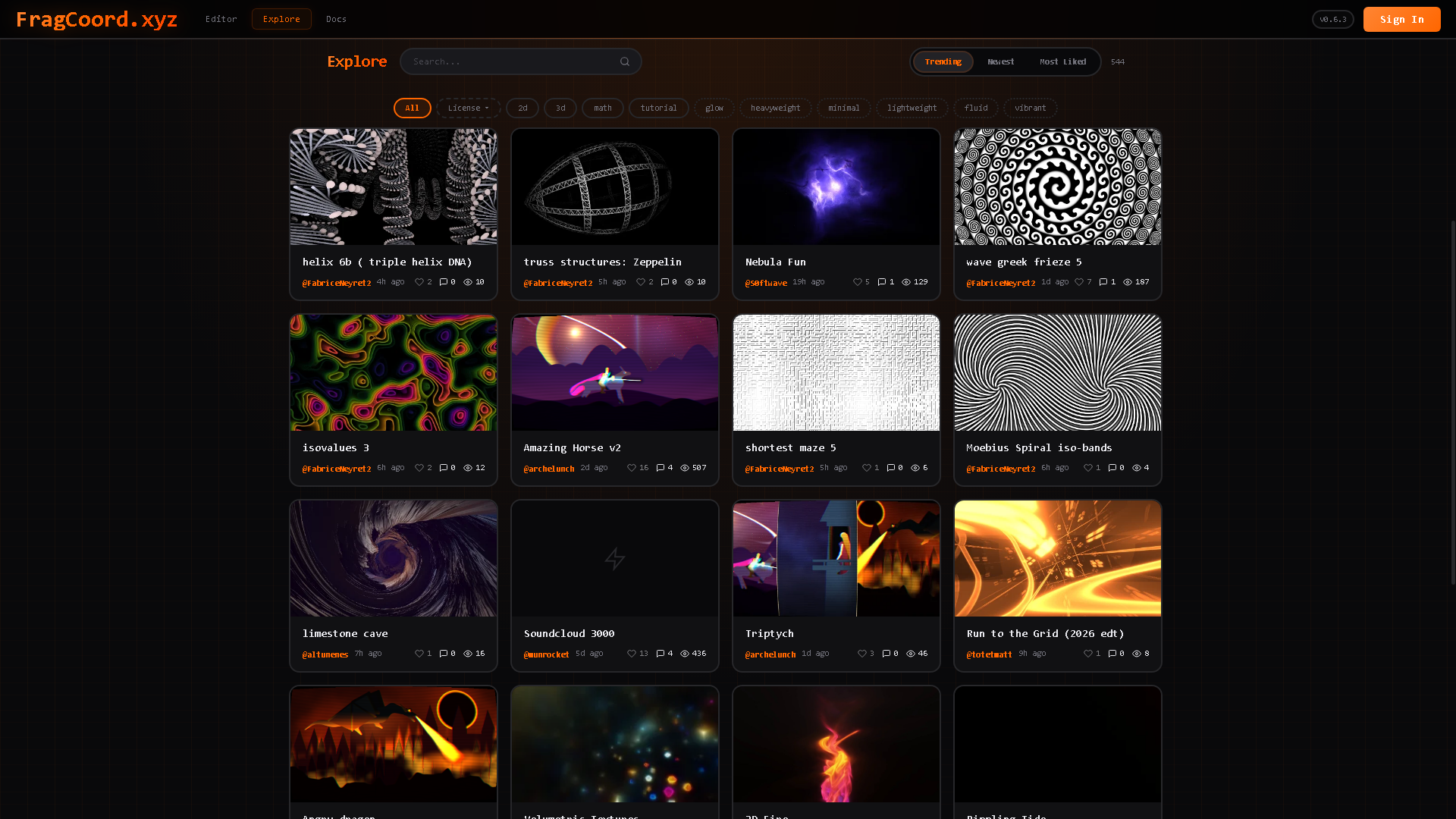 We take a look at FragCoord by XorDev, a real-time GLSL fragment shader editor designed to improve debugging, inspection, and multi-pass workflows beyond what traditional online shader tools offer.
 -
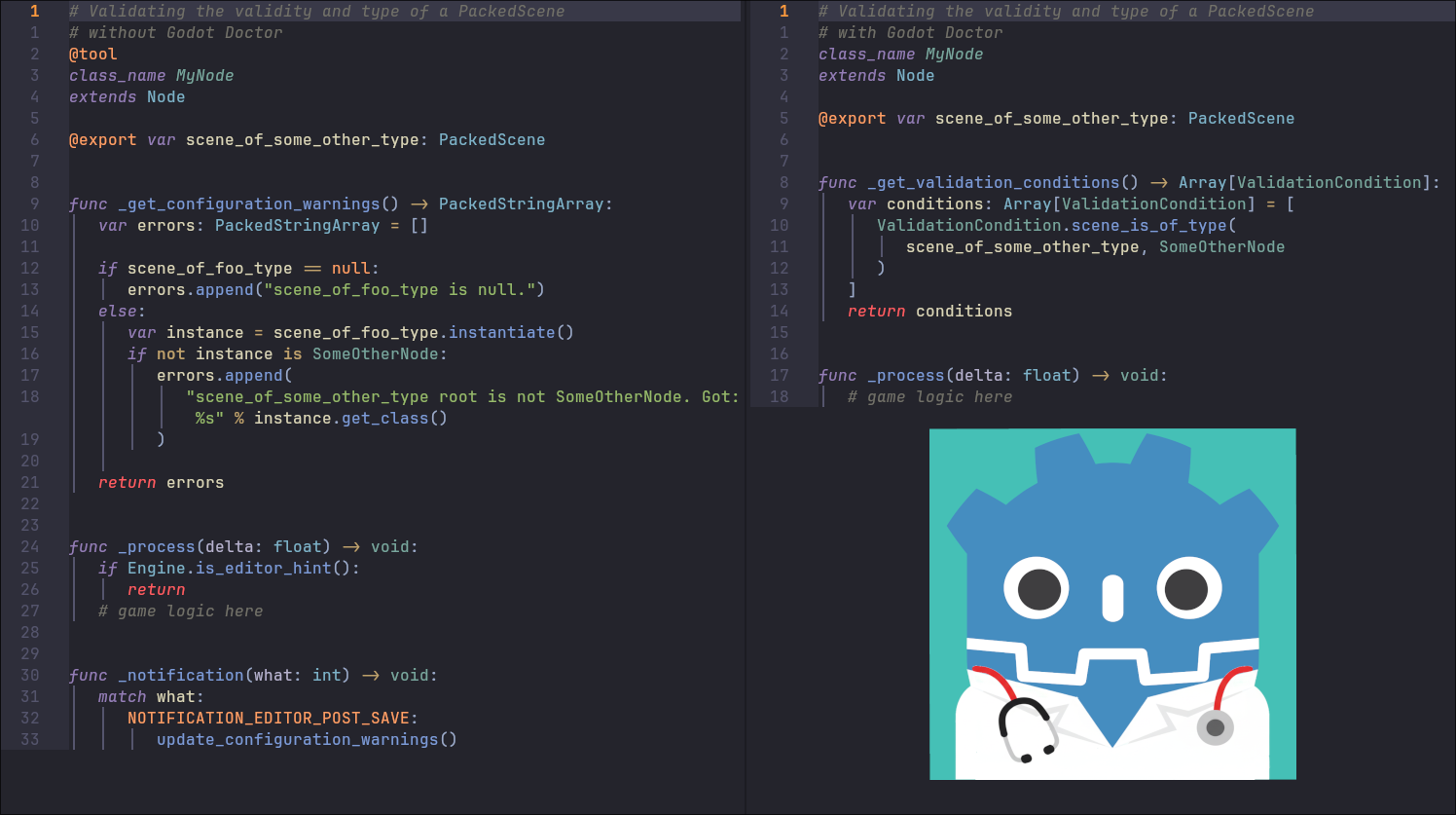 We take a look at Godot Doctor by CodeVogel, a validation plugin for Godot that checks scenes, nodes, and resources before runtime using a declarative, test-driven approach.
