
Upgrade Unity’s Preview Window With This Tool.
by Vicente C.
Published |
385
Unity’s default preview window is limited: UI elements can’t be previewed correctly, particles don’t play, sprites face the wrong angle, lighting is flat, and switching clips resets the camera every time.
VoxelLabs’ Ultimate Preview Window is an editor extension designed to solve these workflow issues by replacing the standard preview with a more complete and readable preview environment.
What This Tool Does
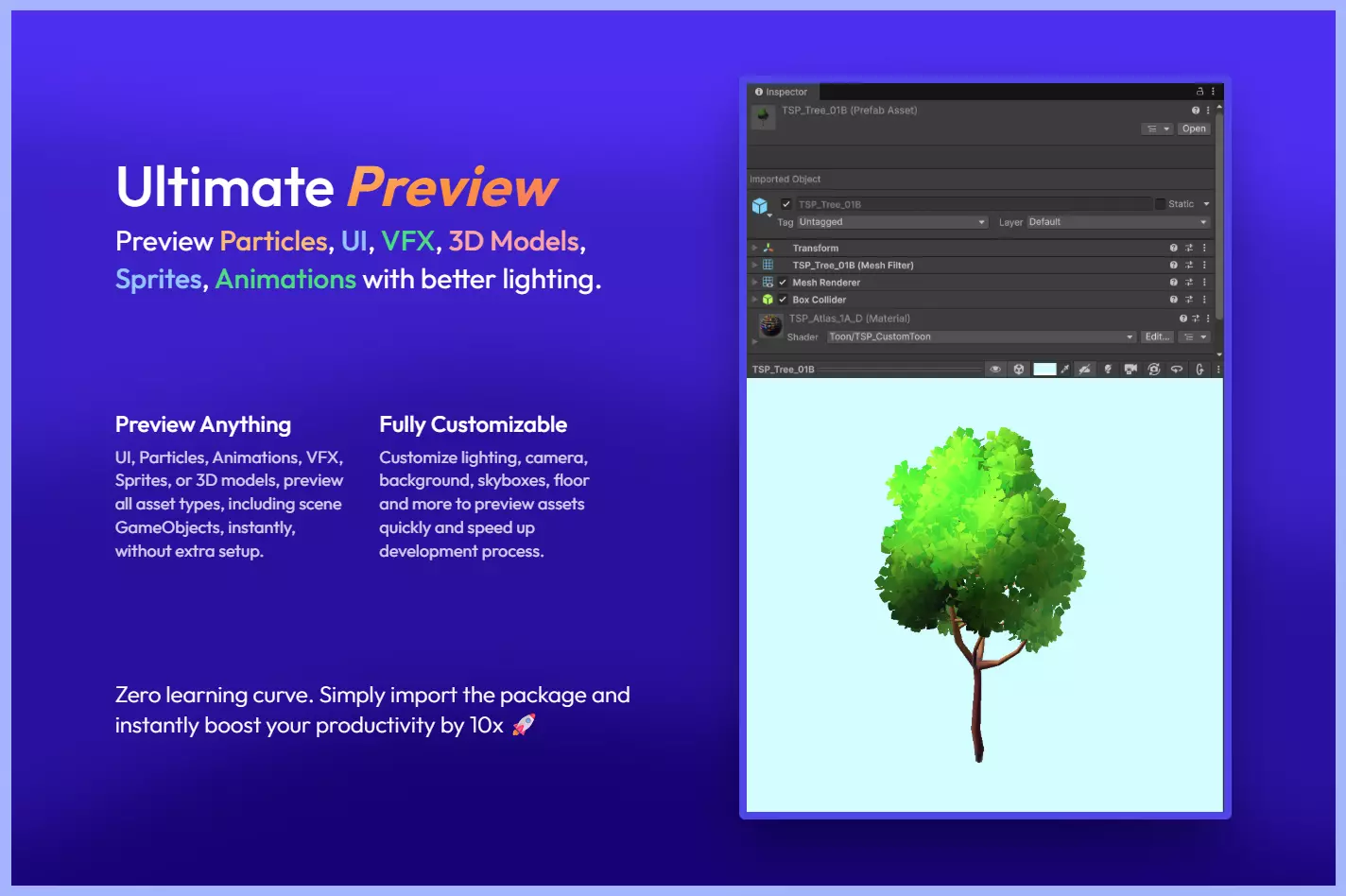
Ultimate Preview upgrades Unity’s built-in preview window, letting you inspect UI elements, sprites, animation clips, VFX Graph systems, particle effects, and 3D models with clearer lighting and full camera controls. It automatically plays animations, rotates sprites to face the camera, and gives developers a more consistent visual reference when switching between assets.
You can think of it as a general-purpose improved preview inspector for most Unity assets, built to remove the common pain points of the default Unity previewer.
Main Features
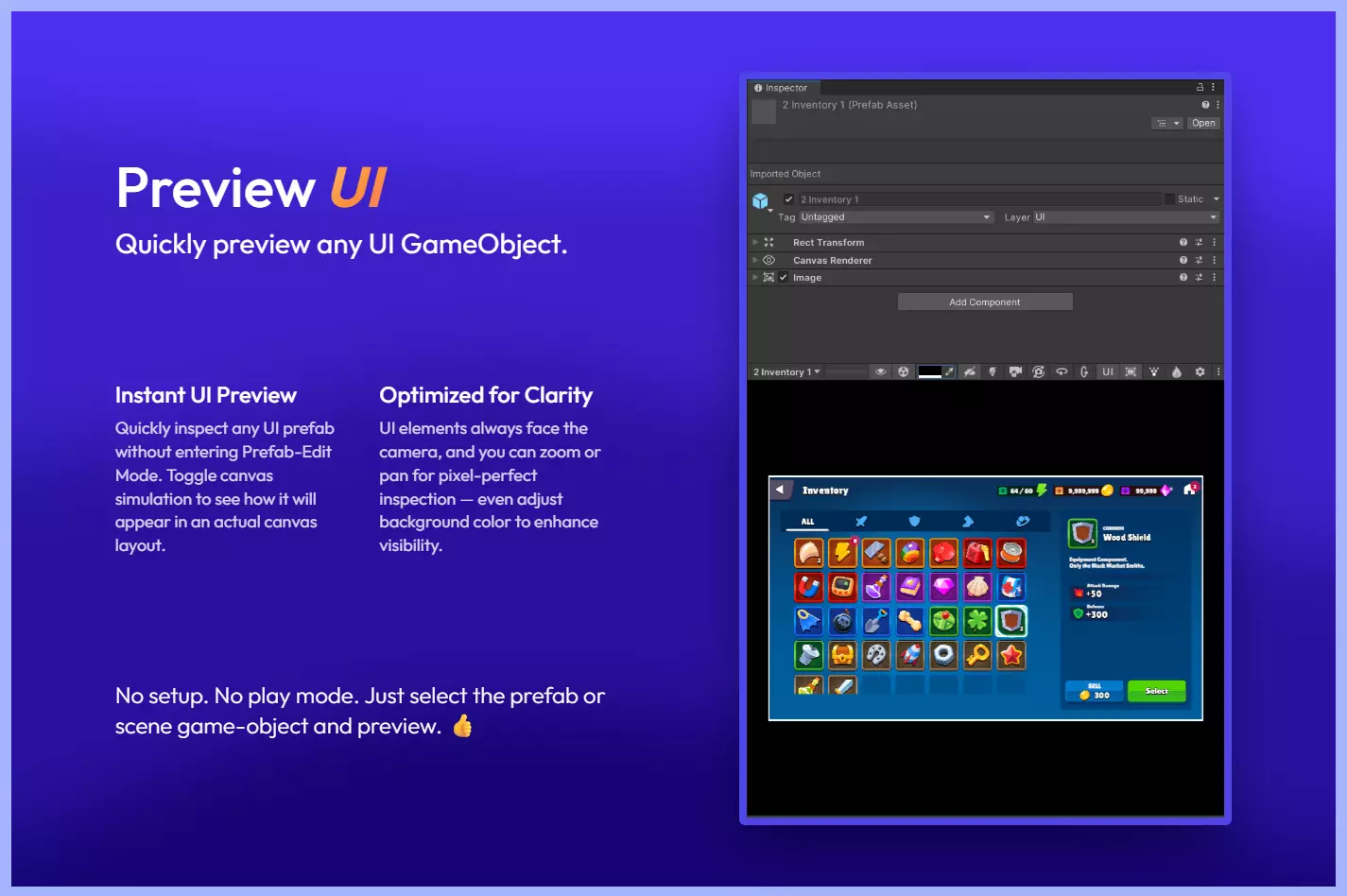
- Preview UI canvases and UI elements directly in the preview window
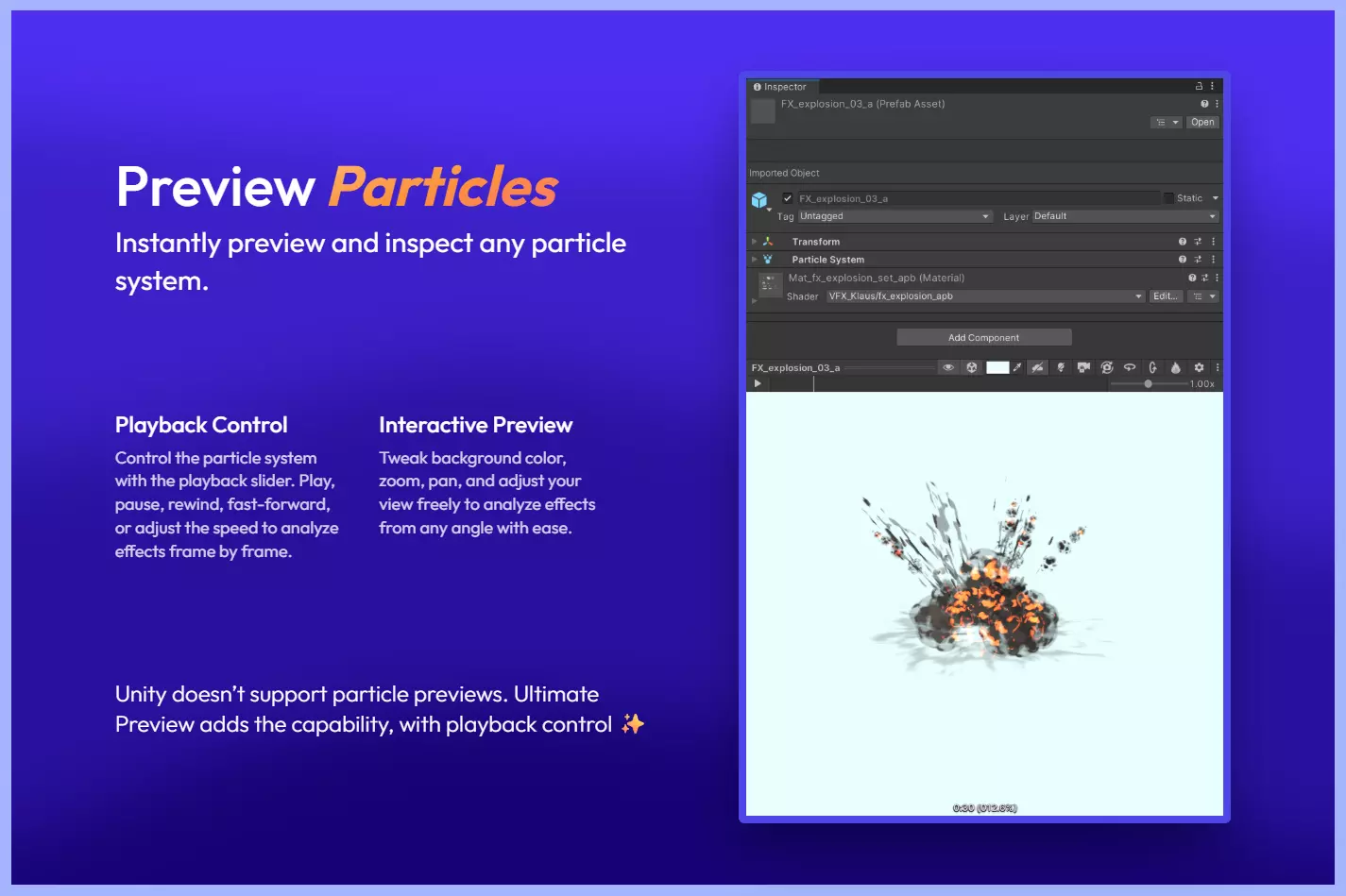
- Preview Particle Systems with playback controls
- Preview VFX Graph effects with improved visibility
- Auto-play for AnimationClips
- Preserve camera angle and zoom when switching clips
- Rotate sprites & UI to always face the camera
- Hide Unity’s default sprite grid
- Add custom lights & skybox to improve visibility
- Custom camera options: FOV, angle, background, floor, zoom
- Works in Grid View, List View, and Object Picker
- Compare multiple assets in the preview simultaneously
How It Works
The tool integrates directly into Unity’s Inspector. When selecting an asset, Ultimate Preview automatically replaces the standard preview behavior with its own enhanced preview pipeline.
- For assets like animations, it plays the selected clip automatically and preserves the camera position between selections, making it easier to analyze motion and shapes.
- For sprites and UI elements, it aligns the asset toward the camera and applies cleaner lighting.
- For Particle Systems and VFX Graph effects, it loads a contained preview environment with playback tools and scene-like lighting options.
All preview settings can be adjusted from a small toolbar: camera presets, lighting intensity, background color, skybox, floor settings, and more.
Use Cases
- Animators: Quickly inspect animation clips without hitting play each time
- Technical Artists: Preview VFX Graph & particle effects inside the Inspector
- UI Artists: Check UI elements with correct lighting and alignment
- 2D Artists: Review sprites without Unity’s angled default camera or grid
- Teams: Standardize preview conditions across projects
Similar and Useful Tools
- Custom Preview Window – UI Toolkit: A small editor extension that allows you to build custom preview windows for UI elements using Unity’s UI Toolkit (supports previewing UI assets, customizing view layout).
Differences: This tool is lighter and focused primarily on UI preview via UI Toolkit rather than full VFX/animation/3D asset preview. If you mostly preview UI elements, it may suffice; but Ultimate Preview gives broader coverage (particles, models, animations).
- Ultimate Preview Window – Community Edition: A free version from the same publisher (VoxelLabs) that offers core preview enhancements (UI, sprites, camera control) but with fewer features and likely less support than the Pro version.
Differences: Community Edition gives you a cost-free entry but lacks the full feature set, performance optimizations or support of the Pro version. If the budget is tight and your needs are modest, it’s a viable alternative; but for full productivity and broader asset types, the Pro version gives more.
✨ Ultimate Preview Window is now available on the Unity Asset Store.
📘 Interested in building your own tools and shaders in Unity? Check out the Unity Tool Development Bundle, which includes Shaders & Procedural Shapes in Unity 6 and Unity 6 Editor Tools Essentials.
📘 Interested in building your own tools and shaders in Unity? Check out the Unity Tool Development Bundle, which includes Shaders & Procedural Shapes in Unity 6 and Unity 6 Editor Tools Essentials.
Math + Procedural shapes + Tools in Unity! If you're into technical art, this Bundle is what you need 🔗 https://t.co/MflVh7KJnp#unity3dgamedevelopment #indiedevs #gamedevs pic.twitter.com/LHN2ci83SN
— The Unity Shaders Bible (@ushadersbible) November 8, 2025
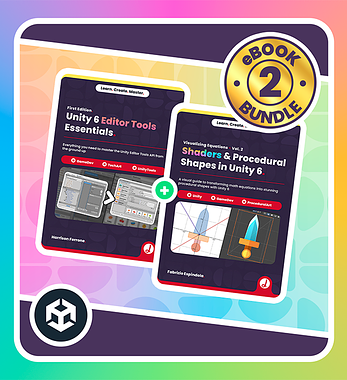
Level up your Technical Art skills! Grab our bundle and start learning today.
We invite you to explore "Unity Tools, Shaders, and Math for Graphics Bundle", a comprehensive bundle on the concepts and fundamentals seen in this post.
Other posts that might interest you.
-
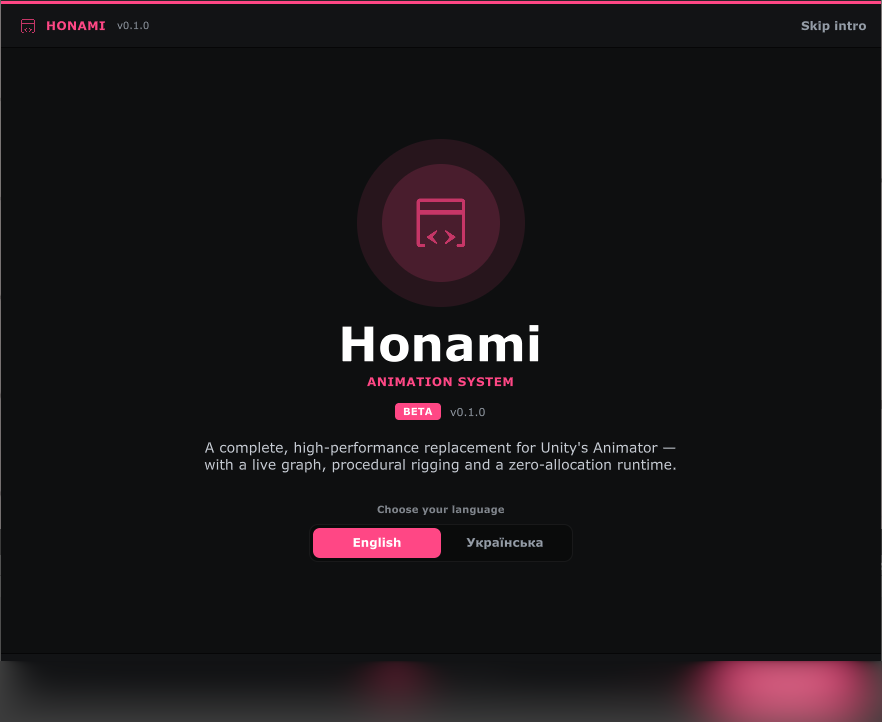 Honami is an open source animation system for Unity that replaces Mecanim with its own graph editor, timeline, rigging system, and runtime.
 -
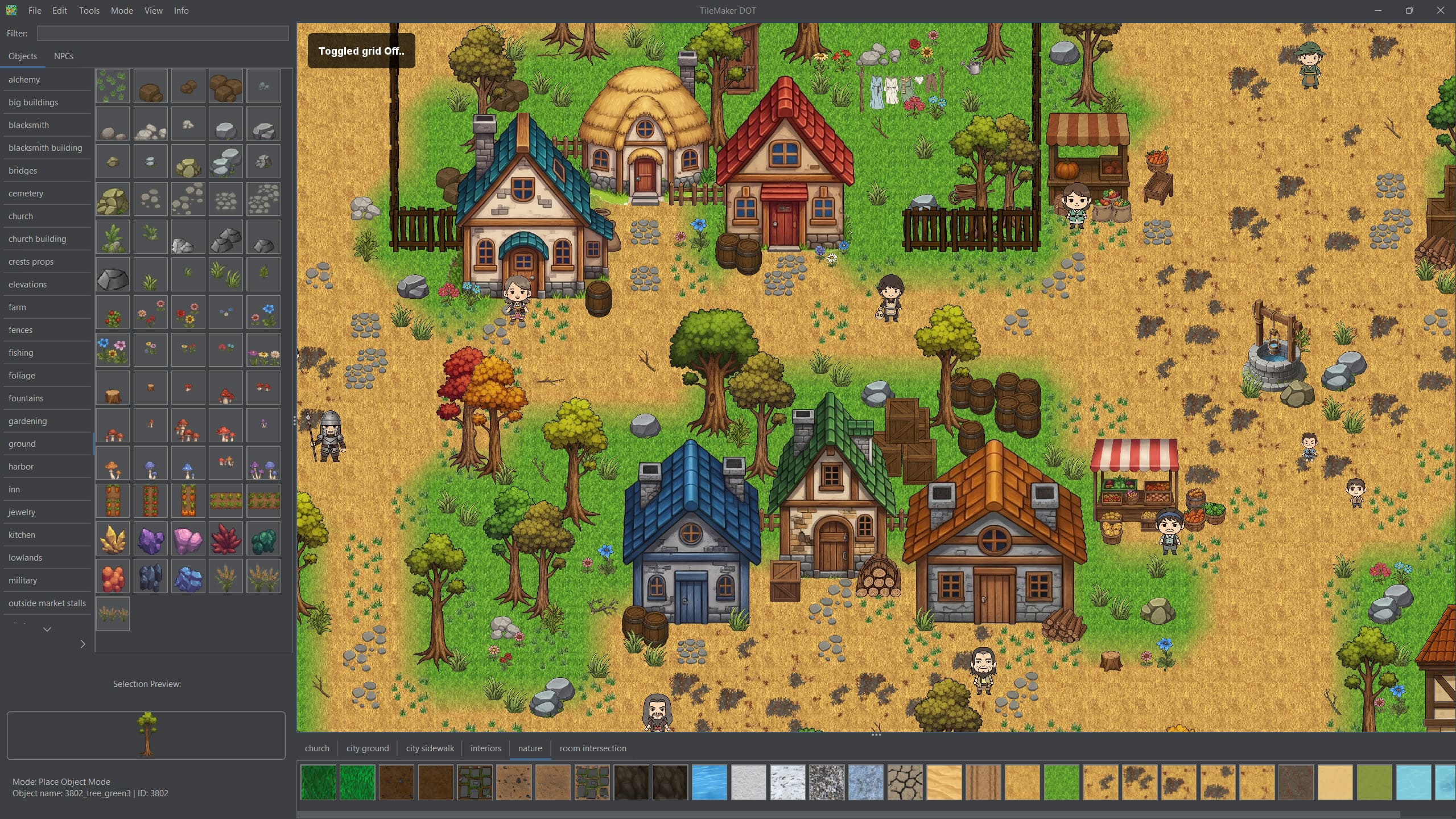.jpg) TileMaker DOT started as a small map editor for one Andrei’s game. Today it is free, open source, and includes automatic object sorting, custom IDs, notes, and more.
TileMaker DOT started as a small map editor for one Andrei’s game. Today it is free, open source, and includes automatic object sorting, custom IDs, notes, and more. -
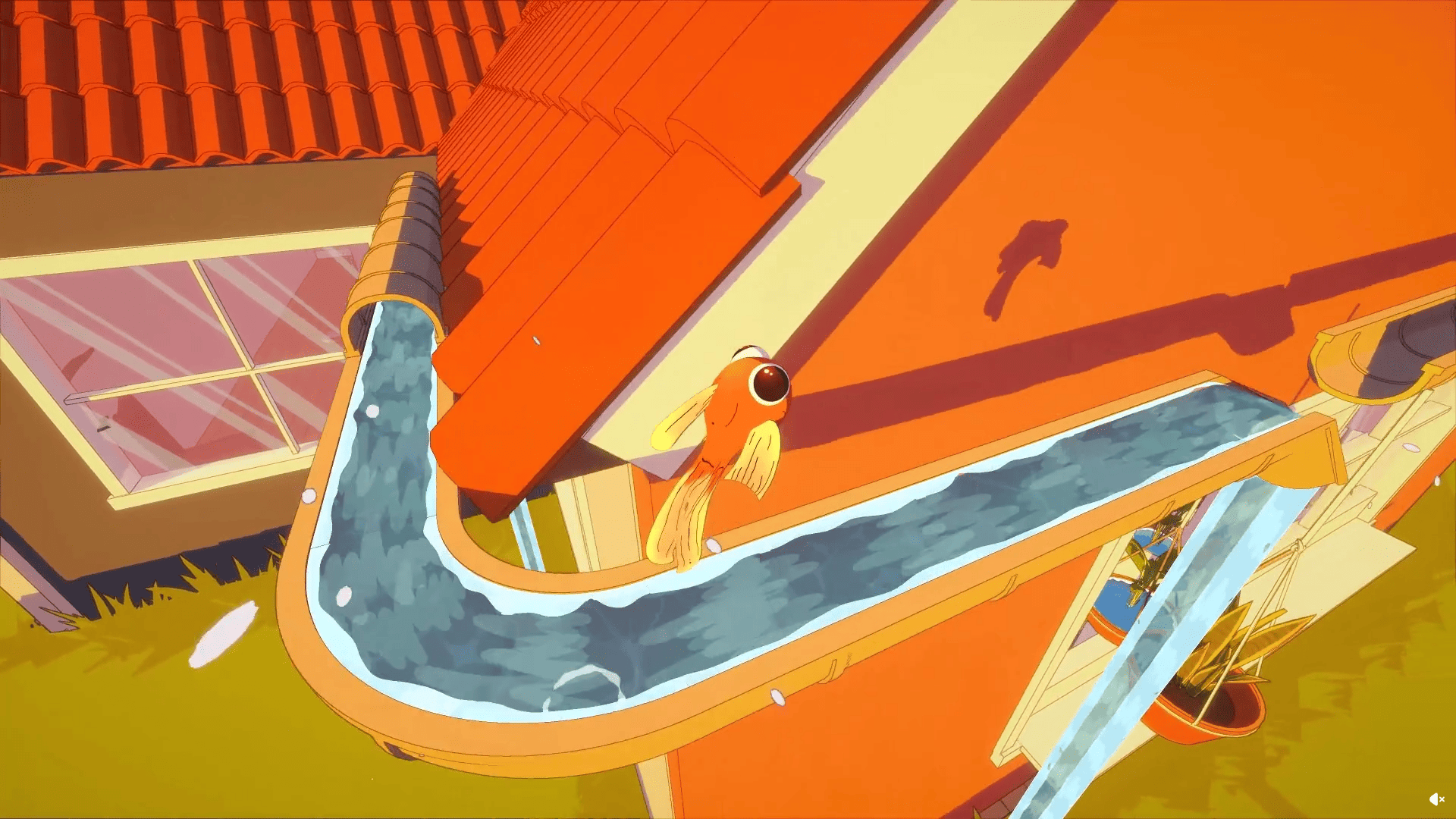 Barely Breathing received a new procedural puddle system that uses raycasts, BFS, and Marching Cubes to react to walls and uneven ground.
