

Unity has officially released Unity 6.3 LTS, the first Long-Term Support version since 6.0. This update brings meaningful improvements across performance, stability, cross-platform tools, accessibility, XR, authoring workflows, and multiplayer systems. If you're working with Unity 6 or preparing a production-ready project, this is the recommended version.
Unity 6.3 LTS includes two years of dedicated support (three years for Enterprise and Industry users) and continues Unity’s shift toward more predictable, incremental release cycles verified through real shipped games such as Phasmophobia, V Rising, Pokémon Sleep, Den of Wolves, and others.
What’s New
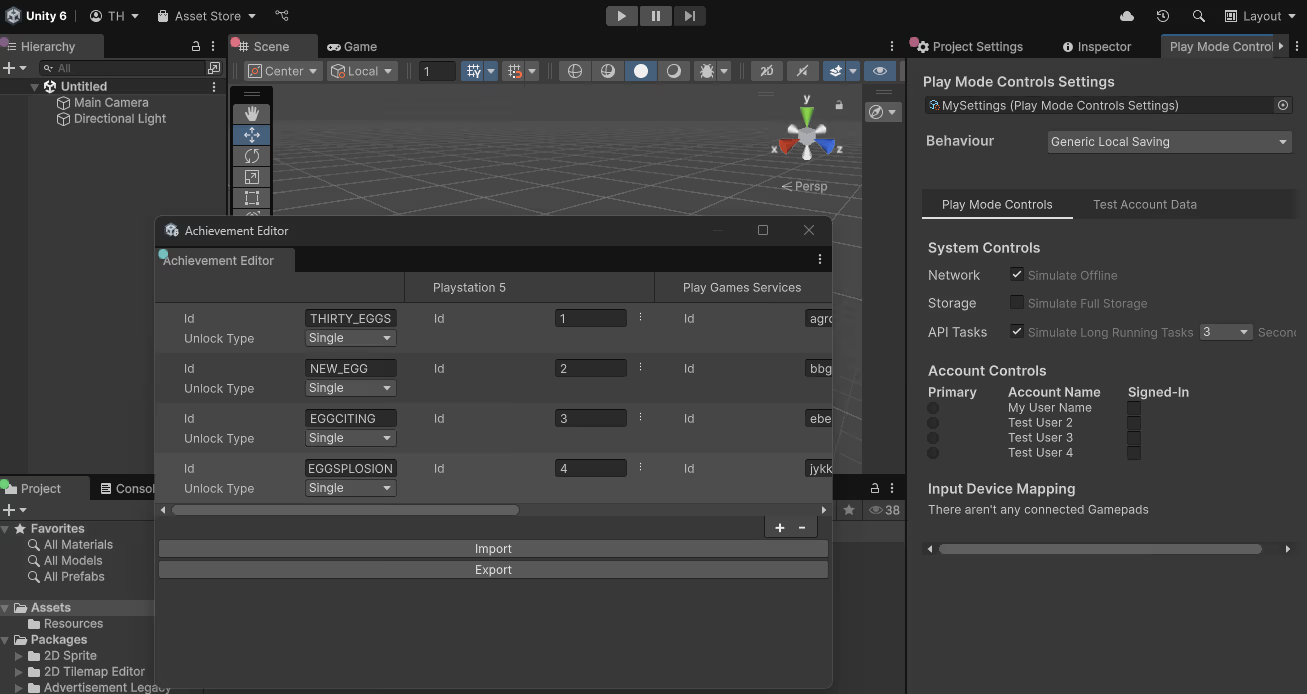
Platform Toolkit
Unity introduces Platform Toolkit, a single API for handling accounts, achievements, save data, controller ownership, and certification workflows across platforms such as PlayStation, Xbox, Switch, Steam, Android, and iOS.
Android XR Improvements
Version 1.1 of the OpenXR: Android XR package adds:
- Face Tracking
- Object Trackables
- Automated Dynamic Resolution
Native Screen Reader Support
Native accessibility APIs for Windows, macOS, Android, and iOS are now supported through a unified interface. (Learn more here)
Performance and Stability
Unity validated 6.3 using real shipped titles such as Phasmophobia, V Rising, Pokémon Sleep, Den of Wolves, and others.
Results include:
- 30% decline in regressions
- 22% decline in user-reported issues
- Lowest backlog in three years
AssetBundle TypeTrees
TypeTree deduplication reduces runtime memory usage and speeds up build times. Production examples show improvements such as:
- 99% reduction in runtime memory (MARVEL SNAP)
- 97% reduction in runtime memory (Disco Elysium)
- Over 50% faster build times (V Rising)
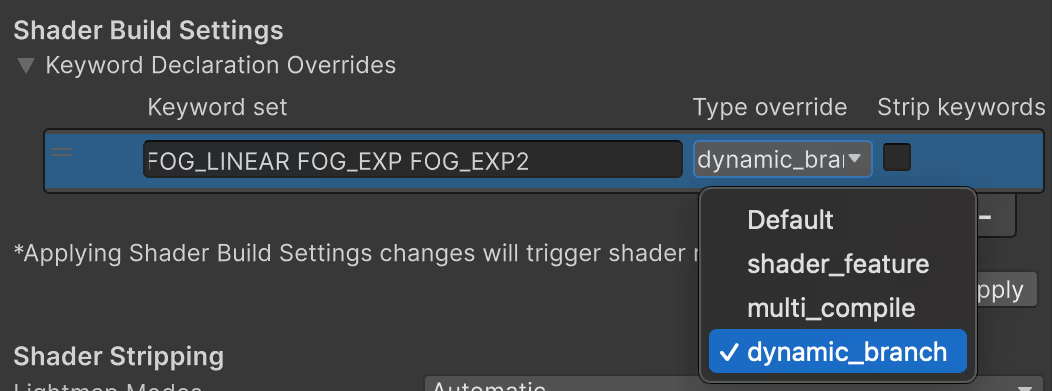
Shader Build Settings
Developers can now control shader keyword inclusion directly through Graphics and Build Profile settings, reducing shader compilation time without writing custom tools.
Authoring Workflows
Shader Graph: Updates include customized lighting content, terrain shader support, additional texture coordinate sets, and improved SubGraph workflows.
UI: UGUI continues to receive updates, while UI Toolkit adds support for custom UI shaders, post-processing filters, and improved SVG handling.
VFX Graph: New samples, templates, and GPU-event instancing help streamline effect creation.
Scriptable Audio Pipeline: Extend the audio chain through Burst-compiled C# processors.
Multiplayer & Networking
HTTP/2 + gRPC Support - UnityWebRequest now uses HTTP/2 automatically when available. Internal tests show:
HTTP/2 + gRPC Support - UnityWebRequest now uses HTTP/2 automatically when available. Internal tests show:
- ~40% lower server load
- 15–20% lower CPU usage on Android
.jpeg)
Host Migration in Netcode for Entities
Sessions can now continue when a host disconnects by promoting another client.
Tools, Optimization & Editor
- Sprite Atlas Analyzer: Identifies wasted atlas space, compression issues, and inefficient packing layouts.
- Render 3D as 2D: Display 3D objects using 2D sorting and lighting, maintaining compatibility with 2D workflows.
- Profiler: A new Highlights view provides statistical summaries for faster diagnosis.
.jpeg)
Upgrading
Unity recommends 6.3 LTS for teams working on:
- Live service titles
- Projects entering full production
- Pipelines requiring long-term stability
The update path within Unity 6 remains incremental, with planned breaking changes documented in Discussions and the Upgrade Guide.
Download Unity 6.3 LTS: You can get the latest LTS release directly from the official Unity Download page.
📘 Want to level up your Unity rendering skills from shaders to GPU simulations? Check out the Unity Shaders Pro Bundle, which includes The Unity Shaders Bible, Shaders & Procedural Shapes in Unity 6, and our new book, Mastering Compute Shaders in Unity 6.
Even though we're still creating these books, this bundle has already become our best-selling one! ✨ https://t.co/6n3vcOytfR
— The Unity Shaders Bible (@ushadersbible) December 2, 2025
It covers vertex–fragment shaders, procedural shapes using shaders, and compute shaders, all explained step by step!#unity3d #indiedev #gamedev pic.twitter.com/SCoImyanzo
Other posts that might interest you.
-
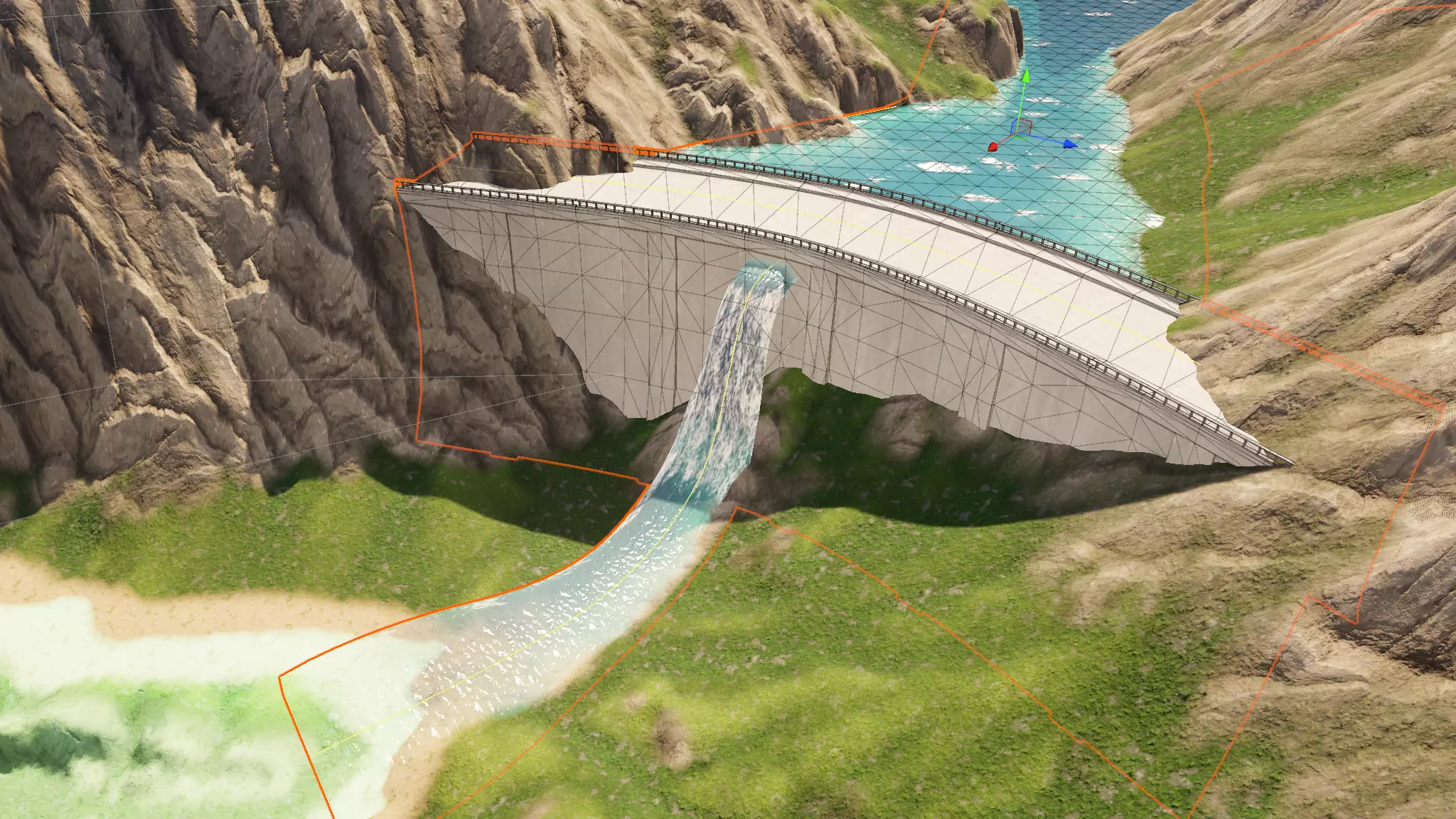 We take a look at Spline Mesher Pro by Staggart Creations, a spline-based mesh generation tool rebuilt with Unity Jobs and the Burst compiler.
 -
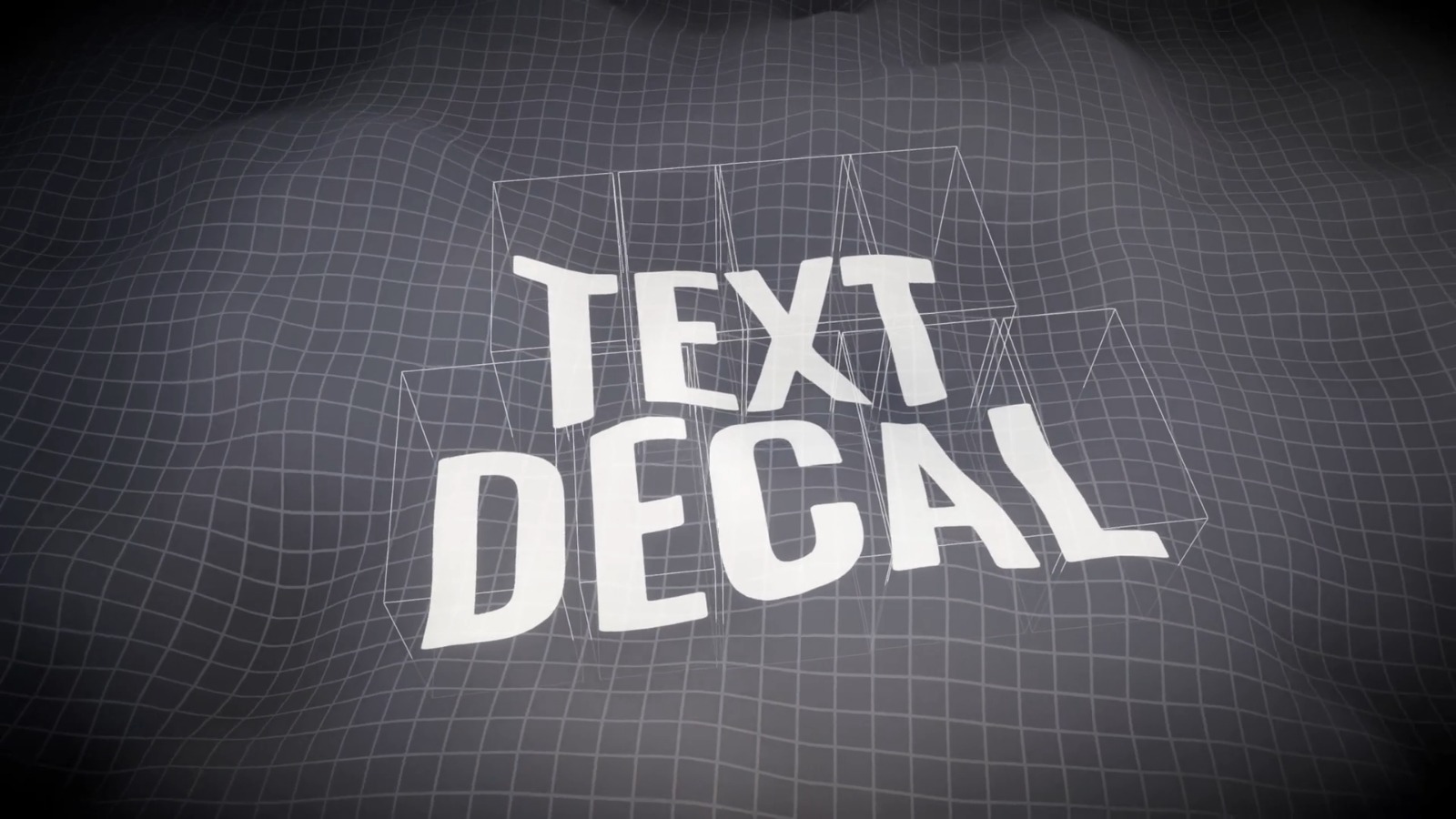 We take a look at Text Decal by Kirill Chikalin, a Unity tool that projects live TextMesh Pro text onto 3D surfaces using URP decals, without baking textures.
 -
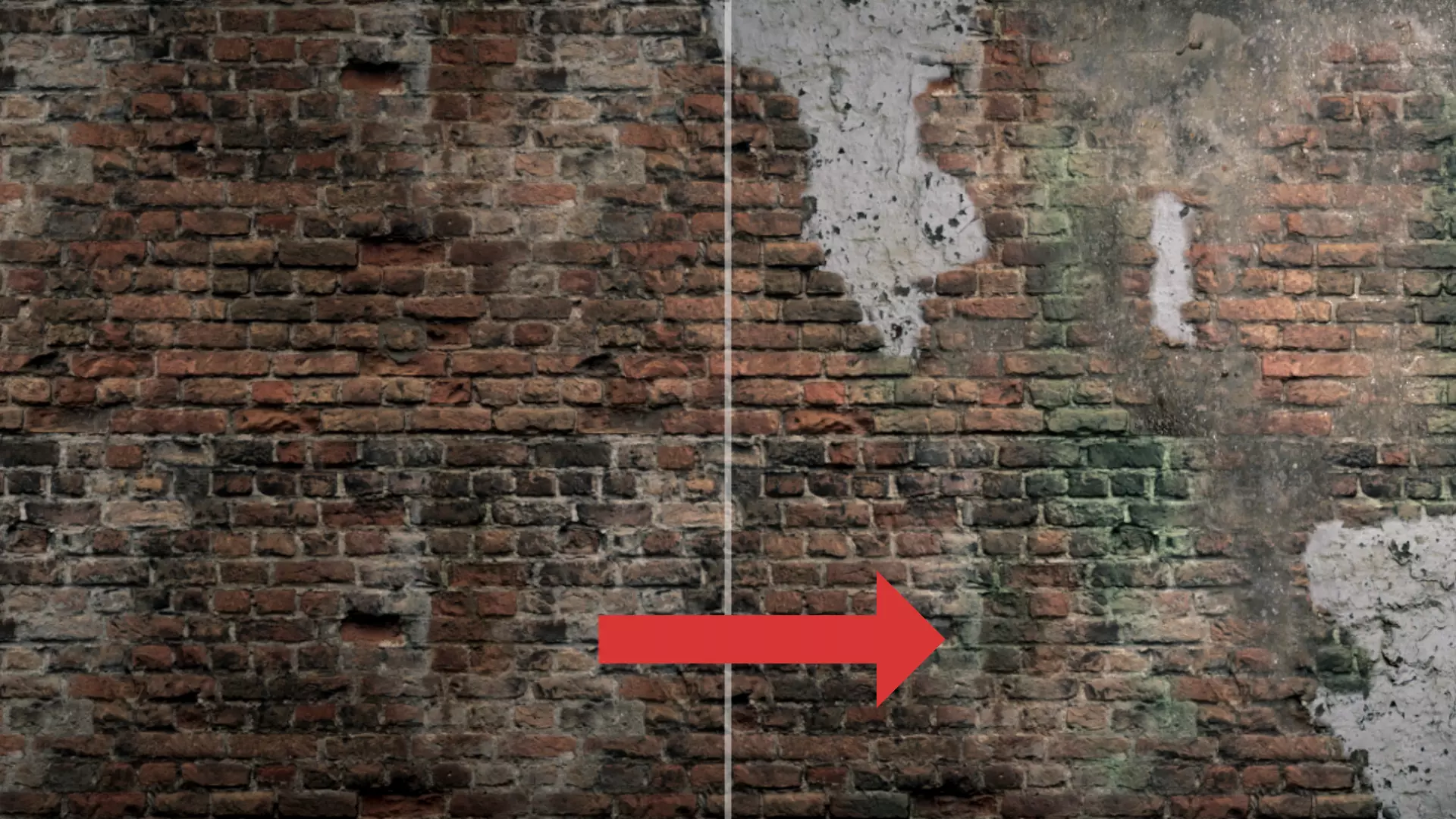 We take a look at RealBlend, a Unity tool by AdamNapper that combines multi-layer vertex painting, in-editor sculpting, and procedural mesh generation in one pipeline for HDRP and URP projects.
