
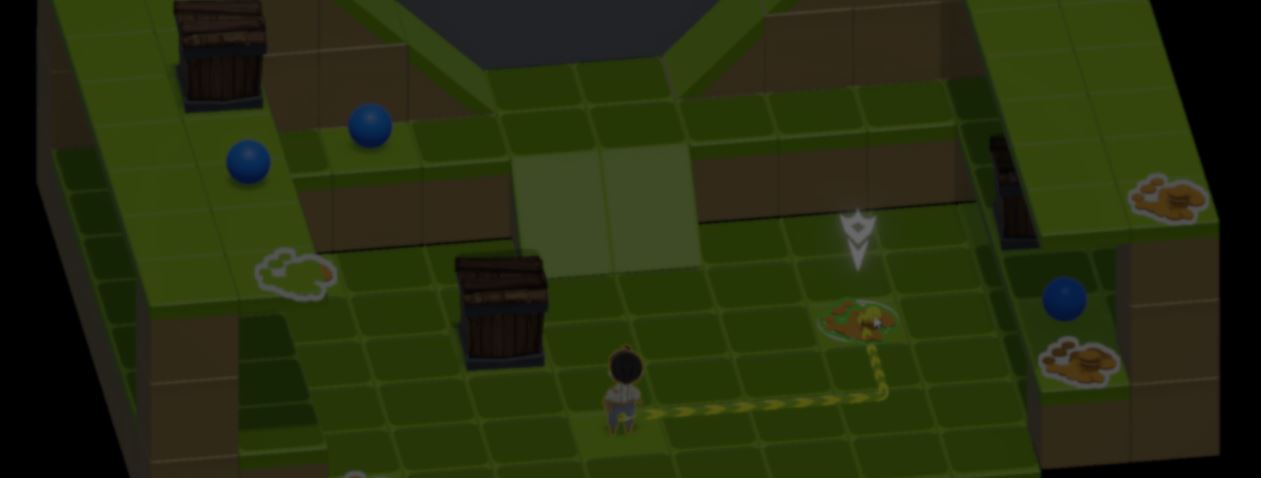
RossoForge: A Modular Unity Ecosystem from Real Game Projects.
by Vicente C.
Published |
393
Every Unity project rebuilds the same systems. Event buses, object pools, scene loading, UI management, and dozens of small utilities often end up being recreated from scratch.
After several game projects, gameplay programmer Agustin Rosso began turning those recurring systems into reusable packages.
Over time, that work became RossoForge, a free, open-source ecosystem.
I open-sourced the modular Unity ecosystem I’ve been building over years of gamedev. I hope it saves you months of work just like it does for me
by u/Born_Development1284 in Unity3D
RossoForge has two foundational packages. RossoForge Core and RossoForge Services.
Core provides the shared types and utilities used across the ecosystem. Services keep different systems connected without direct references.
The included GameFlow template starts with a Boot Scene. It registers the required services before loading the first gameplay scene, so the rest of the project can access them without manually wiring references.
private IPlayerHealthService playerHealthService;

[SerializeField] private Text _label;

private void Awake()
{
    playerHealthService = ServiceLocator.Get<IPlayerHealthService>();
    playerHealthService.HPChanged += PlayerHealthService_HPChanged;
}

private void OnDestroy()
{
    playerHealthService.HPChanged -= PlayerHealthService_HPChanged;
}

private void PlayerHealthService_HPChanged(int currentHP)
{
    Refresh(currentHP);
}

private void Refresh(int currentHP)
{
    _label.text = $"Player HP: {currentHP}";
}
As projects grow, gameplay, UI, audio, and other systems quickly start depending on one another. RossoForge Events removes those direct references, keeping systems independent as the project grows.
public readonly struct CoinCollectedEvent : IEvent
{
    public readonly int Amount;

    public CoinCollectedEvent(int amount)
    {
        Amount = amount;
    }
}

public class Coin : MonoBehaviour
{
    private IEventService _eventService;

    [SerializeField] private int _coinValue = 1;

    private void Awake()
    {
        _eventService = ServiceLocator.Get<IEventService>();
    }

    private void OnTriggerEnter(Collider other)
    {
        if (other.CompareTag("Player"))
        {
            _eventService.Raise(new CoinCollectedEvent(_coinValue));
            Destroy(gameObject); // this should be replaced with an object pooling system
        }
    }
}
Agustin recommends starting with RossoForge Pool. Objects stay in memory after they are no longer needed, so they can be reused. These settings are stored in ScriptableObjects, keeping them separate from gameplay code.
The Popup module uses Unity's Animator Controller for animated UI windows. It also lets developers wait until a popup closes before continuing, avoiding extra callback logic.
The Popup module uses Unity's Animator Controller for animated UI windows. It also lets developers wait until a popup closes before continuing, avoiding extra callback logic.
The Scene Transition module loads a dedicated transition scene before changing levels. It comes with a simple fade effect, but it can be replaced with any custom transition.
RossoForge also includes packages for user data, state machines, save systems, and many other common game systems.
While the GameFlow template shows how those packages work together inside a single project.
Agustin continues expanding RossoForge as new systems appear in his own projects, with every package remaining free and open source.
If you want to check it out, or know more about the creator, the links will be right below.
Interested in learning more?
Shaders, tools, animation, math, and more, the new "Unity Dev Bundle" is still available for a bit longer. 🔥 Get it here: https://t.co/gPPcuZDuFX#unity3d #gamedev pic.twitter.com/mnxRUCtUHC
— Jettelly Inc. (@jettelly) April 8, 2026
If you’re interested in the technical side of Unity? The Unity Dev Bundle brings together six books covering shaders, math, procedural shapes, editor tools, and character customization.
Jettelly wishes you success in your professional career!
Did you find an error? No worries!
Write to us at [email protected], and we'll fix it!

Level up your skills in Unity! Grab our bundle and start learning today.
We invite you to explore "The Unity Dev Bundle", a comprehensive bundle on the concepts and fundamentals seen in this post.
Other posts that might interest you.
-
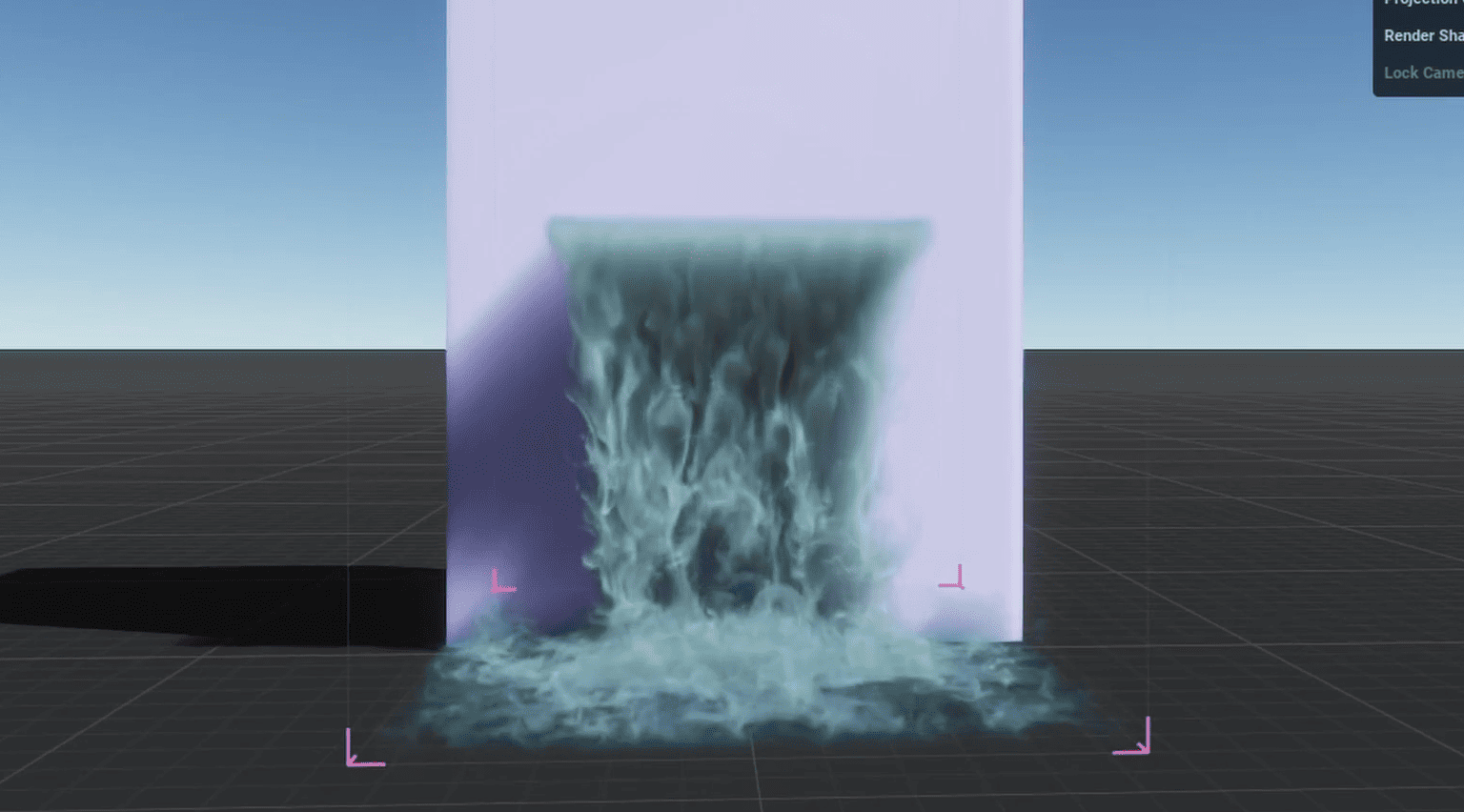 VFX artist Khayyam Allahyari shared how they're building a looping VDB waterfall for Unreal Engine, from shaping the simulation in EmberGen to making it loop without visible jumps.
 -
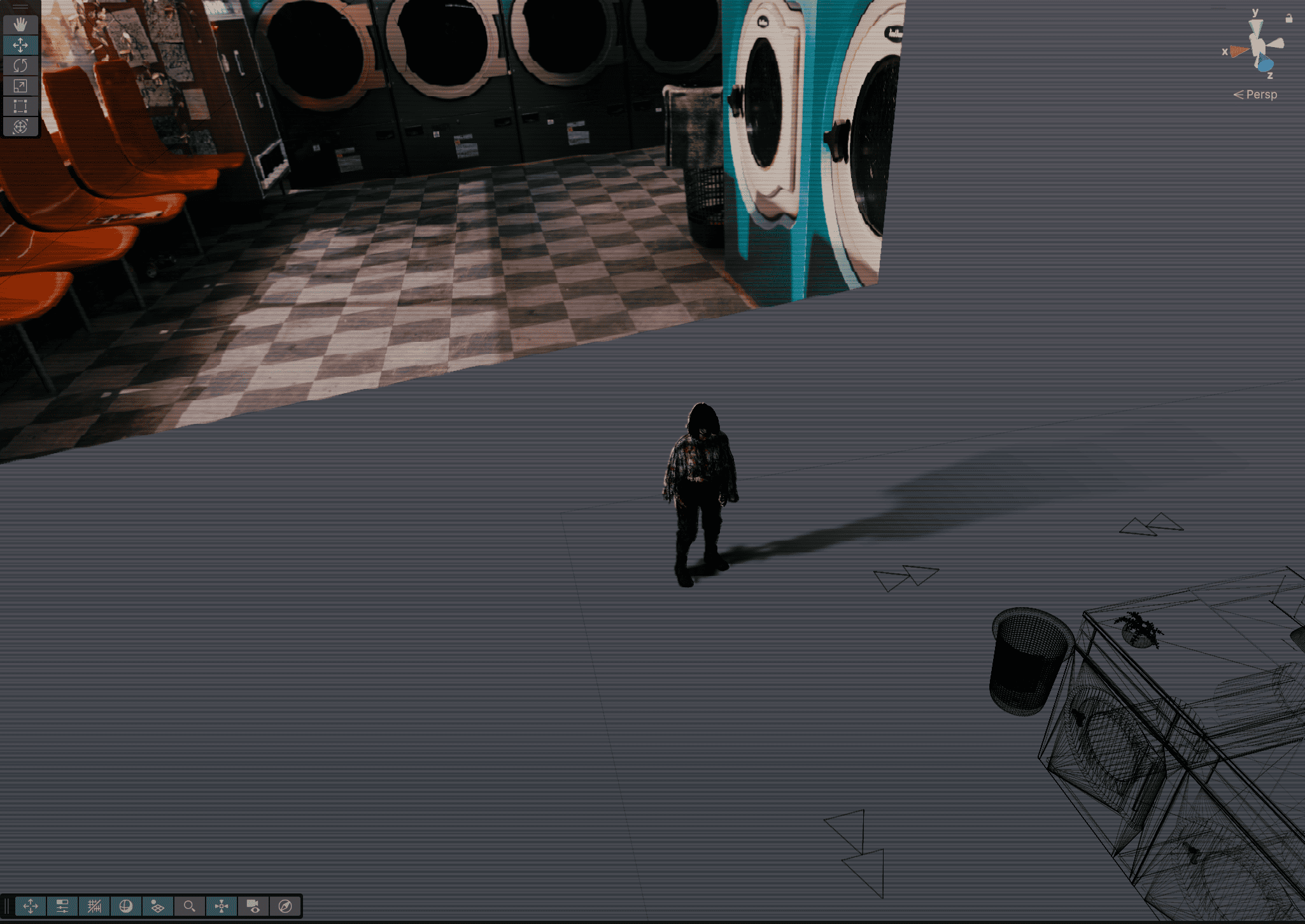 Indie developer Skyler shared how the pre-rendered backgrounds in Static Between Stations come together in Unity using Blender renders, invisible masking meshes, and more.
 -
 Honami is an open source animation system for Unity that replaces Mecanim with its own graph editor, timeline, rigging system, and runtime.
