
.jpg)
Honami: A Custom Animation System built to replace Unity Animator.
by Vicente C.
Published |
982
Every project reaches a point where the built-in tools stop fitting its needs. For the team behind Daisen, that happened while working on first-person weapons, enemy animation blending, and custom skeletons.
As development continued, the team started running into limitations with Unity's Animator. Layer blending lacked per-bone control, and animation events were stored inside animation clips, among other problems.
So they decided to build their own animation system.
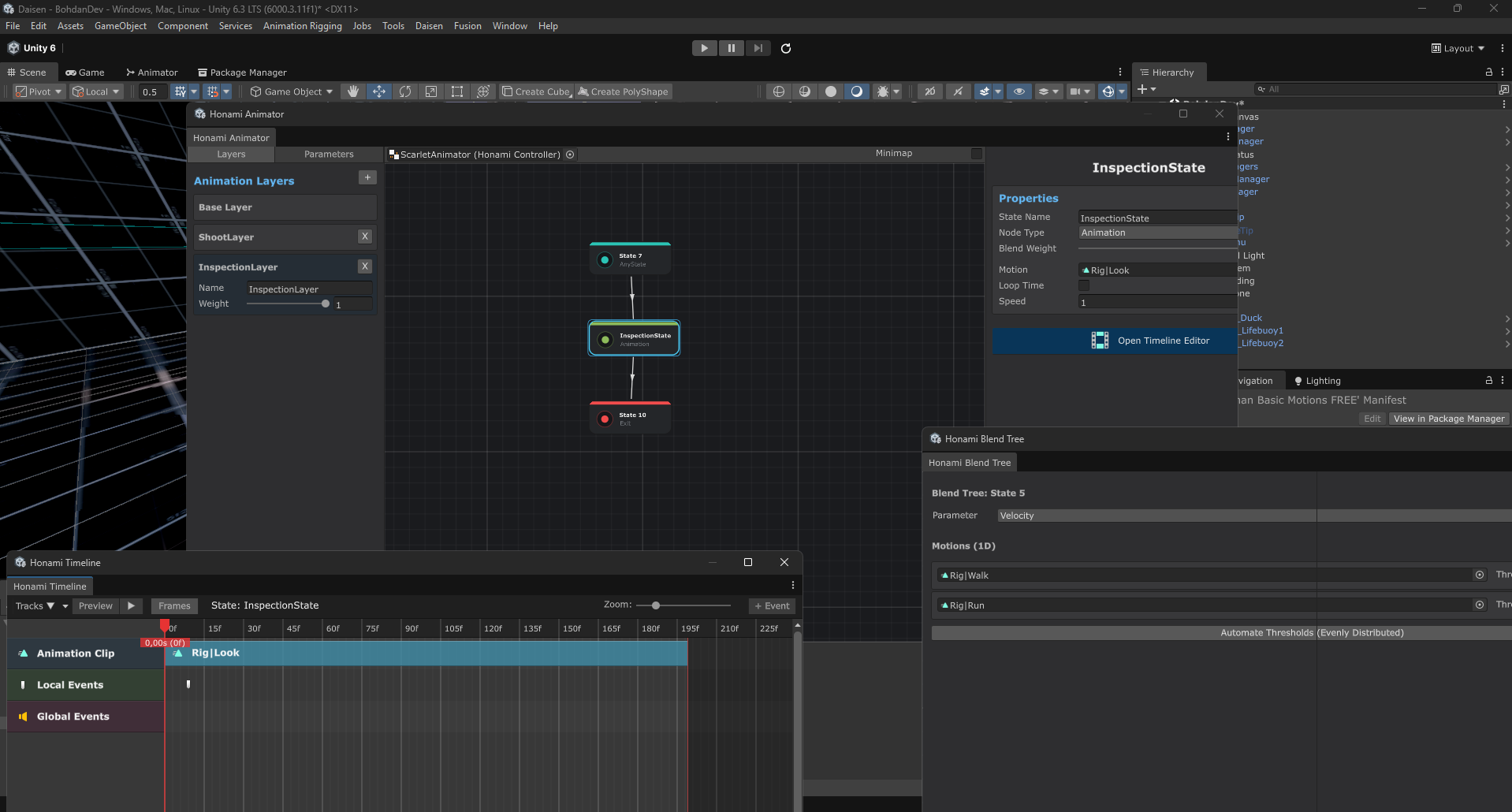
The project started as a replacement for first-person weapon animations. Over time it grew into Honami, an animation system that can still coexist with Unity's built-in Animator inside the same project.
Goodbye, Unity Animator: I created my own custom animation system, Honami.
by u/TitleChanQWERTY in Unity3D
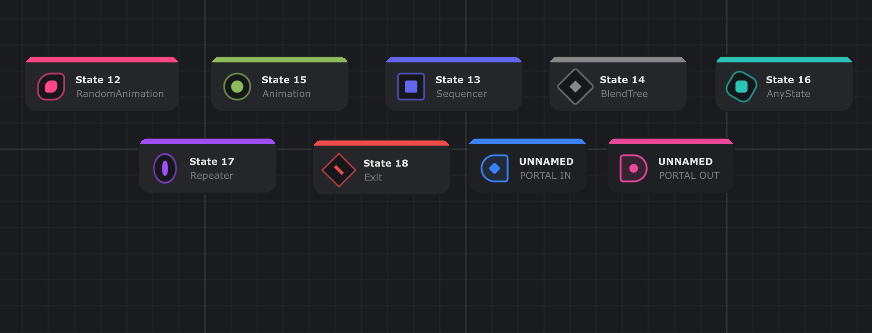
Honami comes with its own node-based editor.
States, Blend Trees and Sequencers all become part of the same graph. The system also includes nodes such as Repeaters and Random Animations, making larger animation graphs easier to manage.
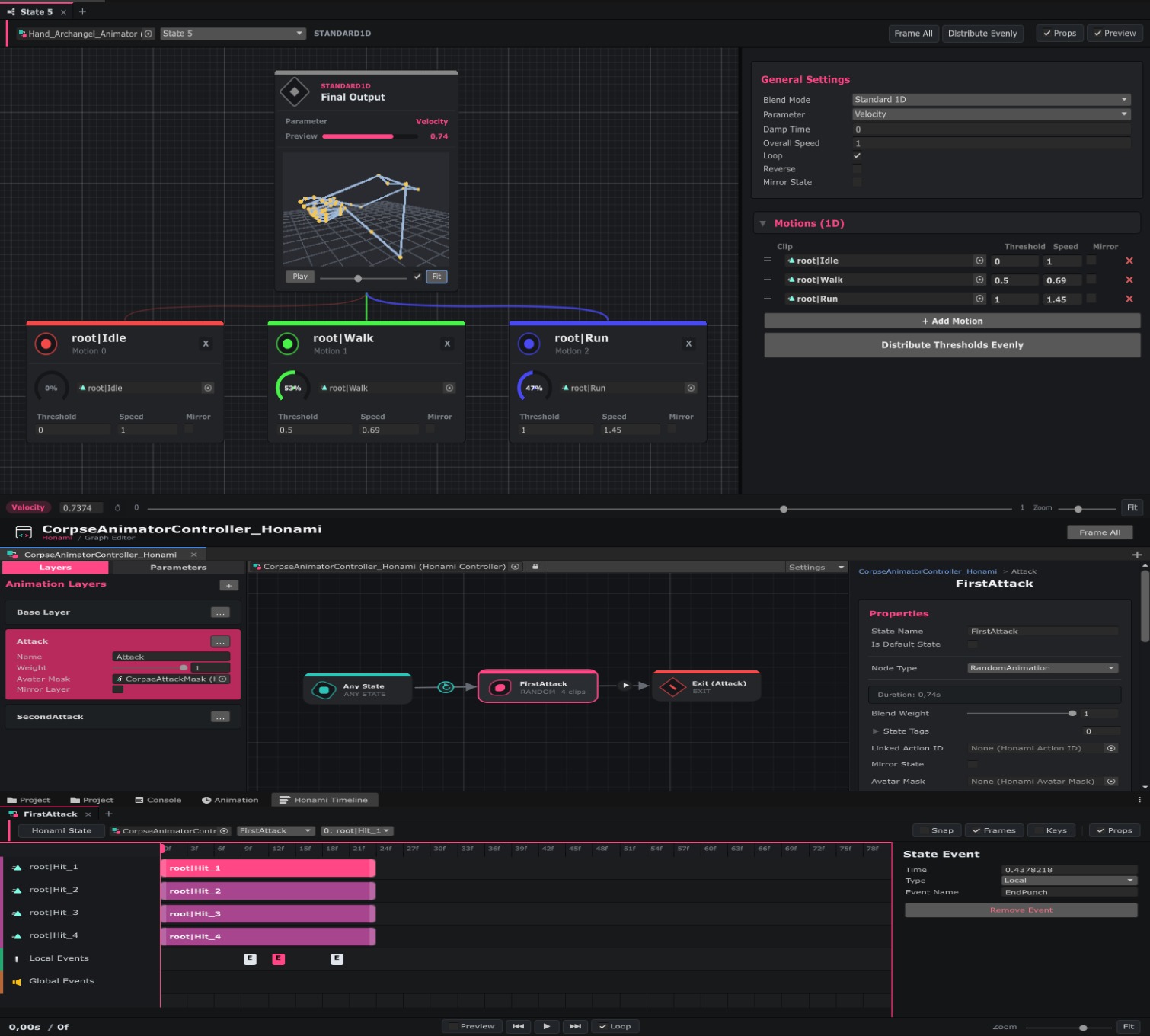
The custom Timeline stores animation events inside the controller instead of the animation clips, so imported animations stay untouched. It also lets you preview animation states and test events without entering Play Mode.
Blend Trees also have their own editor, which previews the blended animation so you can see the result while editing.
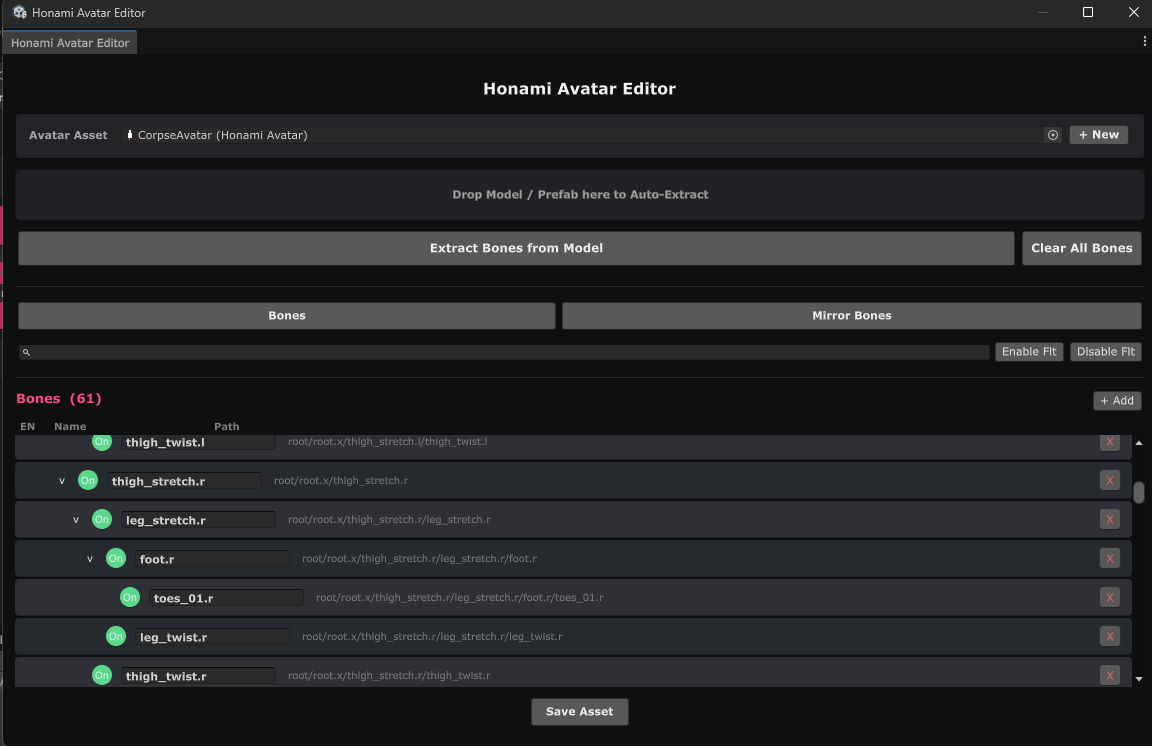
Another part of the project is Honami Avatar.
The developers told me it works from the skeleton hierarchy instead of Unity's Humanoid or Generic rigs. That allows the same system to work with humanoid characters, creatures, vehicles, or bosses.
The developers told me it works from the skeleton hierarchy instead of Unity's Humanoid or Generic rigs. That allows the same system to work with humanoid characters, creatures, vehicles, or bosses.
The project includes its own rigging system with constraints such as: LookAt, Pose Constraints, Pivot Fixer, Pseudo-Physics, and Bone Replacement.
Honami runs on Unity Jobs and Burst, generates zero GC allocations during runtime, and lets you lower animation update rates for distant characters.
Today, it is available as a free open beta under the MIT license and is already being used in the team's own FPS, Daisen.
If you want to learn more or try the project yourself, the links will be right below.
Interested in learning more? 📘
If you’re interested in the technical side of Unity? The Unity Dev Bundle brings together six books covering shaders, math, procedural shapes, editor tools, and character customization.
Shaders, tools, animation, math, and more, the new "Unity Dev Bundle" is still available for a bit longer. 🔥 Get it here: https://t.co/gPPcuZDuFX#unity3d #gamedev pic.twitter.com/mnxRUCtUHC
— Jettelly Inc. (@jettelly) April 8, 2026
Jettelly wishes you success in your professional career!
Did you find an error? No worries!
Write to us at [email protected], and we'll fix it!

Level up your skills in Unity! Grab our bundle and start learning today.
We invite you to explore "The Unity Dev Bundle", a comprehensive bundle on the concepts and fundamentals seen in this post.
Other posts that might interest you.
-
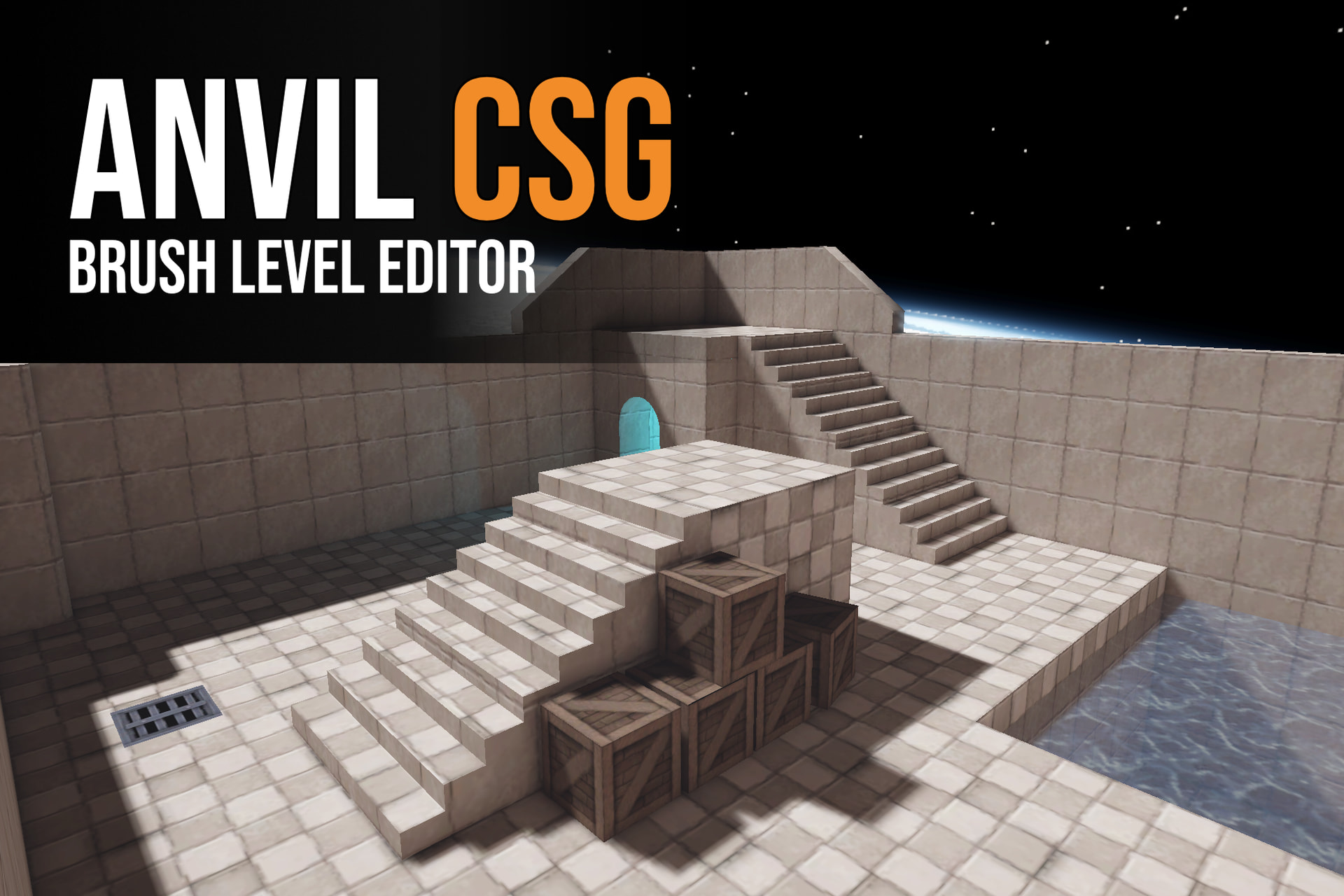 Anvil CSG lets you shape levels in a four-view editor and build them into Unity maps. Simun Dev shares how feedback from beta testers helped the tool grow.
 -
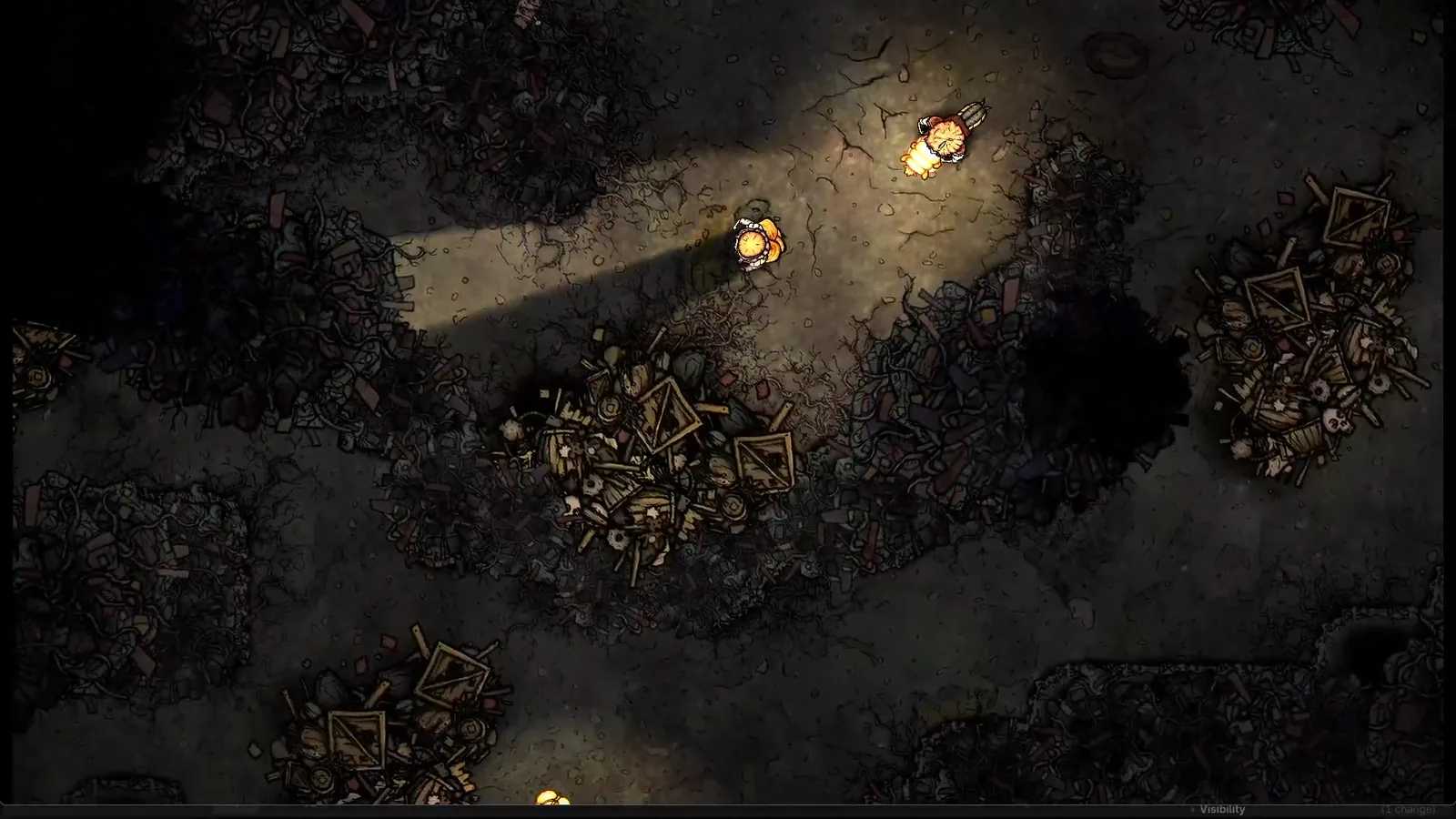 Silk & Sorrow's trees and trash piles seem to have height, but they are made from sprites. Florian Heynen of Snowberry Games made the effect by stacking, moving and lighting those layers in Godot.
 -
 Perspective Quads gives 2D Godot scenes a sense of depth through texture warping, animated view changes and interfaces that stay interactive.
