
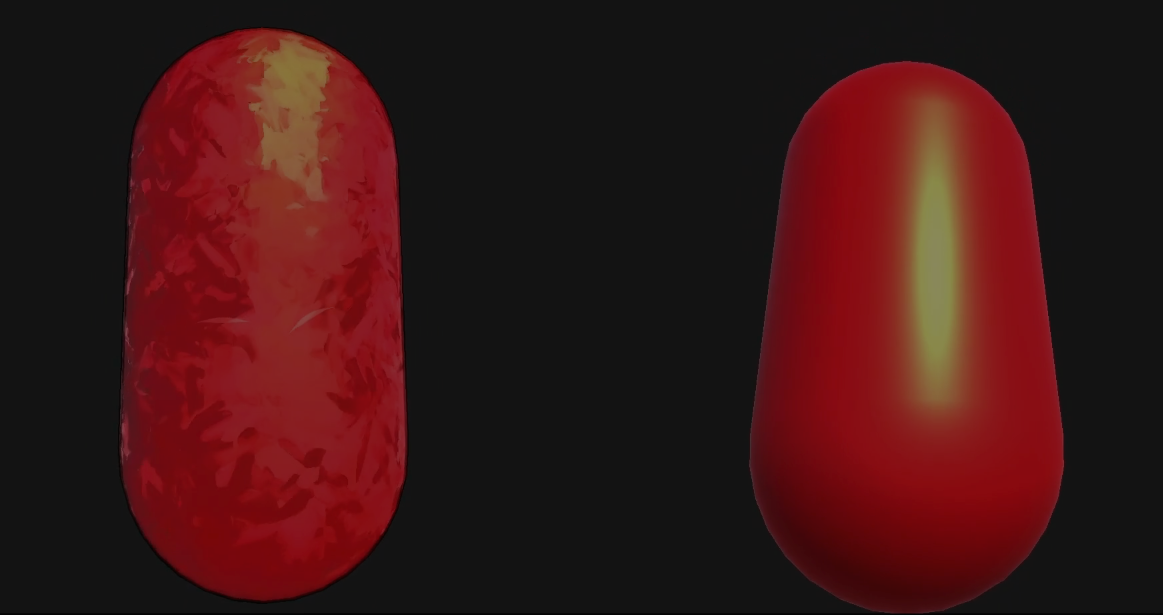
Developer tantaneity shared how they recreated a painterly shader they saw done in Blender, but this time using Unity URP.
The effect runs as two fullscreen post-process passes on top of whatever is in the scene. That way, no material changes are needed.
The effect runs as two fullscreen post-process passes on top of whatever is in the scene. That way, no material changes are needed.
The effect is built around two passes, and the first one is the main one. For each pixel, the shader finds its position in the 3D world using the depth buffer, then uses a Voronoi to divide the screen into cells and find the two nearest cell centers.
It then samples the color from the cell center and projects it back to the screen, so all pixels inside a cell share roughly the same color sample.
This is what creates the patch look.
// Original shader code shared by creator

centreWS = centreWS - dot(centreWS - P, N) * N;
float4 cs = mul(UNITY_MATRIX_VP, float4(centreWS, 1.0));
float2 cUV = (cs.xy / cs.w) * 0.5 + 0.5;
half3 c = SAMPLE_TEXTURE2D_X(_BlitTexture, sampler_LinearClamp, cUV).rgb;
Each cell gets stretched along a random axis, making them look like elongated brushstrokes.
// Original shader code shared by creator

float3 axis = normalize(hAxis * 2.0 - 1.0);
float along = dot(d, axis);
float3 perp = d - axis * along;
along *= _PatchStretch;
perp *= rcp(_PatchStretch);
float dd = along * along + dot(perp, perp);
The shader blends between the two nearest cells based on how close each pixel is to the border. Each cell gets a small random shift in value and tone, so adjacent patches don't look identical even when the underlying color is the same.
There is also an optional cel shading step that quantizes the luminance into bands.
// Original shader code shared by creator

float s = luma * _LightBands;
float qL = (floor(s) + smoothstep(0.0, _LightBandSoftness, frac(s))) / _LightBands;
patch *= qL / max(luma, 0.001);
The second pass is for highlight strokes and edge detection. The strokes are placed in a 3D world-space grid, oriented along the light terminator (the edge where lit and unlit areas meet). Each stroke uses a cos squared width profile so it tapers at both ends.
Each stroke also gets a small random rotation, keeping them from all pointing the same direction.
Each stroke also gets a small random rotation, keeping them from all pointing the same direction.
// Original shader code shared by creator

float u = along / max(len, 1e-5);
float widthProfile = cos(u * HALF_PI);
widthProfile *= widthProfile;
float core = 1.0 - smoothstep(coreEdgeIn, wid * widthProfile, abs(across));
For the edges, tantaneity runs a 4-tap Sobel on both the depth buffer and luminance, combining both signals to catch geometry and color edges.
A ring of 8 sample points around each pixel controls the line thickness, and smooth value noise drives the opacity so the outline gets thicker in some spots and almost fades out in others.
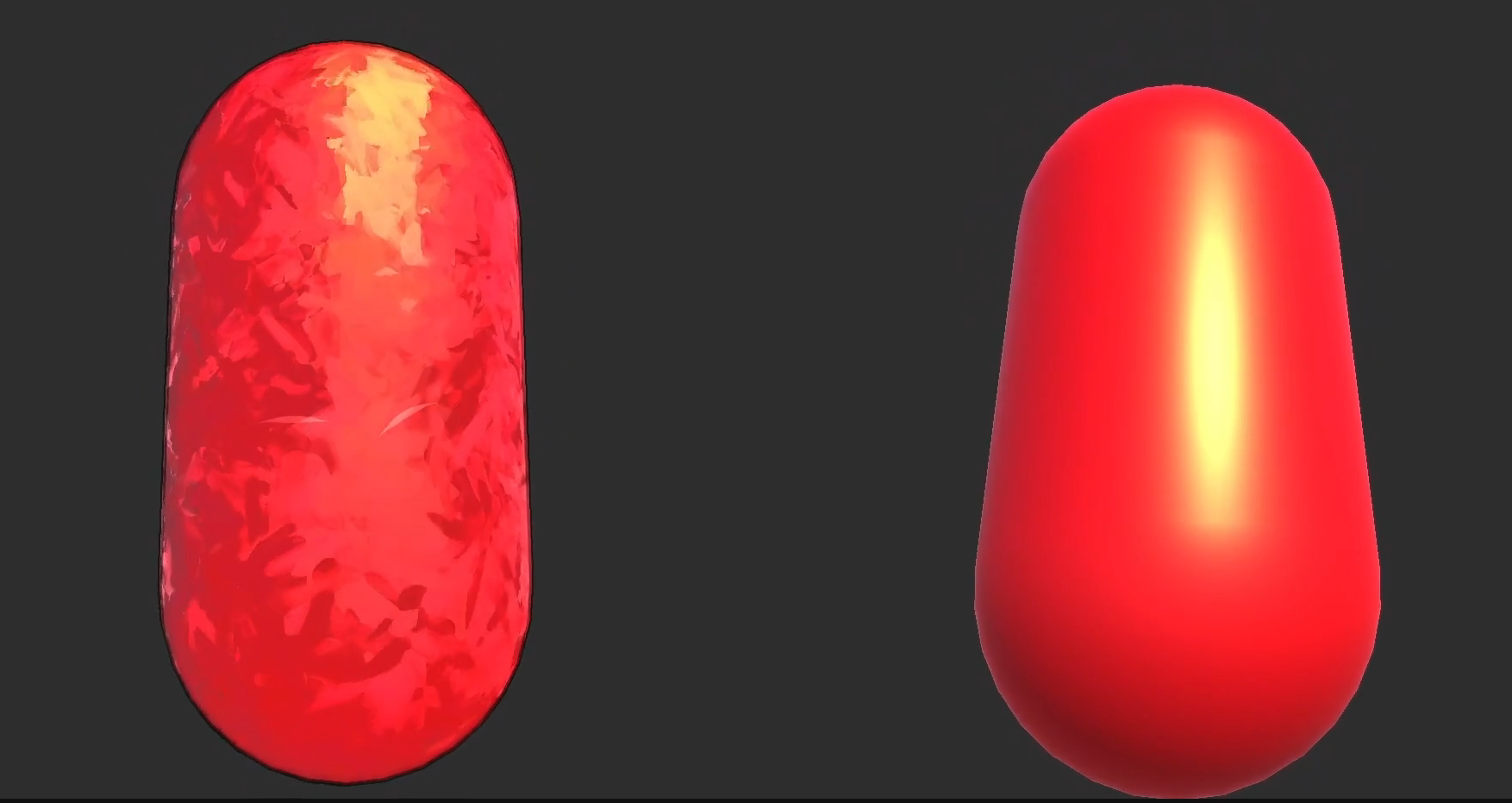
tantaneity mentioned that the main limitation is that patches are anchored in world space, so they slide on moving objects.
If you want to see more from Tantaneity, or check out the painterly shader, the links will be right below.
More content!
If you’re interested in learning shaders in Unity, The Unity Shaders Bible covers everything from the basics of Shader Graph and HLSL to more advanced topics like lighting models, ray marching, and compute shaders. 📘
Interesting fact: Most of the technical artists hired in the game industry know Python, C# (or C++) and HLSL. 👀
— Jettelly Inc. (@jettelly) December 5, 2025
And The Unity Shaders Bible can definitely help you get there. ✨
🔗 https://t.co/fw4pna2vUj#gamedev #unity3d #madewithunity #indiedev pic.twitter.com/nnMiBdXhJm
Jettelly wishes you success in your professional career!
Did you find an error? No worries!
Write to us at [email protected], and we'll fix it!
Level up your Technical Art skills in Unity!
We invite you to explore "The Unity Shaders Bible", a comprehensive book on the concepts and fundamentals seen in this post.
Other posts that might interest you.
-
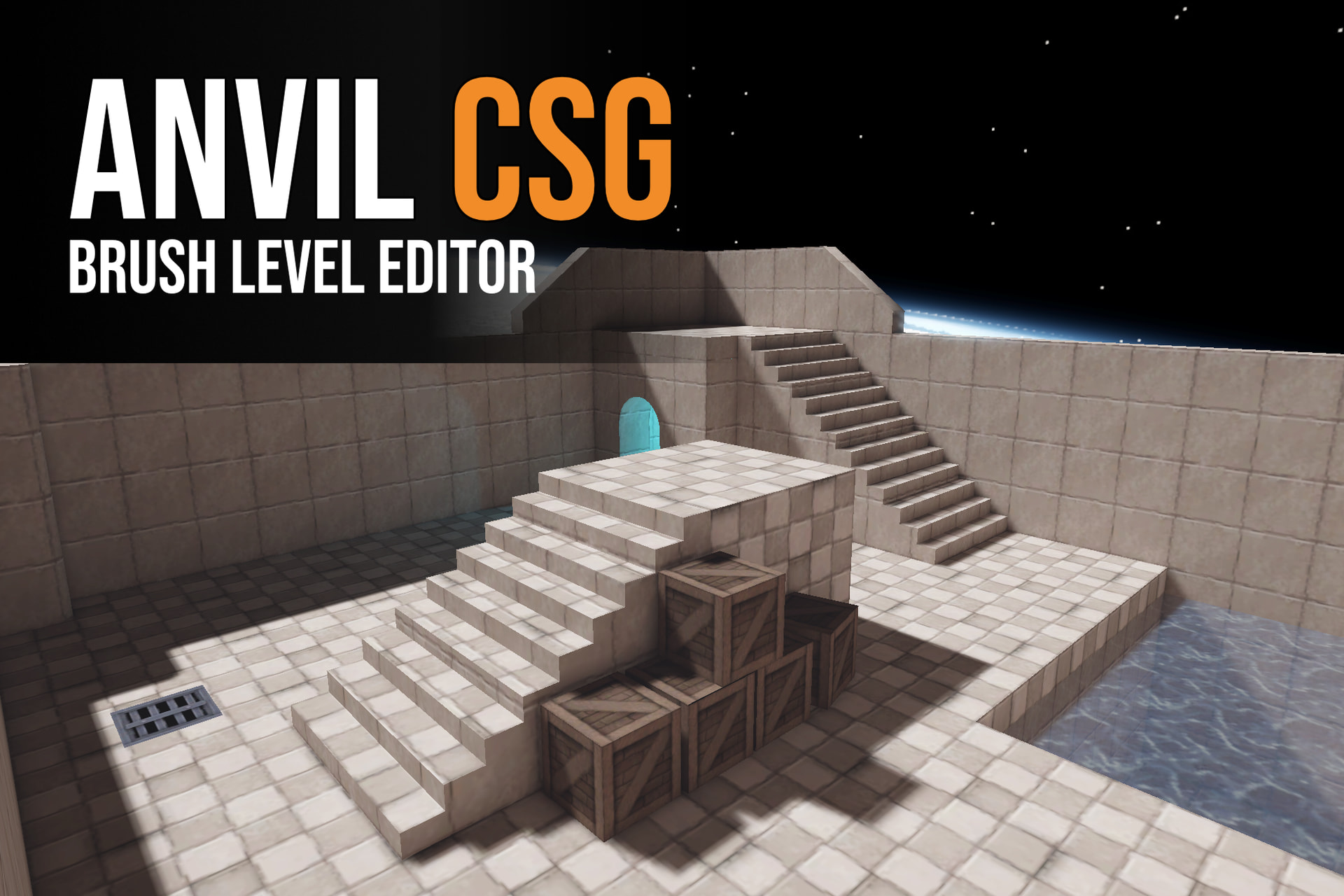 Anvil CSG lets you shape levels in a four-view editor and build them into Unity maps. Simun Dev shares how feedback from beta testers helped the tool grow.
 -
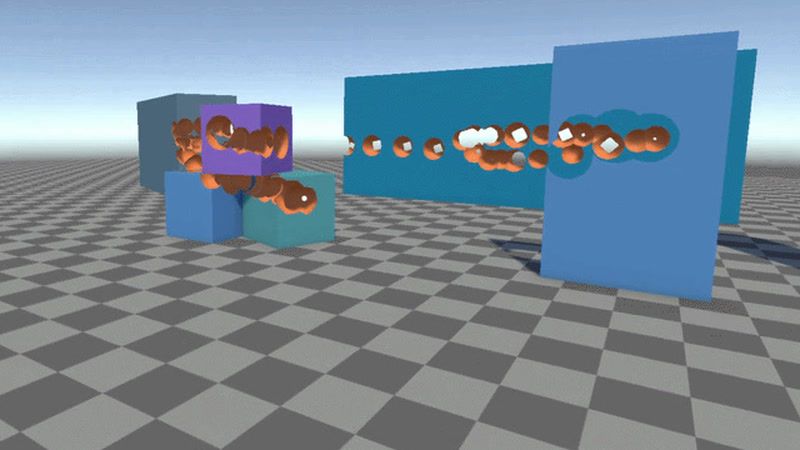 Johann Hotzel built a free Unity library that cuts holes into meshes while a game is running. In his demo, the collider changes too, so shots can pass through.
 -
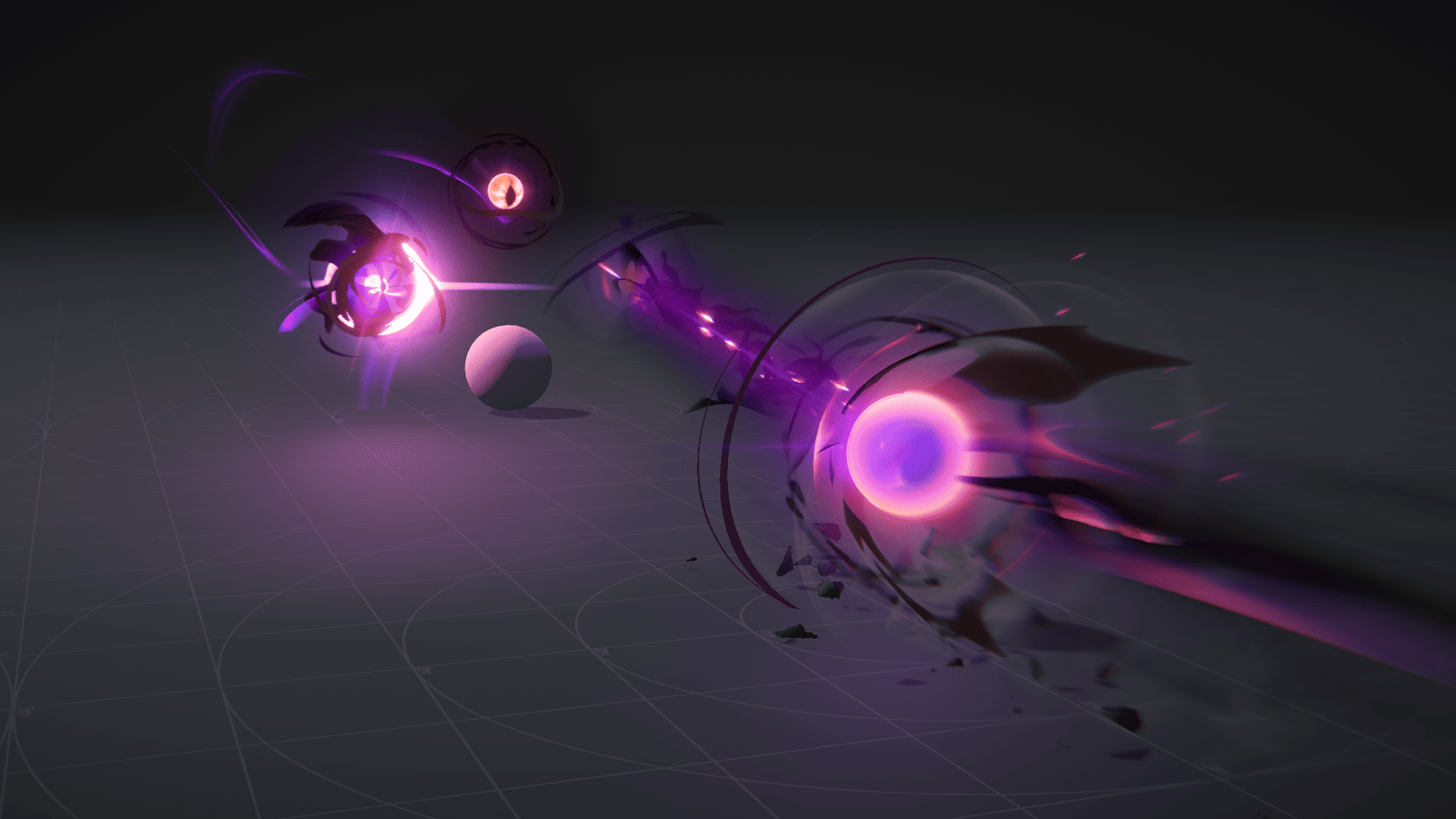 Ryan Gee’s Eldritch Blast uses procedural eyes and exaggerated motion to give the spell weight, without relying on camera shake.
