
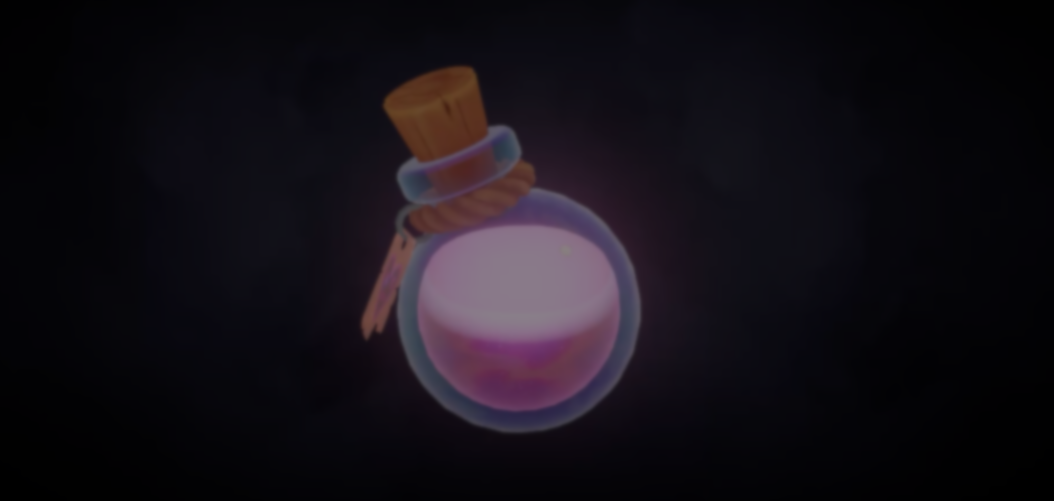
A Real-Time Potion Shader breakdown in Unity.
by Vicente C.
Published |
744
Technical artist Miriam Martin Sánchez made a breakdown showing how she created a real-time potion shader in Unity URP.
As the bottle moves, the liquid inside reacts to it, creating the impression of a real fluid without using fluid simulation.
The effect has two parts:
- A C# script that calculates how the liquid should move
- A shader that uses that information to render the liquid
The first step is determining how the liquid should react when the bottle moves.
The script tracks the position and rotation of the bottle every frame. From there, it calculates how much the liquid should lag behind when the bottle changes direction.
This is what creates the inertia effect.
This is what creates the inertia effect.
// Original code shared by Miriam Martin Sánchez

float angular_influence = 0.01f;
slosh_add_x += Mathf.Clamp(
    vel.x + vel.y * 0.2f + (angular_vel.z + angular_vel.y) * angular_influence,
    -MaxSlosh, MaxSlosh);
slosh_add_z += Mathf.Clamp(
    vel.z + vel.y * 0.2f + (angular_vel.x + angular_vel.y) * angular_influence,
    -MaxSlosh, MaxSlosh);
Over time, some of that motion fades away. This causes the liquid to settle back into place.
Then, Miriam uses a cosine wave to add back-and-forth movement to the liquid. This helps recreate the way a liquid keeps moving after you shake a bottle.
Once the calculations are done, the script reduces the result to two values: RotationX and RotationZ.
// Original code shared by Miriam Martin Sánchez

block.SetFloat("_RotationX", Mathf.Clamp(-sloshX, -1f, 1f));
block.SetFloat("_RotationZ", Mathf.Clamp(sloshZ, -1f, 1f));
rend.SetPropertyBlock(block);
On the shader side, the first step is creating the liquid inside the bottle.
Miriam uses a WaterQuantity value to control how full the bottle appears. The shader uses Alpha Clipping to cut the geometry at that height. This is what creates the visible edge of the liquid.
Miriam then uses the RotationX and RotationZ values to control how that surface moves. This is what makes the liquid appear to react to the movement.
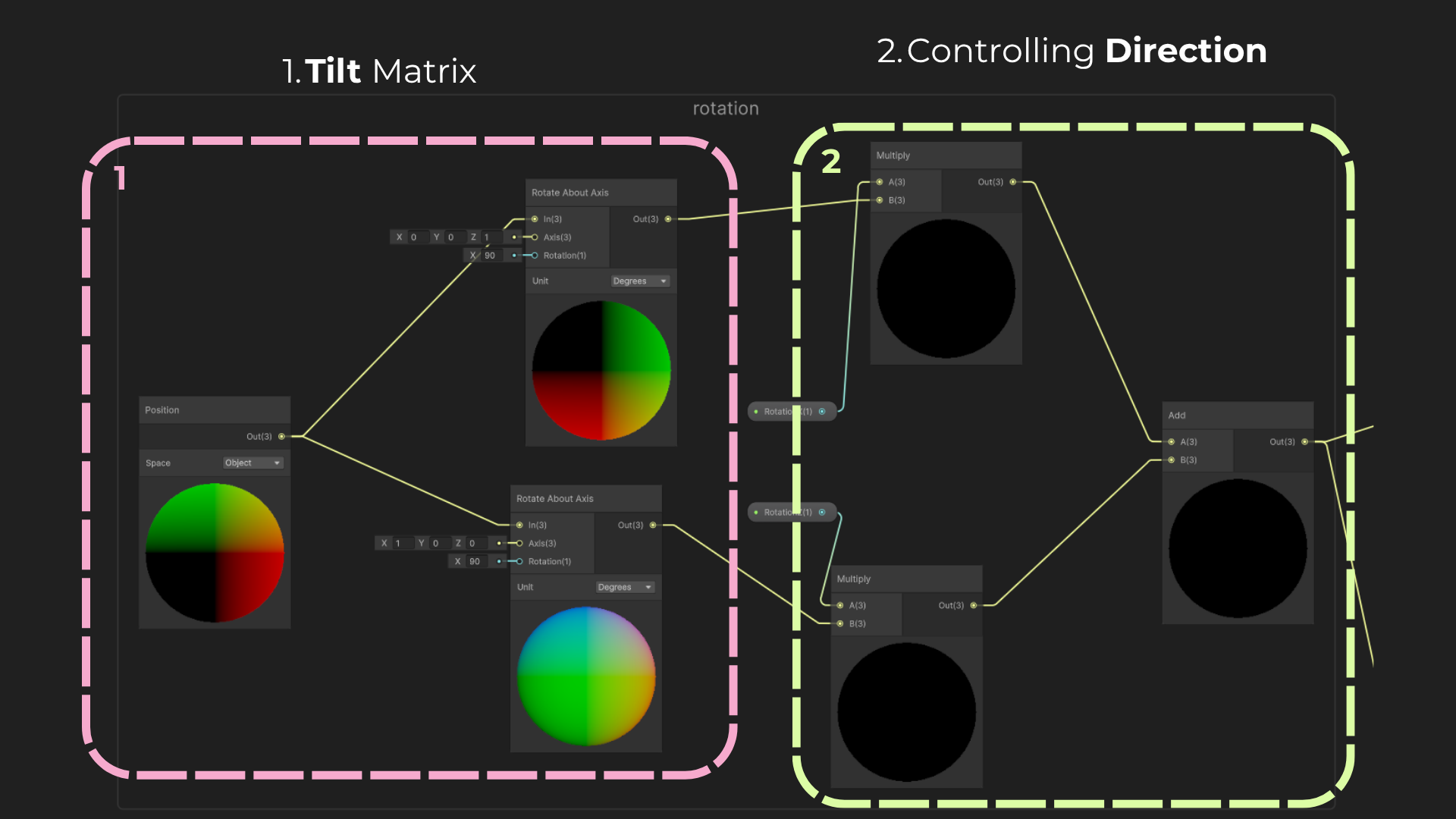
Just a flat surface would still look artificial.
To make the liquid feel more natural, Miriam adds a procedural wave system. The waves are made using position data and time, creating small ripples across the surface.
The size of the waves depends on how much the bottle moves. More movement creates bigger ripples.
With the movement of the liquid working, Miriam then moves on to the visual side of the shader.
To do that, multiple grayscale textures are packed into different channels of a single texture. One of those channels is used to create fluid distortion.
As the texture moves over time, it breaks up the surface and helps the liquid feel less uniform.
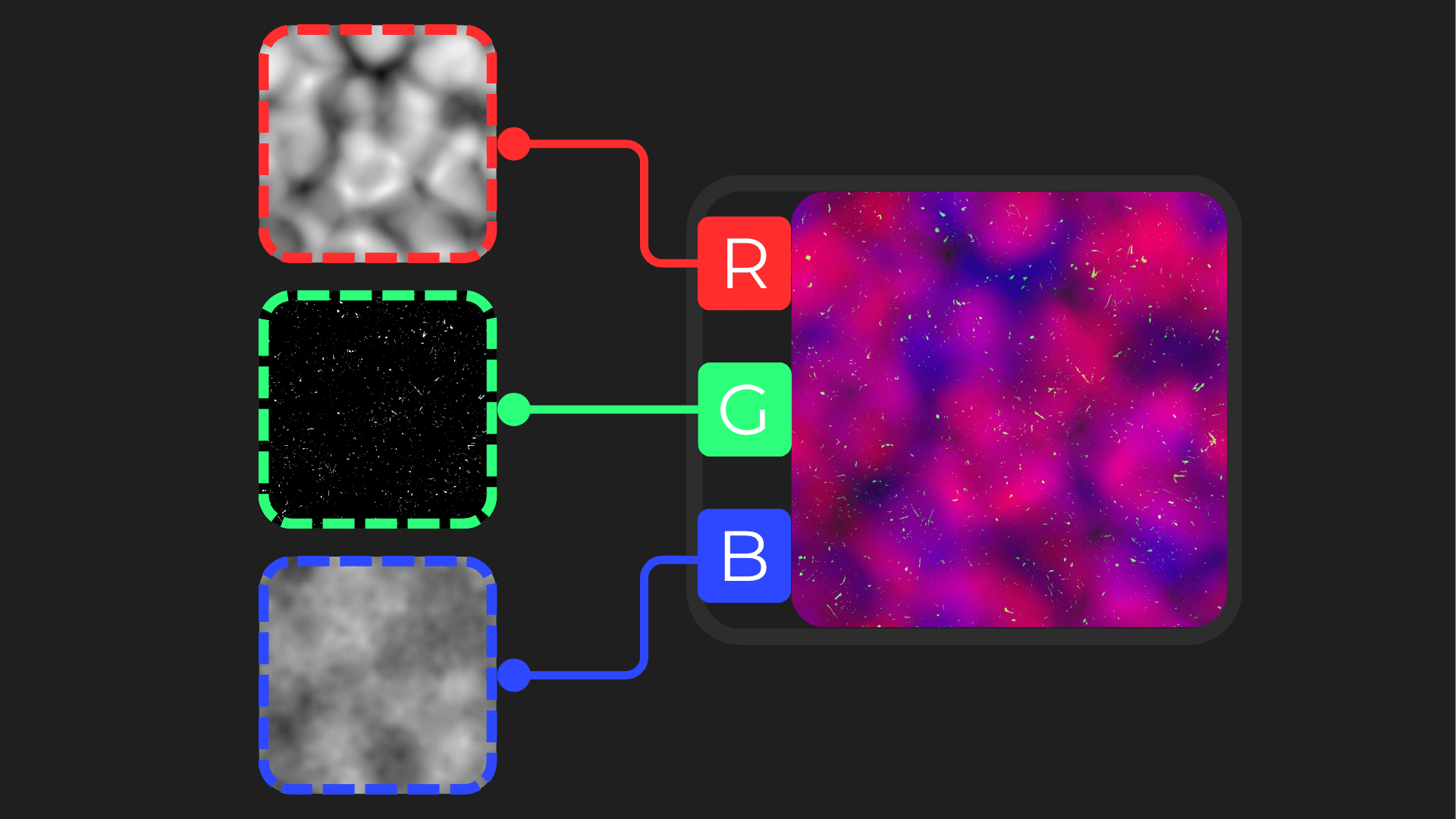
To finish, Miriam combines multiple gradients and color layers to create the final look of the potion.
She also renders the inside of the liquid using a separate color. This helps the potion feel less flat and gives it some volume inside the bottle.
If you want to see more of Miriam's work, the links will be right below.
Interested in more?
If you’re interested in learning shaders in Unity, The Unity Shaders Bible covers everything from the basics of Shader Graph and HLSL to more advanced topics like lighting models, ray marching, and compute shaders. 📘
Interesting fact: Most of the technical artists hired in the game industry know Python, C# (or C++) and HLSL. 👀
— Jettelly Inc. (@jettelly) December 5, 2025
And The Unity Shaders Bible can definitely help you get there. ✨
🔗 https://t.co/fw4pna2vUj#gamedev #unity3d #madewithunity #indiedev pic.twitter.com/nnMiBdXhJm
Jettelly wishes you success in your professional career!
Did you find an error? No worries!
Write to us at [email protected], and we'll fix it!
Level up your Technical art skills with our book!
We invite you to explore "The Unity Shaders Bible", a comprehensive book on the concepts and fundamentals seen in this post.
Other posts that might interest you.
-
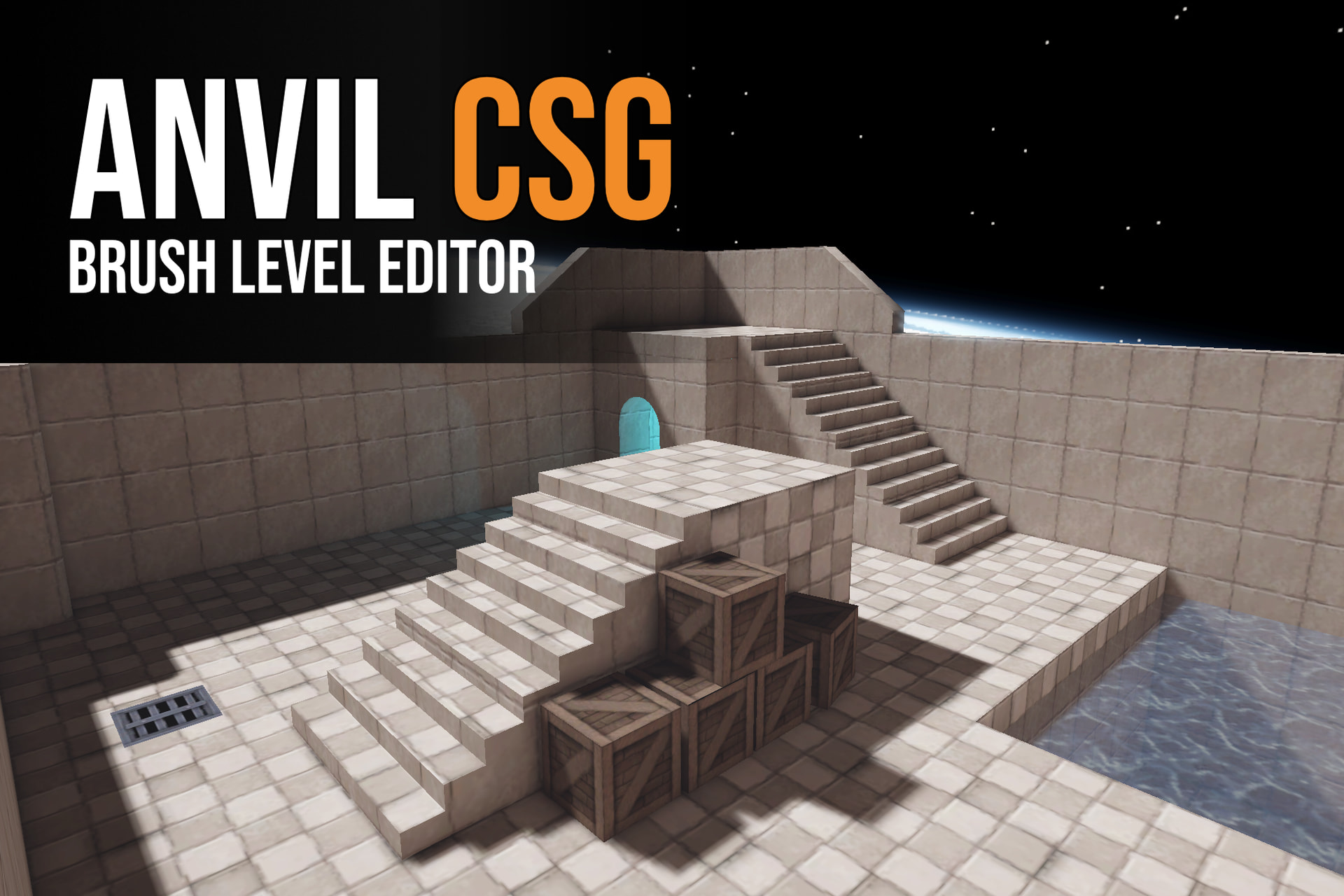 Anvil CSG lets you shape levels in a four-view editor and build them into Unity maps. Simun Dev shares how feedback from beta testers helped the tool grow.
 -
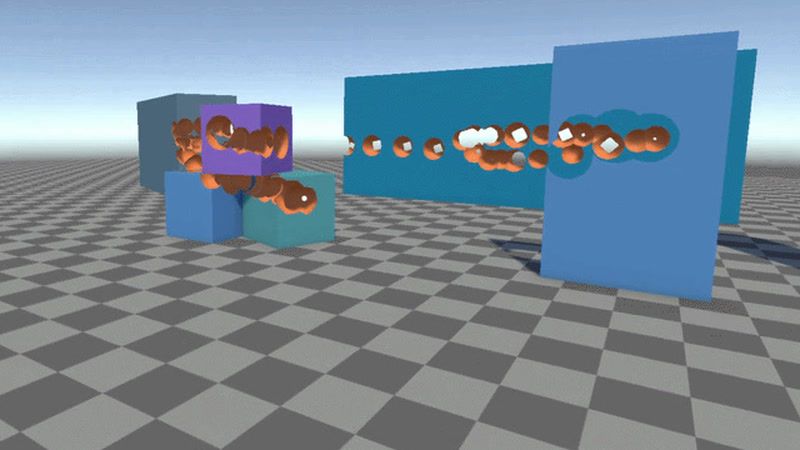 Johann Hotzel built a free Unity library that cuts holes into meshes while a game is running. In his demo, the collider changes too, so shots can pass through.
 -
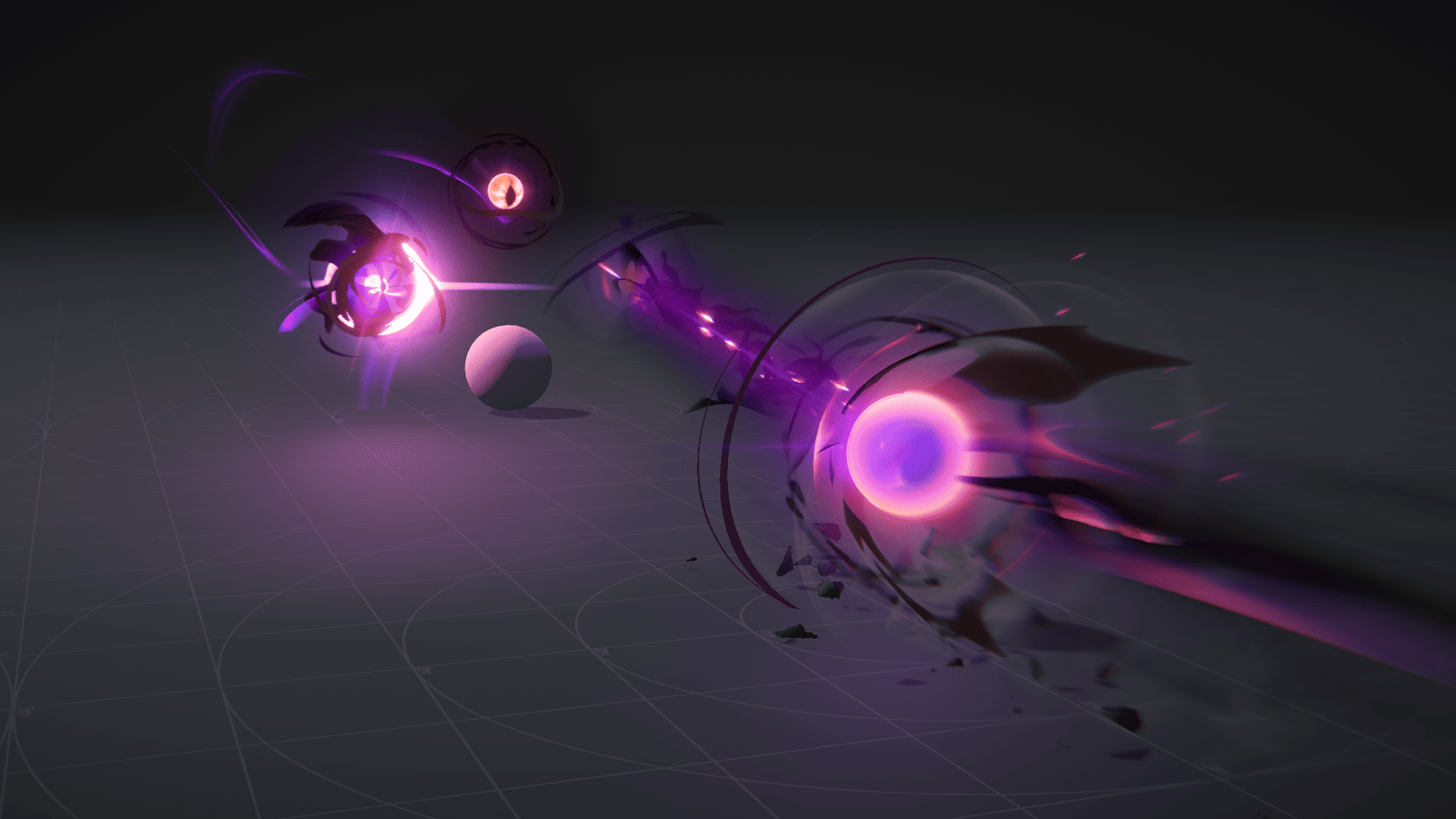 Ryan Gee’s Eldritch Blast uses procedural eyes and exaggerated motion to give the spell weight, without relying on camera shake.
